
Text to PSD generator
Text to PSD: Generate Editable Layered Artwork
Describe the visual, define the layers you want, and generate a Photoshop-ready PSD with an editable layer structure.
Start with a simple promptSeparate the parts that matterKeep refining in Photoshop
Sexual or explicit content isn't allowed. Images and results that contain it are blocked automatically.
Try a sample:
Output
Flat PSD: 20 credits · Layered PSD: 10 credits + 8 credits per layer
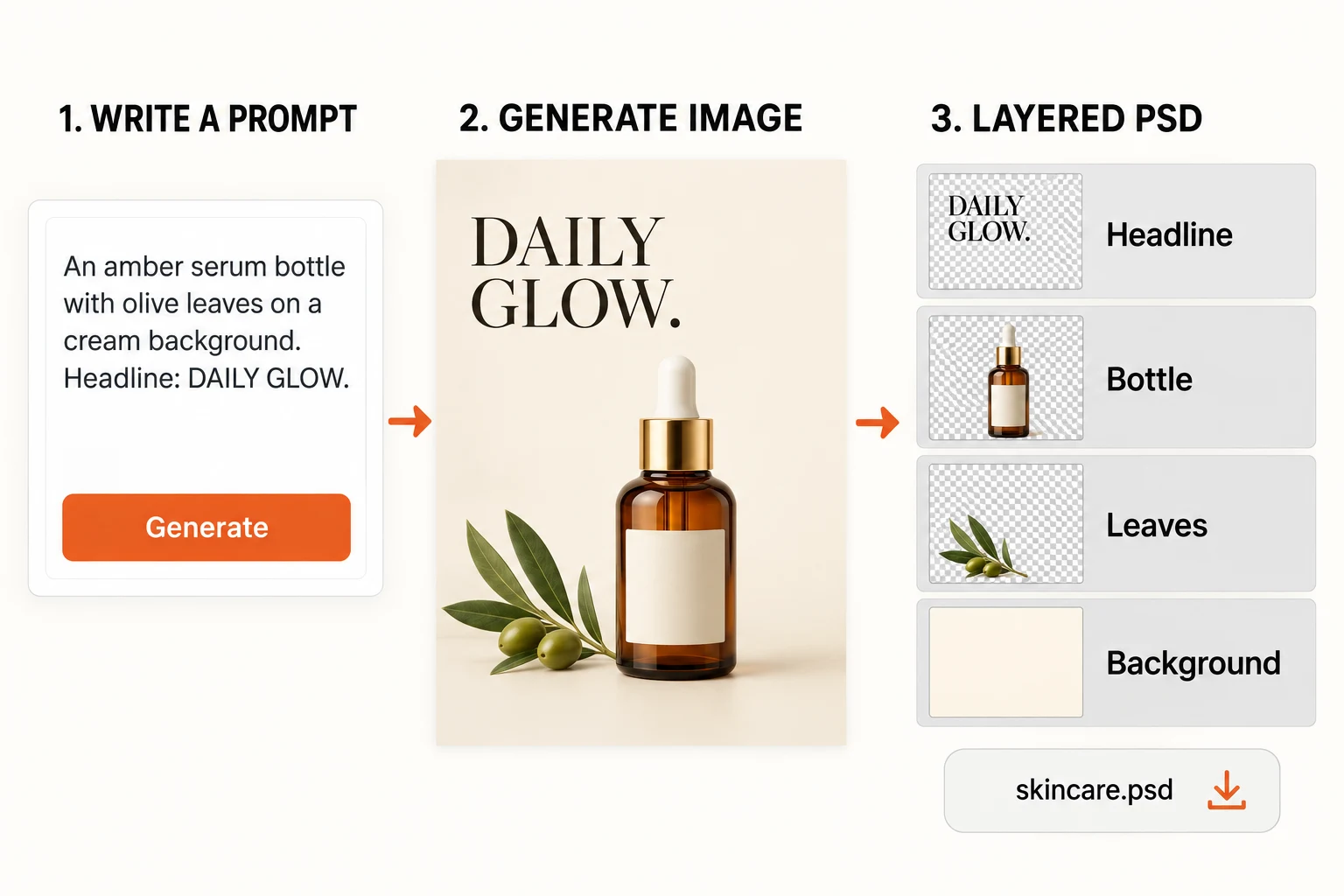
Prompt to PSD preview
Example: Editorial skincare poster, bold headline, centered serum bottle, soft shadow, textured backdrop, editable PSD layers.
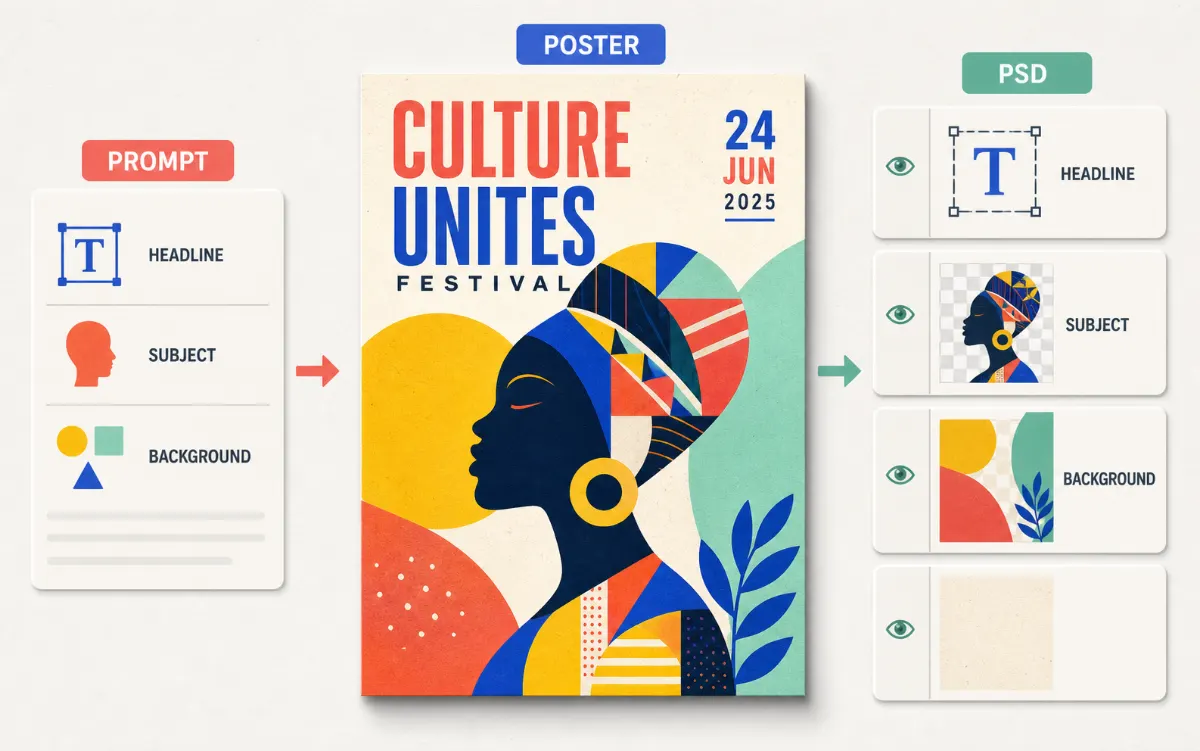
Proof
Prompt to PSD with Editable Layer Structure
Describe the scene and the parts you want separated. Download the result as a layered PSD, then move, mask, and refine it in Photoshop.
- Describe the subject, style, composition, and the parts you want on their own layers.
- Keep headlines, subjects, shadows, and backgrounds easy to move and refine.
- Download a Photoshop-ready PSD and continue the edit in your usual workflow.
Guide
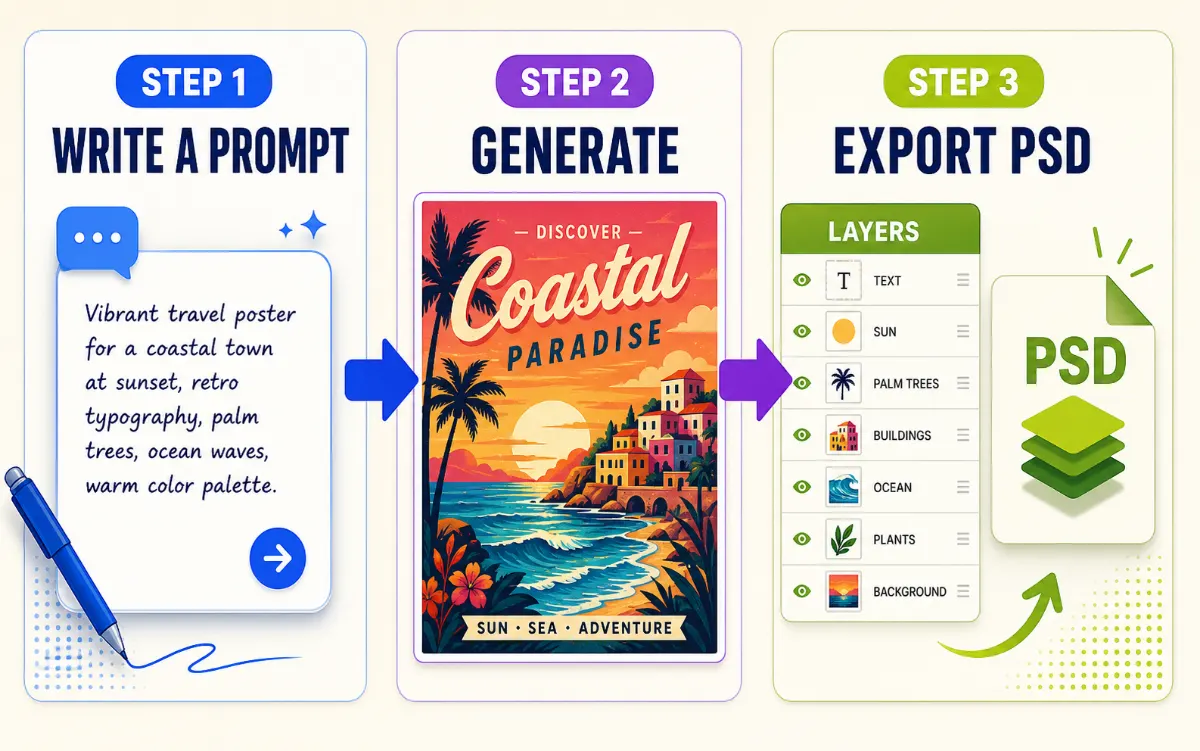
How Text to PSD Works in 3 Steps
Write the prompt, shape the layer plan, and download a layered file ready for the next edit.
- Define the subject, format, and the look you want to preserve.
- Adjust the style, canvas, and layer count to fit the concept.
- Review the preview, then export or continue refining.
FAQ