
PET STICKERS
Pet photo stickers
Turn a pet photo into a keepsake with a clean white edge.
LITTLE CUTOUTS. BIG PERSONALITY.
Turn a photo into a sticker online. Start with a transparent image or extract your subject, customize the outline, and download a transparent PNG sticker.
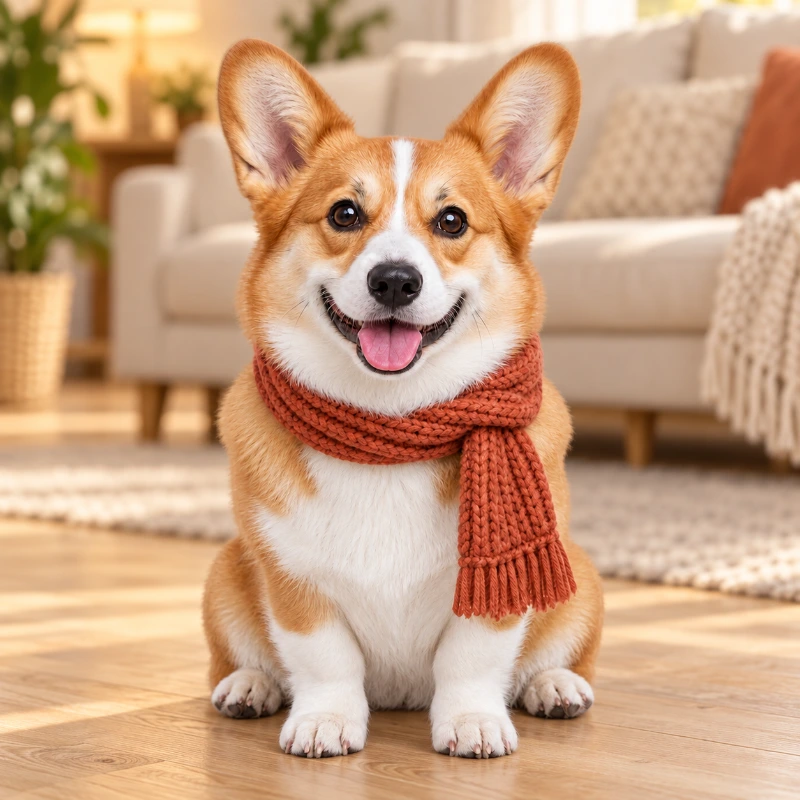
A FEW IDEAS TO GET YOU STARTED
Pets, sweet treats, favorite things. Pick an example and make it your own.
PET STICKERS
Turn a pet photo into a keepsake with a clean white edge.
EVERYDAY FINDS
Give recipes, journals and moodboards a little extra personality.
TRAVEL MEMORIES
Collect favorite objects as cutouts for your travel scrapbook.
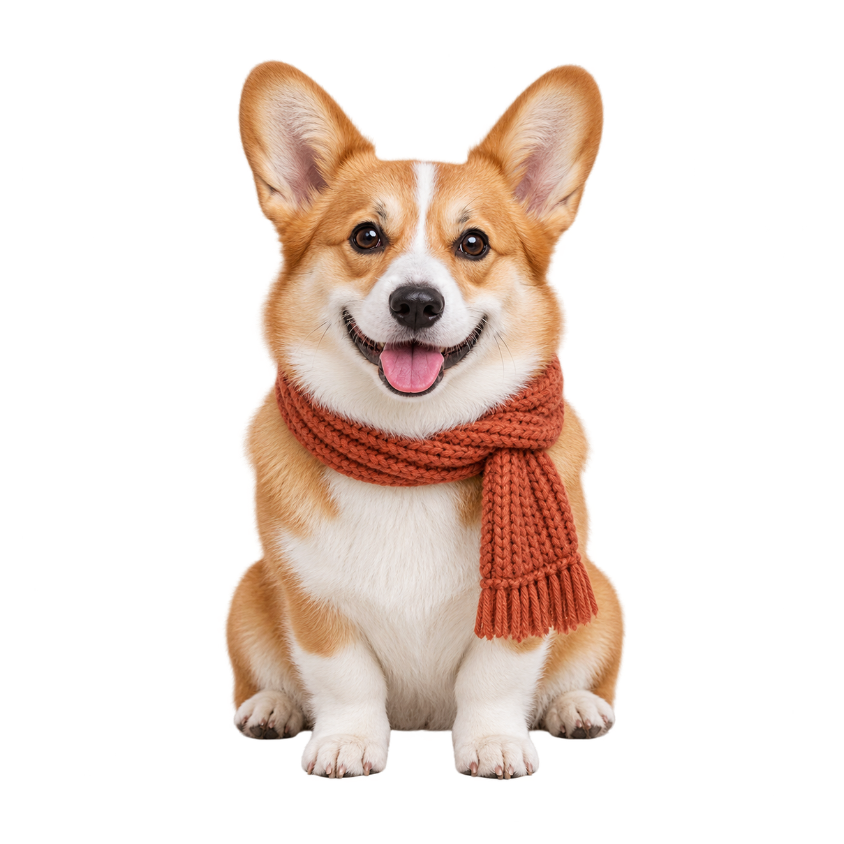
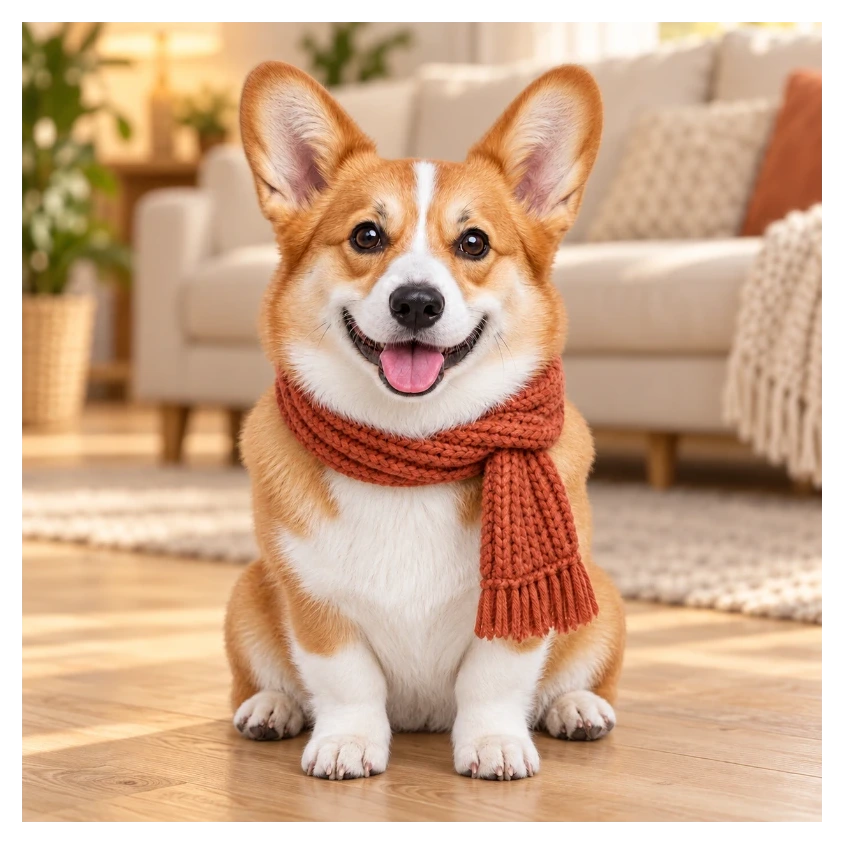
Prepared example · border made with this tool
KEEP THE CHARACTER
Keep the ears, the scarf and all the personality. Turn a ready-to-use cutout into a sticker that fits your next design.
Examples are free to edit. AI extraction for your own photo requires sign-in and 10 credits.
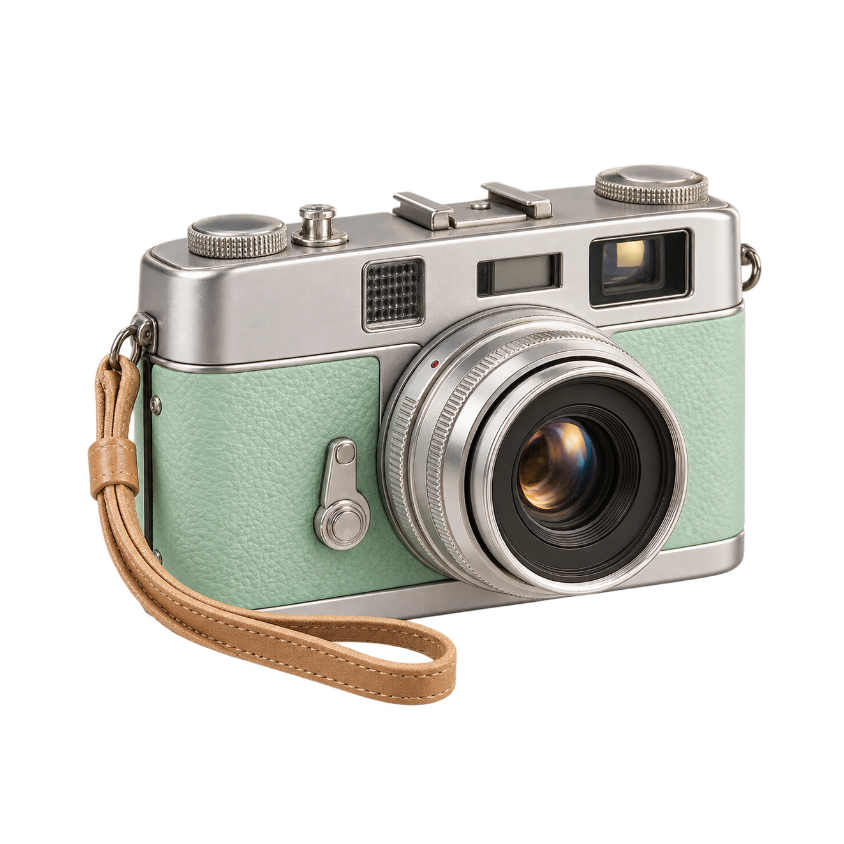
MAKE THE EDGE YOUR OWN
Use the image outline maker to add an outline to your image. Start with a classic white border, or choose a custom color and width to match your sticker collection.
FROM PHOTO TO PNG
Use a transparent image, try a sample, or extract a subject from your photo.
Choose the outline color and width. Preview the sticker on a transparent canvas.
Save a PNG with padding around the border, ready to place into your own designs.
GIVE IT A PLACE TO LIVE
My favorite sidekickLayout inspiration · download includes the sticker PNG
Transparent PNG keeps the shape of your sticker, so your layout can show around it.
The export adds padding around your outline. Border width changes the final canvas size.
Place the PNG in your editor. Printing, cut paths and messaging-app sticker packs are separate steps.
Start with a transparent subject, or extract it from your photo. Choose white as the outline color and adjust the width. The border follows the subject rather than the rectangular photo edge. You can also choose black or a custom color.
Upload your photo and extract the subject, or start with a transparent PNG. Add an outline, choose its color and width, then download your PNG sticker. To turn photos into stickers, repeat these steps for each image; batch conversion is not available.
Yes. Upload a transparent PNG to outline the image directly, without AI extraction. The outline follows its existing alpha edges. Adjust the width and color, then download a PNG that keeps the surrounding area transparent.
This tool exports PNG images, not keyboard sticker packs or platform-specific stickers. Creating custom Instagram stickers, Snapchat stickers or keyboard packs requires a separate workflow in the destination app. There is no direct publishing or installation from this page.
No. This version creates a transparent PNG image. Printing, cut paths and importing a sticker pack into a messaging app are separate steps.
Yes. Choose a ready-to-edit example in the workspace. Examples use existing image assets and do not call an AI service or spend credits.
Color and style adjustments run locally in your browser. If you explicitly choose AI subject extraction, your image is uploaded through our existing subject extraction service. That action requires sign-in and 10 credits.
The PNG keeps the working image dimensions. Images larger than 1,600 pixels on the longest side are resized on upload. Sticker outlines add padding around the image to avoid clipping the border.
PHOTO TO STICKER
Start with a favorite photo, or give the scarf pup a try.