
PROFILE PORTRAITS
Create a portrait silhouette
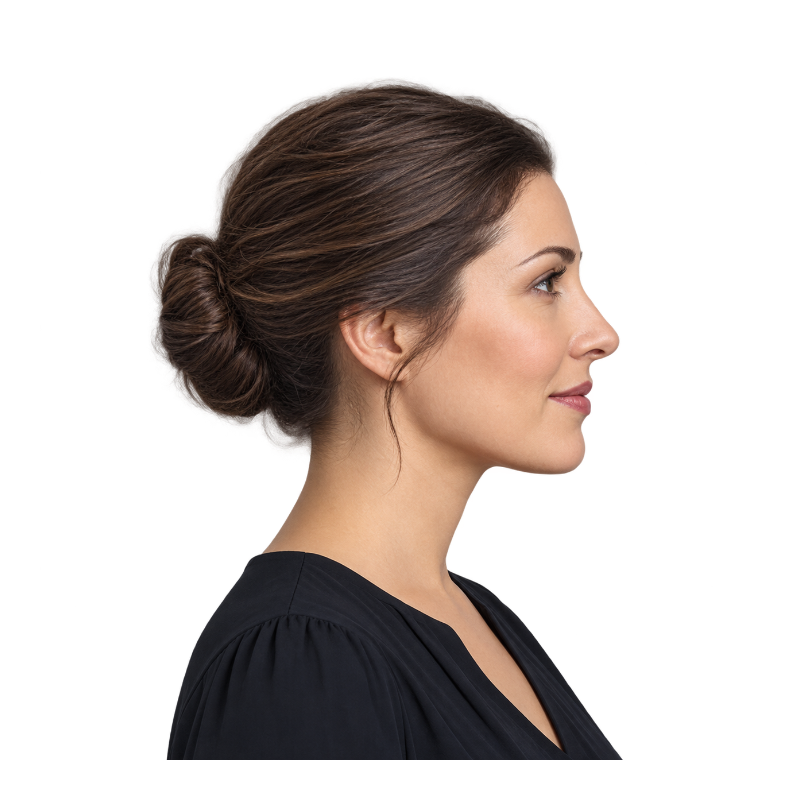
A side profile keeps the shape of the nose, chin and hair for invitations and personal artwork.
LET THE SHAPE TELL THE STORY.
Turn a photo into a silhouette online. Start with a transparent subject or extract one from your photo, choose a fill color, and download a PNG.
TRY IT FOR YOURSELF
A recognizable outline does the work. Try these prepared transparent subjects, then choose a fill color that fits your design.
PROFILE PORTRAITS
A side profile keeps the shape of the nose, chin and hair for invitations and personal artwork.
PET SILHOUETTES
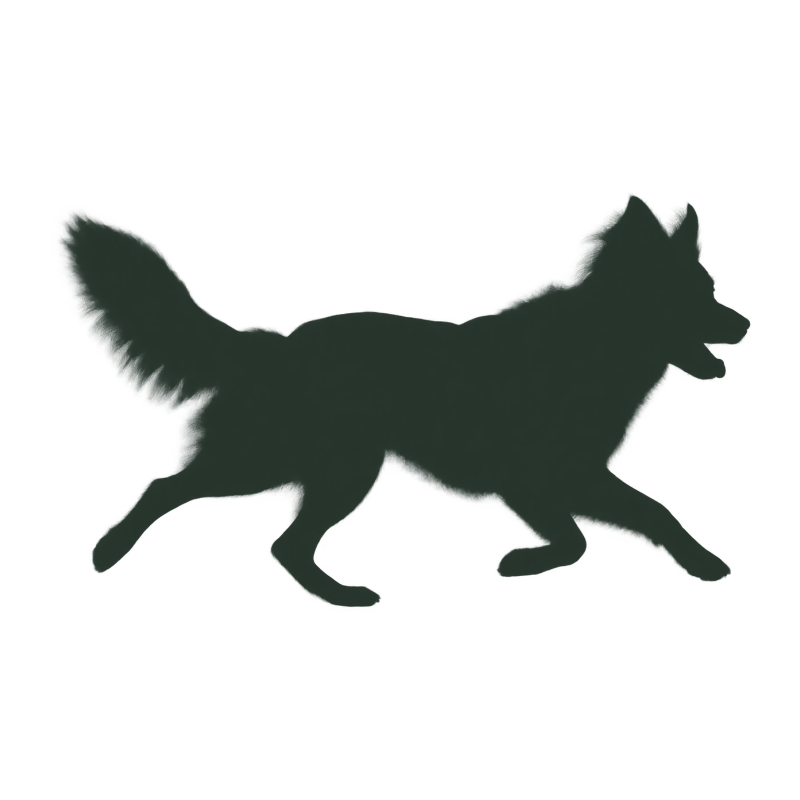
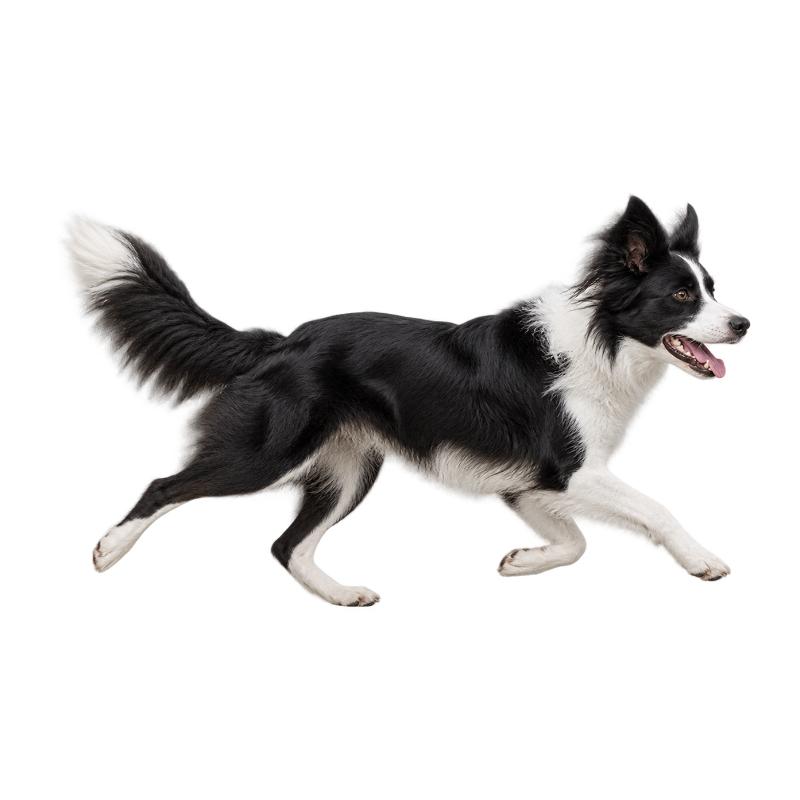
A running collie keeps its ears, tail and lively outline without distracting surface detail.
DANCE & SPORT
An open dance pose gives arms and legs room to stand out in a poster or composition.
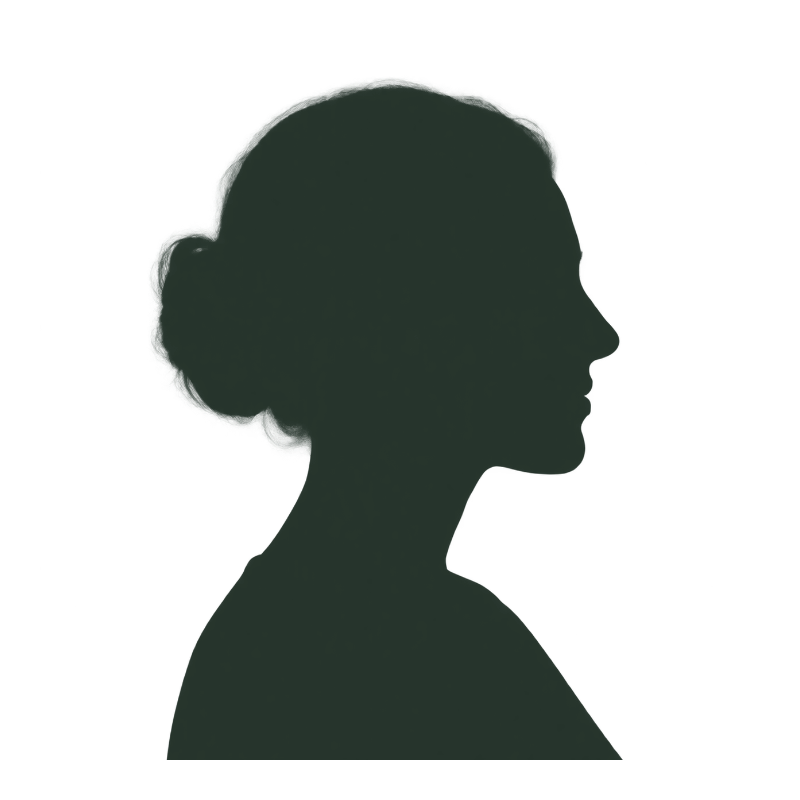
Prepared transparent example · result rendered by this tool
SEE THE DIFFERENCE
A silhouette keeps the outline that makes your subject recognizable. Slide between the original photo and the filled shape.
MAKE IT YOURS
Black is a classic choice, but a silhouette can use any color in your palette. Keep the surrounding canvas transparent or choose white for a simple finished image.
THREE SIMPLE STEPS
From your original file to a useful result in three simple steps.
Try an example, upload a transparent image, or extract a subject from your photo.
Fill the subject with black or any custom color. Keep transparency or add a white background.
Download a PNG for a poster, a profile design or your next creative project.
MADE FOR YOUR NEXT PROJECT
Create a simple portrait silhouette for invitations, profile designs and personal artwork.
Keep an animal’s distinctive ears, tail and running pose for a personal print or card.
Use a custom silhouette color and transparent background to place your shape in an existing design.
Download a raster PNG for a card, poster or design layout. This tool does not create vector paths or SVG cutting files. Prepared examples and transparent PNGs can be styled without AI extraction; extracting a subject from a photo uses 10 credits.
Use this silhouette generator with a transparent subject, or extract the subject from your photo first. Choose black or a custom fill, preview the outline, and download a silhouette PNG. A clear profile works well for a portrait silhouette.
No. It fills the transparent subject mask. For photos with a background, prepare the subject first using the explicit AI extraction action.
This version exports raster PNG files. It does not trace vectors or produce cutting-machine paths.
Yes. Choose a ready-to-edit example in the workspace. Examples use existing image assets and do not call an AI service or spend credits.
Color and style adjustments run locally in your browser. If you explicitly choose AI subject extraction, your image is uploaded through our existing subject extraction service. That action requires sign-in and 10 credits.
The PNG keeps the working image dimensions. Images larger than 1,600 pixels on the longest side are resized on upload. Sticker outlines add padding around the image to avoid clipping the border.
Silhouette Maker
Turn a photo into a silhouette online. Start with a transparent subject or extract one from your photo, choose a fill color, and download a PNG.
Back to the workspace