
01
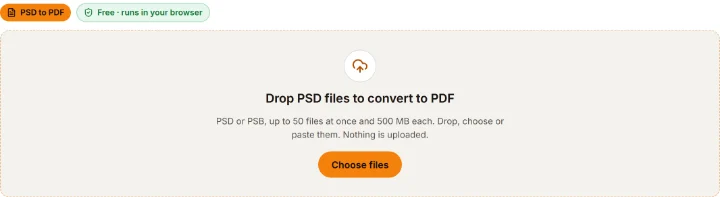
Add your PSD files
Drop, choose or paste up to 50 PSD or PSB files of up to 500 MB each, or load the three samples. They are read on your device.
PSD TO PDF CONVERTER
Turn PSD and PSB files into PDFs in your browser: one PDF per file or every file merged into one, with the whole design, a page per layer, or both. Original size, A4 or Letter. Free, no sign-up, nothing uploaded.
No PSD at hand?
Each page holds the picture as an image: the look is kept, but text cannot be selected.
Add files, choose the pages and paper, download. Most files are done in a few seconds.
01
Drop, choose or paste up to 50 PSD or PSB files of up to 500 MB each, or load the three samples. They are read on your device.
02
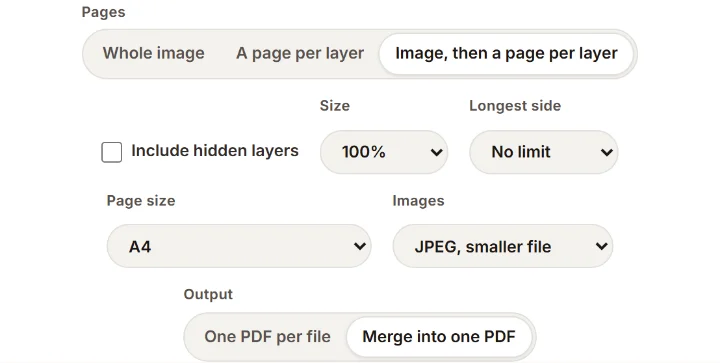
Whole image, a page per layer, or both; original size from the file's DPI, A4 or Letter; JPEG for a smaller file or lossless; one PDF per file or one merged PDF.
03
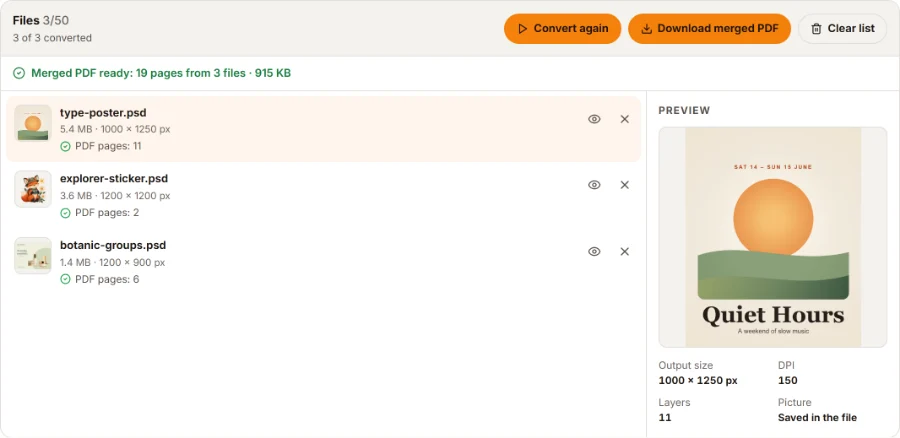
Save each PDF as it finishes, all of them in one ZIP, or the merged PDF with one page per file.
Each PDF page is a picture of the design. Here is what comes through exactly and what can differ.
Every rebuilt picture is flagged. To get Photoshop's own picture, turn on Preferences > File Handling > Maximize PSD and PSB File Compatibility and save again.
Explore PSD designs exported to PDF, ready to share and review.
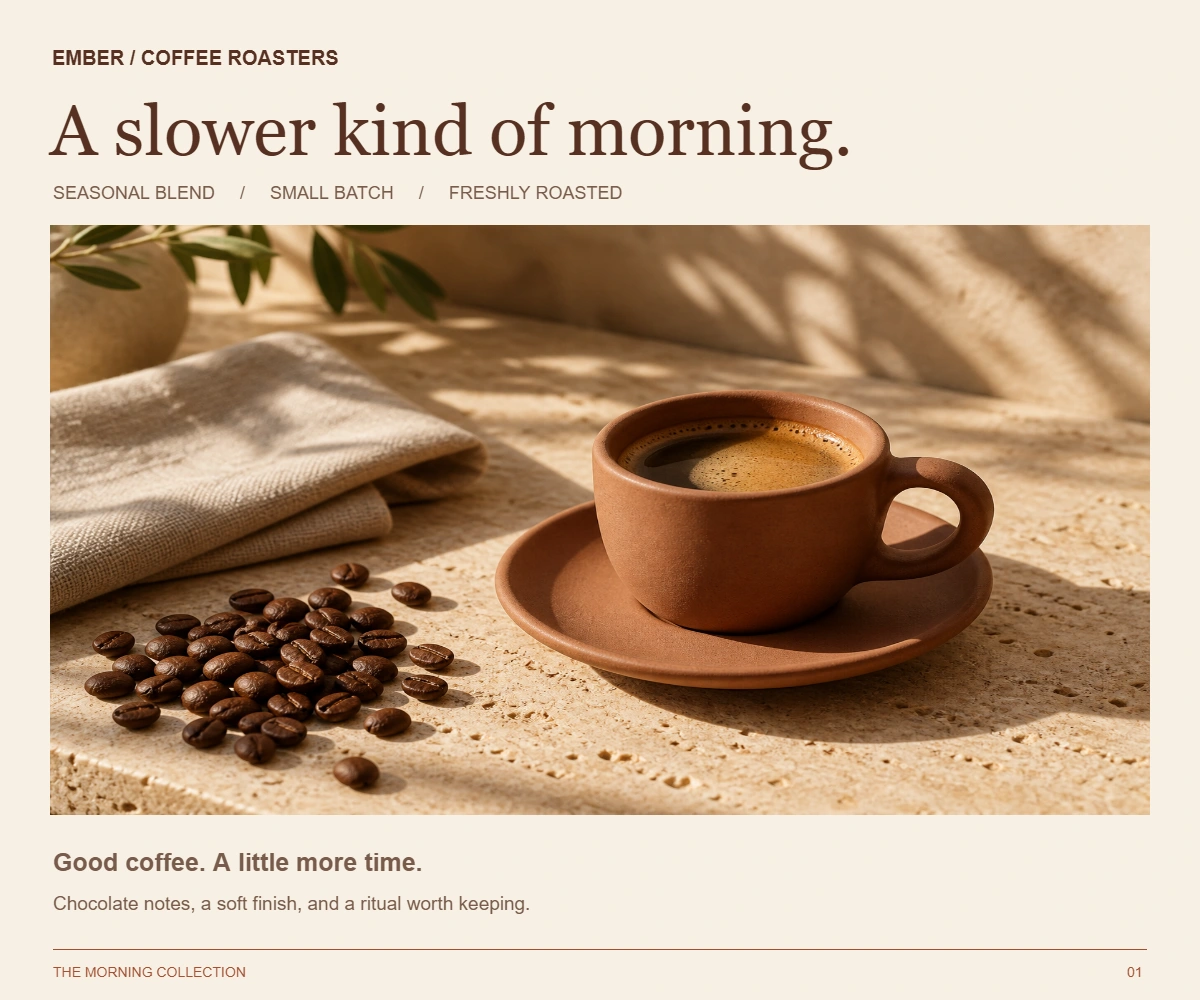
A complete campaign design with photography and typography. Download the layered PSD and its matching PDF.
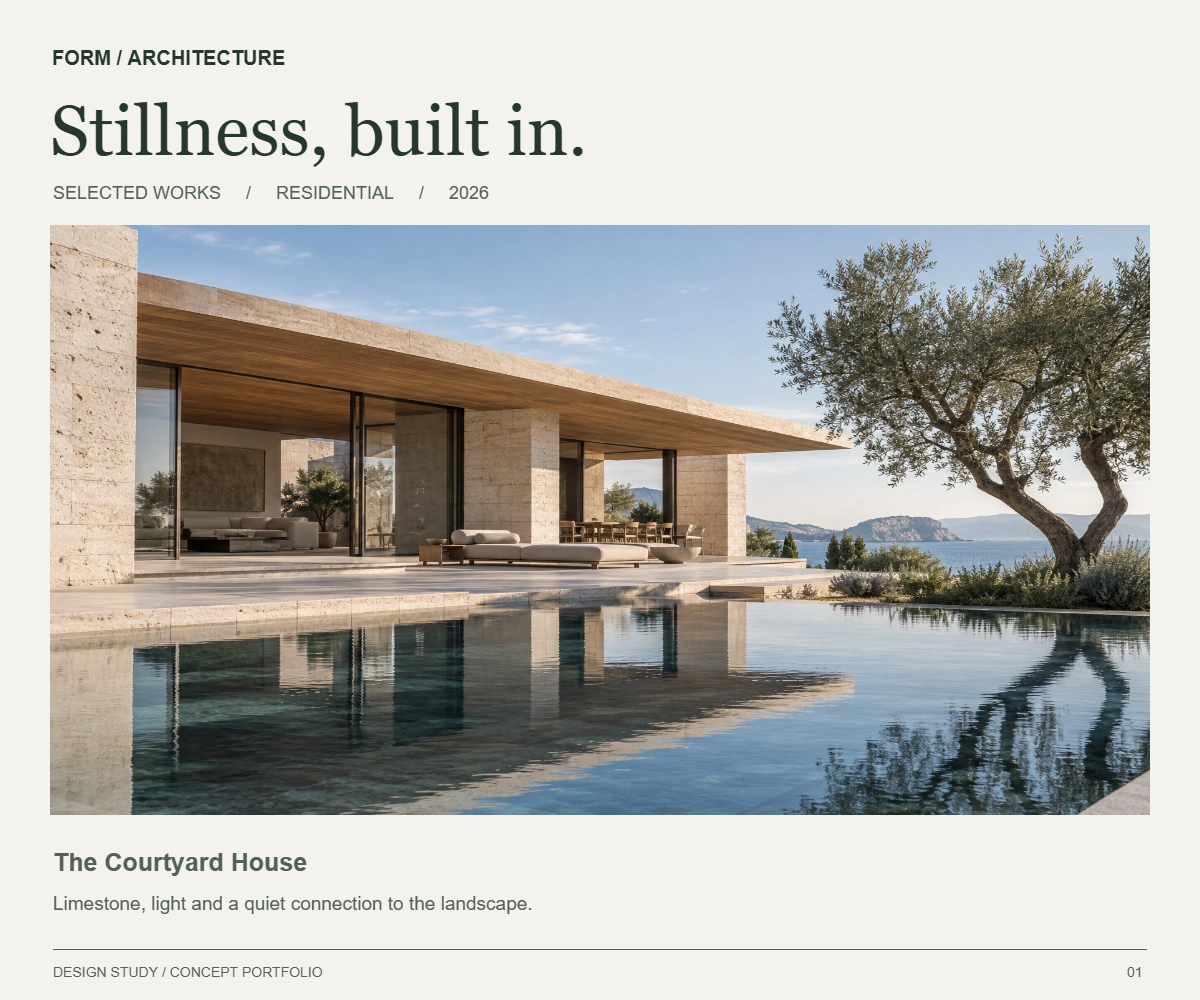
Present a project with a clear image and concise details. Explore the source PSD and the exported PDF.
Free example downloads · Each sample PSD has four raster layers · Converting your own files is free too.
Five things to know before you convert.
Pages: A page per layer gives each visible layer its own page, bottom layer first, at canvas size and in its place on a white page, with its mask and opacity. Image, then a page per layer puts the finished design first. Hidden and empty layers are skipped unless you include hidden ones. In Photoshop this takes Export Layers to Files plus PDF Presentation.
Original size follows the file's DPI: 3000 × 2000 pixels at 300 DPI makes a 10 × 6.67 inch page, ready to print at real size (files without a DPI use 72). A4 (210 × 297 mm) and US Letter (8.5 × 11 in) turn sideways for wide designs, which are scaled to fit inside a half-inch margin.
JPEG, smaller file stores each page at quality 92, light enough to email. Lossless keeps every pixel exactly, in a larger file, for archives. Either way the page keeps the design's full pixel size unless you choose 50%, 25% or a longest side.
One PDF per file gives each PSD its own PDF, downloadable one by one or as a ZIP. Merge into one PDF puts every file in a single document, in the order of the list, ideal for sending a whole set of designs for review.
Saved with Maximize Compatibility off, a PSD holds no finished picture, so many converters produce a blank page. This tool notices that, rebuilds the picture from the layers and flags the file. Masks, clipping, groups and blend modes come back; layer styles and adjustment layers are not drawn.
Send a PDF version of your design while keeping the original PSD for future edits.
Yes. There is no sign-up, no credit charge, no watermark and no daily limit. Your files are converted on your own device.
Drop your PSD or PSB files into the converter above, choose the pages, page size and image type, and press Convert. The files are read in your browser, so you need no Photoshop and no account.
Yes, as pages: choose A page per layer, or Image, then a page per layer, and each visible layer gets its own page in its place. The PDF does not contain editable Photoshop layers; keep your PSD for editing.
Original size uses the pixel size and the DPI saved in the PSD (72 if none), so a 300 DPI design prints at its real size. A4 and US Letter fit the design inside a half-inch margin and turn sideways for wide designs. Transparent areas show the white page.
No. The PSD files are read and the PDFs are built inside your browser; nothing is sent to our servers.
Usually the PSD was saved without Maximize Compatibility, so it holds no finished picture and the page was rebuilt from the layers; layer styles and adjustment layers are not drawn then. CMYK files are converted to RGB by formula. Lab, Duotone and Multichannel files are not supported yet.
No. Each page is an image of the design, so text looks exactly as it does in the file, fonts or not, but it cannot be selected, searched or edited.
Yes. Add up to 50 files, choose Merge into one PDF under Output, and press Convert. The pages follow the order of the file list.
Need layers from a flat image?
These PSD tools are free and stay in your browser. When you only have a flat picture, our AI tools separate it into transparent layers and build a layered PSD. The AI tools run on our servers and use credits.