01
Upload your photo
Choose a clear JPG, PNG or WebP. Keep important details visible in the source image.
Photo to PSD converter
Turn a flat photo into editable Photoshop layers. Upload a JPG, PNG, or WebP and download a layered PSD.
Upload Image
0/1Upload Image
JPG, PNG, or WebP up to 24MB. Clear product photos, portraits, posters, and screenshots work best.
Choose how many editable visual groups AI should create first. Auto stays within 10 layers — more layers take longer to separate. You can split mixed layers again after reviewing the result.
Each generation uses 20 credits.
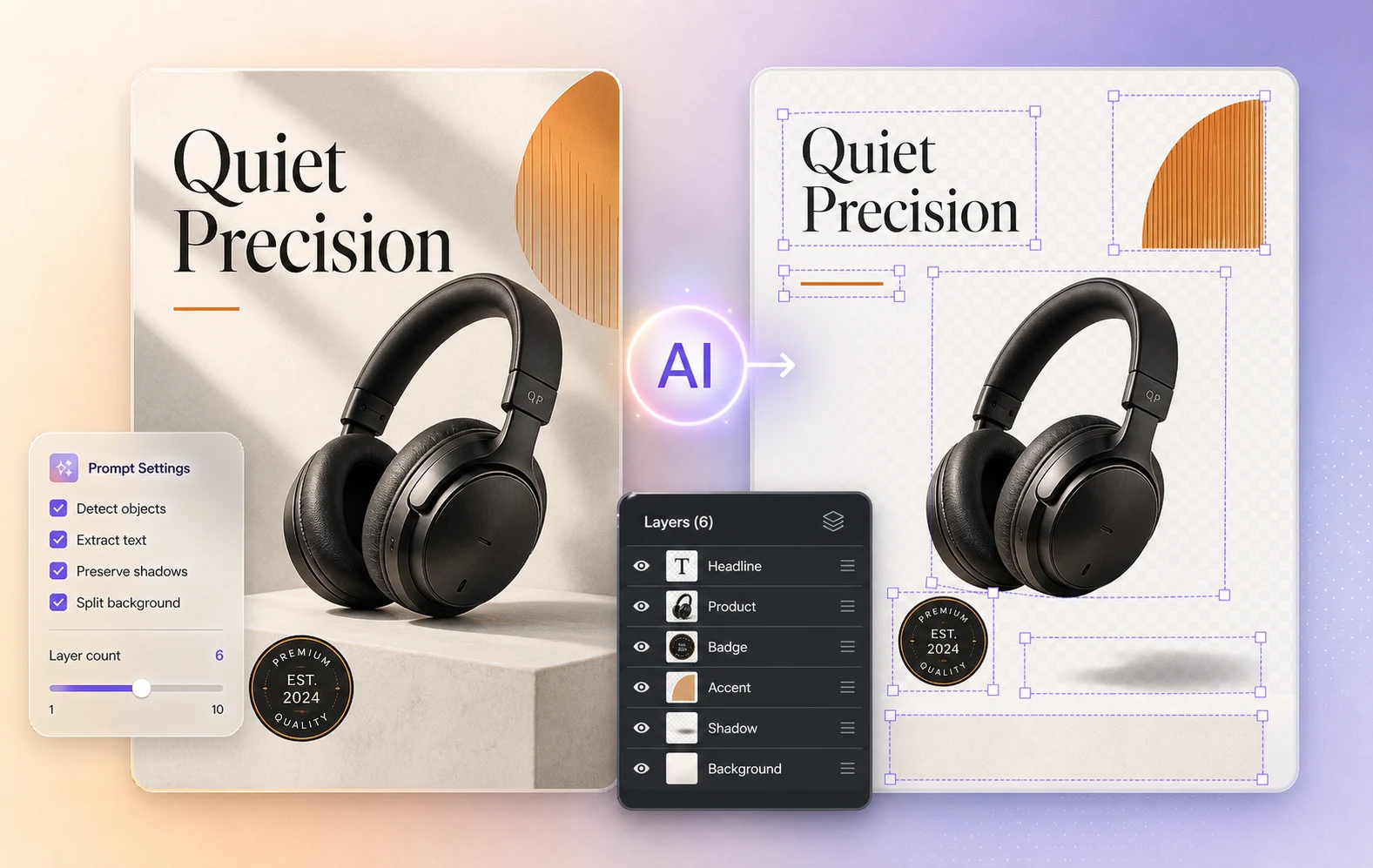
Photo to PSD product layers
Example: Separate a product photo into the subject, details, props, shadow, and rebuilt background.
One upload, a layer preview, and a file you can continue editing.
Choose a clear JPG, PNG or WebP. Keep important details visible in the source image.
Describe what you want separated, generate the result, and inspect each available layer.
Export the raster layers as a PSD and continue editing in Photoshop. Generation uses credits shown in the workspace.
PHOTO TO PSD LAYERS
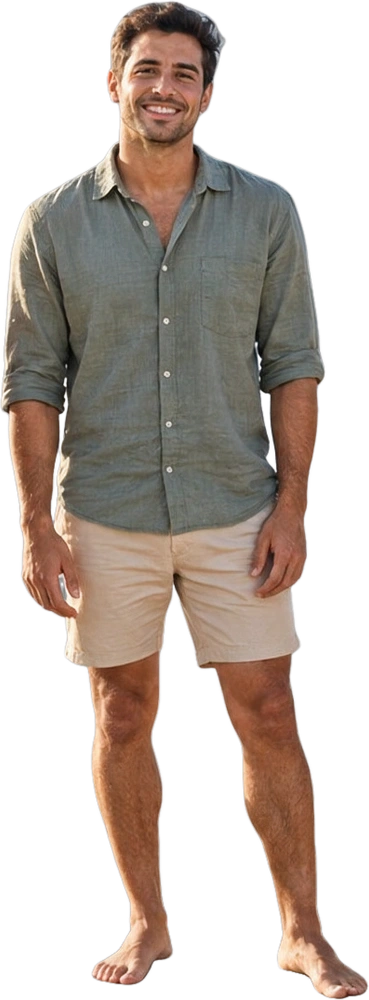
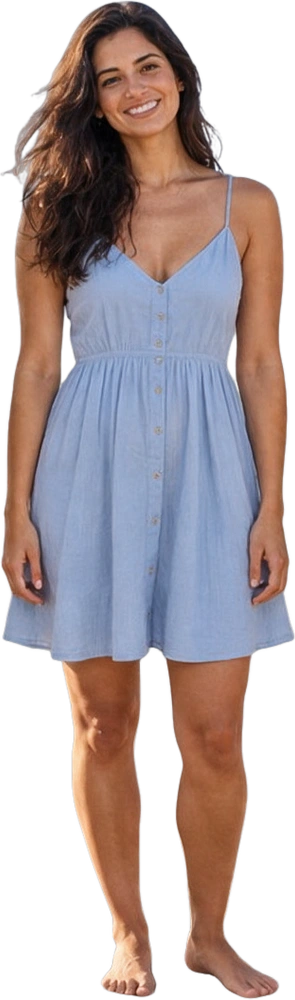
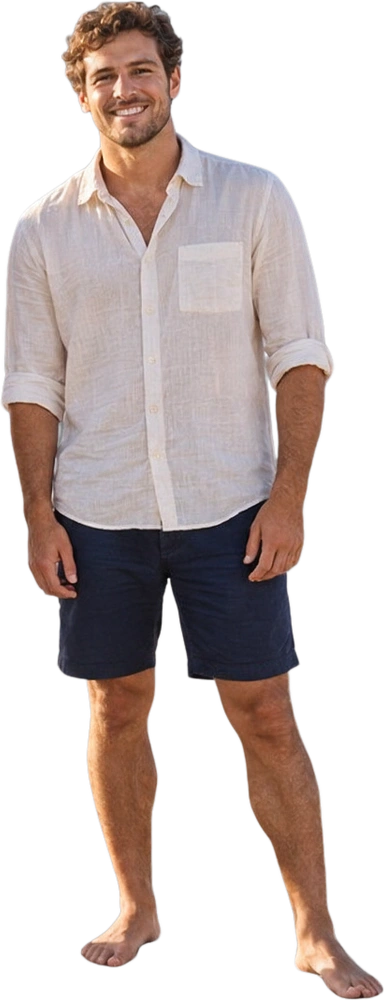
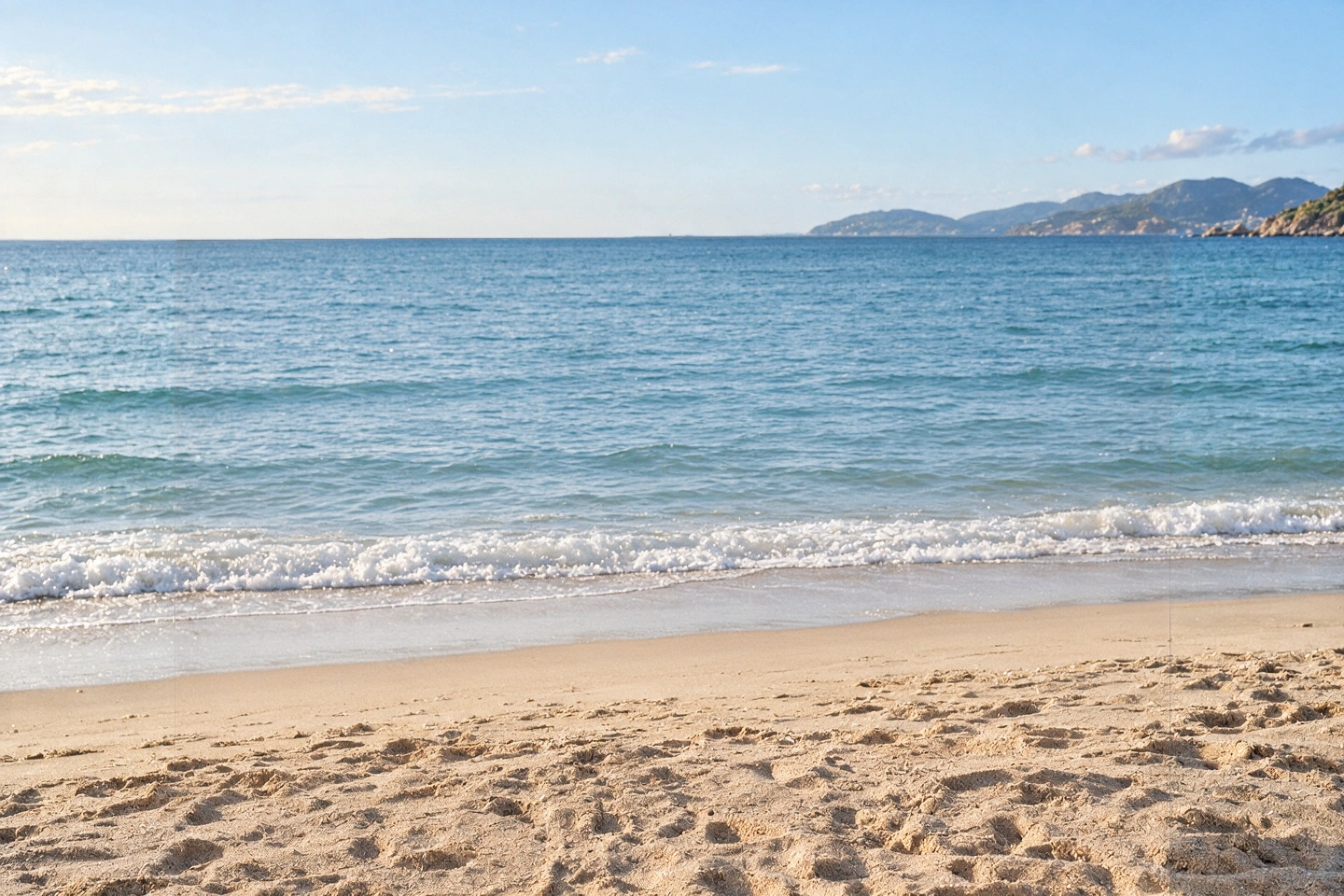
One group photo, four individual people and a separate background. Hover over or select a thumbnail to explore the layers you can work with in Photoshop.

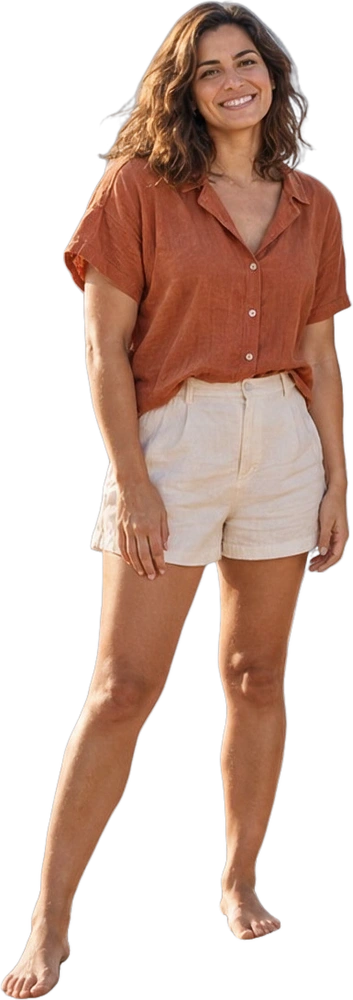 01Friend 1
AI-generated group photo · Actual layer extraction. Four individual people and one reconstructed background.
Give the subjects, surroundings and details in your photos room to change.
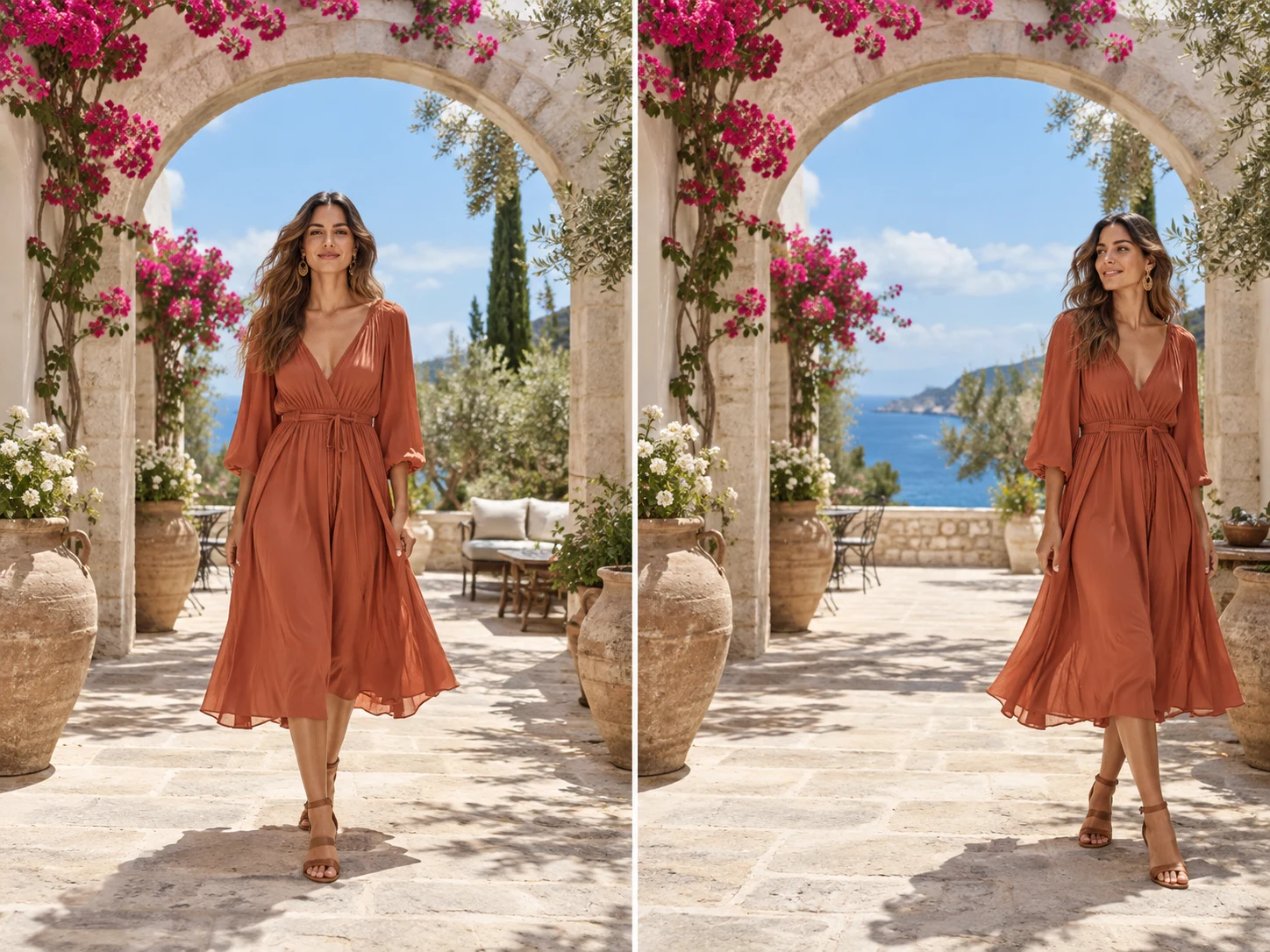
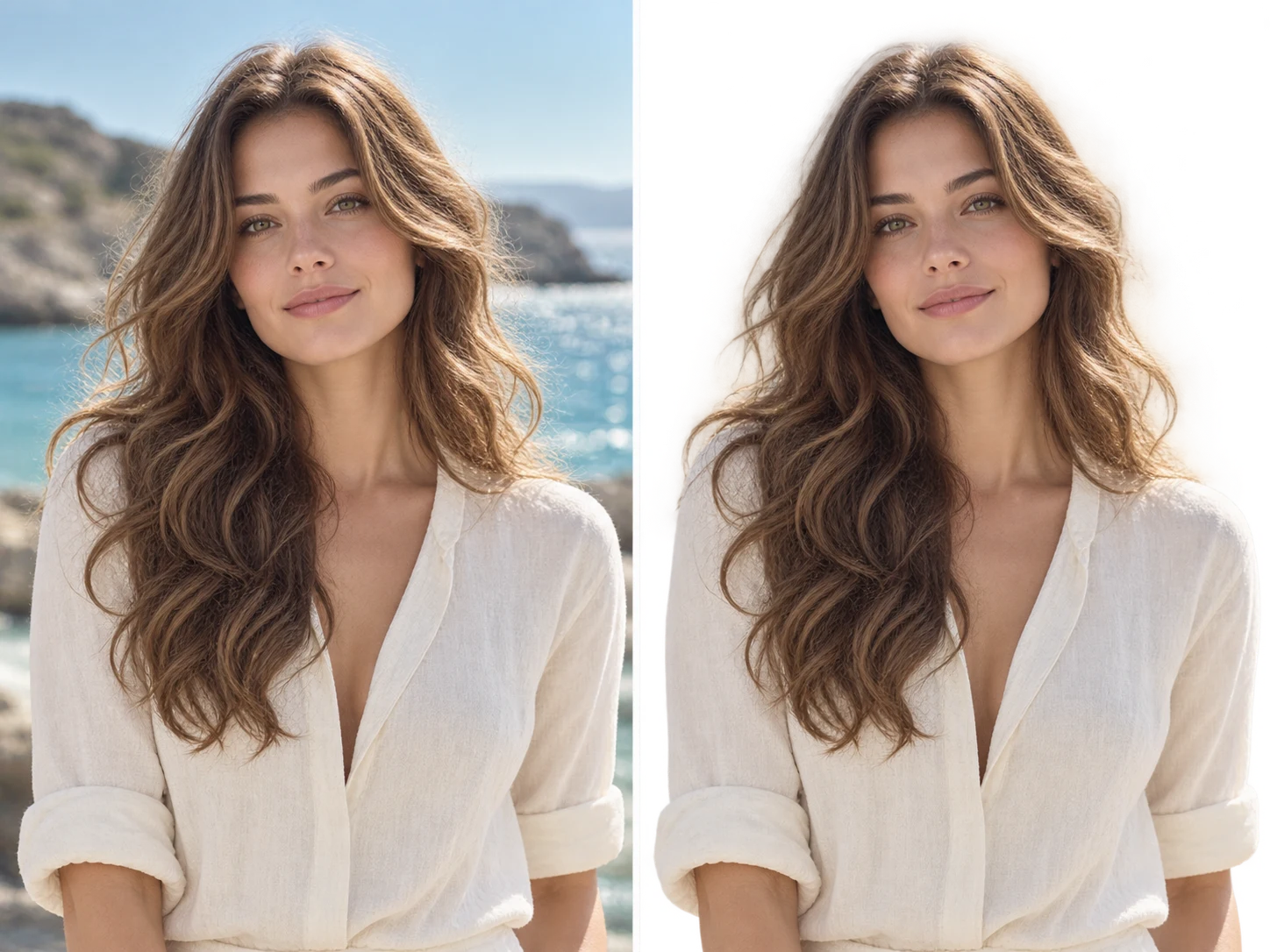
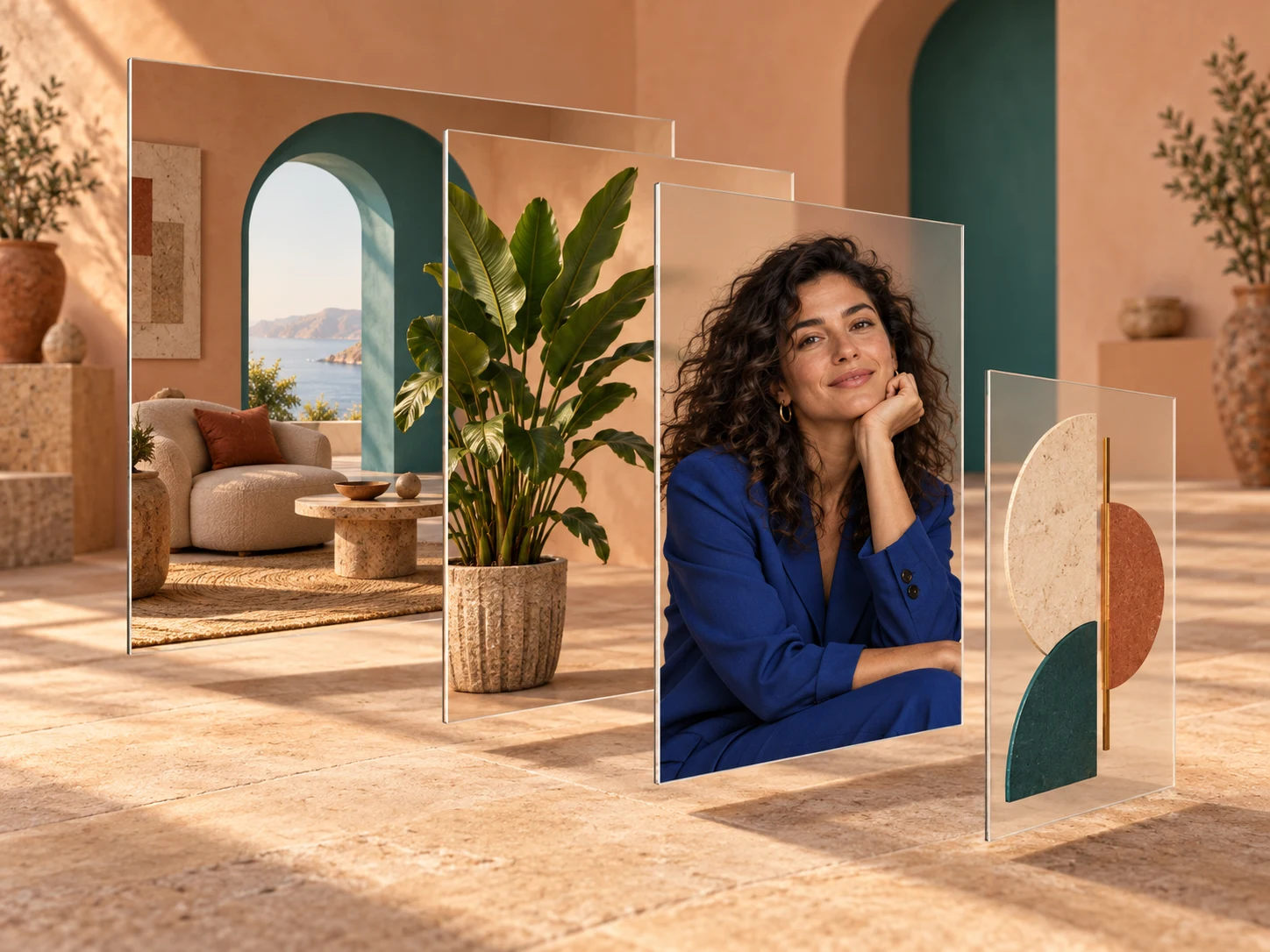
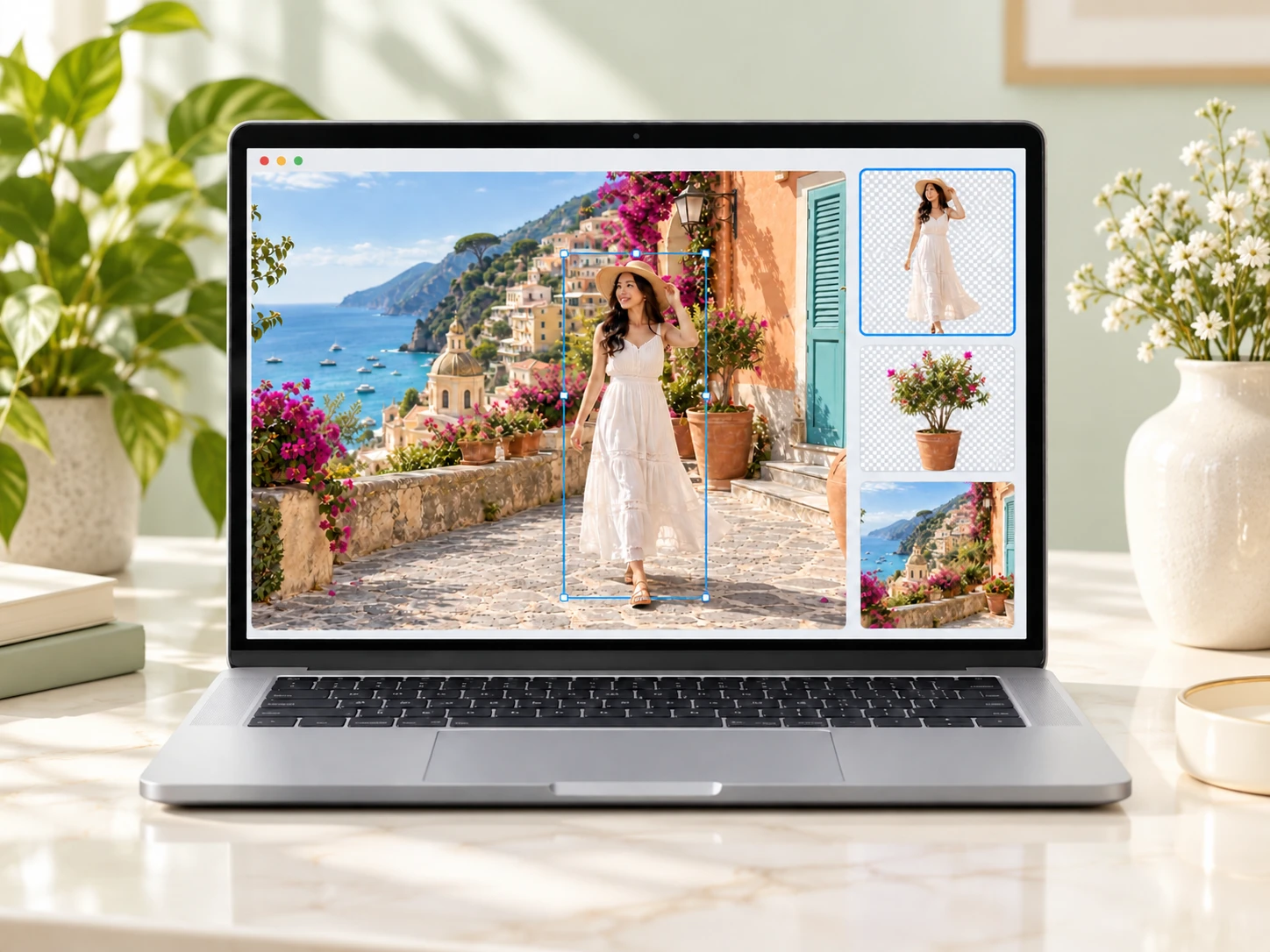
AI-generated illustrations of editing possibilities. Actual layer separation varies by photo.
Common questions