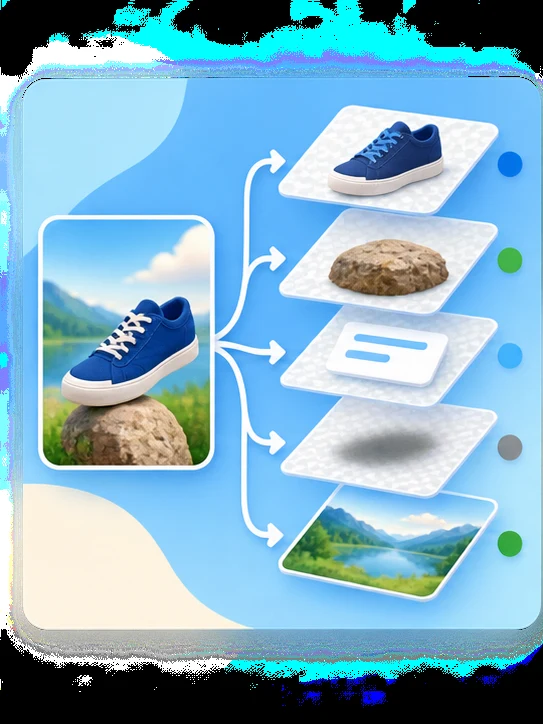
Semantic Layer Separation
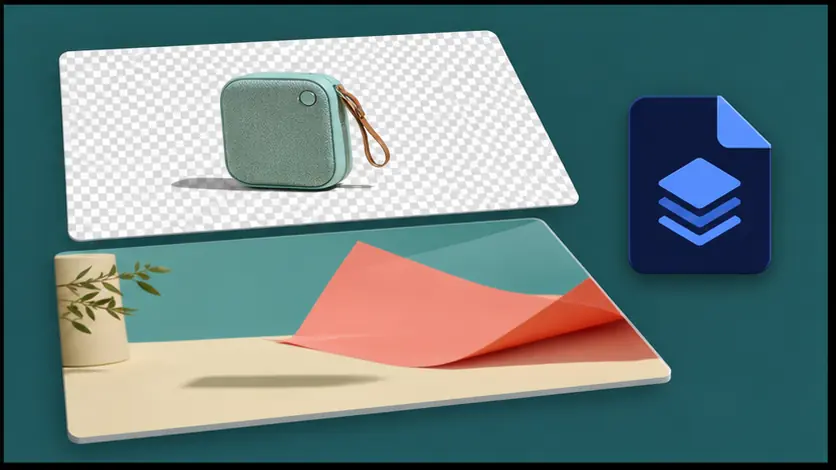
Detect major subjects, objects, text, shadows, and backgrounds, then convert them into up to 10 independently editable layers.
New users get 10 free credits after sign-up. No credit card required.
Upload a JPG, PNG, or WebP and turn one image into editable layers: subjects, objects, text-like graphics, shadows, and backgrounds ready for PSD, ZIP, and transparent PNG export.
Mode
Upload Image
0/5Upload Image
JPG, PNG, or WebP up to 24MB.
Choose how many editable visual groups AI should create first. Auto stays within 10 layers — more layers take longer to separate. You can split mixed layers again after reviewing the result.
Exports transparent PNG layer files and a ZIP package for editing.
8 credits per layer.
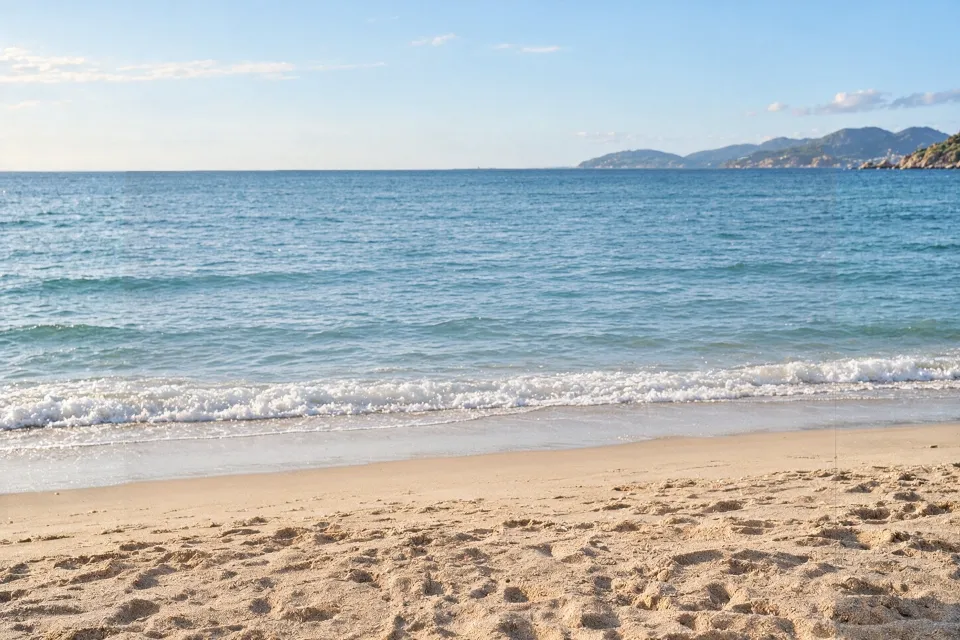
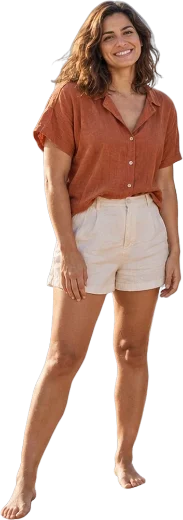
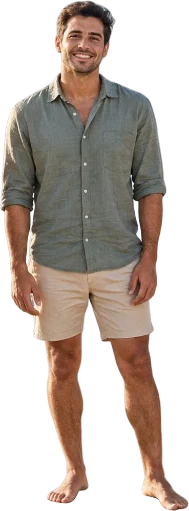
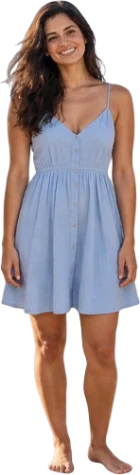
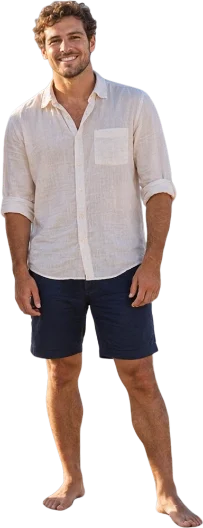

Beach photo · 5 layers
Real result: 4 people and an AI-reconstructed background, each on its own layer.
Detect major subjects, objects, text, shadows, and backgrounds, then convert them into up to 10 independently editable layers.
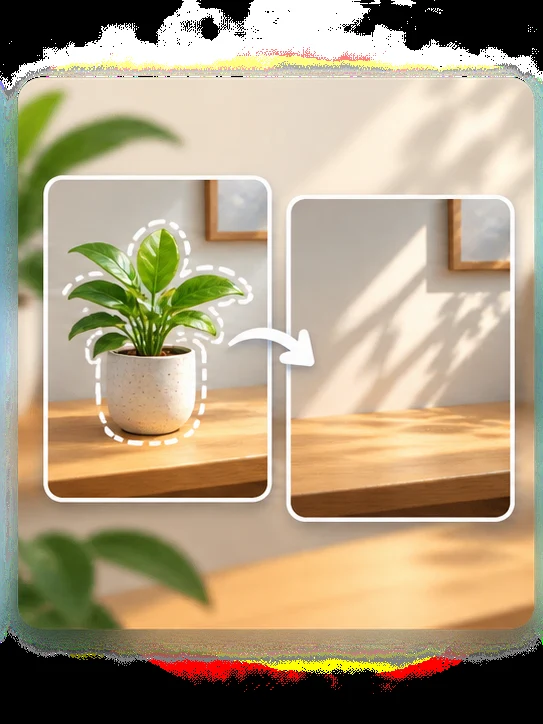
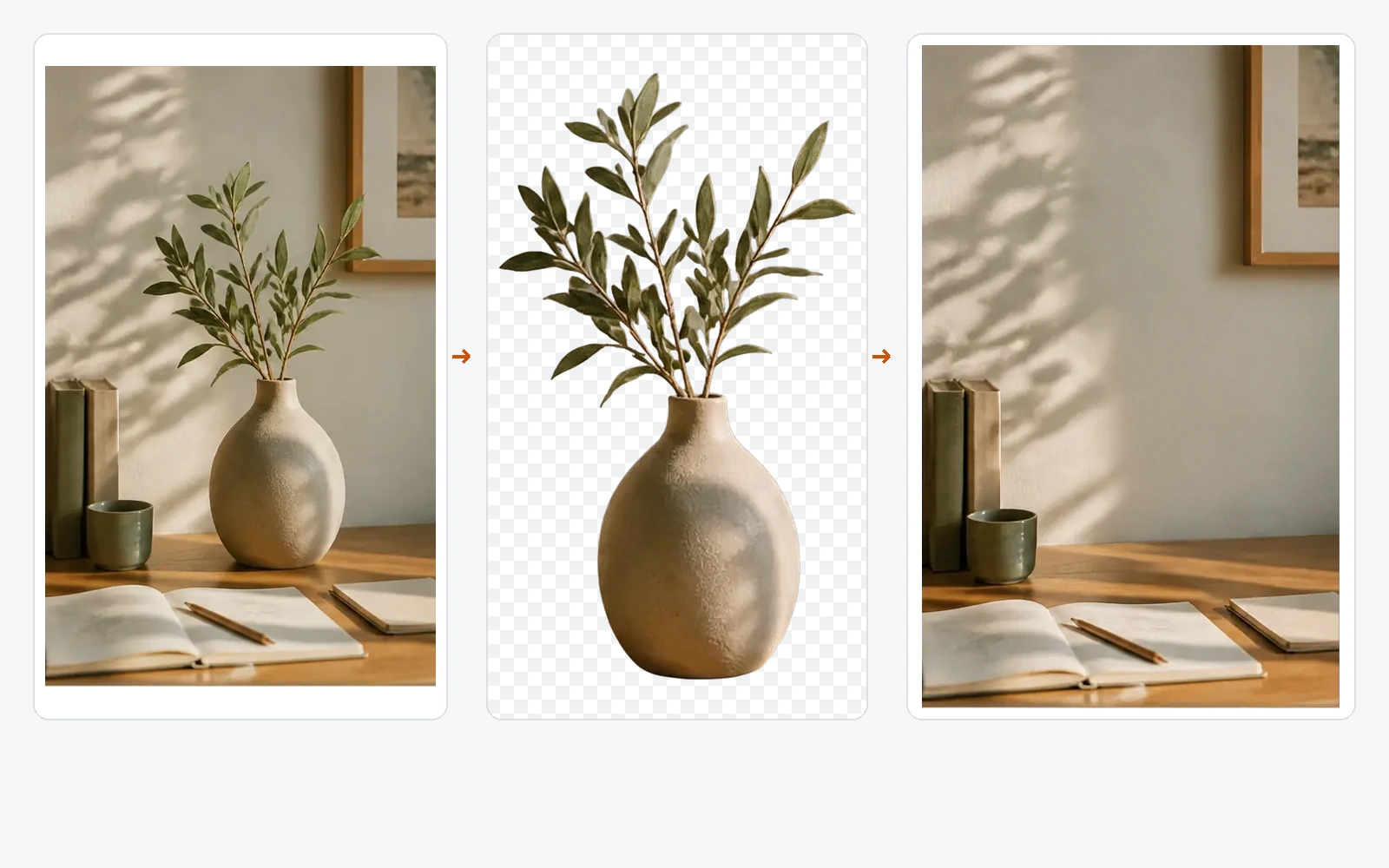
Rebuild hidden areas behind foreground elements so you can move or remove objects without leaving empty gaps.
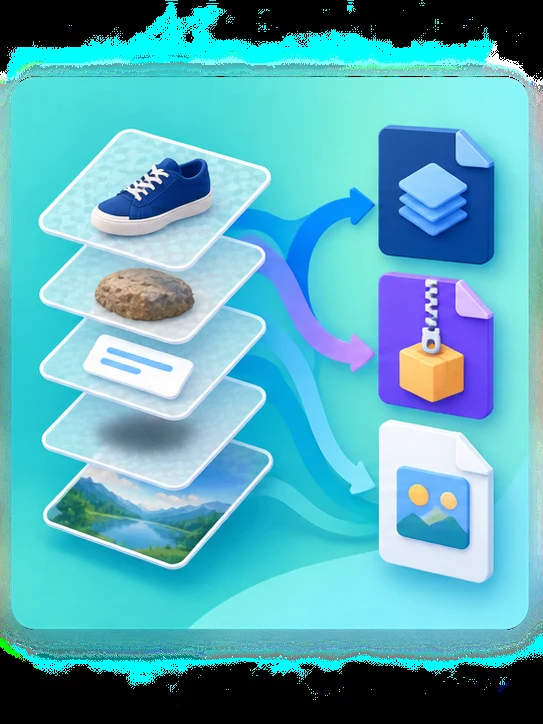
Export a layered PSD or transparent PNG layers in a ZIP. Opens in Photoshop, Photopea, GIMP, Affinity Photo, and Krita.
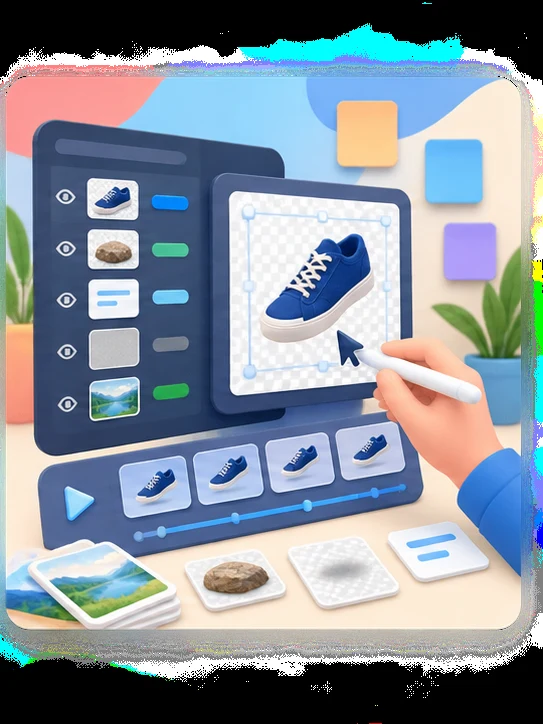
Prepare assets for design revisions, product marketing, animation, game scenes, and client handoff. Results stay in your workspace for 30 days.
Upload one flat image, let AI separate it into editable semantic layers, then export production-ready PNG, ZIP, or PSD files.
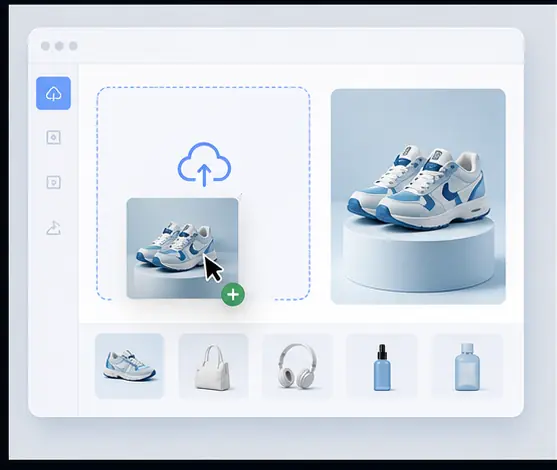
Start with a JPG, PNG, or WebP up to 24 MB, at least 512 × 512 pixels.
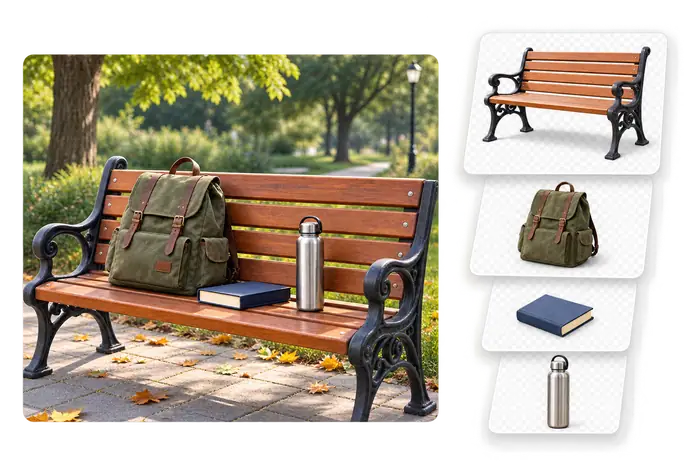
AI separates subjects, objects, text, logos, shadows, and background into up to 10 layers in 60–120 seconds.
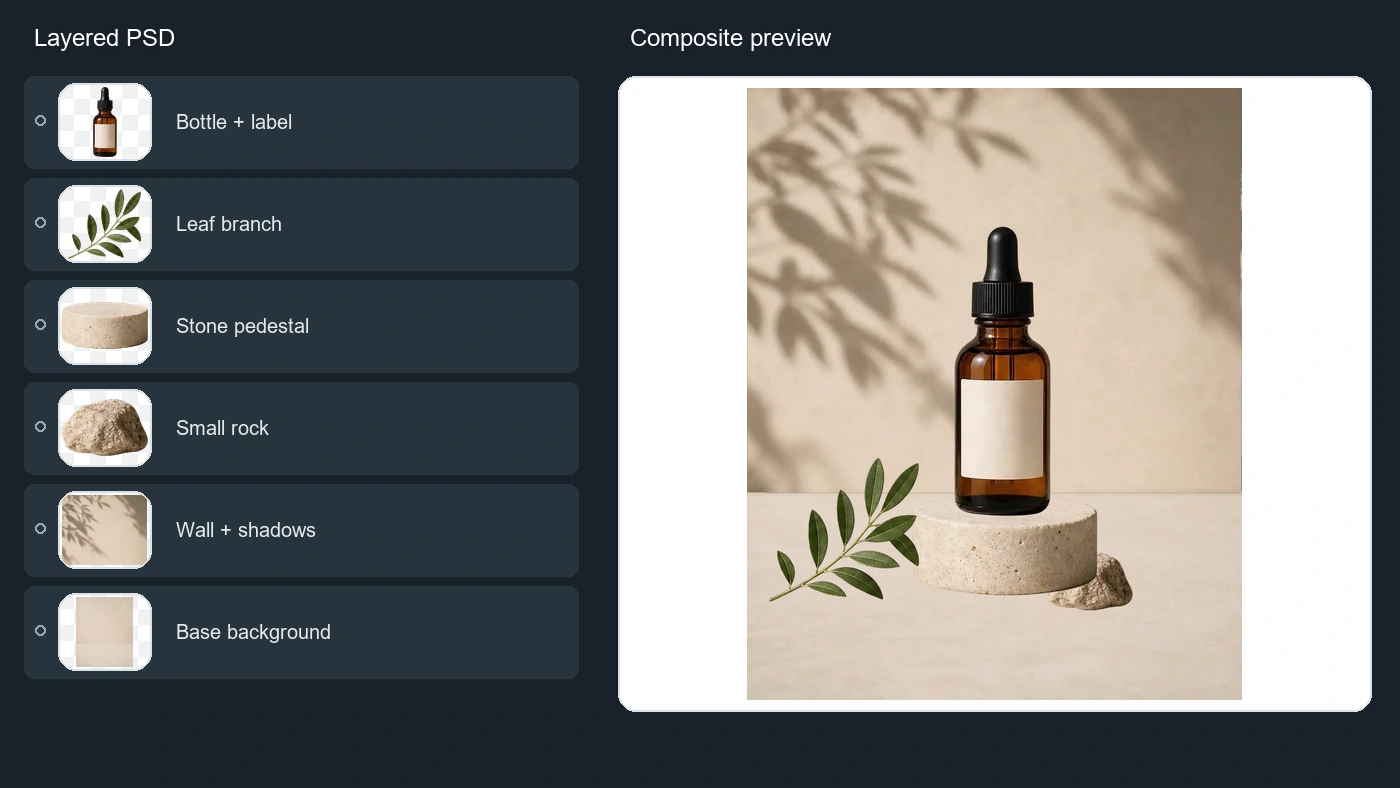
Download transparent PNG layers, a ZIP, or a layered PSD at ~0.4 MP — ready for Photoshop, Photopea, GIMP, or Affinity Photo.
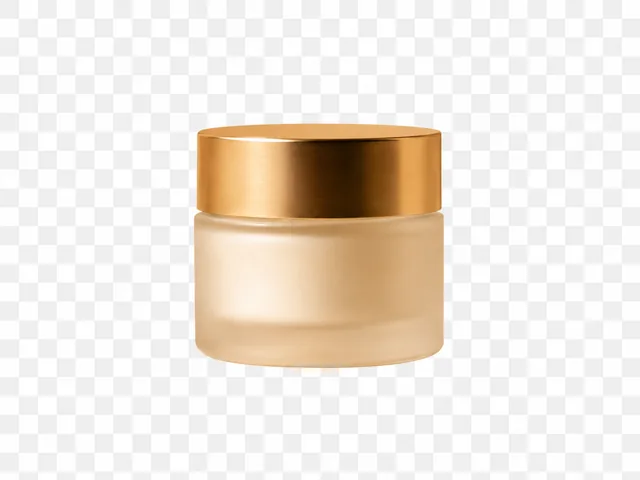
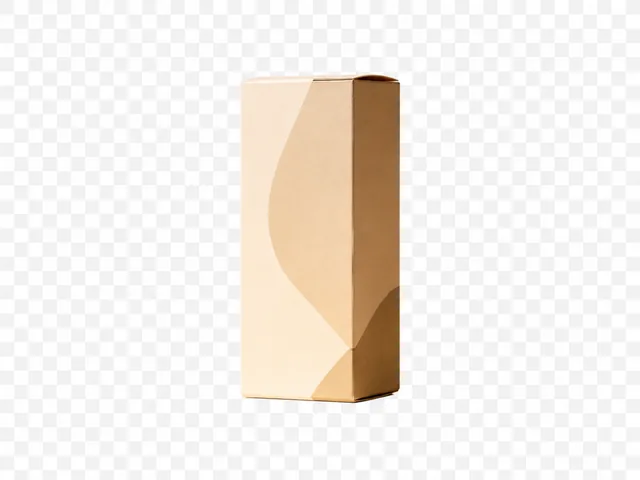
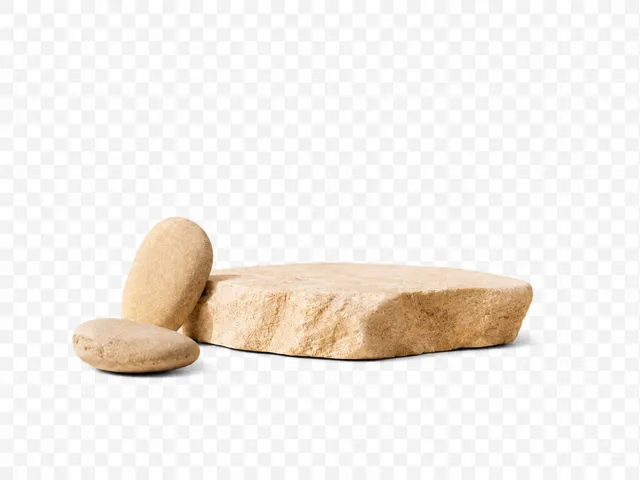
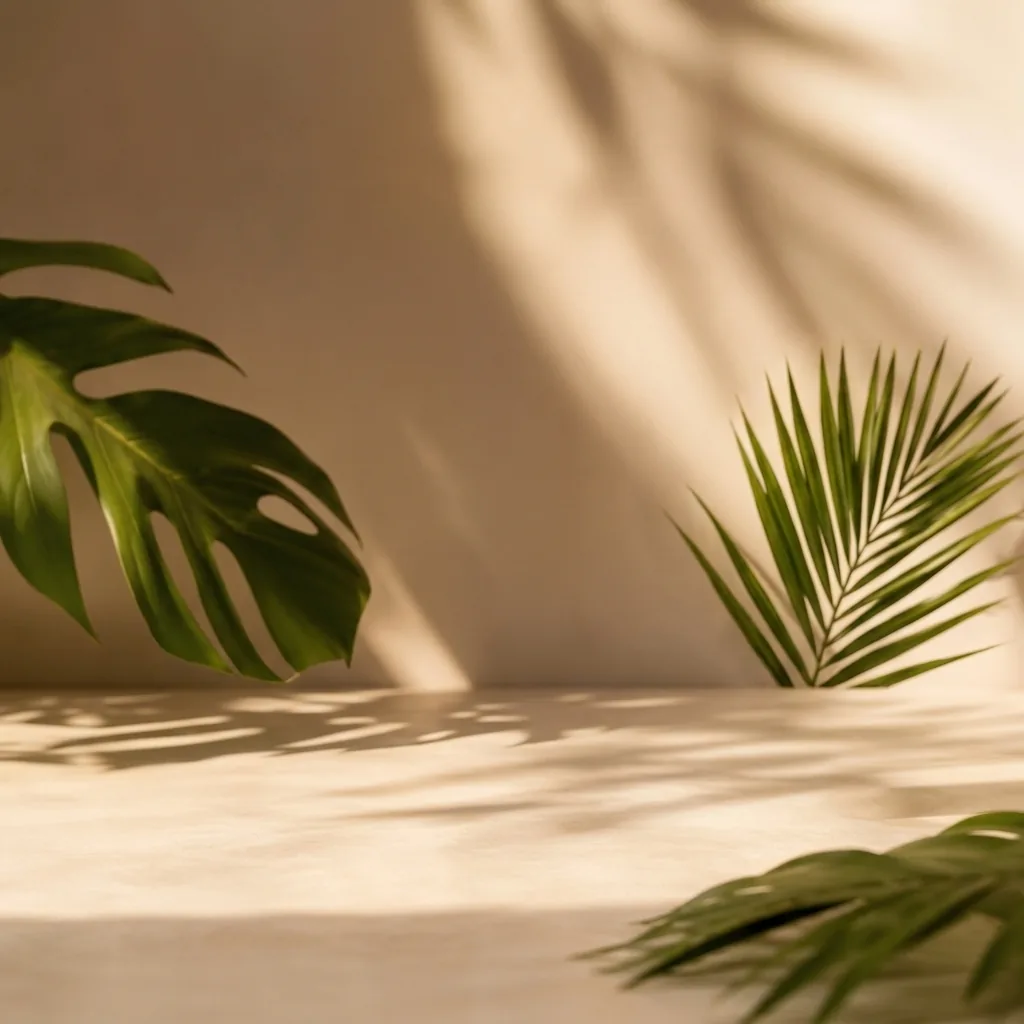
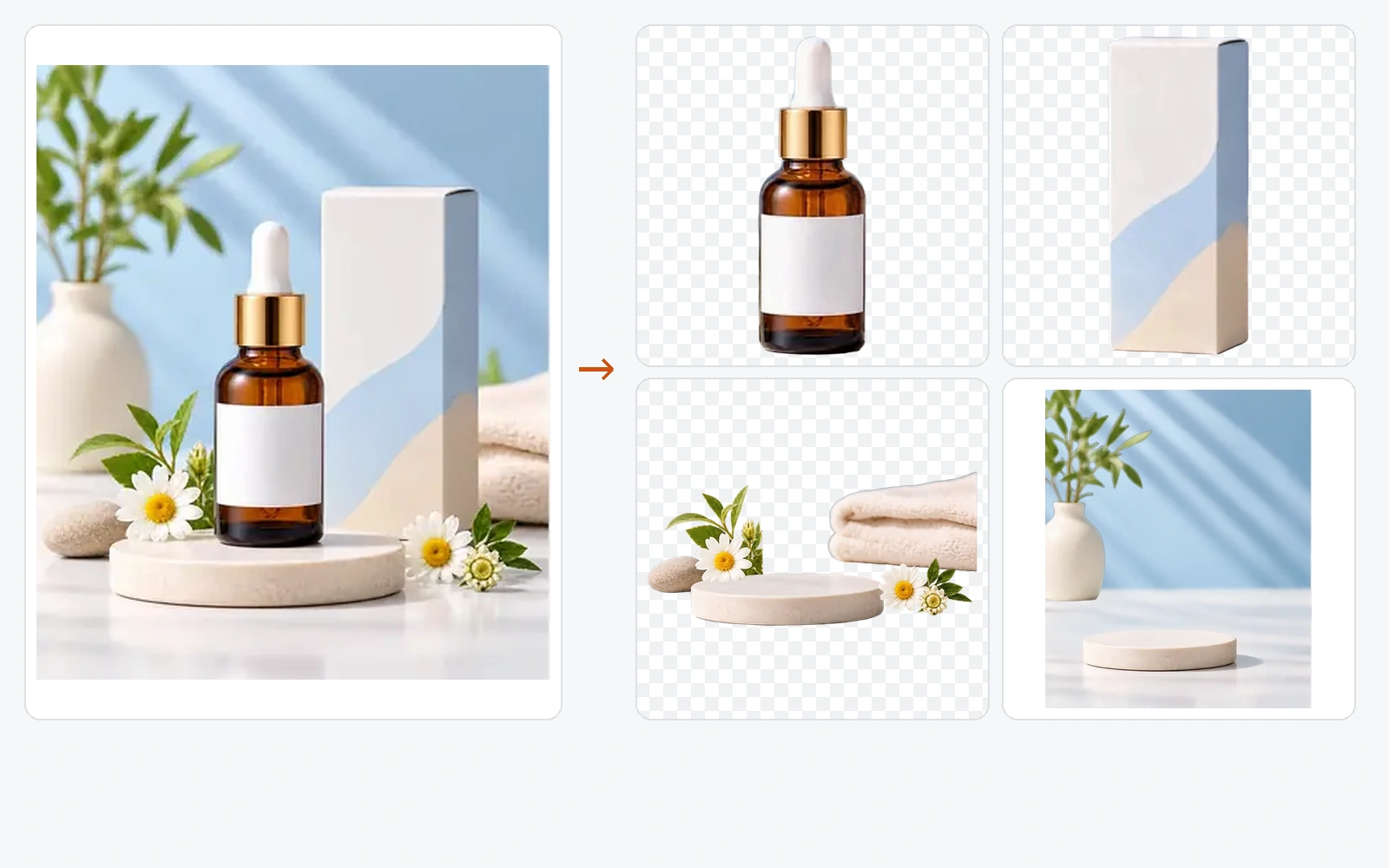
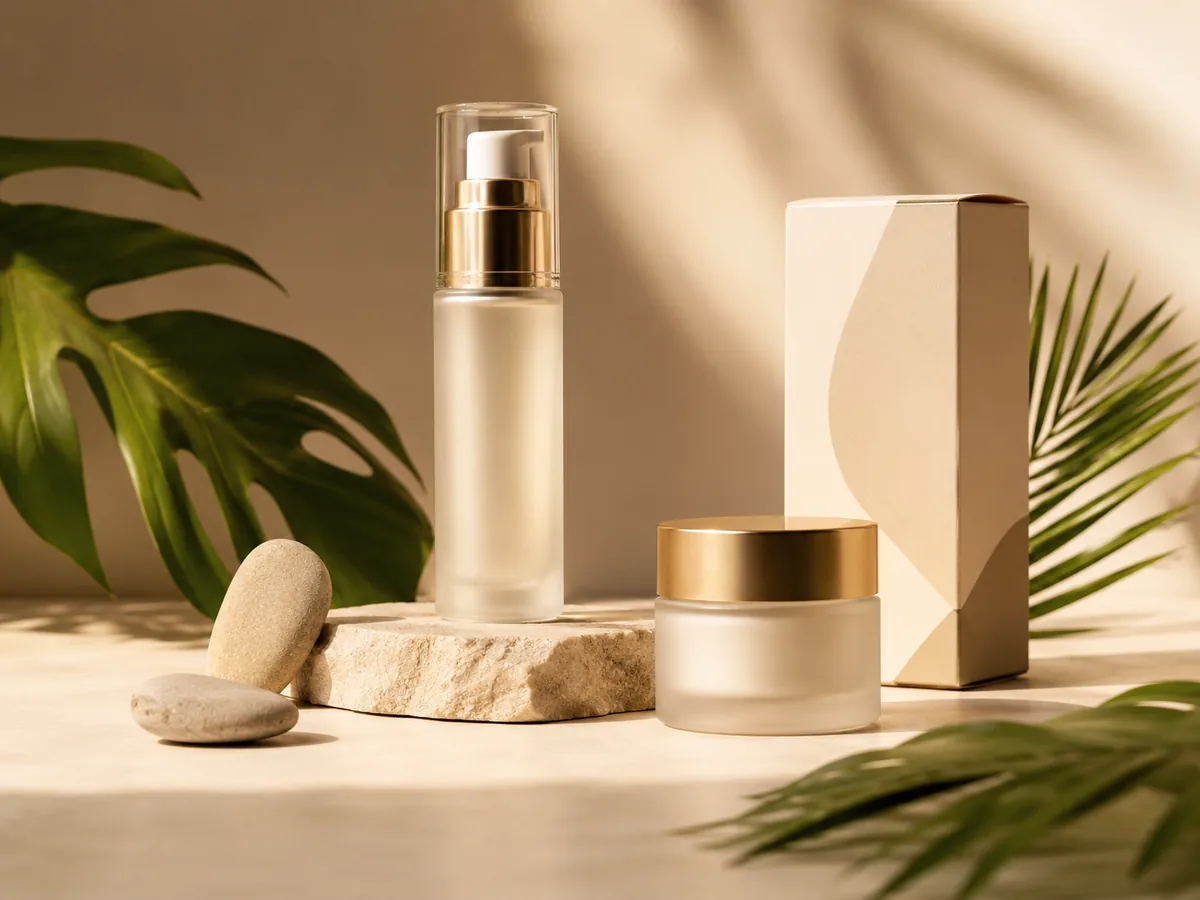
Pump bottle · Cream jar · Product box · Stone props · Rebuilt Background
AI Layer Split
 01
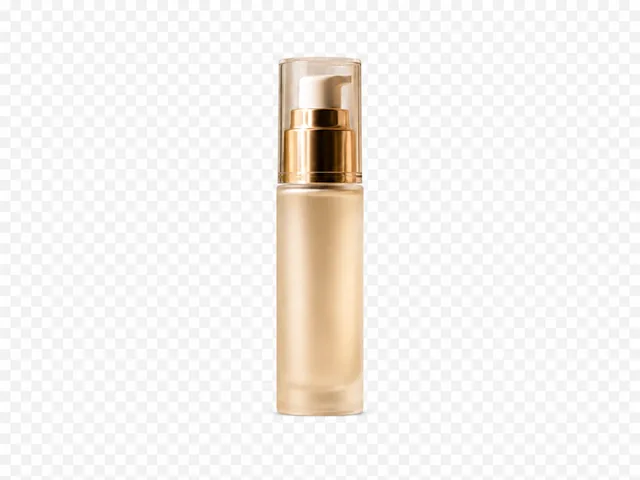
01Pump bottle
Final Editable Layers
A background remover hands you one cutout and a hole where the subject used to be. Image2Layer returns every part as its own layer and repaints what it covered, so the background stays whole — 60–120 seconds instead of 30–60 minutes of masking by hand.
Up to 10
Editable layers per image
60–120 s
Upload to export
PSD · PNG · ZIP
Layer export formats
~0.4 MP
Layer output resolution
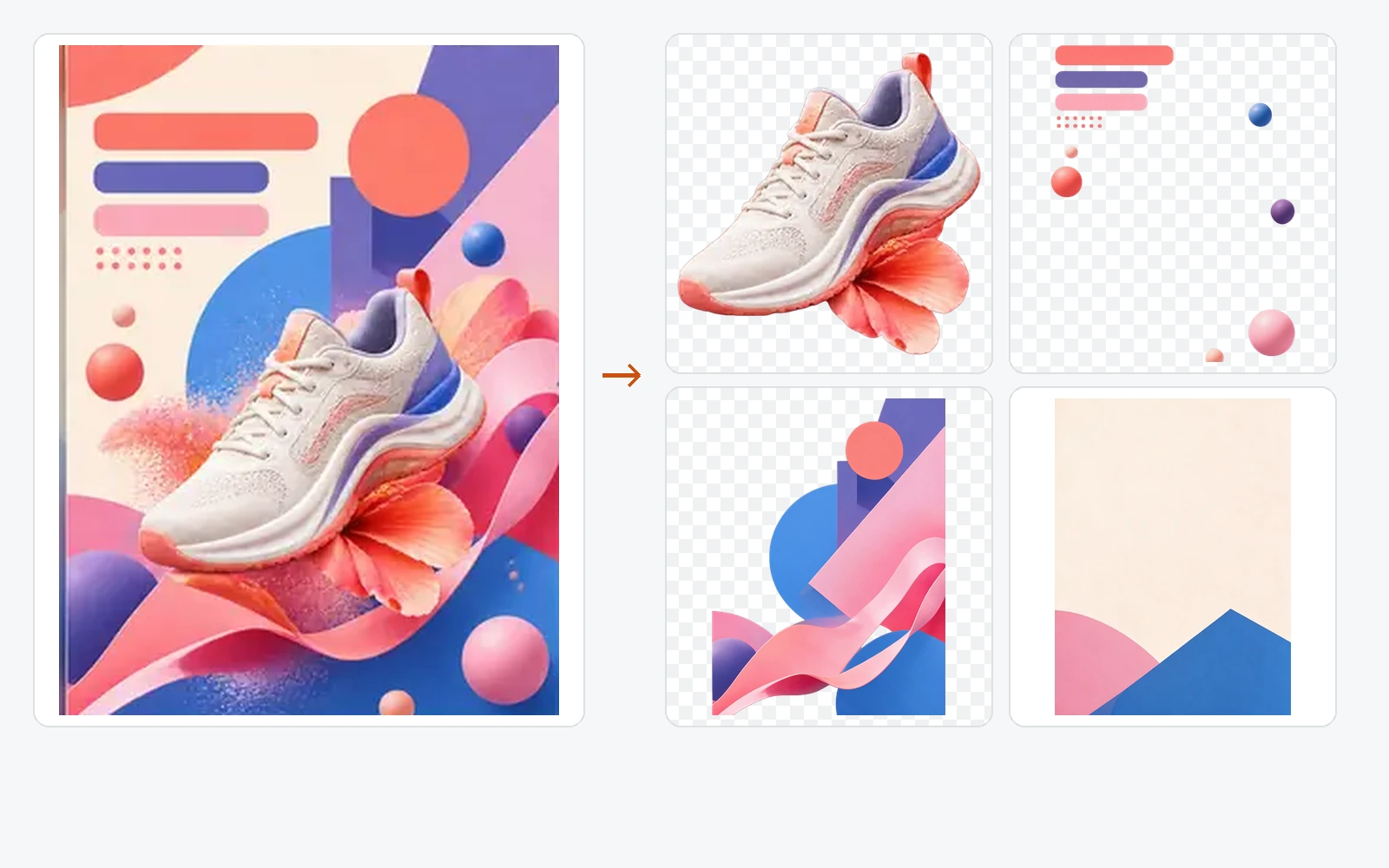
Use Image2Layer as an image to layers workspace for flattened posters, product photos, portraits, and campaign visuals. Separate the subject, foreground objects, shadows, text, logos, and rebuilt background so every useful part can be edited independently.
Try Image2Layer Now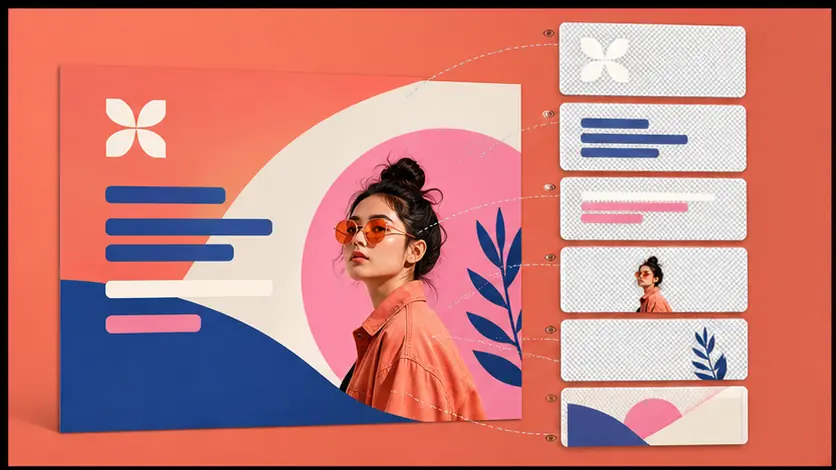
Image2Layer separates the foreground subject, shadow, and background into editable layers, then rebuilds the hidden areas behind removed objects. Move or remove elements without leaving empty holes, so every layer stays useful for real design edits.
Try Image2Layer Now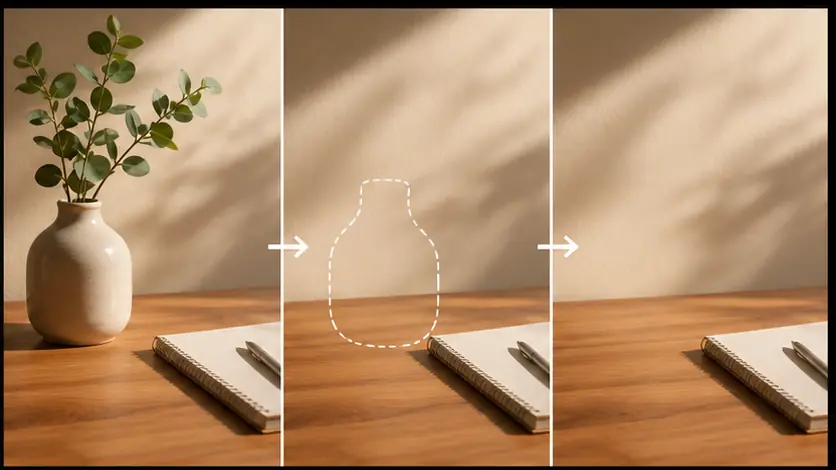
Turn a single JPG, PNG, or WebP into a PSD-ready layer stack. Image2Layer separates subjects, objects, shadows, text, and backgrounds into editable raster layers you can open in Photoshop or other design tools.
Convert Image to PSD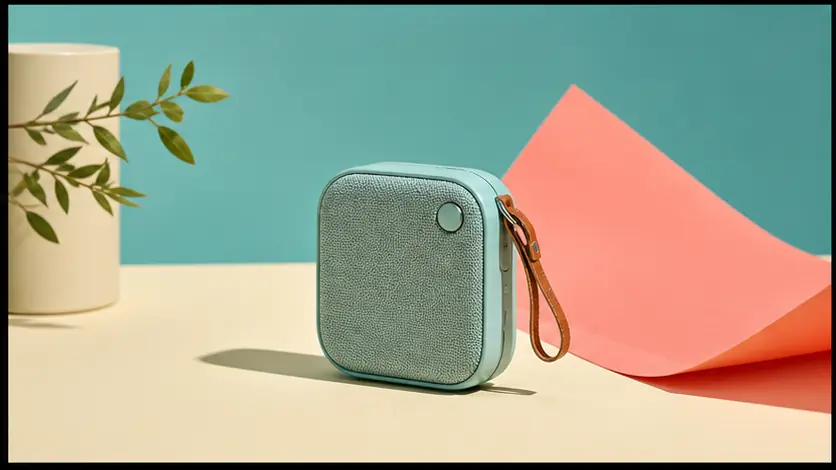 Original Image
Explore real layer separation examples: product photos, character art, posters, and backgrounds turned into editable layer stacks.

Separate products, props, shadows, and backgrounds for campaign edits.
Designers, marketers, animators, and game artists use Image2Layer to turn flat images into editable production assets.
Image2Layer helped me turn character art into clean subject, prop, shadow, and background layers before animation. It saved me from tracing masks by hand.

Lena Harper
Motion Designer
For campaign visuals, I can separate products, labels, props, and shadows quickly, then rebuild layouts for ads and landing pages. The PSD export fits our workflow.

Daniel Cho
Product Marketing Designer
Our game team uses Image2Layer to prototype layered assets from concept images. Separating subjects, props, and background planes makes iteration much faster.
Sofia Martins
Game Art Lead
I use it when clients send flattened graphics. Being able to pull logos, text, and backgrounds into separate layers makes redesign work much cleaner.

Maya Reynolds
Brand Designer
Product shots are easier to repurpose now. I can isolate the item, keep the shadow, and rebuild a usable background for new banners and product pages.

Ethan Park
E-commerce Creative
The best part is that it gives me a structured starting point. I still refine the final PSD, but the layer separation removes a lot of repetitive prep work.

Nina Becker
Photoshop Retoucher
For thumbnails and social posts, Image2Layer makes it simple to move subjects around and test new compositions without recreating everything from scratch.

Alex Romero
Visual Content Producer
Upload an image, preview image to layers separation, reconstruct hidden background areas, and export transparent PNG layers, ZIP packages, or layered PSD files.
Upload Image