01 / VISUAL ELEMENTS
Products and everyday objects
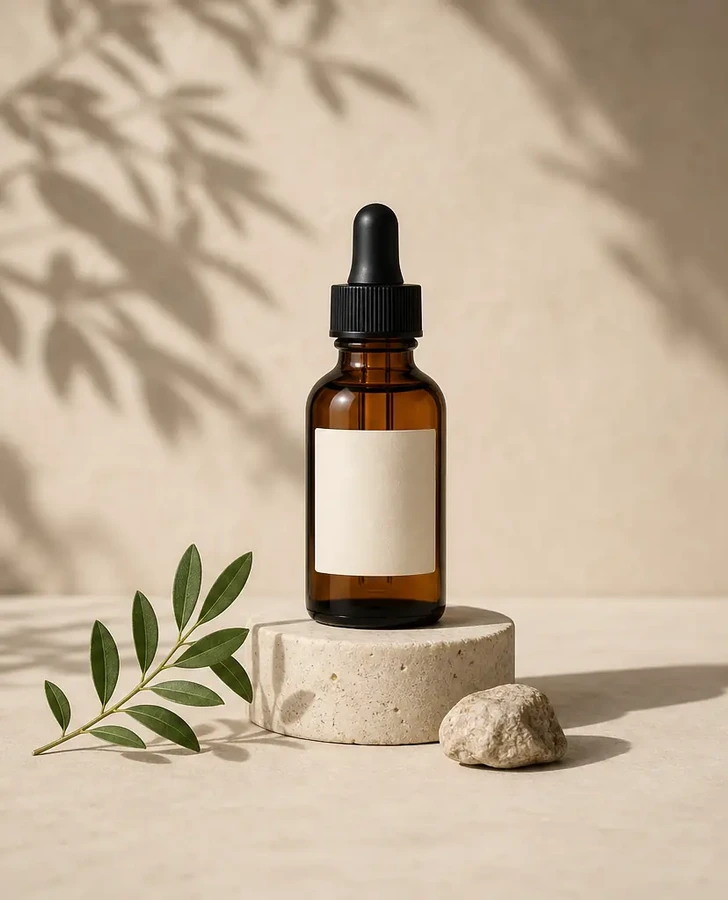
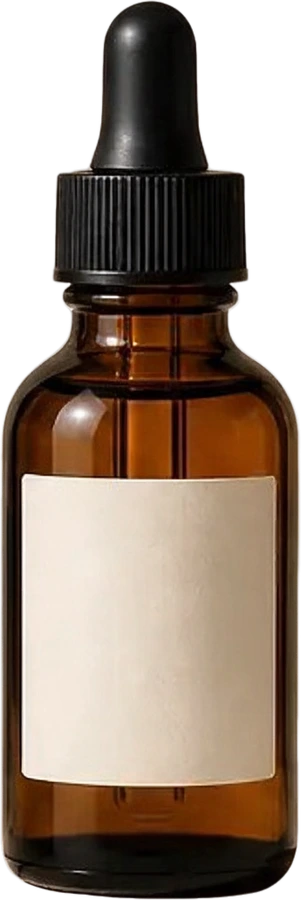
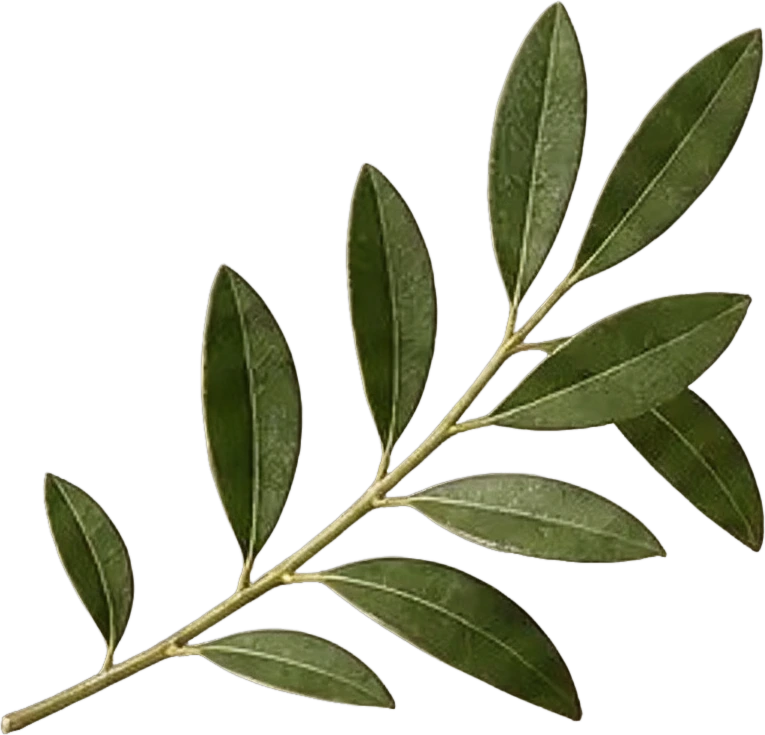
Extract a bottle, a leaf branch or a prop as separate assets. Start with individual elements you can arrange in a new product layout.
ONE IMAGE. INDIVIDUAL ELEMENTS.
Use this AI image layer extractor to turn a flat photo, illustration or design into individual image layers. Separate the full composition or extract a specific element, preview the result, and download PNG assets or a layered PSD.
Mode
Separate multiple recognizable elements from your image.
Upload Image
No image selectedUpload Image
JPG, PNG, or WebP up to 24MB.
Sexual or explicit content isn't allowed. Images and results that contain it are blocked automatically.
Choose Auto to let AI decide, or request 2–10 layers. Results depend on your image.
Exports transparent PNG layer files and a ZIP package for editing.
8 credits per layer.

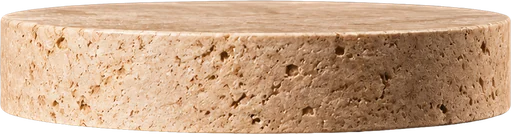


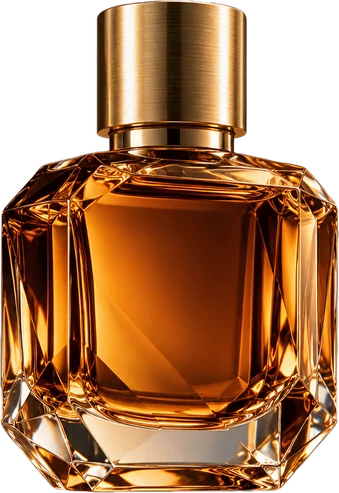
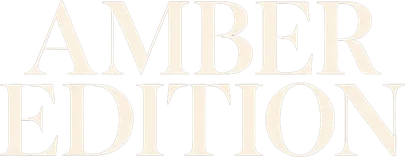

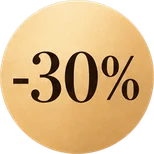
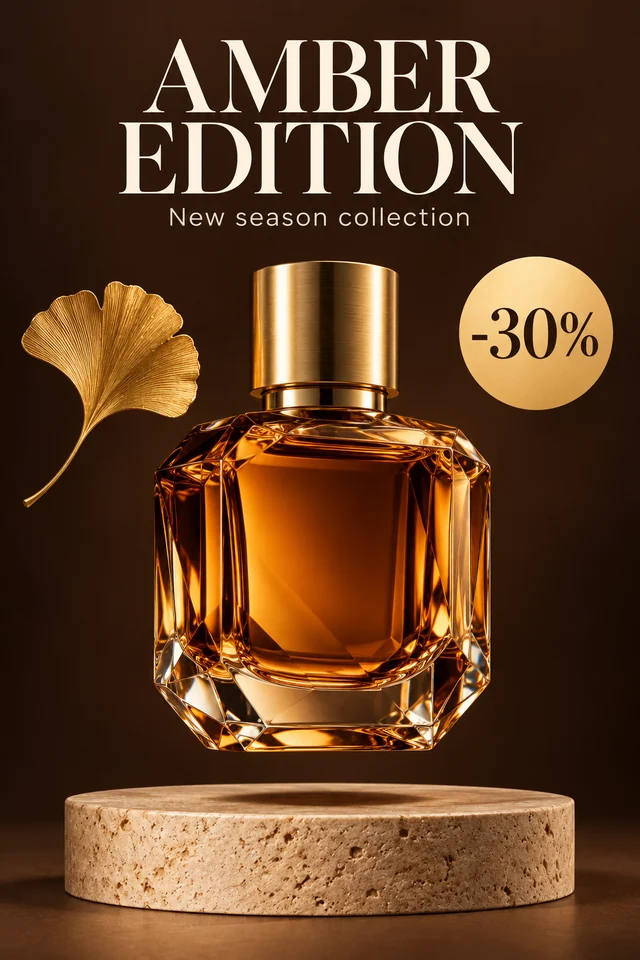
Product poster · 11 layers
Real result: headline, subtitle, -30% badge, bottle, leaf and pedestal each on their own layer, over a background rebuilt where they stood.
START WITH WHAT YOU HAVE
Extract image layers from product photos, illustrations and graphic designs. Start with clear, recognizable elements, then inspect each returned layer on its own.
Extract a bottle, a leaf branch or a prop as separate assets. Start with individual elements you can arrange in a new product layout.


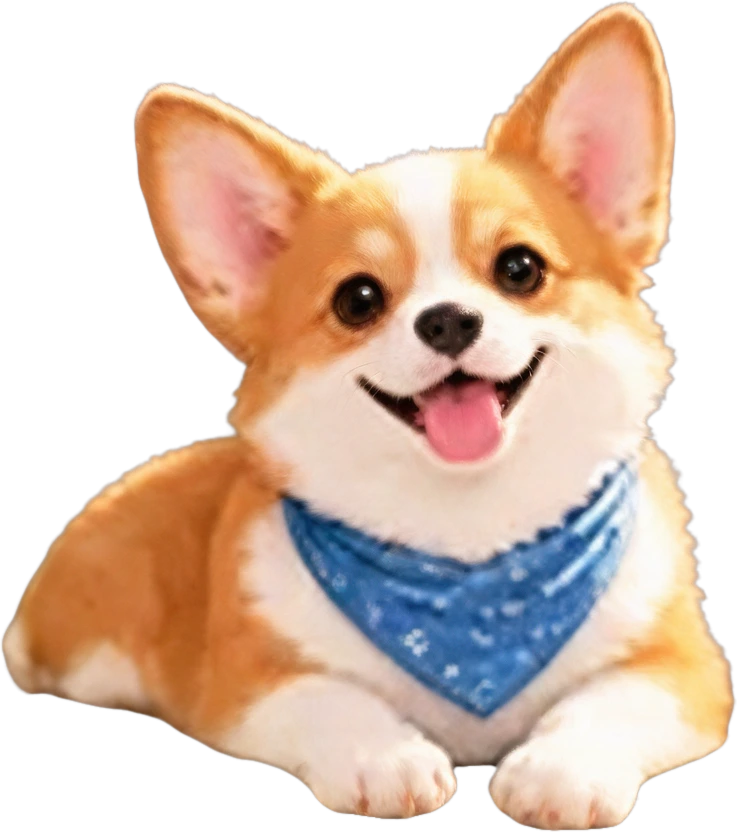
Separate a character from nearby animals and scenery. Keep recognizable subjects together for your next illustration or composition.
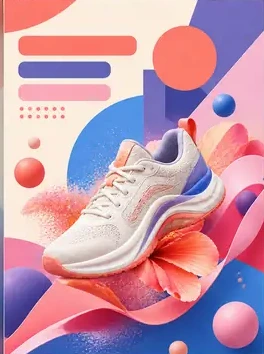
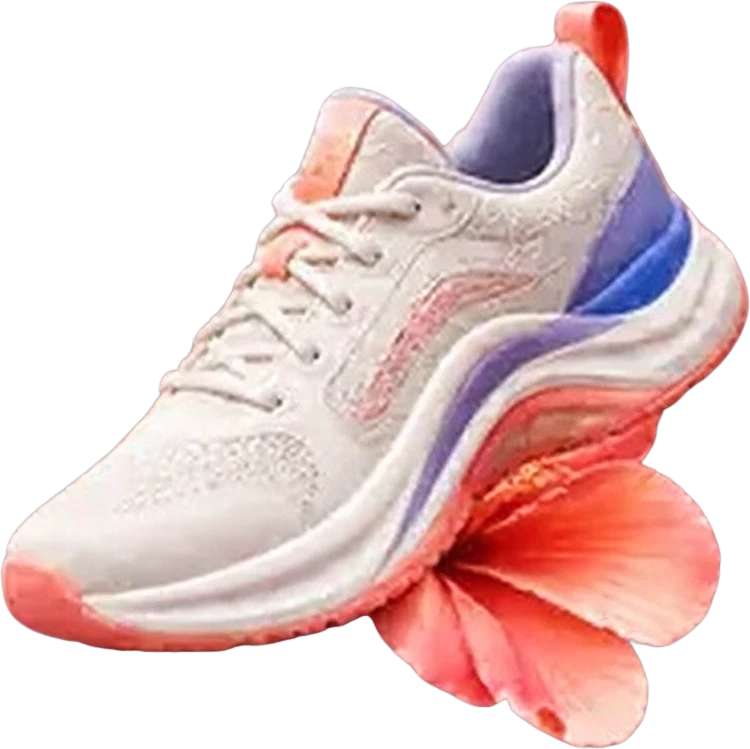
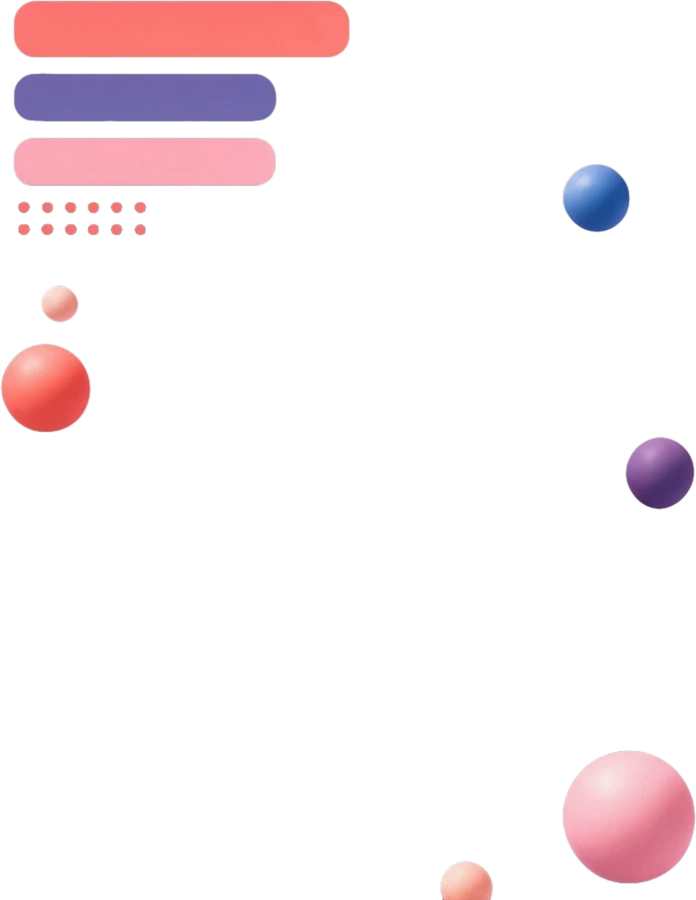
Extract visual elements from an existing composition to rearrange or reuse. Text within an extracted layer remains raster artwork.
THREE SIMPLE STEPS
Go from a flattened image to separate visual assets in three steps: upload, extract and review.
product-photo.pngChoose a JPG, PNG or WebP up to 24 MB, at least 512 × 512 pixels. Start with the clearest version of your photo, artwork or design.
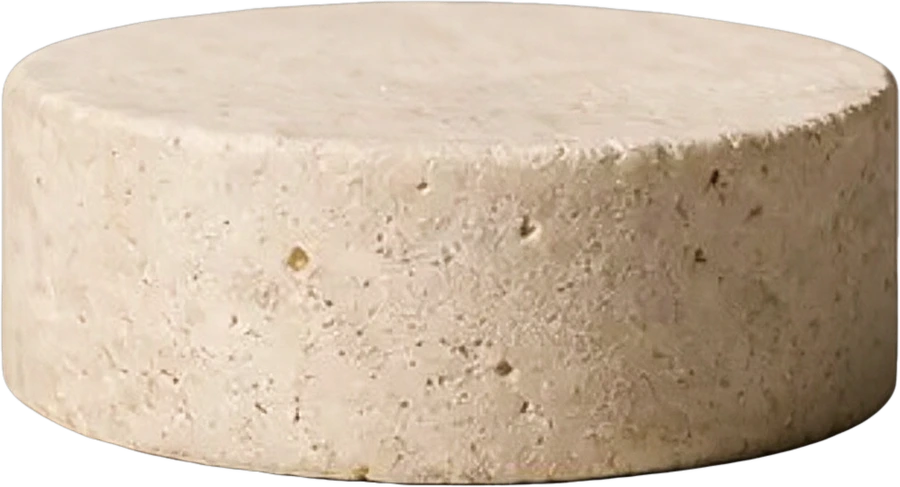
Separate the full image, or describe a specific element to extract. Most runs return up to 10 layers in 60–120 seconds.
BottleLeaf branchStone pedestalReview the returned layers individually, at your image's own resolution up to about 4 MP. Download separate assets, a ZIP bundle or a layered PSD for Photoshop, Photopea, GIMP or Affinity Photo.
LOOK INSIDE THE IMAGE
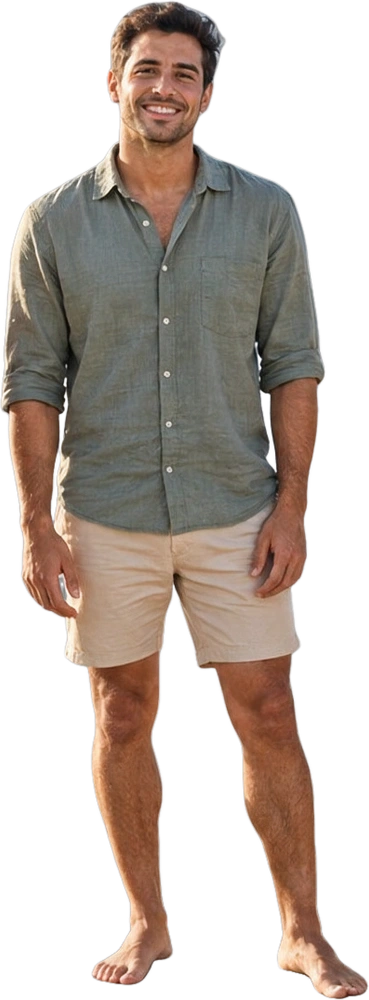
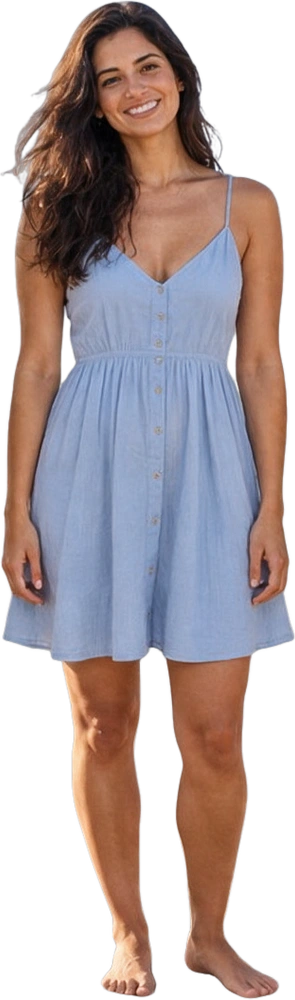
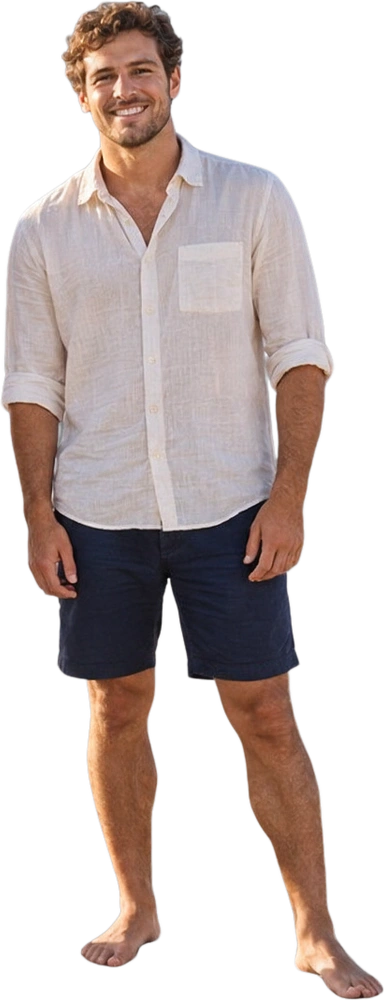
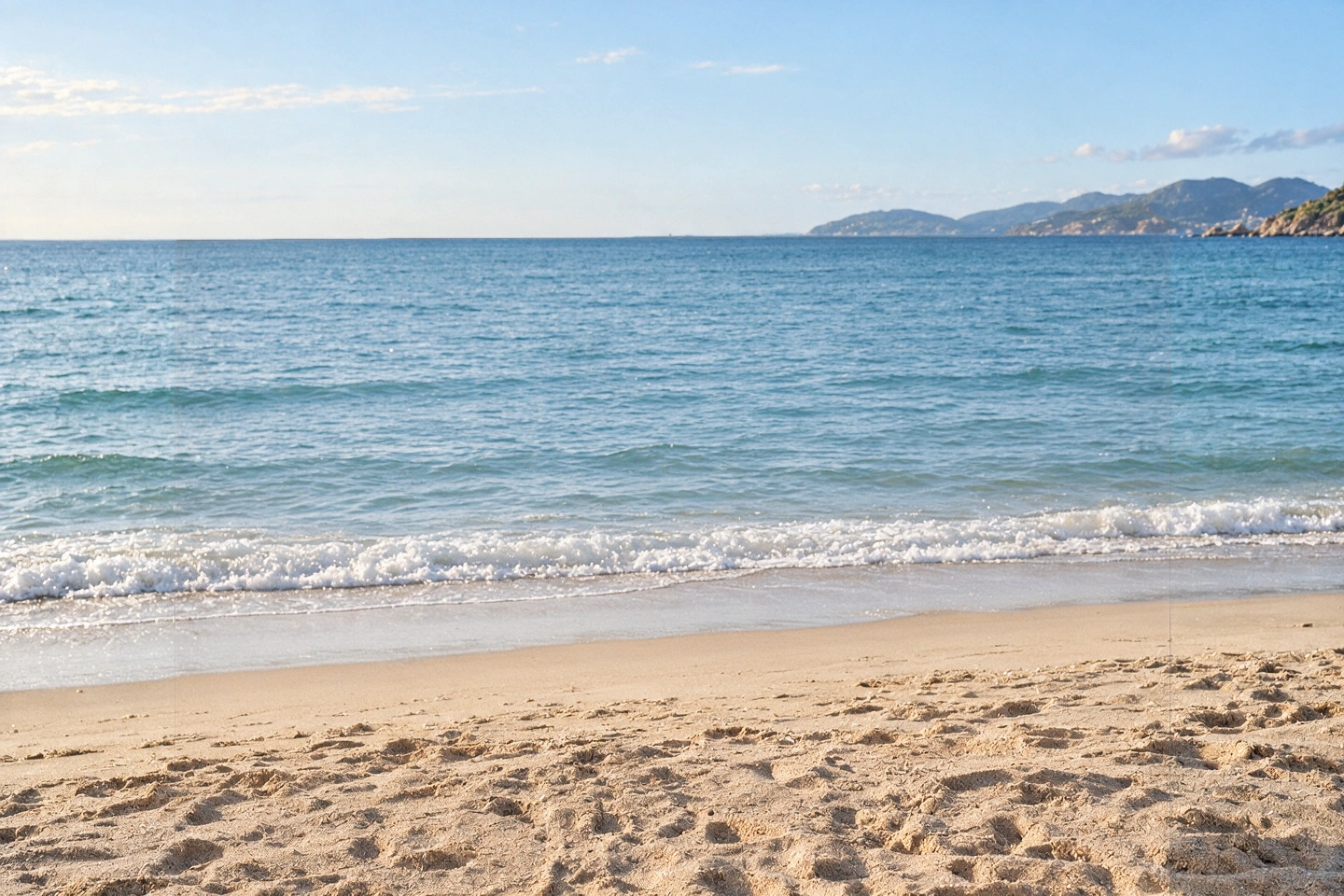
One beach photo, four individual people and a separate background. Hover over a layer thumbnail to explore the five extracted layers.

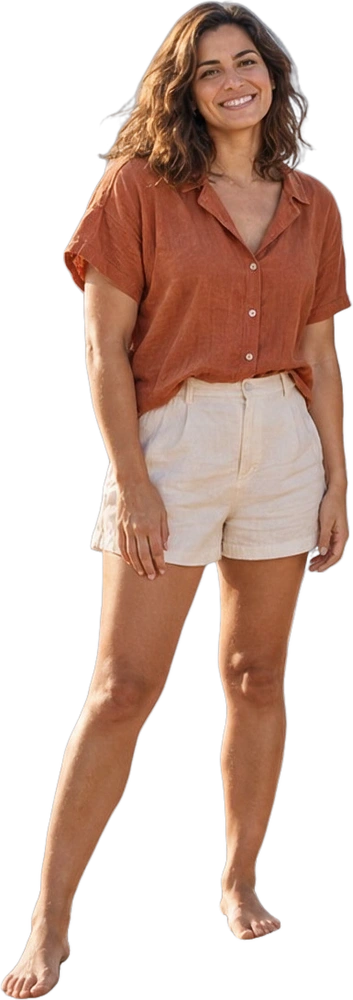 01Friend 1
AI-generated group photo · Actual layer extraction. Four individual people and one reconstructed background.
KEEP CREATING
Take individual elements into your favorite editor. Change the arrangement, build a new composition or refine one part at a time.
Simple details. A fresh perspective.
Discover the collectionAn image layer extractor is an AI tool that analyzes a flat image and separates recognizable visual elements into individual raster layers. You can preview those layers and download them for further editing.
Yes. Choose targeted extraction and describe the element you want to isolate. Choose full image separation when you want the AI layer extractor to identify multiple parts of the composition.
Start with a JPG, PNG or WebP image. The workspace supports PNG, JPG, WebP and PSD output options. Choose PNG to retain transparency in individual assets; JPG does not support transparency.
No. It creates new raster layers from the visible image, rather than recovering an original source document. Lettering remains pixels, and hidden areas may be estimated by AI. Review the result before using it in a final design.
Processing your uploaded image uses the same credit system as the main image-to-layers tool. Check the workspace for the current cost and sign in to use your balance. Browsing the sample previews does not start a generation.
No. The result depends on the image, the selected settings and what the AI can distinguish. Overlapping objects, tiny details and complex scenes can require additional cleanup in your editor.
Yes, and you don’t need AI for that: a PSD already stores its layers. Open it in our free PSD to PNG converter and choose Every layer to save each one as a transparent PNG, with no sign-in or credits. Use the AI Layer Extractor when you only have a flat JPG, PNG or WebP and the layers still have to be created.
Yes. The saved examples in the workspace open for free, with PSD and PNG downloads, and new accounts get 50 welcome credits and one free trial split with no card: one element pulled out into two layers, as a watermarked preview. The rest of the welcome credits unlock with your first purchase.
Yes. Leave the layer count on Auto and the AI divides the image into its main parts, such as people, products, text-like graphics, shadows and the background, each on its own transparent layer, up to 10. Set a number when you want the picture divided into more or fewer parts.
YOUR NEXT DESIGN STARTS HERE
Start with a photo, illustration or poster. Separate its visual elements and bring them into your next project.
Extract My Image Layers