
PRODUCT PHOTOS
Explore a new product color
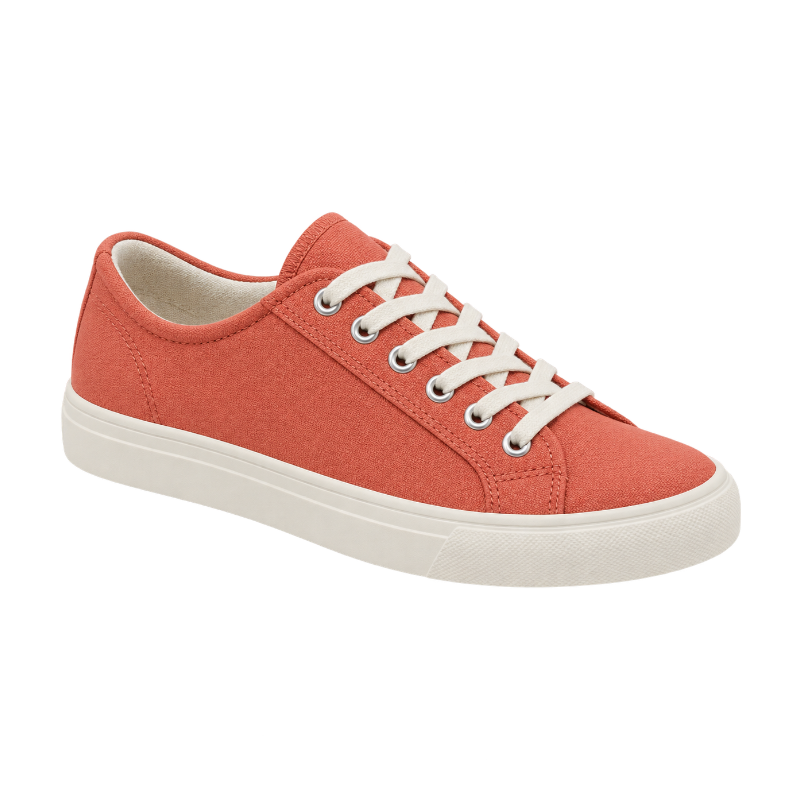
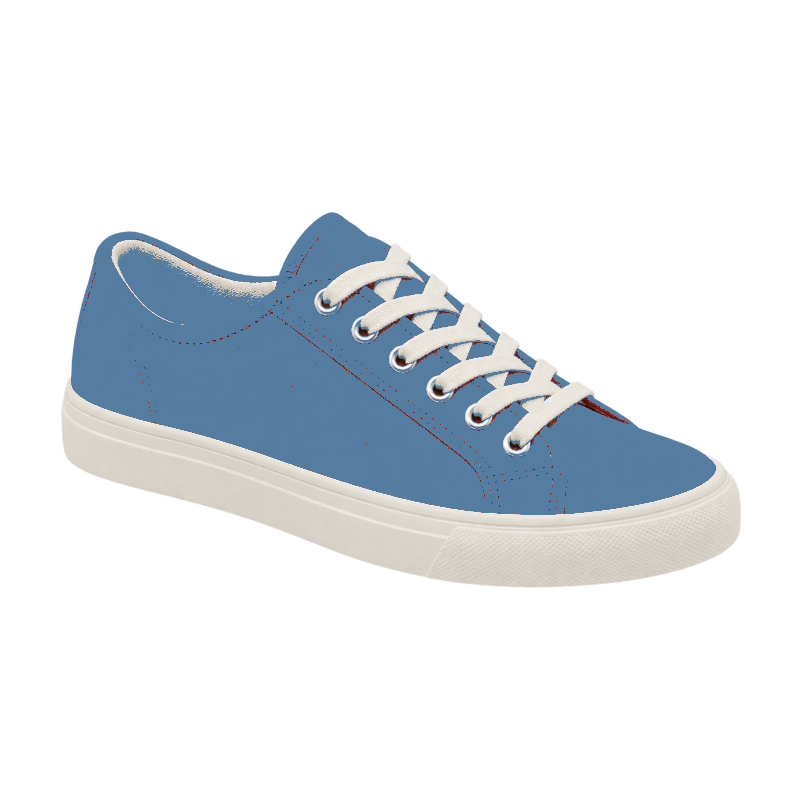
Take a coral sneaker in a cooler direction. Fine-tune tolerance to decide which similar shades change.
A NEW COLOR. THE SAME IMAGE.
Replace a color in your image online. Pick a shade, adjust the tolerance, and recolor PNG graphics or photos while keeping existing transparency.
TRY IT FOR YOURSELF
Try a product photo or a flat PNG graphic. Each example opens with its own source color, ready for you to change.
PRODUCT PHOTOS
Take a coral sneaker in a cooler direction. Fine-tune tolerance to decide which similar shades change.
FLAT GRAPHICS
Recolor the blue petals of this original emblem while keeping its yellow center and transparent edges.
COLOR STUDIES
Change a sage bottle to a warm copper tone before placing the PNG in your next moodboard.
Prepared transparent example · result rendered by this tool
SEE THE DIFFERENCE
Explore a new palette without starting over. Move the divider to compare the original pixels with the color replacement.


MAKE IT YOURS
A transparent PNG stays transparent after recoloring. Flat icons and simple graphics are especially good starting points because their colors are easy to select.
THREE SIMPLE STEPS
From your original file to a useful result in three simple steps.
Upload a PNG, JPG or WebP, or start with a ready-to-edit example.
Sample the original color, choose a new one and fine-tune the tolerance.
Compare the result with the original and save a PNG at the working resolution.
MADE FOR YOUR NEXT PROJECT
Explore alternate colors on simple product images. Adjust tolerance to include nearby shades.
Keep the alpha channel in icons, cutouts and PNG graphics while replacing a selected color.
Download the recolored image, or use our layer tools when you need to isolate overlapping objects first.
Export the result as a PNG at the working resolution. Large uploads are resized to 1,600 px on the longest side. For an isolated color change, start with a cutout of the object you want to edit.
Upload your PNG, sample the logo color with the eyedropper, and choose a replacement. Adjust tolerance to include nearby shades. This color swap keeps existing transparency and exports a PNG; it does not edit vector paths.
It replaces matching colors throughout the image. Similar colors on other objects may change too. Lower the tolerance to narrow the selection, or upload an isolated object for more control.
Yes. The replacement matches RGB colors, including black, white and gray. This is a color replacement tool, not an AI relighting tool.
Yes. Choose a ready-to-edit example in the workspace. Examples use existing image assets and do not call an AI service or spend credits.
Color and style adjustments run locally in your browser. If you explicitly choose AI subject extraction, your image is uploaded through our existing subject extraction service. That action requires sign-in and 10 credits.
The PNG keeps the working image dimensions. Images larger than 1,600 pixels on the longest side are resized on upload. Sticker outlines add padding around the image to avoid clipping the border.
Color Replacer
Replace a color in your image online. Pick a shade, adjust the tolerance, and recolor PNG graphics or photos while keeping existing transparency.
Back to the workspace