
AI PSD generator
AI PSD Generator: Prompt to Layered Photoshop File
Describe the visual you need, choose how it should be split, and the AI PSD generator returns a Photoshop-ready file with an editable layer structure.
Sexual or explicit content isn't allowed. Images and results that contain it are blocked automatically.
Output
Flat PSD: 10 credits · Layered PSD: 10 credits + 8 credits per layer
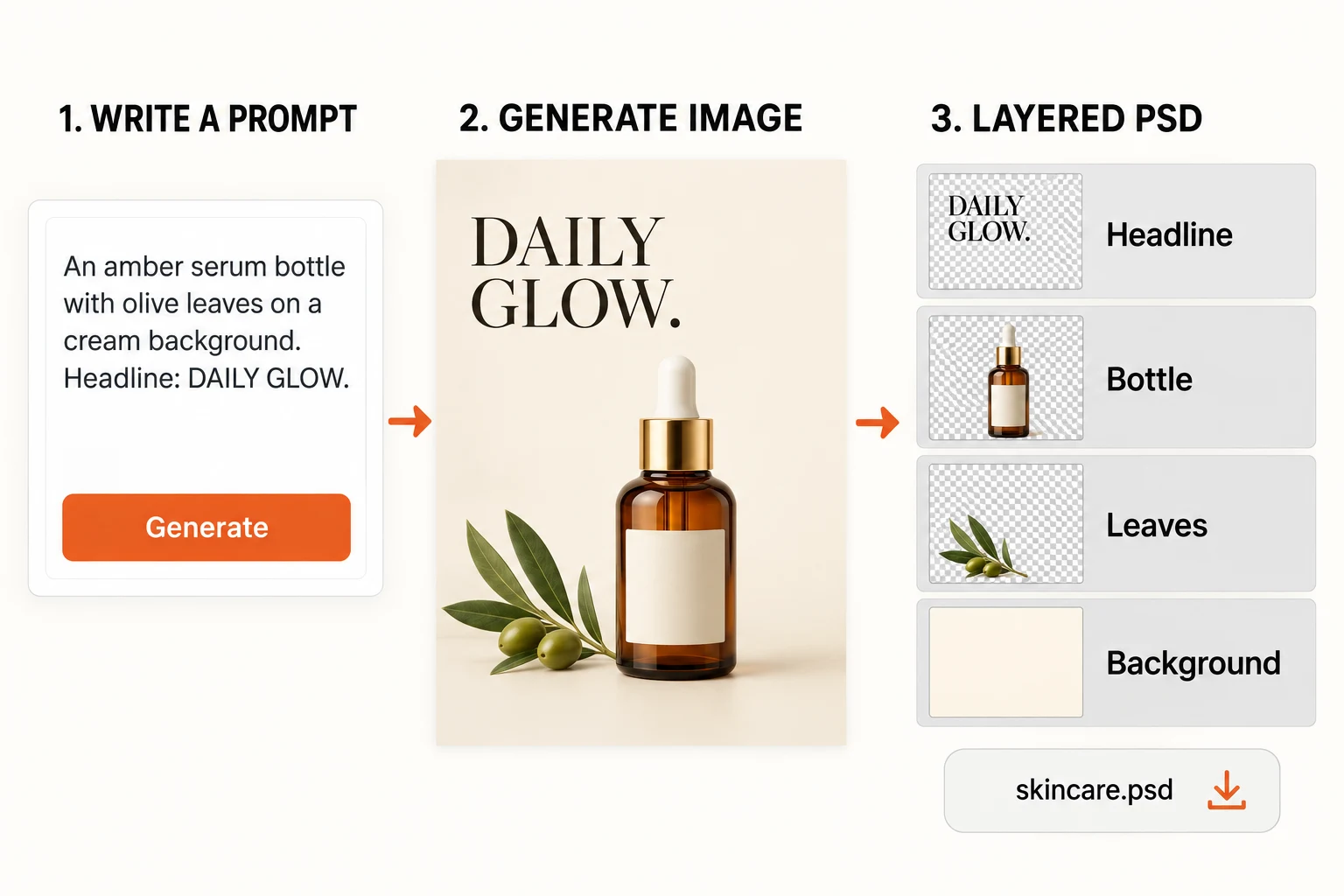
Prompt to PSD preview
Example: Editorial skincare poster, bold headline, centered serum bottle, soft shadow, textured backdrop, editable PSD layers.
Guide
How the AI PSD Generator Works in 3 Steps
Write the prompt, shape the layer plan, and download a layered file ready for the next edit.
- Define the subject, format, and the look you want to preserve.
- Adjust the style, canvas, and layer count to fit the concept.
- Review the preview, then export or continue refining.
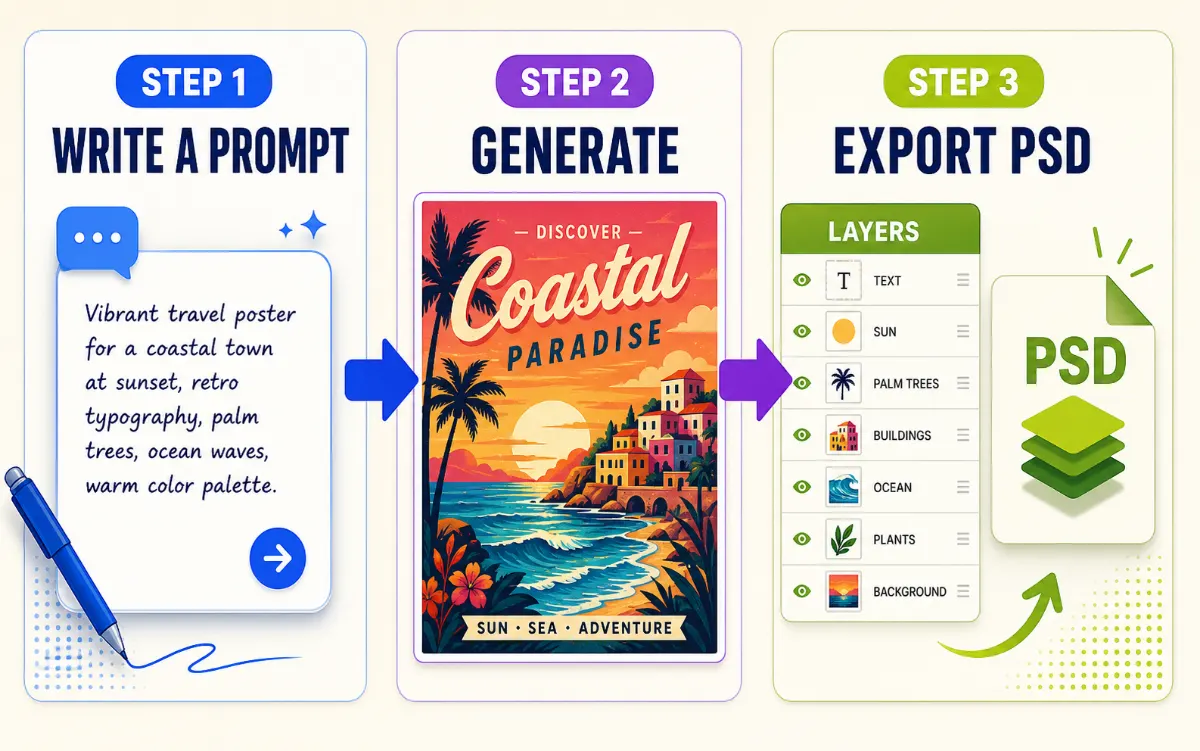
AI PSD Generator Prompt Examples
Pick a style, then use its prompt as a starting point.

Create an editorial skincare visual with a centered amber serum bottle, stone props, an olive branch, soft shadows, and a textured beige background.
Illustrative examples. Actual results and layer structure vary.
Choose Your AI PSD Generator Output
Choose separate raster layers for further editing, or keep the complete image in one layer.
Flat PSD
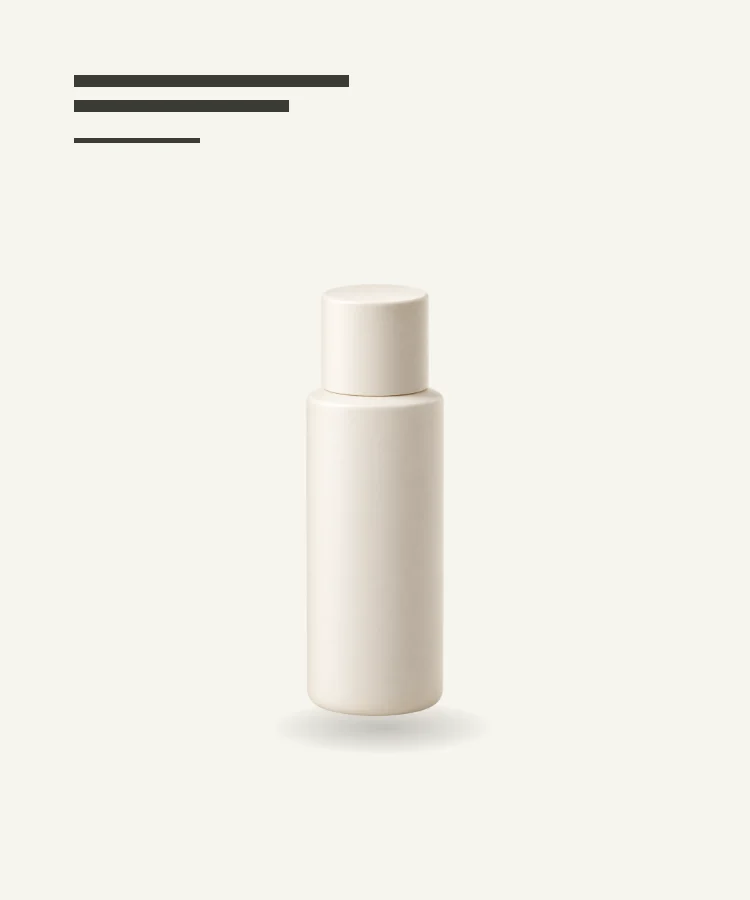 PSD
PSDLayered PSD
Flat PSD — Keep the complete image in a single Photoshop layer.
Layered PSD — Move and mask separated elements in Photoshop.
Flat PSD: 10 credits · Layered PSD: 10 credits + 8 credits per layer
Generated text is raster artwork, not editable Photoshop type.
FAQ
AI PSD Generator FAQ
Start here
Generate a Layered PSD from a Prompt
Describe the visual, name the parts you want separated, and pick your output mode in the workspace. The file downloads ready to open in Photoshop.
Write a prompt