
01
Upload an image for PSD conversion
Start with a JPG, PNG, or WebP up to 24 MB, at least 512 × 512 pixels.
Free image to PSD converter
Upload JPG, PNG, or WebP and turn visible image parts into separate PSD layers for subjects, objects, shadows, and backgrounds.
Upload Image
0/5Upload Image
JPG, PNG, or WebP up to 24MB.
Sexual or explicit content isn't allowed. Images and results that contain it are blocked automatically.
Choose how many editable visual groups AI should create first. Auto stays within 10 layers — more layers take longer to separate. You can split mixed layers again after reviewing the result.
8 credits per layer.
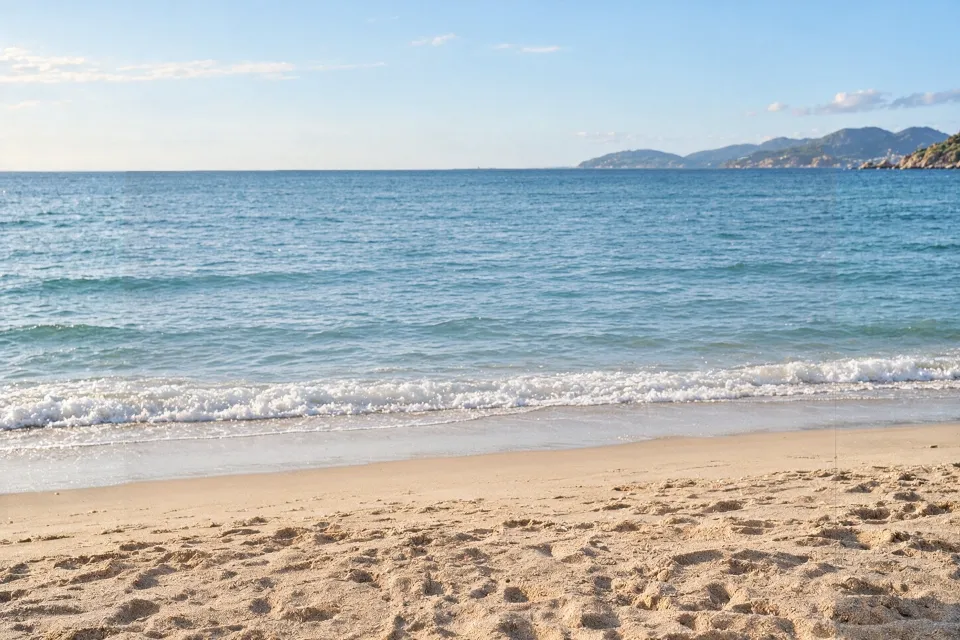
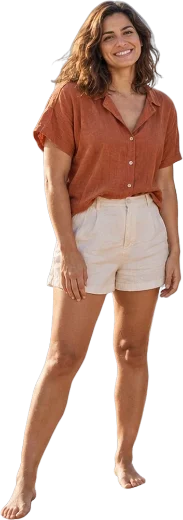




Beach photo · 5 layers
Real result: 4 people and an AI-reconstructed background, each on its own layer.
PSD workflow
Upload one image, review separated layers, then download a Photoshop-ready PSD in 60–120 seconds.
Start with a JPG, PNG, or WebP up to 24 MB, at least 512 × 512 pixels.
Subjects, objects, shadows, graphics, and background areas become up to 10 raster layers.
Export a raster layer stack at your image's resolution, up to about 4 MP, for Photoshop, Photopea, GIMP, or Affinity Photo.
PSD with layers
See what changes after image to PSD conversion: one locked bitmap becomes a practical raster layer stack you can inspect, hide, move, and reuse.
Before · Flat Image

Advanced skincare for healthy, radiant skin.
A flat PSD preserves the file format, but the whole image remains one locked bitmap. You still cannot move the headline, swap the background, or edit the subject separately.
After · Layered PSD
Product imageAdvanced skincare for healthy, radiant skin.
A layered PSD separates the background, subject, text regions, logos, and product areas so each part can be adjusted without rebuilding the artwork from scratch.
Decomposition preview
Preview the original artwork and every extracted layer side by side, with background, graphics, text, and subject kept traceable to the same source image before export.
Decomposition preview
Use cases
Product photos, design mockups, and screenshots often arrive as flat files. Use Image2Layer to separate visible regions into a practical PSD starting point.
01
Product teams convert JPG and PNG product images to layered PSD files to swap backgrounds, update pricing labels, and produce regional variants without going back to the photographer.
02
Designers who receive flat mockups, exported previews, or reference screenshots convert them to layered PSD to extract individual elements and rebuild layouts without starting from scratch.
03
When the editable design file is missing, use a screenshot or exported mockup as a visual reference. Image2Layer separates visible headings, images, logos, and layout regions into practical PSD raster layers.