
12 PNG frames
A transparent character animation
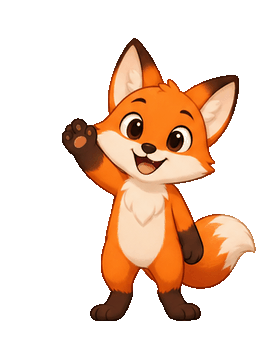
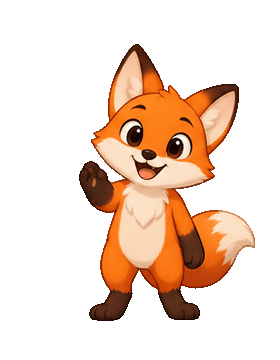
Twelve transparent PNGs of a waving fox become one looping GIF with the background still clear.
FRAMES IN. ANIMATION OUT.
Convert PNG to GIF in your browser. Drop in one PNG or a whole sequence, drag the frames into order, set the timing and loop, and download an animated GIF that keeps its transparent background.
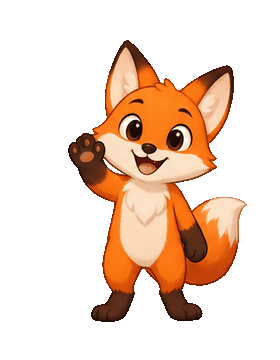 01
01 02
02 03
03Add PNGs or try the example. You can also paste images with Ctrl+V.
PNG, JPG, WebP, GIF, APNG · up to 200 frames · 25 MB a fileTRY IT FOR YOURSELF
Pick a sample set to see PNG frames become one animated GIF.
12 PNG frames
Twelve transparent PNGs of a waving fox become one looping GIF with the background still clear.
11 PNG frames
Robot sprite frames turned into a GIF preview you can share before the sprite sheet goes into your engine.
3 photos
Three product images become a simple slideshow GIF with a longer delay on each slide.
Original 12-frame example · open the GIF in the workspace
INSPECT THE SEQUENCE
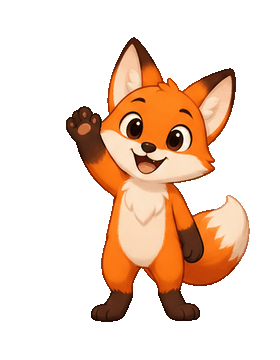
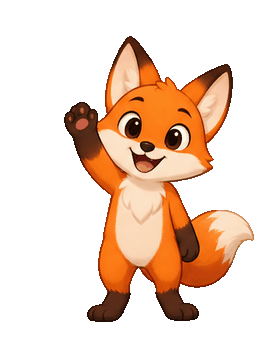
Many PNG to GIF converters fill transparent pixels with black or white. Here they stay transparent in the GIF, so the animation sits cleanly on any page, chat or slide.







CONTROL THE OUTPUT
Drop an animated PNG and every frame is unpacked so you can save it as a GIF. Drop a GIF and add more photos before, between or after its frames.
SIDE BY SIDE
Both play as animations. Pick by where the file is going and how soft its edges are.
| GIF | APNG (animated PNG) | |
|---|---|---|
| Colours | Up to 256 per frame | Full colour |
| Transparency | On or off per pixel | Smooth, semi-transparent edges |
| Plays in | Almost everywhere, including chats and email | Modern browsers; some apps show only the first frame |
| Best for | Stickers, memes, sharing | Websites and UI animation with soft edges |
THREE SIMPLE STEPS
From your original file to a useful result in three simple steps.
Drop one PNG, several PNGs or a PNG sequence. JPG, WebP, GIF and animated PNG (APNG) frames work too.
Drag frames into order, set the delay for all frames or just one, and choose the loop count, size and colours.
Preview the animation, create it and check the file size, then download the GIF, or an APNG when you need smooth transparent edges.
MADE FOR YOUR NEXT PROJECT
Turn a few transparent PNG poses into a sticker-style GIF for chats, comments and social posts.
Check sprite frames as a GIF, then pack them for your engine with GIF to Sprite Sheet.
Make a looping slideshow GIF from product photos or screenshots for emails, listings and docs.
Download a looping GIF that plays almost anywhere, or an APNG for websites that need full colour and soft transparent edges.
Add the PNG, press Create GIF and download it. One PNG becomes a still GIF; two or more PNGs become an animated GIF in the order shown in the frame strip.
Yes. Select or drop up to 200 PNGs at once, drag them into order, and every PNG becomes one frame of the GIF. You can also add more images later.
Yes, as long as Background is set to Transparent. GIF transparency is on or off per pixel, so very soft edges are rounded; download APNG if you need smooth semi-transparent edges.
Drop the animated PNG in. Every frame and its timing is unpacked into the frame strip, so you can edit the order or delay and create a GIF from it.
Drop the GIF to unpack its frames, then add your photos and drag them to where they should appear. Create the GIF again to get one animation with everything in it.
It is free, with no sign-up and no watermark. Your images are read and encoded by your own browser and never leave your device.
Up to 200 frames and 1,200 px wide. Fewer colours, a smaller width or fewer frames make a smaller file; the size is shown after you create the GIF.
PNG to GIF
Convert PNG to GIF in your browser. Drop in one PNG or a whole sequence, drag the frames into order, set the timing and loop, and download an animated GIF that keeps its transparent background.
Back to the workspace