
3 layers
Portrait to multi-layer stencil
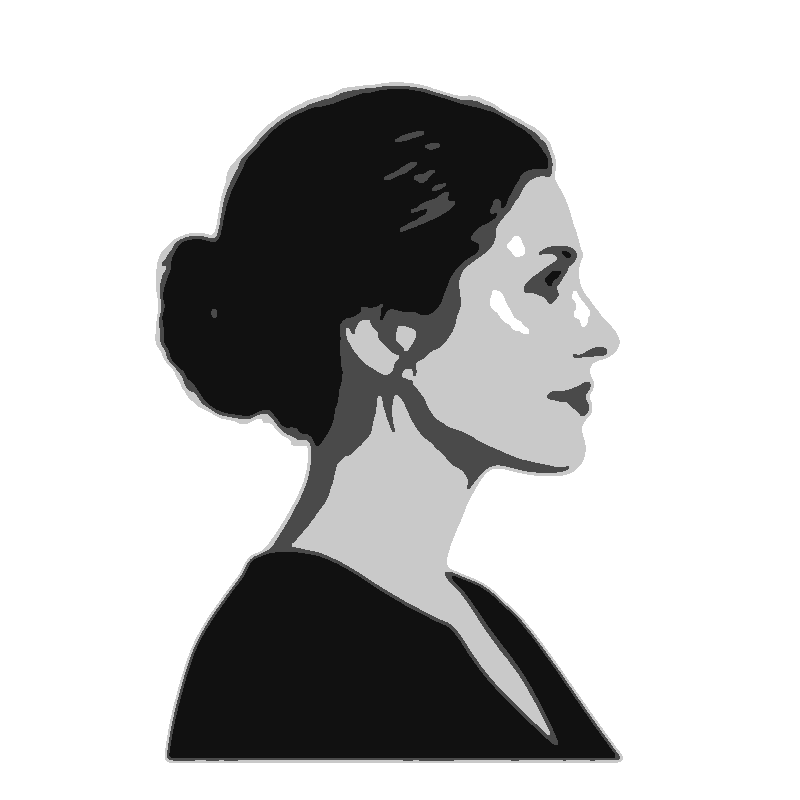
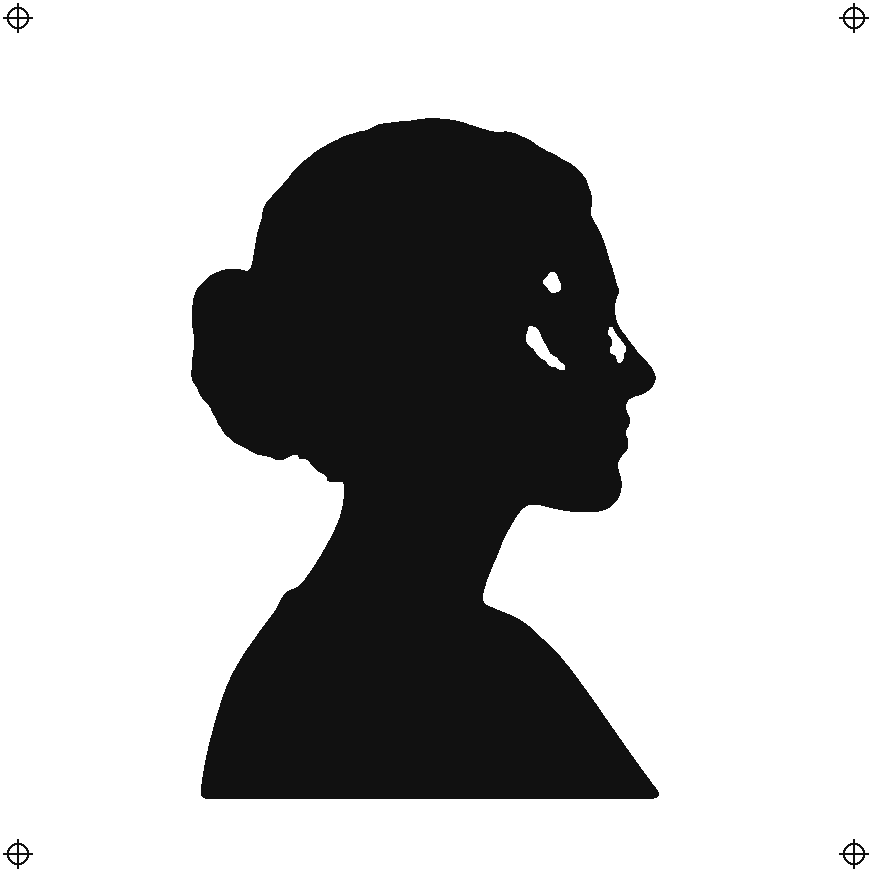
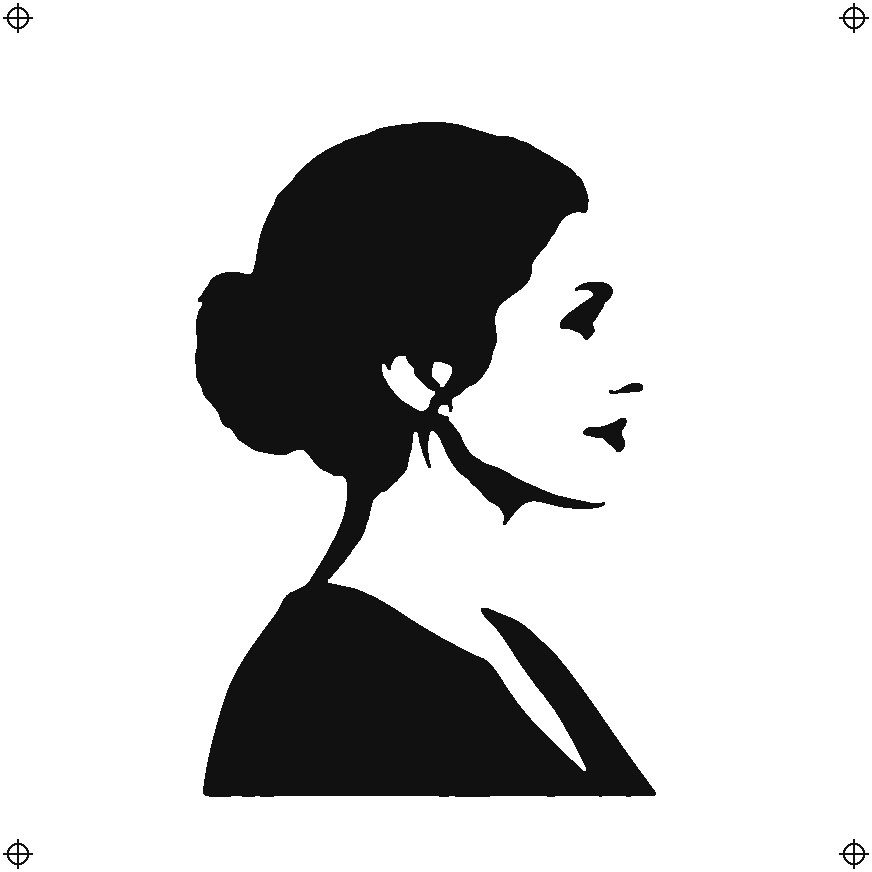
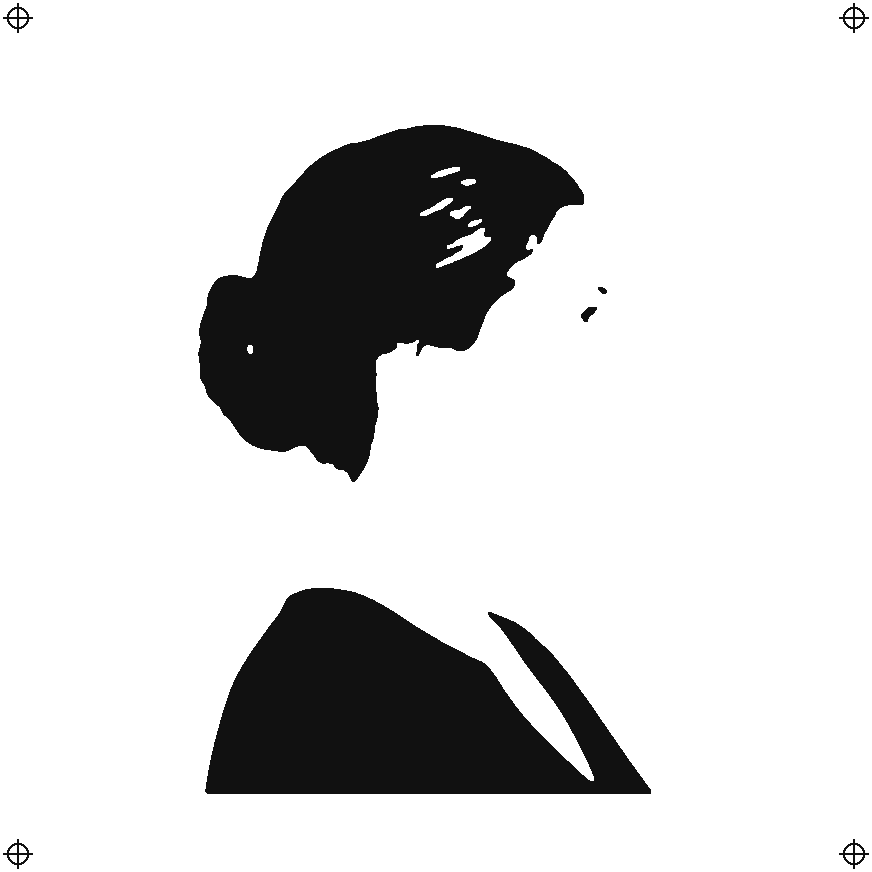
A profile portrait split into three tone layers for a spray-paint piece with real depth.
FROM PHOTO TO CUT LINE.
Turn an image into a stencil online. Choose one to four layers for spray painting, or line mode for a tattoo stencil, clean up stray specks, and download PNG, cut-ready SVG or a layered PSD.
 01
01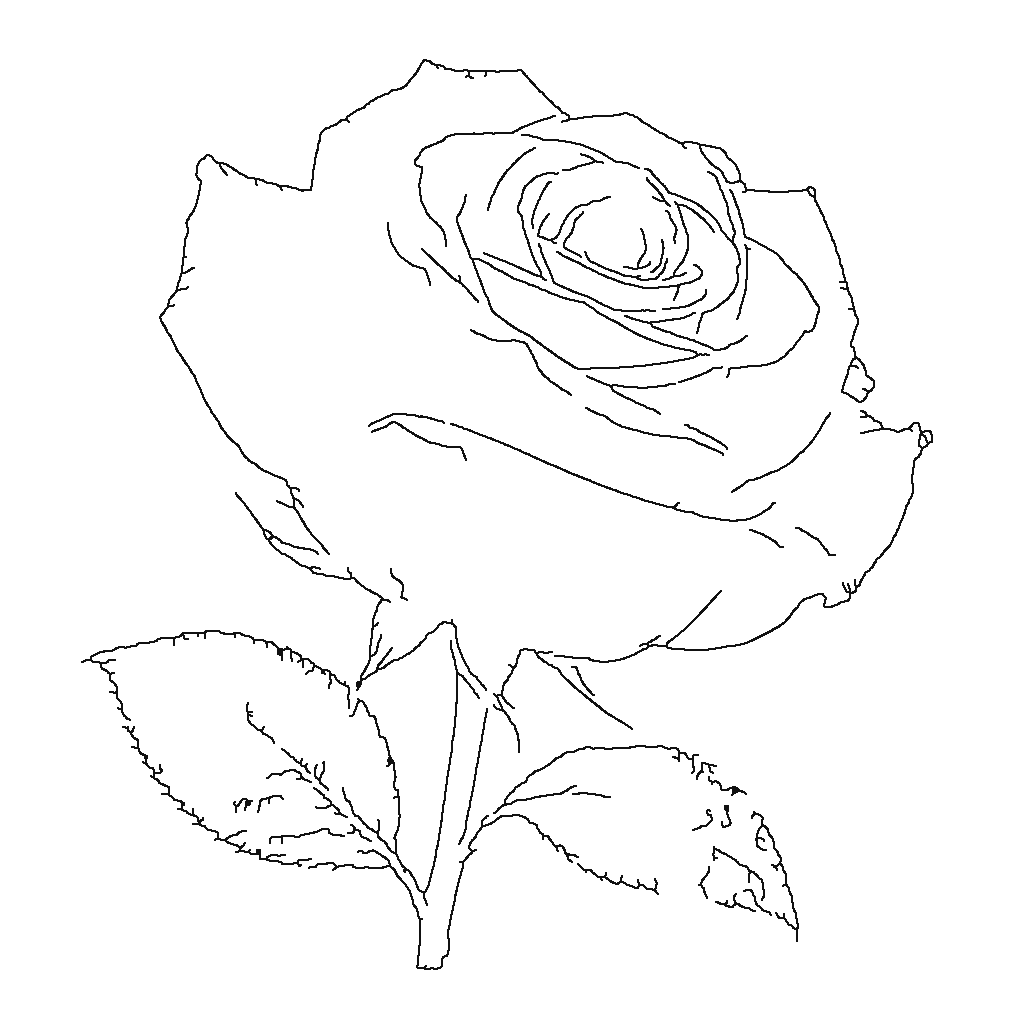 02
02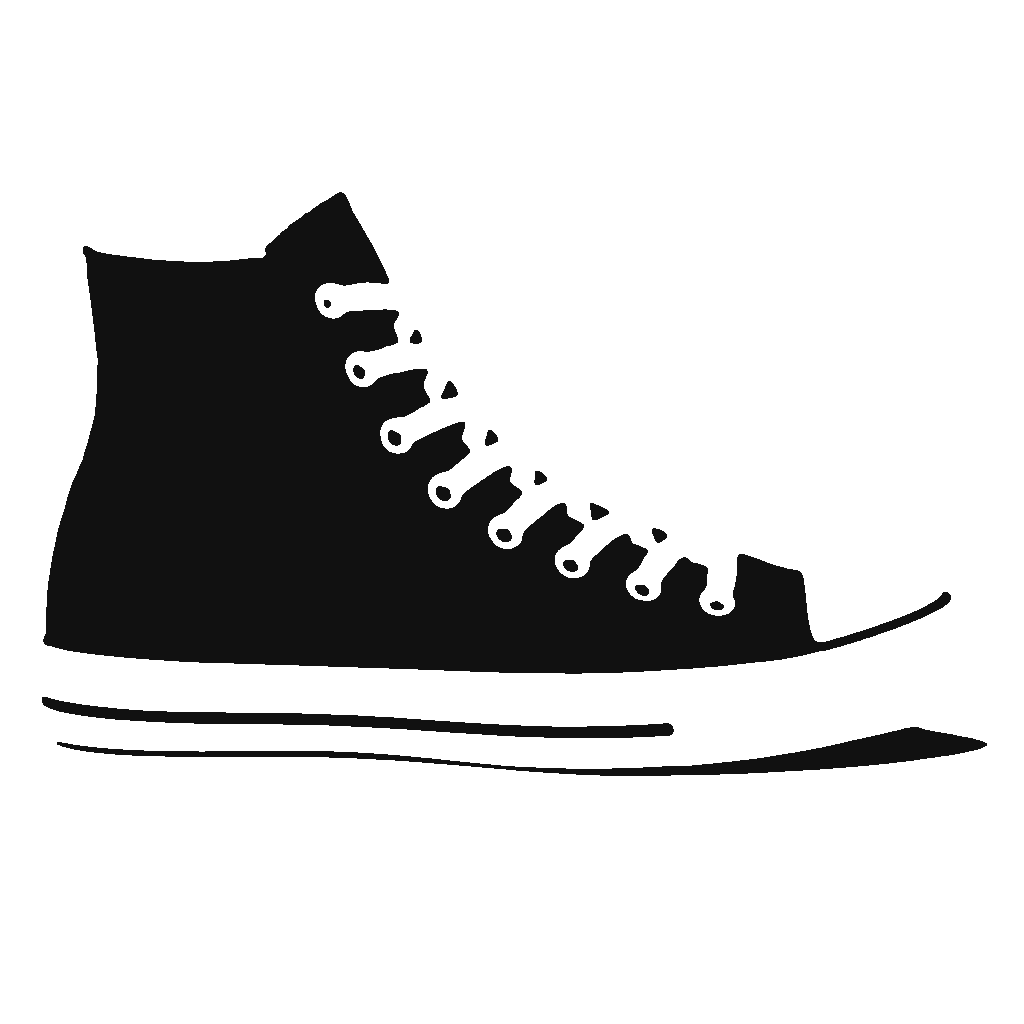 03
03Upload a photo or try an example. You can also paste an image with Ctrl+V.
PNG, JPG, WebP · up to 25 MB · processed at up to 1,600 pxTRY IT FOR YOURSELF
Each example opens with the settings that suit it. Change them to see the stencil update live.
3 layers
A profile portrait split into three tone layers for a spray-paint piece with real depth.
Line mode
Line mode traces a rose photo into outlines you can refine and print on transfer paper.
1 layer
A sneaker reduced to one bold black-and-white layer, ready to refine, cut or spray.
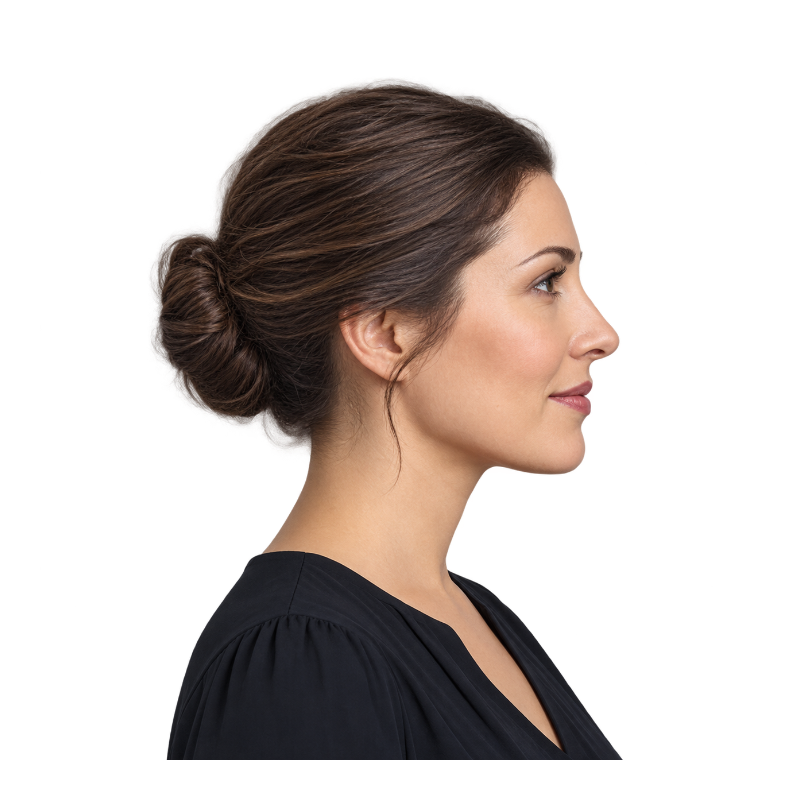
Prepared transparent example · result rendered by this tool
SEE THE DIFFERENCE
Each layer holds a darker range of tones. Paint the lightest layer first and the darkest last; registration marks on every layer keep them lined up.
MAKE IT YOURS
Line mode traces the edges of your picture into a stencil drawing. Set the detail and line thickness, then print it on thermal or transfer paper.
SIDE BY SIDE
Three ways to turn the same photo into a stencil.
| Single-layer | Multi-layer | Tattoo (line) | |
|---|---|---|---|
| Looks like | Bold black and white | Shaded, with depth | Clean outlines |
| Layers | 1 | 2–4, light to dark | 1 |
| Best for | Signs, shirts, quick sprays | Portraits and street art | Tattoo transfer and tracing |
| Download | PNG, SVG, PSD | PNG and SVG per layer, PSD | PNG, SVG |
THREE SIMPLE STEPS
From your original file to a useful result in three simple steps.
Pick a clear photo or picture. Portraits, pets and logos with good contrast make the best stencils.
Set 1–4 tone layers for a spray paint stencil or line mode for a tattoo stencil, then fine-tune the tone split, detail and specks.
Save each layer as a printable PNG, get a cut-ready SVG for Cricut or laser cutters, or open the layered PSD in Photoshop.
MADE FOR YOUR NEXT PROJECT
Cut each layer from card or acetate and spray from light to dark for a multi-tone portrait.
Turn a reference picture into clean line art and print it on thermal or stencil transfer paper.
Import the SVG into Cricut Design Space or a laser cutter to cut vinyl, card, wood or fabric.
Every layer is traced into closed vector shapes with the holes kept, plus printable PNGs and a layered PSD with the original photo underneath.
Upload the photo, choose how many layers you want (or line mode for a tattoo), adjust the tone split until the shapes read clearly, then download the PNG, SVG or PSD.
Yes, it is a free stencil maker with no sign-up and no watermark. The photo is processed in your browser and never uploaded.
A multi-layer stencil splits a picture into 2–4 tone layers. You spray the lightest layer first and add darker layers on top, which gives depth that a single black-and-white stencil cannot.
Yes. Switch to line mode to trace the picture into a stencil drawing, set the detail and line thickness, then print it on transfer paper or send the SVG to a stencil printer.
Yes. Download the SVG: each layer is a closed vector shape with holes kept, ready for Cricut Design Space or laser cutting software.
If you want a free online stencil maker that needs no account, yes: it runs in your browser and exports PNG, SVG and layered PSD.
Photos with one clear subject, strong light and shadow, and a plain background. Raise the contrast and use speck removal for busy photos.
Stencil Maker
Turn an image into a stencil online. Choose one to four layers for spray painting, or line mode for a tattoo stencil, clean up stray specks, and download PNG, cut-ready SVG or a layered PSD.
Back to the workspace