
Comes through
- PDF layers, with their names and order
- Every page you select, as its own PSD
- Images, vector art and text, exactly as they look
- The real size at your DPI: an A4 page at 300 DPI is 2480 × 3508 px
PDF TO PHOTOSHOP
Convert PDF pages to Photoshop PSD files in your browser. PDF layers become PSD layers; you choose the pages, the resolution and a transparent or white background, then download a PSD per page or one ZIP. Free, no sign-up, no upload.
No file at hand? Try a sample:
Each PSD layer is a pixel layer: shapes and text look the same, but they are no longer editable vectors or type. Files are opened in your browser and never uploaded.
PDFs exported with layers from Illustrator, InDesign or Acrobat keep them: each one is drawn on its own named PSD layer. A PDF without layers gives one layer per page.
 Logo
Logo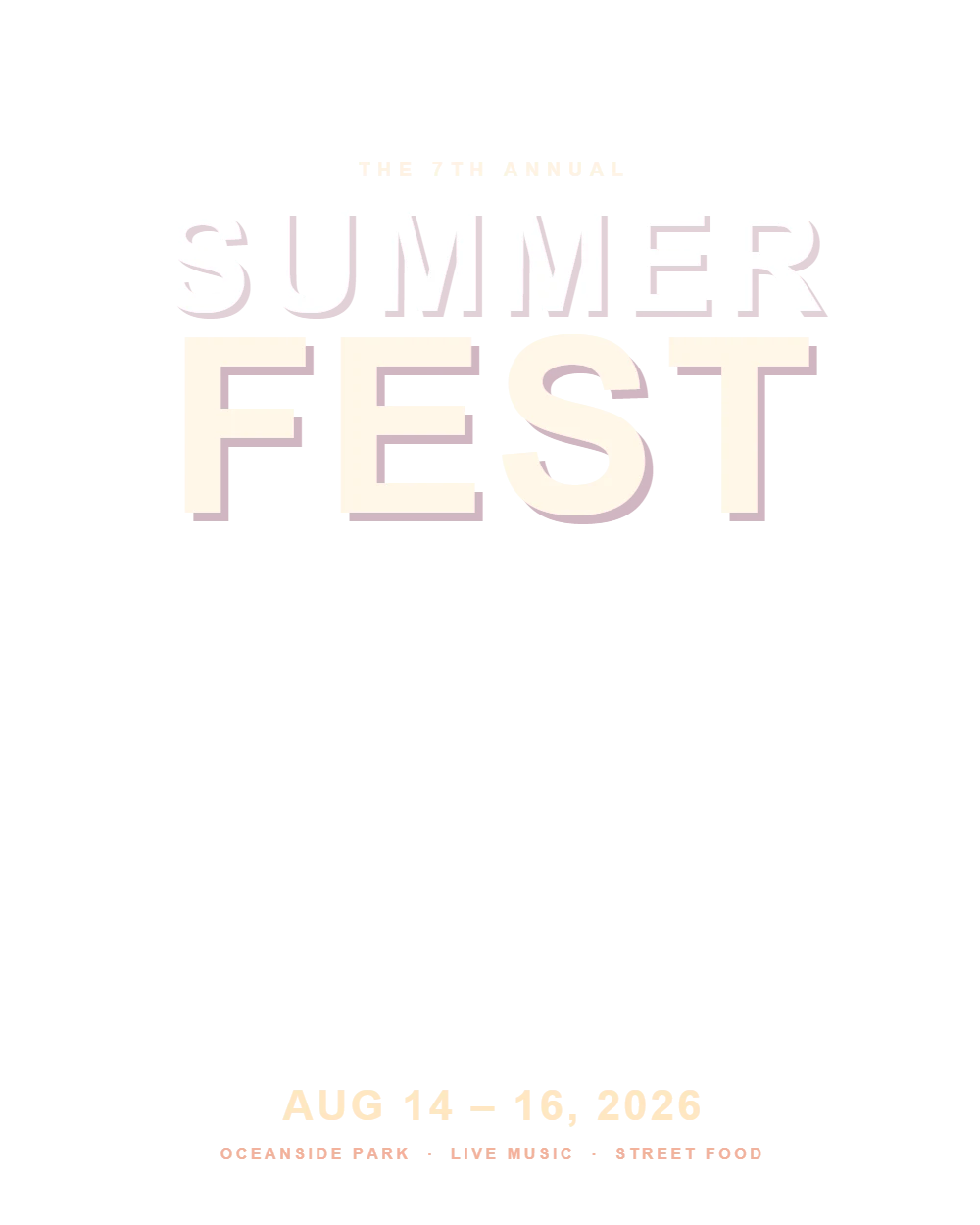 Headline
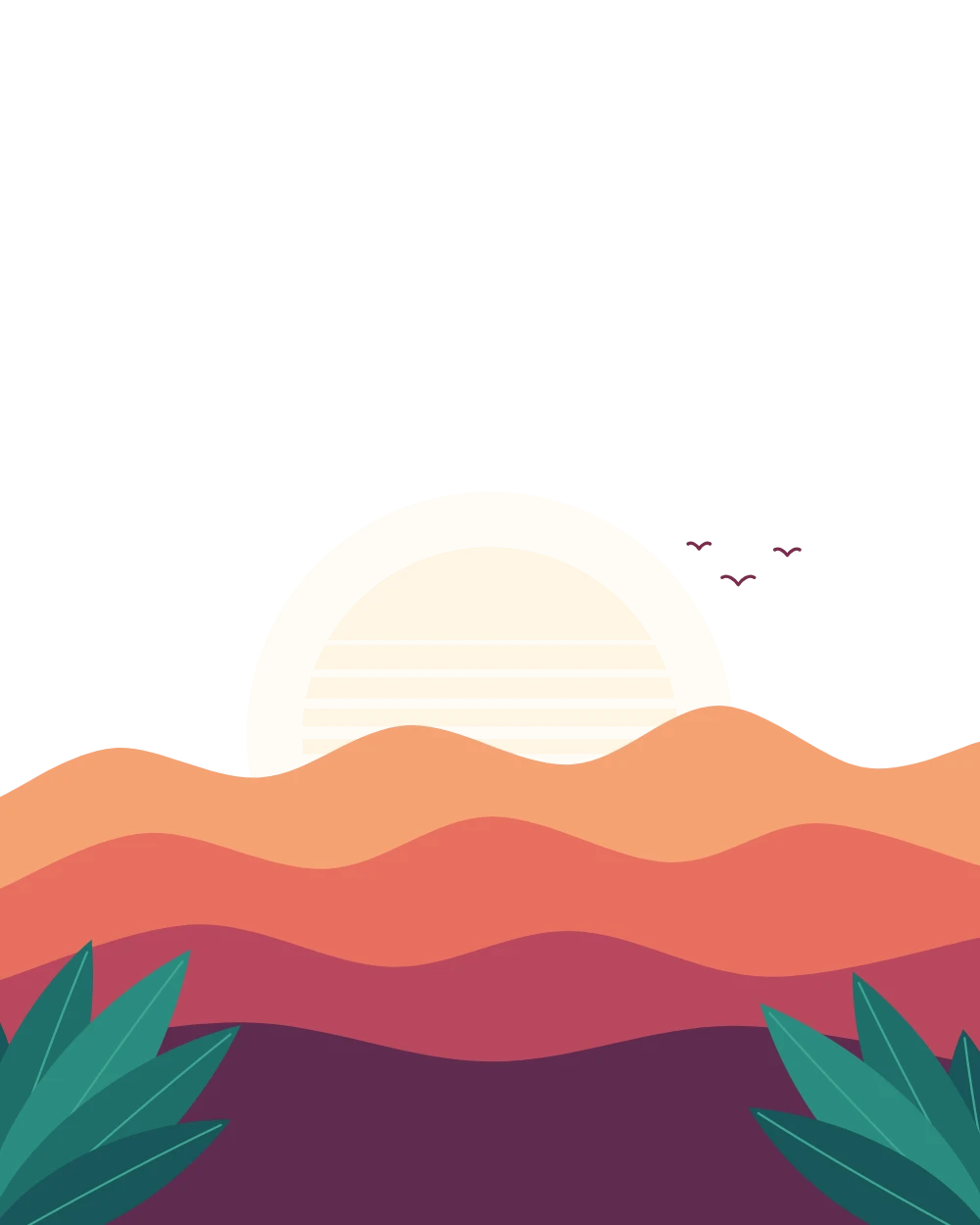 Illustration
 Background
Photoshop layers
The sample poster PDF: 4 PDF layers in, 4 Photoshop layers out.
Three steps in your browser. Most PDFs are ready in a few seconds.
Drop, choose or paste a PDF (Illustrator .ai files work too). It opens on your device, with its pages and layers listed.
Select the pages to convert, keep the PDF layers or flatten each page, and choose the resolution and the background.
Download a PSD for each page, or all of them in one ZIP, ready for Photoshop, Photopea or GIMP.
Photoshop works in pixels, so each page is drawn at the resolution you choose. Here is what comes through and what changes.
Download a sample PDF, convert it above, and compare the result with the PSD files we made from it.
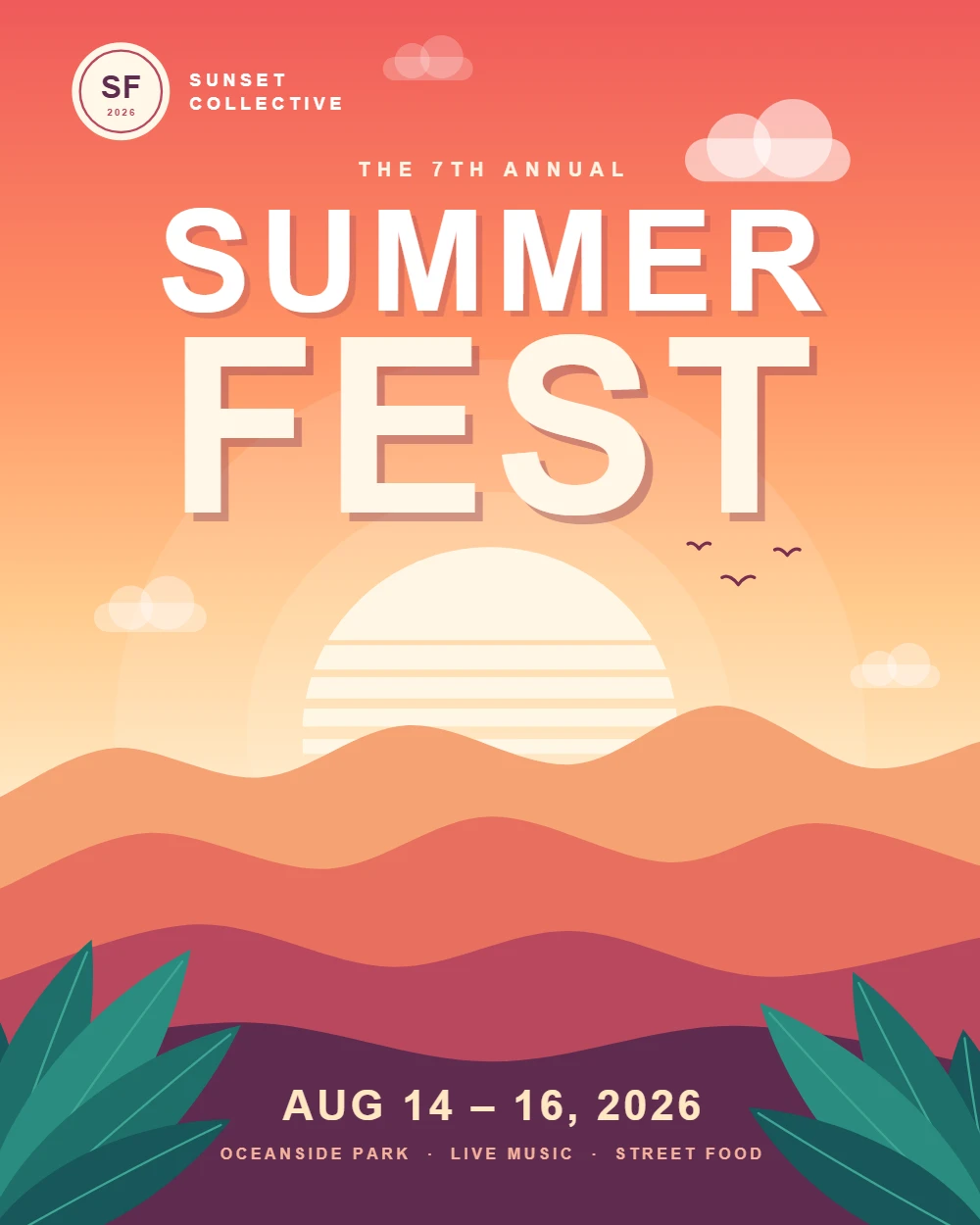
Background, illustration, headline and logo are saved as PDF layers, and each one becomes its own named PSD layer.
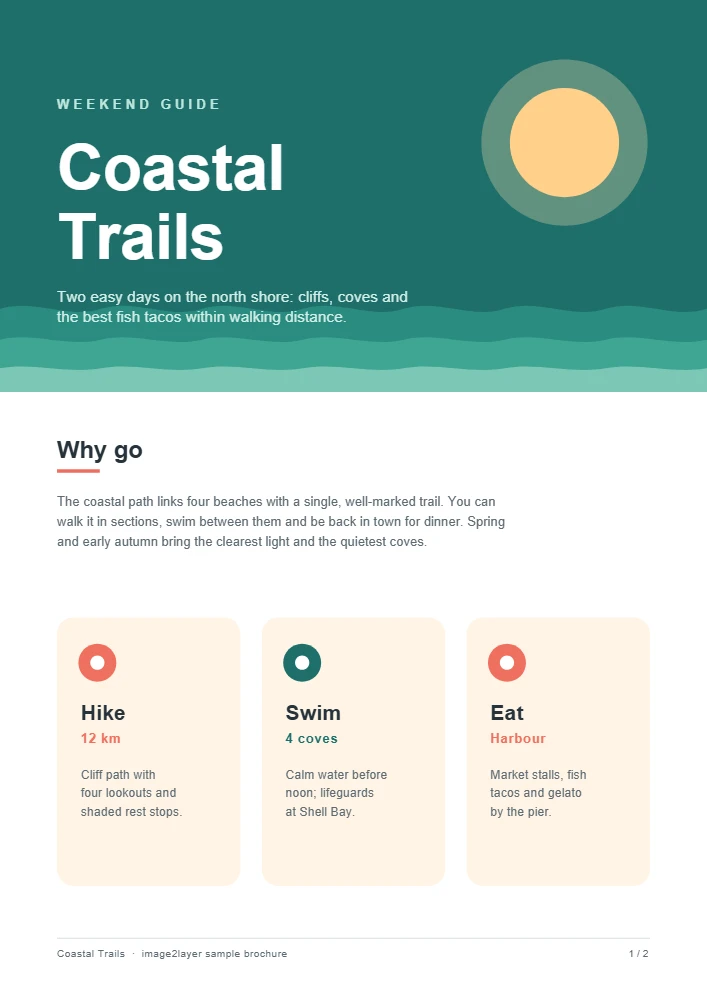
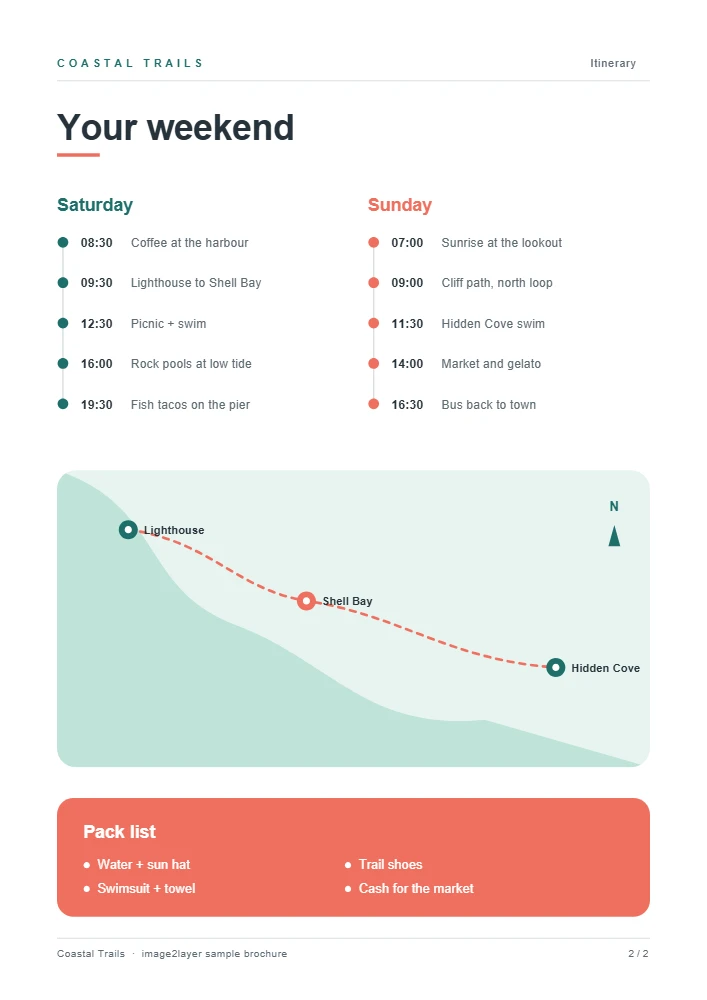
A PDF without layers: each page becomes one PSD, and both arrive together in a ZIP.
Five things to know before you convert.
A PDF keeps layers when it is exported with them, for example from Illustrator, from InDesign with Create Acrobat Layers, or from CAD software. Most PDFs from Word, web browsers and scanners have none, so each page becomes one layer.
Opening a PDF in Photoshop with File > Open turns each page into a single layer. This converter draws the same picture but keeps the PDF layers apart, and it works without Photoshop.
300 DPI is the standard for print, 150 DPI covers most screen work and 72 DPI is enough for a quick preview. A US Letter page at 300 DPI is 2550 × 3300 px; pages above 50 megapixels are reduced automatically.
A PSD made from a PDF holds the text as pixels. To change the wording, edit the source document, or hide the old words in Photoshop and type the new ones on a text layer above.
A scanned PDF is already a picture of each page, so its PSD has one layer per page. To split such a page into people, objects, text and background, run the PSD or a PNG of the page through Image to Layers.
Yes. There is no sign-up, no credit charge, no watermark and no daily limit. Your PDF is converted in your browser and never uploaded.
Drop the PDF into the converter above, leave Layers on Keep layers and press Convert. Each PDF layer becomes a named PSD layer. If the PDF has no layers, each page becomes one layer, which you can split further with Image to Layers.
The PSD has real layers you can move, hide, mask and recolor, but text and vector shapes are pixels, not live type. Keep the original document for wording changes.
Every page is listed once the PDF opens. Select the pages you need and press Convert: each page becomes its own PSD, and you can download them all in one ZIP.
300 DPI for print, 150 DPI for most screen work and 72 DPI for quick previews. A higher DPI gives sharper text and edges, and a larger file.
No. The PDF is read and the PSD files are built inside your browser; nothing is sent to our servers.
Yes, if you know the password: enter it when asked. The file is still processed on your device.
Yes, with our free PSD to PDF converter, which turns PSD and PSB files into PDFs with a page per layer or one merged PDF.
PDFs can be up to 200 MB with up to 100 pages. Each page is drawn at up to 50 megapixels, about A3 at 300 DPI; larger pages are reduced automatically.
Need layers from a flat image?
These PSD tools are free and stay in your browser. When you only have a flat picture, our AI tools separate it into transparent layers and build a layered PSD. The AI tools run on our servers and use credits.