Prompt to layered flyer

AI Flyer Generator: Editable Flyers from One Prompt

Tell the AI flyer generator what you are promoting, when it happens and what the flyer must say. It designs the whole flyer, and with layered PSD output every headline, photo and badge lands on its own layer for quick changes later.

Letter, social and story sizesLayered PSD or image onlyFrom 10 credits per flyer

Sexual or explicit content isn't allowed. Images and results that contain it are blocked automatically.

Flyer ideas

Size

Output

Image: 10 credits · Layered PSD: 10 credits + 8 credits per layer

Finished design00

Finished design

A real promo design, layer by layer

Example: Pick a layer to see how the design was split: the presenter, the title, the label, the photo and the background.

What the AI Flyer Generator Gives You

The sizes, the files and the price, so you know what you get before you write the details.

5 sizes
Letter, tall, social, square and story flyers
PSD + PNG
A layered PSD with PNG layers and a ZIP, or just the image
10 credits
For the flyer image; layered is 10 plus 8 per layer
Credit packs from $3.99, no subscription. See pricing

AI Flyer Examples Made from One Prompt

Each flyer below came from the prompt under it. Open one to see it large, or load its prompt and size into the AI flyer maker above.

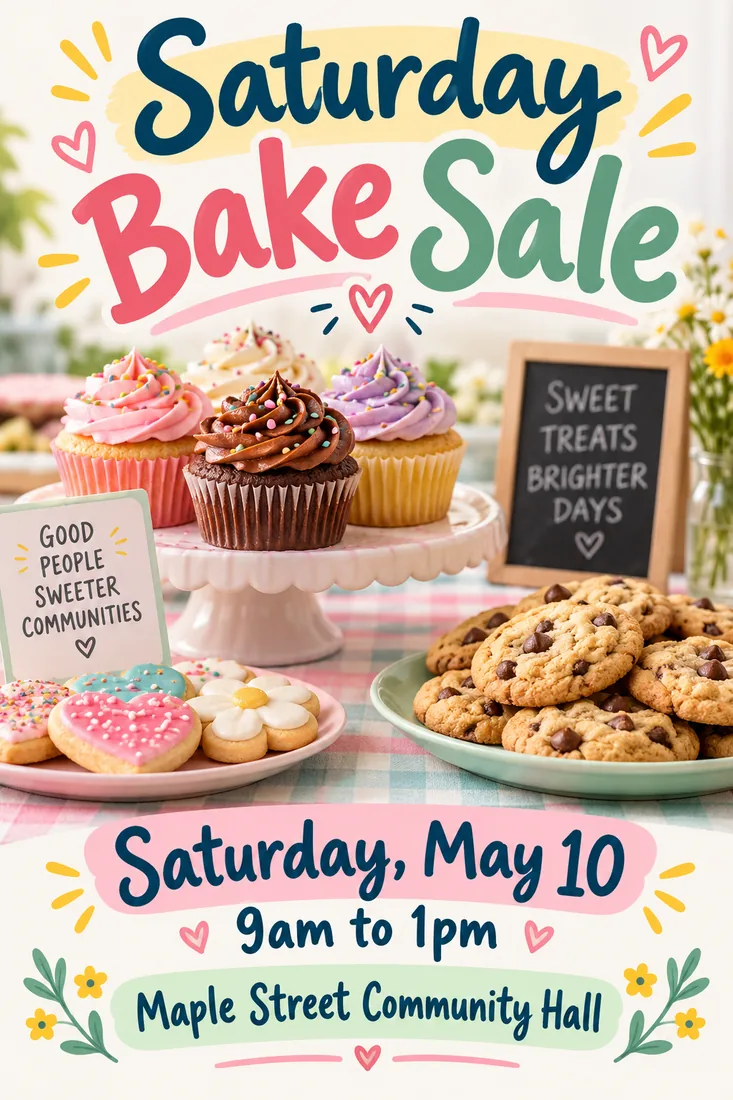
Bake sale flyer

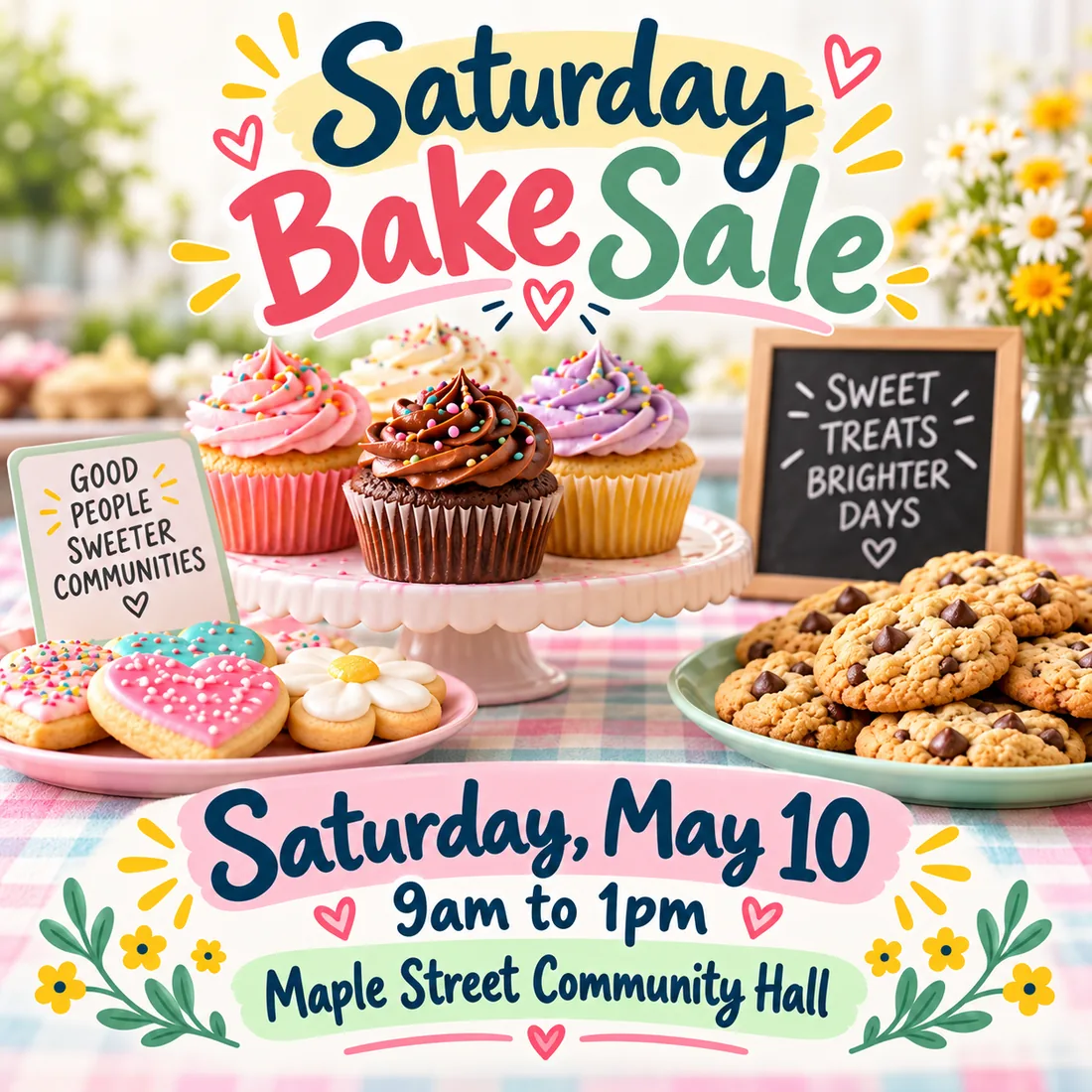
Flyer for a weekend bake sale titled "Saturday Bake Sale", cupcakes and cookies on a pastel table, the line "Saturday, May 10, 9am to 1pm", the location "Maple Street Community Hall", cheerful hand drawn accents, clean readable layout
Grand opening flyer

Grand opening flyer for a neighborhood coffee shop called "Corner Cup", latte art and pastries, headline "Grand Opening", the line "Free cookie with every drink on June 1", warm brown and cream palette

Fitness class flyer

Fitness class flyer titled "Morning HIIT Bootcamp", energetic athletes in motion, the line "Mon, Wed, Fri at 6:30am", the line "First class free", bold black and neon green layout

Open house flyer

Open house flyer with a bright modern living room photo, headline "Open House", the lines "Sunday 1pm to 4pm" and "3 bed, 2 bath", agent name and phone line at the bottom, elegant navy and gold layout

Tutoring flyer

Tutoring service flyer titled "Math Tutoring for Grades 6 to 12", friendly illustrated books and pencils, three short benefit lines, the line "Book a free first session", phone line at the bottom, clean blue layout

Holiday party flyer

Holiday party flyer titled "Winter Wonderland Party", snowy night scene with string lights, the line "December 20, 7pm", the line "Music, food and games", deep blue and silver palette

How to Create a Flyer with AI

Three steps take you from a few details to a layered AI flyer.

Prompt

CommunityOpeningFitnessTutoring

What You Get from an AI Flyer Generator with Layers

Details you can update, a flyer from a few lines and the size each channel needs.

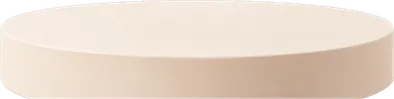
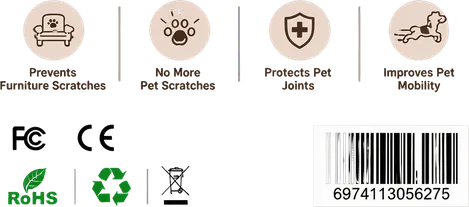
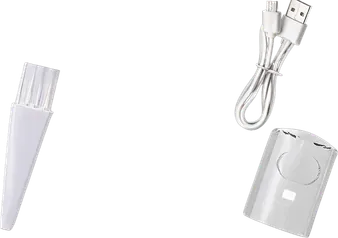
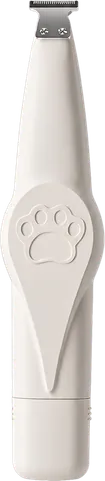
Product flyer split into title, product, details and background layers
Layers · 7Named by AI
  • Shadow elements
  • Main pet grooming clipper
  • Product accessory set
  • Bottom info group
  • Top title text
  • Product display pedestal
  • Background decorative pattern

Update Dates and Prices on Their Own Layer

Plans change after the flyer is out. With a layered AI flyer the title, the product, the details and the background are separate, so you swap one line instead of making the flyer again. Watch this real layer split, or point at a layer.

Create a layered flyer

Your details

Headline
When
Where
Style
Bake sale flyer made by the AI flyer generator from a few detailsReading your details

Create a Flyer with AI from a Few Details

Give the AI flyer maker the headline, the date, the place and a style. It turns those few lines into a full layout with imagery and readable text, like this bake sale flyer made from the details on the left.

Write your flyer details
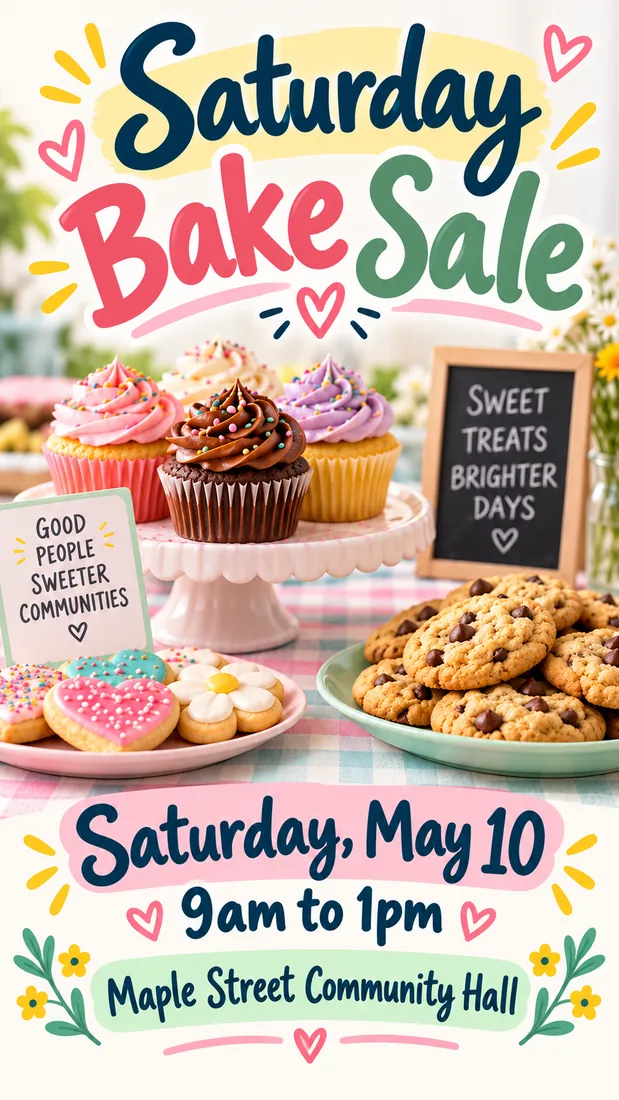
One AI flyer in tall, square and story sizes

Flyer Sizes for Handouts, Feeds and Stories

Use a tall flyer for print, a square for the feed and 9:16 for stories, and each one is composed for its shape, so nothing important gets cropped off. To cut a subject out of your own photo for a flyer, try the Transparent Background Maker.

Choose a flyer size

AI Flyer Generator FAQ

Answers about AI flyers, price, sizes, printing and editing.

An AI flyer generator designs a complete flyer from a written description: layout, images, colors and text. Image2Layer also splits the finished flyer into layers, so the headline, the photos and the details stay separate in an editable PSD.

Make Your Next Flyer with AI

Write the details, pick a size and get a layered flyer you can update whenever the plan changes.

Generate a flyer