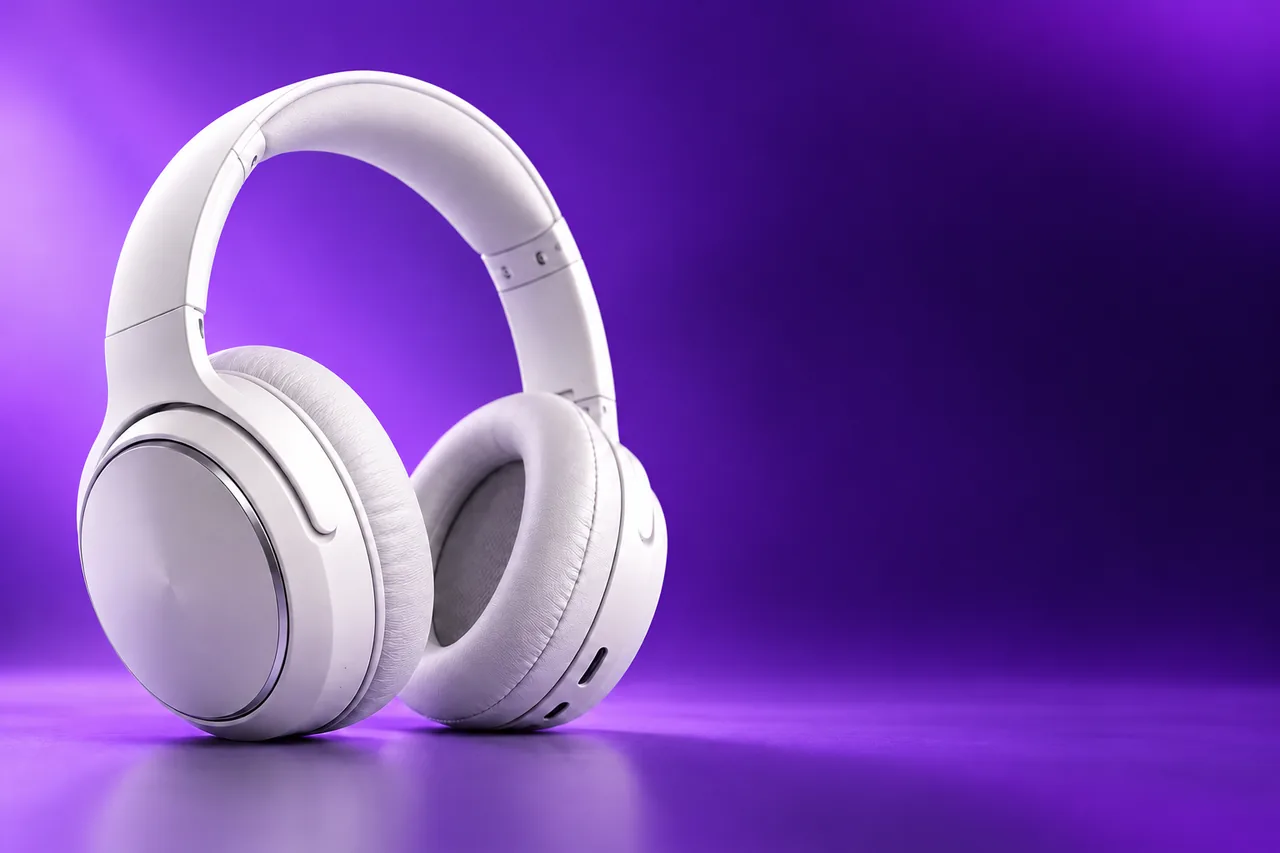
Sale banner
The headline, the discount and the button text are gone, and the purple gradient continues behind them.
AI image text remover
Upload a picture and remove text from image areas in one pass: captions, price tags, labels, text watermarks and comic dialogue. The AI rebuilds what was behind the letters, so the result looks as if the text was never there.
1. Upload an image
Sexual or explicit content isn't allowed. Images and results that contain it are blocked automatically.
No image handy? See a sample
2. Choose what to remove
All text works for most images. Describe or brush to keep some text.
3. Remove Text
10 credits per image · Failed runs never use credits

The ways to pick the text, the size and the price, before you upload anything.
Six results of this tool. Hover a card to wipe between the original and the clean picture, or open it to compare closely.
The headline, the discount and the button text are gone, and the purple gradient continues behind them.
A large caption across a mountain lake removed, with the water and the sunrise rebuilt where the letters sat.
The price sticker in the corner disappears and the wall behind the mug comes back.
A watermark repeated across a food photo, cleared from the bowl, the noodles and the table.
The dialogue is cleared and the bubbles stay, ready to be filled in another language.
The painted window sign and the chalkboard lines removed from a street photo of a cafe.
Three steps, with no clone stamp and no selection to draw by hand.

Clean results on real pictures, and control over which words go.
BeforeText removedThe AI does not smudge the letters away. It paints what belongs behind them: the gradient, the sky, the table top. Drag the divider across this sale banner and watch the headline, the discount and the button text disappear while the headphones stay sharp.
Remove text from a picture Move to see the original
Text repeated across a whole photo is the slowest kind to clean by hand. Move the lens over the ramen to see the overlay that was there. Use it on pictures you own or have the right to edit, such as your own photos with an old logo line.
Clean up a photo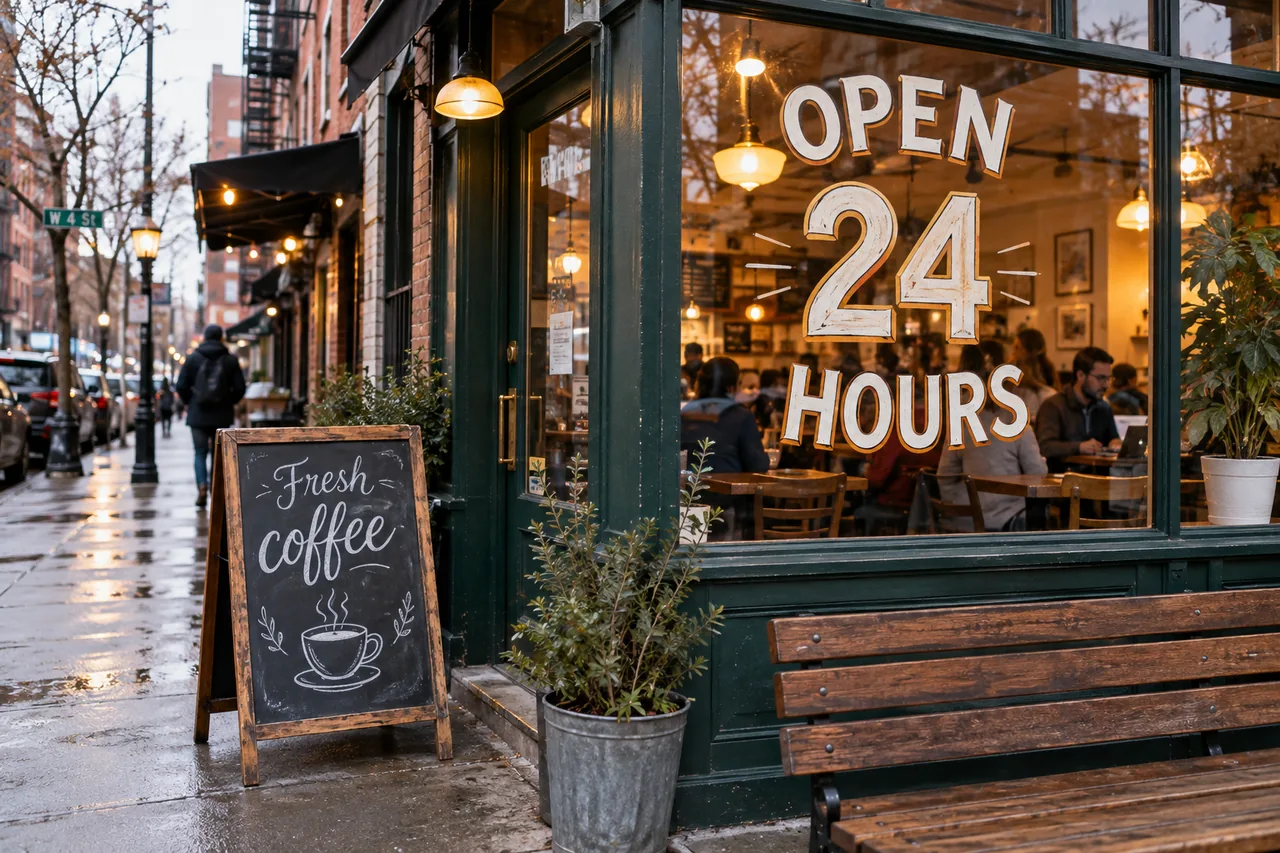
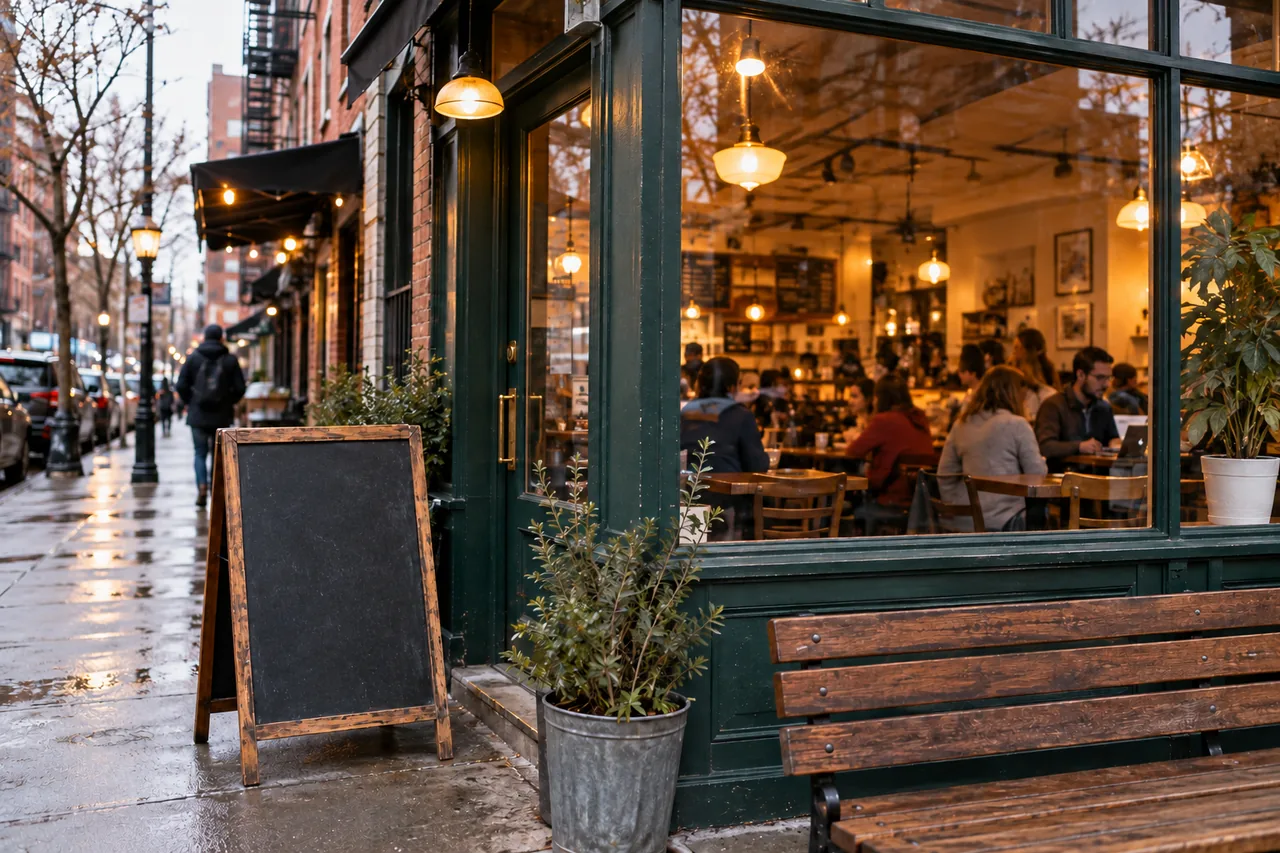 Brush the area
Brush mode removes just the text you paint over and keeps every other letter. Describe mode does the same in words, for example "the price tag in the corner". To change words instead of removing them, use Edit Text in Image.
Brush over textAnswers about the image text remover, watermarks, price and files.
Upload a picture, choose what to remove and download a clean PNG.
Upload an image