
Sale poster
A bigger discount on the same poster, in the same bold red lettering.
AI photo text editor
Type the text as it appears and what it should say. The AI will edit text in image areas for you and keep the original font, size, color and perspective, so a sign, poster, menu or card shows the new words as if it was made that way.
1. Upload an image
Sexual or explicit content isn't allowed. Images and results that contain it are blocked automatically.
No image handy? See a sample
2. Change the text
Type the text exactly as it appears, then the new wording.
3. Change Text
10 credits per image · Failed runs never use credits

How much you can change, what stays the same and what it costs.
Six results of this tool, each with the change that was typed. Hover a card to wipe between the two versions.
A bigger discount on the same poster, in the same bold red lettering.
One price updated in handwritten chalk, with the rest of the menu untouched.
A new date line on a jazz night poster, set in the original serif.
A new shop name carved into the same wooden sign, following its curve.
The name in gold script changed for a new card, with the same flourishes.
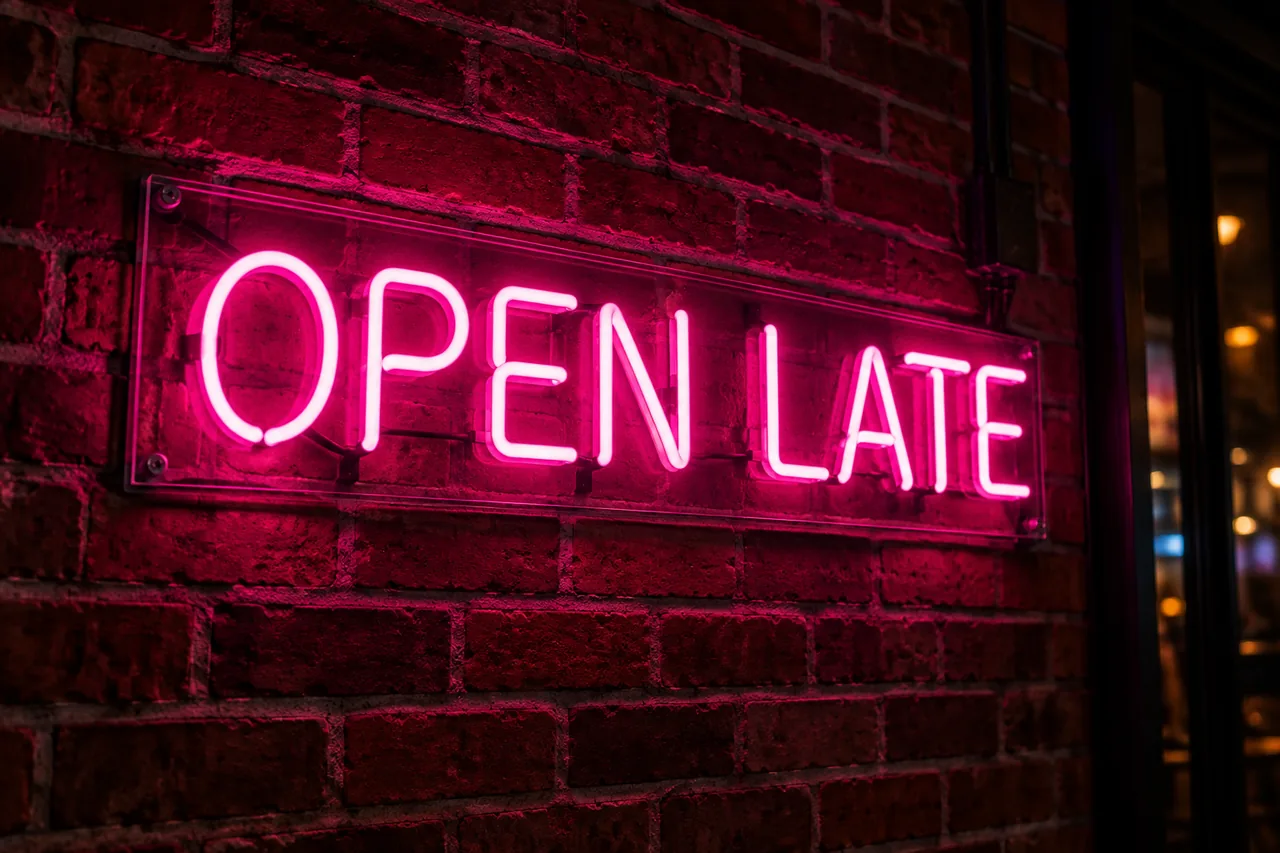
New words in the same pink neon tubes, with the glow on the bricks.
No font matching, no masking and no retyping layers by hand.
Type what it should say. The look of the original stays.
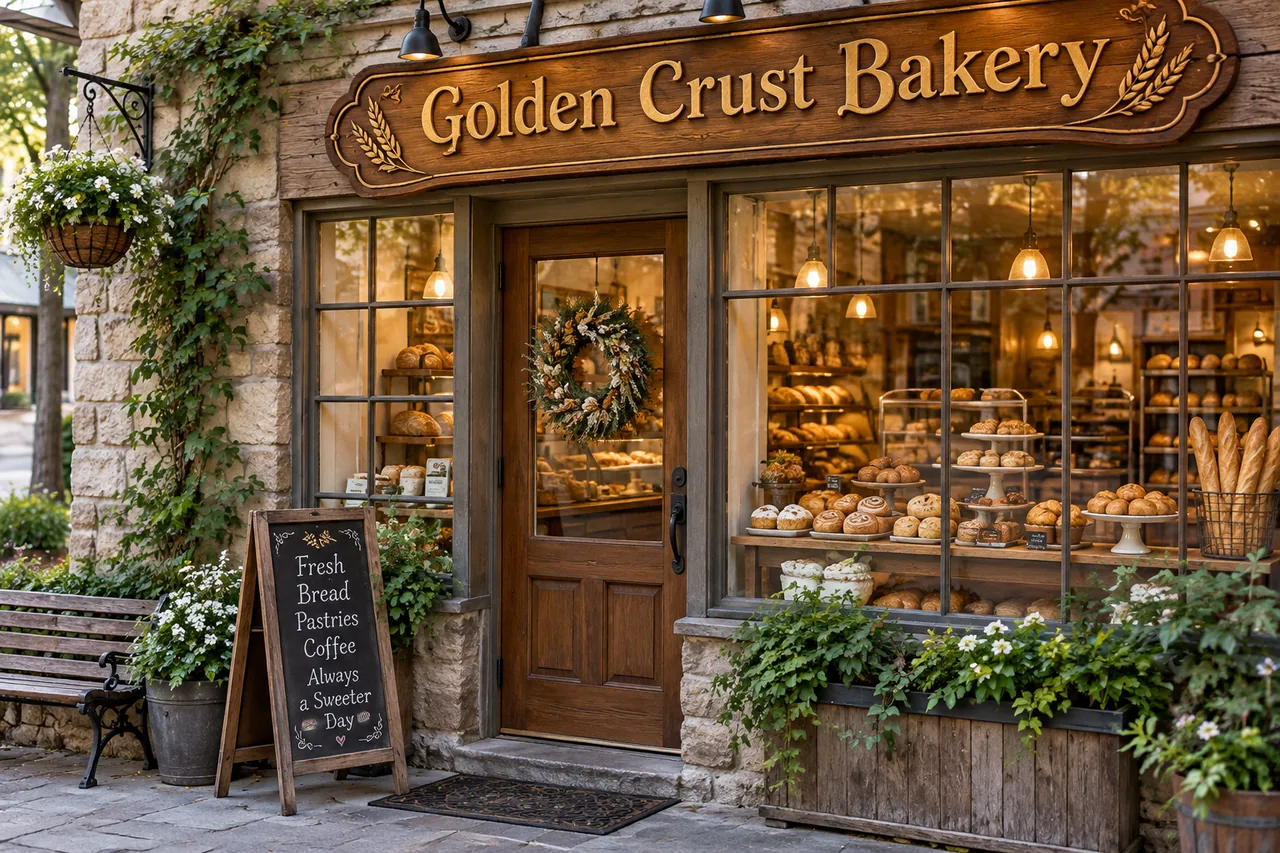
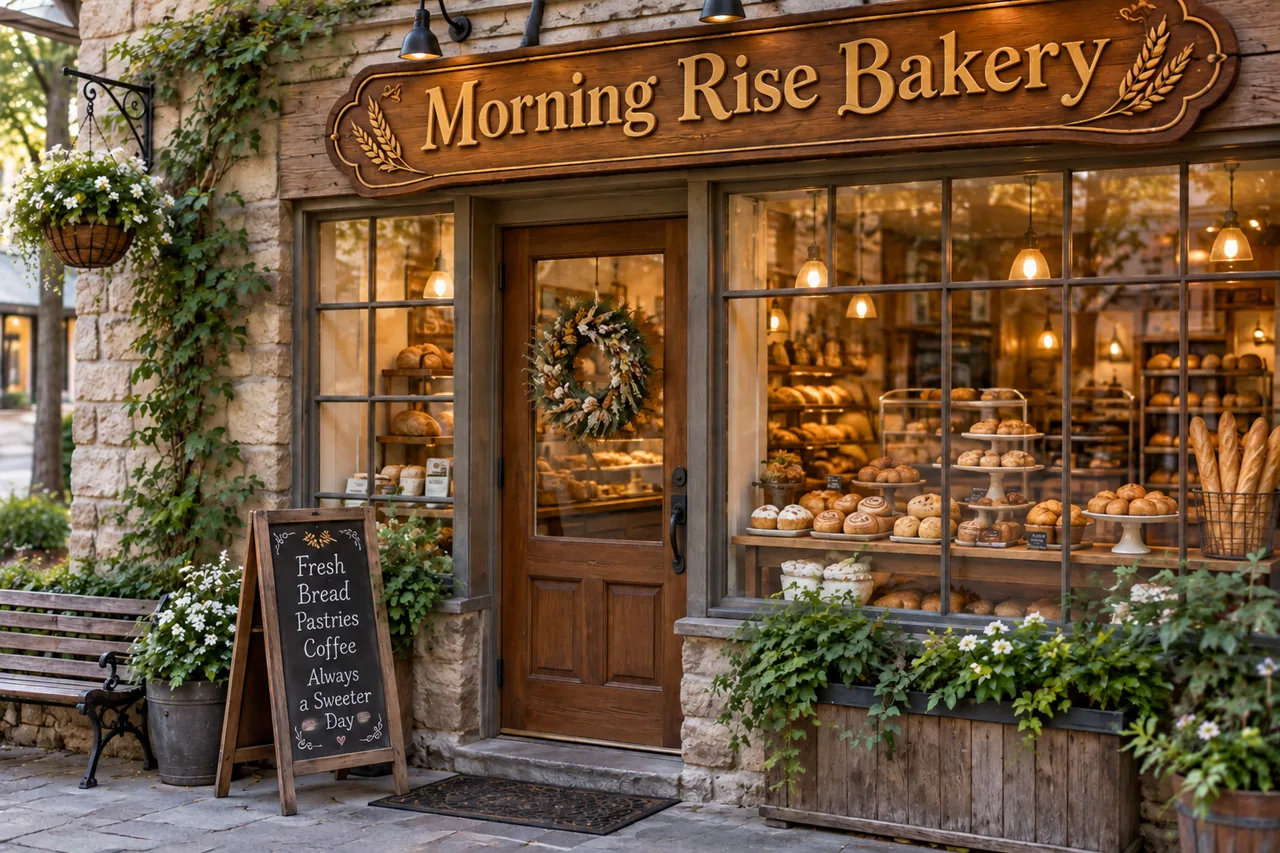
Carved wood, neon tubes and gold script each need a different hand to fake. Here you only type the old words and the new ones. Watch three real edits play, or pick one.
Change text in your photo
 After
AfterA new date on last year's poster or a new price on the menu photo: edit text in picture files you already have instead of making them again. The zoom shows the date line before and after.
Update a date or price
 BeforeText changed
Drag across this sale poster to compare. For text you will change again and again, split the design into layers with Image to PSD, or start a new design with the AI Poster Generator.
Edit a posterAnswers about fonts, longer text, translation, price and files.
Upload a picture, type the new text and download it in the original style.
Upload an image