Product poster
The pet clipper, its accessories, the pedestal and the shadows each came out on a layer, with the pattern and feature icons on layers of their own.
Magic Layers alternative
This Magic Layers alternative splits any image into layers you can move, then hands them over as a layered PSD, PNG layers or a ZIP for the editor you already use.
Mode
Upload Image
Upload Image
JPG, PNG, or WebP up to 24MB.
Sexual or explicit content isn't allowed. Images and results that contain it are blocked automatically.
Choose how many editable visual groups AI should create first. Auto stays within 10 layers, and more layers take longer to separate. You can split mixed layers again after reviewing the result.
Builds a layered PSD and includes the layer ZIP when available.
8 credits per layer.



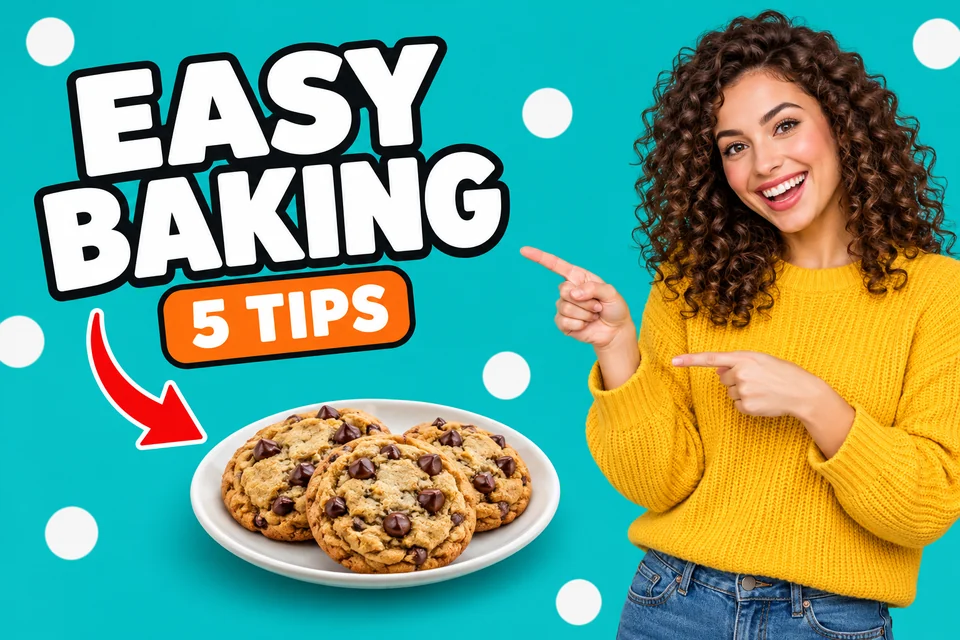
Video thumbnail · 8 layers
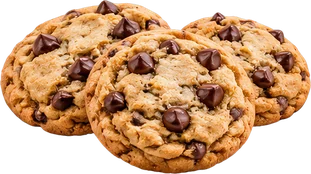
Real result: title, label, arrow, plate, cookies and presenter on separate layers, ready to restyle for the next video.
The layers, the files and the price, so you know what you get before you start.
Six images our users split with this Magic Layers alternative and agreed to share, each shown with the original beside the layers it became. Open one to see every layer.
The pet clipper, its accessories, the pedestal and the shadows each came out on a layer, with the pattern and feature icons on layers of their own.
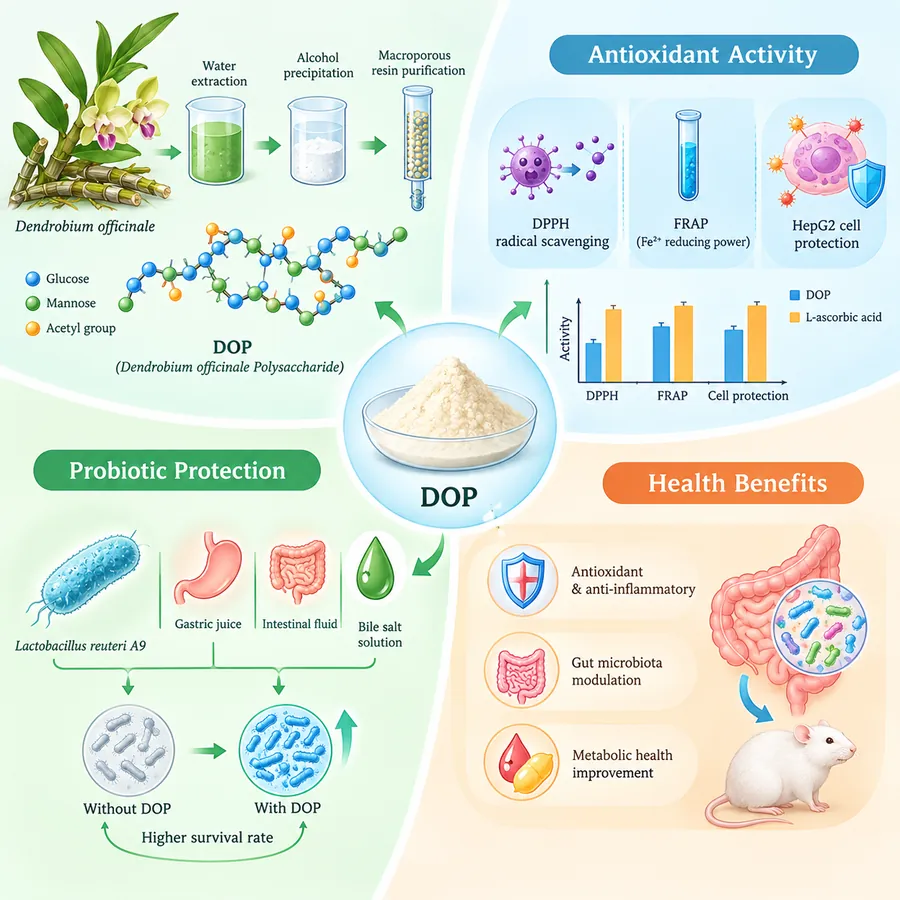
Ten layers: the extraction steps, the antioxidant panel, the DOP sample, each title bar and the arrows, so a panel moves without redrawing the chart.
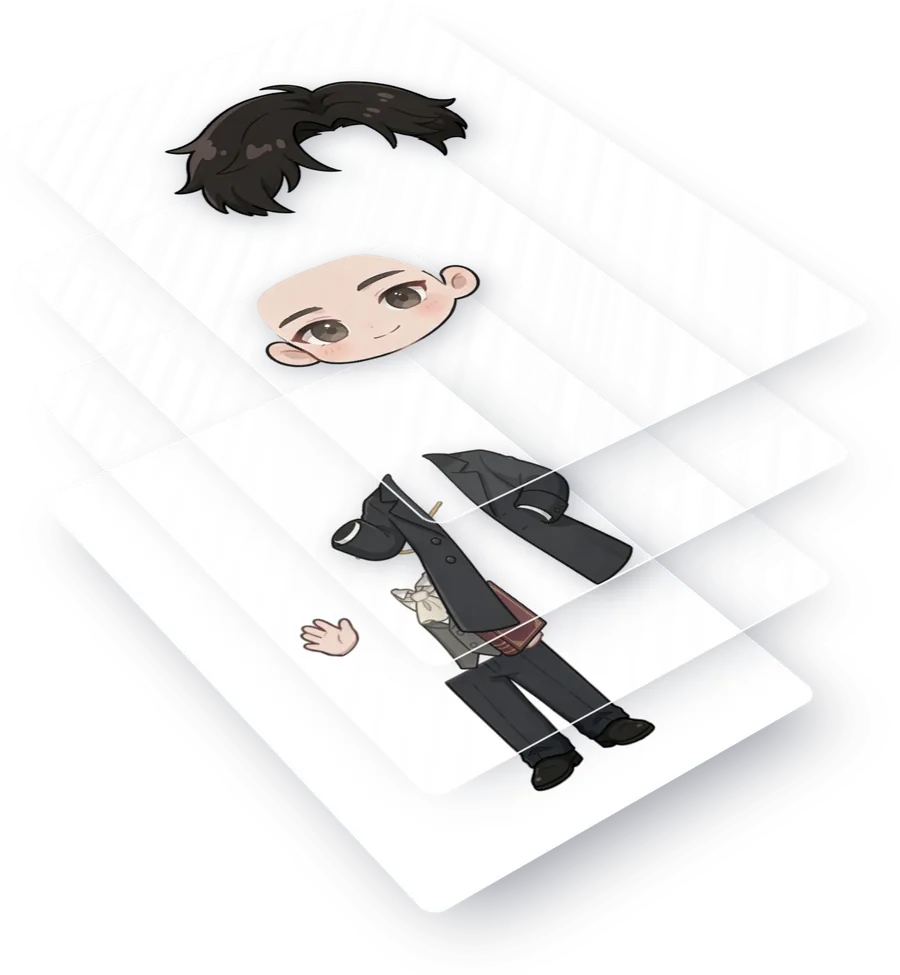
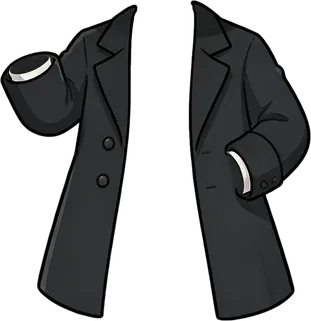
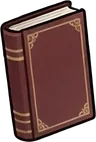
Hair, face, coat, hands, monocle and book on separate layers, ready for new expressions, small fixes or a simple animation.
The crib, the basket, the toys and each gift box were lifted out of a real photo as separate layers, ready for new layouts.
Sky, mountains, skyline, waterfront, the red runway and four characters split into ten layers, ready to rearrange or animate.
The city, the running track, the runners, the doves and the decorations came apart, so the banner adapts to other sizes.
Three steps from a flat picture to magic layers you can open outside Canva.
Where Image2Layer goes past splitting an image inside one editor.
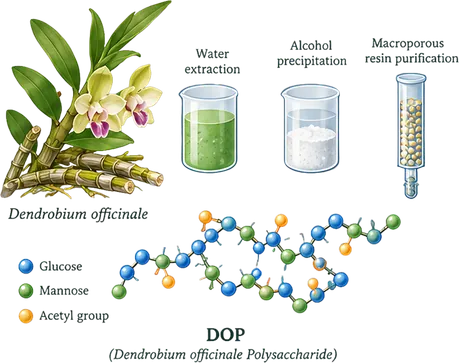
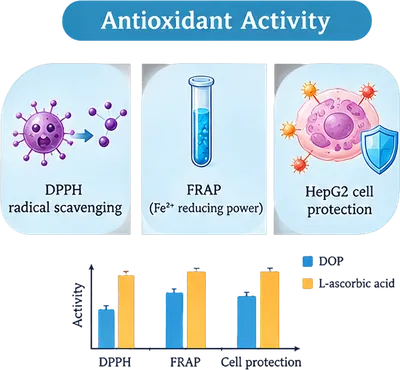

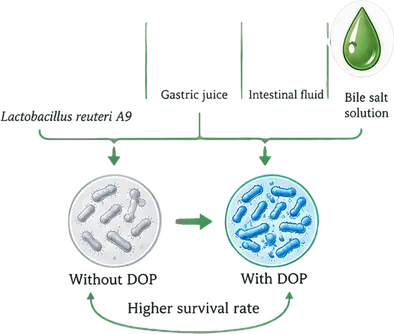

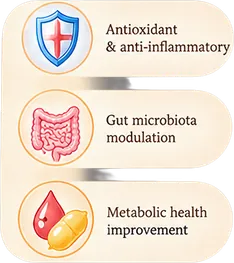

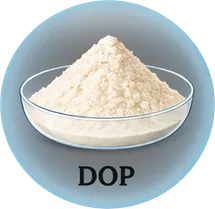 Central DOP powder sampleConnection arrows and dividersGut and mouse experiment diagramsHealth benefit description entriesHealth benefits title barProbiotic experiment diagramsProbiotic protection title barAntioxidant activity panelDendrobium extraction process groupGradient background layer
Each run finds the objects, text blocks, decorations and background, puts each on its own layer and names it. Watch it walk through this infographic, or point at a layer to see where it sits. Check every layer for free in the PSD Viewer before you edit.
Split an image into layers
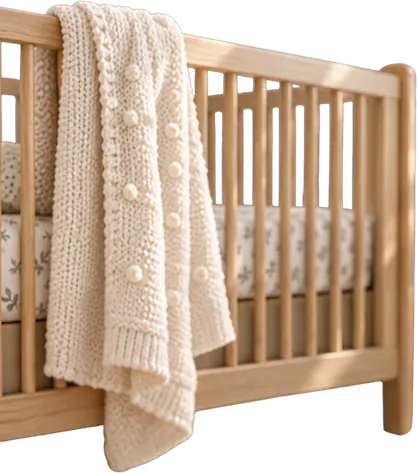

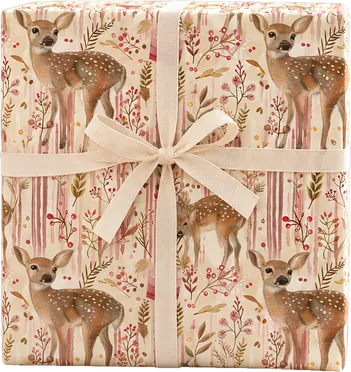
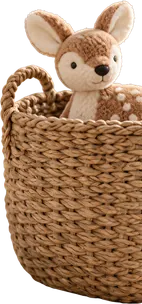
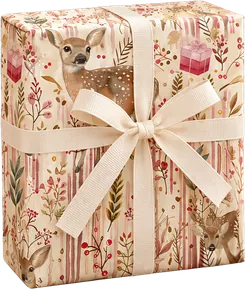
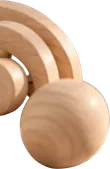
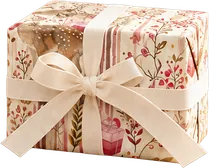
Canva notes that photo realistic images may not separate as cleanly. Image2Layer splits photos too: drag the slider to pull this nursery shot apart into its 10 layers, from the room to each gift box. For a single PSD from a photo, try Image to PSD.
Split a photo into layers
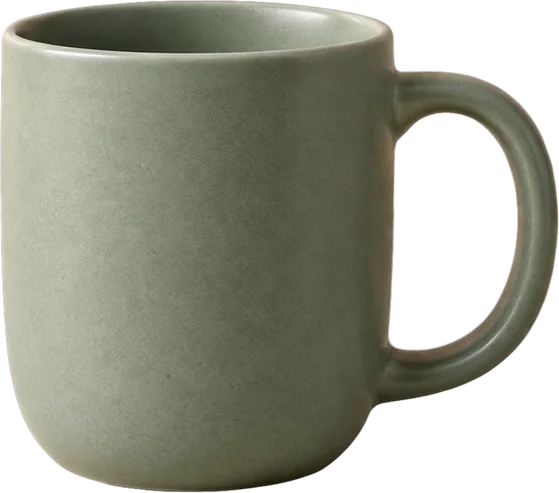 Drag the mug
When a layer is lifted out, the area behind it is painted back in. Drag the mug anywhere: the wall and the stone surface continue where it stood, so moving or deleting a layer never leaves a hole. Background Splitter does the same for one subject.
Try it on your imageBoth tools turn a flat image into separate layers. This is how they differ, with the Canva details taken from Canva’s own help pages.
Image2Layer is an independent tool and is not affiliated with or endorsed by Canva. Canva and Magic Layers are names that belong to Canva.
Answers about Canva Magic Layers, PSD export, photos, text and price.
Upload a picture, let this Magic Layers alternative separate it and download a layered PSD that opens in the editor you already use.
Split an image into layers