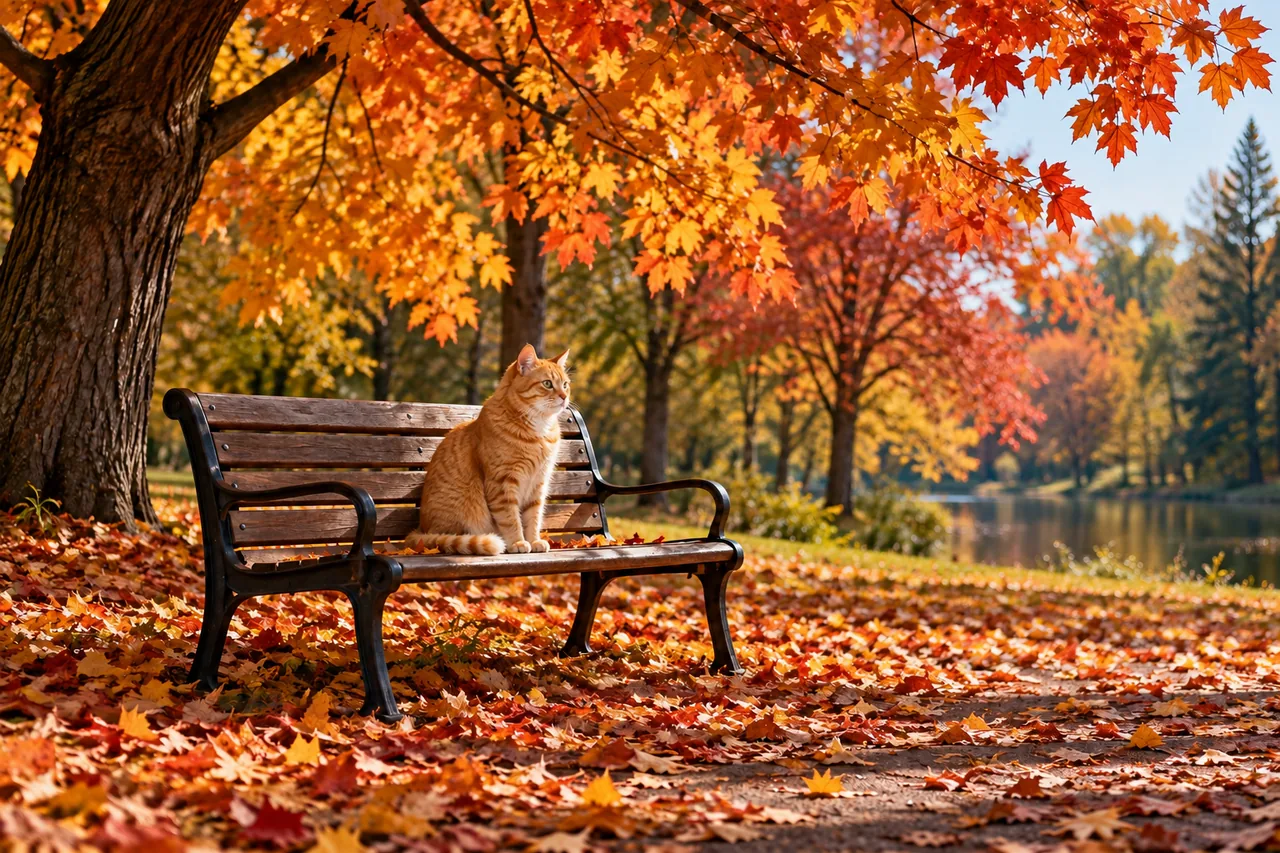
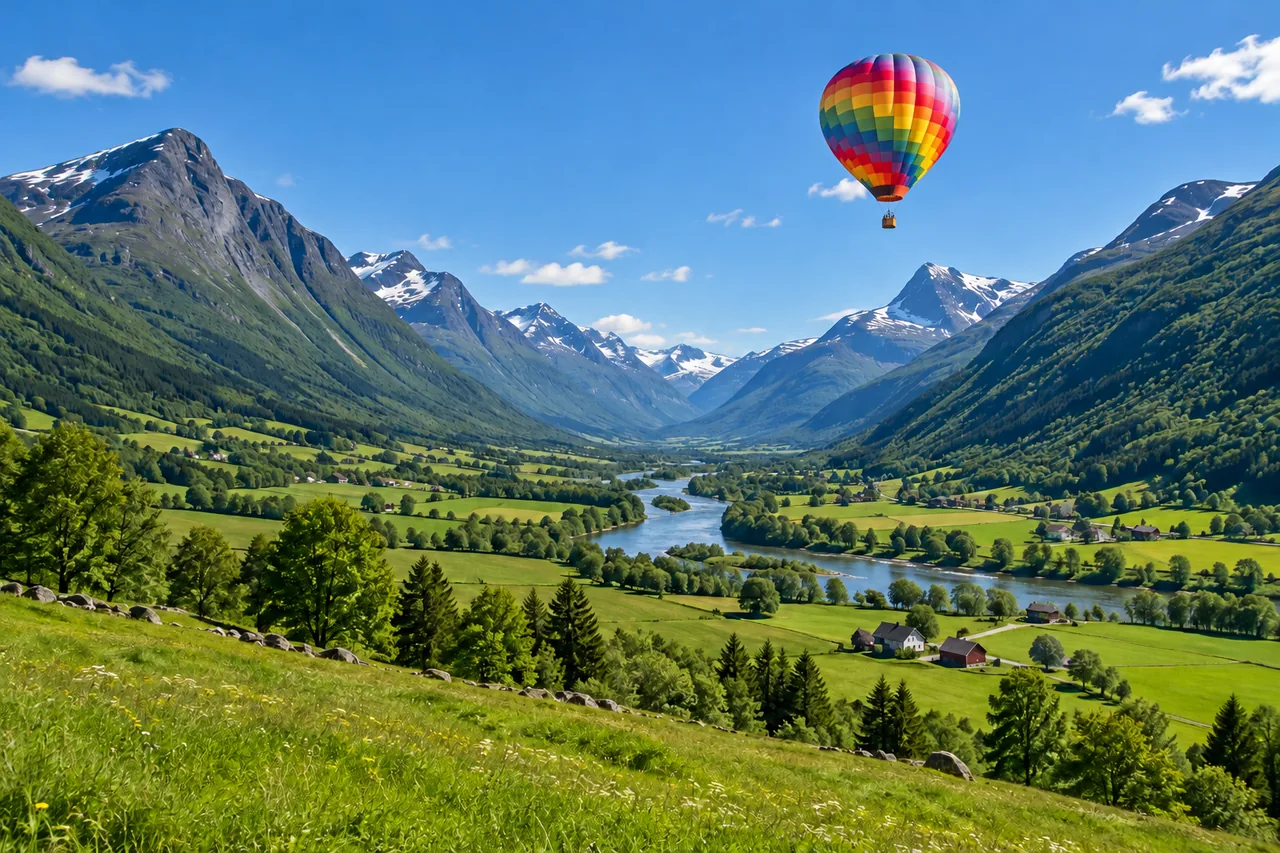
A balloon in an empty sky
One stroke in the sky and one line of text: a hot air balloon over the valley.
AI inpainting in your browser
Paint over part of a picture and say what should appear there. With generative fill, the AI adds objects, swaps clothes and details, or removes things and rebuilds the background, inside your brush strokes and in the light of the photo.
1. Upload an image
Sexual or explicit content isn't allowed. Images and results that contain it are blocked automatically.
No image handy? See a sample
2. Brush and describe
Upload an image, then paint over the area to change.
3. Generate Fill
10 credits per image · Failed runs never use credits
Control over the area, the change and the price.
Results of this tool with the prompt behind each one, and one removal. Hover a card to wipe between the original and the filled picture.
One stroke in the sky and one line of text: a hot air balloon over the valley.
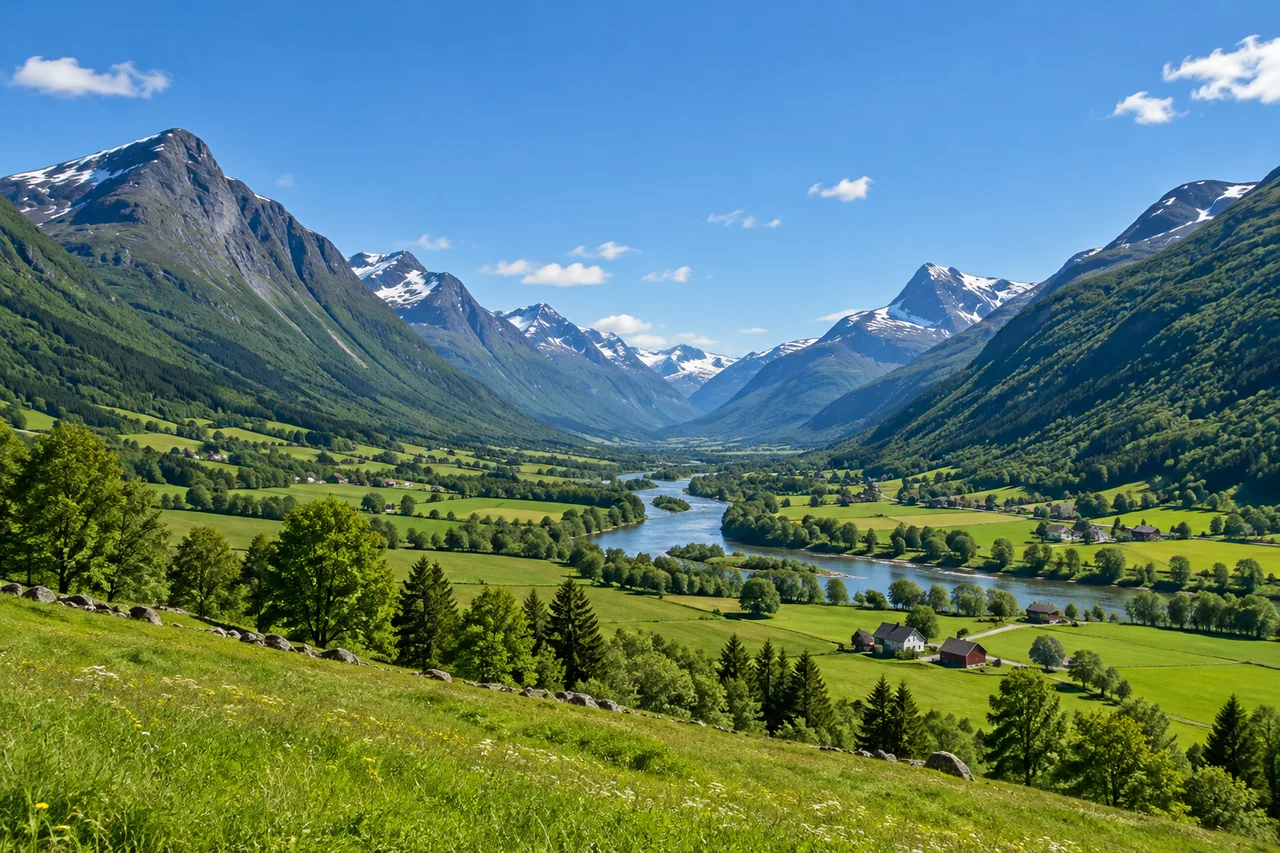
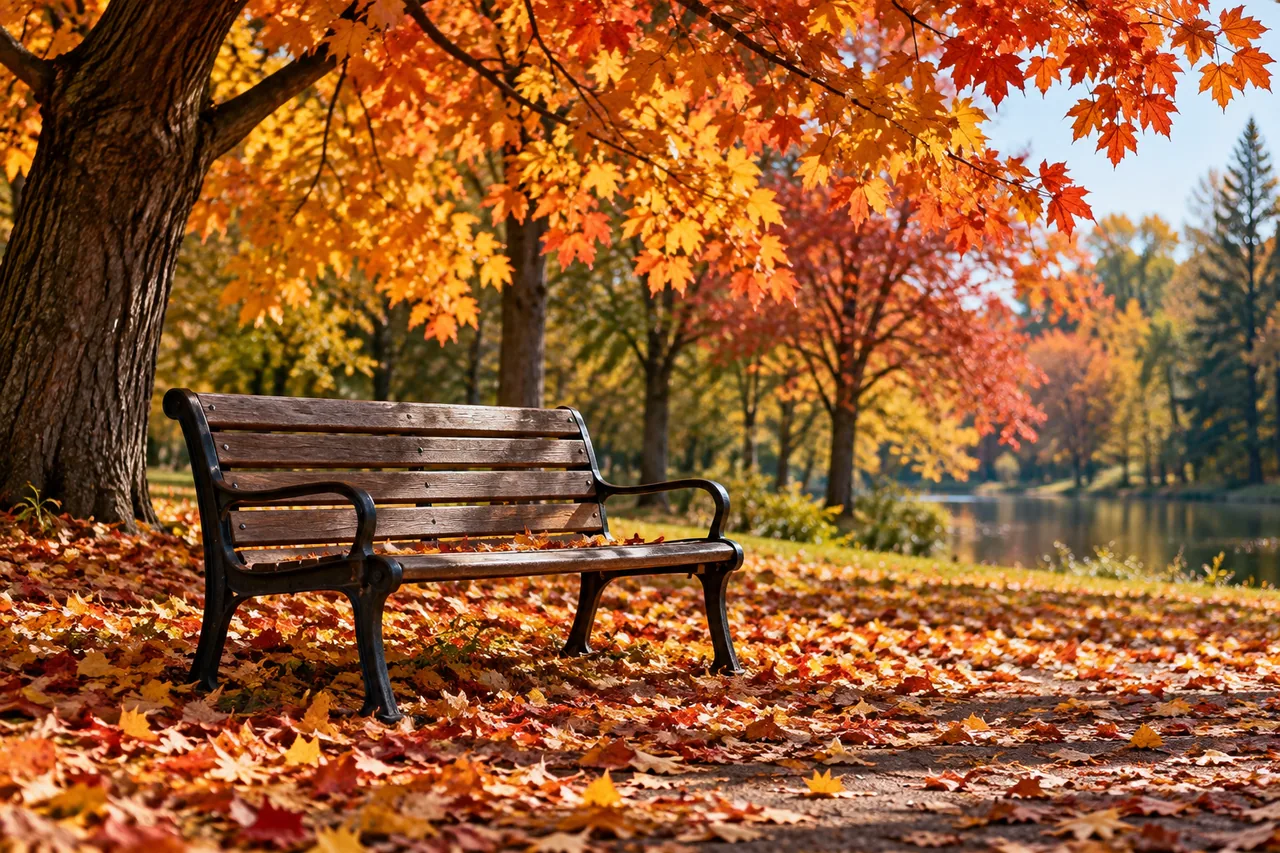
An empty bench gets a cat, lit by the same autumn sun as the leaves.
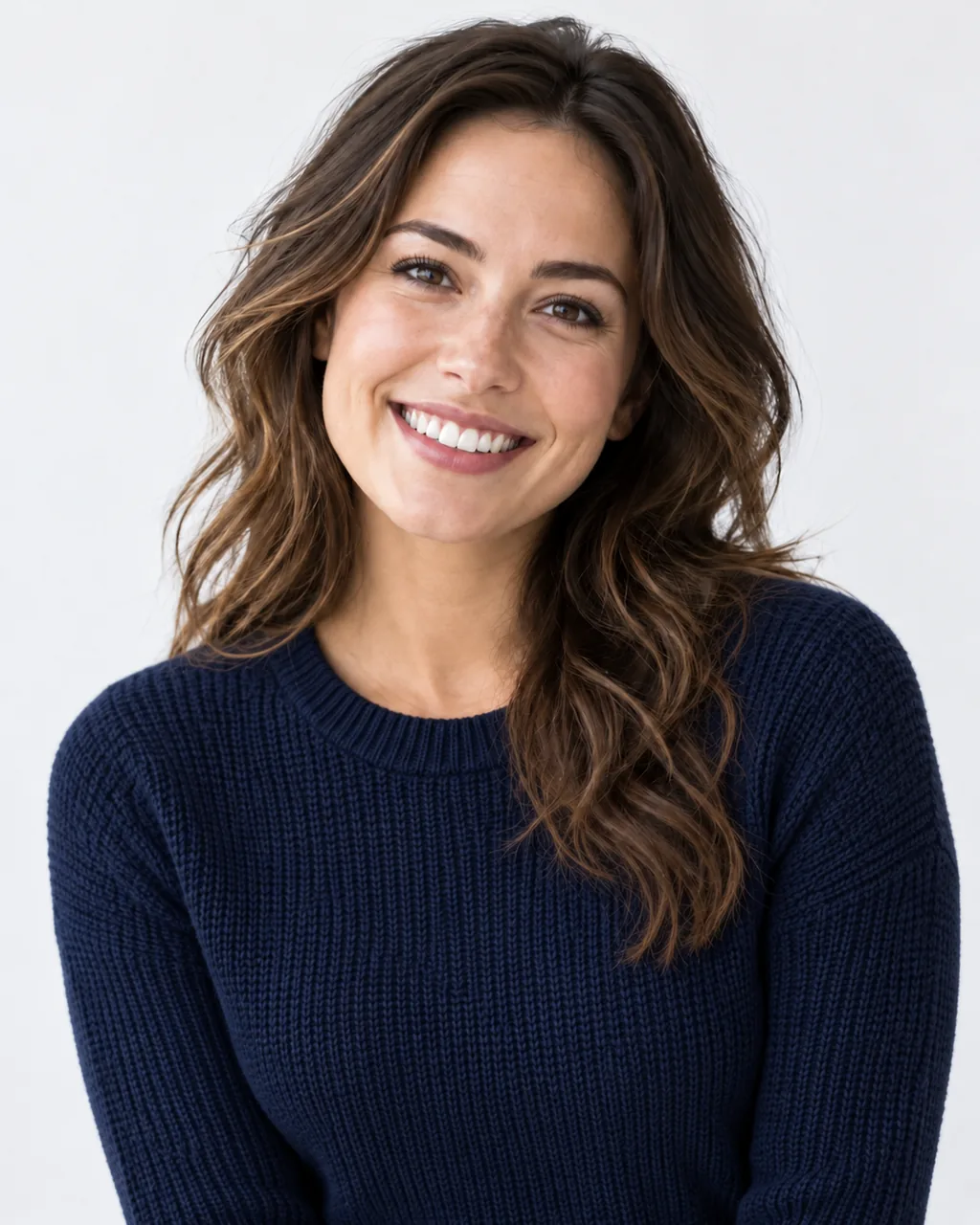
The white t-shirt becomes a navy knit sweater; face, hair and studio stay.
A vase of dried flowers fills the empty space beside the perfume bottle.
Remove object mode, no prompt: the scooter and its shadow go, and the cafe terrace fills the space.
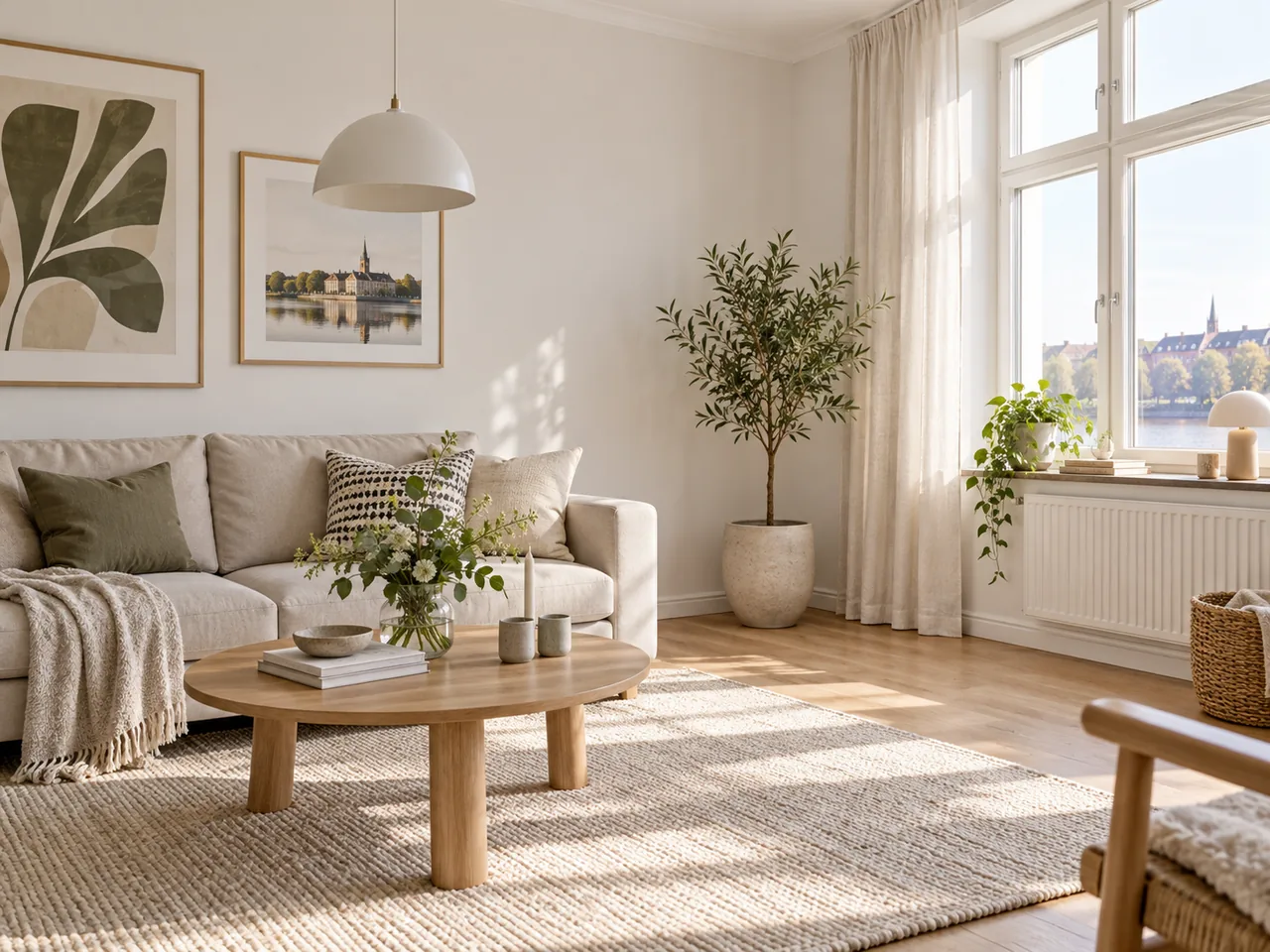
A fiddle leaf fig placed in the living room corner, with its shadow on the floor.
Brush, describe, download. No layers or masks to set up.
Add things, change things, clear things away, all inside the area you paint.
Brush the areaBrush an empty patch of sky and ask for a hot air balloon. The AI paints it in with the same light and haze as the valley, and leaves everything outside your brush alone.
Add something to a photo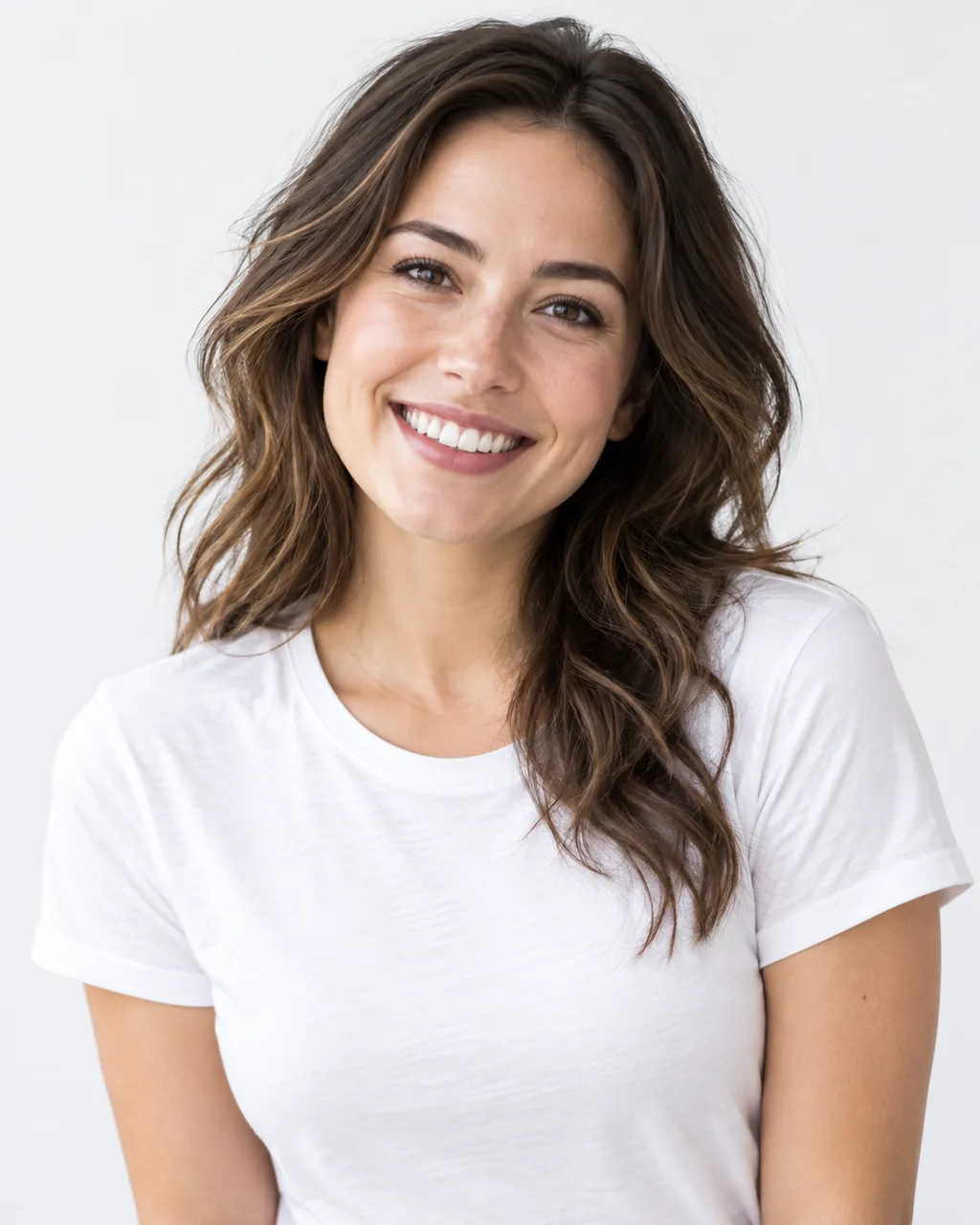
 Brush the area
Brush the t-shirt, type "a navy knit sweater", and the new knit follows the pose and the studio light. To dress someone in a garment from another photo, use the AI Clothes Changer.
Change a detail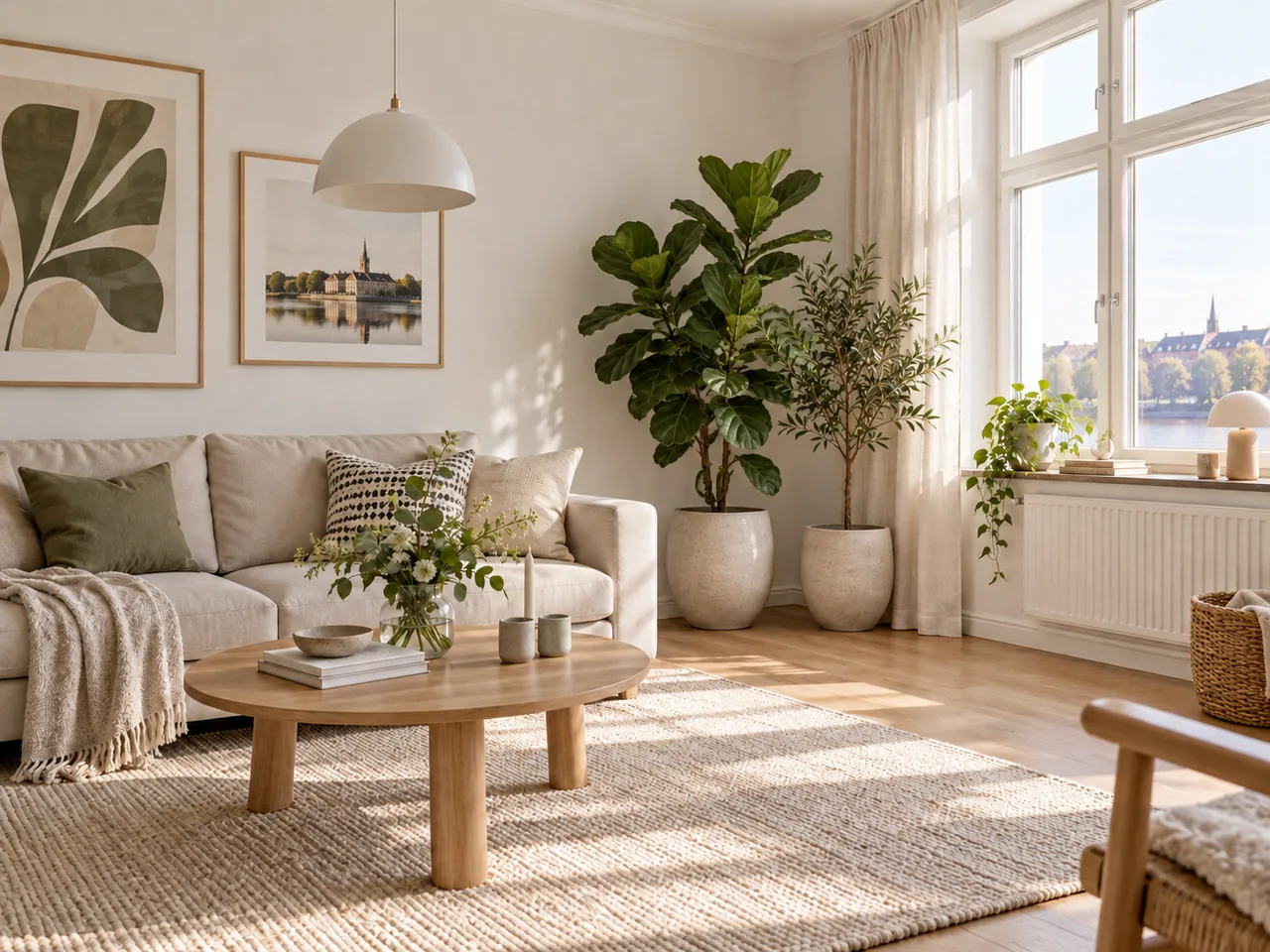
 BeforeFilled
Fill an empty corner with a plant or set props beside a product without a new photo shoot. Remove object mode works the other way round and clears things out, and Remove Text from Image does the same for words.
Stage a photoAnswers about inpainting, removing objects, Photoshop, price and files.
Upload a photo, brush any part of it and describe the change.
Upload an image