
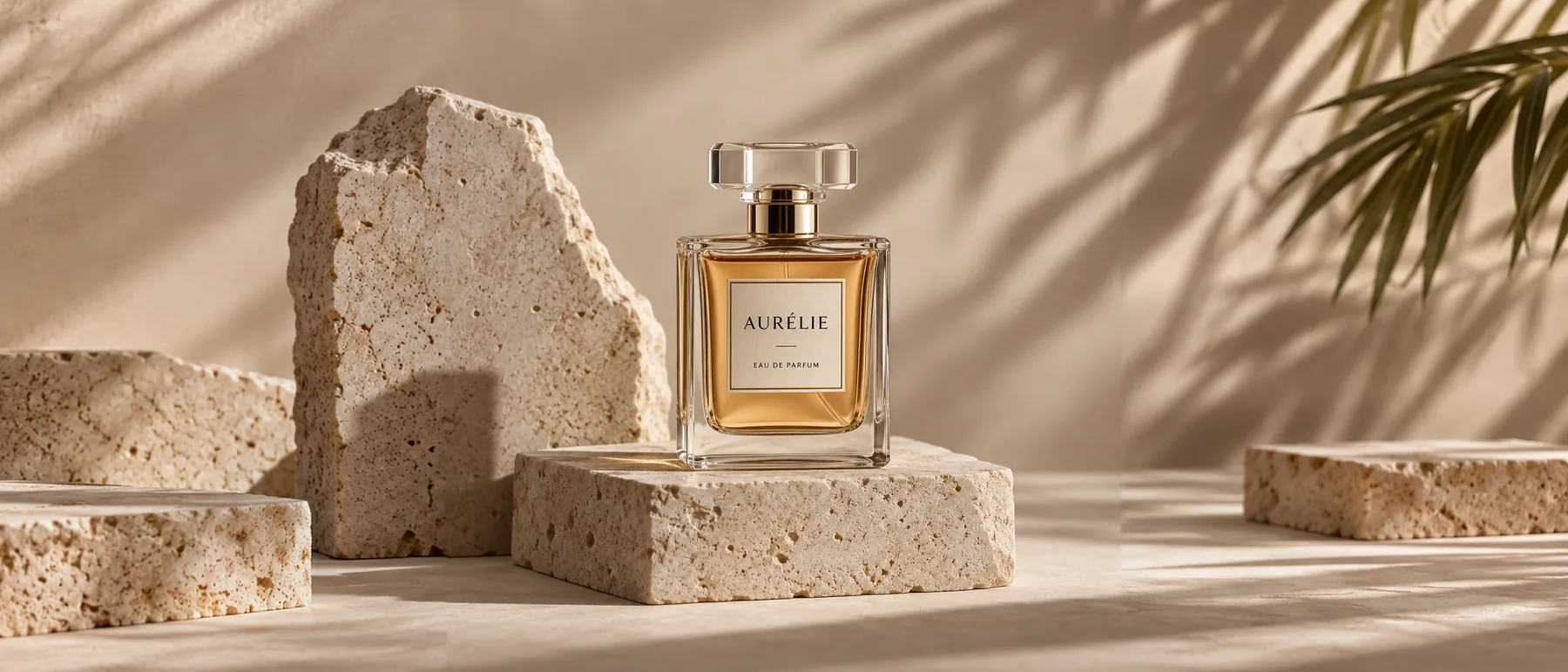
Product shot to wide banner
A square perfume photo widened to 21:9, with stone and shadows continued on both sides.
Outpainting for any photo
Turn a square photo into a wide banner or a landscape shot into a phone wallpaper. The AI image extender keeps your picture in place and paints the new area around it, matching the light, the perspective and the style.
1. Upload an image
Sexual or explicit content isn't allowed. Images and results that contain it are blocked automatically.
No image handy? See a sample
2. Choose the new size
Pick a shape, zoom out for more space, drag the photo to place it.
3. Extend Image
10 credits per image · Failed runs never use credits
 Dashed frame: the original
The shapes, the room and the price, before you upload.
Six results of this tool. The dashed frame marks the original picture; everything outside it was added. Hover a card to light up the new area.
A square perfume photo widened to 21:9, with stone and shadows continued on both sides.
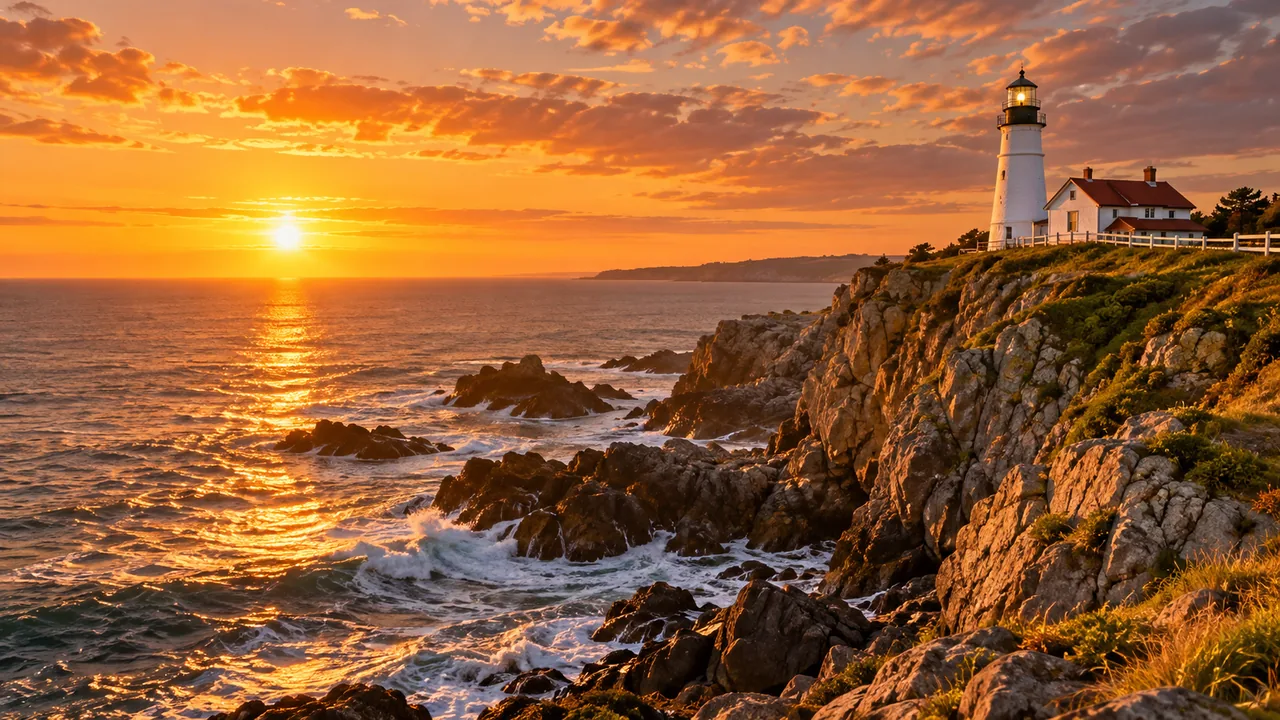
A 16:9 coastline turned into a 9:16 story with more sky and more cliff.
The cup stays left and the marble table runs on to the right, ready for a headline.
Shelves, plants and books carried on in the same flat illustration style.
A 4:3 hiking shot made square, with clouds above and rocks below.
A 3:4 portrait in a wheat field opened up to 16:9 for a banner.
Pick the shape, place the picture, and let the new area fill in.
One photo, many shapes: banners, stories, thumbnails and print.
Watch a square product shot open up into a 21:9 banner. The stone, the shadows and the soft light carry on past the old edges, so the bottle sits in a wider scene that looks shot that way.
Extend a background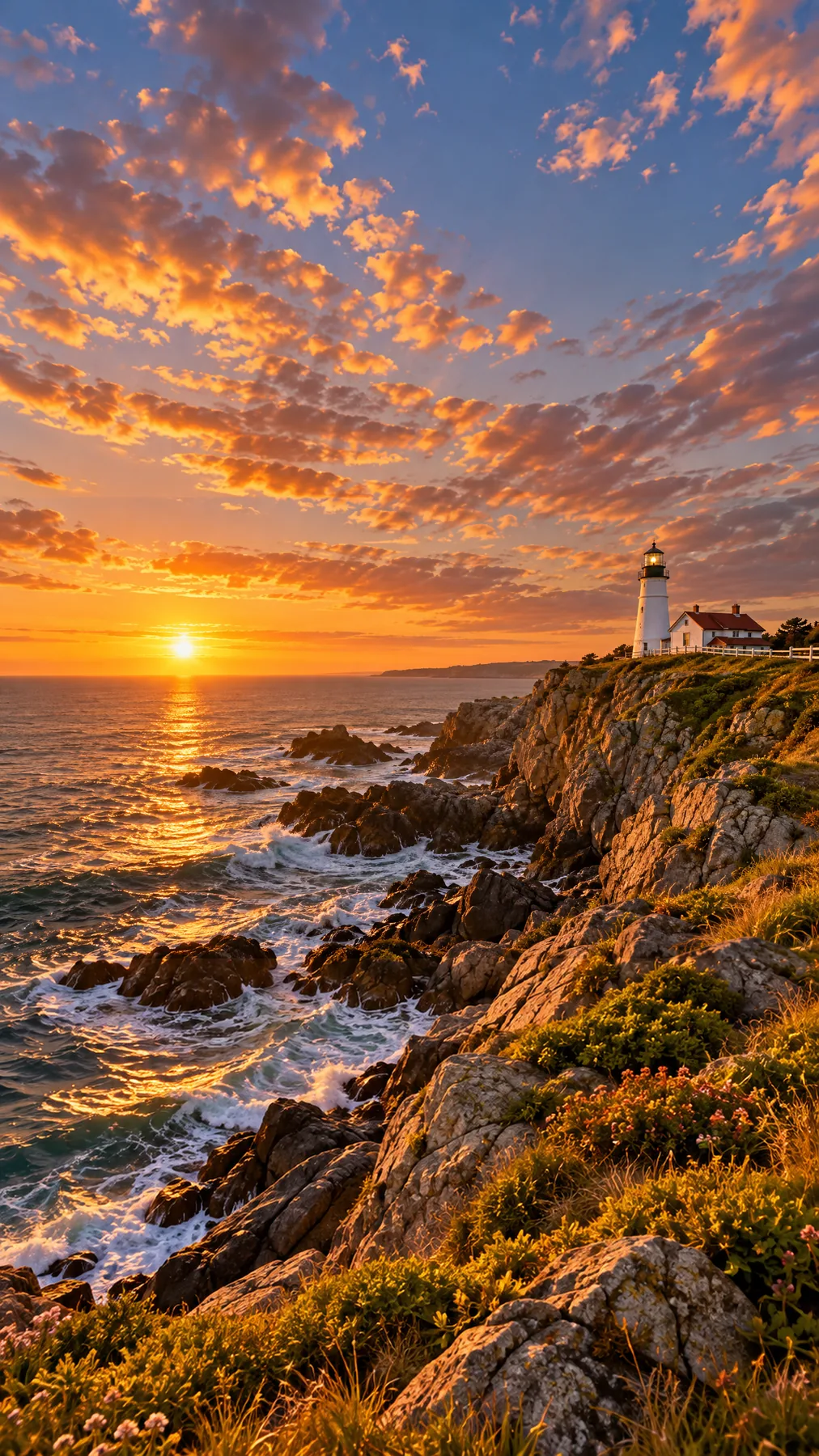
Stories, Reels and phone wallpapers are 9:16. Instead of cropping a wide photo to a thin slice, the image extender adds sky above and ground below, so the whole lighthouse scene stays in frame.
Make a vertical version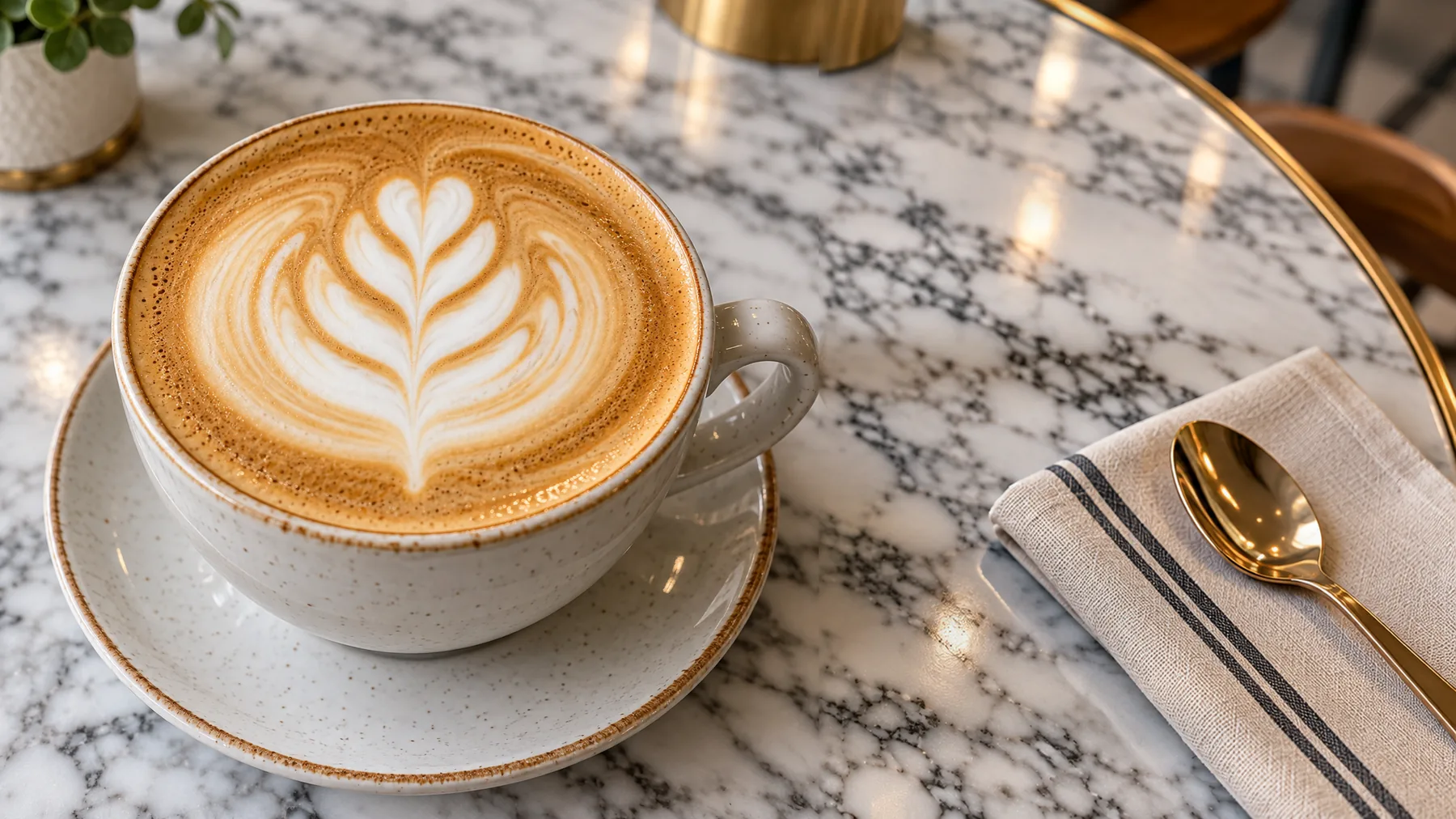
Extend once to the widest shape you need, then crop the square post, the 4:3 slide and the 16:9 banner from the same picture. To change something inside the photo instead, use Generative Fill.
Extend a photoAnswers about outpainting, sizes, your original picture and price.
Upload a picture, pick the new size and extend the image with AI.
Upload an image