About 30 seconds a page
Color manga panels with AI in about half a minute, so you can try a color idea before you spend hours on it.
AI manga colorizer
Image2Layer's Colorize Manga tool turns black and white manga pages, comics and sketches into full color, free to try. Pick one of 4 looks; in about 30 seconds the page is colored, with lines and lettering kept.
1. Upload a page or drawing
Sexual or explicit content isn't allowed. Images and results that contain it are blocked automatically.
No image handy? See a sample
2. Pick the look
Lines, panels and lettering are kept as drawn.
3. Colorize Manga
10 credits per page · Failed runs never use credits

What it does
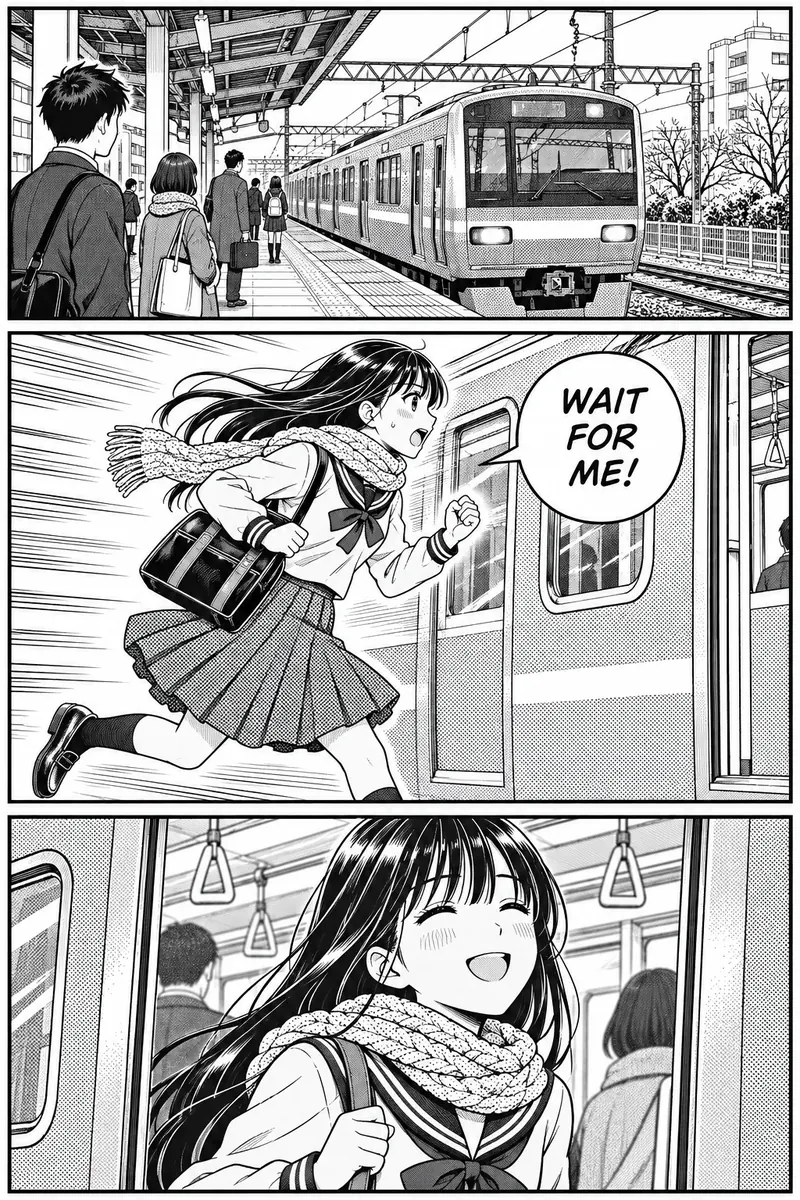
Colorize black and white manga, comic panels, line art and pencil sketches without filling a single shape by hand. Upload a page and the AI colors all of it in one run, inside the lines you drew, with no brush, no layers and no prompt to write.
It keeps panel borders, speech bubbles and lettering as drawn, turns screentones into color and follows the colors you name in the note. It is an automatic AI manga colorizer for your own work: afterwards, enlarge the page with the image upscaler or split it into editable layers with image to layers.
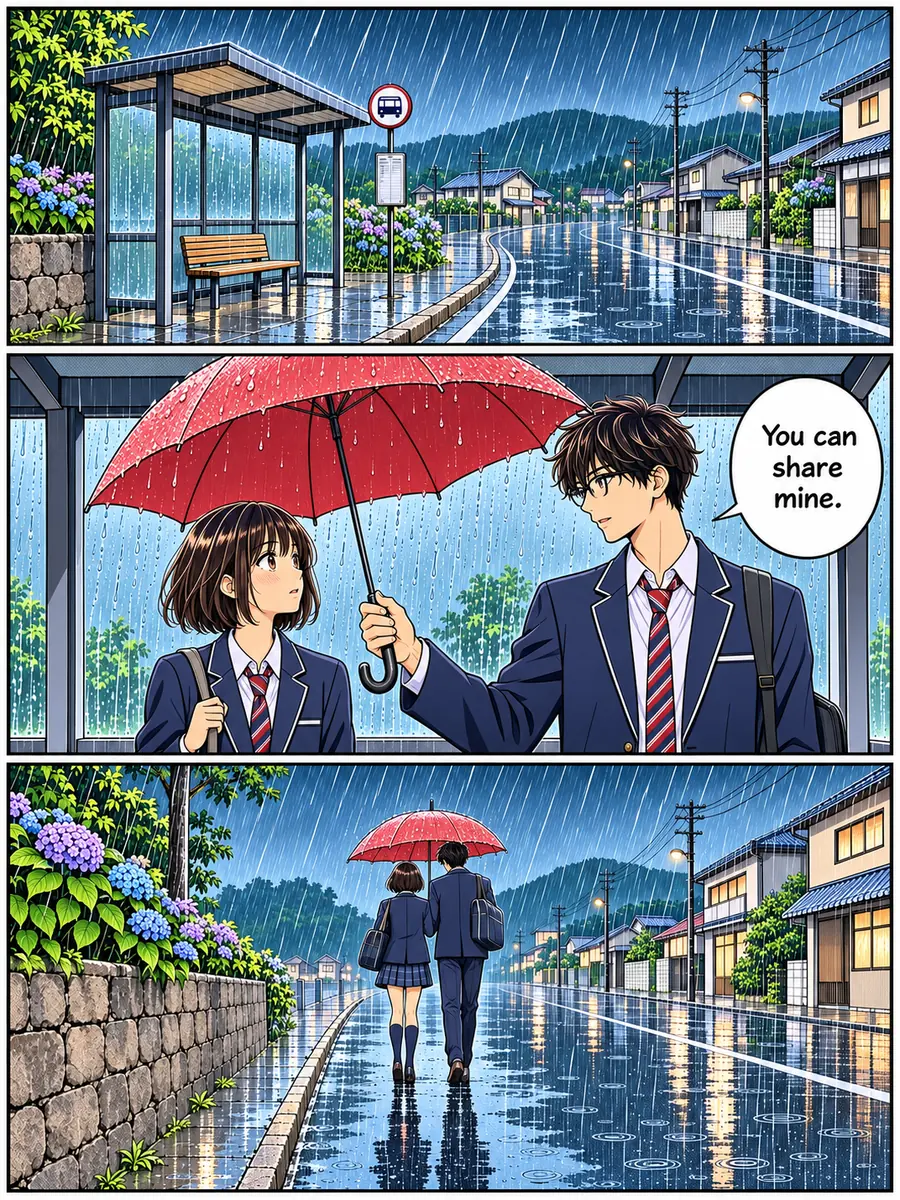
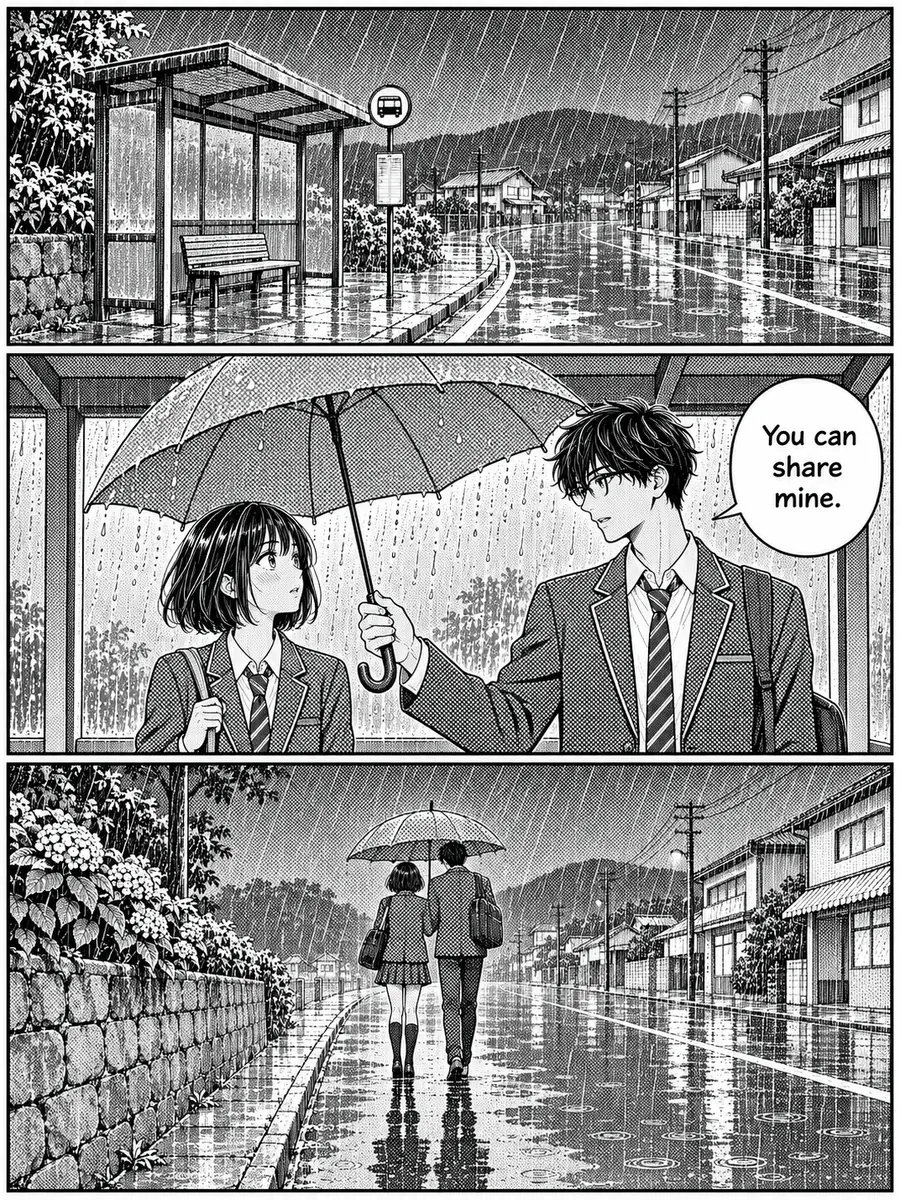 BeforeColored
Six reasons to use this manga coloring tool instead of flatting every shape by hand.
Color manga panels with AI in about half a minute, so you can try a color idea before you spend hours on it.
Color goes inside the ink, so you can colorize line art and keep your strokes: faces, poses, panel borders and hatching are kept as drawn, not traced over.
Speech bubbles, captions and sound effects stay where you lettered them. Zoom in on very small text after the run, since AI can still slip on a tiny word.
Anime, Soft paint, Watercolor or Flat colors: the same page can be cel shaded, softly painted, washed in watercolor or filled flat like a printed color comic.
Type "her hair is pink, the uniform is navy" and the AI manga colorizer follows the note, so a character gets the colors you planned.
Each page costs 10 credits with no subscription needed, and a run that fails never uses credits.
How to colorize manga without coloring skills: three steps from a black and white page to a color PNG.
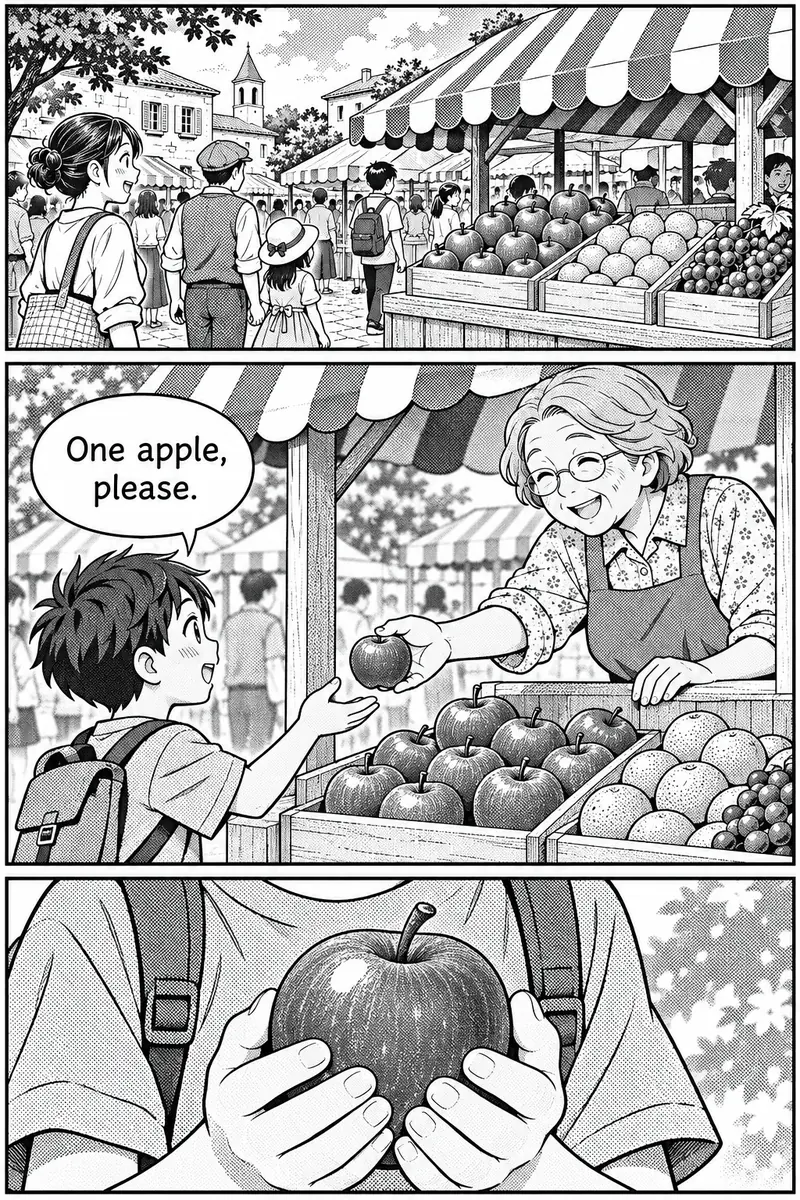
Three things it does on every page. Move, watch or drag each example.
 Move to see the original
The AI colors inside your ink instead of tracing over it. On this bakery page the panel borders, the faces and the bubbles that read "Fresh bread!" and "Two, please." stay as they were drawn, and the apron is green because the note said so. Move the lens across the page to see the black and white original.
Colorize a manga page
 After
Manga shades with screentone dots and hatching. Here they become color: the dotted yukata turns deep blue with white flowers, as the note asked, and the toned night sky glows with the fireworks. The zoom shows the same patch before and after. For black and white photos rather than drawings, use colorize photo.
Colorize a manga panel
 BeforeColored
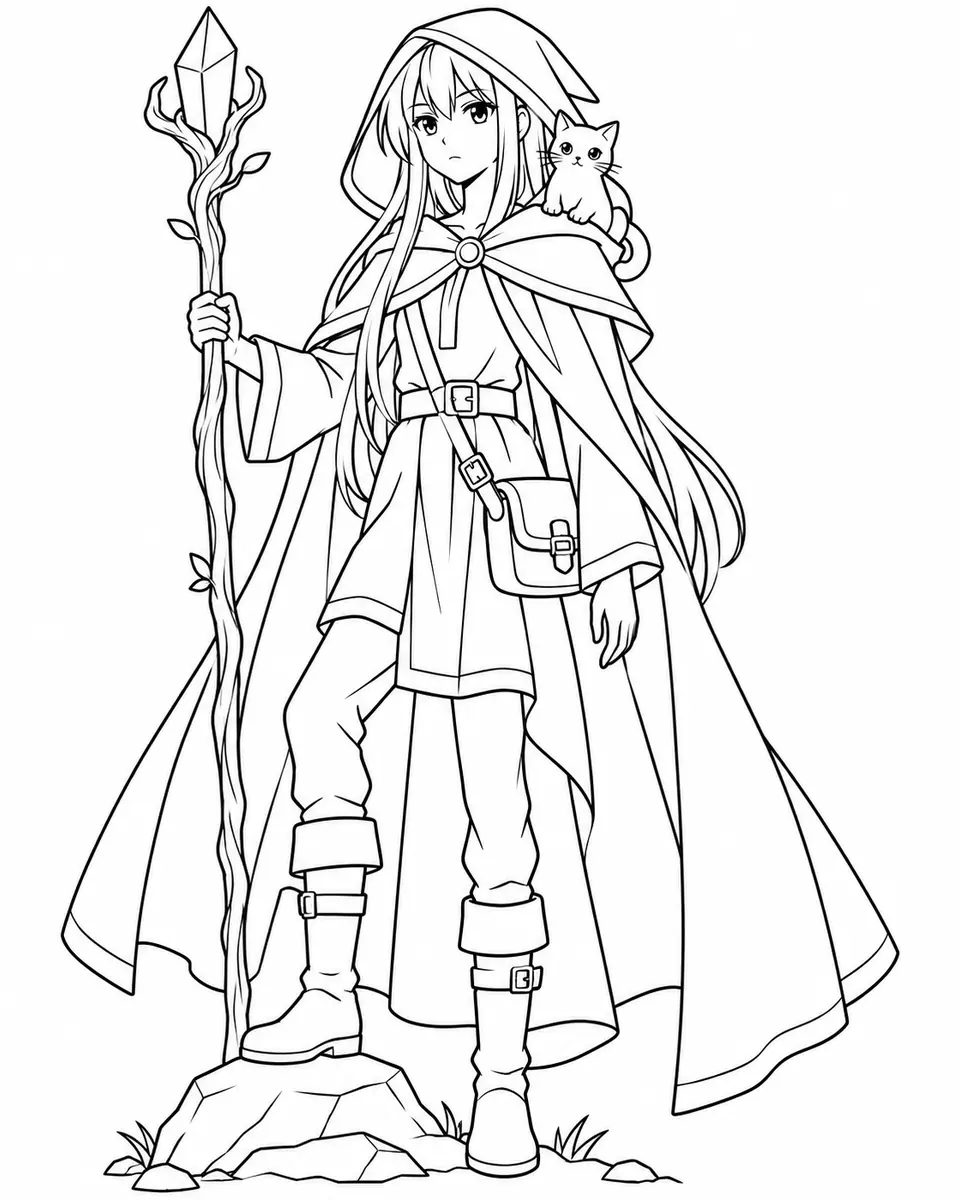
Leave the note empty and the AI picks fitting colors, or name the ones that matter. This line art was given "her cloak is deep purple, her hair is silver, the cat is orange", and the result follows all three. Keep the same note for every page and a character stays close to the colors you planned. Drag the divider to compare.
Name your colorsSix original pages, panels and drawings made for this page, each colored by the manga colorizer in one run with the look named below. Hover a card to wipe between them, or open it to compare closely.
A dreamy close-up of a girl with flowers gets soft watercolor washes, and the toned background turns into gentle color.
A rainy street in heavy black ink gets clean flat fills, with the tan coat and warm lamp light asked for in the note.
Speed lines, the leap and the WHOOSH sound effect stay as drawn while the rooftops and the evening sky get bright cel shading.
A graphite sketch of a girl reading beside a fox becomes a light watercolor, with the pencil lines still showing.
A tall rooftop scene at sunset gets smooth painted light, and the "Coffee?" bubble keeps its word.
The hatched roofs, boats and hills of a fishing village get even fills, like a page from a printed color comic.
Four habits that give a clean colored page.
Scan at 300 to 600 DPI, or photograph the page flat in even light; you can color line art online straight from a phone photo. Crop to the page or panel before you upload: crisp lines give the AI clear shapes to fill, and uploads are scaled to 2048 pixels on the longest side.
Anime suits manga pages and character art. Flat colors suits inked comics, Watercolor suits pencil sketches and quiet scenes, and Soft paint turns a cover into a painted illustration. To colorize a black and white sketch, start with Watercolor.
Write only the colors that matter, like "her hair is pink, her eyes are green, his jacket is navy", and paste the same note on every page. Everything you leave out gets fitting colors.
Zoom in on lettering, sound effects and tiny details with the slider, and run the page again if something changed. To clear the bubbles for a new language, use remove text from image.
Image2Layer next to coloring a manga page by hand and hiring a colorist.
Photoshop, named in the FAQ, is a trademark of Adobe. Image2Layer is not affiliated with Adobe or with any colorist.
Artists and creators who use AI coloring for manga, comics and drawings of their own.
Colorize manga pages of your own to test color ideas for a cover, a chapter opener or a promo image before you paint the final version.
Colorize comic panels for webcomics, social posts and pitch pages, from heavy black ink to clean outlines.
Colorize a drawing with AI to show a client a color version of the line art within minutes, then refine the shades they pick.
Colorize a sketch online: pencil studies and doodles become watercolor or painted pieces worth sharing.
Colorize line art of an original character to find its first colors, and keep the note as its color reference.
Turn the colored page into a layered file with image to PSD and keep editing it in any PSD editor.
Answers about colorizing manga, line art, lettering, price and privacy.
More image tools for the next step after the colors.
Four tools for what usually comes next.
Manga colorizer
Upload a black and white page, pick a look and get it back in full color. The AI manga colorizer starts free with an account.
Colorize a page