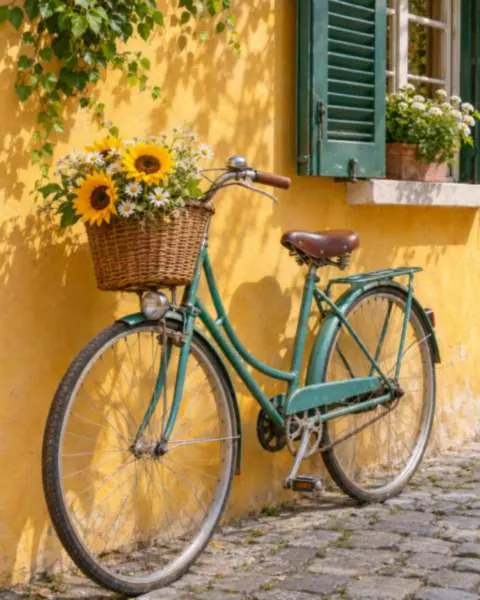
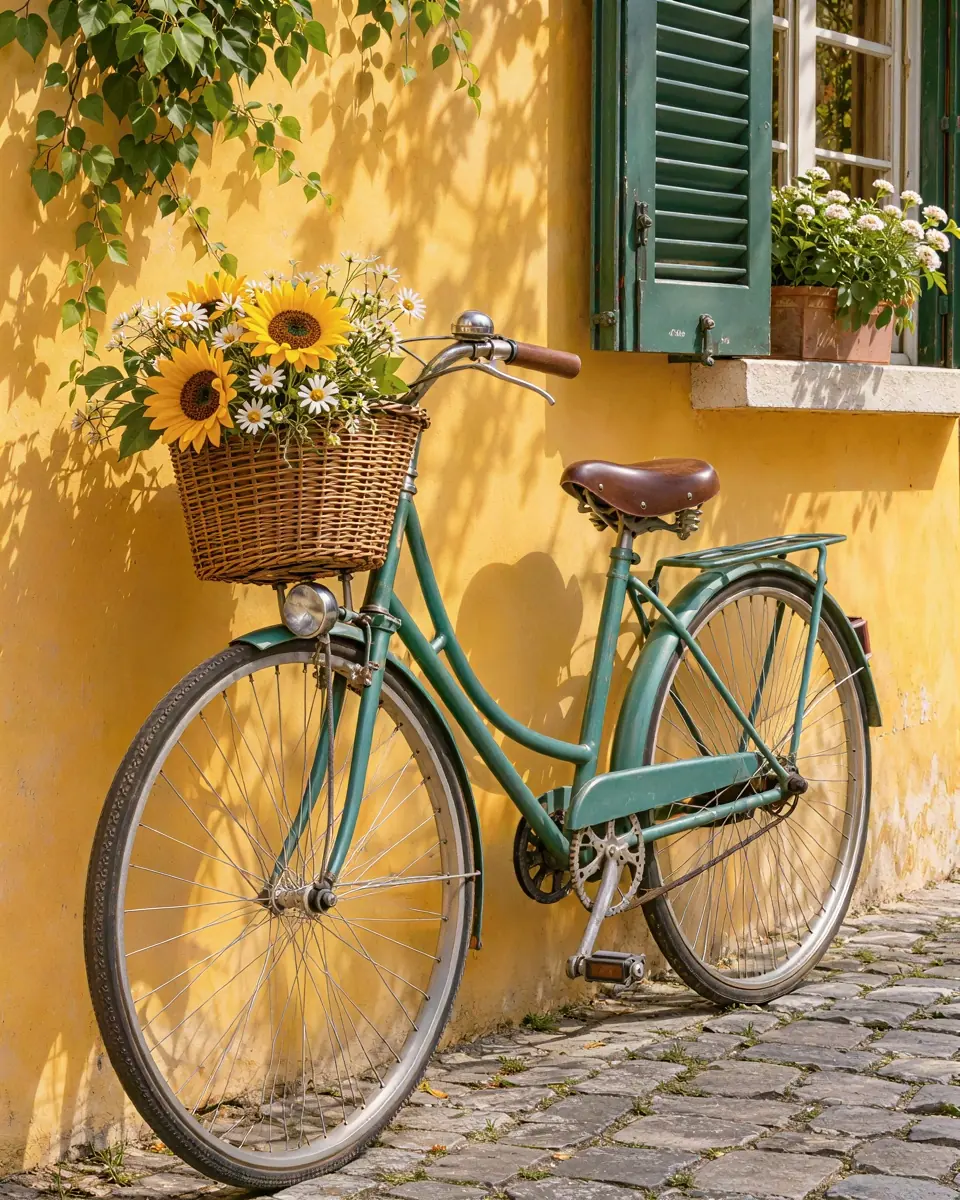
Detail rebuilt, not stretched
Stretching only spreads the pixels you have. This upscaler rebuilds hair, fabric, leaves and edges at the new size, so the larger picture looks sharp instead of soft.
Upscale photos with AI
Image2Layer's AI image upscaler turns a small or soft picture into one exactly 2× or 4× wider and taller, from 2 credits. AI rebuilds the detail, keeps text as written and returns a PNG in about 30 seconds.
1. Upload an image
Sexual or explicit content isn't allowed. Images and results that contain it are blocked automatically.
No image handy? See a sample
2. Choose the size
Edges, text and faces come back crisp.
2× for most pictures, 4× for small ones up to about 1 megapixel.
3. Upscale Image
2 credits per image · Failed runs never use credits

What it does
An image upscaler makes a picture bigger without the blur you get from stretching it. Upload a small or soft image, choose 2× or 4×, and the AI rebuilds edges, texture and fine detail at the new size. It works as an image upscaler and enhancer in one step, with no settings to tune and no prompt to write.
The result is exactly two or four times wider and taller, in the same shape, with nothing cropped. Text gets its own fidelity pass, so letters on signs and labels stay as written. Afterwards you can lift the subject out with cut out image or split the picture with image to layers.
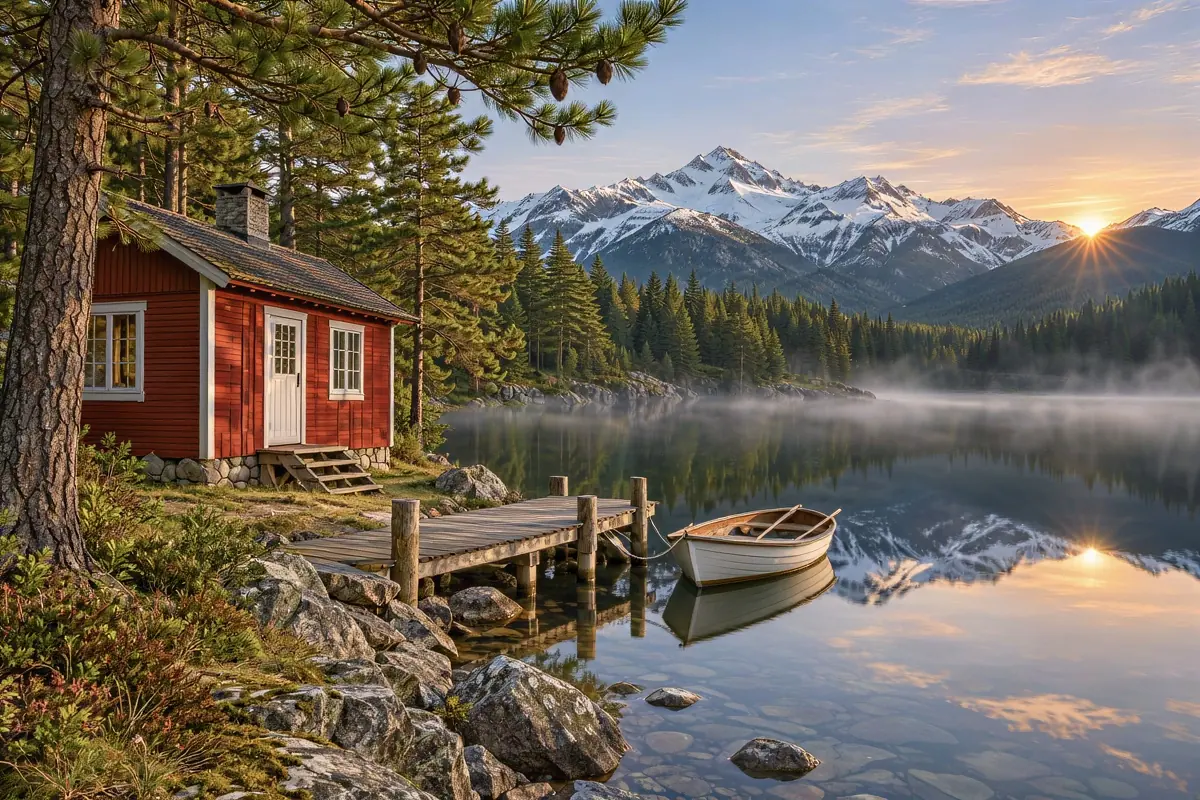
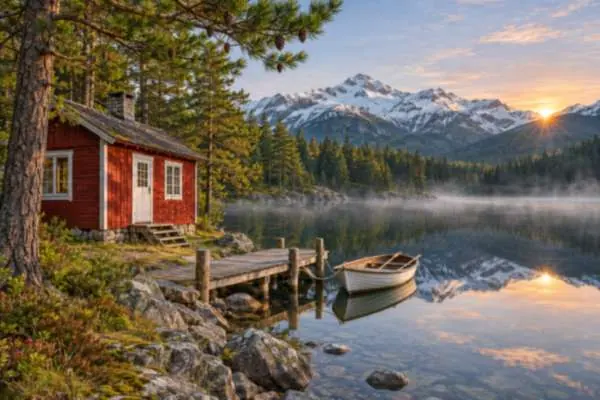 BeforeUpscaled 2×
Six reasons to enlarge images here instead of stretching them.
Stretching only spreads the pixels you have. This upscaler rebuilds hair, fabric, leaves and edges at the new size, so the larger picture looks sharp instead of soft.
Signs, labels, menus and screenshots get a fidelity pass for their lettering, so words come out crisp and are not rewritten.
The result is precisely two or four times wider and taller, in the shape of your upload, with nothing cropped or padded.
2 credits for results up to 4.19 megapixels, 5 up to 16.78. The button shows the price before you run, and failed runs never use credits.
Every upscale is a paid run, so every PNG downloads clean. Credit packs need no subscription.
Increase image resolution online with nothing to install. Most runs finish in about 30 seconds, and Recent edits keeps your earlier results.
Upscale photos and graphics without editing skills: three steps from a small picture to a larger PNG.
Three things this upscaler does with small pictures. Watch, hover or drag each example.
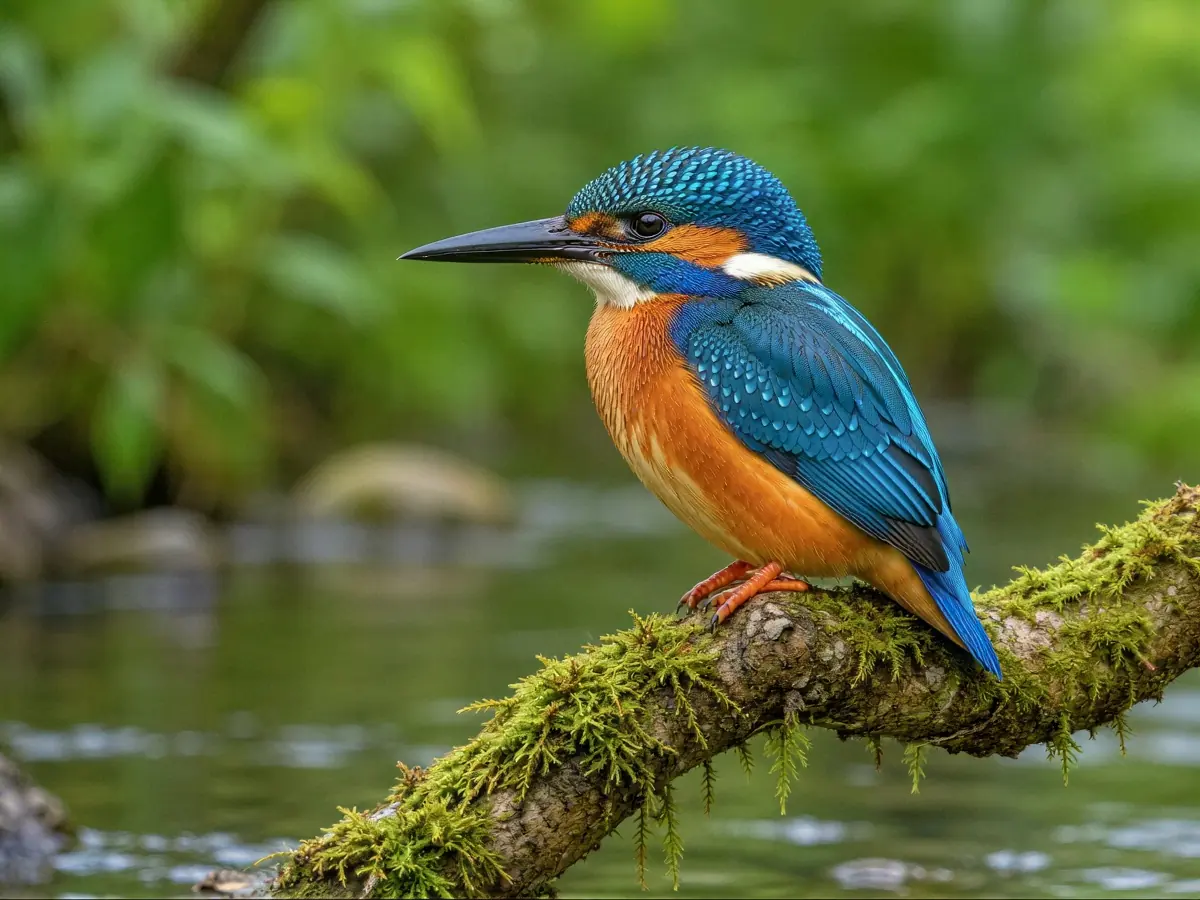 After
This bird picture was only 300 × 225 pixels, the size of a web thumbnail. At 4× it came back at 1200 × 900, with the feathers, the eye and the branch rebuilt instead of smeared. 4× suits pictures up to about 1 megapixel: icons, product thumbnails and old web images. The squares show the same spot before and after.
Upscale a thumbnail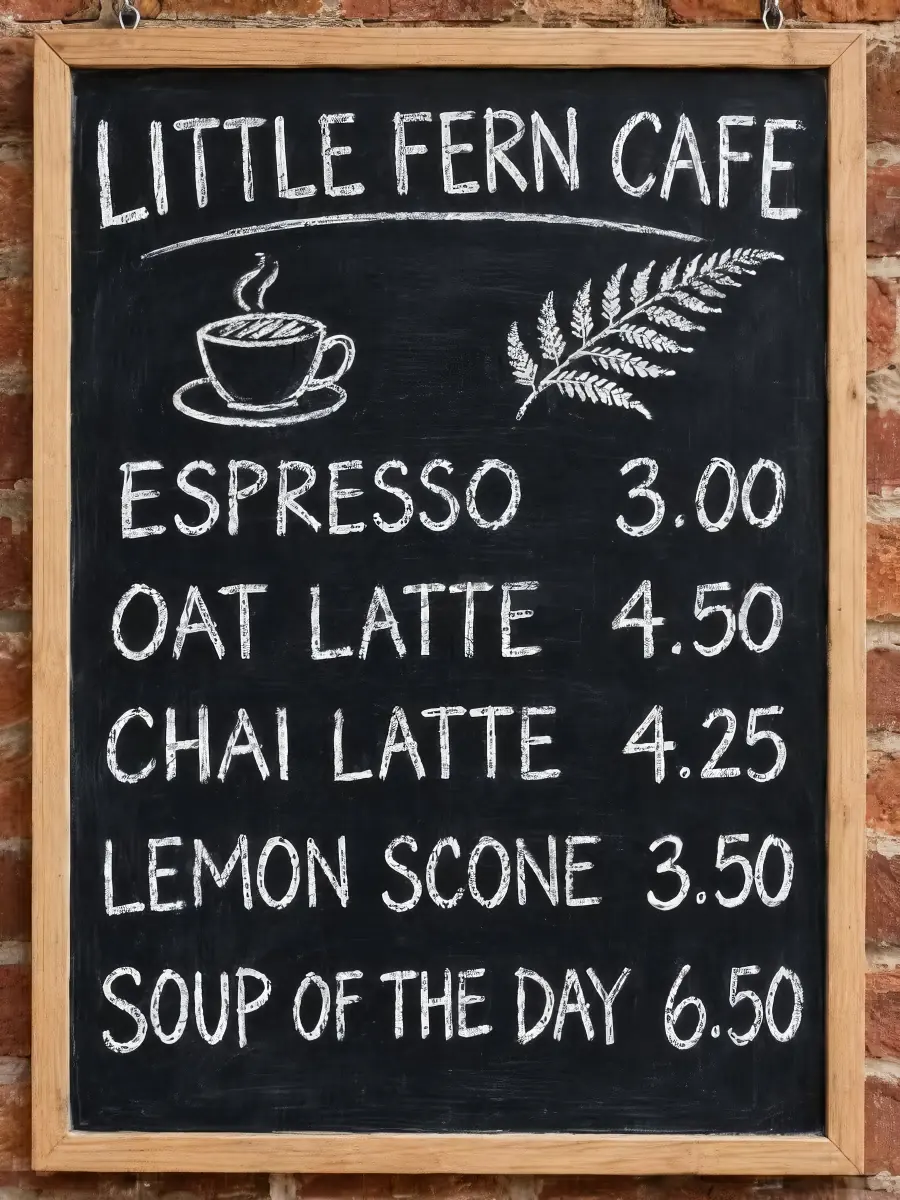 Move to see the original
Plain resizing melts small letters, and generative upscaling can turn them into new words. Here text gets its own fidelity pass. On this cafe menu board every dish and price still reads the same at twice the size. Move the lens across the board to see the soft original. To clear a caption or a date stamp, use remove text from image.
Upscale a picture with text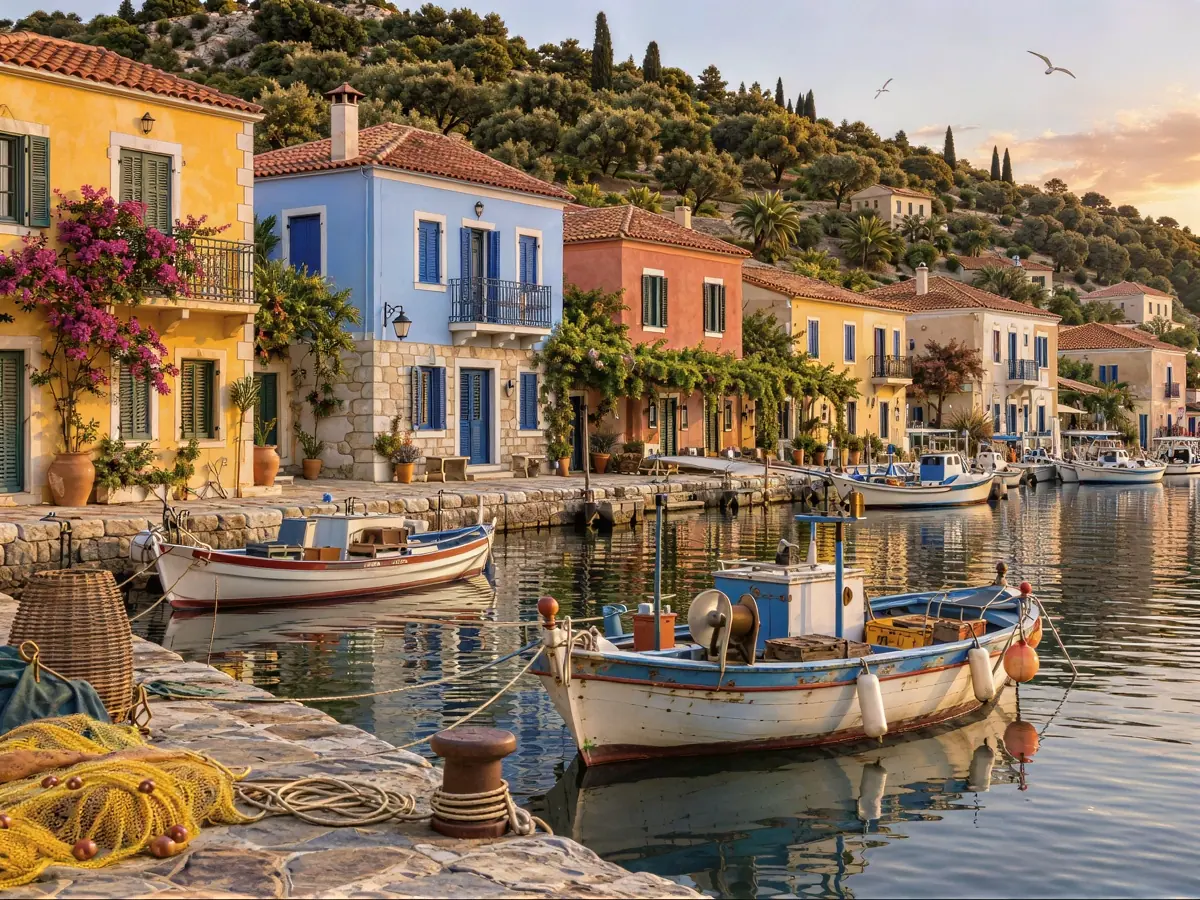
 BeforeUpscaled
This harbor picture was 600 × 450 pixels, too small for a print. At 2× it became 1200 × 900, and a 1920 × 1080 picture at 2× reaches 3840 × 2160 for a 4K screen. The colors and the composition stay as they were; only the detail a bigger size needs is added. Drag the divider to compare. To take a boat or a stranger out of the shot, use object remover.
Increase image resolutionThree real results of this upscaler on small pictures made for this page. Hover a card to wipe between them, or open it to compare closely.
A 540 pixel photo of a scruffy terrier came back at 1080 × 1080 with every whisker and curl of fur rebuilt.
A 480 × 600 shop photo enlarged to 960 × 1200, with the soap texture and the dried flowers sharp enough for a listing.
A 200 × 300 illustration made with AI grew to 800 × 1200 with its brush texture rebuilt, big enough for a phone wallpaper.
Four habits that make an upscaled picture look natural.
Upload the file straight from the camera, the phone or the designer, not a copy saved from a chat app. Upscale scanned photos from a clean scan of about 2048 pixels on the long side, the most the upscaler takes in.
2× suits most pictures; 4× is for small ones up to about 1 megapixel. When you upscale photos that are already big, they gain little: a 12 megapixel phone photo is scaled to 2048 pixels first, so 2× brings it back to about its own size.
To upscale images for printing, aim for about 300 pixels per inch. You upscale images to 300 DPI with pixels, not a setting: a 4096 × 2730 result prints sharp at about 13.6 × 9 inches. Set the DPI itself in your print or layout app.
The upscaler sharpens what is there, dust and scratches included. Repair a damaged print with old photo restoration first, then upscale the clean version.
Image2Layer next to how you upscale images in Photoshop by hand and desktop upscaling software.
Photoshop is a trademark of Adobe. Image2Layer is not affiliated with Adobe or with any upscaling app.
Sellers, designers, families and anyone with a picture that is too small.
Enlarge small supplier photos for a shop or a marketplace, then put them on a clean white background.
Increase image resolution and quality before you print a poster, a canvas or a photo book page.
Upscale AI images made at 1024 pixels to 2048 or 4096 for wallpapers, covers and prints.
Make small screenshots, logos and diagrams sharp enough for a presentation or a 4K screen.
Upscale photos from an old phone or a social media download so they are big enough to frame or share.
Place the bigger picture in a layout, or turn it into editable layers with image to PSD.
Answers about price, sizes, 4K, text, faces and privacy.
More image tools for the next step after an upscale.
Four tools for what usually comes next.
Image upscaler
Upload a small or soft picture and get it back exactly 2× or 4× larger in about 30 seconds. The image upscaler starts at 2 credits, with no watermark.
Upscale an image