About 30 seconds a photo
Upload, choose the colors and press Restore Photo. Most runs finish in about half a minute, so you can work through a box of prints in one sitting.
AI photo restoration
Image2Layer's old photo restoration turns a scan or phone photo of a damaged print into a clean picture, free to try. AI fixes scratches, cracks, tears and fading in about 30 seconds and can add natural color.
1. Upload an old photo
Sexual or explicit content isn't allowed. Images and results that contain it are blocked automatically.
No image handy? See a sample
2. Choose the colors
Scratches, cracks, tears, stains and fading are repaired either way.
Black and white or sepia photos keep their tone, and color photos stay in color.
About 1,200 px on the long side. 10 credits.
3. Restore Photo
10 credits per photo · Failed runs never use credits
What it fixes
Old photo restoration brings a damaged print back to how it looked when it was new. Upload a scan or a phone photo and the AI repairs the damage across the whole picture in one run, with no brush, no clone stamp and no prompt to write.
It rebuilds torn corners and missing pieces from what is around them, keeps faces, clothes and lettering as they were, and keeps the tone of the print or adds natural color. It suits old image restoration of portraits, groups, streets and landscapes alike. Afterwards you can lift a person out with cut out image or split the picture with image to layers.
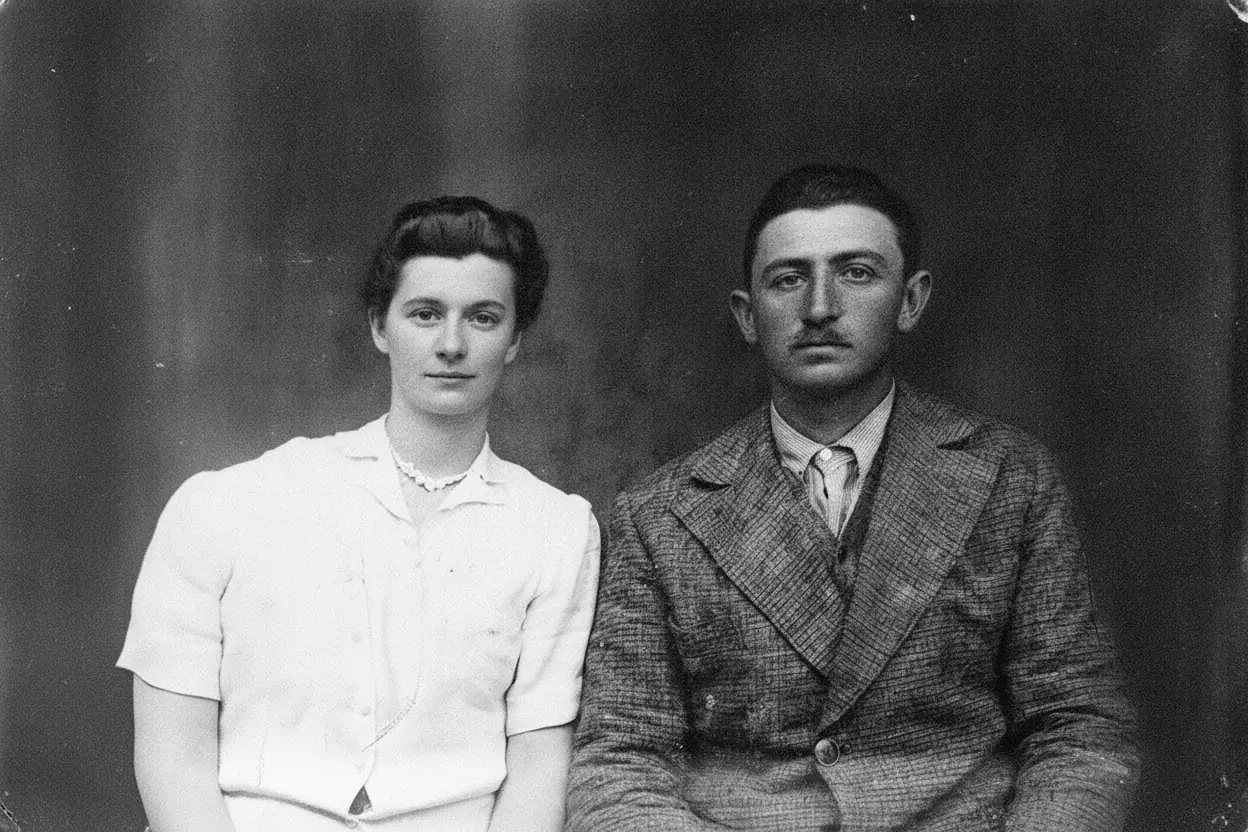
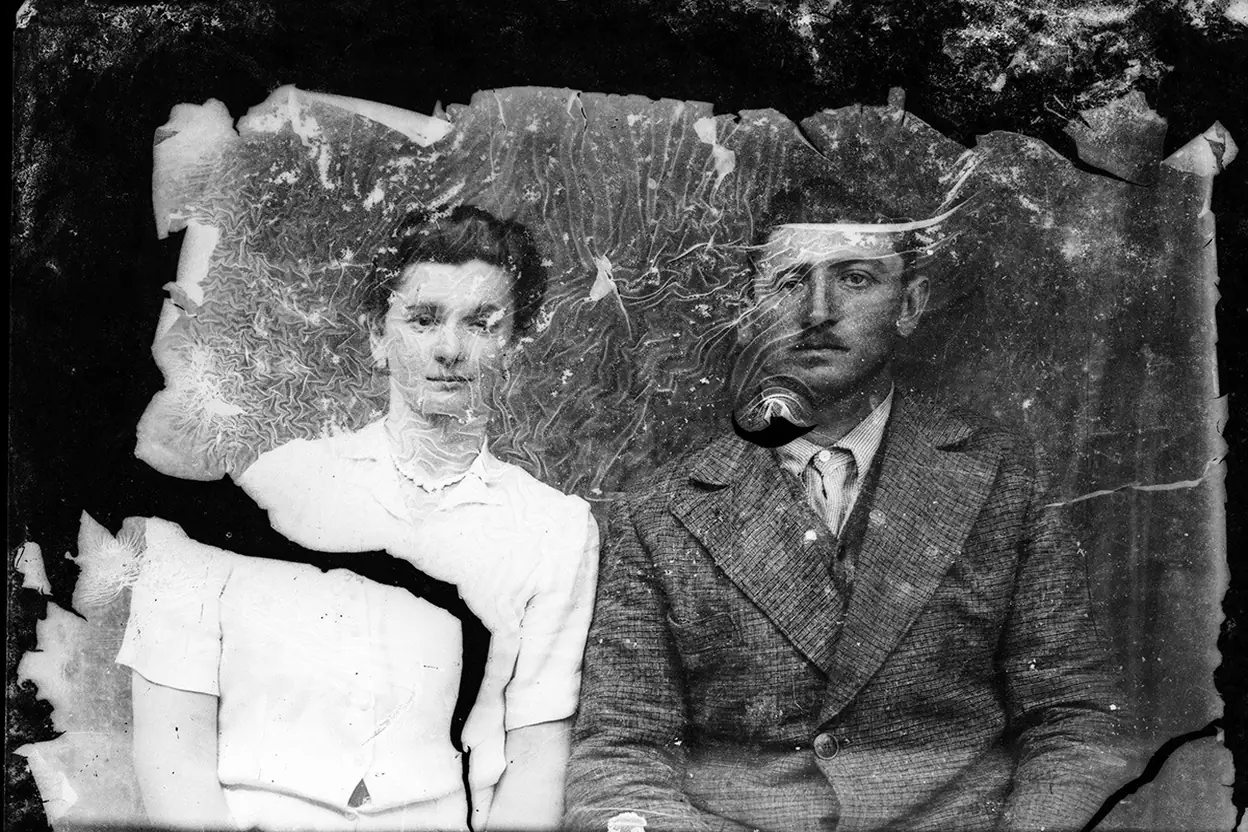
 BeforeRestored
Six reasons to repair old photos here instead of by hand.
Upload, choose the colors and press Restore Photo. Most runs finish in about half a minute, so you can work through a box of prints in one sitting.
The AI is told to keep every face, expression and hairstyle as it is and to repair only the damage, so a grandparent still looks like themselves, only clearer.
Black and white and sepia prints keep their tone, or switch to Add color for natural shades of their era.
Type a short note such as "her dress was navy blue" and the restoration takes it into account when it repairs and colors the photo.
No scanner? Photograph the print flat in daylight and run the whole restoration in your phone browser, with nothing to install.
Each photo costs 10 credits, or 20 in HD 2K for large prints. No subscription is needed, and a run that fails never uses credits.
How to restore old pictures without editing skills: three steps from a damaged print to a clean PNG.
Three things this restorer does on real prints. Drag, hover or watch each example.
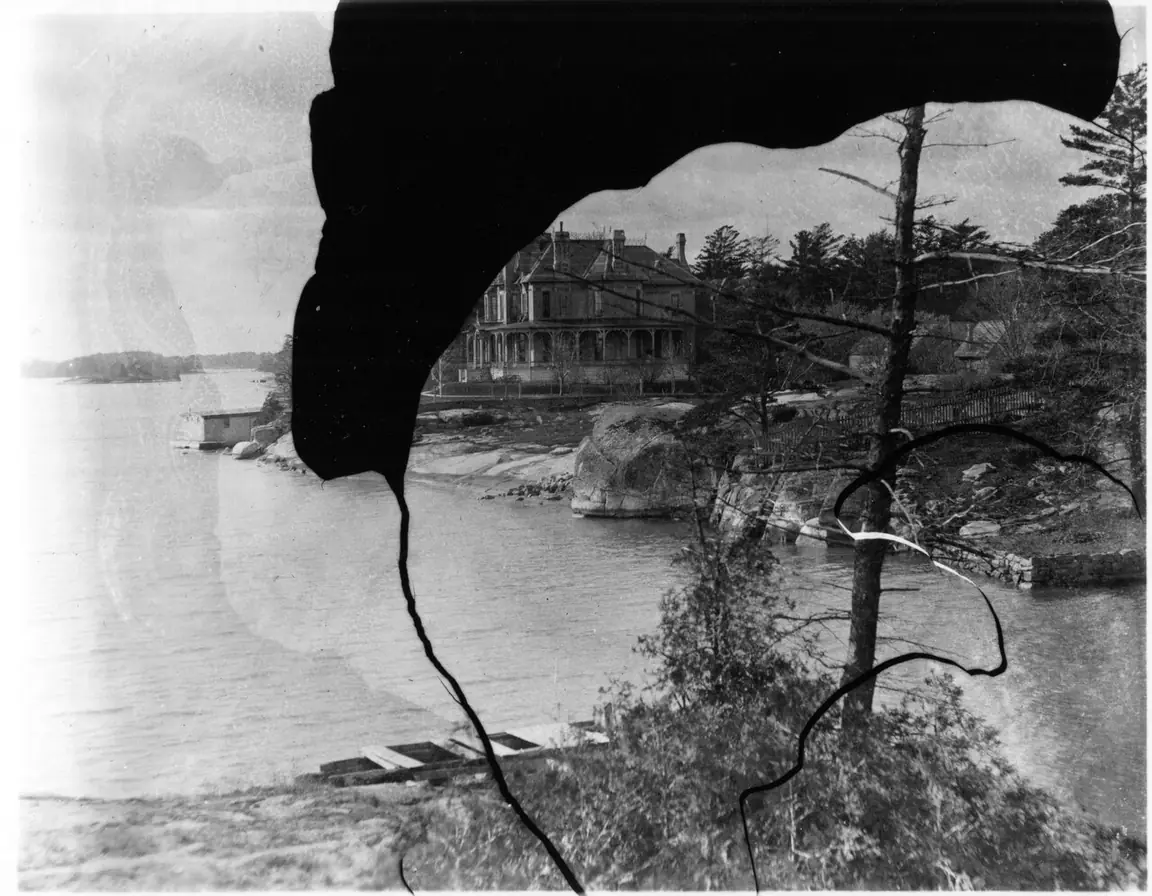 BeforeRestored
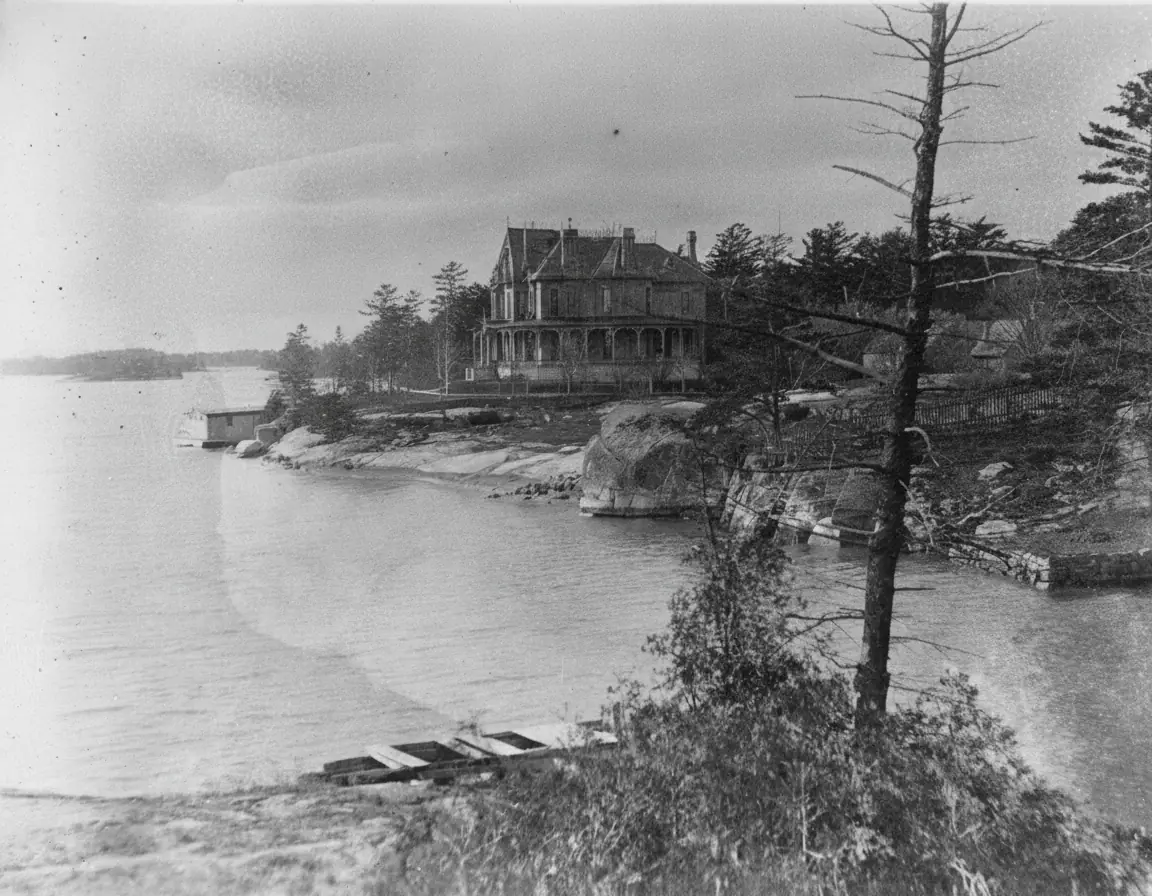
A black blot covered part of this lakeshore print and a crack ran through it. The AI rebuilt the house, the trees and the water from what was around them, so the picture is whole again. The same run will fix old cracked photos, restore old torn photos and fill corners lost to an album. Drag the divider to compare.
Repair a damaged photo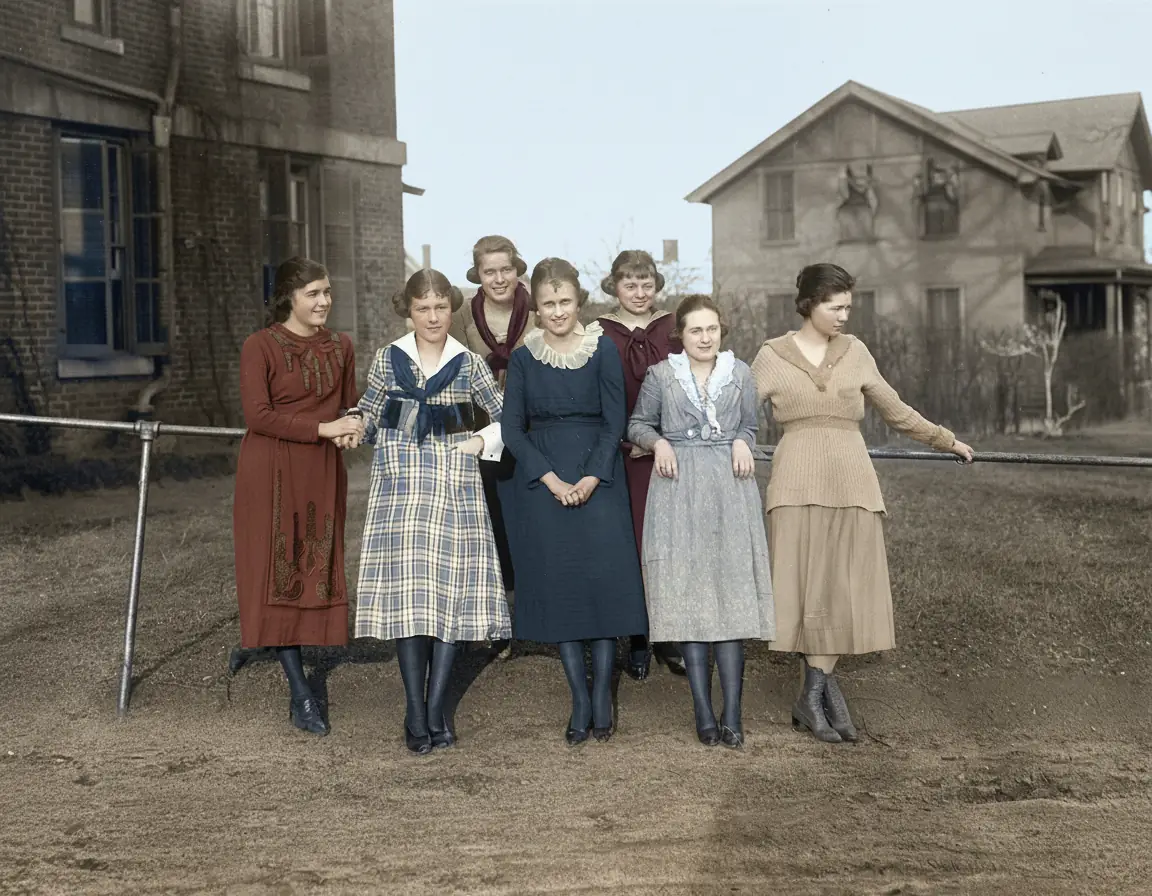
 BeforeRestored and colored
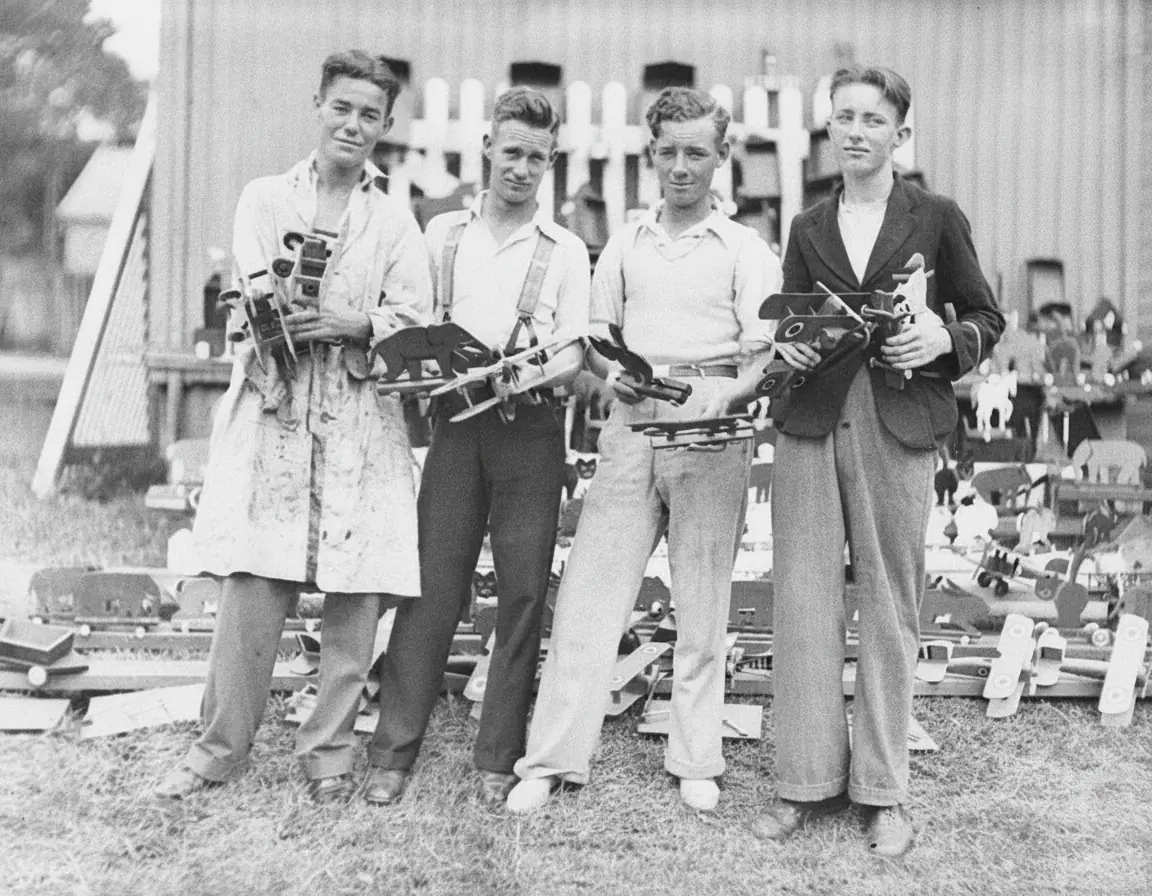
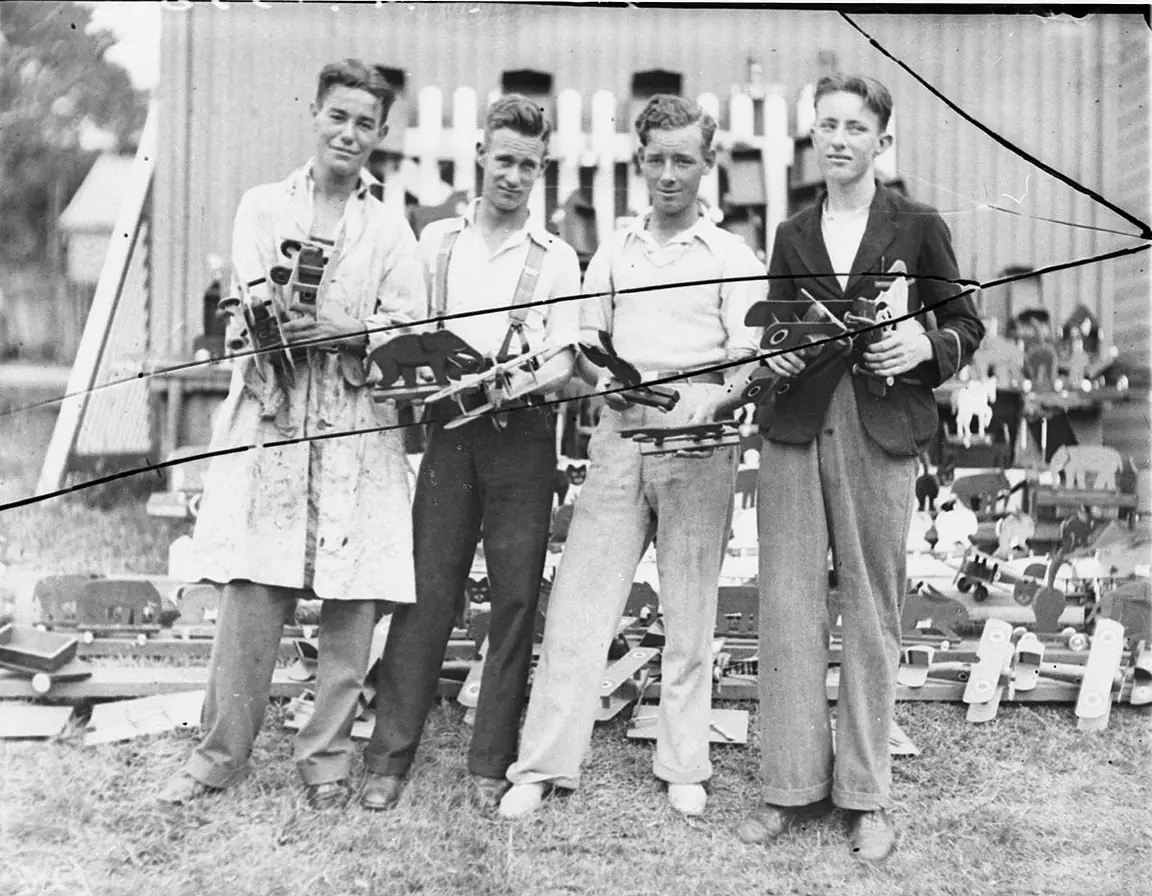
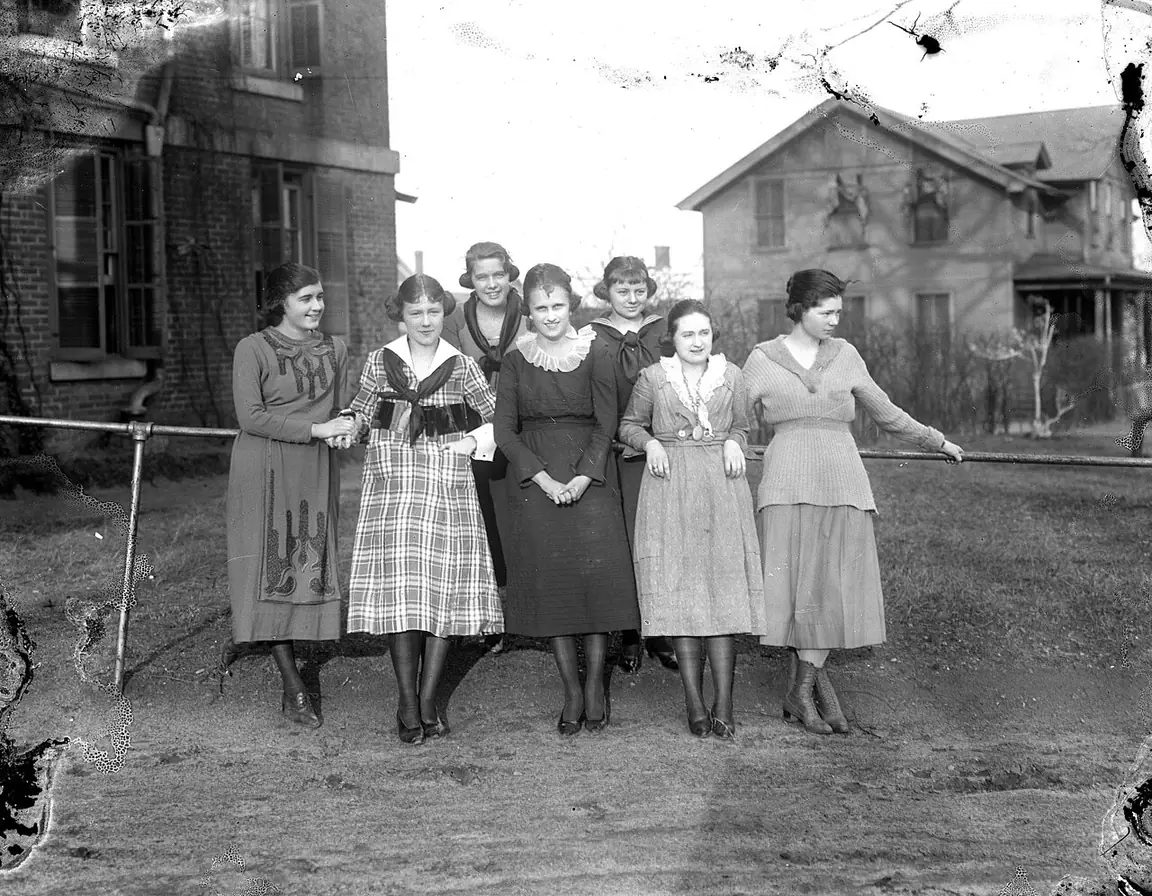
Switch to Add color and the run that removes the damage also adds natural color: skin, fabric, brick and sky each get a believable shade of the time. These students were photographed on a glass plate around 1920, and one run repaired the stained edge and colored the whole group. To remove a modern caption or a date stamp afterwards, use remove text from image.
Add color to a photo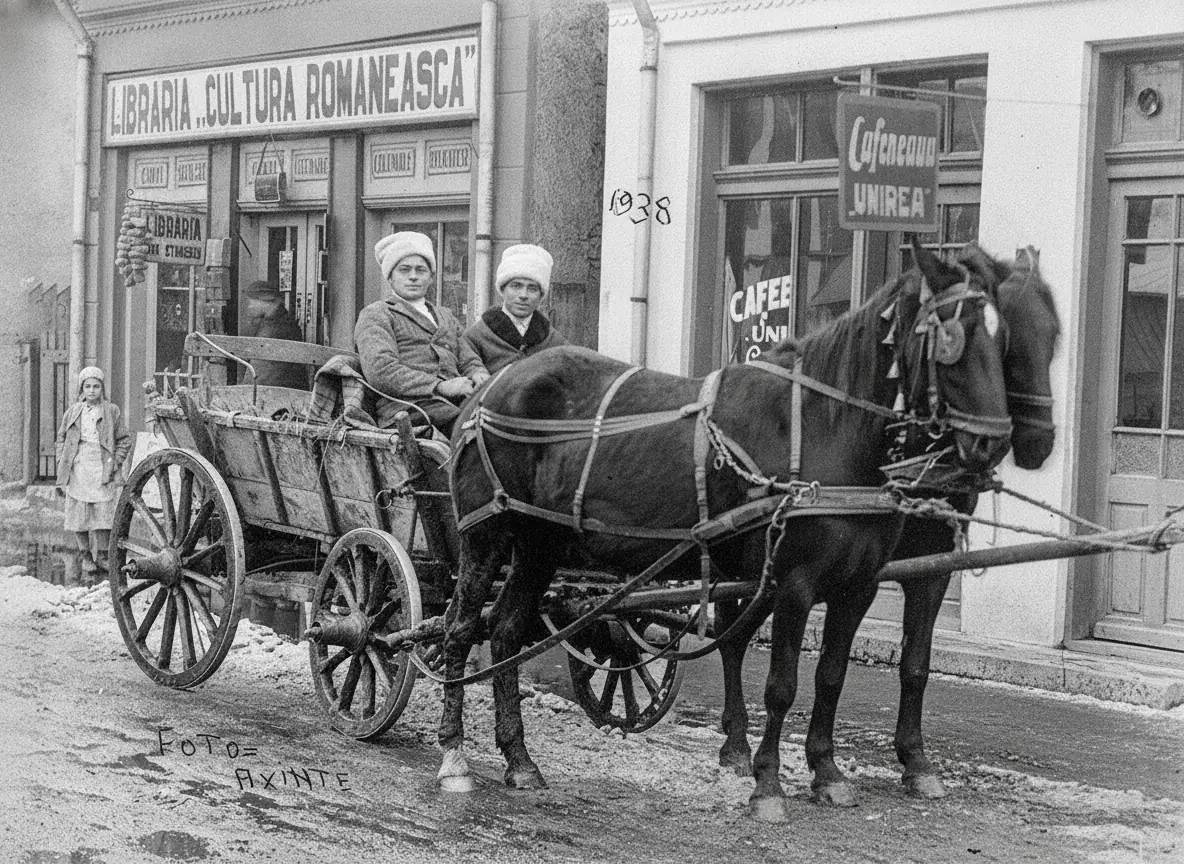 Move to see the damage
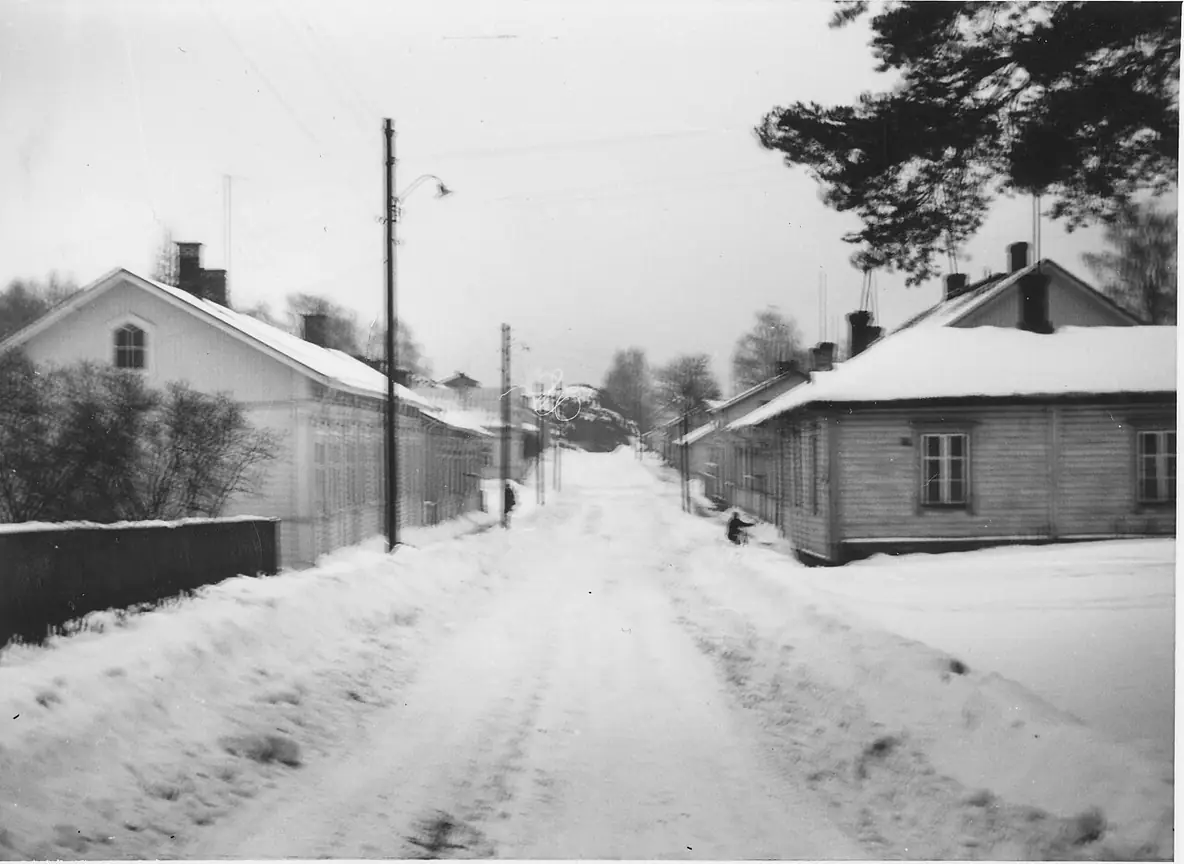
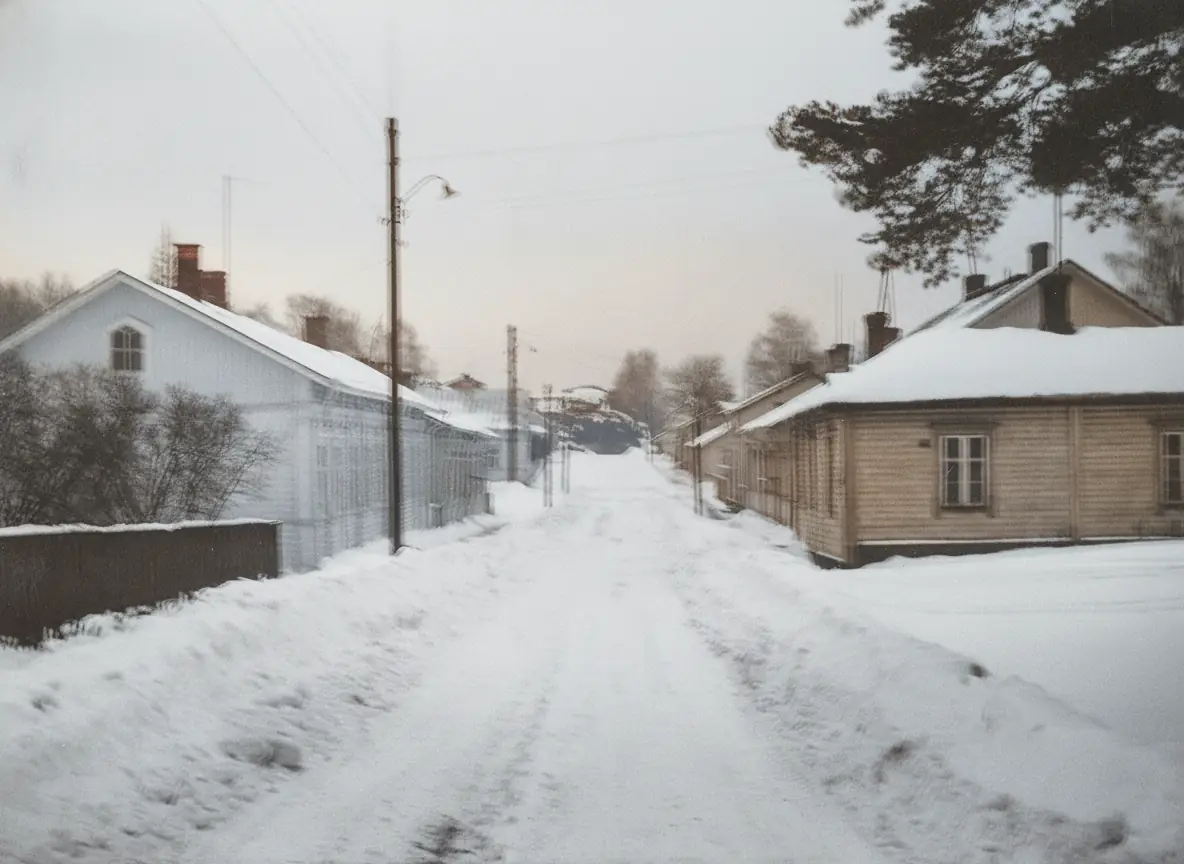
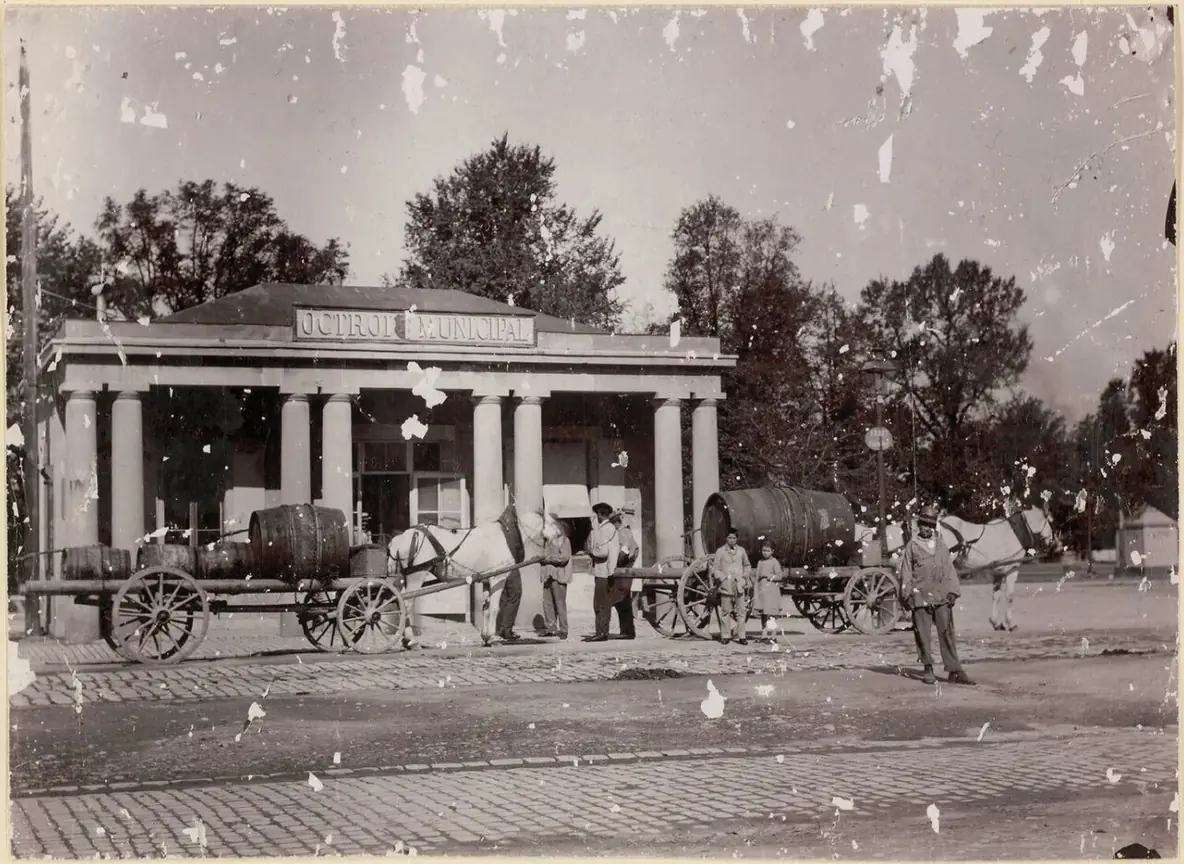
Faces, hands, lettering and patterns are repaired, not redrawn. On this 1938 street photo the shop signs still read Libraria Cultura Romaneasca and Cafeneaua Unirea, and the photographer's name in the corner is still there. Move the lens across the picture to see the damage that was removed. To paint away a stray object as well, use generative fill.
Fix an old photoEight real results of this tool on damaged public domain prints from libraries and archives. Hover a card to wipe between them, or open it to compare closely.
Scratches and flaking across a Swedish family portrait from around 1907 are gone, and Add color gave every dress its own shade.
Spots and flaking all over a group portrait cleaned up, with every face and the painted backdrop kept.
A brown water stain across the sky of a motorcar and windmill photo removed, with the sepia tone and the number plate kept.
A faded 1920s studio portrait with a stained top edge, repaired and colored with Add color.
A torn corner rebuilt and the whole street colored, from the roof tiles to the parasol.
A broken corner of the glass plate filled in, so the trees and the court are whole again.
A bright scratch across the father's leg and the stairs repaired on a print from around 1908.
The missing strip along the top was filled in with the wallpaper and vases around it, and her face stayed the same.
Four habits that make a restored photo look natural.
A flatbed scan at 600 DPI is best. With a phone, lay the print flat in soft daylight, hold the phone straight above it and avoid glare. Restore old scanned photos from the largest file you have; uploads are scaled to 2048 pixels on the longest side.
Crop away the album page, the frame and the table around the print. The restored photo keeps the shape of what you upload, so a tight crop gives the cleanest result.
For old photo restoration, black and white prints often look most authentic in their own tone, so Keep its colors suits family history records. Add color gives natural colors of the era, but they are the AI's best guess, so add a note when you know one. For a print with no damage that only needs color, colorize photo is the simpler tool.
A short note helps: "his suit was grey", "the house was white". After the run, look closely at faces and hands with the slider. AI can change small details, so run it again if something does not look right.
Image2Layer next to Photoshop by hand and old photo restoration services.
Photoshop is a trademark of Adobe. Image2Layer is not affiliated with Adobe or with any restoration service.
Families, family historians and anyone with a box of prints.
Restore old photographs of grandparents, weddings and first homes, and restore an old photo album one print at a time.
Clean up portraits for a family tree, a genealogy profile or a reunion slideshow.
Prepare a clear photo for a memorial card, an anniversary gift or a framed print.
Repair old streets, shops and harbors for a town archive, a museum label or a history post.
Download the restored PNG for a photo print, or make a matching poster from a short description with the AI poster generator.
Use restored pictures in collages and invitations, and turn them into editable layers with image to PSD.
Answers about restoring old photos, color, faces, price and privacy.
More image tools for the next step after a restoration.
Four tools for what usually comes next.
Old photo restoration
Upload a scan or a phone photo and get it back repaired in about 30 seconds. Old photo restoration starts free with an account.
Restore a photo