About 30 seconds a photo
Upload a photo, set the blur and let it run. Most runs finish in about half a minute, so a whole set of photos takes minutes, not an evening.
AI background blur
Image2Layer's blur background tool turns a photo of a person, pet or product into a portrait with a soft background, free to try. The subject stays sharp, the blur grows with distance, and it takes about 30 seconds.
1. Upload an image
Sexual or explicit content isn't allowed. Images and results that contain it are blocked automatically.
No image handy? See a sample
2. Set the blur
The subject stays sharp; the blur grows with distance.
3. Blur Background
10 credits per photo · Failed runs never use credits
What it does
Blur background gives an ordinary photo the look of a portrait lens. Upload a picture that is sharp from front to back and the AI keeps the person, pet or product in focus while the scene behind it falls softly out of focus, with no mask to draw and no prompt to write.
The background blur grows with distance, so the ground at the subject's feet stays a little sharper and the far background melts away. Lens bokeh turns lights into round circles, and Smooth gives an even blur. Put a product on a clean white background instead, or split the finished photo with image to layers.
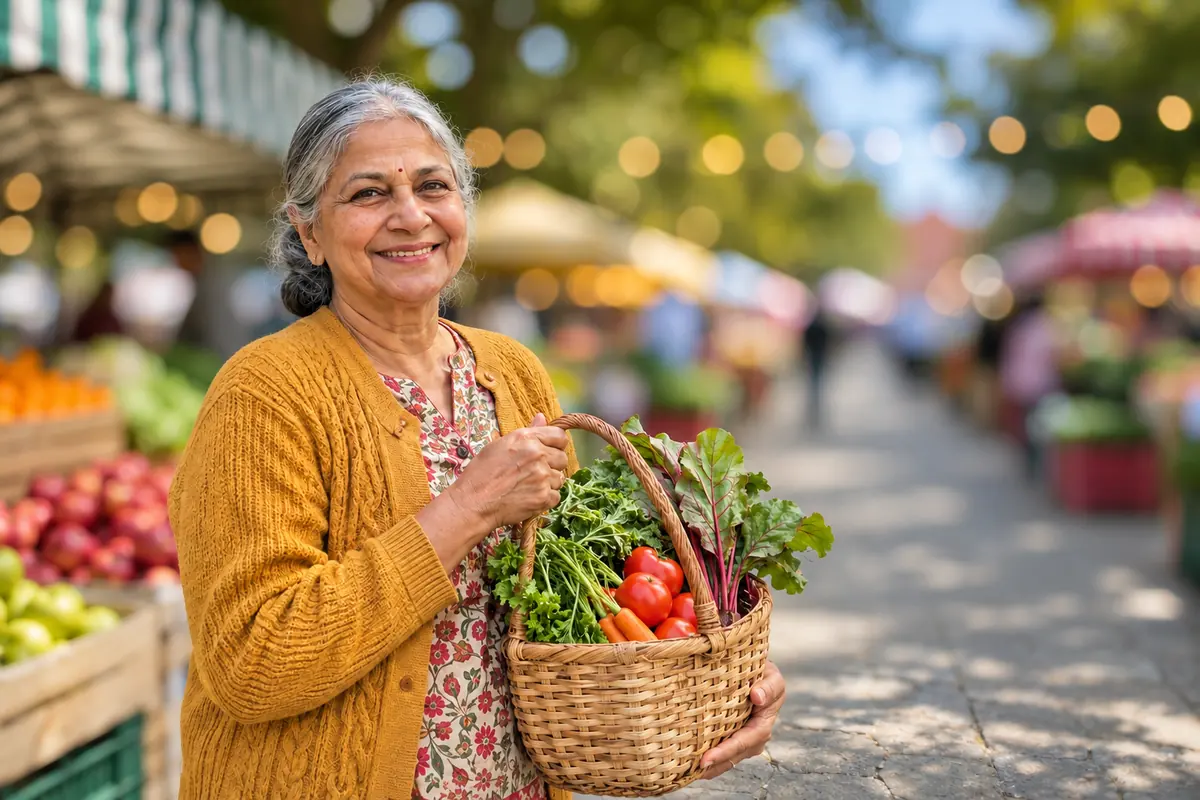
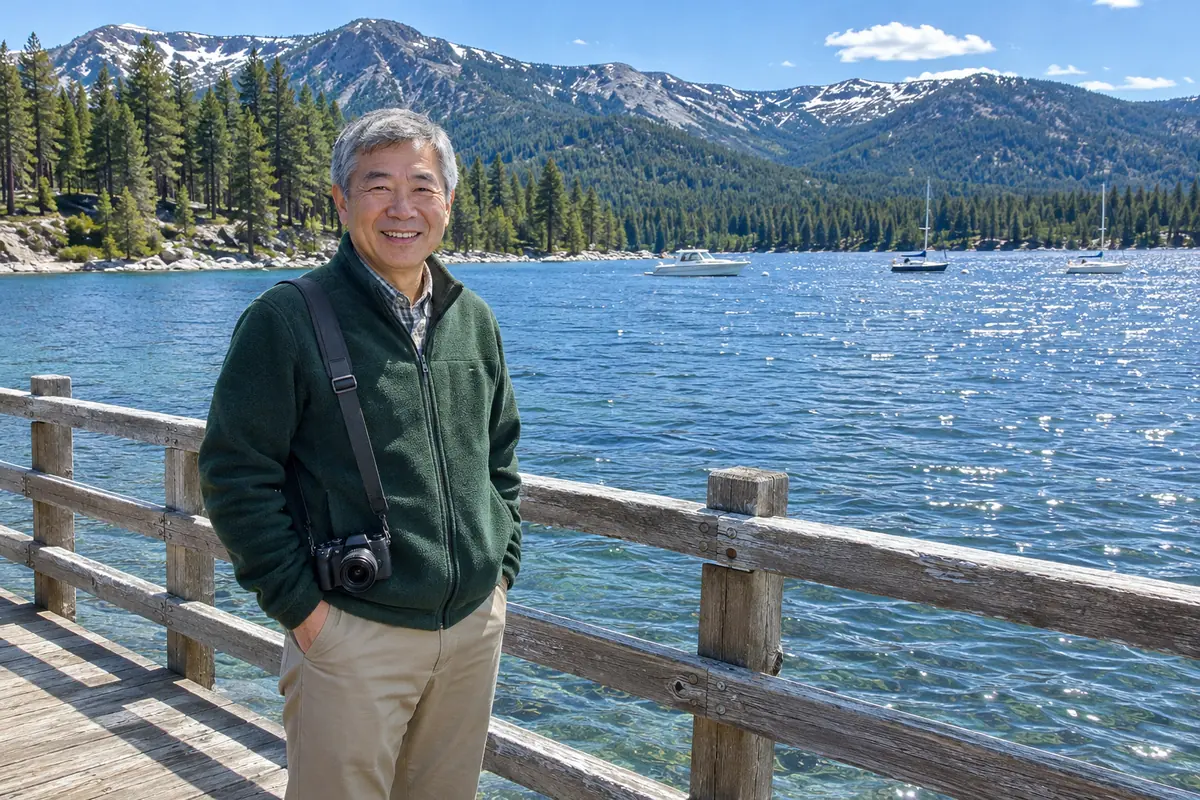
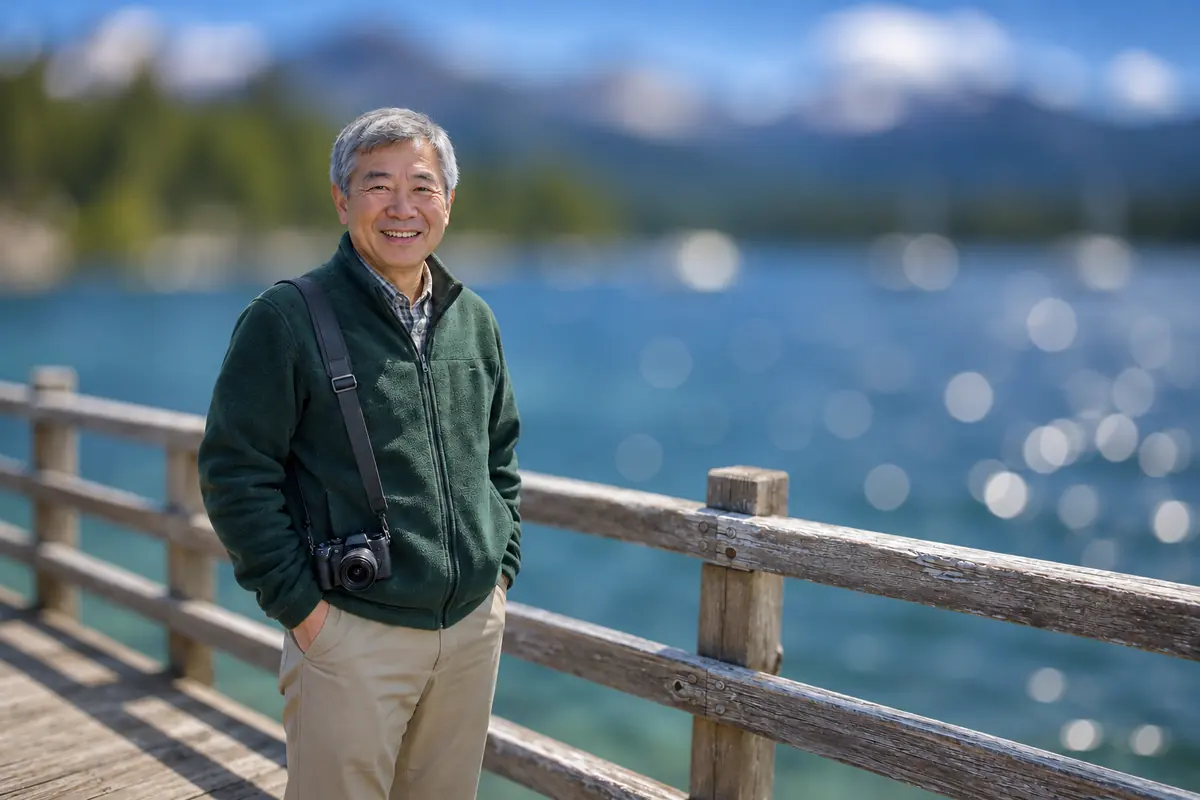
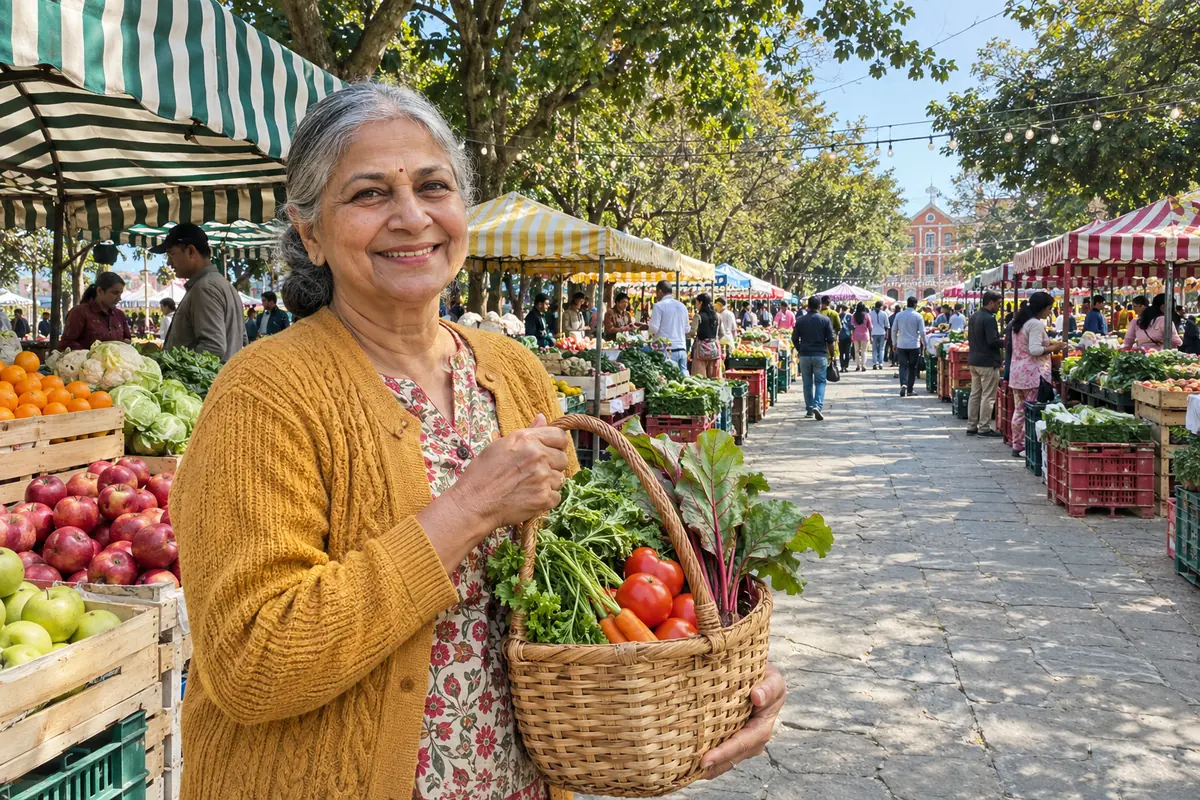 BeforeBlurred
Six reasons to blur the background here instead of by hand.
Upload a photo, set the blur and let it run. Most runs finish in about half a minute, so a whole set of photos takes minutes, not an evening.
The AI is told to keep faces, hair, fur, colors and pose exactly as they are and to change only what is behind the subject.
Like a real lens, the far background gets the most blur while the ground right at the subject stays a little sharper, so nobody looks cut out and pasted in.
Lens bokeh turns street lamps and string lights into round circles, a bokeh effect photo without a fast lens. Smooth gives a calm, even blur for products and nature.
Blur background online in your phone browser, with nothing to install, even on photos you took years ago.
Each photo costs 10 credits. No subscription is needed, and a run that fails never uses credits.
No mask, no prompt and no editing skills: three steps from a photo that is sharp from front to back to a soft portrait background.
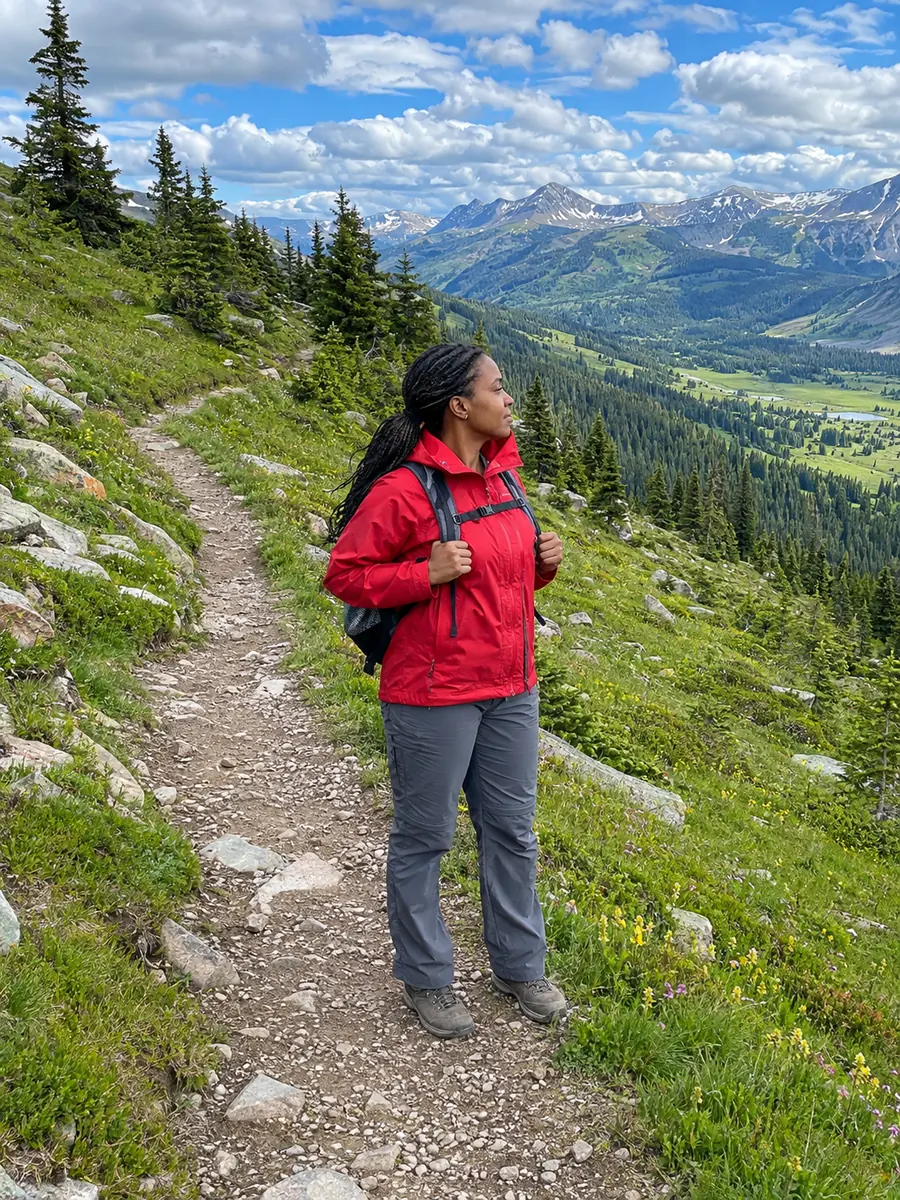
Three things this background blur tool does on everyday photos. Drag, hover or watch each example.
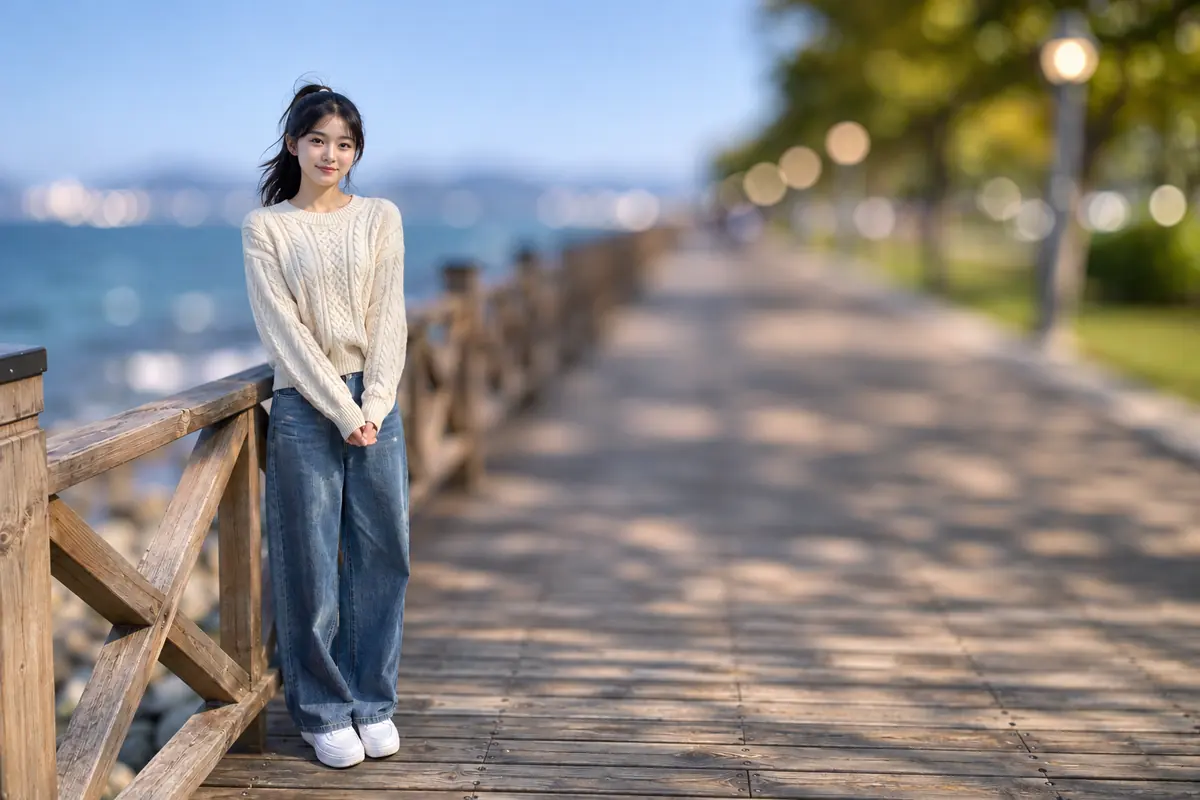
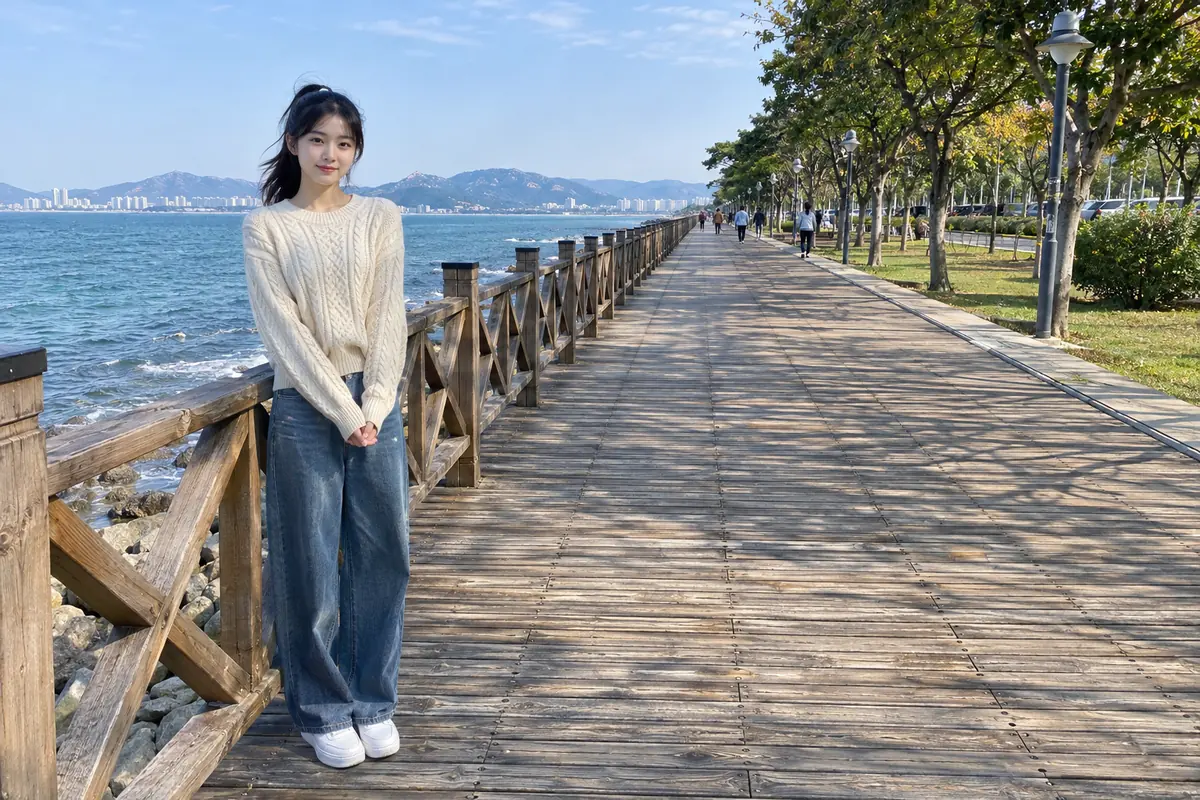 BeforeBlurred
On this boardwalk the planks at her feet stay a little sharper, while the railing, the trees and the people further back soften step by step. The AI is asked to blur the background more the farther away it is, so the photo reads as if it came from a portrait lens. Drag the divider to compare.
Blur a portrait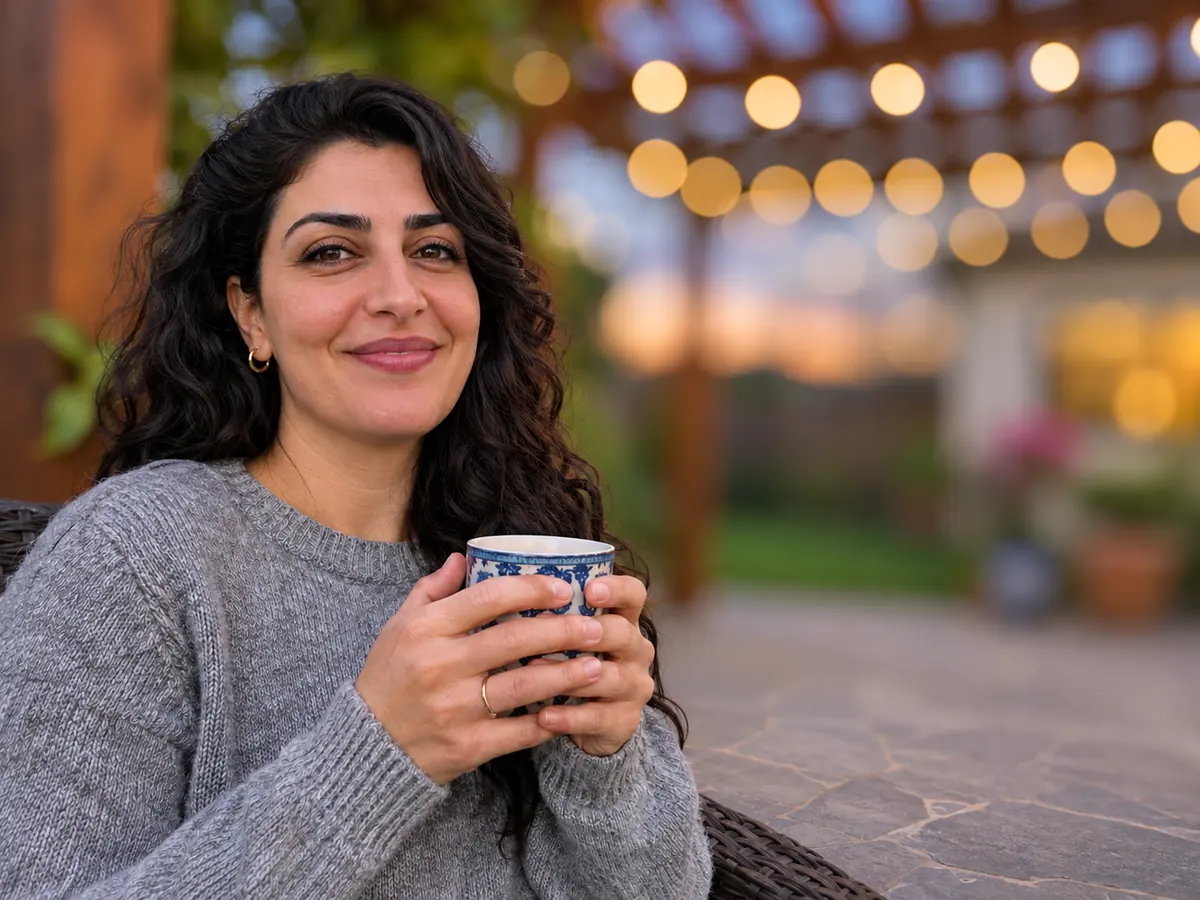 Move to see the original
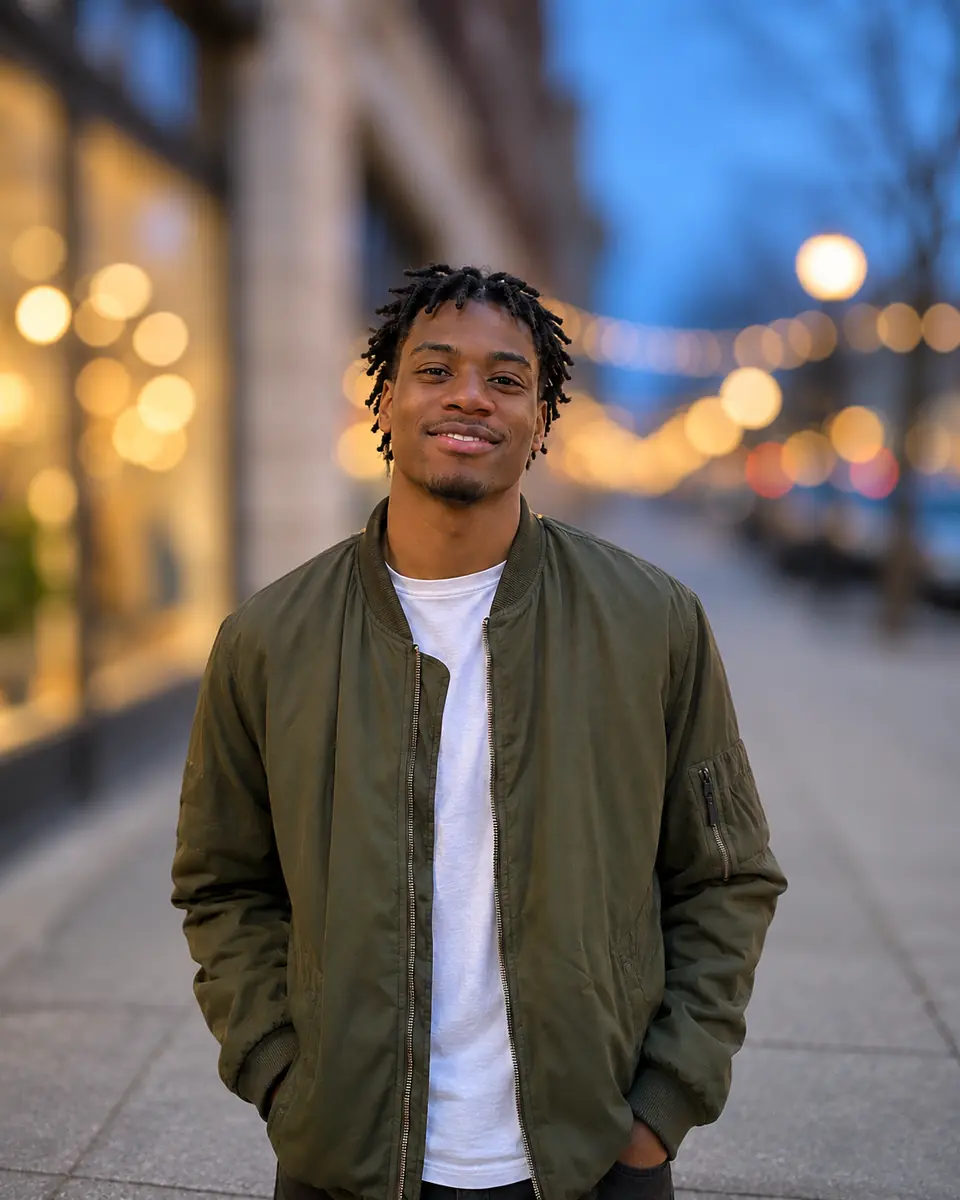
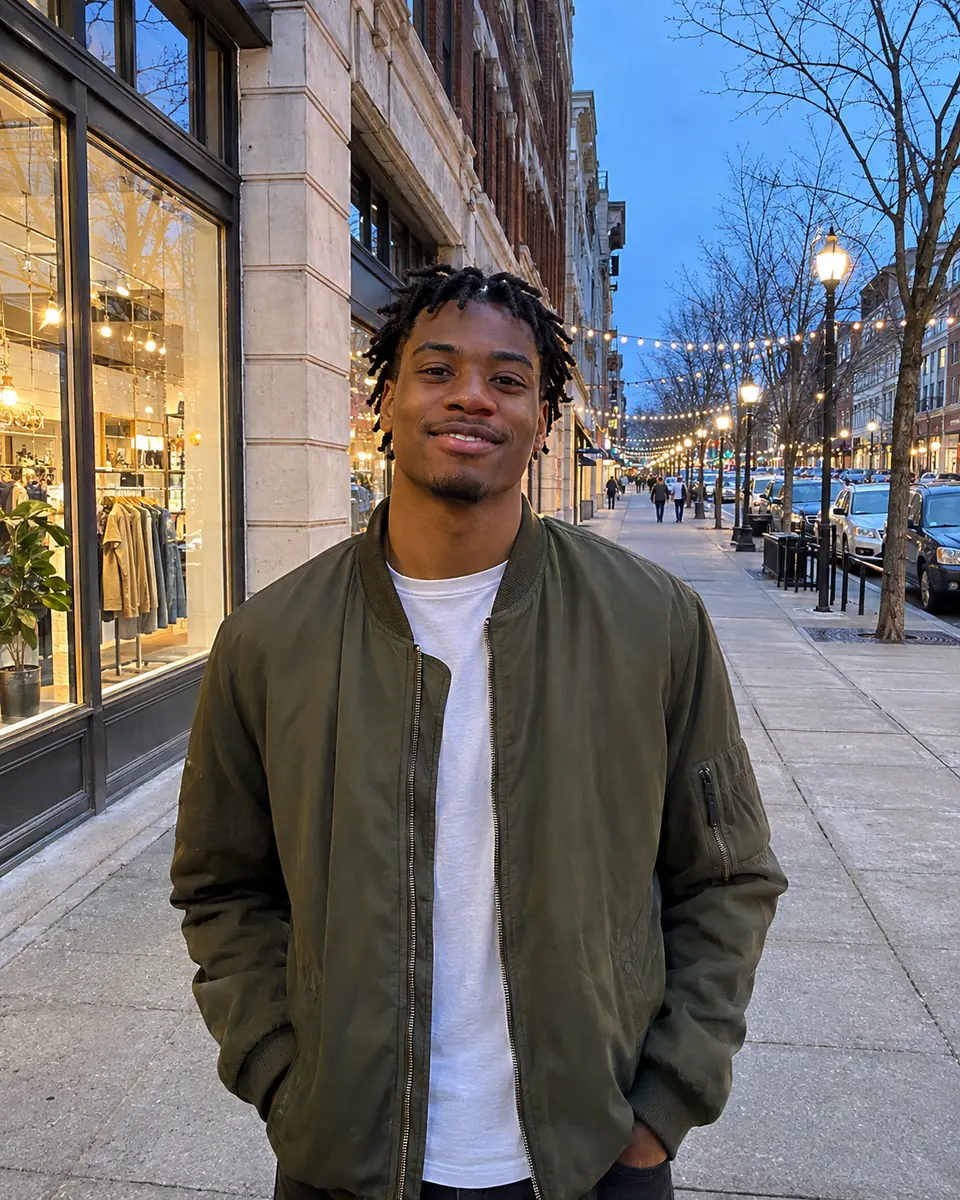
Choose Lens bokeh and the string lights behind her turn into soft round circles, the look of a fast lens after dark. Move the lens across the picture to see the sharp lights of the original. For daylight portraits and products, Smooth gives an even blur with no circles. To take a stray passerby out of the frame first, use the object remover.
Add bokeh to a photo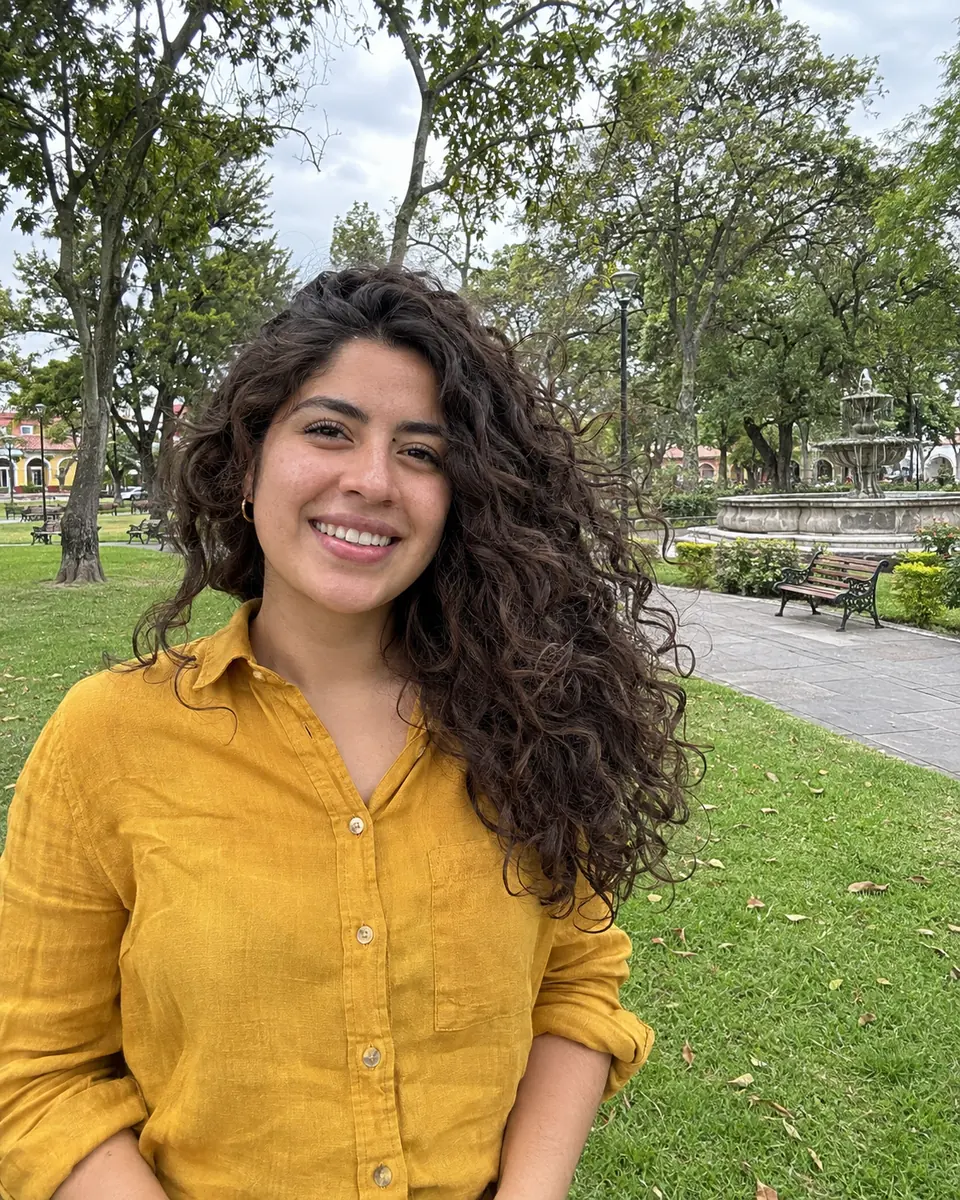
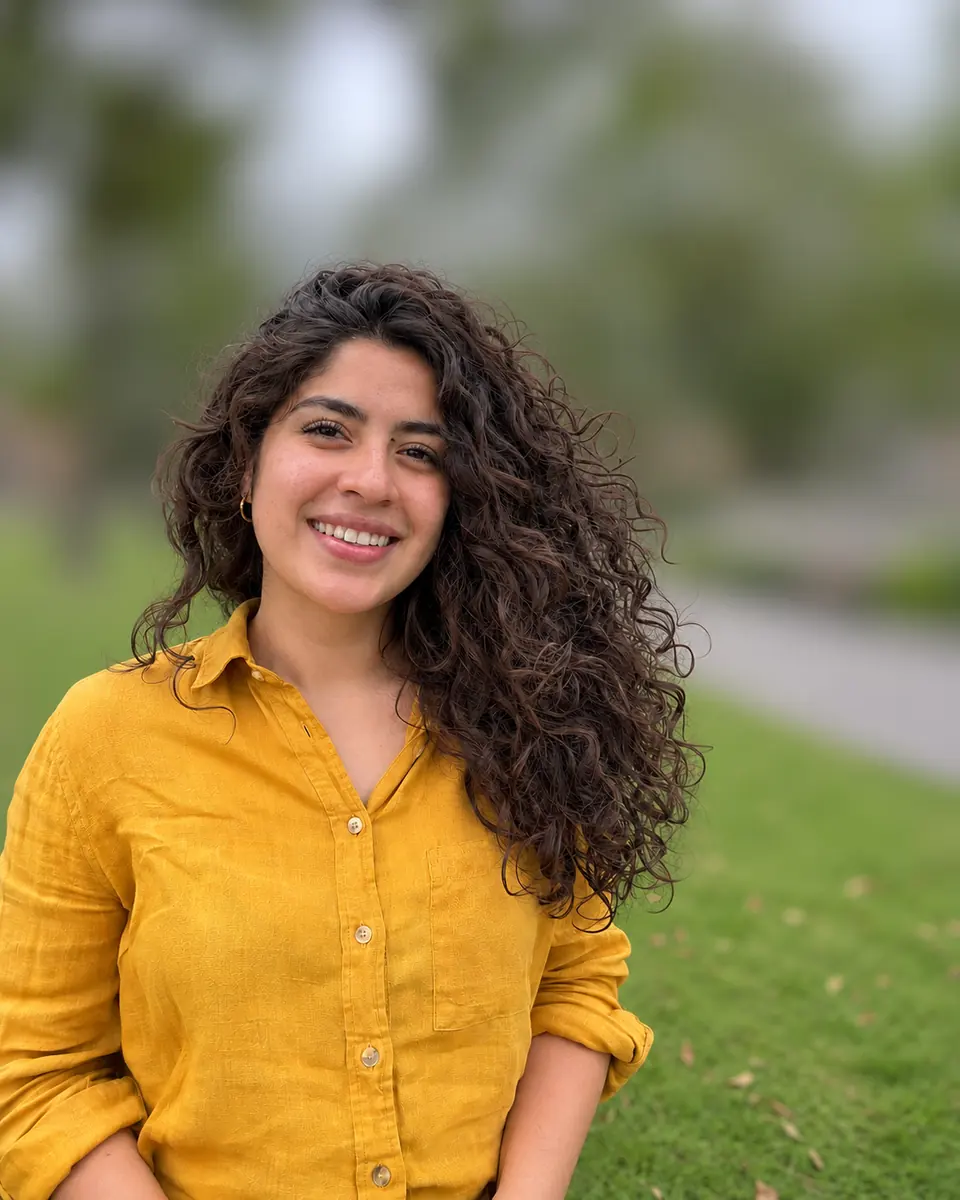 After
Curls, stray hairs and fur are where a hand-drawn mask usually fails. The AI is told to keep the edges of the subject exactly as they are, so the zoom shows defined curls against a park that has melted into soft color. To lift the person out onto a transparent background instead, use cut out image.
Blur a close-upSix photos of people, pets, products and food, with the settings used in each note. Hover a card to wipe between them, or open it to compare closely.
A light blur softens the park behind a family of three, while the trees and the path stay easy to recognize.
Pendant bulbs behind the glass turn into round bokeh, and the shelves fade into warm color.
The street and shop windows behind the bench become a soft backdrop, so the stitching and leather of the bag catch the eye.
The garden behind the cat melts into soft green, while its whiskers and fur stay crisp.
Street lamps and lit windows behind him become glowing bokeh circles on a dark street.
The cake and its candles stay sharp, while the party guests behind become soft shapes.
Four habits that make a blurred background look real.
A street, a park or a room stretching away gives the blur something to work with. A subject pressed against a wall has little background left to soften.
Light suits group and travel photos where the place matters, Medium suits most portraits, and Strong gives the creamy look of a fast lens for close-ups.
Lens bokeh shines in evening shots with lamps, candles or string lights. Smooth gives a calm, even blur to products, food and nature in daylight.
Uploads are scaled to 2048 pixels on the longest side and the result comes back at about 1,200, so use the original photo, not a screenshot. Check hair and hands with the slider, and for a bigger print, enlarge the PNG with the image upscaler.
Image2Layer next to a manual blur in Photoshop and the portrait mode of a phone camera.
Photoshop is a trademark of Adobe. iPhone is a trademark of Apple Inc. Image2Layer is not affiliated with Adobe or Apple.
Anyone who wants to blur the background of an image so the subject stands out, from selfies to shop listings.
Give a selfie or a headshot the soft background of a portrait lens for a profile, a resume or a team page.
Make a person stand out from busy streets and crowds in travel photos and stories.
Blur photo background behind handmade goods and shop listings so the item is the first thing people see.
Turn a quick snap of a dog or cat in the yard into a portrait where only the pet is in focus.
Soften a busy restaurant behind a dish or a drink for a menu, a food blog or a delivery listing.
Bring graduations, weddings and birthdays into focus by softening the crowd, then make a matching invitation or poster from a short description with the AI poster generator.
Answers about strength, bokeh, subjects, size, price and privacy.
More image tools for the next step after a blur.
Four tools for what usually comes next.
Background blur
Upload a photo of a person, pet, product or meal and get a sharp subject on a soft background. Your first run is free with an account.
Blur a photo