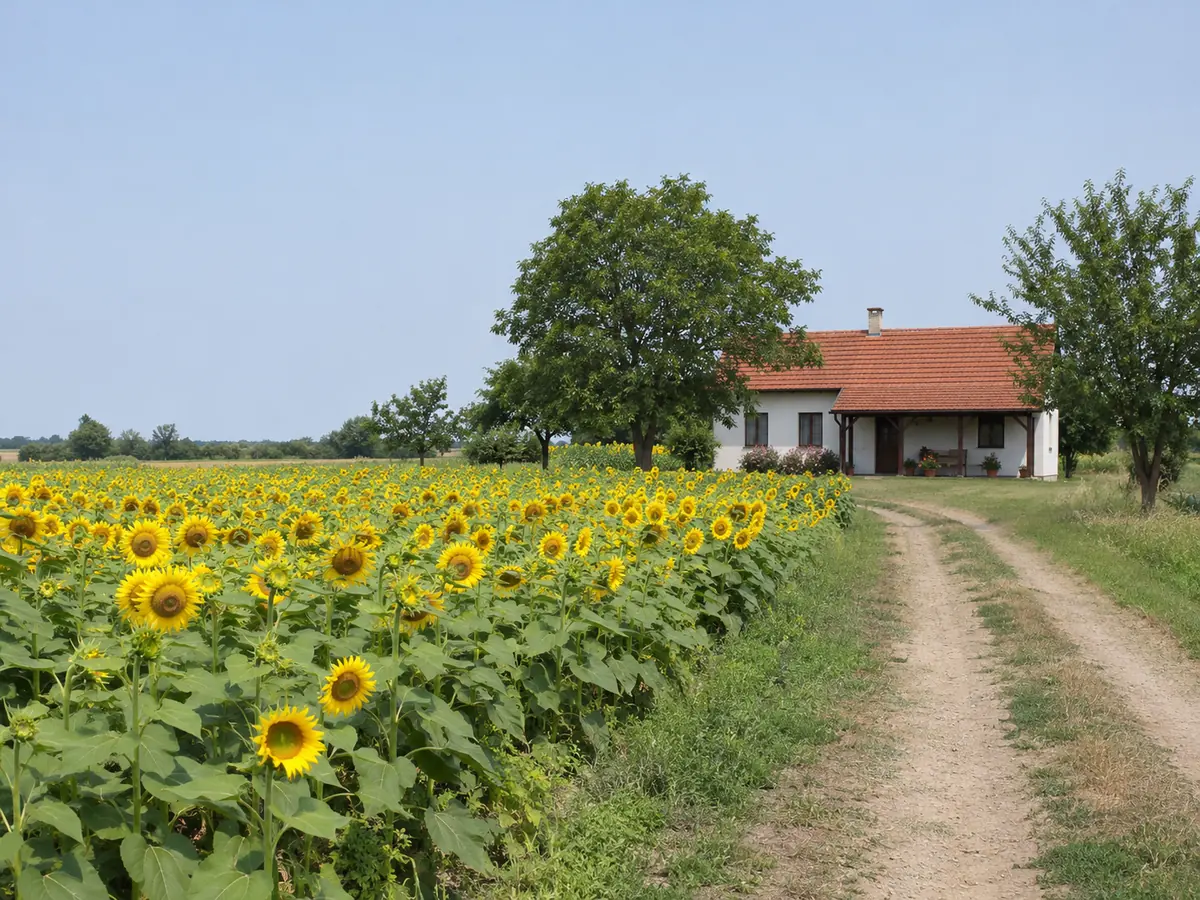
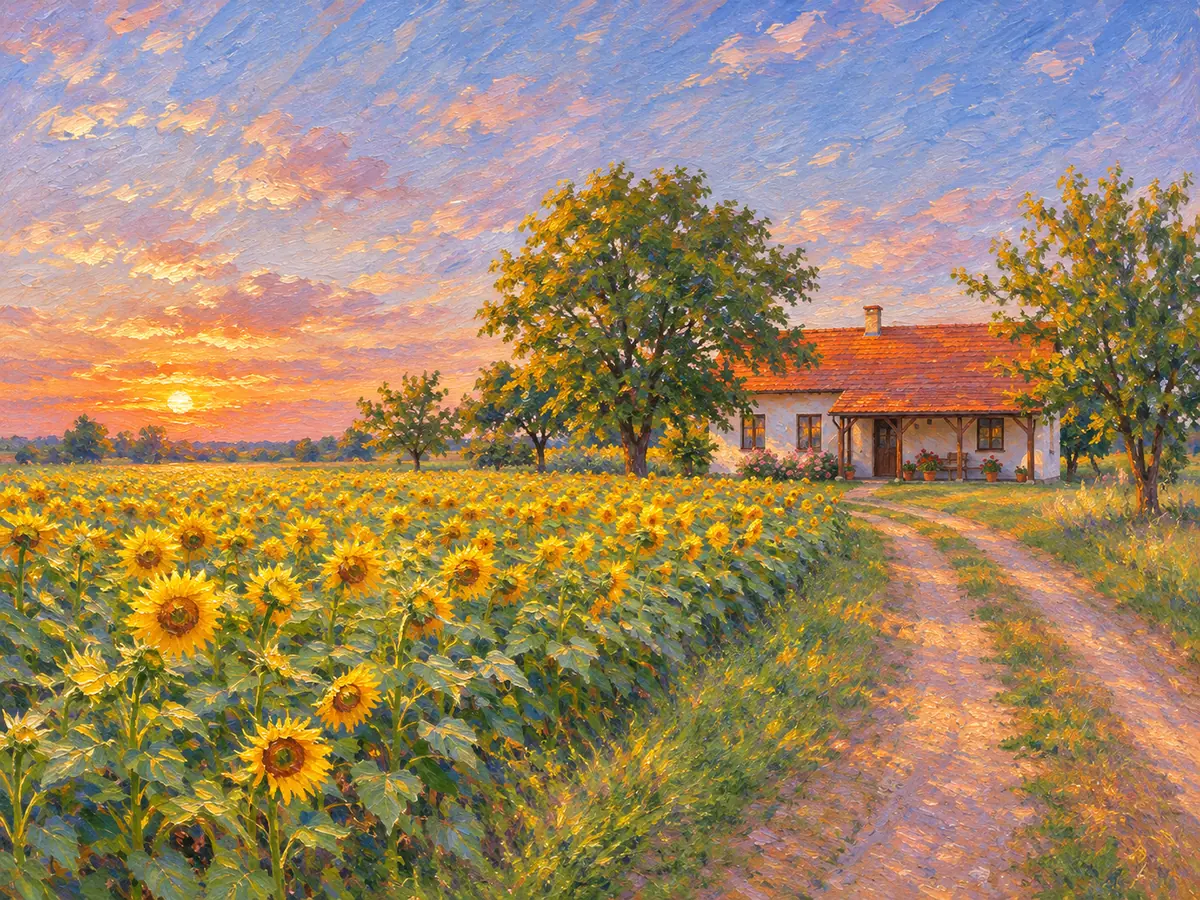
About 30 seconds a painting
Upload, pick a style and press Paint Photo. Most runs finish in about half a minute, so you can try several styles on the same photo in a few minutes.
AI painting styles
Image2Layer's photo to painting AI turns a portrait, pet or place into a painting in oil, watercolor, pencil sketch or 5 more styles, free to try. A run takes about 30 seconds and keeps faces, pose and framing.
1. Upload an image
Sexual or explicit content isn't allowed. Images and results that contain it are blocked automatically.
No image handy? See a sample
2. Pick a painting style
Faces, pose and framing are kept.
3. Paint Photo
10 credits per painting · Failed runs never use credits
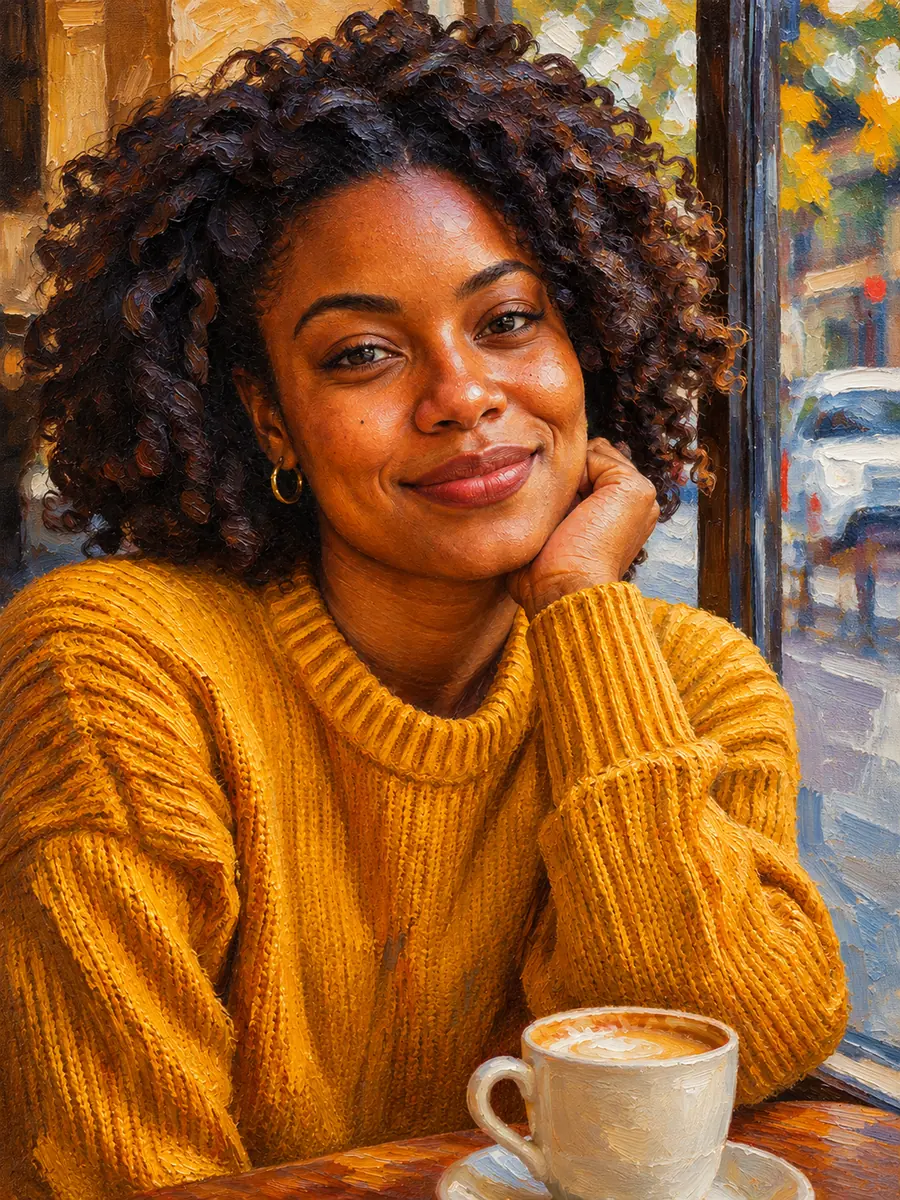
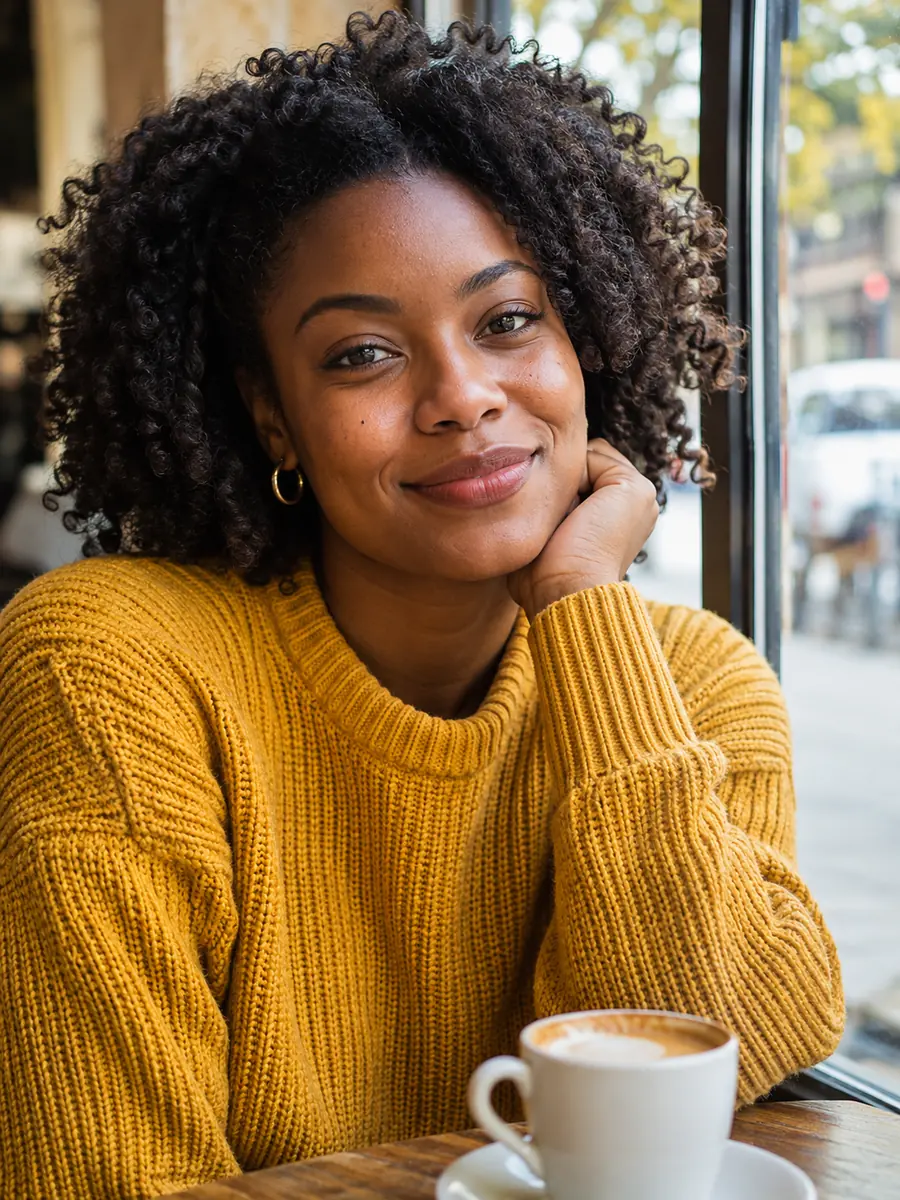
One photo, many styles
Photo to painting repaints your whole picture in the medium you choose, from rich oil to soft watercolor and fine pencil lines. Upload a portrait, a pet, a place or a still life, pick one of eight styles and a strength, and the AI does the brushwork in one run, with no prompt to write.
Every style keeps the faces, the pose and the framing, so the painting lines up with your photo and still looks like the people in it. Use the tabs to see one portrait in four styles. Afterwards, press Split into layers to open the painting in image to layers and edit each part on its own.
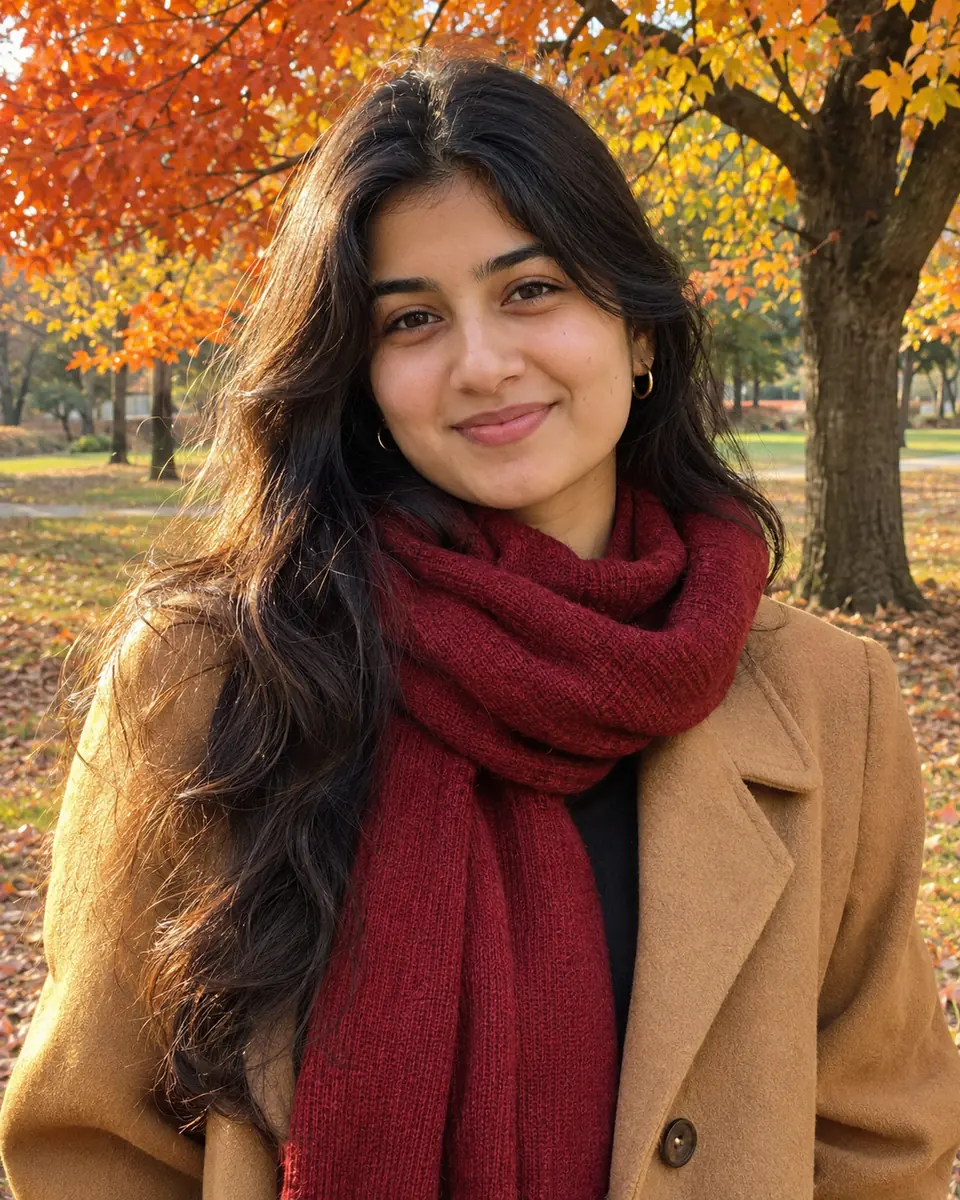
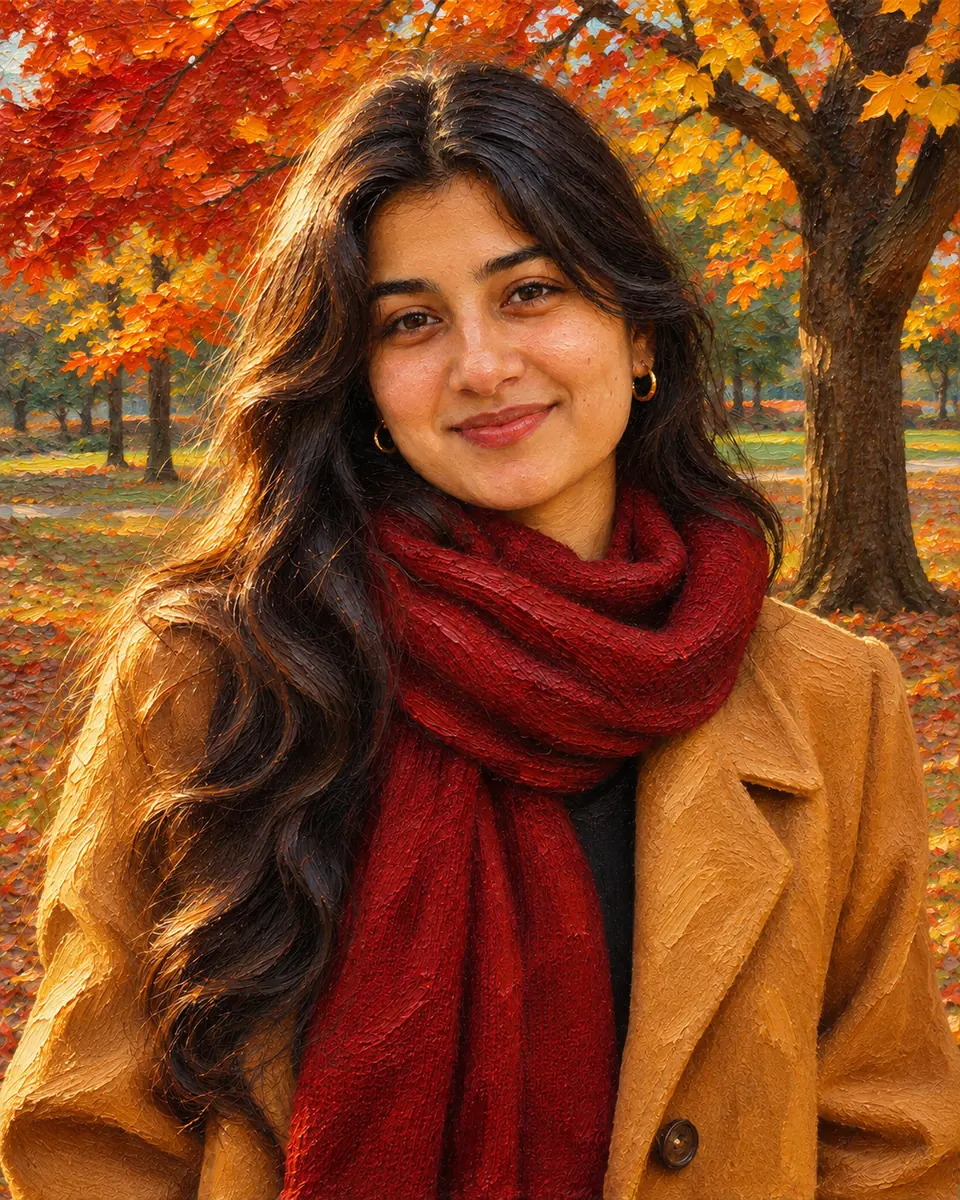 Result
Six reasons to let AI do the brushwork instead of doing it by hand.
Upload, pick a style and press Paint Photo. Most runs finish in about half a minute, so you can try several styles on the same photo in a few minutes.
Every style is told to keep each person's likeness, the pose and the composition, so a portrait still looks like its sitter, only painted.
Oil painting, Watercolor, Pencil sketch, Impressionist, Pop art, Illustration, Anime and 3D are each one click away, for portraits, pets, places and still lifes.
Choose how far the painting moves from the photo: a light touch of texture, a clear painting, or a fully painterly result.
Type a note such as "warm sunset colors" or "a muted palette" and the AI takes it into account while it paints.
Each painting costs 10 credits. Credit packs need no subscription, and a run that fails never uses credits.
Three steps from a photo to a painting you can download, with no drawing skills and no prompt to write.
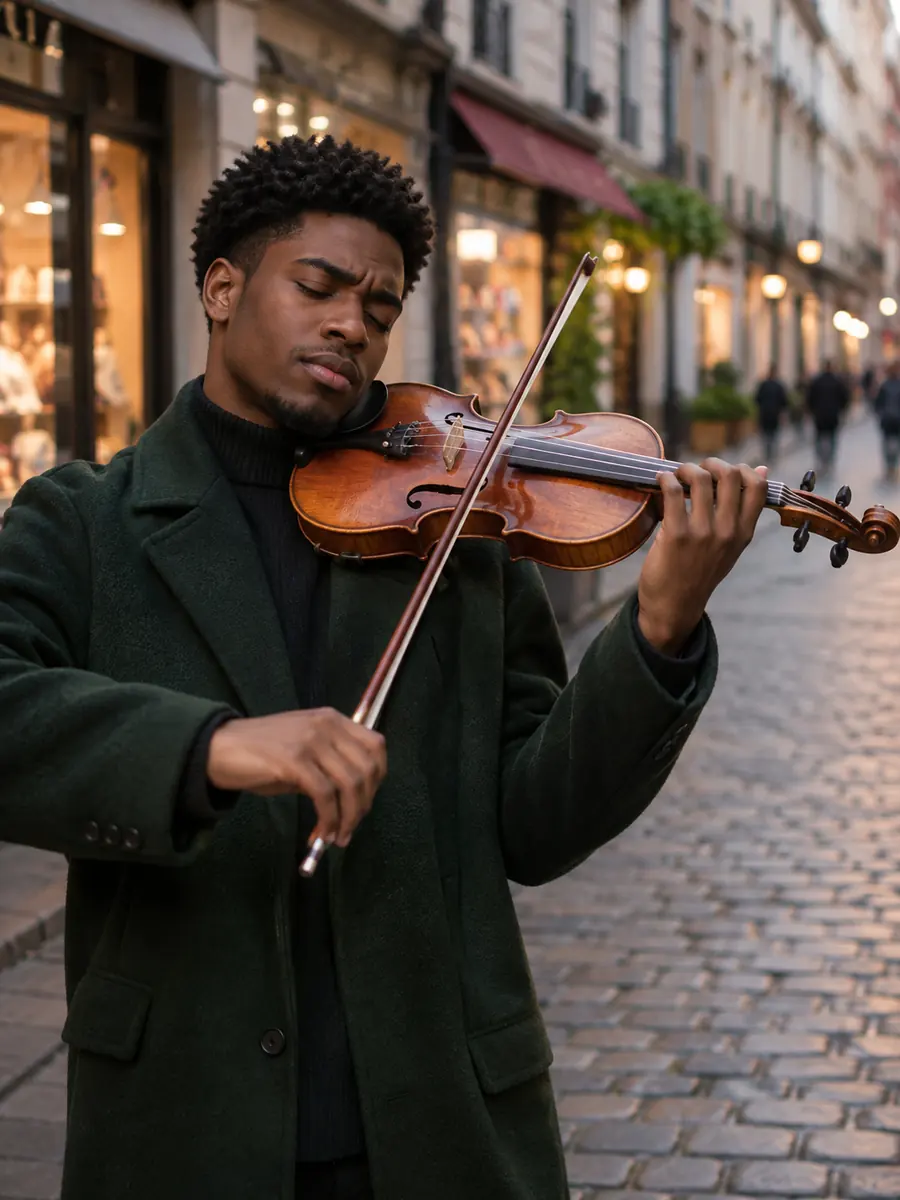
Three things this tool does on example photos. Move the lens, drag the divider or watch each example.
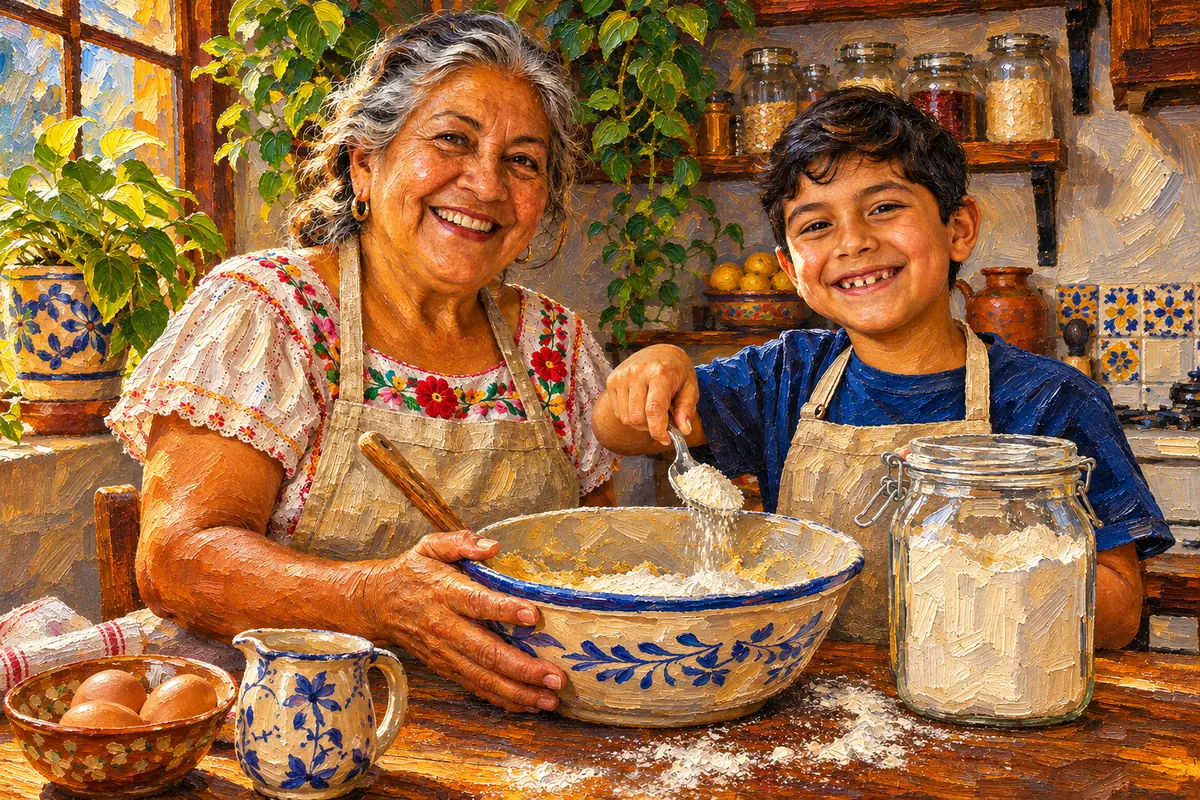 Move to see the photo
Every style is told to keep each person's likeness, the pose and the composition. In this oil painting of a grandmother baking with her grandson, the faces, the hands and the mixing bowl stay where they were, now in visible brushstrokes. Move the lens across the picture to see the photo underneath.
Paint a portrait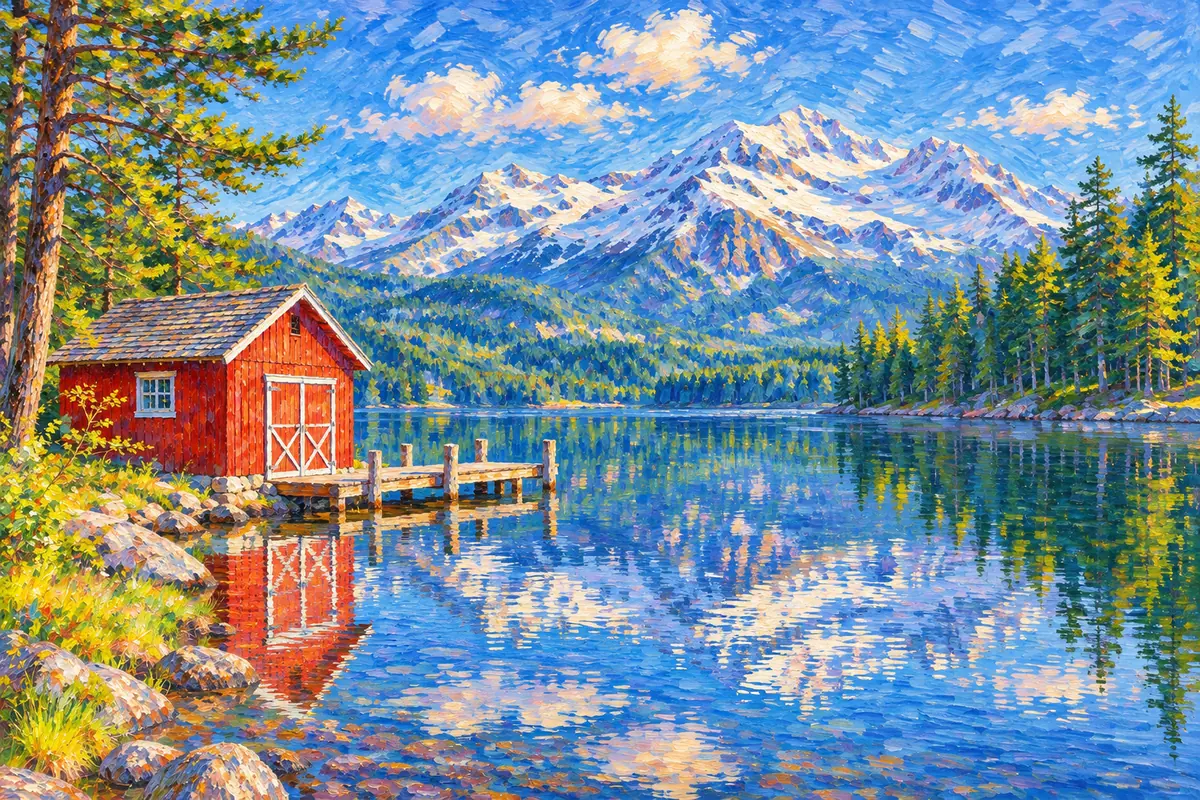
 SubtleStrong
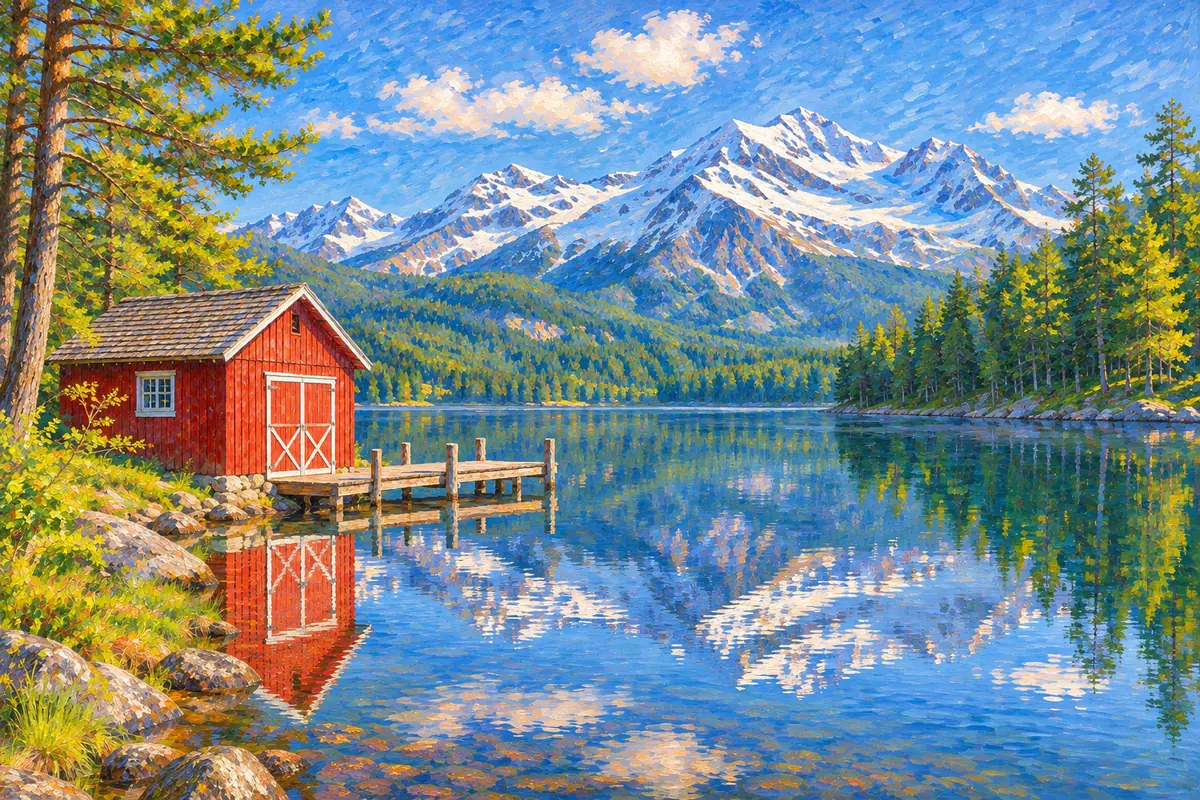
Strength decides how far the painting moves from the photo. Subtle stays close, with the same details and the technique applied lightly. Balanced makes a clear painting, and Strong lets the style take over while the subject, pose and framing stay. This mountain lake went from photo to impressionist painting twice: drag the divider to compare Subtle and Strong.
Choose a strength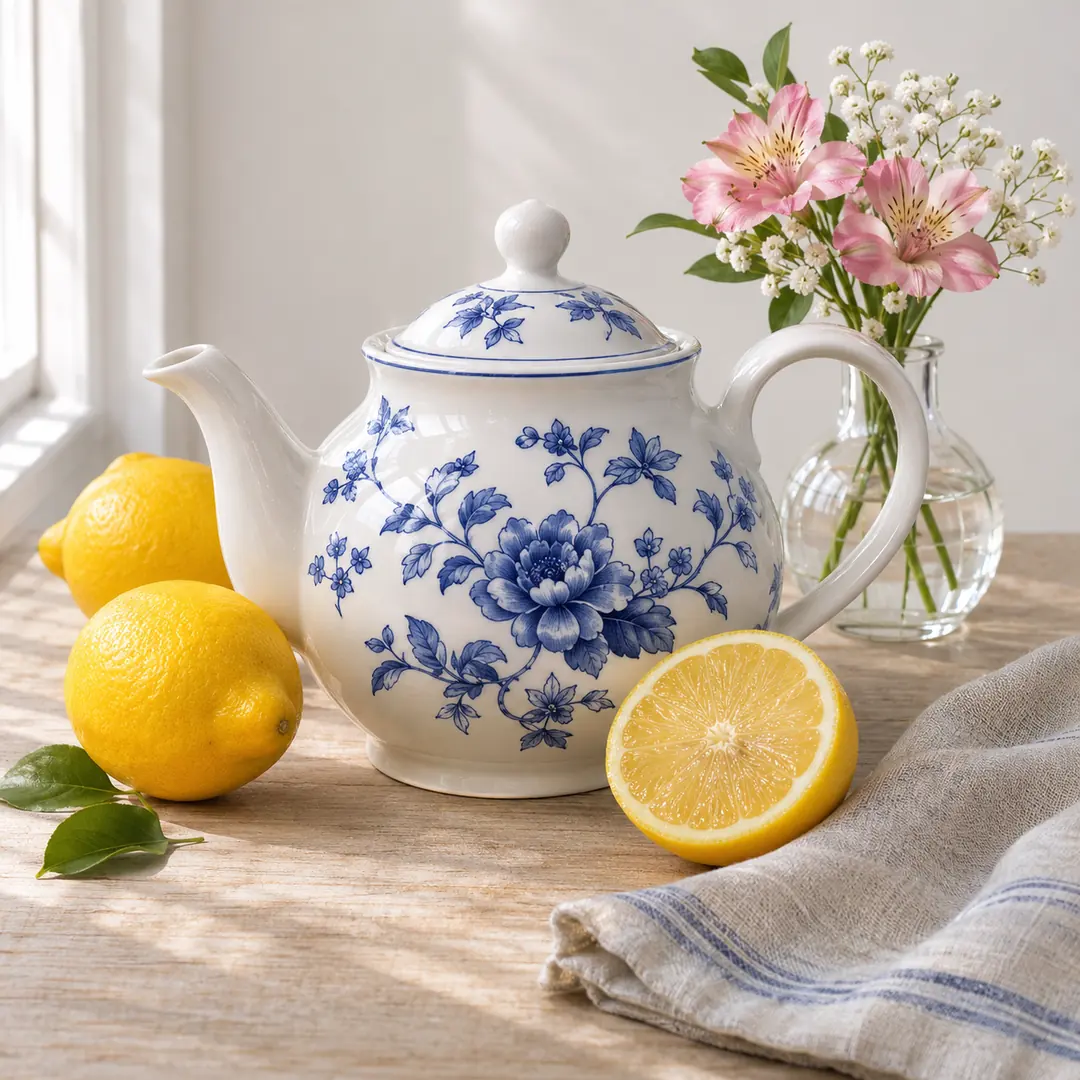
 After
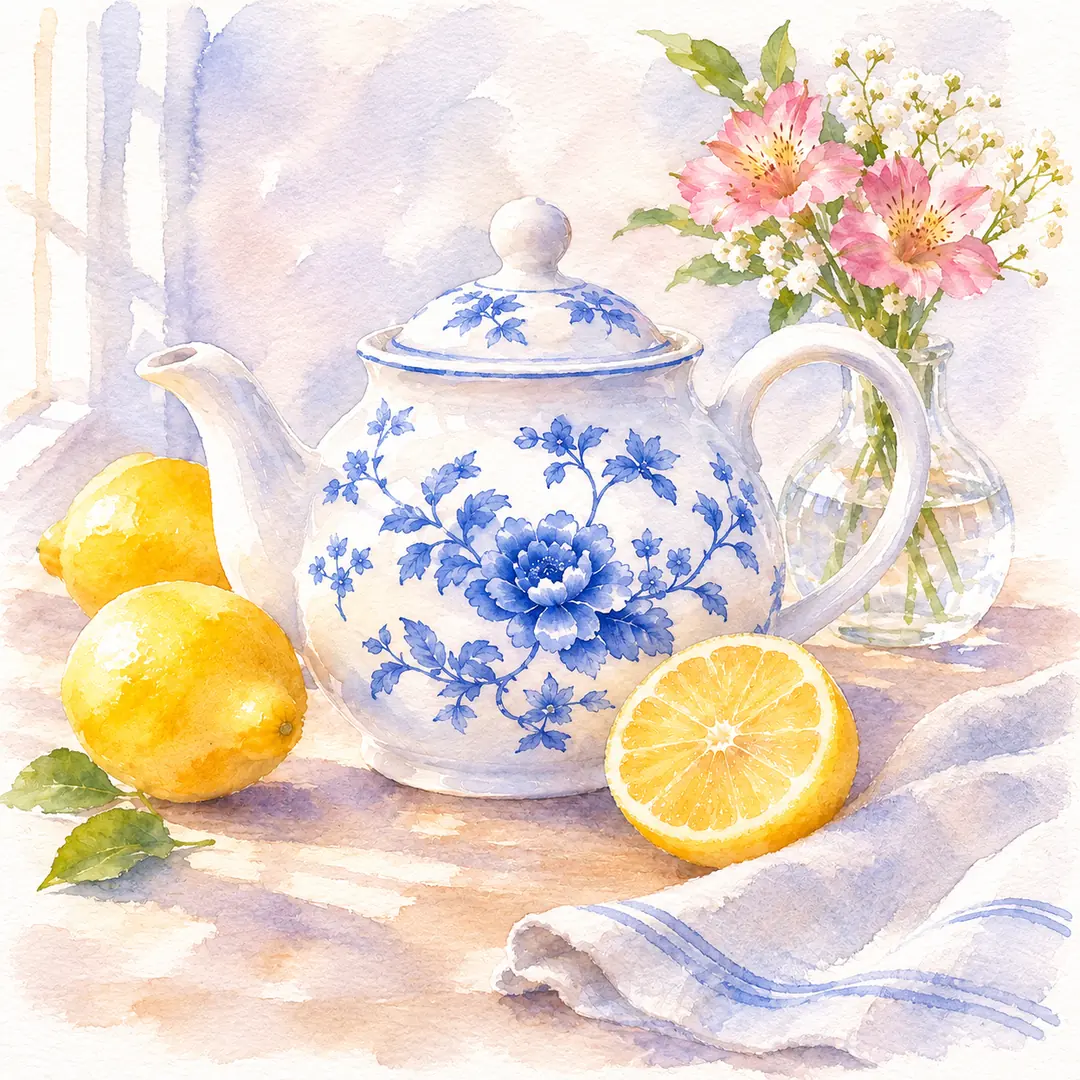
Each style copies how its medium really looks. This photo to watercolor painting of a teapot, lemons and flowers has soft washes, gentle bleeding edges and white paper showing through, and the zoom shows them up close. For a bigger print, enlarge the result with the image upscaler.
Make a watercolorSix example photos made for this page, each painted with the settings in its note. Hover a card to wipe between them, or open it to compare closely.
A tabby on a sunny windowsill became a rich oil painting with thick brushstrokes, and its stripes and green eyes stayed.
Subtle stayed close to this photo of a couple under an olive tree and added soft watercolor washes, a calm look for an anniversary gift.
Flat bright colors, thick outlines and halftone dots turned a street portrait into a print for a poster or a profile picture.
Two friends and their bikes on a coastal road, redrawn with clean line art and cel shading in the same pose and framing.
A girl blowing out her birthday candles, turned into a soft 3D animated film look with the cake and the smile kept.
A family home with its front garden became a clean modern illustration, a warm gift for new homeowners.
Four habits for a painting that looks hand made.
The AI paints what it can see, so a clear photo with even light gives the best painting. Crop away clutter first: the painting keeps the shape and framing of your upload, which is scaled to 2048 pixels on the longest side.
Oil painting flatters portraits, pets and dramatic light, and a photo to watercolor suits landscapes, flowers and travel pictures. For a photo to pencil sketch, pick a clear face or a building with strong lines. Pop art and Anime work best with one bold subject.
Balanced is a clear painting and the right first try. Choose Subtle for the closest likeness, or Strong when the look matters more than small details. Every run paints anew, so compare runs with the slider and keep the best one.
Paint a damaged print after old photo restoration has repaired it. If your photo is black and white and you want a full color painting, run colorize photo first.
Image2Layer next to Photoshop by hand and a photo to painting service with a human artist.
Photoshop is a trademark of Adobe. Image2Layer is not affiliated with Adobe or with any painting service.
Picture to painting ideas: gifts, pet portraits, wall art and posts.
Turn a wedding photo to oil painting for an anniversary, or paint a family photo for a birthday card or a small framed print.
Make a pet portrait from a photo of your dog, cat or horse. Oil painting and Watercolor keep the markings, the eyes and the pose.
Paint holiday photos, your street or your house as a matching set of small prints for a hallway or a shelf.
Pop art, Anime and 3D give you a profile picture or a social post that stands out from regular photos.
Download the PNG for a greeting card or a small print, or make a matching poster from a short description with the AI poster generator.
Use paintings in collages and invitations, and turn them into editable layers with image to PSD.
Answers about styles, likeness, price, size and privacy.
More image tools for the next step after a painting.
Four tools for what usually comes next.
Eight painting styles
Upload a portrait, a pet or a place and get it back as a painting in about 30 seconds. Photo to painting starts free with an account.
Paint a photo