About 30 seconds a photo
Upload, pick the shadow and press Make Background White. Most runs finish in about half a minute, so you can work through a set of product photos in one sitting.
Product photos and portraits
Image2Layer's white background maker turns a product photo or portrait shot anywhere into a clean white background photo, free to try. AI removes the scene and adds a soft or floor shadow in about 30 seconds.
1. Upload an image
Sexual or explicit content isn't allowed. Images and results that contain it are blocked automatically.
No image handy? See a sample
2. Pick the shadow
The subject stays as it is on a clean white background.
3. Make Background White
10 credits per photo · Failed runs never use credits
What it does
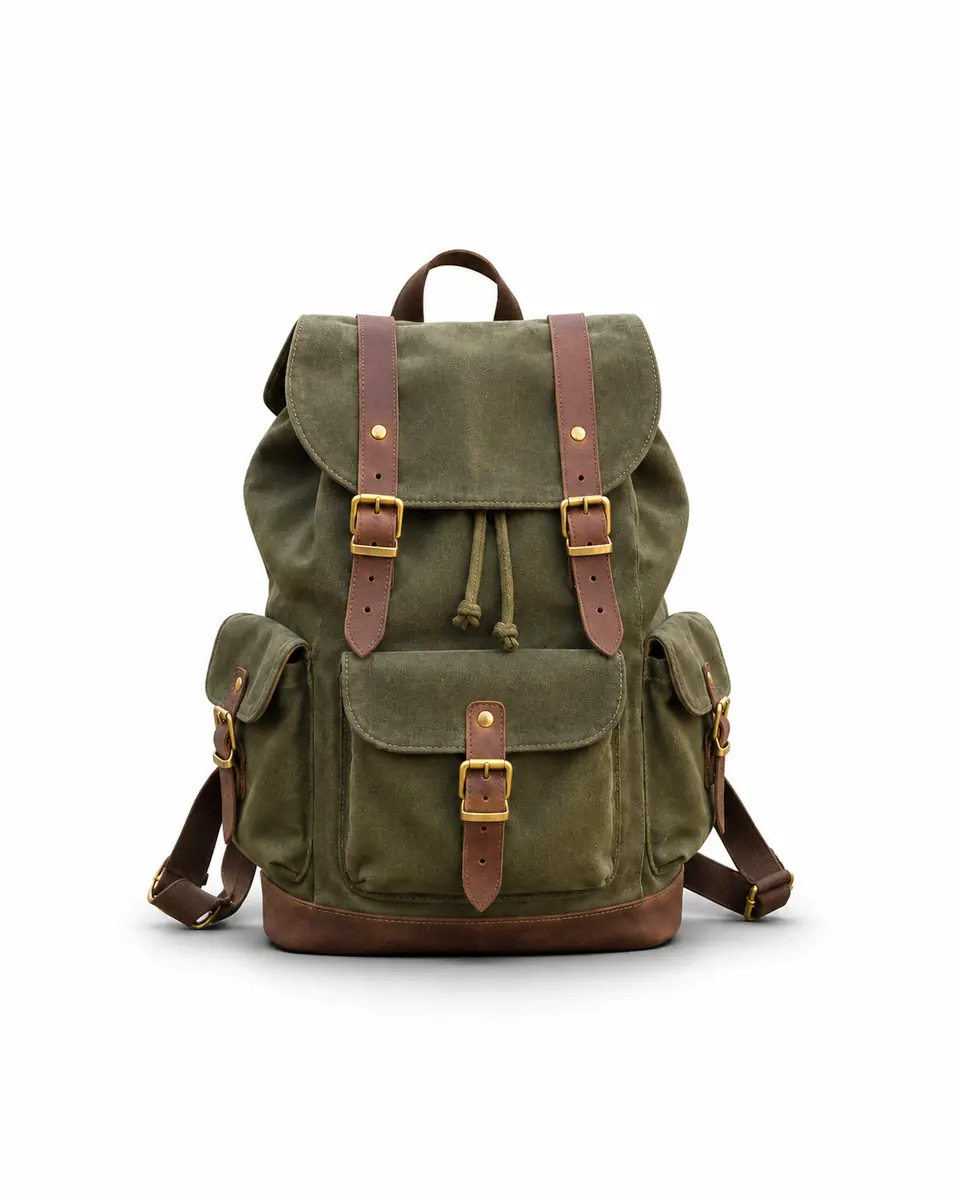
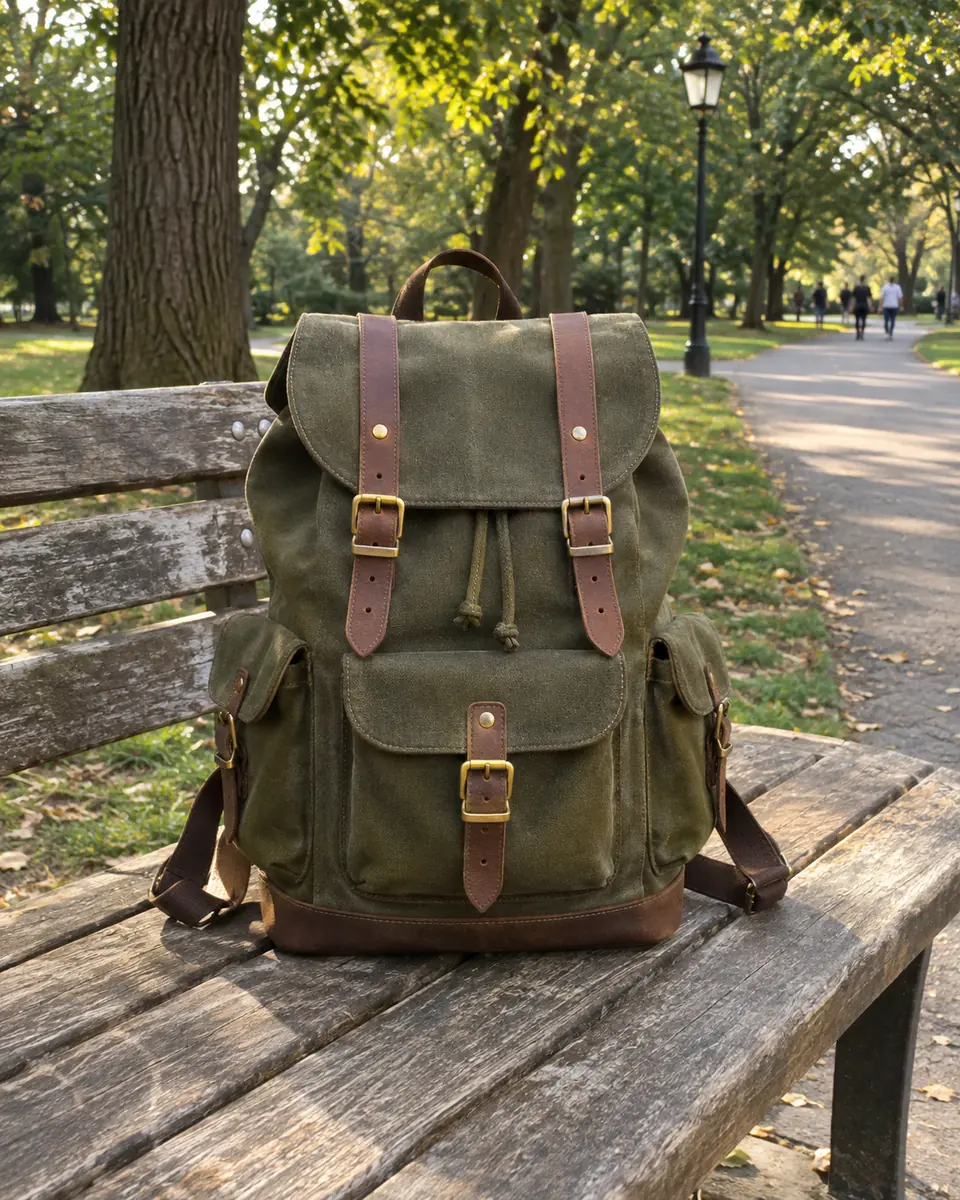
A white background makes a product or a person the only thing to look at. Upload a photo taken anywhere and the AI replaces everything behind the subject with a seamless white studio background, then adds the shadow you pick. There is no selection to draw, no brush and no prompt to write.
The subject keeps its shape, colors, labels and texture, at the same size and in the same place, while the scene behind it, from walls to streets to people in the distance, is removed. Need no background at all? The transparent background maker gives you a transparent PNG, and image to layers splits a picture into editable layers.
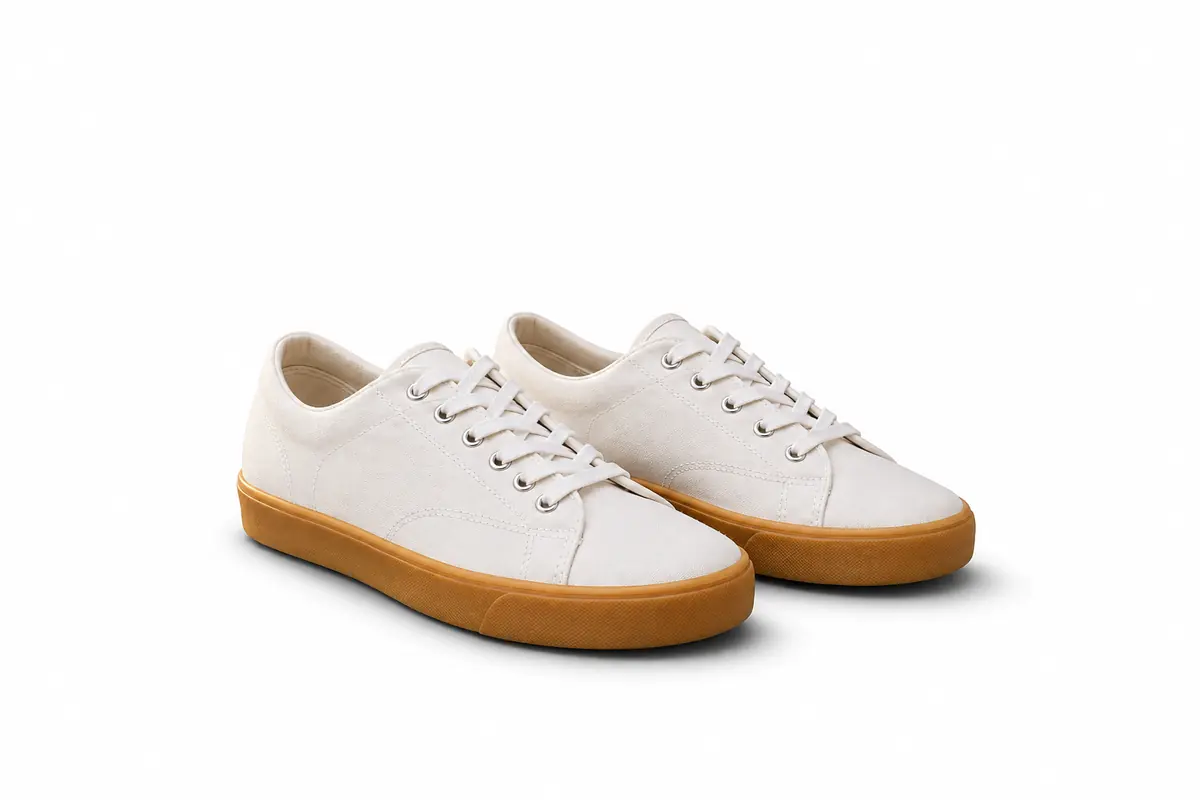
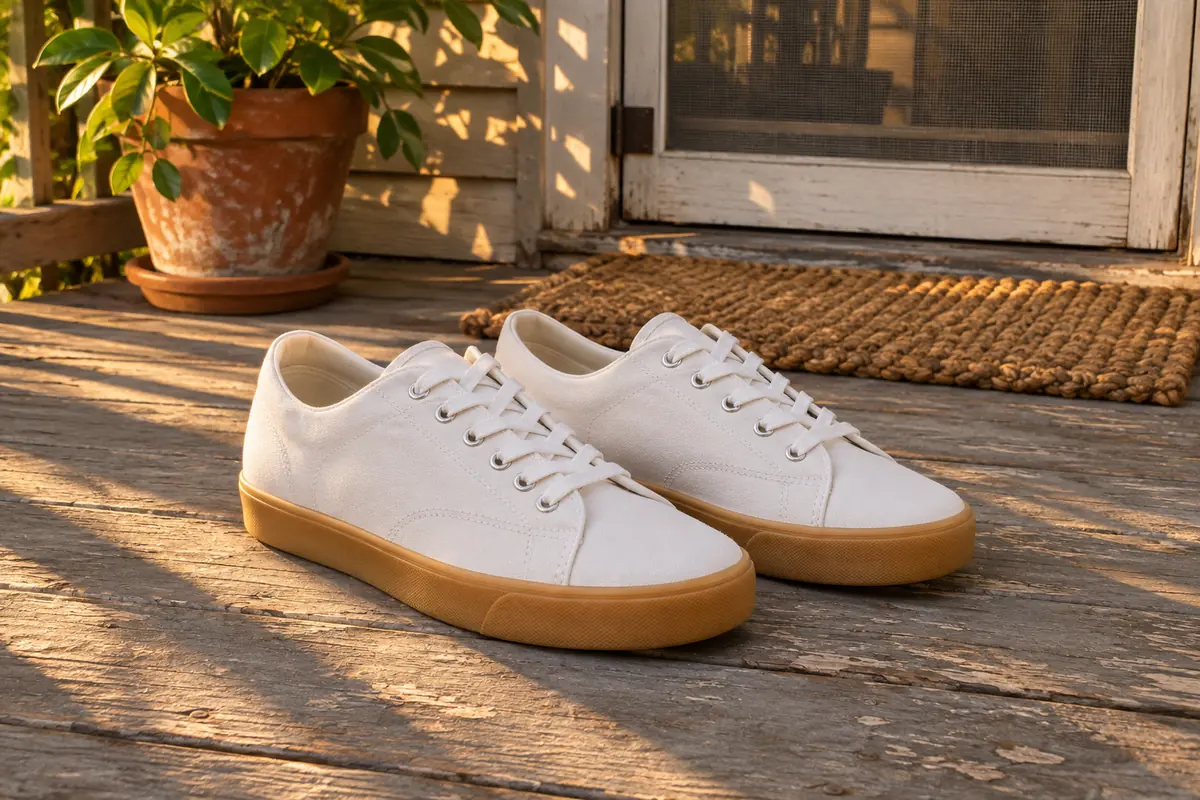 BeforeWhite background
Six reasons to make background white online here instead of by hand.
Upload, pick the shadow and press Make Background White. Most runs finish in about half a minute, so you can work through a set of product photos in one sitting.
You do not trace edges or paint a mask. The AI finds the main subject and builds clean white around it, with its edges kept as they are.
Soft adds a gentle contact shadow, Floor a shadow on a white studio floor, and None a flat look. With a shadow, a product looks placed rather than pasted.
The AI is told to keep the subject exactly as it is: shape, colors, labels, texture and edges, at the same size and in the same place.
Shoot on a kitchen table or a balcony and put a white background on an iPhone photo or any phone shot, right in the browser, with nothing to install.
Each photo costs 10 credits. Credit packs need no subscription, and a run that fails never uses credits.
How to make the background on a photo white: three steps from a busy snapshot to a clean white background photo.
Three things this white background AI does on everyday photos. Drag, hover or watch each example.
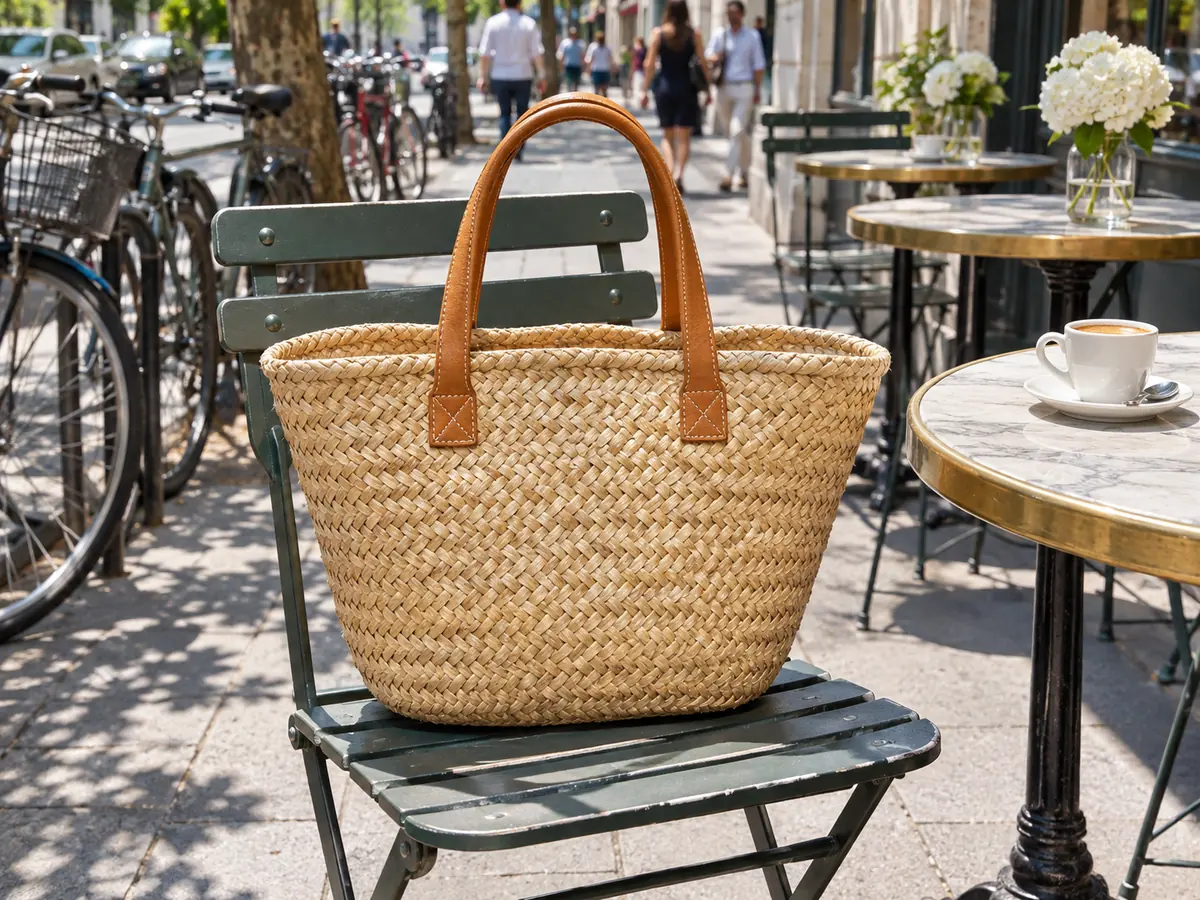 BeforeWhite background
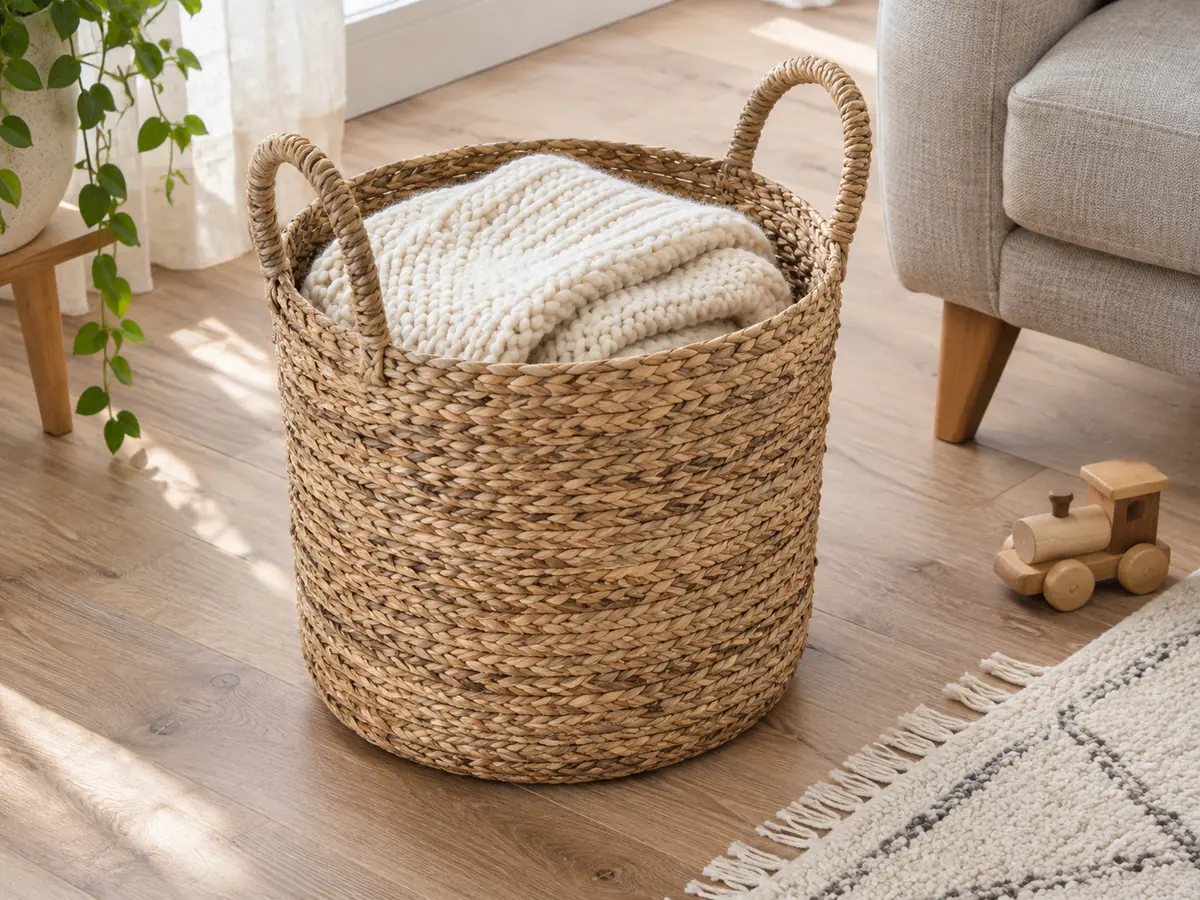
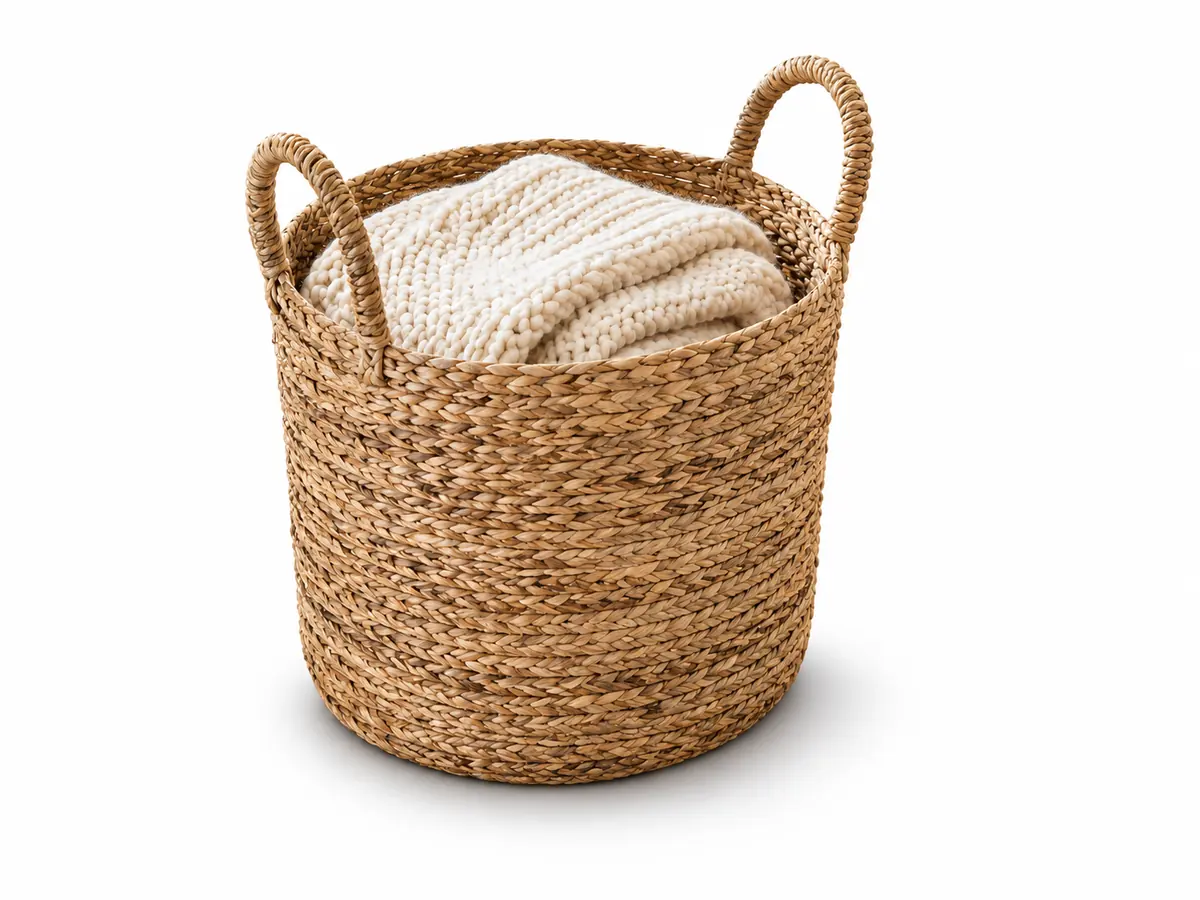
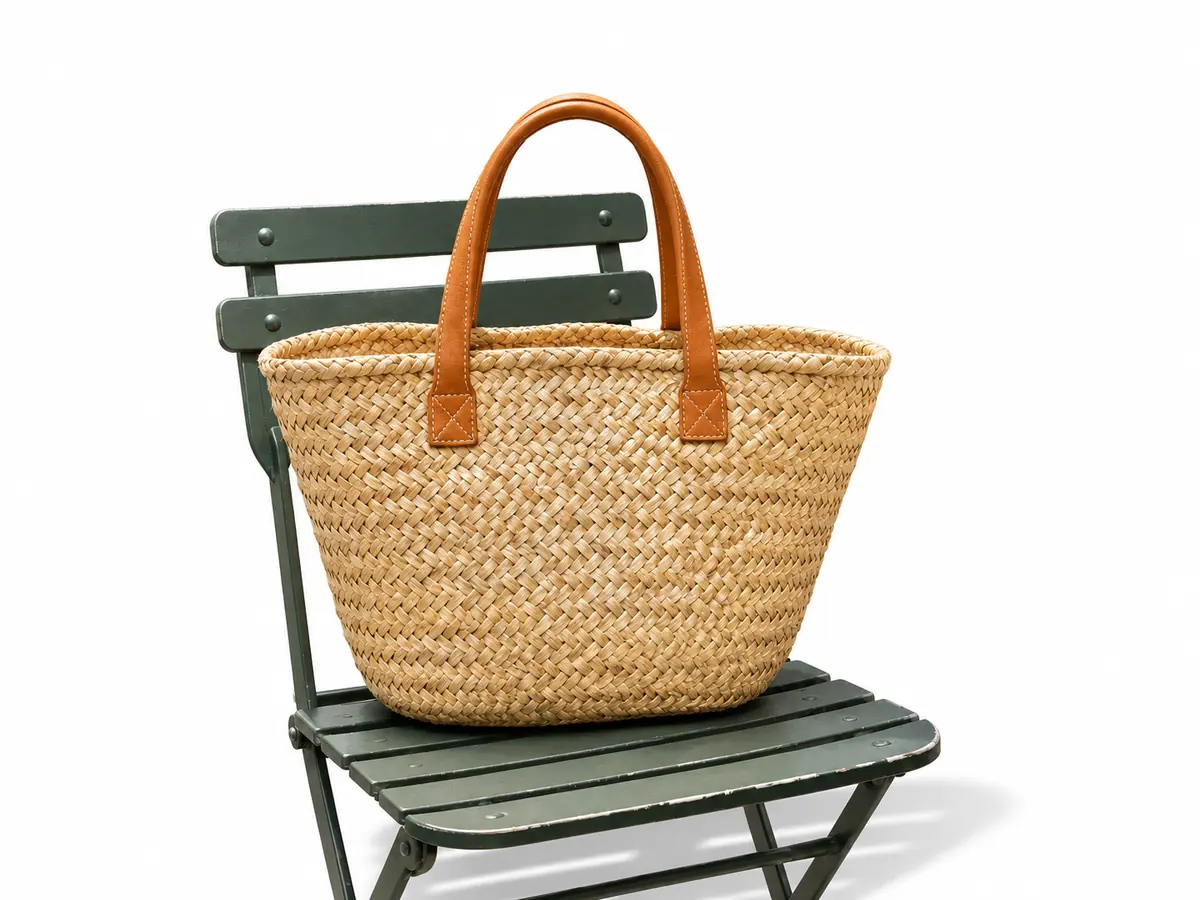
This straw tote sat on a cafe chair with the street behind it. One run turned the street into clean studio white and kept the bag on its chair with a floor shadow, so it looks like a studio shot. To swap the scene for another one instead of white, use change image background. Drag the divider to compare.
Change a background to white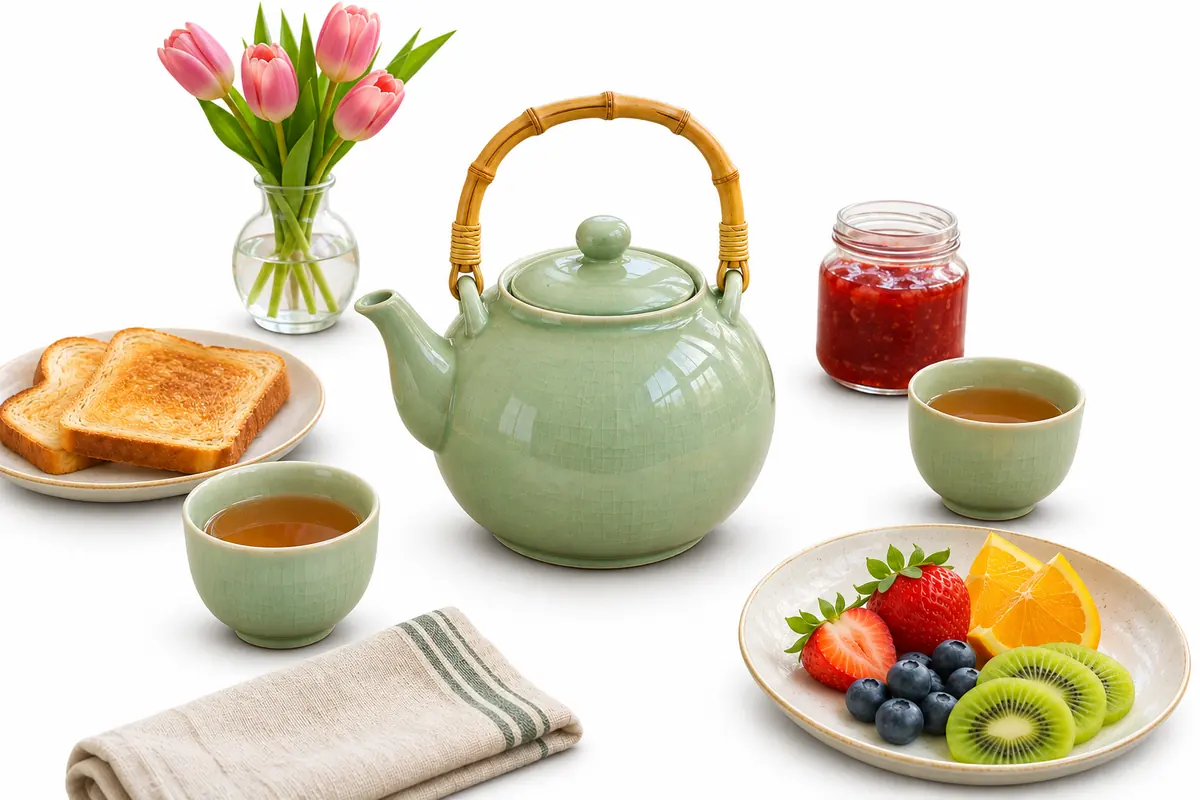 Move to see the original
The window, the wall and the wooden table are gone, and the whole breakfast set, teapot, cups, toast, jam, fruit and tulips, now sits together on white with a soft shadow. Things grouped with the subject stay with it, so crop to one item first if you want it alone. Move the lens across the picture to see what was there. To lift one object out as its own PNG, use cut out image.
Clear a busy background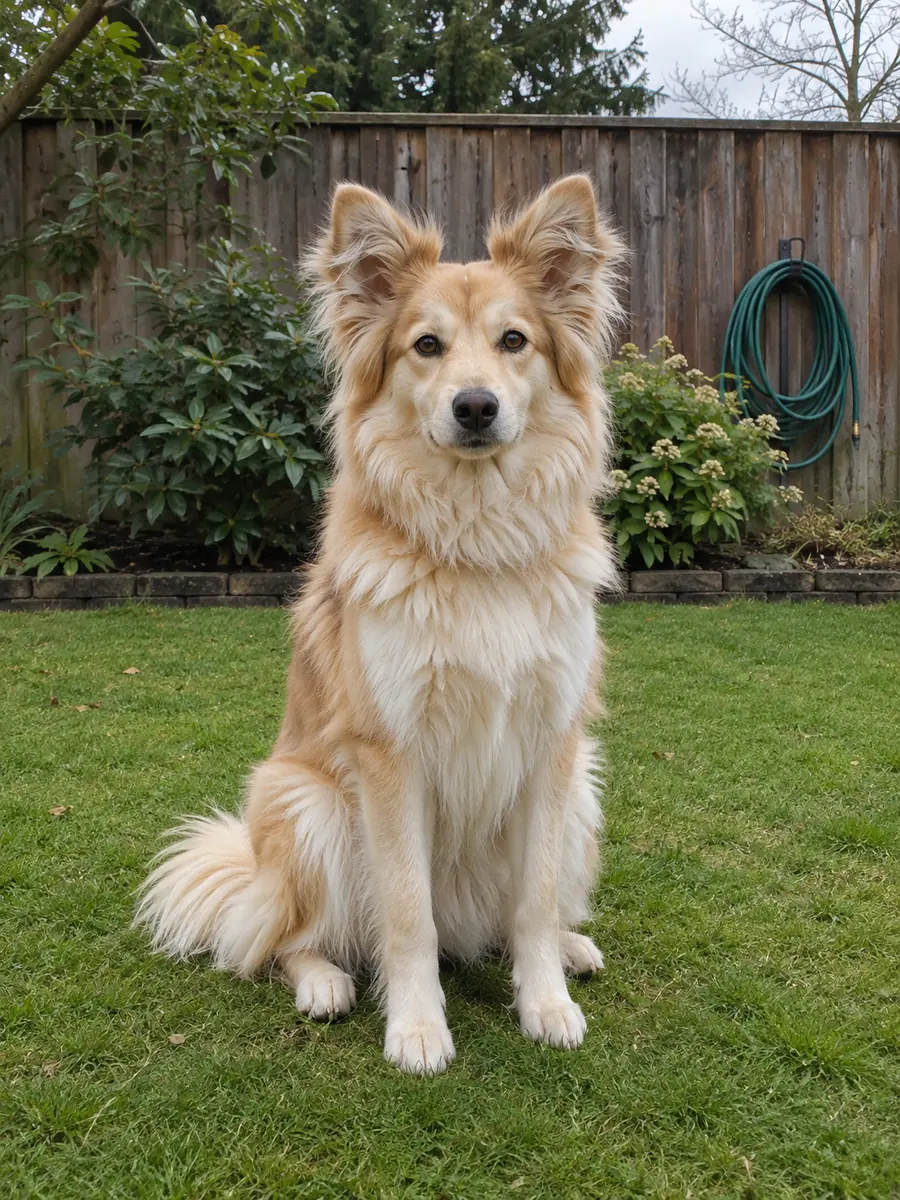
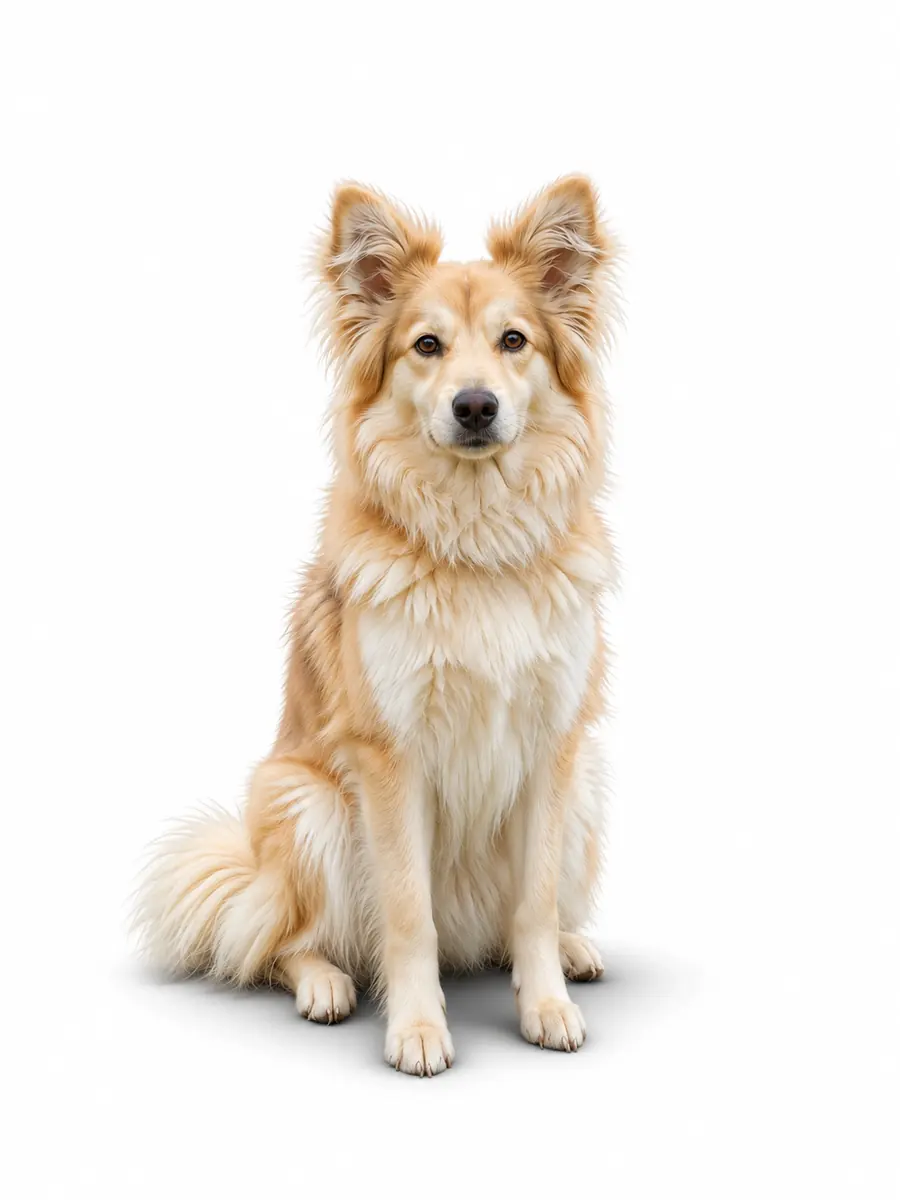 After
Fur, hair, leaves and handles are where quick cutouts go wrong. This dog sat on a lawn. On white, the fluffy outline of its ears is kept, and a floor shadow keeps it standing on the ground. The zoom switches between the same patch before and after. To keep the scene but soften it instead, use blur background.
Put a pet on whiteSix results of this tool on example photos made for this page, set in rooms, streets and kitchens. Hover a card to wipe between them, or open it to compare closely.
Notebooks, a pen and the wood grain behind the watch replaced by white, with a soft shadow under the strap.
A wooden armchair lifted out of a sunlit living room and set on a white studio floor with its own shadow.
A model in a camel coat on a city crosswalk, now standing on white with a floor shadow at her feet.
A small silver pendant on its linen cloth, with the table and the coffee cup cleared away and a soft shadow on white.
A frosted glass dropper bottle taken off a bathroom shelf, with its glass and wooden cap kept as they were.
A chef in a busy kitchen, now a headshot with a white background and no shadow, ready for a team page.
Four habits for photos that look like a studio shot.
Keep the whole product in the frame with a little room around it, in even light. The subject keeps its size and place, so crop before you upload if you want it centered or square for a shop.
A white background with floor shadow suits shoes, bags, chairs and anything that stands. Soft suits most products and things lying flat. None gives a flat look for icons, collages and headshots.
The AI is asked for seamless pure white, #FFFFFF, but shops often have strict photo rules. Check the corners with a color picker and read your marketplace's image guidelines before you upload.
The result comes back at about 1,200 pixels on the longest side. For product pages with zoom, run it through the image upscaler for 2× or 4× the size.
Three ways to change image background to white, side by side: Image2Layer, Photoshop by hand and a photo editing service.
Photoshop is a trademark of Adobe. Image2Layer is not affiliated with Adobe or with any photo editing service.
Sellers, makers, teams and anyone who needs a clean picture fast.
Give every listing a matching white background for product photos, shot on whatever table was free.
Skip the light tent: product photography with a white background from a kitchen table, for catalogs and line sheets.
Put a portrait on white for a CV, a name badge, a speaker page or a company directory.
Furniture, shoes and bags photographed at home look tidy and easy to read on white.
Drop products on white into decks, menus and price lists, or make a matching poster from a short description with the AI poster generator.
Use these clean shots in collages and mockups, and turn them into editable layers with image to PSD.
Answers about white backgrounds, shadows, size, price and privacy.
More image tools for the next step.
Four tools for what usually comes next.
White background
Upload a product photo or a portrait and change background to white online in about 30 seconds. The white background maker starts free with an account.
Put a photo on white