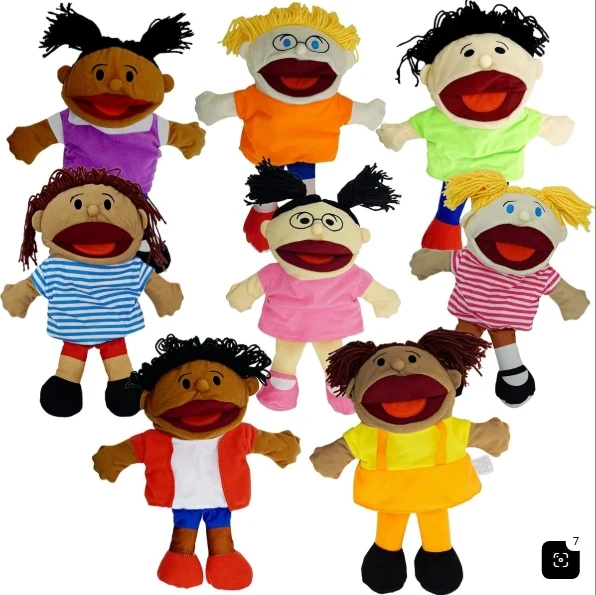
Hand puppet product photo
All eight hand puppets come back whole, one PNG each, and their yarn hair and shirts come back again as separate parts.
AI image cutout
Upload a picture and cut out image objects in one go. The AI finds the people, products, pets and shapes in it, names each one and hands it back as a transparent PNG made from your own pixels. Keep the ones you want and download PNGs, a ZIP or a layered PSD.
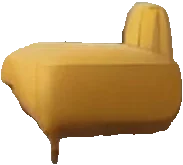
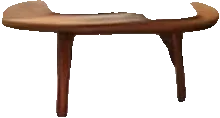
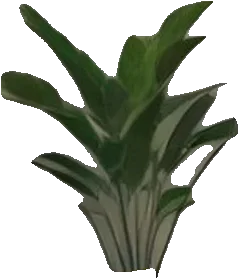
27 cutouts found
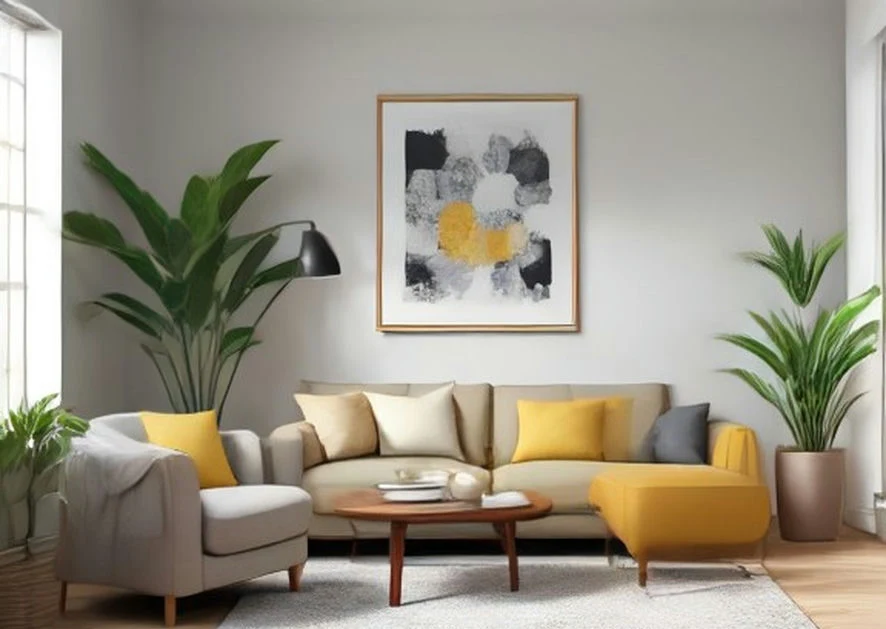
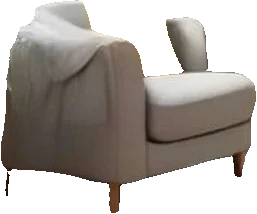
light gray armchairyellow chaise loungeround wooden coffee tablelarge leafy plant+ 23 more pieces
Upload image
Upload image
JPG, PNG or WebP up to 10 MB. Drop, choose or paste. Product shots, group photos, pets, rooms and sticker sheets work best.
Sexual or explicit content isn't allowed. Images and results that contain it are blocked automatically.
Pieces to tick first
The AI always finds every object it can see. This only picks which cut-outs start ticked in the result; change any of them there.
You get
10 credits per picture · failed runs are refunded
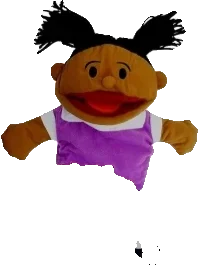
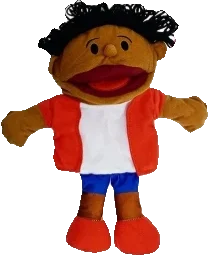
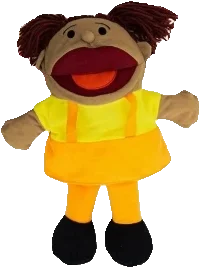
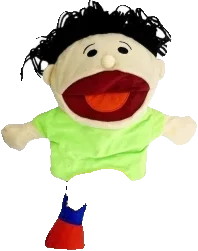
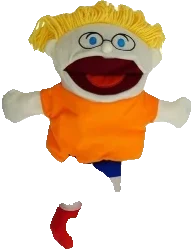
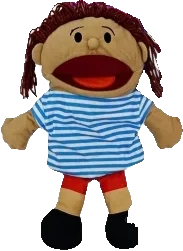
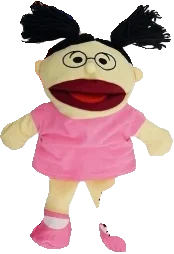
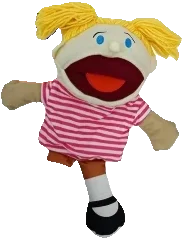
Hand puppet product photo
All eight hand puppets come back whole, one PNG each, and their yarn hair and shirts come back again as separate parts.
Examples open for free, no credits used.
Real results
We ran these ten pictures through the tool once each. Five were uploaded by people who use Image2Layer and agreed to share them; we made the other five with an image generator. Every cutout you see is exactly what came back. Load one into the tool above to see every piece.
All eight hand puppets come back whole, one PNG each, and their yarn hair and shirts come back again as separate parts.
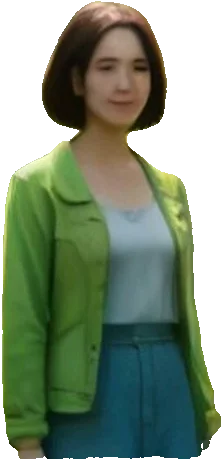
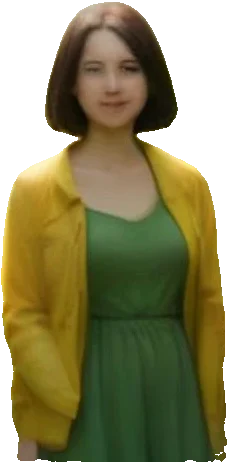
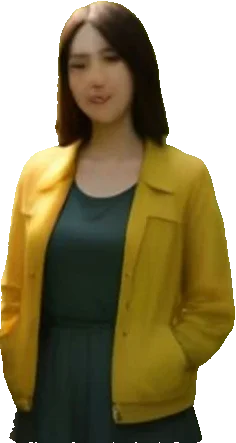
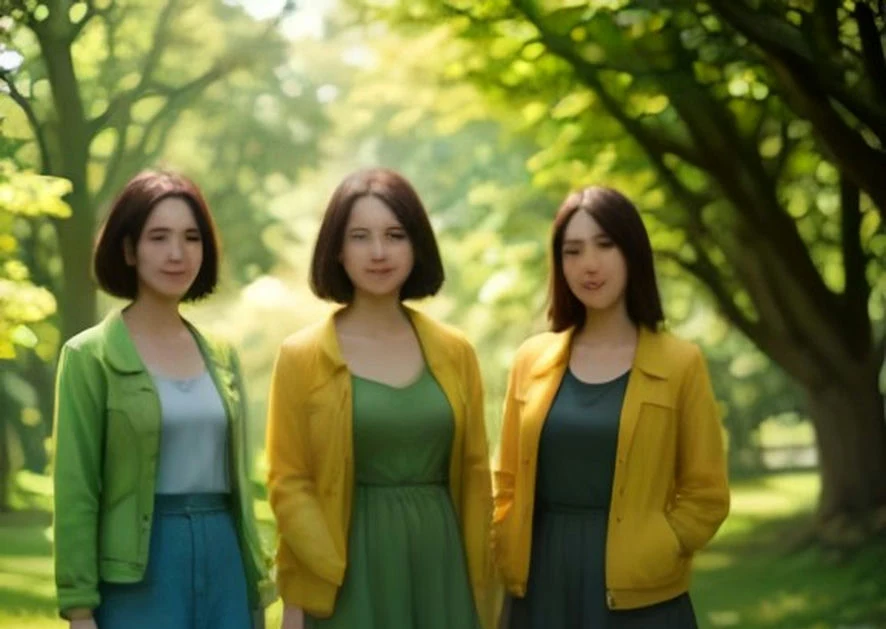
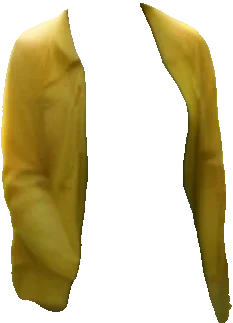
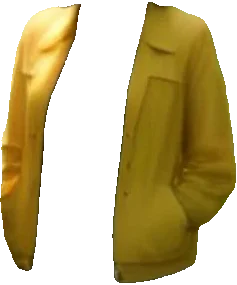
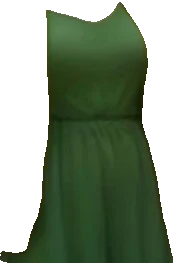
Each woman comes back as her own PNG, and the jackets and dresses come back again as separate parts. The trees and the grass return with holes where the three stood.
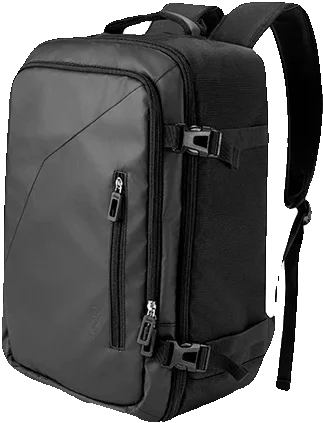
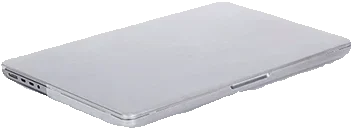
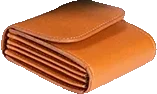
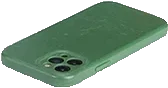
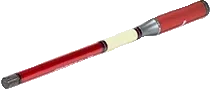
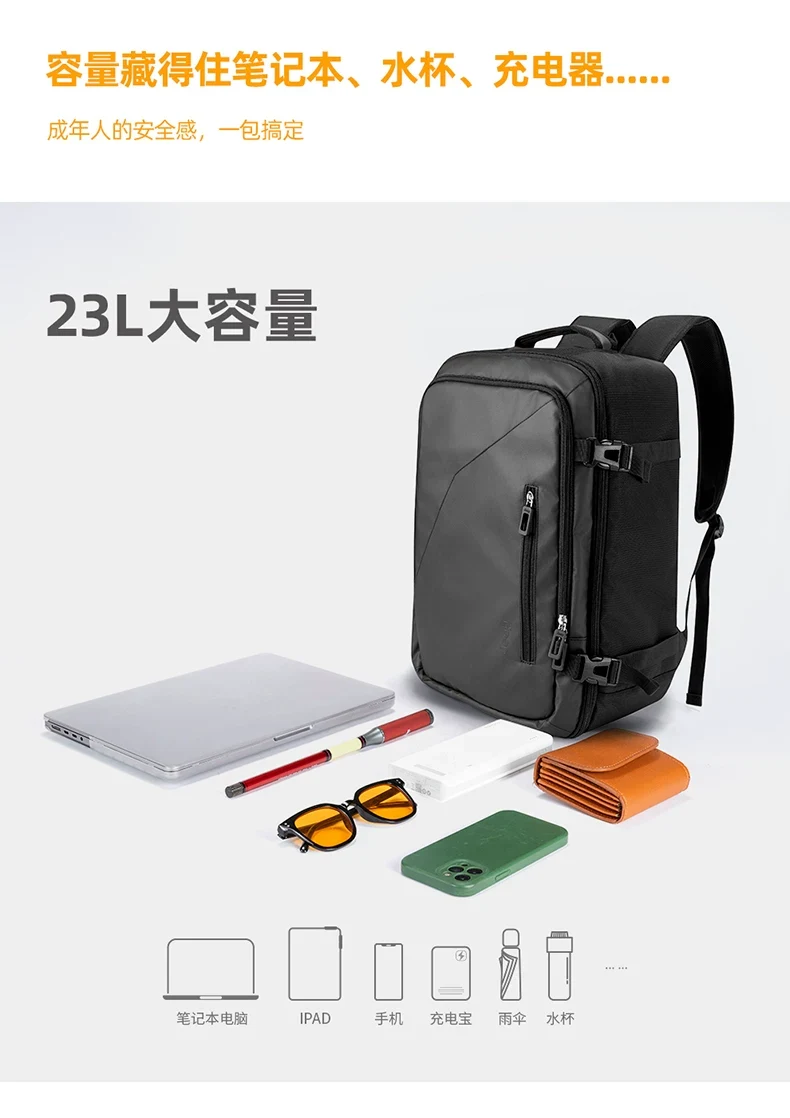
The backpack, the laptop, the wallet, the phone case, the power bank and the stylus each come back on their own, and so do the line icons and every line of text. The yellow sunglasses did not come back as a piece of their own.


The armchair, the yellow chaise, the coffee table, the rug, every pillow and every plant come out on their own. The sofa comes back with gaps where its pillows sat.
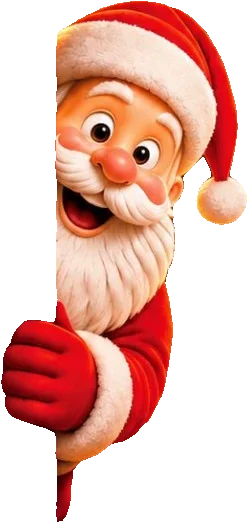
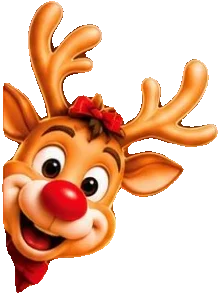
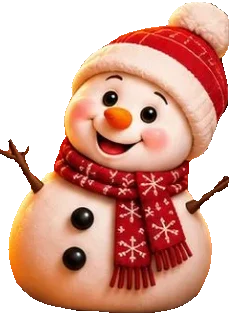
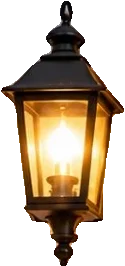
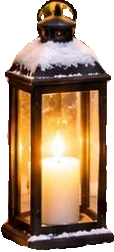
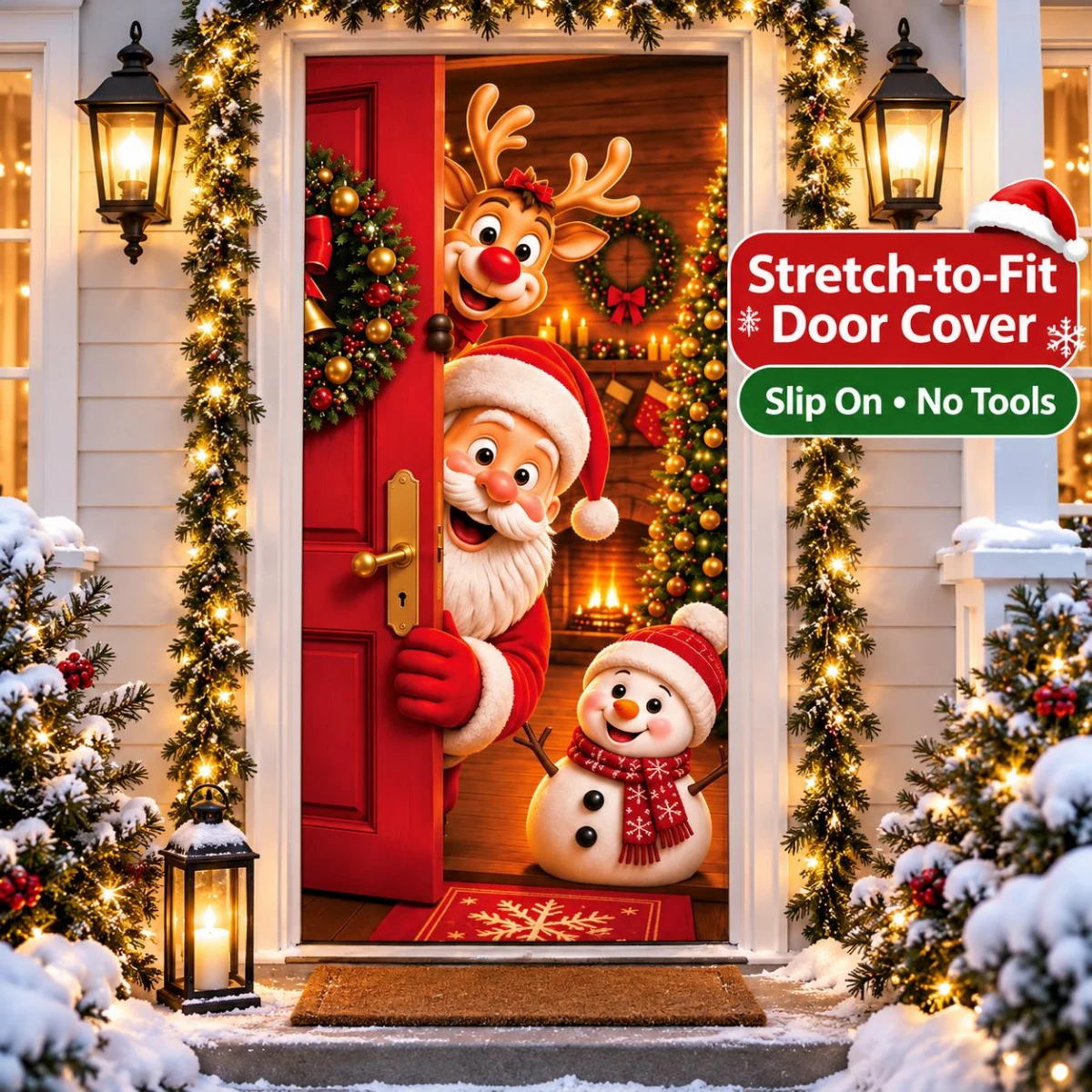
Santa, the reindeer and the snowman come back whole, along with both wreaths, the three lanterns, the candles, the doormat and every line of the banner text.
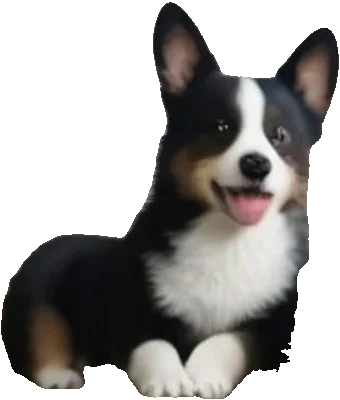
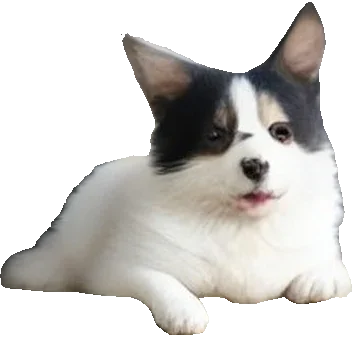
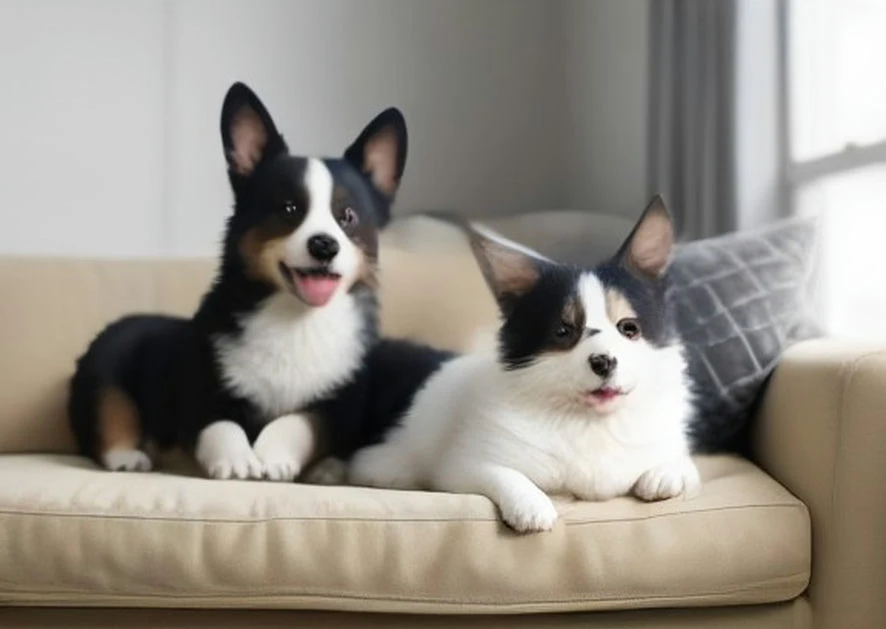
Both puppies come out whole, ears and fur included, and so does the patterned pillow behind them. The sofa and the wall return with holes where they lay.
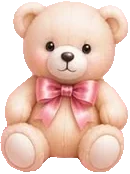
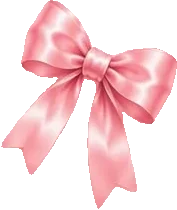
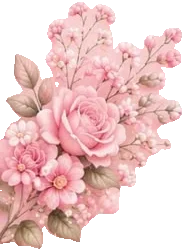


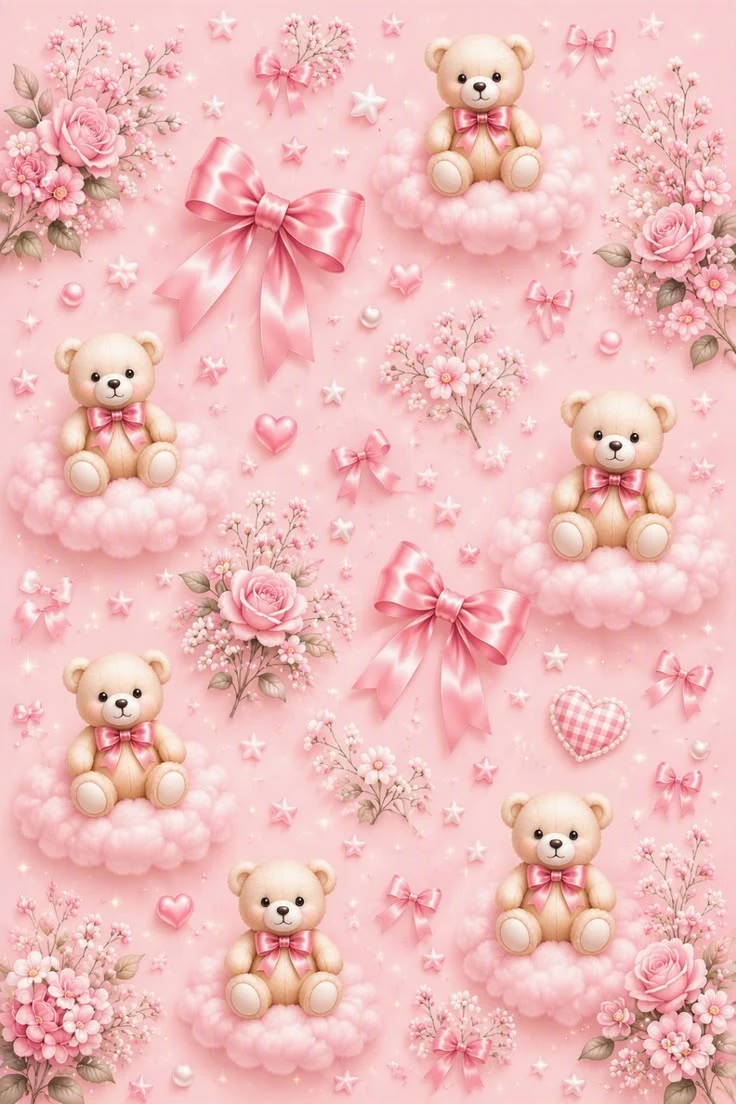
Six teddy bears and every bow, rose, flower cluster, cloud and heart of the pattern come back as their own PNGs, from one picture.
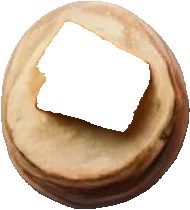
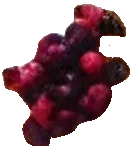
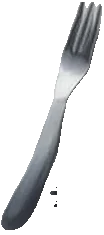
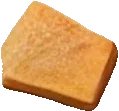
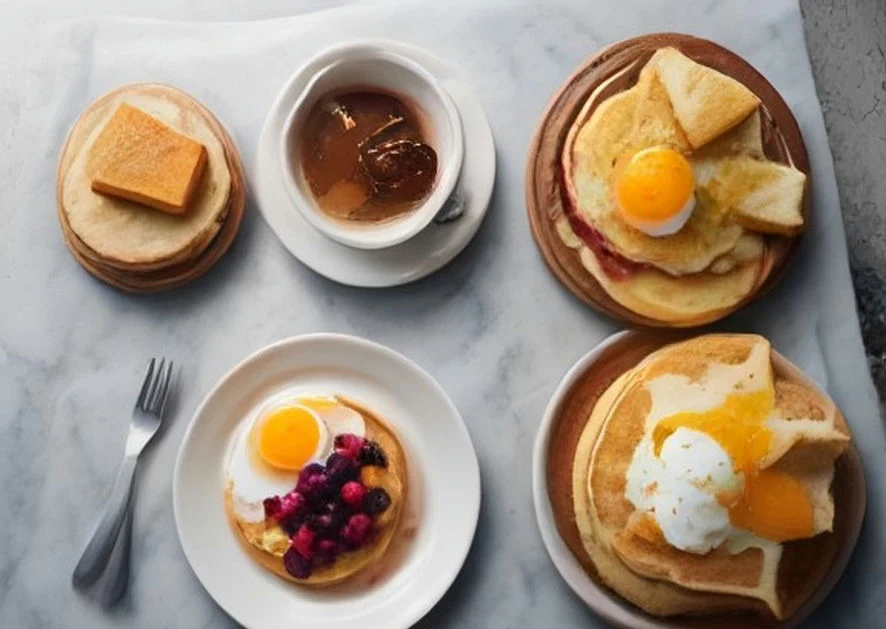
Every pancake stack, fried egg and berry comes out on its own, plus the fork, the butter and the jam. The plates come back as rings, with holes where the food sat.


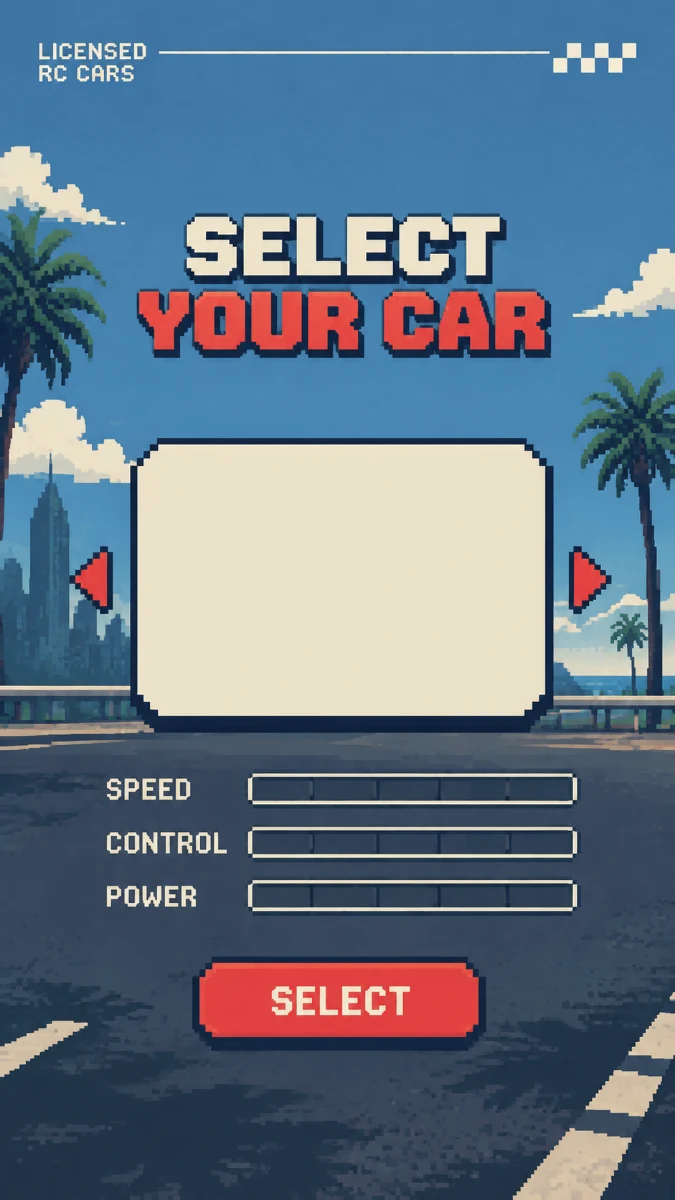
The Select button, the title, each palm tree, the road markings and the guardrail come back as separate sprites, and the sky and clouds as background pieces. The empty car panel in the middle did not come back as a piece of its own.
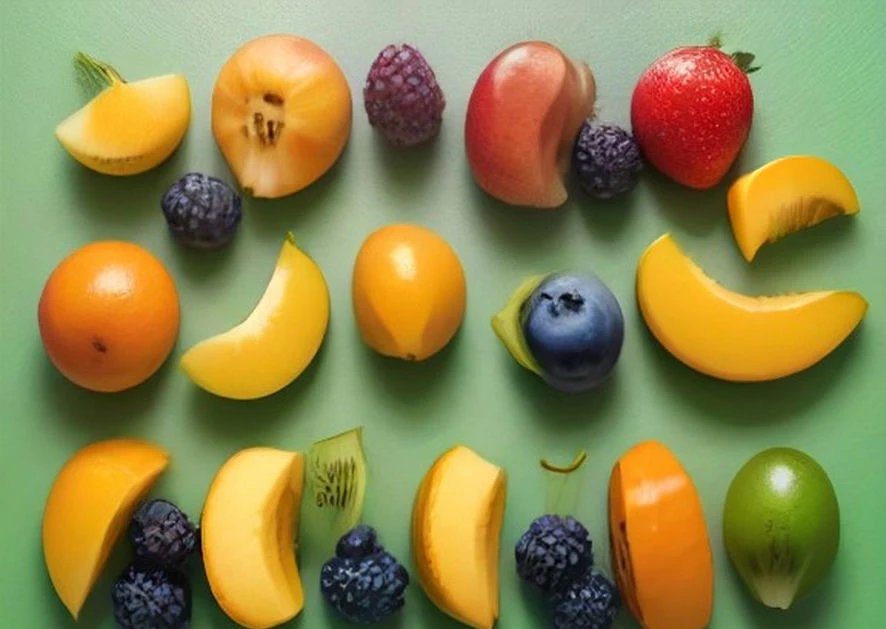
Each piece of fruit is a separate cutout, from the peach halves to the single strawberry. The AI named many pieces twice, and the tool kept one copy of each.
Real cutouts
People, pets, products, food, furniture, fruit, game art and stickers. Every tile shows real cutouts from the examples above, exactly as the tool returned them.
Each person as a separate PNG, with jackets and dresses as extra parts.
Fur and ears stay as they were; the sofa behind them is gone.
Every product in a listing image on its own, ready for a new layout.
Pancakes, eggs and even single berries come back separately.
Chairs, tables, pillows and plants from a room photo.
Two dozen pieces of fruit from one picture, one PNG each.
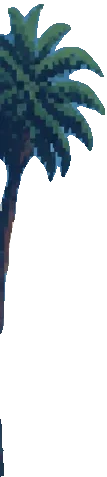
Buttons, titles and palm trees from a game screen, each one a separate sprite.

Every bear, bow, rose and heart of a pattern as its own PNG.
Three steps, with no selection to draw by hand.
Both take a picture apart. Cut Out Image hands you the objects as they are; Image to Layers also rebuilds what was hidden behind them.
Every picture below is one of the real results above.
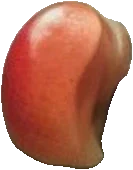
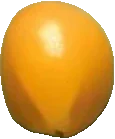
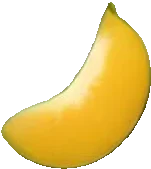
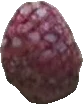
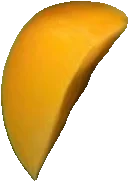
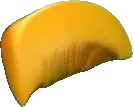
One upload, one run, every object the AI can find. The fruit picture above came back as 24 separate pieces: peach halves, berries, oranges, a strawberry and a kiwi slice. Pick what you need instead of cutting each object out by hand.
Cut out objects from an imageYour pictureCutoutSame pixelsZoomed in on the ear: the fur is untouched, the wall behind it is goneEach cutout is copied straight from your picture. The AI decides where an object ends and does not paint a new one, so fur, labels and textures stay exactly as they were. Compare the puppy photo with its cutout, zoomed in on the ear: the fur is the same.
Cut out a photoEach person in a group photo comes back as a separate cutout, and so does each pet. Drop them on any background you like, and check fine hair and fur at full size before you print.
Cut out people and petsLayers
Original pictureChoose PSD and each piece you keep becomes a named layer at the exact spot it had in your picture, with the original as the bottom layer. Open it in Photoshop, Photopea or GIMP to move, hide or restyle each object. Pick a layer to see where it sits.
Get a layered PSD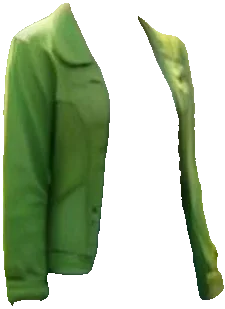 green jacket
 yellow jacket
 yellow jacket
 green dress
 green dress
The AI also returns parts. The three friends came back whole, and then their jackets and dresses came back as five more pieces, which makes it quick to recolor clothes or try a new outfit. Parts keep only what is visible, so an open jacket comes back in two halves with a gap where the top shows through. Image to Layers rebuilds hidden areas.
Cut out clothes and partsOne run of the same tool, four very different jobs.
Cut products out of a styled photo for listings, banners and marketplace images, and keep the props as extras.
Pull characters, items and parts out of concept art as PNGs, ready for an engine, a sprite sheet or a rig.
Take the pieces of a photo into a layered PSD and rebuild the layout in a new size, or reuse them in a mockup.
Turn a sticker sheet, an emoji set or a pet photo into single stickers for posts and chats.
Answers about cutting out objects, files, price and privacy.
Cut out image
Upload a picture, keep the pieces you want and download PNGs, a ZIP or a layered PSD.
Upload a picture