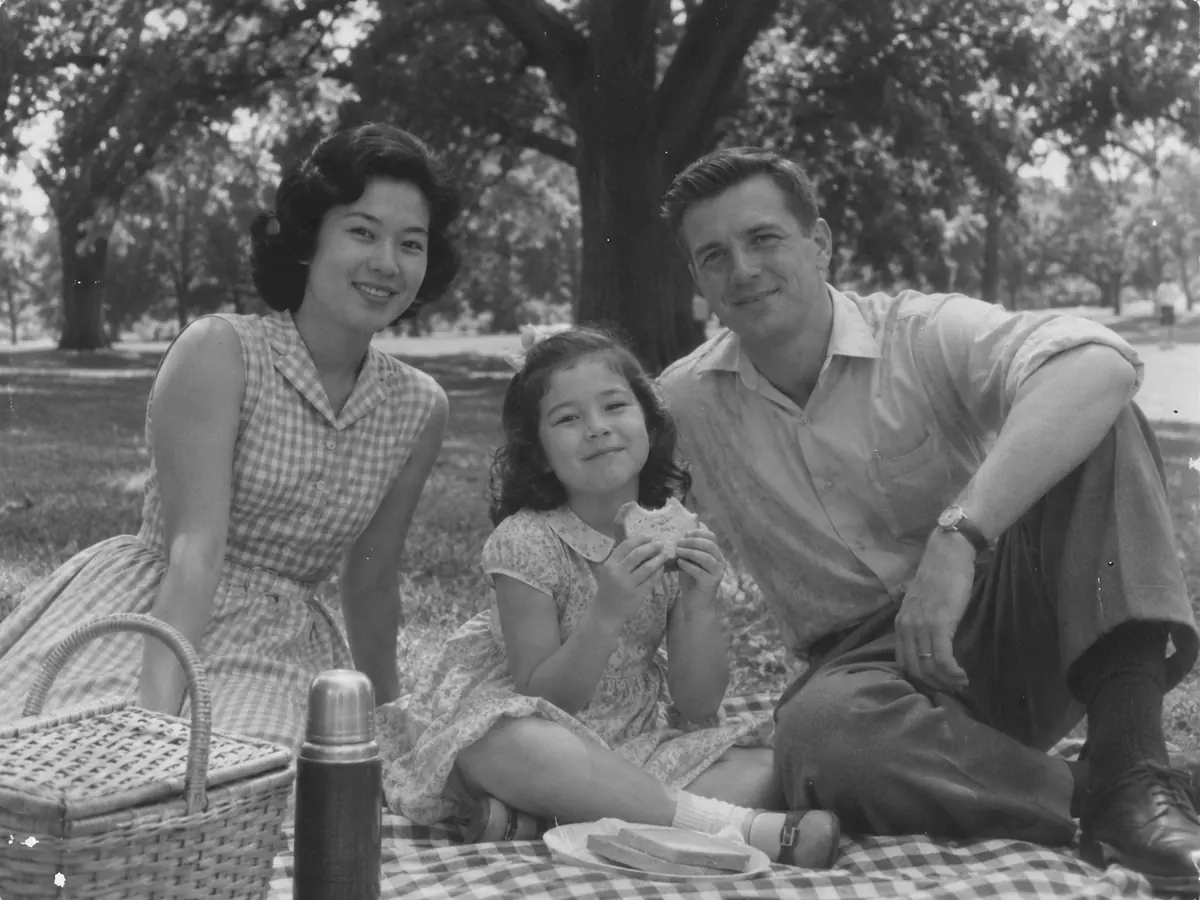
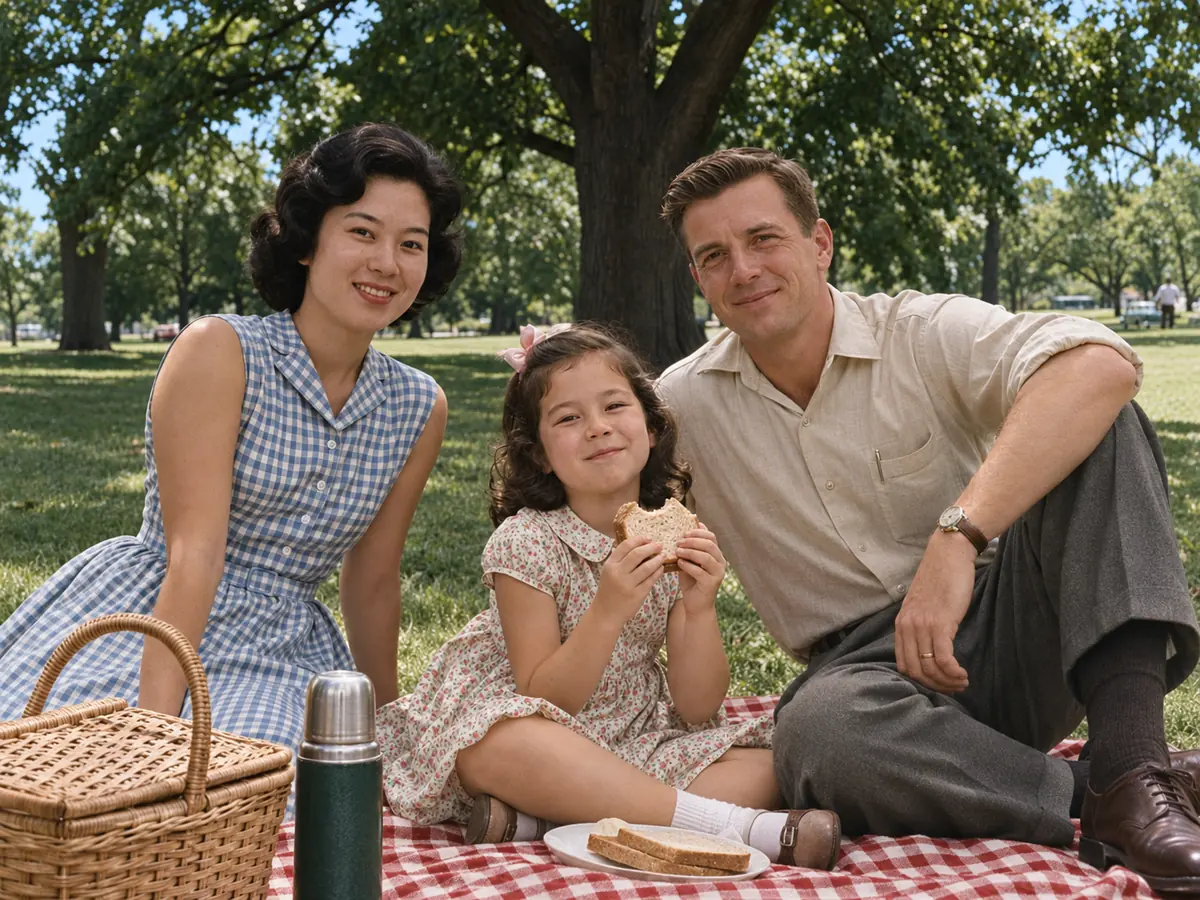
About 30 seconds a photo
Colorize black and white photos automatically: upload, pick a look and press the button. Most runs finish in about half a minute, so a whole box of prints fits into one evening.
AI photo colorizer
Image2Layer's colorize photo tool turns black and white or sepia photos into natural color, free to try. AI adds realistic colors in about 30 seconds, keeps every face and can fix scratches too.
1. Upload a black and white photo
Sexual or explicit content isn't allowed. Images and results that contain it are blocked automatically.
No image handy? See a sample
2. Pick the look
Faces, lettering and details stay as they are.
3. Colorize Photo
10 credits per photo · Failed runs never use credits
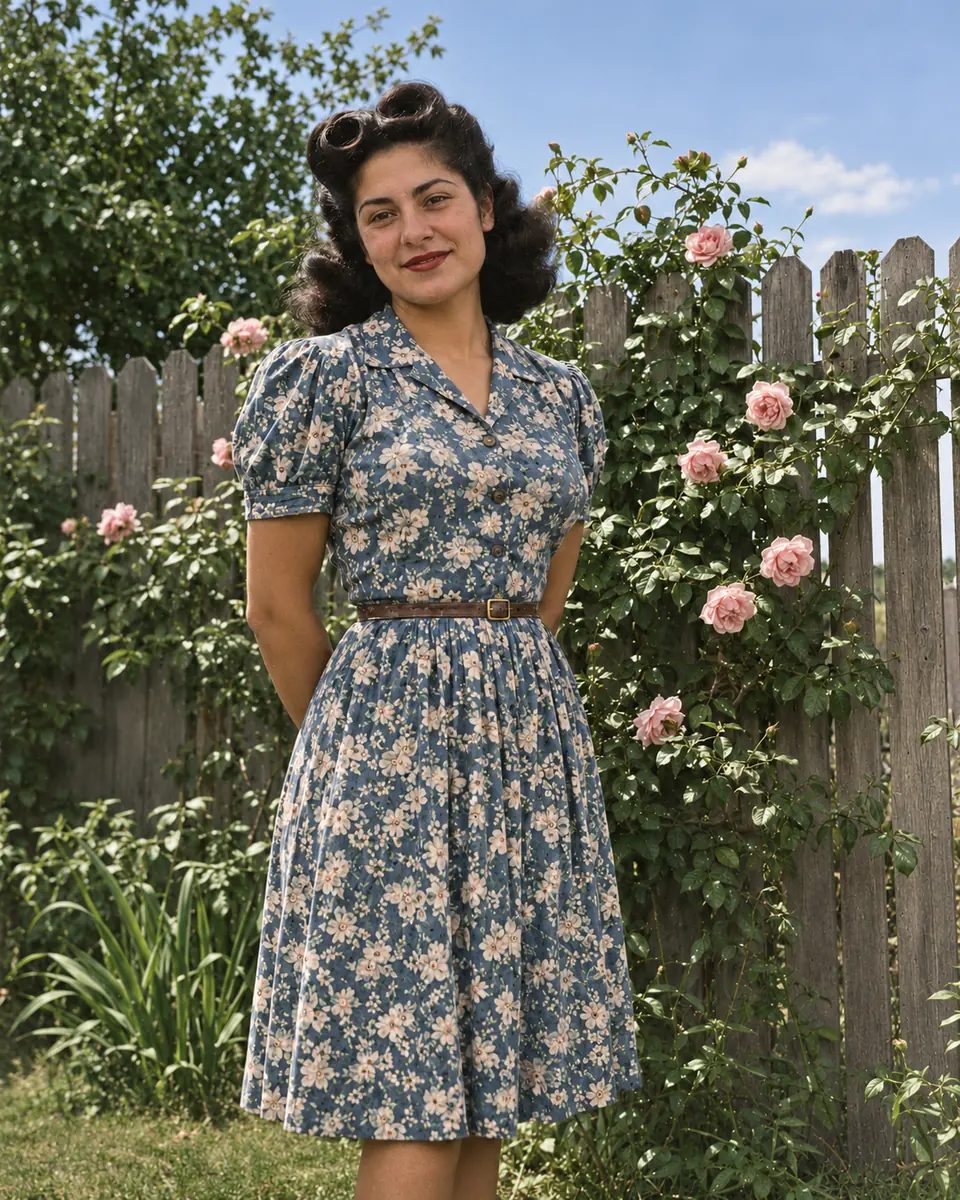
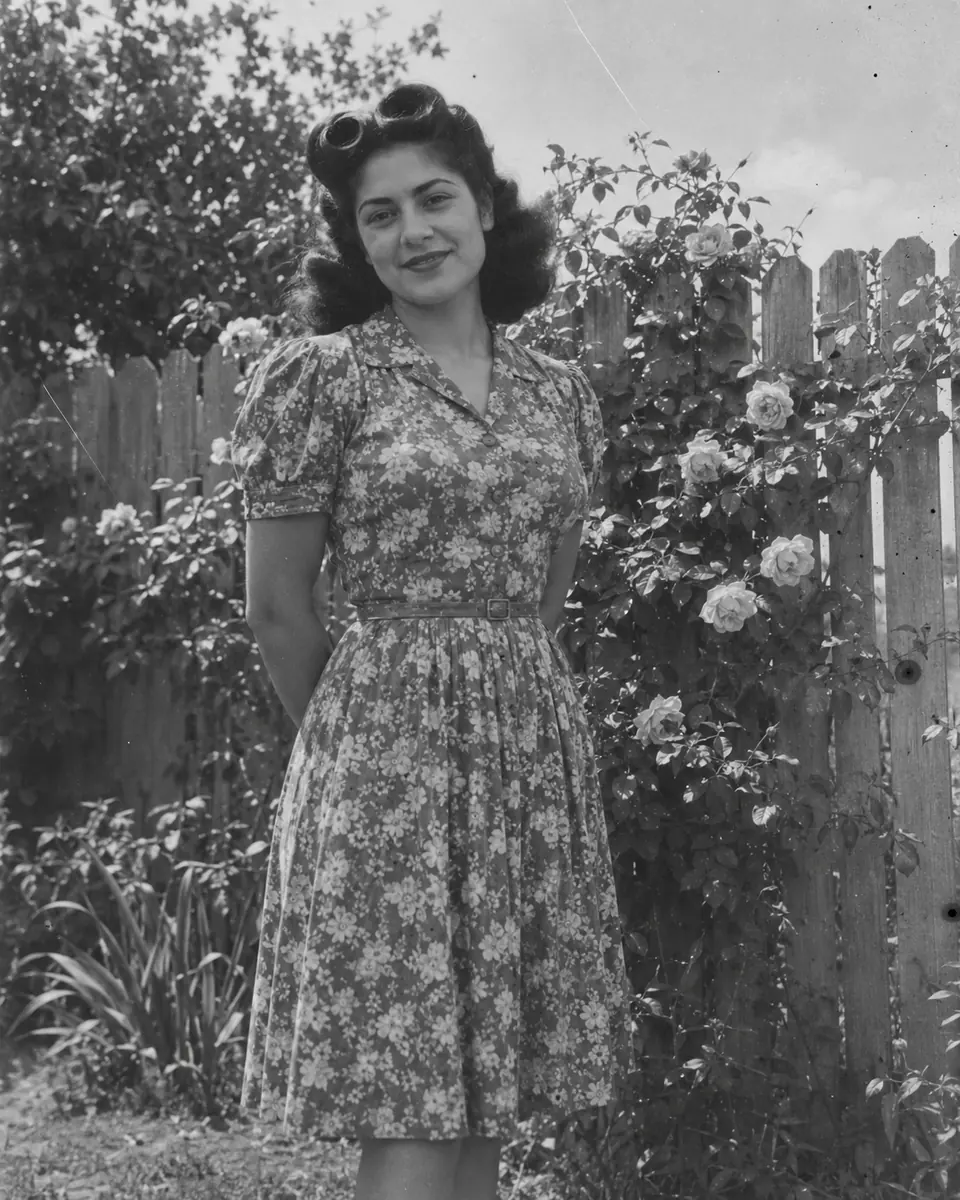
What it does
This AI photo colorizer adds the color a black and white picture never recorded. Upload a scan or a phone photo of the print, and skin, hair, clothes, sky, plants and buildings each get a believable color of their time, with no brush, no masks and no prompt to write.
Faces, poses and details stay as they were, and sepia prints work just like black and white ones. The colors are a realistic guess, so name any you know in the note. To restore and colorize old photos with tears or missing corners, use old photo restoration, and to split the result into editable layers, use image to layers.
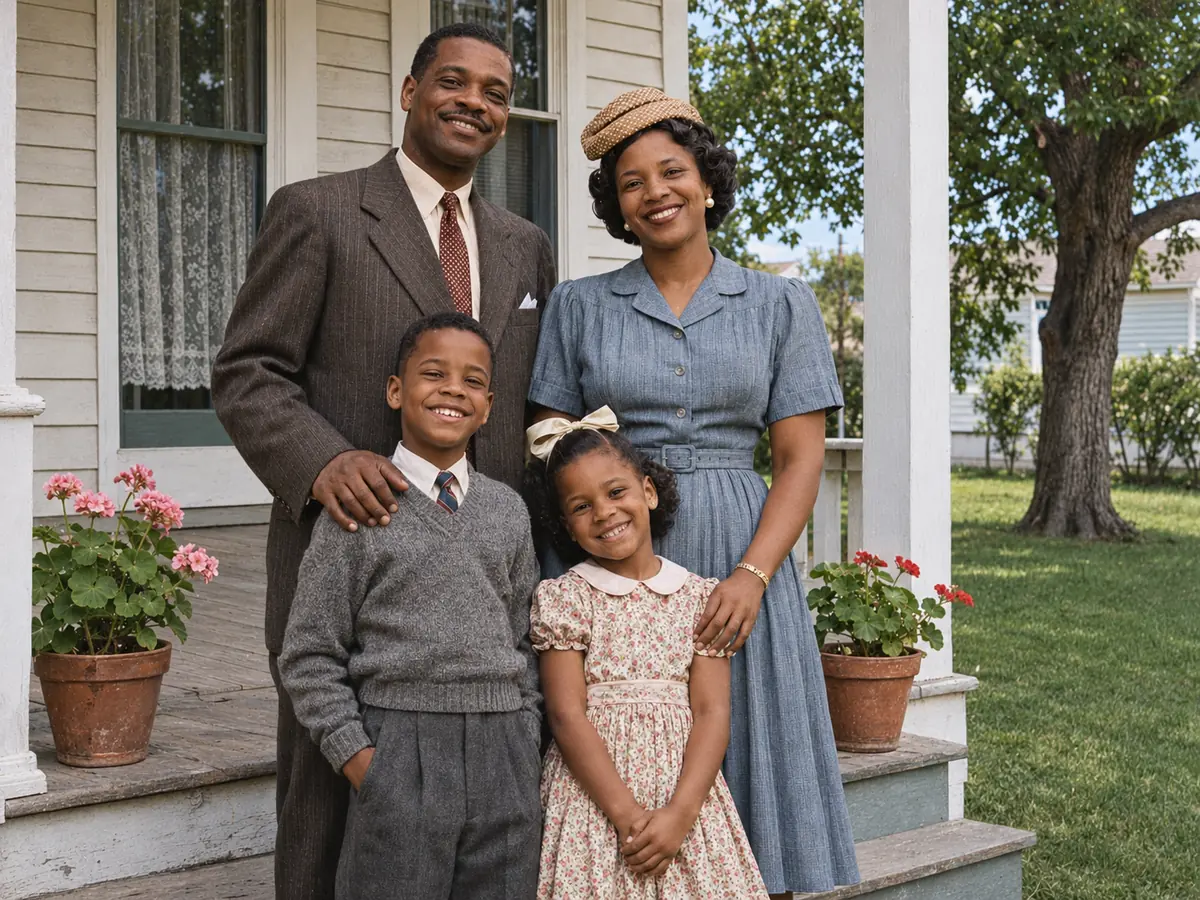
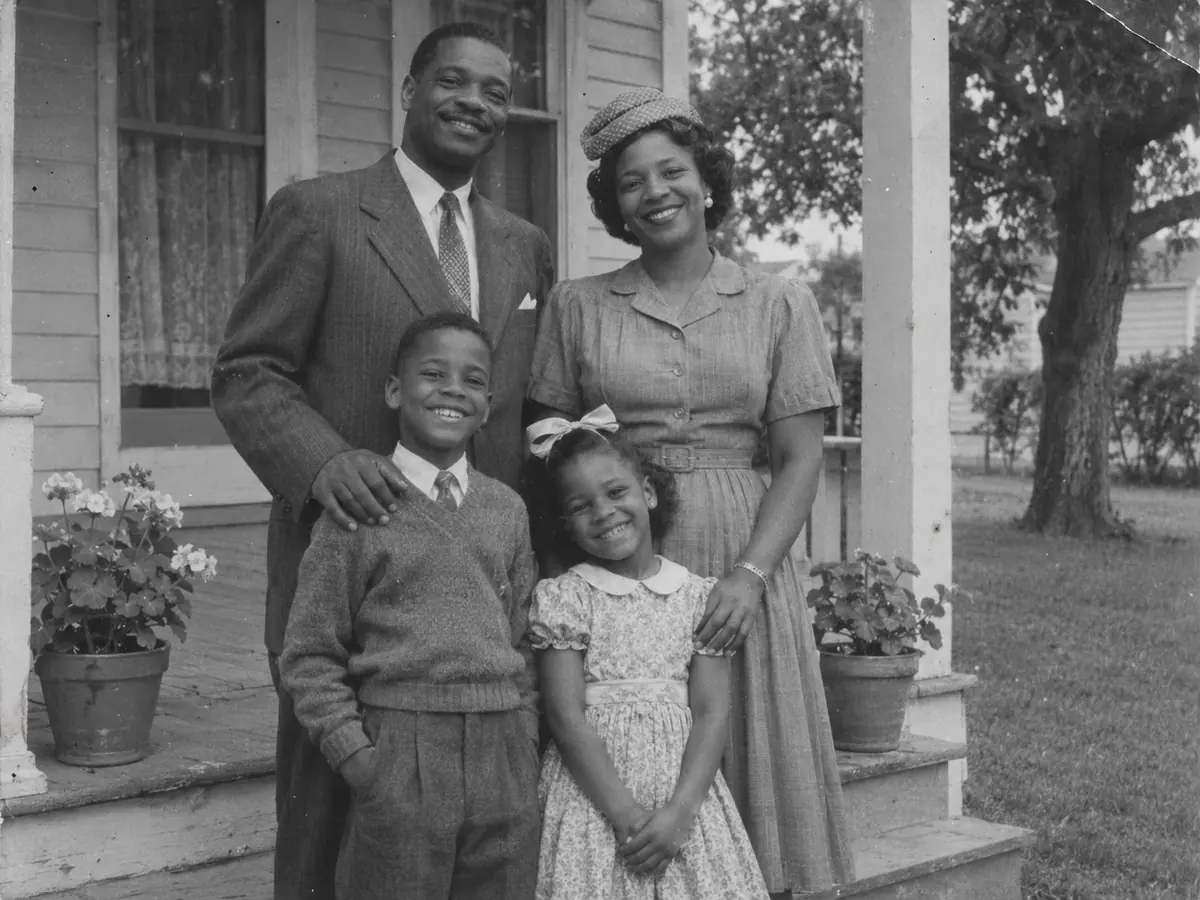 BeforeColorized
Six reasons to colorize photos here instead of painting them by hand.
Colorize black and white photos automatically: upload, pick a look and press the button. Most runs finish in about half a minute, so a whole box of prints fits into one evening.
The AI is told to keep every face, expression and hairstyle as it is and only add color, so a grandparent still looks like themselves.
Natural gives true to life colors of the era, Vivid looks like a modern color photo, and Film has the soft, warm tones of an old color print.
Type a short note such as "the car was red" or "her eyes were green", and the colorizer is told to use those colors instead of guessing them.
Repair scratches and spots too is on by default, so dust, spots, scratches and creases go while the color comes in. Turn it off to change only the colors.
Each photo costs 10 credits, and every account gets one free try across our AI tools. No subscription is needed, and a run that fails never uses credits.
How to colorize black and white photos with no editing skills: three steps from a gray print to a color PNG.
Three things this colorizer does on vintage style photos made for this page. Drag, watch or move the lens on each example.
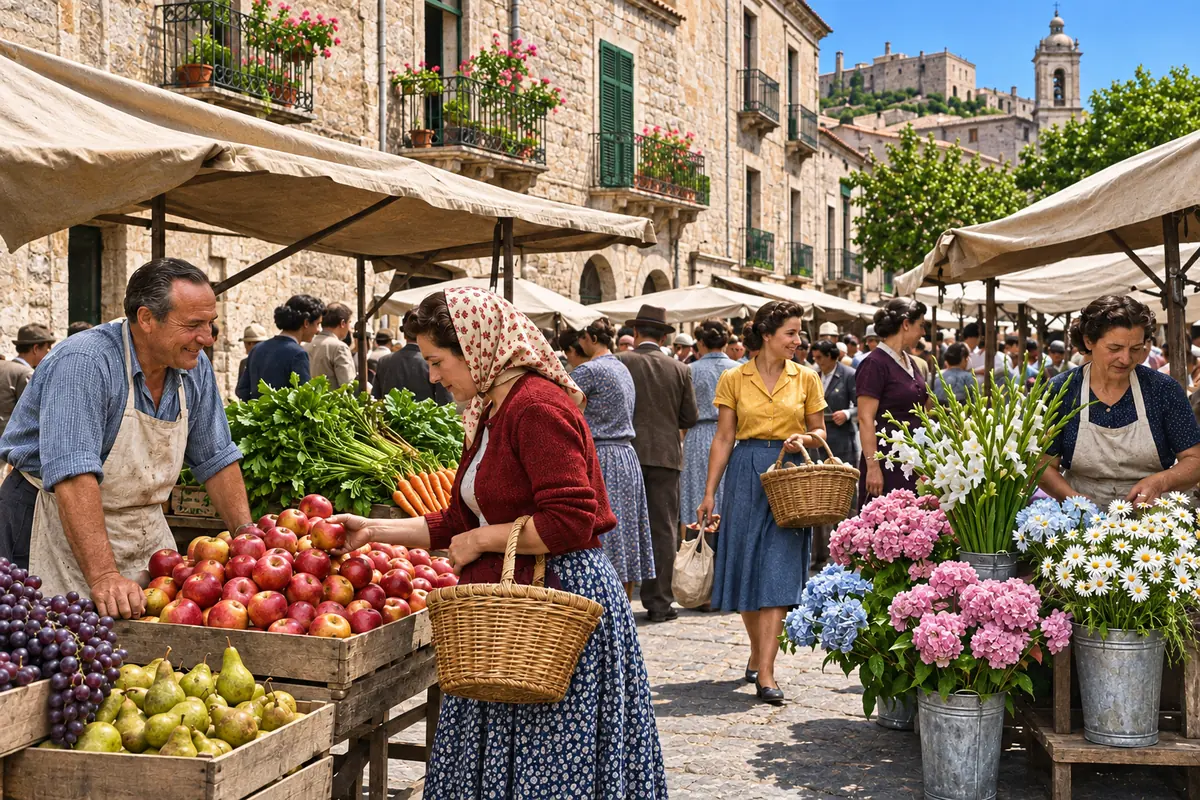
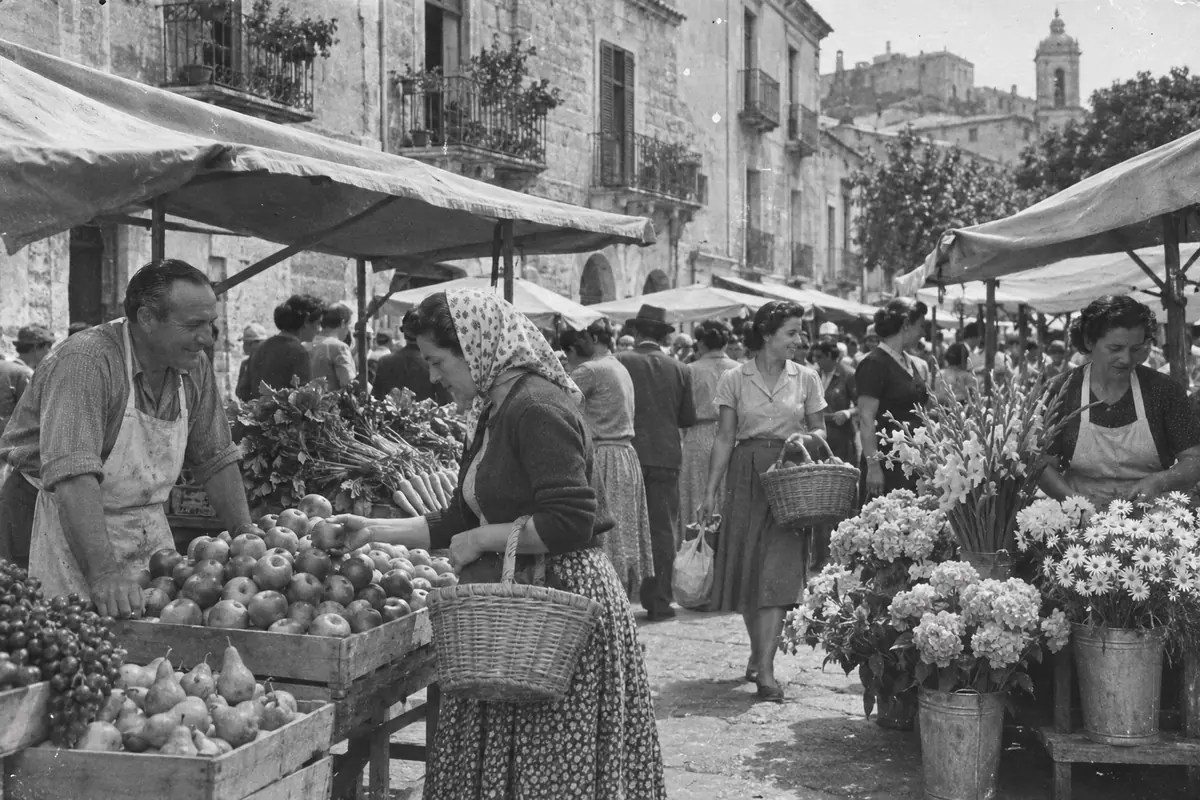 BeforeColorized
One photo, three moods. Natural keeps the colors of the era with real skin tones, Vivid makes an old street look photographed today, and Film gives the warm tones of a color print from the past. This 1950s style market photo was colored with Vivid. Drag the divider to compare.
Pick a look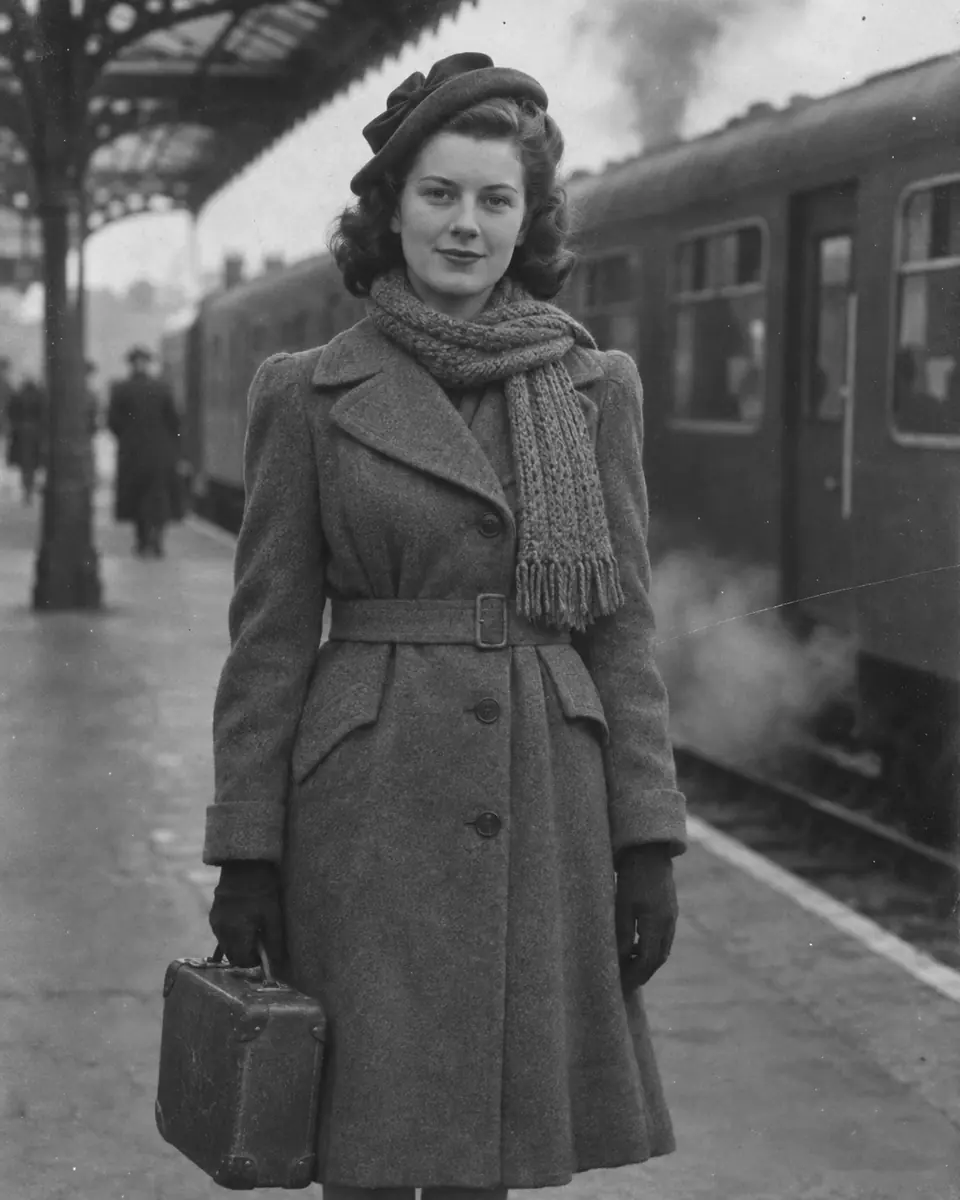
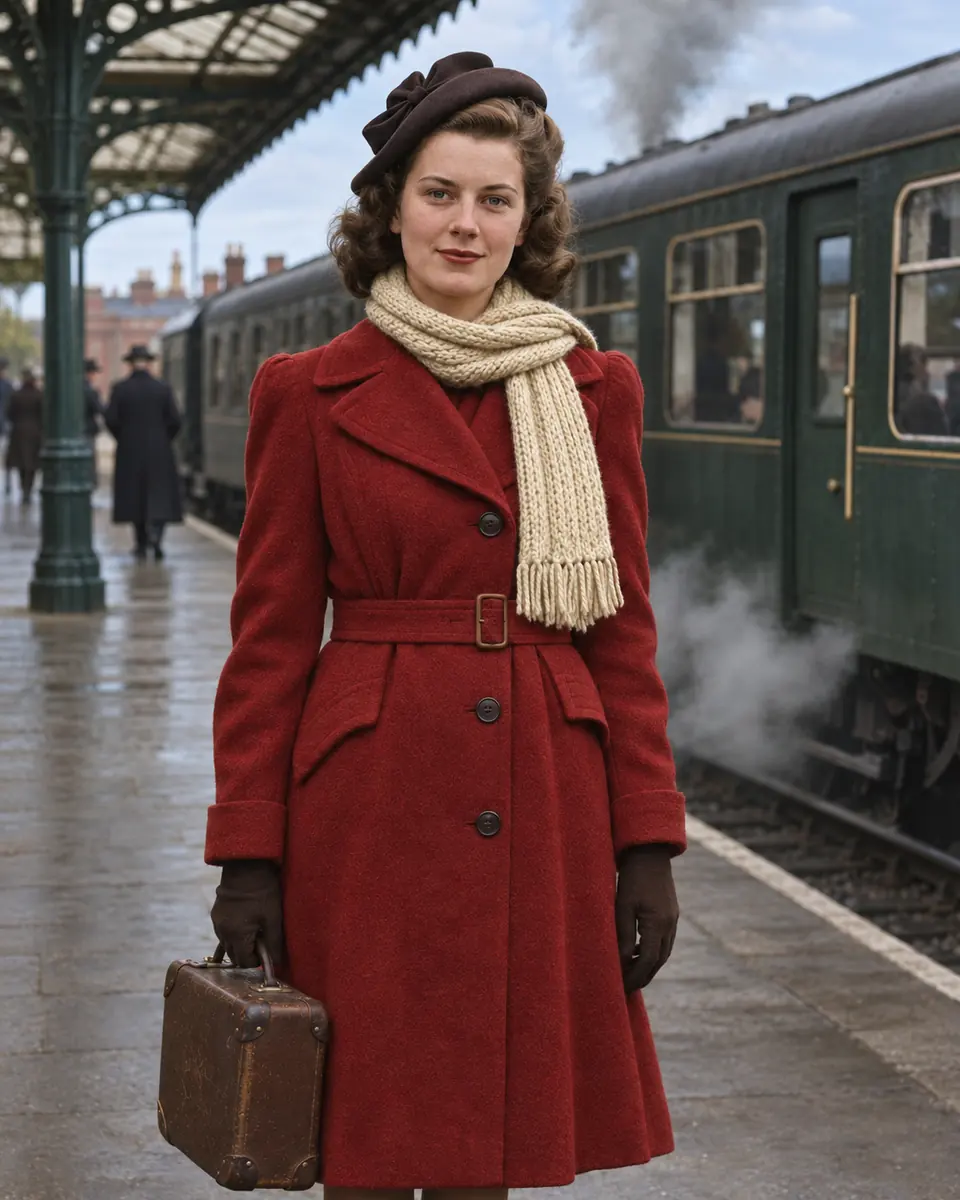 After
Every colorized photo is a realistic guess until you add what you remember. On this portrait the note read "her coat was red and her scarf was cream", and the rest of the colors stayed natural. Watch the zoom switch between before and after. To clear a date stamp or a caption from the corner afterwards, use remove text from image.
Add your colors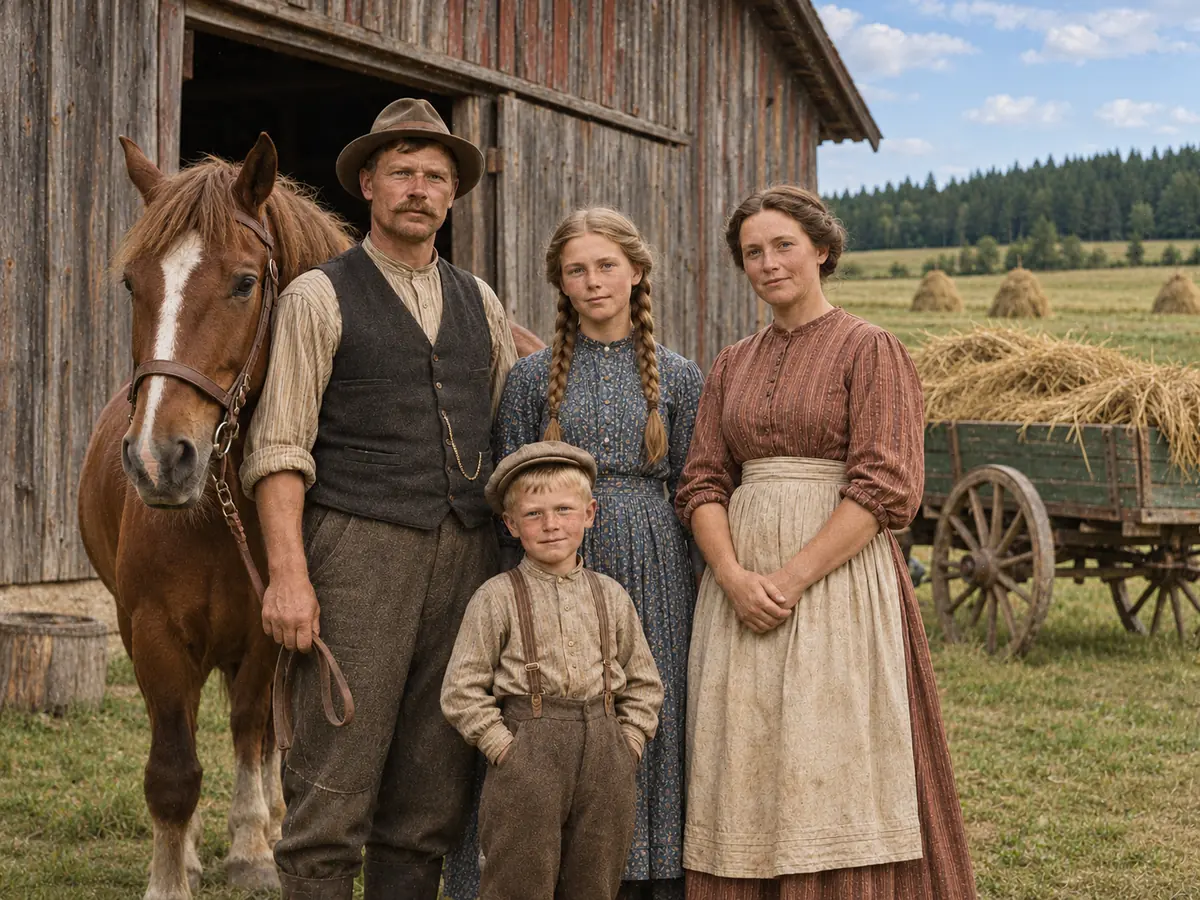 Move to see the sepia original
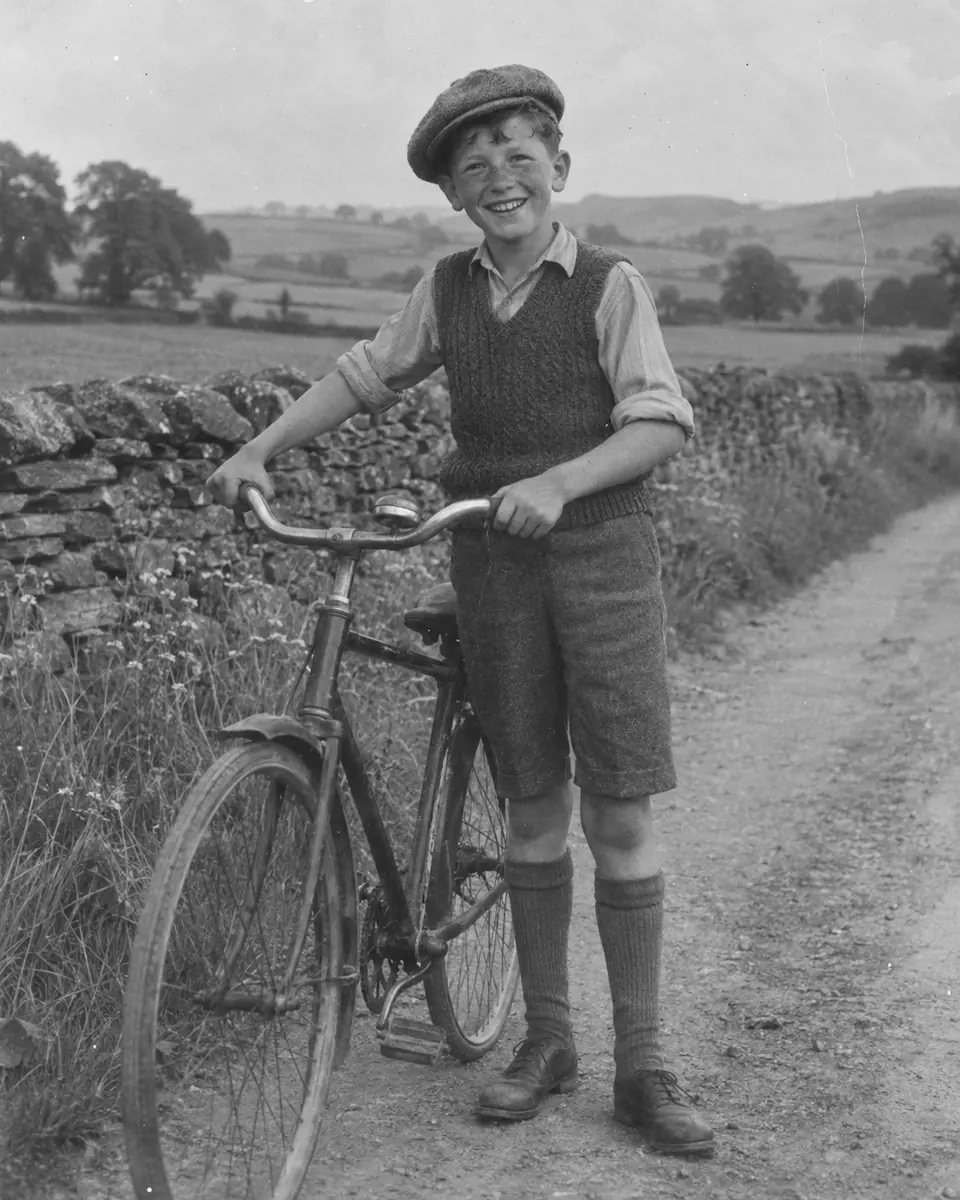
Sepia prints take color just like black and white ones. With Repair scratches and spots too switched on, dust, spots, scratches and creases go in the same run, as on this 1910s style farm photo. Move the lens to see the sepia original. To print it larger, enlarge the result with the image upscaler.
Colorize a sepia photoSix vintage style photos made for this page show how the tool adds color to black and white photos and sepia prints in one run. Hover a card to wipe between them, or open it to compare closely.
Natural gave a 1960s style graduation portrait warm skin tones and a deep gown color, with her face unchanged.
Vivid turned a gray 1950s style beach photo into blue water, bright swimsuits and sunlit sand.
The note "the kitchen walls were mint green" set the walls, and Film added the soft, warm tones of an old color print.
Repair was turned off, so this sepia lane of stone houses kept its grain and small marks and only gained color.
A 1940s style trio under stage lights, given warm skin tones, dark suits and gleaming brass in Film color.
A creased 1960s style photo of an older couple, cleaned up and colored, with the mustard cardigan from the note.
The best way to colorize old photos: a clean scan, a tight crop and the colors you know.
A flatbed scan at 600 DPI is best. With a phone, lay the print flat in soft daylight, hold the phone straight above it and avoid glare. Upload the largest file you have; it is scaled to 2048 pixels on the longest side before the run.
Crop away the album page, the frame and the table around the print. The colorized photo keeps the shape of what you upload, so a tight crop gives the cleanest result.
Write what you know, such as "his suit was gray" or "the door was blue", and let the AI choose the rest. Everything you leave out gets a realistic guess of the era.
Natural suits family history, Vivid suits streets and landscapes, and Film suits photos that should feel of their time. Check faces with the slider after each run. For comics and line art, colorize manga is the better tool.
Image2Layer next to coloring by hand in Photoshop and paid colorization services.
Photoshop is a trademark of Adobe. Image2Layer is not affiliated with Adobe or with any colorization service.
Families, family historians, teachers and anyone with a box of black and white prints.
See grandparents, weddings and first homes in color, and colorize old black and white photos for a frame or a gift.
Add color to old black and white photos for a family tree, a reunion slideshow or a memorial card.
Show students the past in color for a history lesson, a school project or a class display.
Turn a black and white photo to color for a town archive, a museum label or a history post.
Download the color PNG for a photo print, or make a matching poster from a short description with the AI poster generator.
Use colorized pictures in collages and invitations, and turn them into editable layers with image to PSD.
Answers about colors, faces, sepia prints, price and privacy.
More image tools for the next step with your color picture.
Four tools for what usually comes next.
Photo colorizer
Upload a black and white or sepia photo and get it back in natural color in about 30 seconds. Your first try is free with an account.
Colorize a photo