About 30 seconds a look
Upload, pick a cut and press Change Hairstyle. Most runs finish in about half a minute, so you can try several hairstyles on the same photo in a few minutes.
Haircut and hair color preview
Image2Layer's AI hairstyle changer turns a photo of you into a preview of a new haircut or hair color, free to try. Pick from 16 cuts and 6 colors; in about 30 seconds the hair changes and your face stays the same.
1. Upload an image
Sexual or explicit content isn't allowed. Images and results that contain it are blocked automatically.
No image handy? See a sample
2. Pick a hairstyle
The face, expression and background stay the same.
Hair color: Keep color
3. Change Hairstyle
10 credits per photo · Failed runs never use credits


One photo, many looks
The AI hairstyle changer gives the person in your photo a new haircut, a new hair color or both, and leaves everything else alone. Upload a selfie, pick one of 16 cuts or Same cut, choose Keep color or one of six colors, and the hair is redrawn in one run, with no brush and no prompt to write.
The face, expression, glasses, clothes and background stay as they were, so you see the hairstyle change on your photo, not on a stranger. Use the tabs to see one man with four cuts. Afterwards, change the outfit too with the AI clothes changer, or press Split into layers to open the result in image to layers.

 New look
Six reasons to preview a new look with this hairstyle changer before the scissors come out.
Upload, pick a cut and press Change Hairstyle. Most runs finish in about half a minute, so you can try several hairstyles on the same photo in a few minutes.
Every run is told to keep your features, expression, skin, makeup, glasses and facial hair exactly as they are, along with your pose, clothes and background.
Pixie cut to Long layers, Fade to Afro, Curtain bangs to Updo bun. Men's and women's styles sit in one list, so pick any cut you like.
Pick Black, Brown, Blonde, Red, Silver or Pink with any cut, or choose Same cut to keep your hair as it is and change only the color.
Type "side part" or "a little shorter" in the notes box and the AI takes it into account while it draws the new hair.
Each photo costs 10 credits. Credit packs need no subscription, and a run that fails never uses credits.
Three steps from a selfie to a hairstyle try on, with no salon visit and no prompt to write.
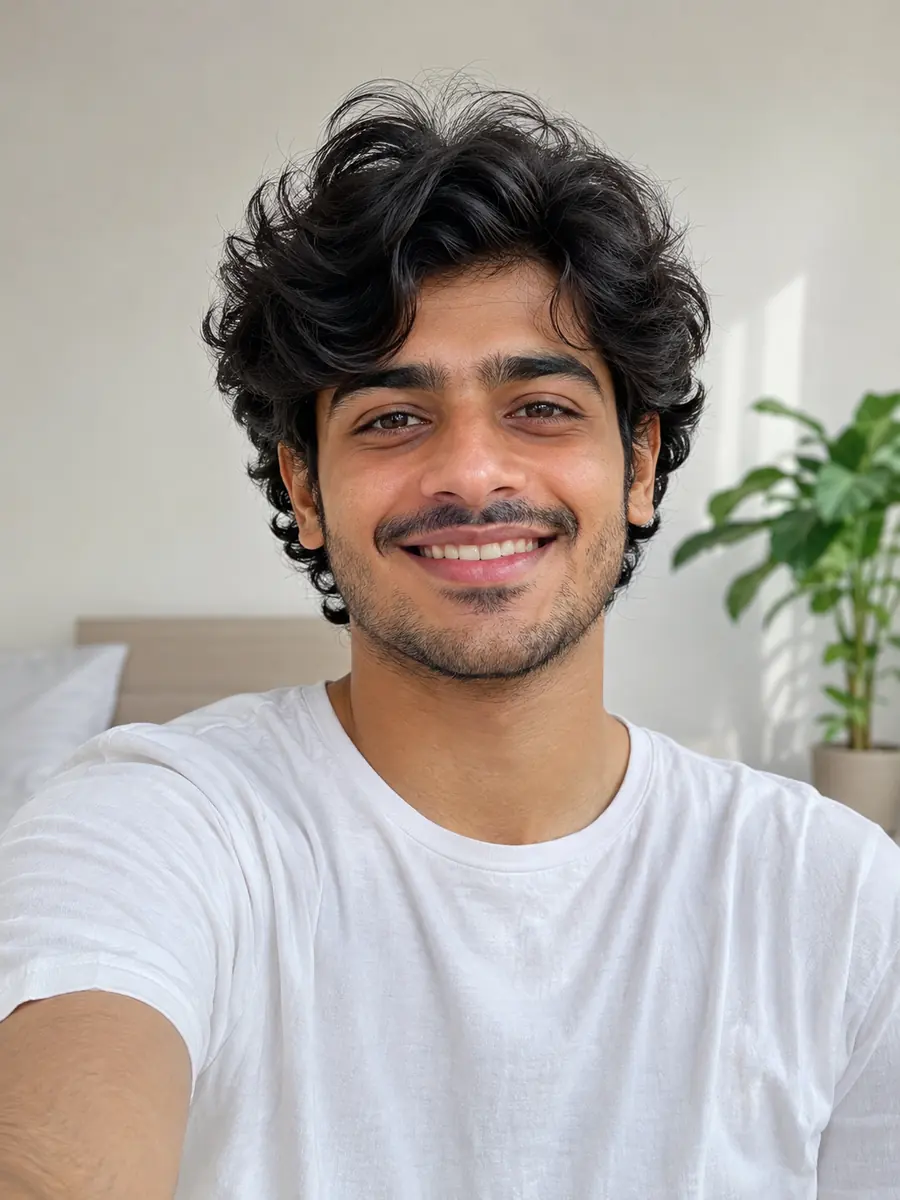
Three things this tool does on example photos. Move the lens, drag the divider or watch each example.
 Move to see the original
Only the hair changes. This man asked for an Undercut, and his glasses, beard, expression and sweater stayed exactly as they were. Move the lens across the picture: over the face nothing changes, and over the hair you see the original. This hairstyle changer draws the cut on your own photo, so you judge it on your own face, not on a model in a catalog.
Try a new cut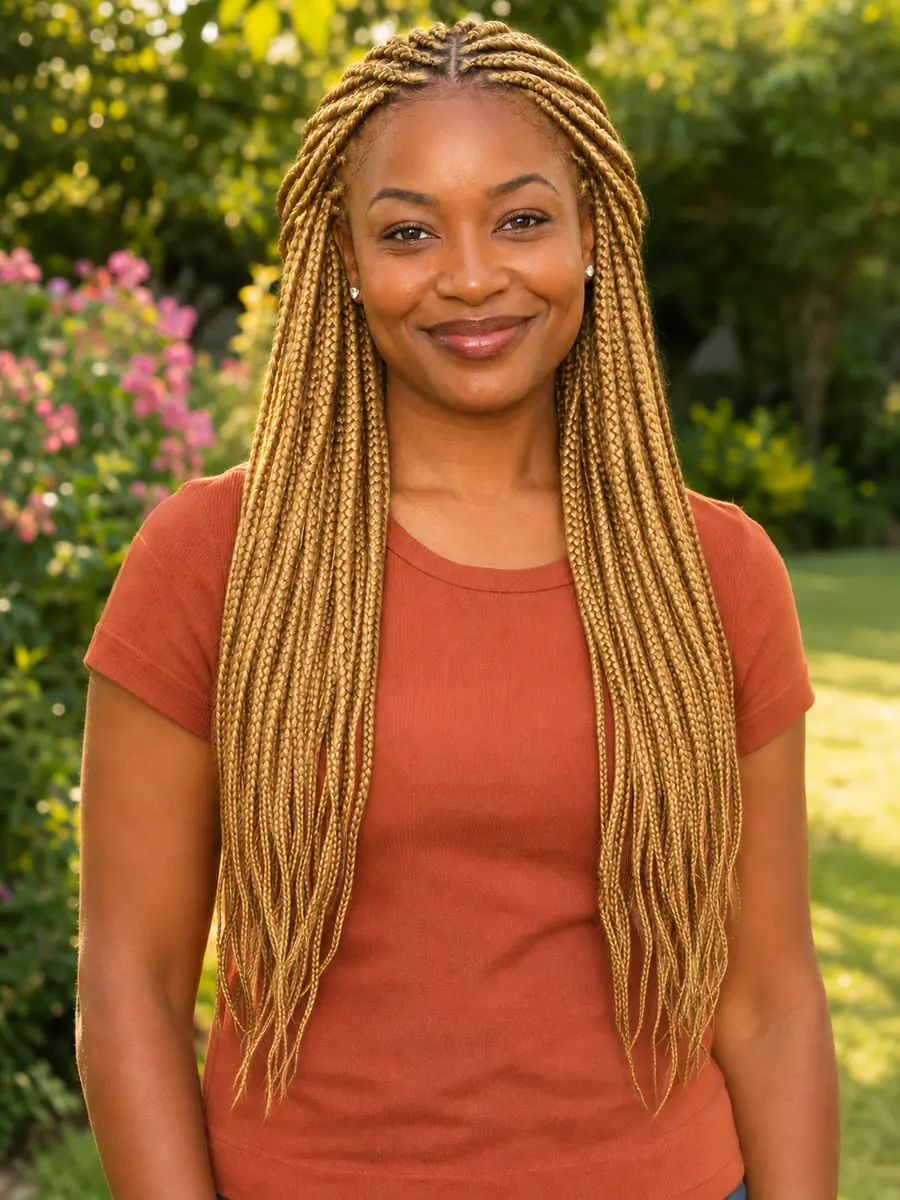
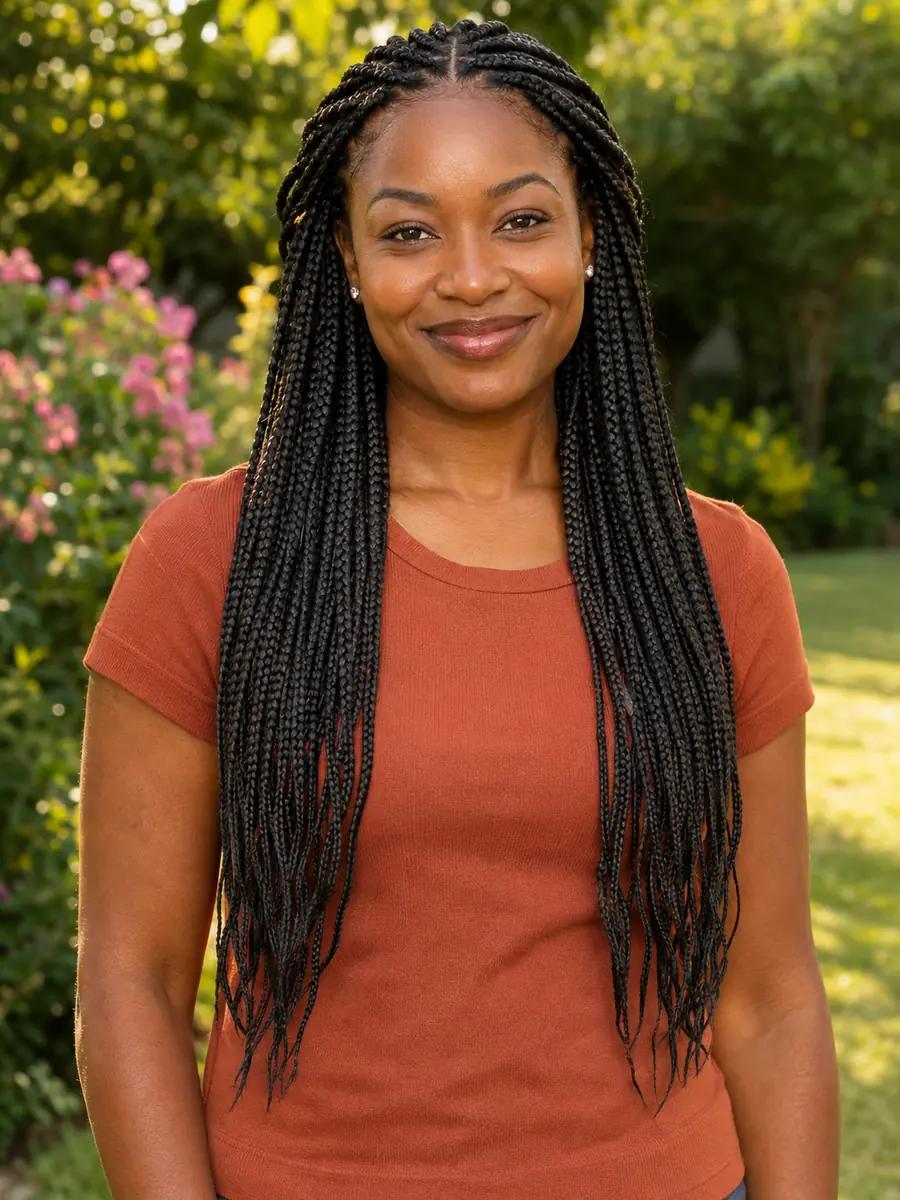 BeforeSame cut, Blonde
Choose Same cut and a color, and only the color changes: the cut, the length, the parting and every braid stay where they were. These long box braids went from black to golden blonde in one run. Pick a new cut with a color instead and it works as a hairstyle and color changer in one step. Drag the divider to compare.
Change the hair color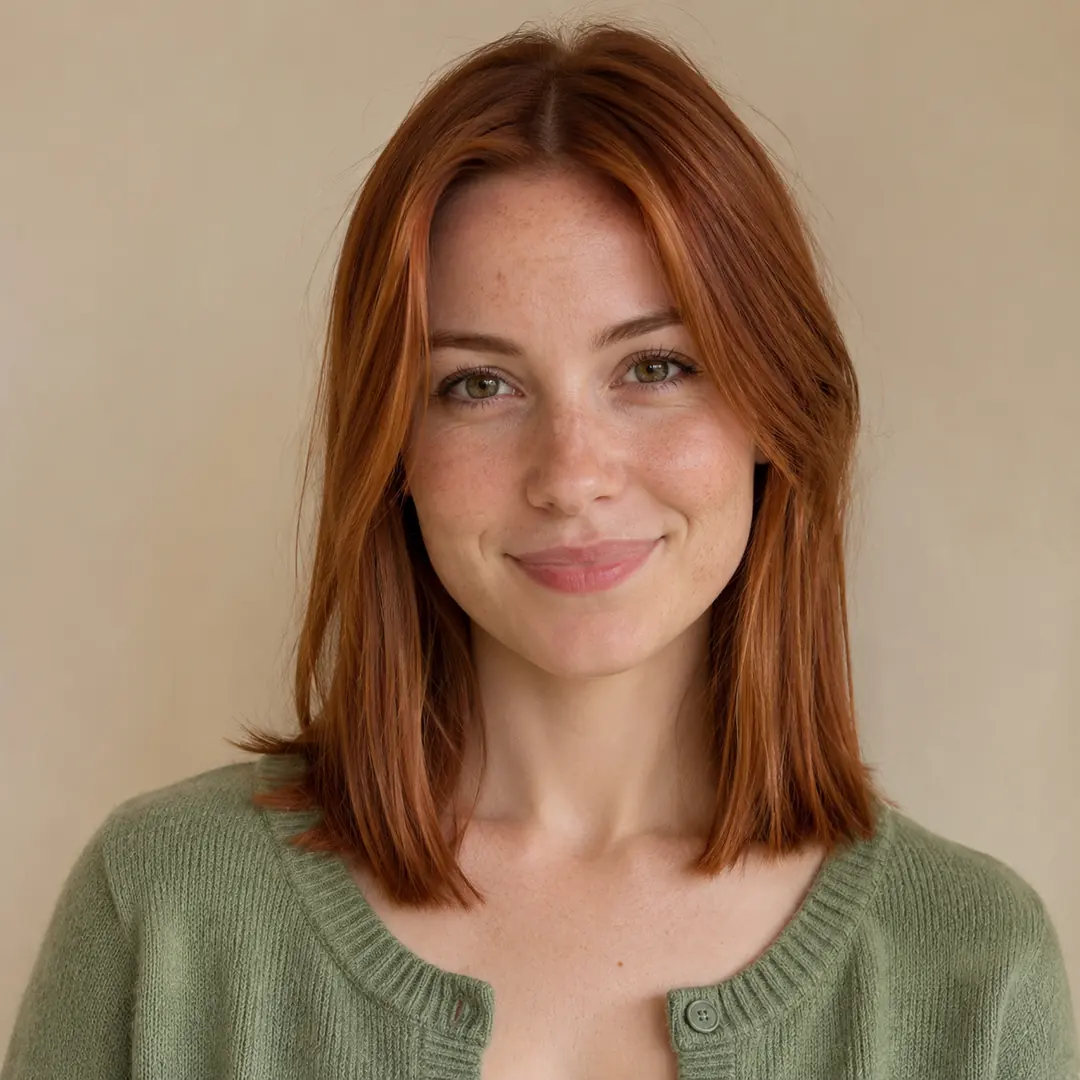
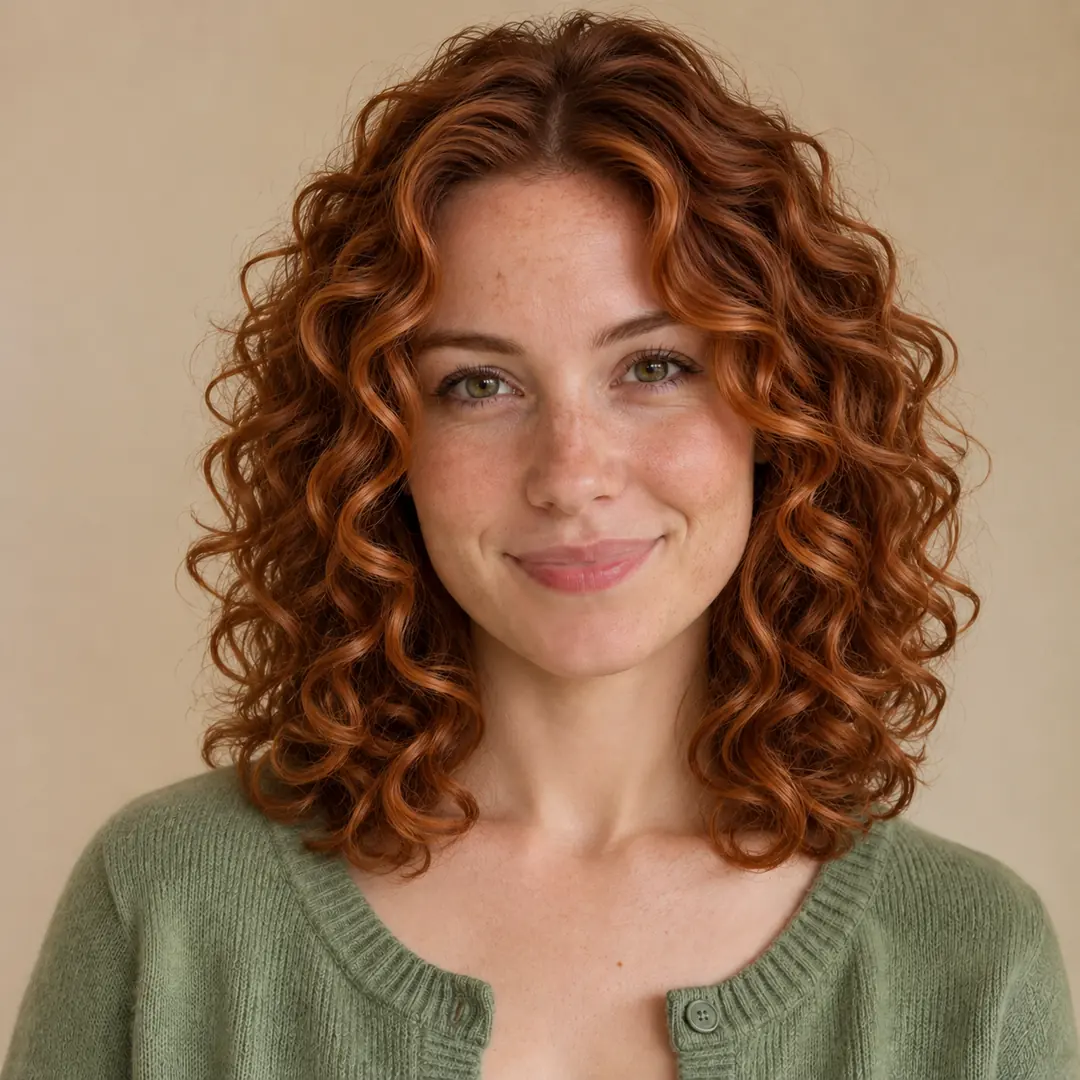 After
The new hair gets a natural hairline and parting, single strands, real texture and volume, and shadows that match the light in your photo. This straight, fine hair became full Curly ringlets, and the zoom shows the curls and the hairline up close. To make a result larger, run it through the image upscaler.
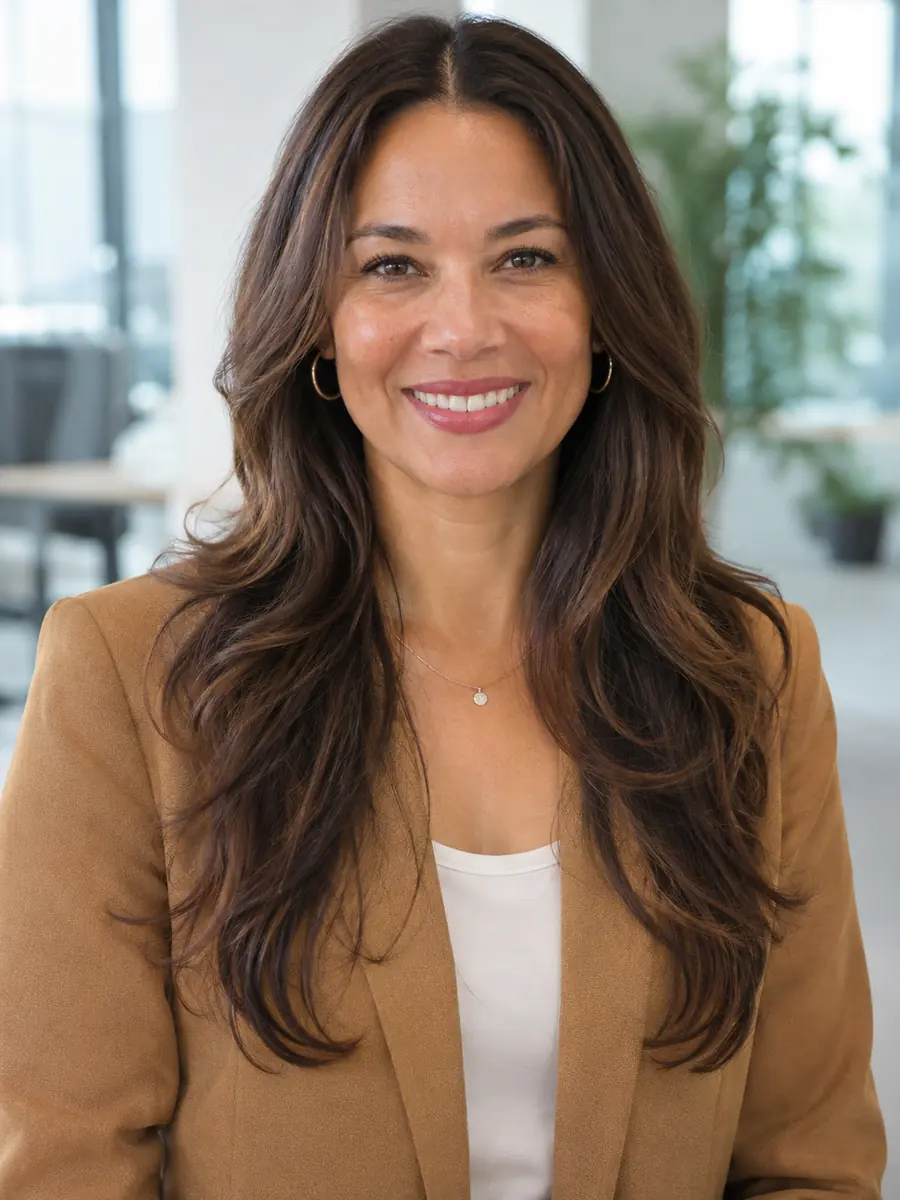
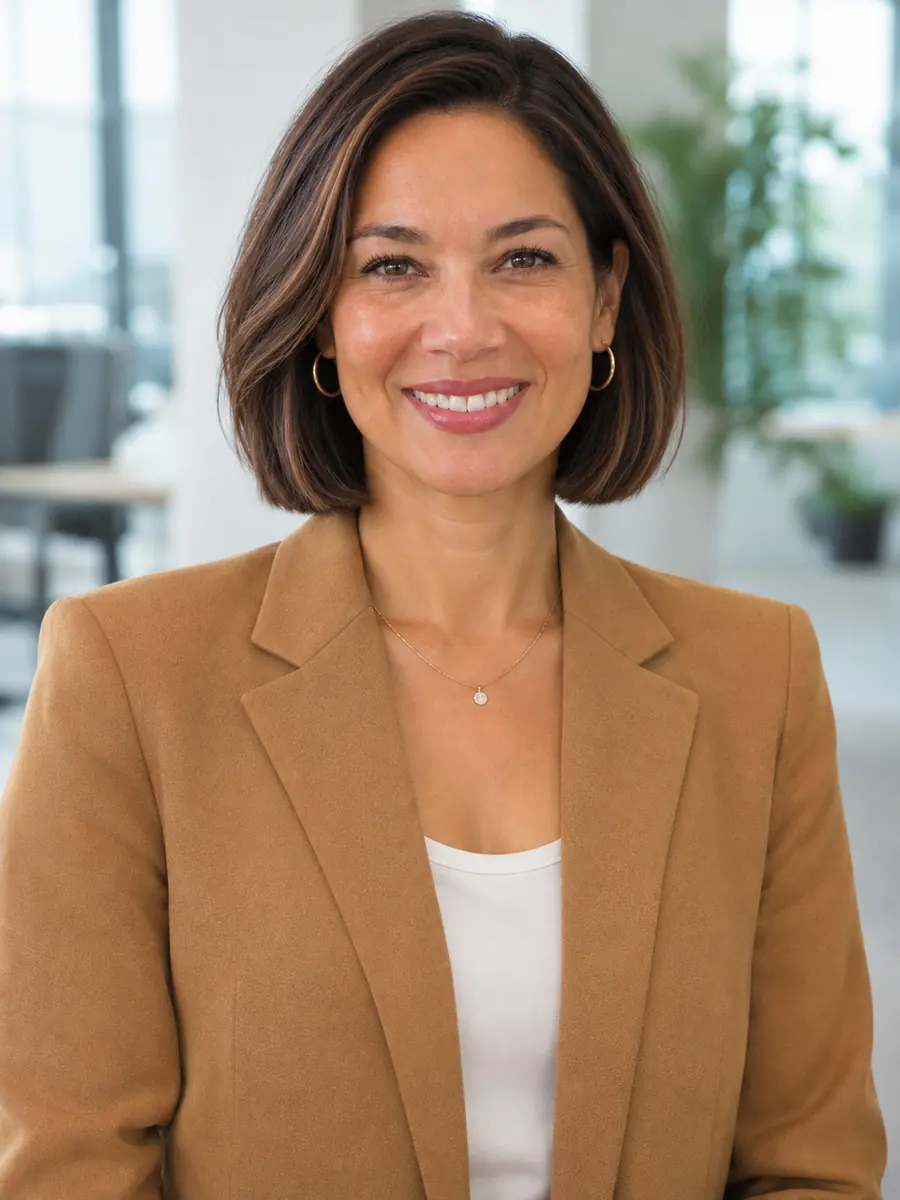
Try curlsSix hairstyle makeover before and after pairs, each on an example photo made for this page with the settings in its note. Hover a card to wipe between them, or open it to compare closely.
Shoulder-length dark hair became a cropped Pixie cut in silver gray, a preview worth seeing before a long color appointment.
Overgrown salt and pepper hair tidied into a short Crew cut, with the face and the smile unchanged.
Hair pulled back into a sleek low bun became a full, rounded Afro with soft coils, and her makeup and smile stayed.
Long loose hair gathered into an elegant Updo bun, a quick way to plan the hair for a wedding or a gala.
A straight brown bob turned into loose blonde Beach waves of medium length, with the cut and the color changed in one run.
Short natural hair changed to neat box braids, with the beard and the face just as they were.
Four habits for a preview you can trust.
Face the camera in soft daylight with your hair in view and nothing covering it. Uploads are scaled to 2048 pixels on the longest side, and the result keeps the shape of your photo, so crop it the way you want the result.
Crop a group photo down to one person first. The hairstyle changer works on the person in the photo, and with several people the result is harder to predict.
Run a few hairstyles on the same photo and compare them in Recent edits. Seeing each cut on your own face says more than any chart, and it is the easiest way to try on haircuts online before you book.
Same cut turns the tool into a hair color changer, so you can compare Blonde and Red on the hair you have now. The shades are a preview: real dye results depend on your hair and your colorist. For a softer backdrop in a profile picture afterwards, use blur background.
Image2Layer next to Photoshop by hand and a hairstyle simulator app on a phone camera.
Photoshop is a trademark of Adobe. Image2Layer is not affiliated with Adobe or with any app maker.
Anyone planning a new look, and the people who cut it.
Try hairstyles before cutting: see a pixie, a bob or a buzz cut on your own face before the scissors come out.
Show a client a cut on their own photo and agree on it before you start, with their consent to use the picture.
Use it as a hair color changer before a long color session: preview silver, blonde or pink with Same cut to keep the cut as it is.
An AI hairstyle changer for men: try a Fade, a Crew cut, an Undercut or Slicked back with your beard and glasses kept.
An AI hairstyle changer for Black men and women alike, with Afro, Curly, Braids and Fade in the same list.
Keep the look you like best for a profile picture, and lift yourself out of the background with cut out image.
Answers about cuts, color, your face, price and privacy.
More image tools for the next step after a new look.
Four tools for what usually comes next.
16 cuts, 6 colors
Upload a photo, pick a cut and a color, and see yourself with it in about 30 seconds. The AI hairstyle changer starts free with an account.
Try a hairstyle