About 30 seconds a garment
Upload, pick a style and press Make Product Photo. Most runs finish in about half a minute, so a rack of new stock can be done in one sitting.
Clothing product photos
Image2Layer's ghost mannequin AI turns a garment shot on a mannequin, dress form, hanger or person into a product photo, free to try. Pick Ghost mannequin, Flat lay or On a hanger and get a PNG in about 30 seconds.
1. Upload an image
Sexual or explicit content isn't allowed. Images and results that contain it are blocked automatically.
No image handy? See a sample
2. Pick the style
The mannequin or model disappears; the garment keeps its shape, color and print.
3. Make Product Photo
10 credits per photo · Failed runs never use credits
What it does
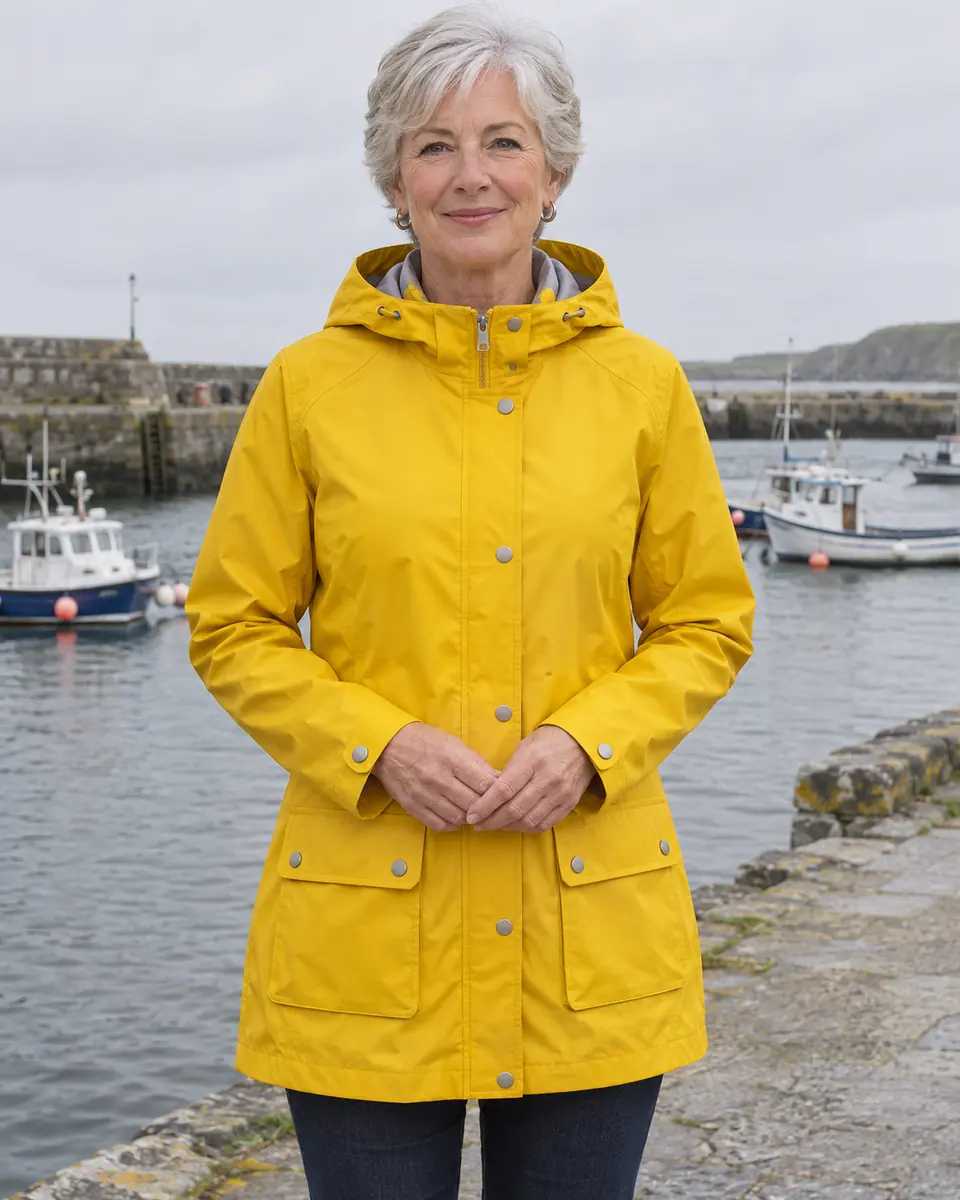
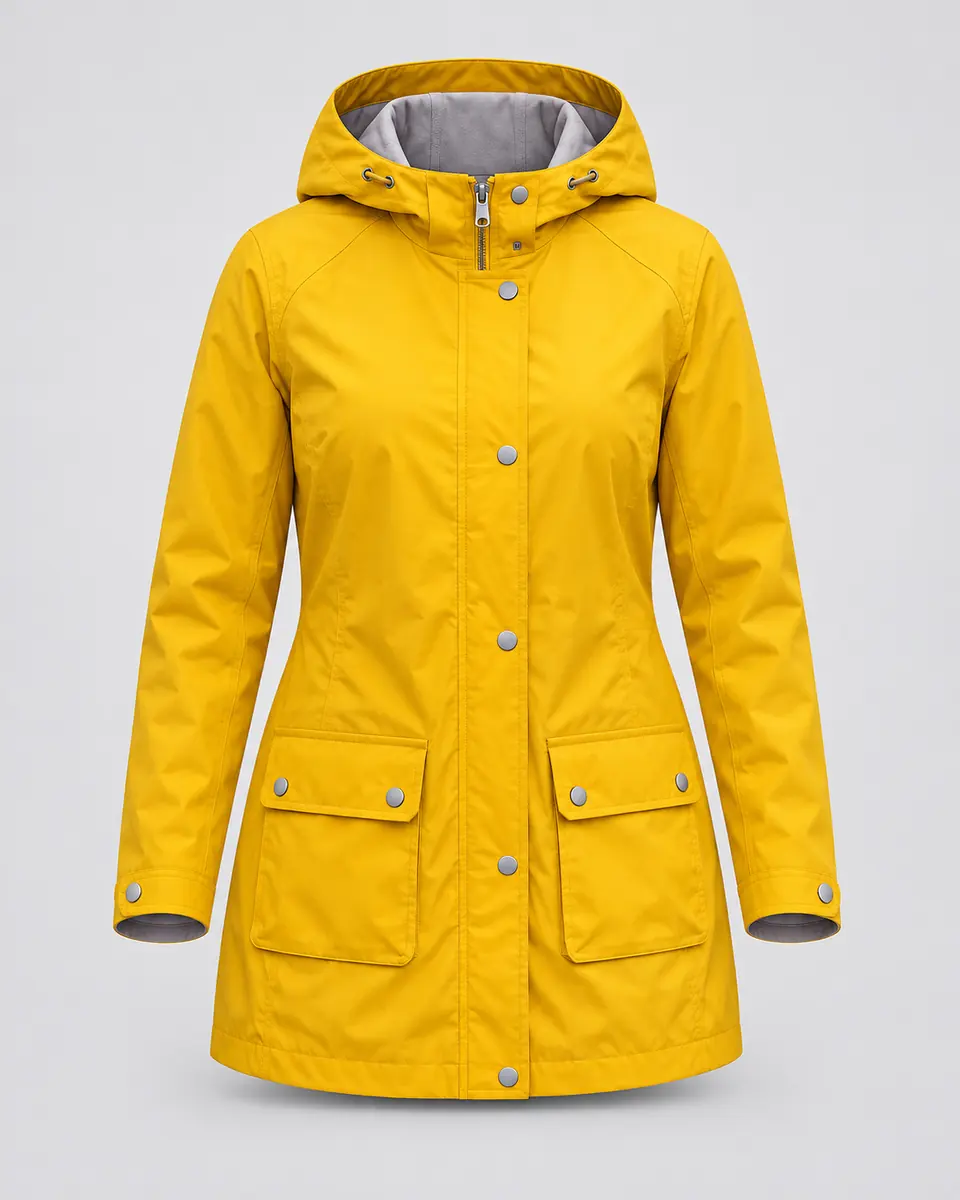
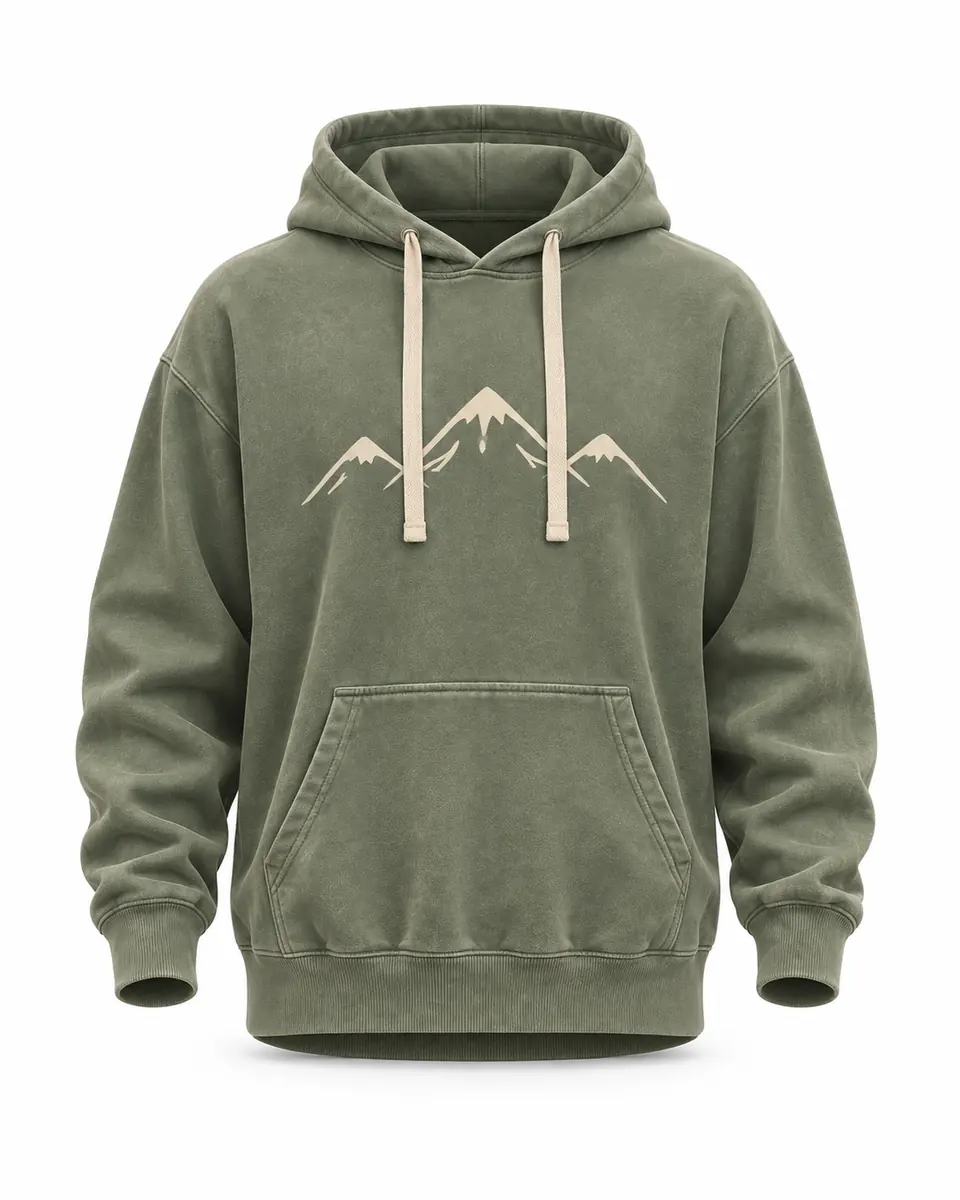
A ghost mannequin photo shows clothing as if an invisible body were wearing it: the garment keeps its 3D shape and the mannequin is gone. Upload one photo and the AI removes the mannequin, dress form, stand or person, shows the inside of the collar where the neckline opens, and centers the garment on a clean studio background. There is no masking and no second shot of the inside to take.
The same photo can also become a flat lay seen from above, or a shot of the garment on a plain wooden hanger, while its color, fabric, print and buttons stay as they are. For shoes, bags and other products on plain white, use white background. To split the finished photo into editable layers, open it in image to layers.
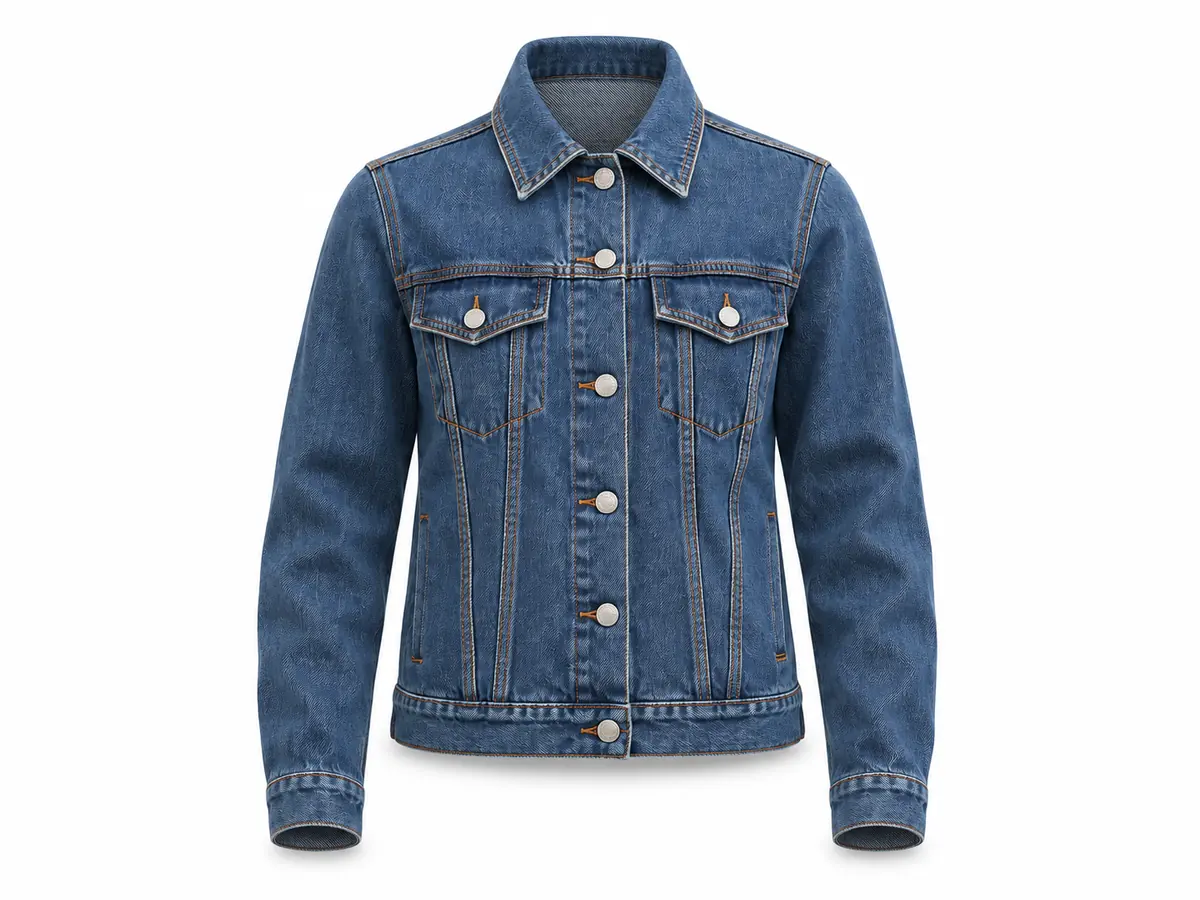
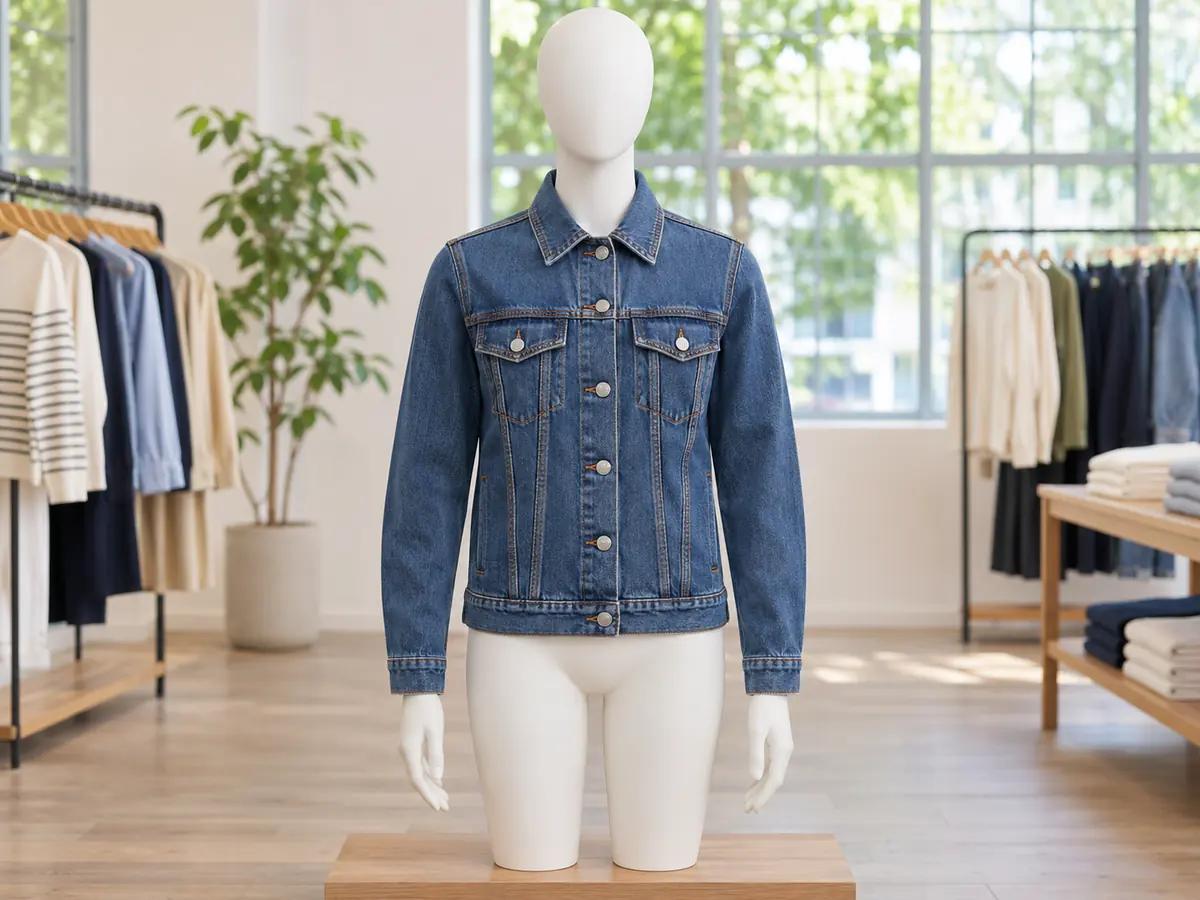 BeforeProduct photo
Six reasons to make the ghost mannequin effect online here instead of by hand.
Upload, pick a style and press Make Product Photo. Most runs finish in about half a minute, so a rack of new stock can be done in one sitting.
Shoot on a store mannequin, a dress form, a hanger or a friend. The stand or the person is removed completely, head, neck, arms and legs included, from a single photo.
Ghost mannequin keeps the worn 3D shape, Flat lay lays the garment neatly flat as seen from above, and On a hanger hangs it on a plain wooden hanger.
A seamless studio background in one of three colors, with even, soft light and a very light shadow. Light gray helps white garments stand out.
The AI is told to keep the garment as it is, from color and print to stitching, buttons and zips, and not to add labels, tags or text that were not in your photo.
Each photo costs 10 credits, whichever style you pick. Credit packs need no subscription, and a run that fails never uses credits.
How to remove the mannequin from a photo without editing skills: three steps from a quick garment shot to a clean product photo.
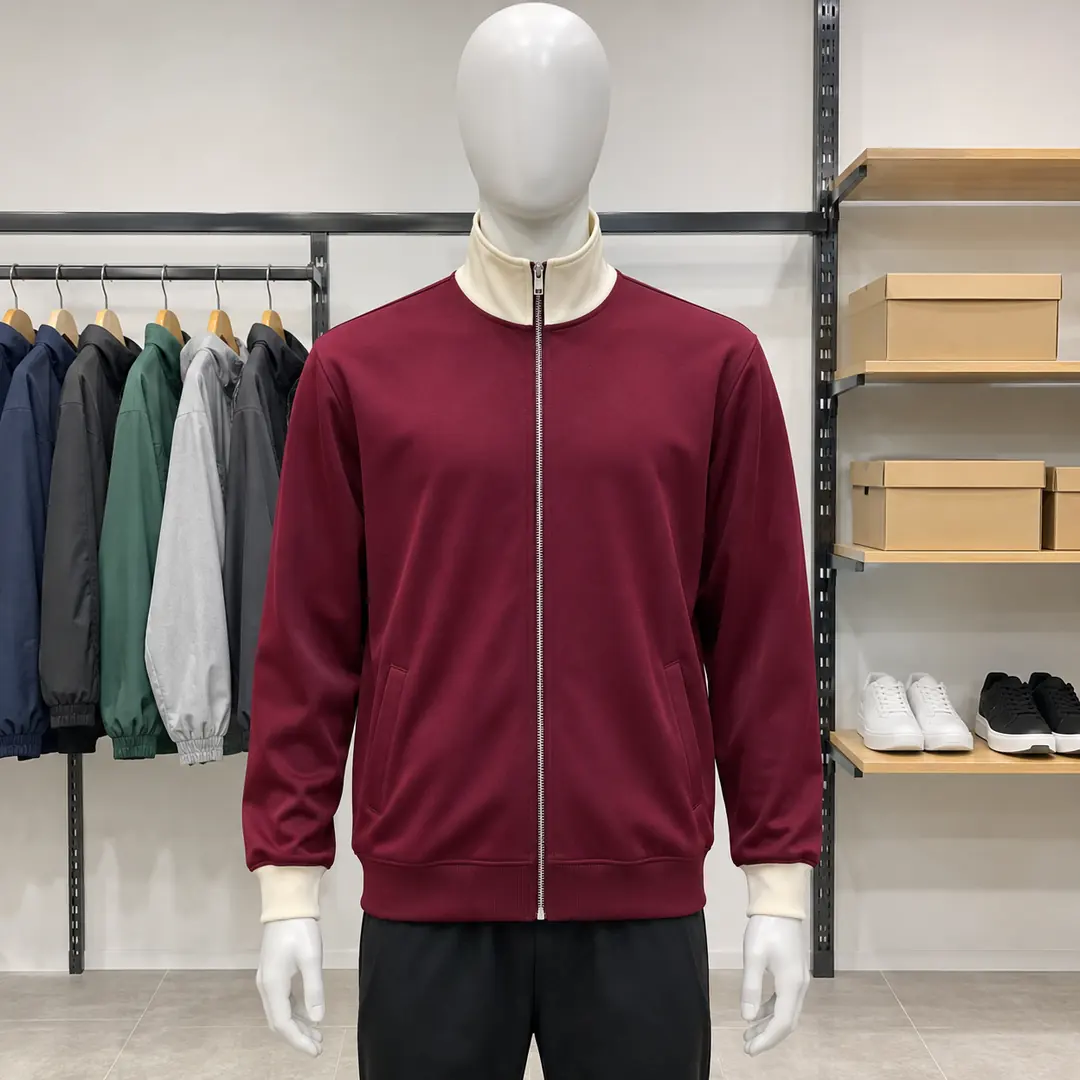
Three things this tool does on example photos. Move the lens, switch the styles or watch the zoom.
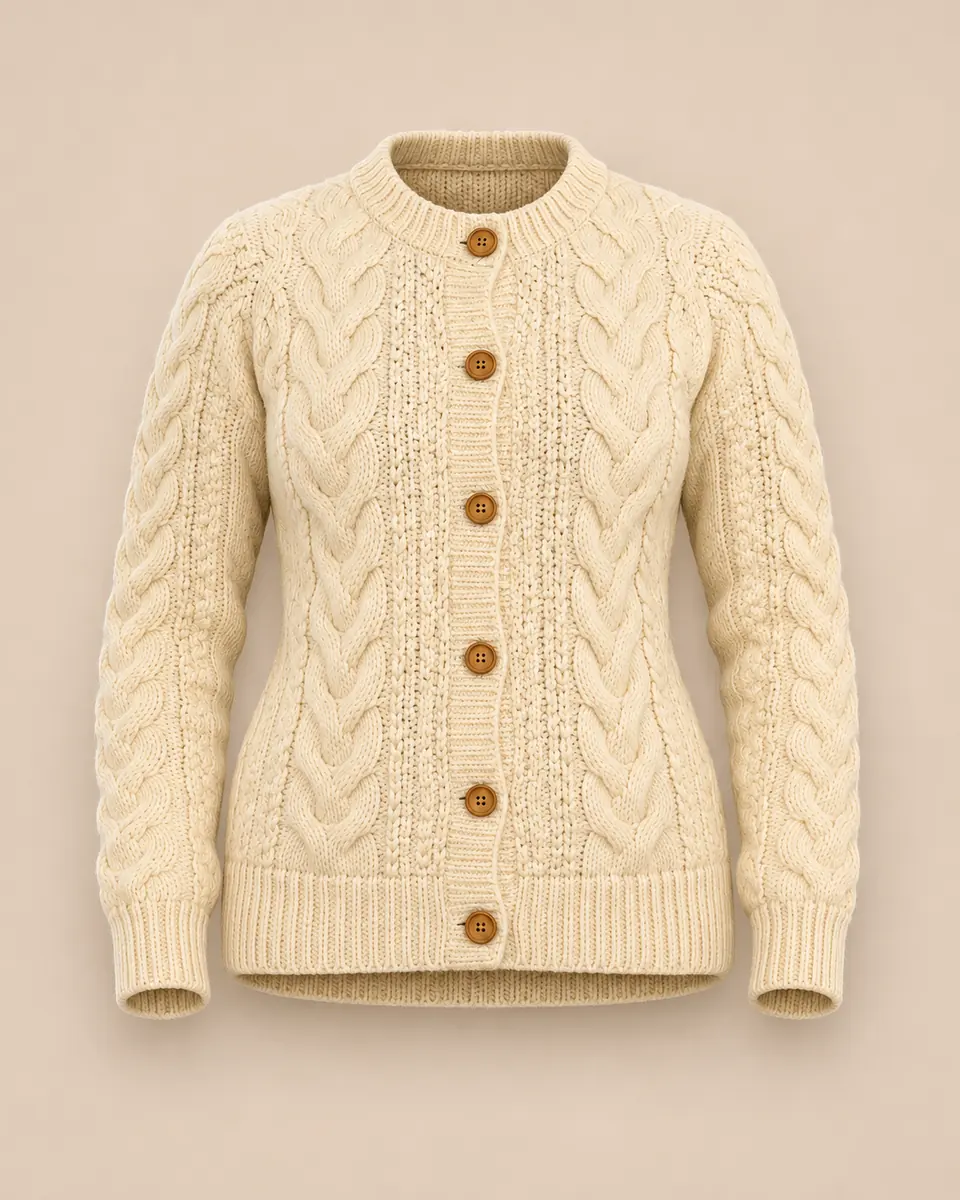 Move to see the model
This cardigan was photographed on a woman in her living room. The AI removed her completely, kept the cable knit and the wooden buttons, and left the cardigan standing in its worn shape on beige. Move the lens to see the original. It works the same way to remove the mannequin from clothing photos shot in a shop. To show a garment on a different person instead, try the AI clothes changer.
Remove a model from a photo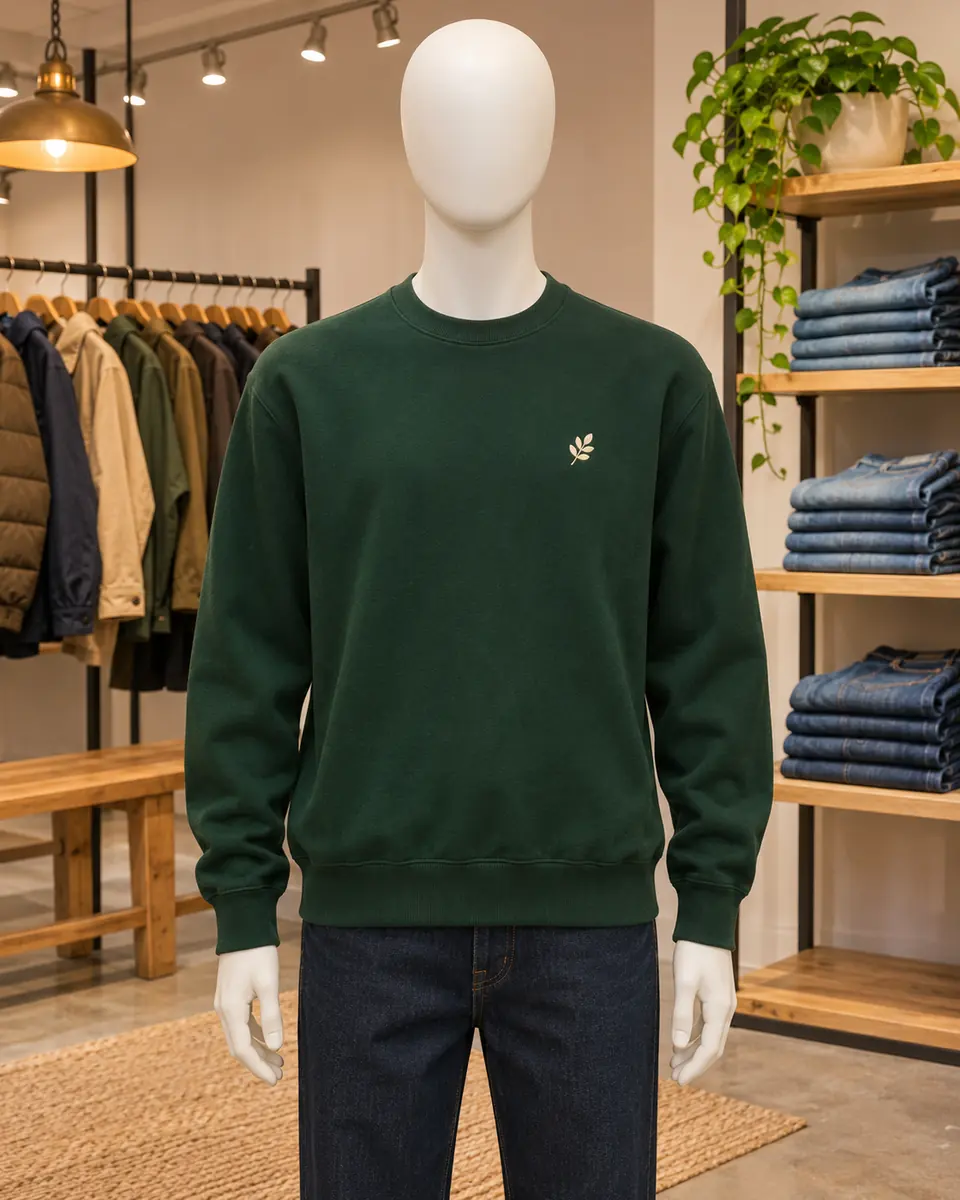
 Result
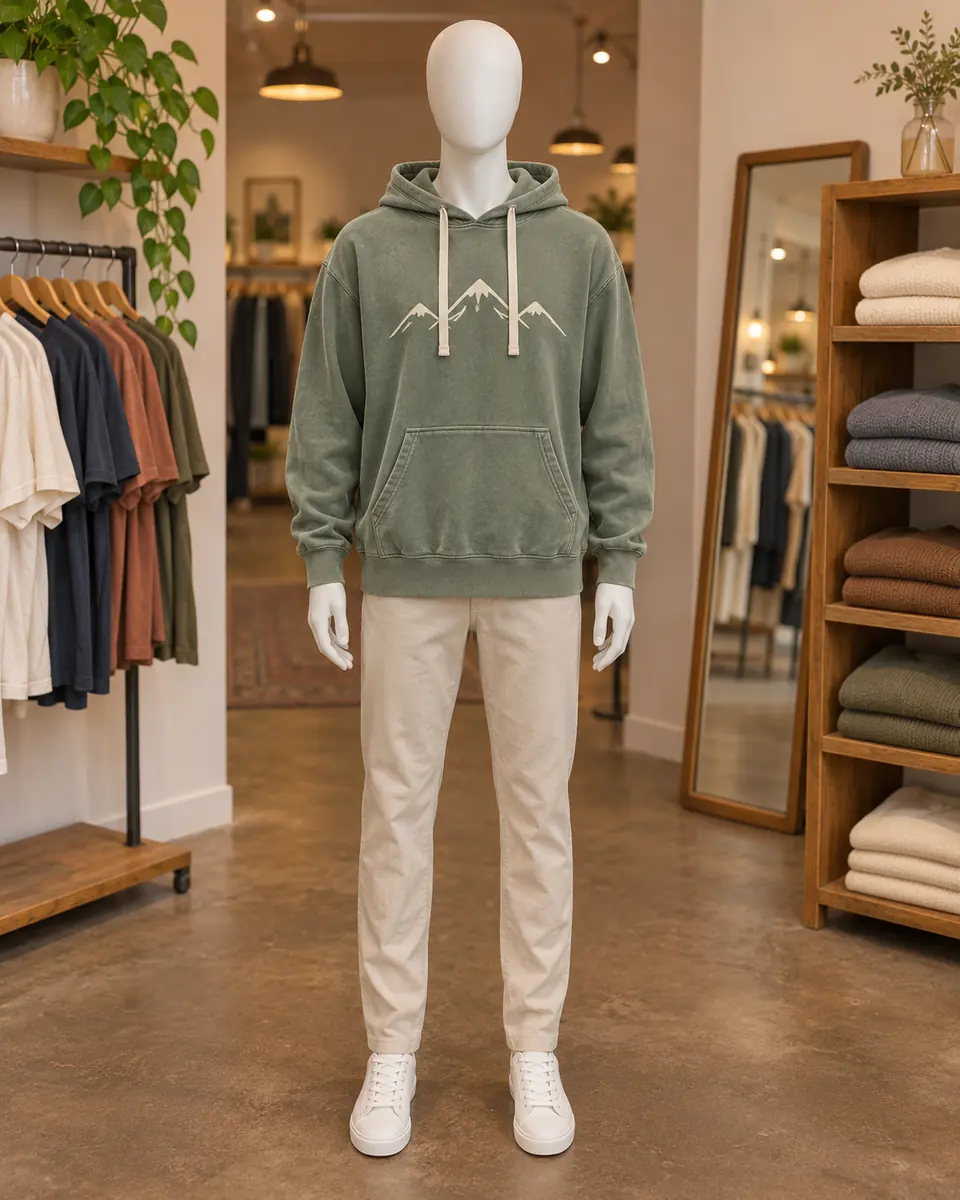
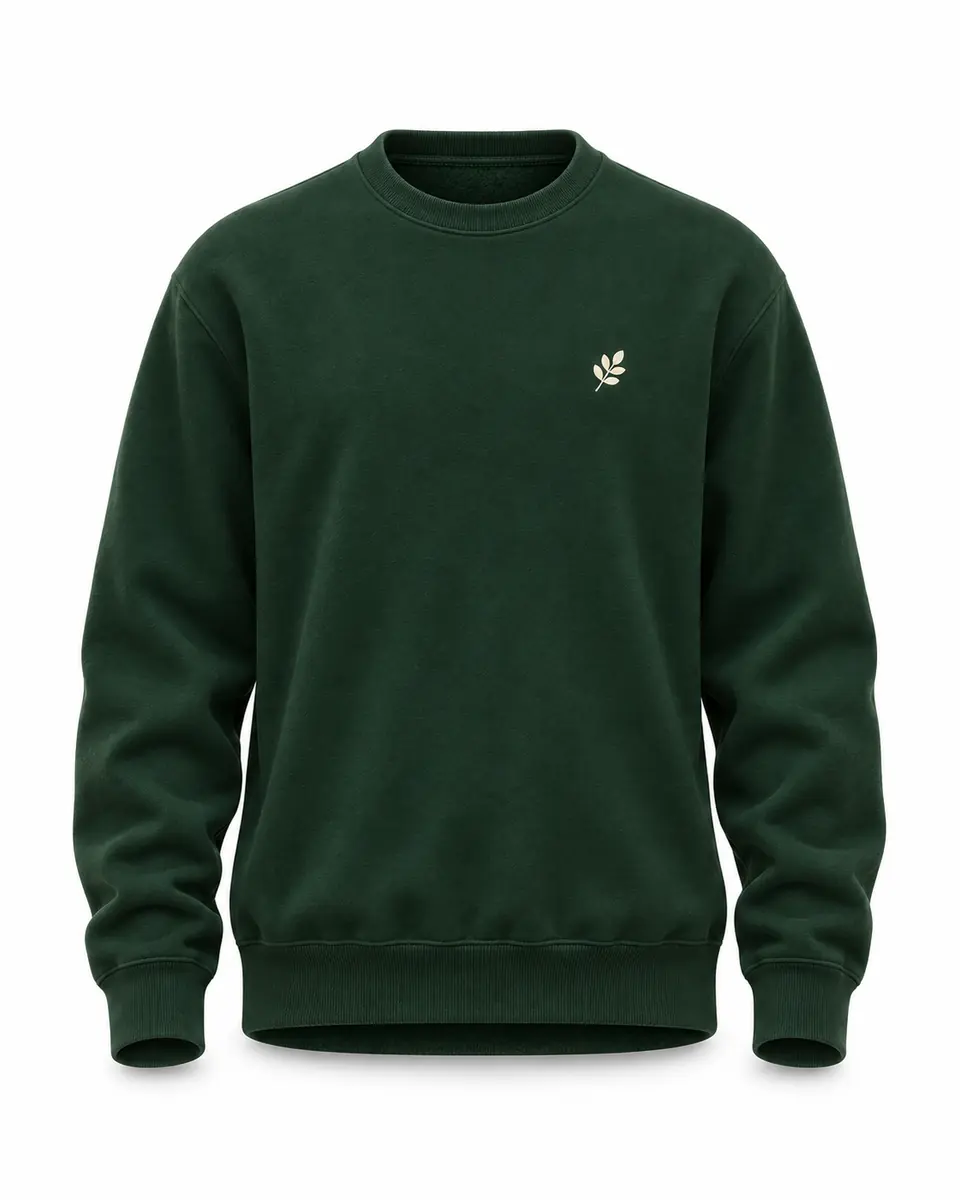
One sweatshirt on a store mannequin, three results: Ghost mannequin keeps the hollow 3D shape, Flat lay lays it neatly flat as if shot from above, and On a hanger hangs it on a plain wooden hanger. Use the tabs to compare them. Flat lay photography for clothing usually means a second shoot on the floor; here it is one setting on the same photo. Pick one style for a whole collection so every listing matches.
Try all three styles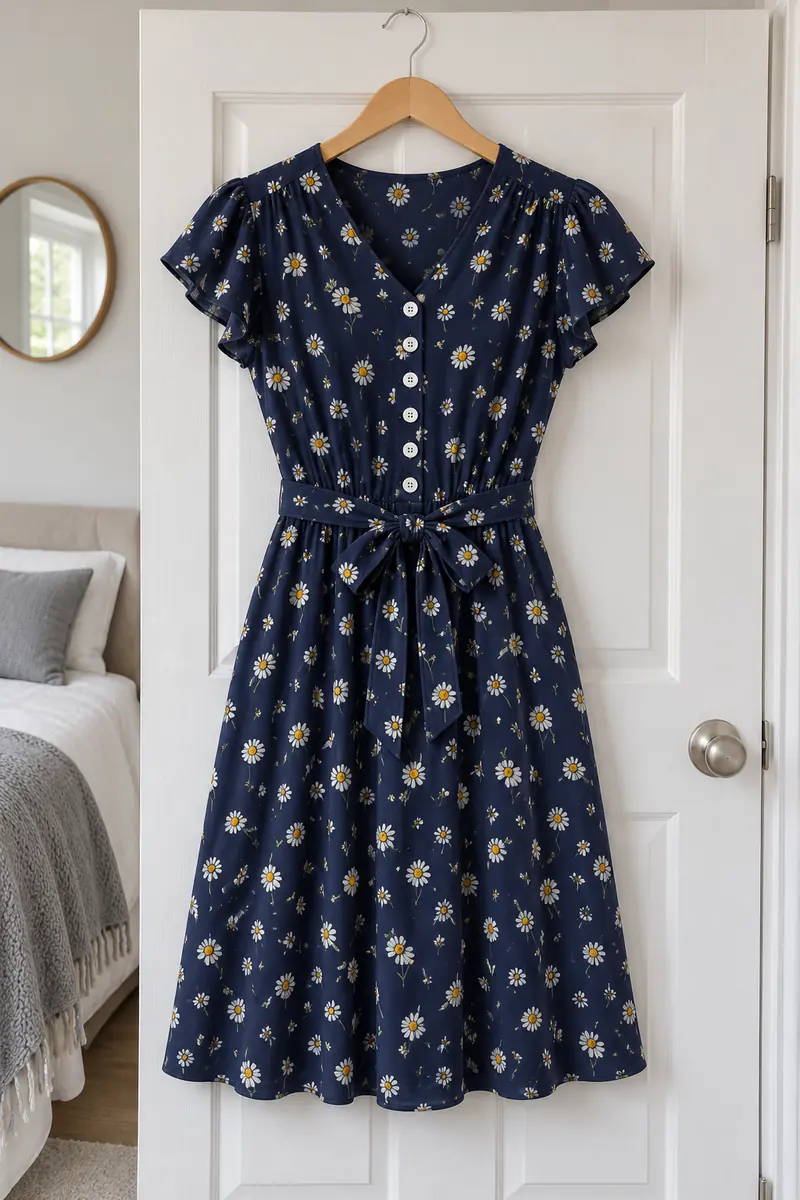
 After
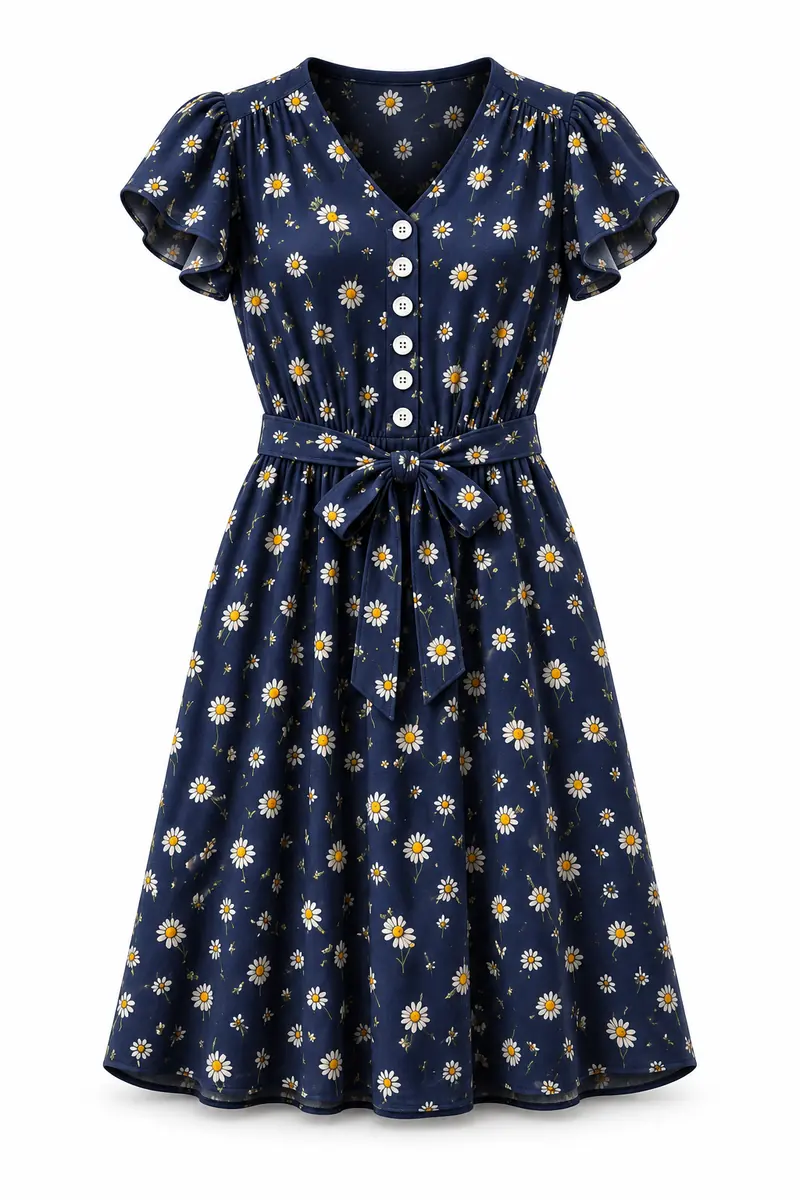
This floral dress hung on a hanger on a bedroom door. The AI removed the hanger and the door, gave the dress its worn shape and kept the print, the buttons down the front and the stitching. The zoom switches between the same patch before and after. Small labels and fine print can still shift, so compare with the real garment before you list it, and fix a stray detail with generative fill.
Keep the detailsSix results of this tool on example photos made for this page: mannequins, dress forms, clothes rails and models. Hover a card to wipe between them, or open it to compare closely.
The torso form and the shop behind it removed, and the vest keeps its padded shape with the inside of the collar showing.
A linen blazer worn in an office, now hanging on a plain wooden hanger with its lapels and buttons kept.
Straight leg jeans from a street photo, laid flat with the rivets and stitching kept, while the note "only the jeans" left the shirt and sneakers out.
The dress form and its stand removed, every pleat kept, on a warm beige background.
A polo shirt worn by a model in a park, turned into a neat flat lay with the collar and buttons kept.
Taken off a clothes rail full of other shirts and shown on a wooden hanger of its own on light gray.
Four habits for clean results from a phone and any mannequin.
Keep the whole piece in the frame with the sleeves and hem visible, in even light. Button or zip it as you want it shown and smooth out big creases: the AI keeps the garment as you styled it. Any store mannequin, dress form or hanger works, so there is no special kit to buy.
Ghost mannequin suits jackets, shirts, knitwear and dresses that look best with volume. Flat lay suits T-shirts, jeans and casual pieces. On a hanger suits coats, blazers and shirts. For white garments, Light gray keeps the edges visible.
The inside of the collar or lining was never in your photo, so the AI draws it. It is told not to add labels, tags or text, but small labels, logos and fine print can still shift. Compare the result with the real garment before you list it.
The result comes back at about 1,200 pixels on the longest side. For product pages with zoom, run it through the image upscaler for 2× or 4× the size. Need a transparent PNG instead of a studio color? Use cut out image.
Three ways to get the ghost mannequin effect, side by side: Image2Layer, Photoshop by hand and a ghost mannequin photo editing service.
Photoshop is a trademark of Adobe. Image2Layer is not affiliated with Adobe or with any photo editing service.
Clothing sellers, makers and anyone who photographs garments.
Use the ghost mannequin for ecommerce listings: every product in the same style and background, shot on whatever mannequin you have.
Clothes photographed on a hanger at home look tidy as a flat lay or a hollow shot, with the bedroom gone.
Show a new design as ghost mannequin T-shirt photos or as a flat lay, from one photo of the printed sample.
Build line sheets, lookbooks and wholesale catalogs from simple sample photos, on white, light gray or beige.
Drop the product shot into a sale post, or make a matching poster from a short description with the AI poster generator.
Use clean garment shots in collages and mockups, and turn them into editable layers with image to PSD.
Answers about styles, garments, the inside of the collar, price and privacy.
More image tools for clothing and product photos.
Four tools for what usually comes next.
Ghost mannequin AI
Upload a clothing photo from a mannequin, a hanger or a model and get a clean product photo back. The ghost mannequin tool starts free with an account.
Make a product photo