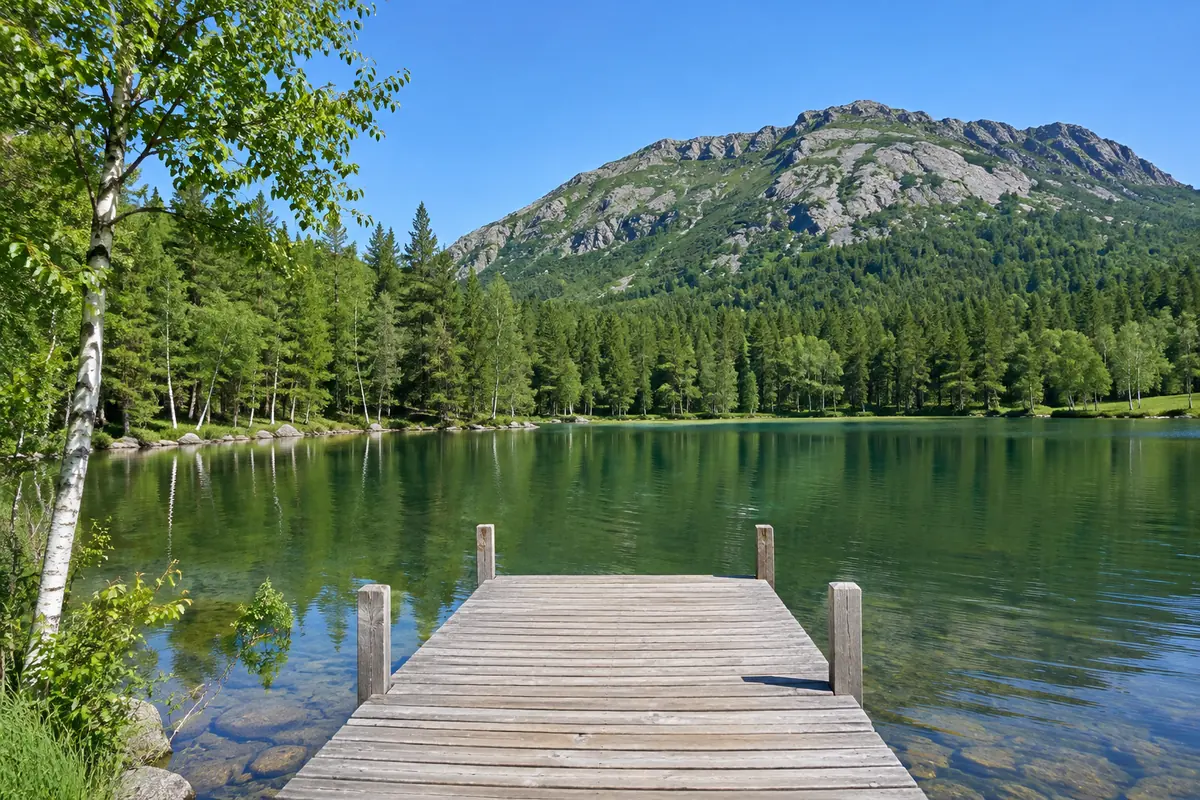
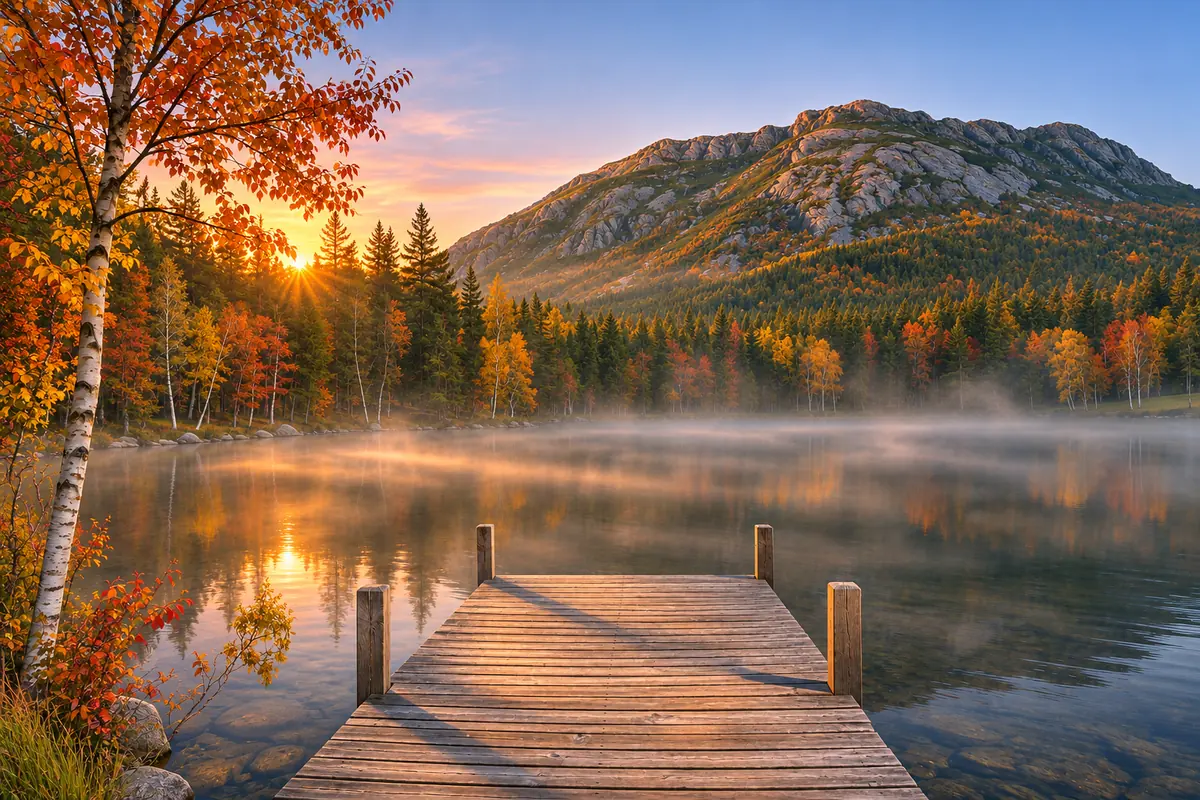
About 30 seconds an image
Upload, describe the change and press Remake Image. Most image to image runs finish in about half a minute, so you can try several ideas on the same picture in a few minutes.
Your picture, your words
Image2Layer's image to image AI turns your picture and one sentence into a new version of the whole image, free to try. Your picture sets the layout, your words the change, and a PNG is ready in about 30 seconds.
1. Upload an image
Sexual or explicit content isn't allowed. Images and results that contain it are blocked automatically.
No image handy? See a sample
2. Describe the new image
The layout follows your picture.
Ideas
3. Remake Image
10 credits per image · Failed runs never use credits
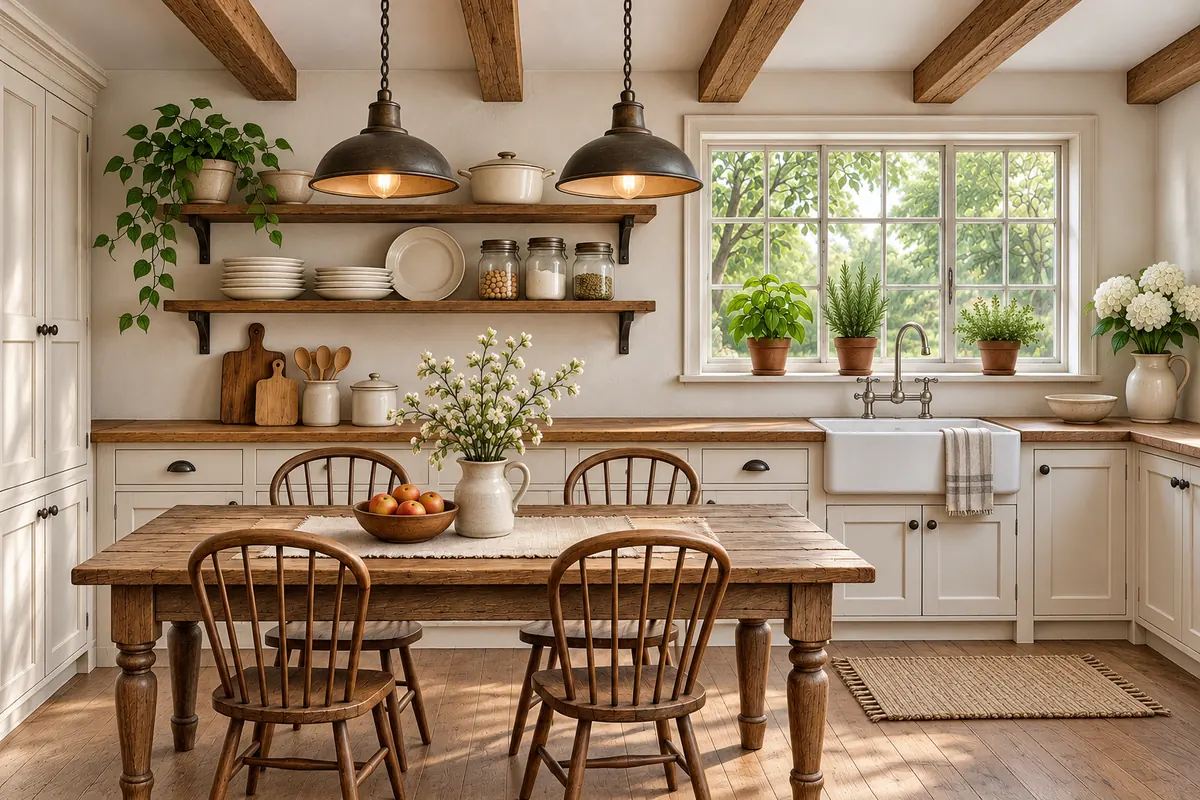
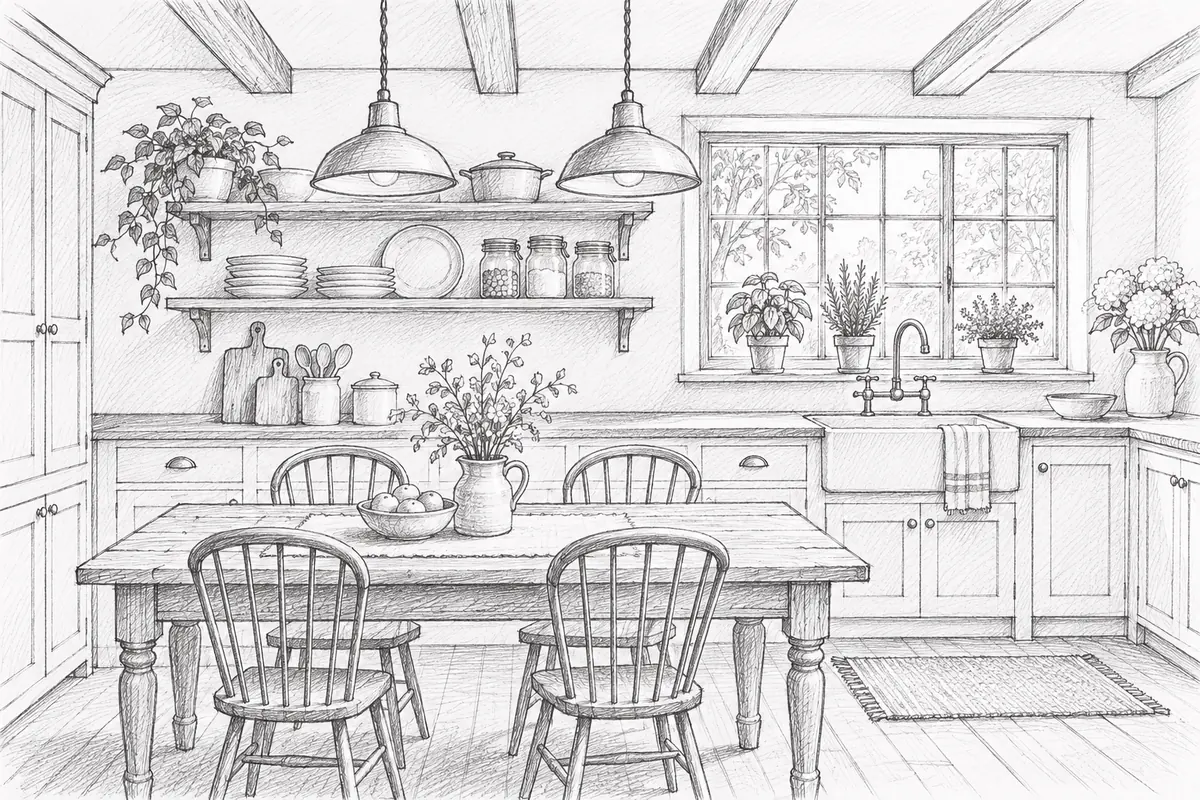
One picture, four sentences
Image to image makes a new version of a picture you upload, following a short description you write. Your picture sets the layout, the camera angle and where everything stands, and your words decide what the new image looks like. It works like an AI photo editor with a prompt instead of tools: change the time of day, the season, the weather or the light, turn a sketch into a photo, or give a room a new style, with no brush, mask or layers.
The tabs show one street remade four times, each from a single sentence on Closely. Because image to image remakes the whole picture, it is the right tool when the whole scene should change. For preset art styles with no description, use photo to painting; to change only a brushed area, use generative fill; to change the words on a sign or a label, use edit text in image. Afterwards, press Split into layers to open the new image in image to layers.
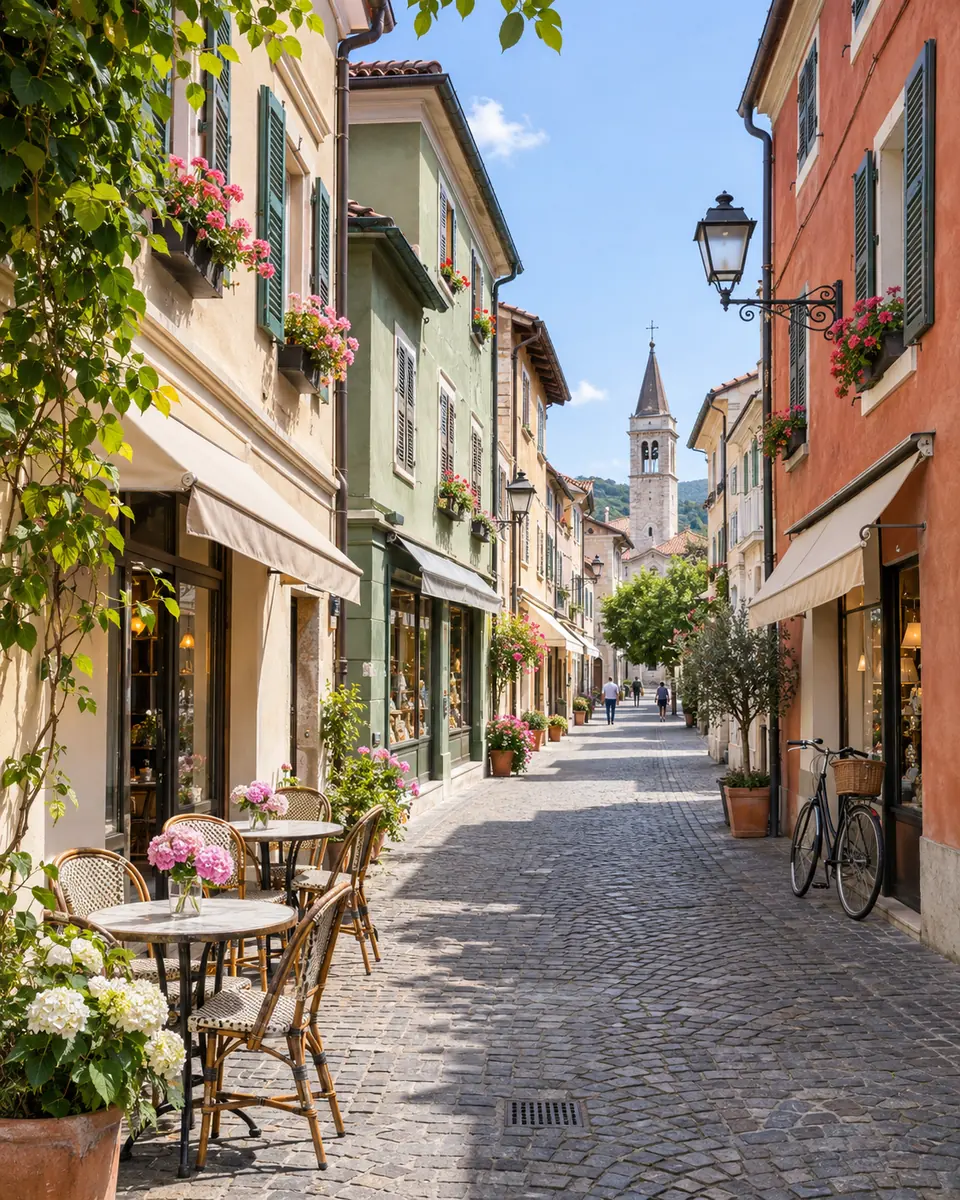
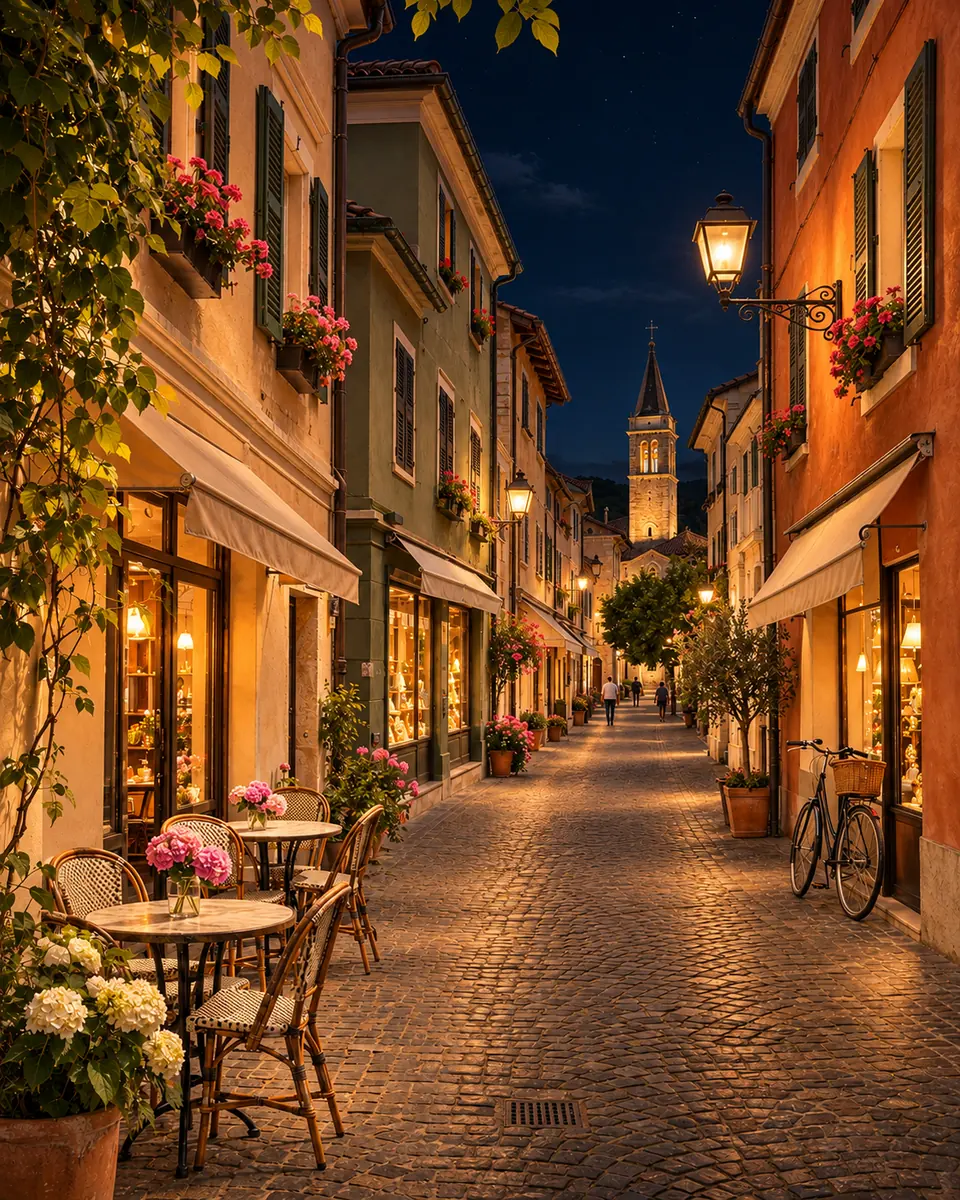 New image
Six reasons to edit images with AI here instead of rebuilding a picture by hand.
Upload, describe the change and press Remake Image. Most image to image runs finish in about half a minute, so you can try several ideas on the same picture in a few minutes.
On Closely the layout, camera angle, positions and proportions are kept and only what you describe changes, so the new image lines up with the one you uploaded.
Night scene, Snowy winter, Golden hour, Rainy day, Sketch to photo and New interior style fill the box with a ready sentence that you can edit before you run it.
Closely, Balanced or Loosely decides how much of your picture carries over, from a careful change of light to a fresh image that only borrows the layout.
Keep style, or render the result as a Photo, a 3D render, a Cinematic film still, a Clay figure scene or Vintage film.
Each image costs 10 credits. Credit packs need no subscription, and a run that fails never uses credits.
How to use image to image with no editing skills: three steps from your picture to a new PNG, with no brush and no layers.
Three things this image to image AI editor does on example pictures. Drag the divider, move the lens or watch each example.
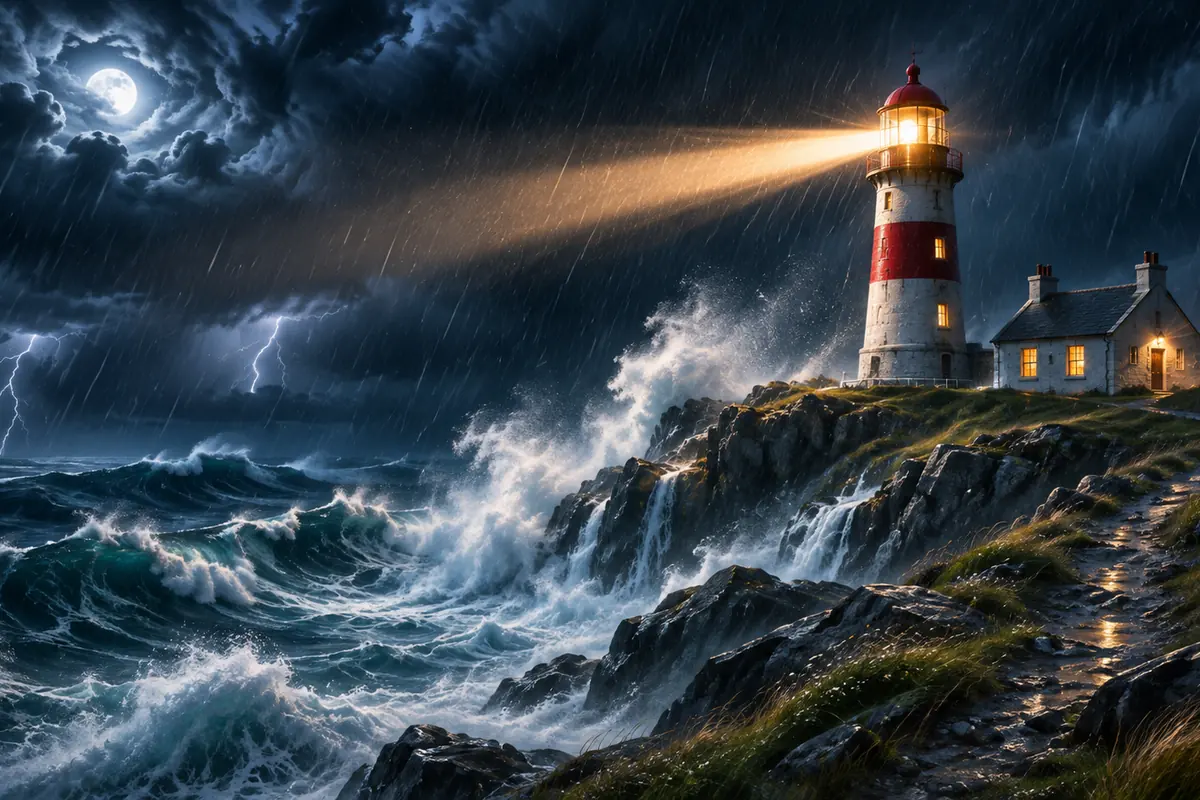
 CloselyLoosely
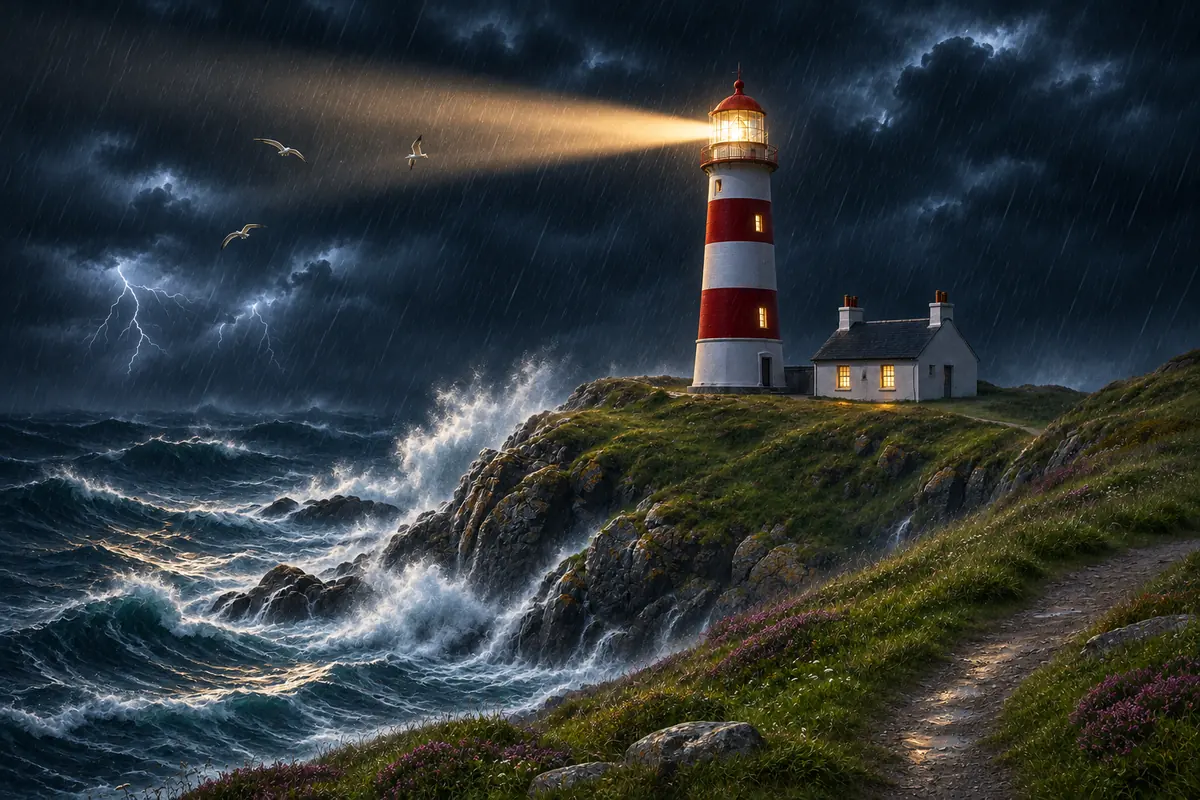
Follow the original sets how much of your picture the new image keeps. Closely keeps the layout, camera angle and positions and changes only what you describe. Balanced keeps the subject and composition recognizable while the style and details move, and Loosely treats your picture as loose inspiration. This lighthouse got the same sentence twice, "a stormy night with crashing waves and a bright lighthouse beam": drag the divider to compare Closely and Loosely.
Choose how closely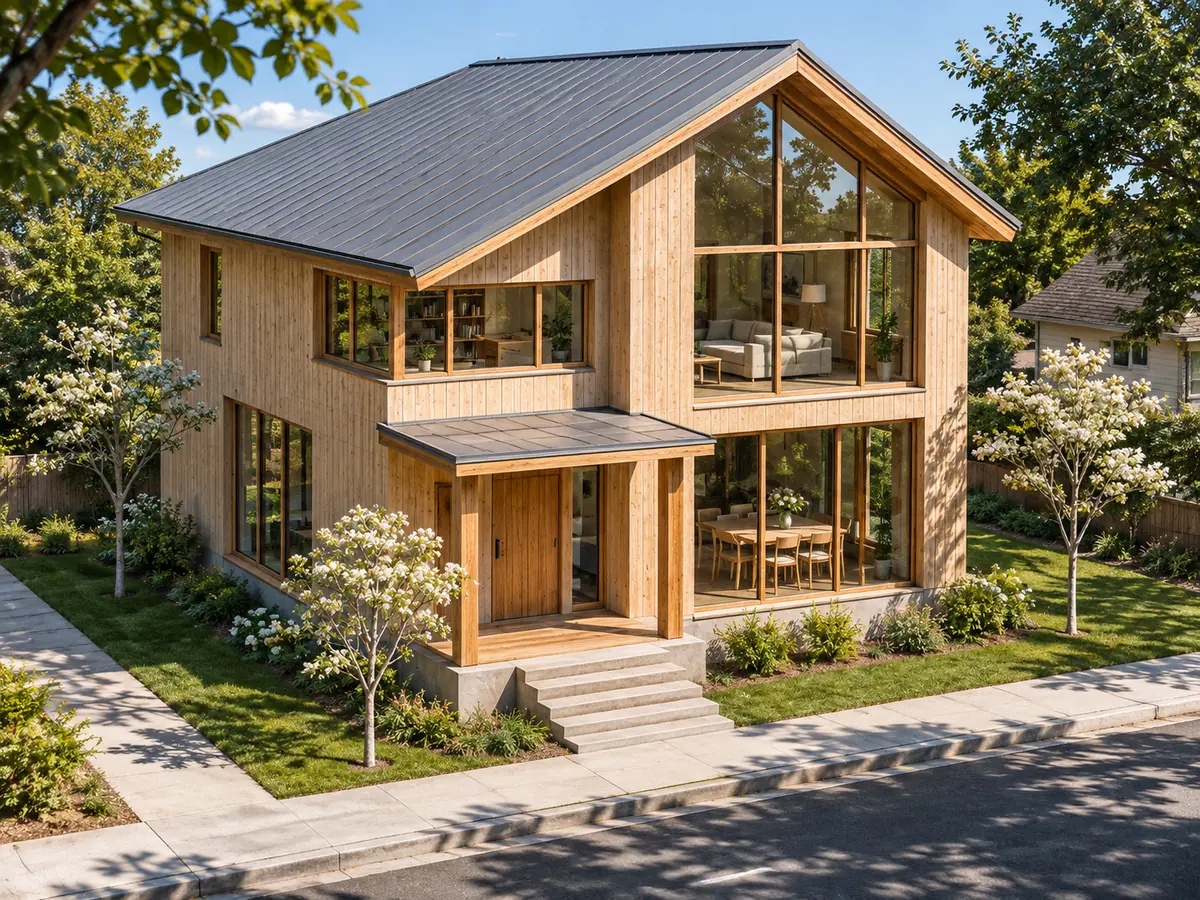 Move to see the model
Upload a pencil sketch, a 3D render or a foam model, describe the real thing and pick Photo under Style, and the AI renders it as a photograph in the same layout. This white architecture model became a timber house on a sunny street: move the lens to see the model underneath. Where a sketch leaves things out, the AI fills them in, so check doors, windows and small parts.
Turn a sketch into a photo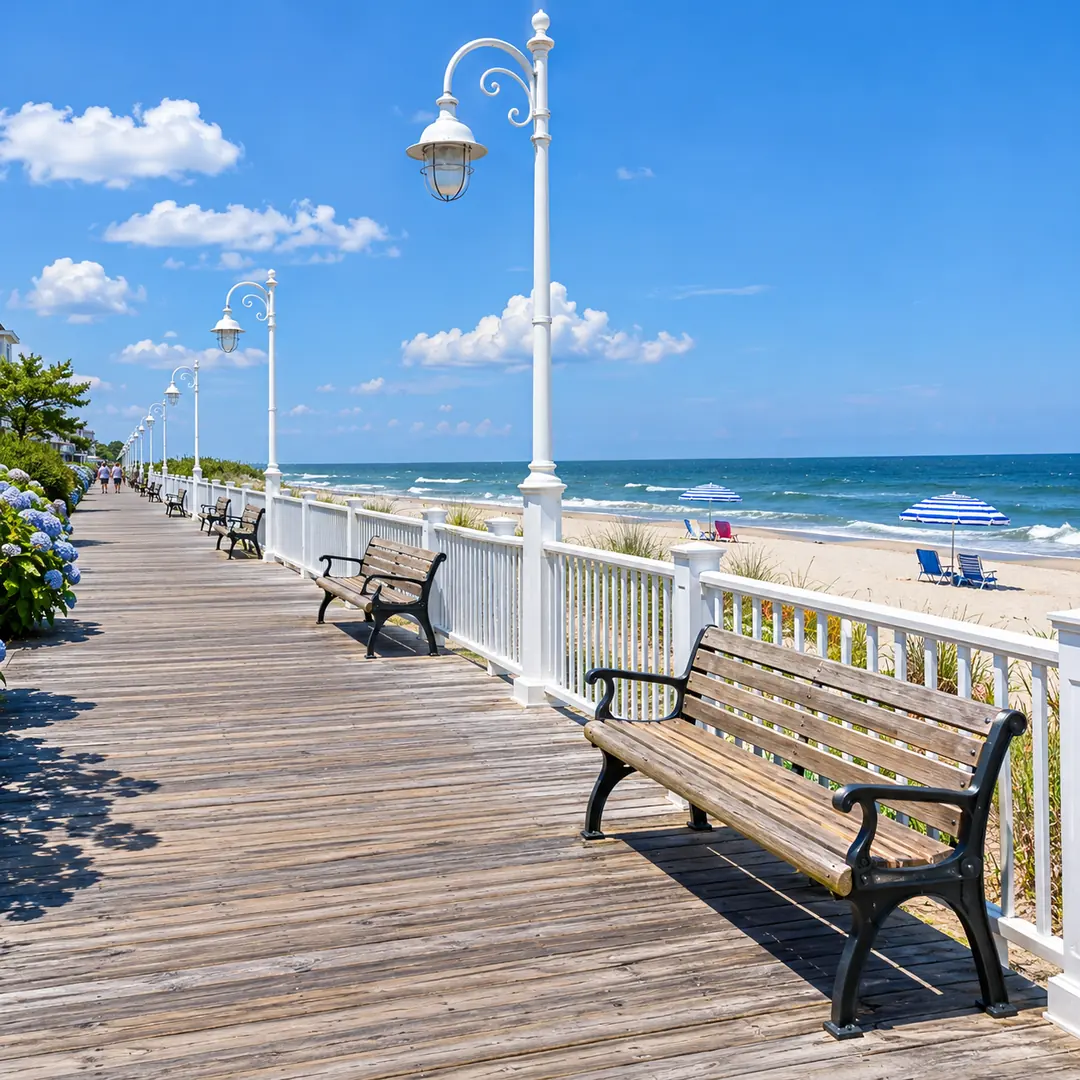
 After
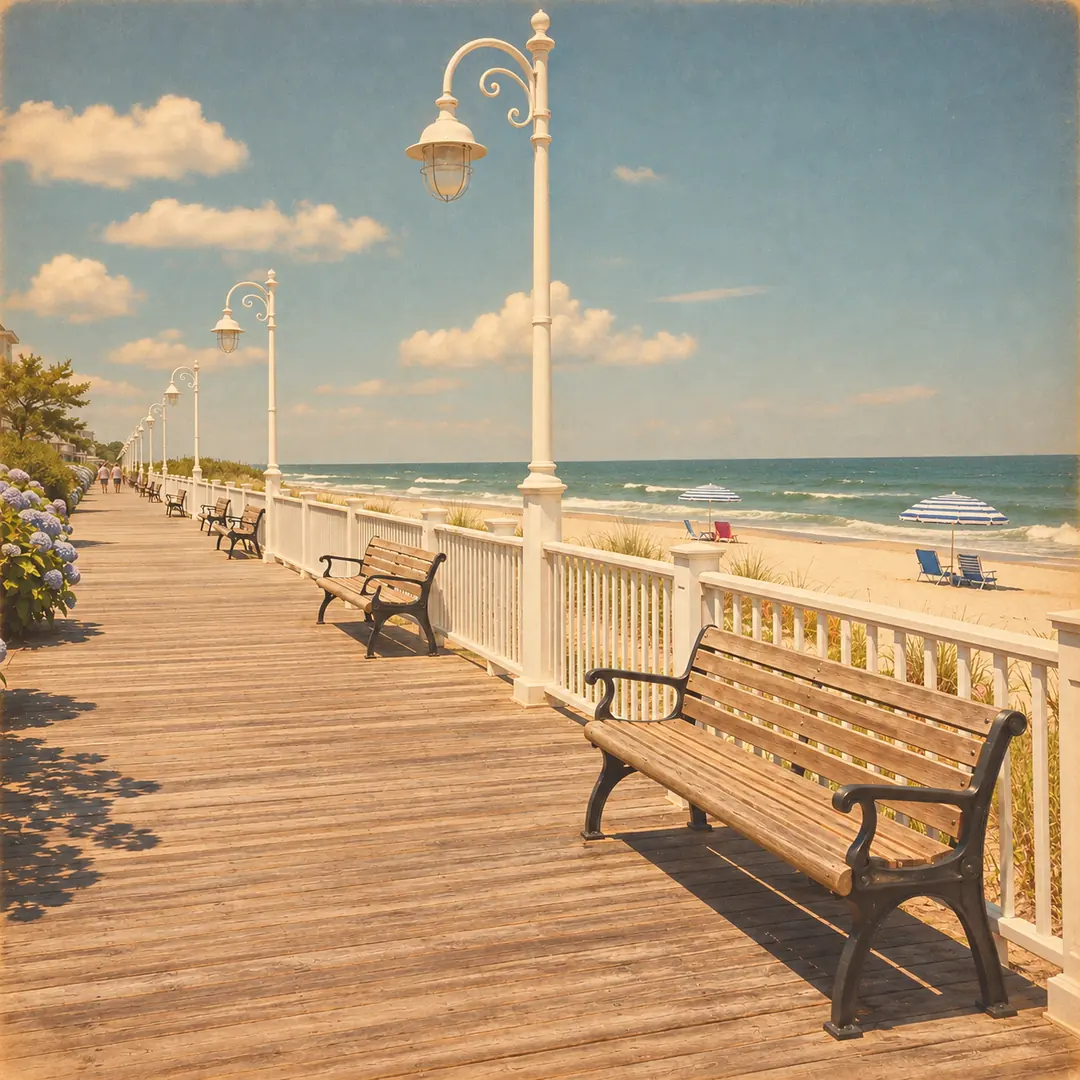
Style decides how the whole result is rendered. Keep style leaves the look of your picture alone, while Photo, 3D render, Cinematic, Clay figure and Vintage film each give it one finished look. This seaside boardwalk got Vintage film: warm faded colors and soft grain, with every bench and lamp post where it was. The zoom shows the grain up close. For a larger file, enlarge the result with the image upscaler.
Pick a lookSix example pictures made for this page, each remade by this image to image AI tool with the description and settings in its note. Hover a card to wipe between them, or open it to compare closely.
A wooden toy sailboat in a park puddle became a real sailboat on a calm sea at sunrise, with the same hull colors and sails.
A bare backyard with patchy grass got a stone path and flower beds, seen from the same corner of the house.
A plain gray render of a desk lamp became a product photo on an oak desk in soft daylight.
A corner cafe on a sunny morning turned into a polished 3D render with soft light, every table and awning in place.
A desert highway at noon became a cinematic blue hour scene with fog over the hills, the road in the same place.
A woman reading on a park bench moved from summer to autumn with falling leaves, her pose and the bench kept on Closely.
Four habits for a description the AI follows, with image to image prompt examples you can copy.
The AI already sees your picture, so spend your words on the result: "the same street at night with warm lights", "this room in a modern Scandinavian style". Any AI image editor with a prompt works best this way. Start with "the same scene" when the layout should stay.
Night, snow and a new style in one sentence pull in different directions. Edit images with prompts one step at a time: make one change, press Edit the result, then describe the next change.
Closely suits rooms, buildings, products and pictures with people, where things must stay in place. Balanced suits a new look, and Loosely a fresh idea that only borrows the layout. Faces can change, so check them; for a new haircut on the same face, use the AI hairstyle changer.
The new image follows the shapes it can see, so a sharp photo or a sketch with clean lines gives the best result. Uploads are scaled to fit 2048 pixels on the longest side, and the result keeps the shape of your upload.
This image to image AI generator next to editing by hand in Photoshop and booking a new shoot for the shot you need.
Photoshop is a trademark of Adobe. Image2Layer is not affiliated with Adobe.
Ways to change a photo with an AI prompt: homes, designs, products, places and stories.
Show a room in a new style, or use it as a day to night photo AI for a listing at dusk. Label a restyled room as a concept, not the room as it is today.
Turn a sketch, a foam model or a plain 3D render into a realistic photo for a mood board or an early client review.
Turn a product render into a photo-style mockup, or let the image to image generator show the same product in new light.
Show a town in snow, a beach at golden hour or a street on a rainy night for a blog post, a slideshow or a poster.
Edit images with an AI prompt to give one location several moods for a film, a game or a story: day, night, fog and rain, with the same layout each time.
Split the new image into editable layers with image to PSD, or make a matching poster from a short description with the AI poster generator.
Answers about descriptions, settings, faces, price, size and privacy.
Image tools for one area, words, clothes, hair or the next step, when you want to modify images with AI in another way.
Four tools for what usually comes next.
Describe it, remake it
Upload a picture, write one sentence and get a new version in about 30 seconds. Image to image online starts free with an account.
Remake a picture