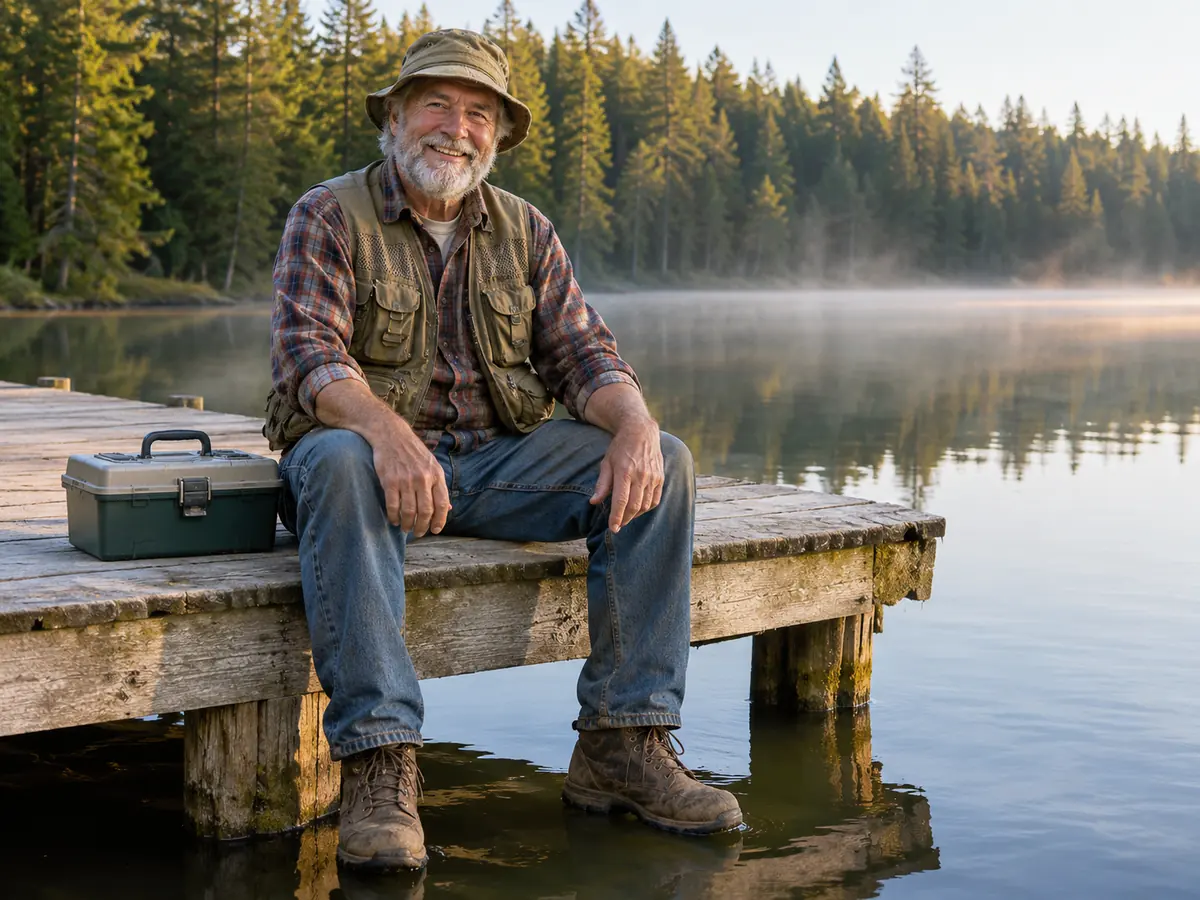
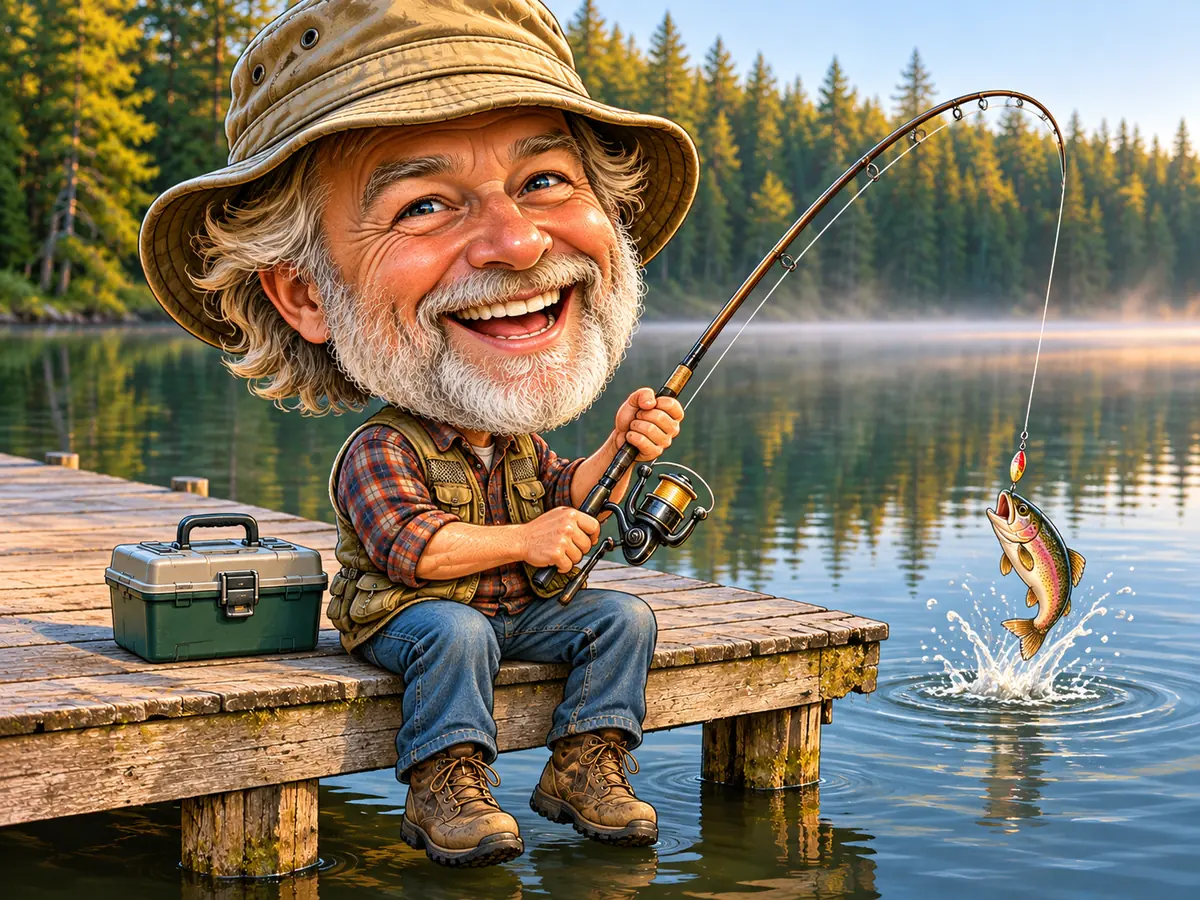
About 30 seconds a caricature
Upload, pick the settings and press Make Caricature. Most runs finish in about half a minute, so this caricature generator lets you try several styles on one photo in minutes.
AI caricature from photo
Image2Layer's caricature maker turns a photo of you, a couple or friends into a funny drawing that still looks like you, free to try. 6 styles, 3 exaggeration levels and 6 scenes; a run takes about 30 seconds.
1. Upload an image
Sexual or explicit content isn't allowed. Images and results that contain it are blocked automatically.
No image handy? See a sample
2. Pick a caricature style
Faces stay recognizable, with playful exaggeration.
3. Make Caricature
10 credits per photo · Failed runs never use credits
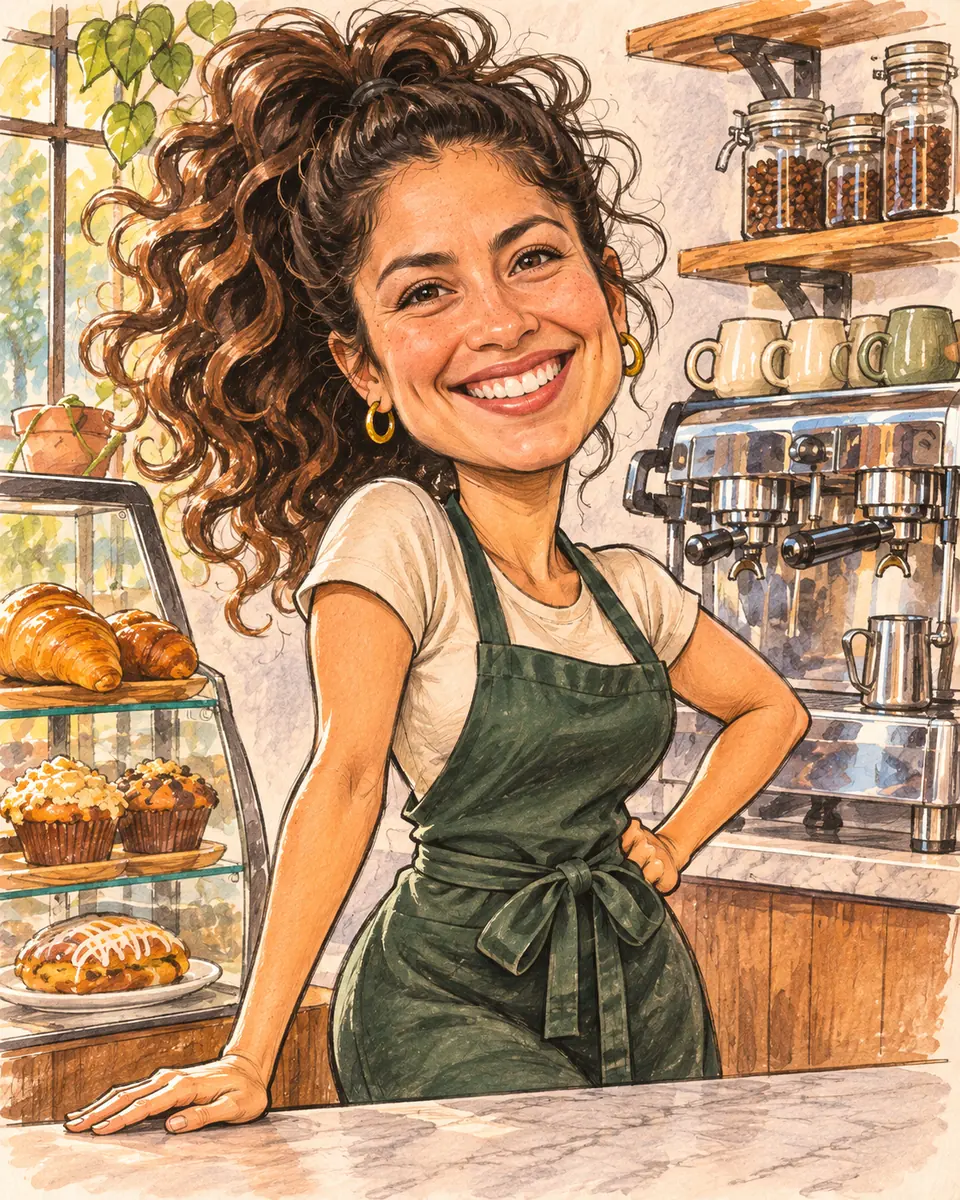
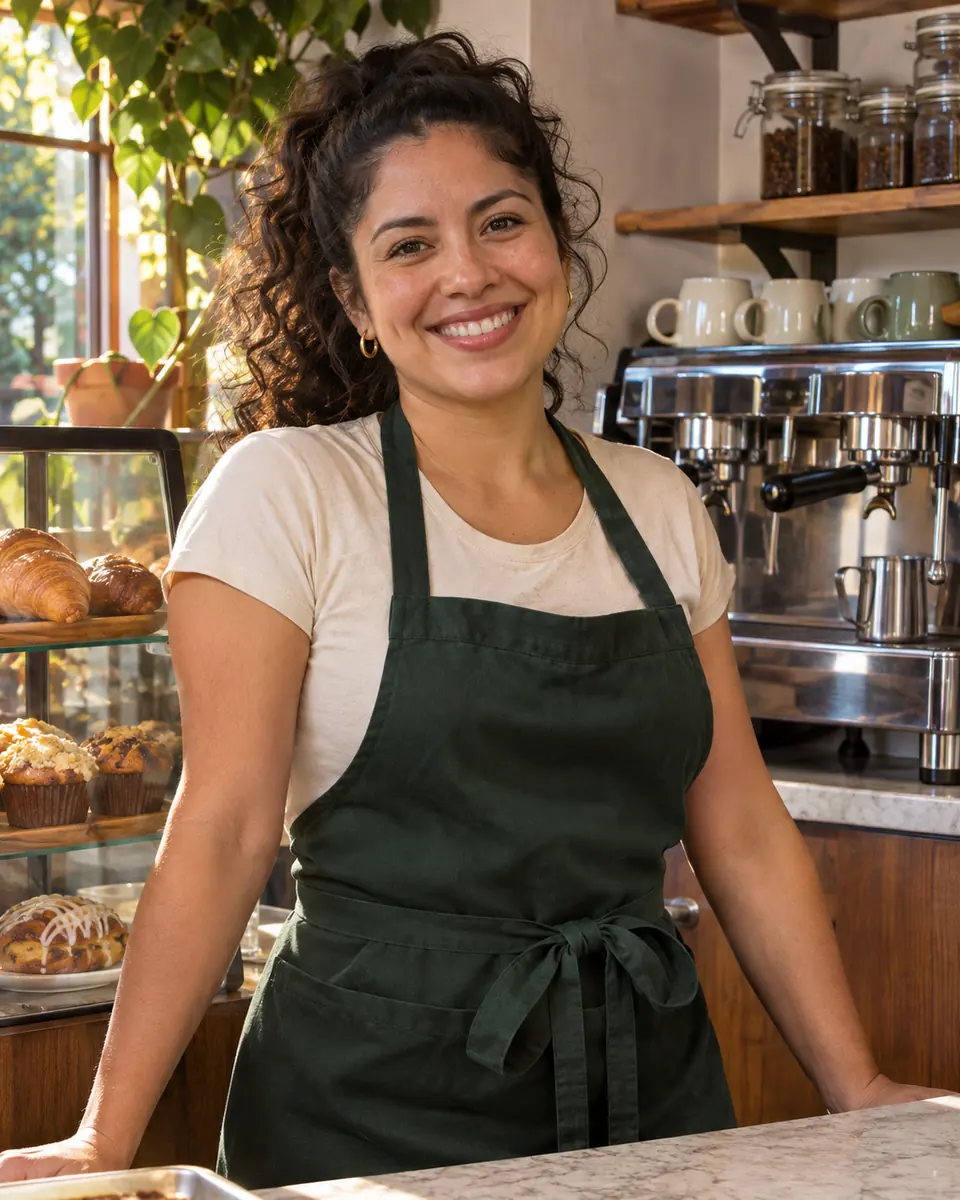
One photo, many scenes
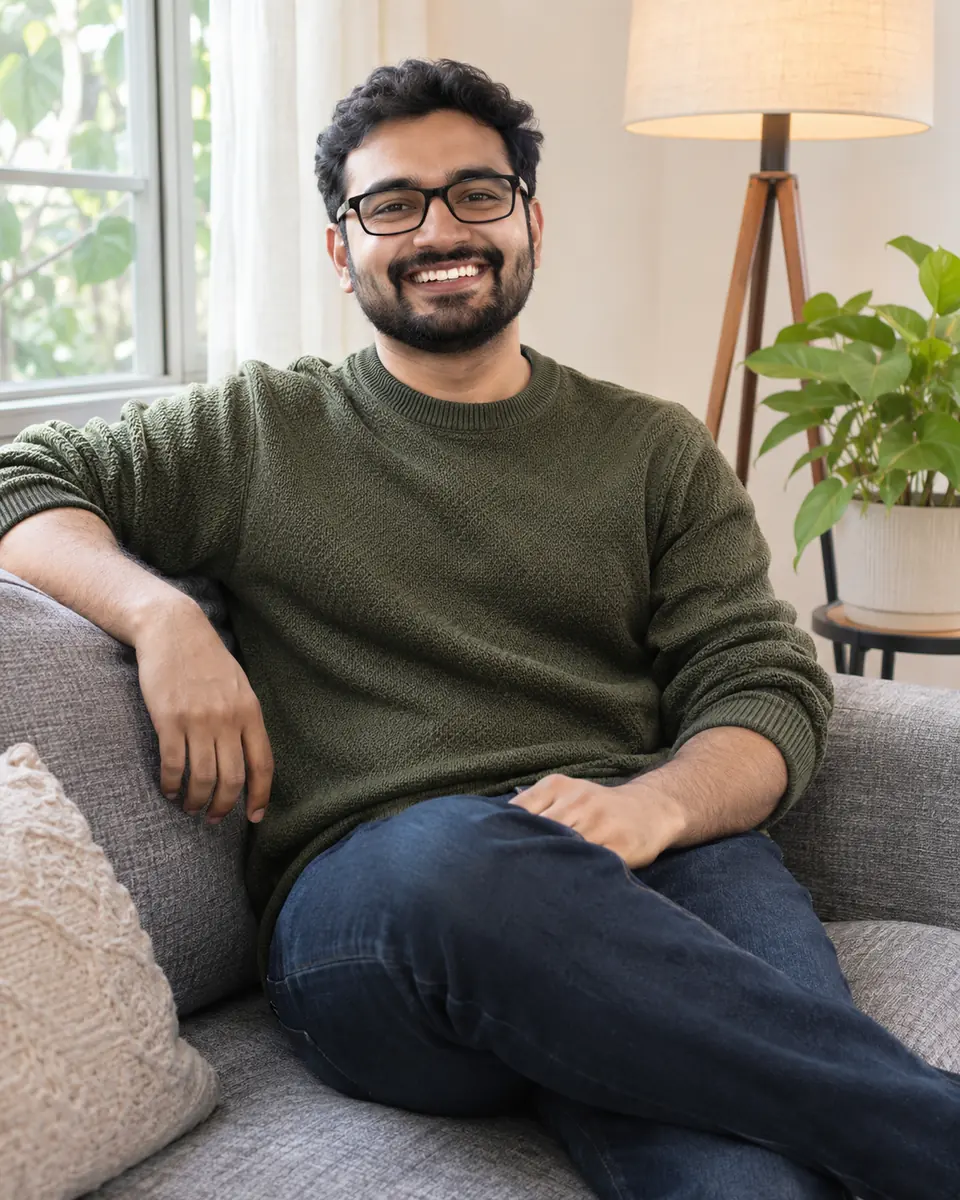
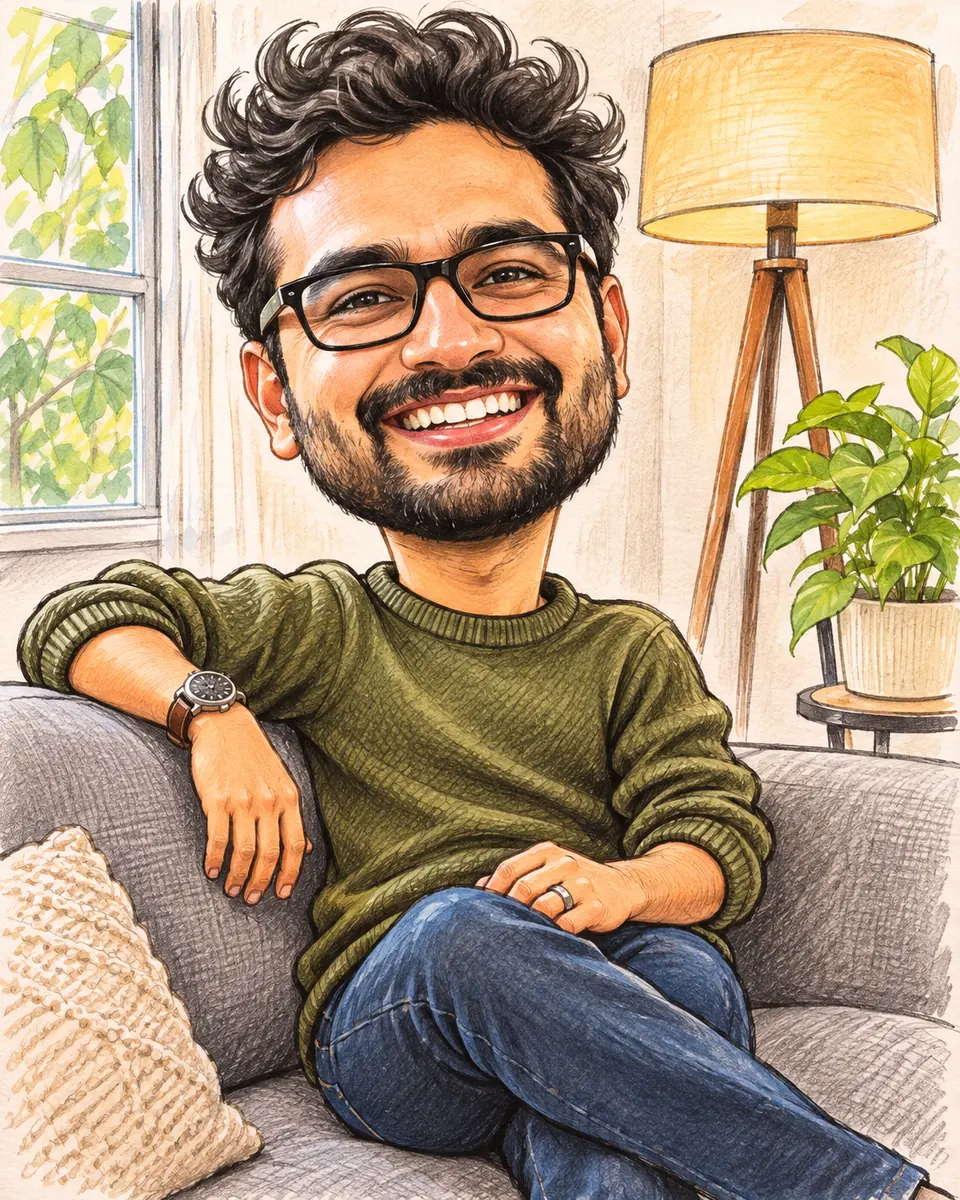
A caricature maker turns an ordinary photo into a playful drawing with a big head, a big smile and a few fun details, while the person stays easy to recognize. It makes caricatures from photos of yourself, a couple or a few friends: pick a style and how far to exaggerate, and the AI draws it in one run, with no drawing skills and no prompt to write.
A scene sets the stage: keep your own background, go plain, or put everyone at work, at a birthday, at a wedding or in a stadium. The tabs show one photo in three scenes. For a painted portrait with no exaggeration, use photo to painting. To edit each part of a finished caricature, press Split into layers and open it in image to layers.
 Caricature
Six reasons to make caricatures from photos here instead of by hand.
Upload, pick the settings and press Make Caricature. Most runs finish in about half a minute, so this caricature generator lets you try several styles on one photo in minutes.
An AI caricature keeps the face shape, hairstyle, glasses, beard and skin tone, so friends know who it is at a glance. Outfits only change when a scene calls for it.
The humor comes from the expression, the pose, the hair and the props. Noses, lips and eye shapes are not exaggerated, so the joke is never about where someone comes from.
Classic sketch, Cartoon, 3D cartoon, Comic book, Watercolor and Chibi, each at Light, Medium or Strong exaggeration.
At work adds the outfit and tools of a job, while Birthday, Wedding and Sports fan put a party, a celebration or a stadium around you.
Each caricature costs 10 credits. Credit packs need no subscription, and a run that fails never uses credits.
Three steps from photo to caricature, with no drawing skills and no prompt to write.
Three things this caricature generator does on example photos. Move the lens, switch the tabs or watch the divider.
 Move to see the photo
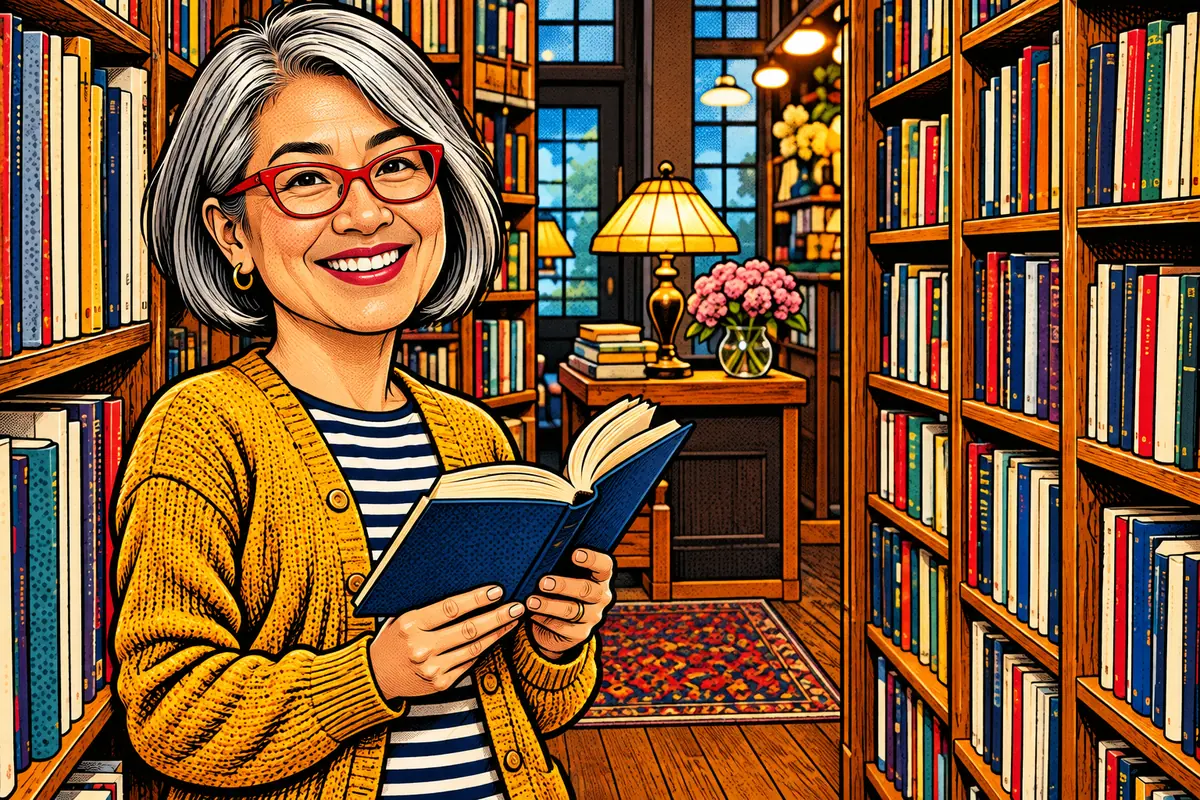
Each face shape, hairstyle, pair of glasses and skin tone is kept, and with Keep the scene the colors of the clothes stay too. This bookseller with a silver bob and red glasses was drawn in Comic book style at Light, so the drawing lines up closely with her photo. Move the lens across it to see the photo underneath. Want a new haircut on the photo itself, with no drawing? Try the AI hairstyle changer.
Draw a portrait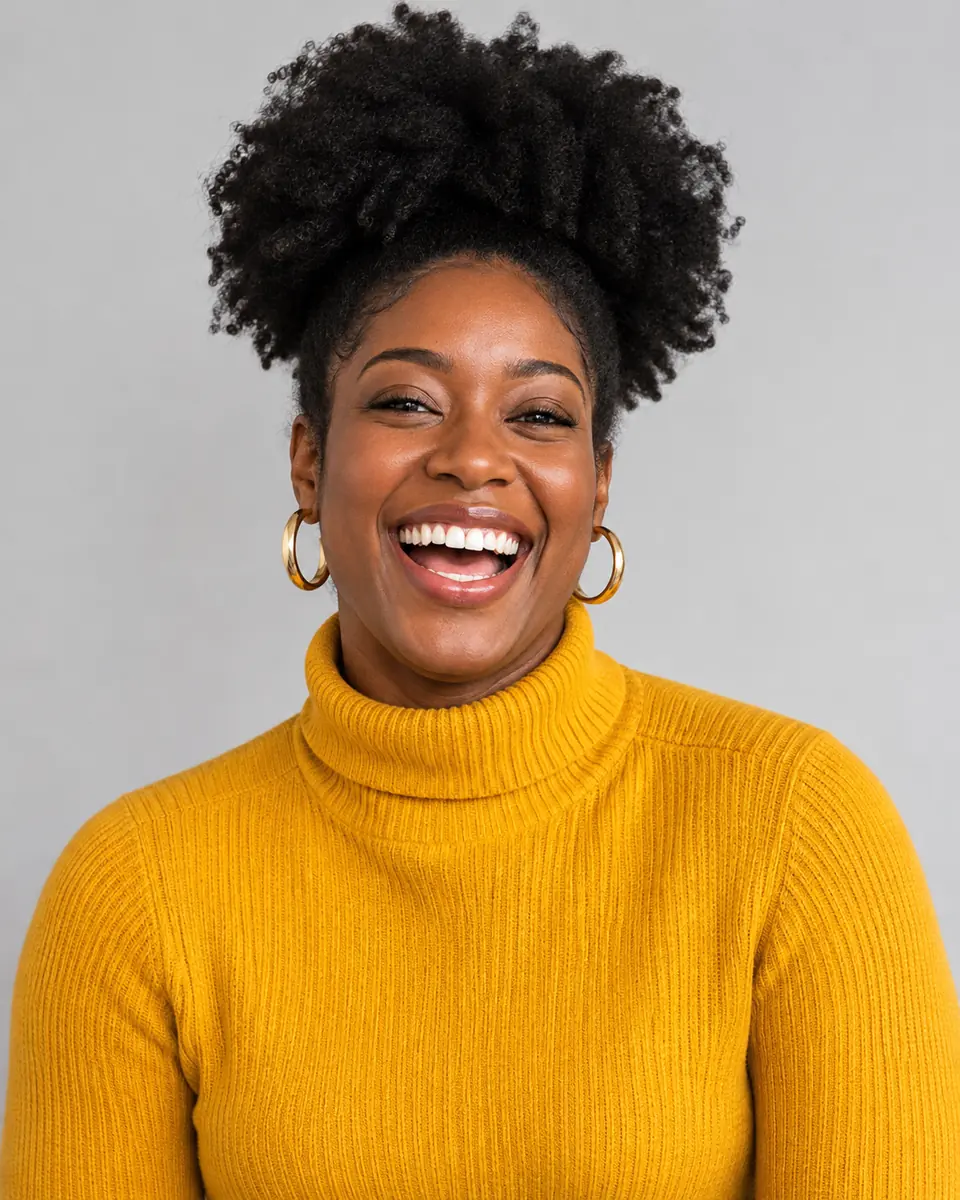
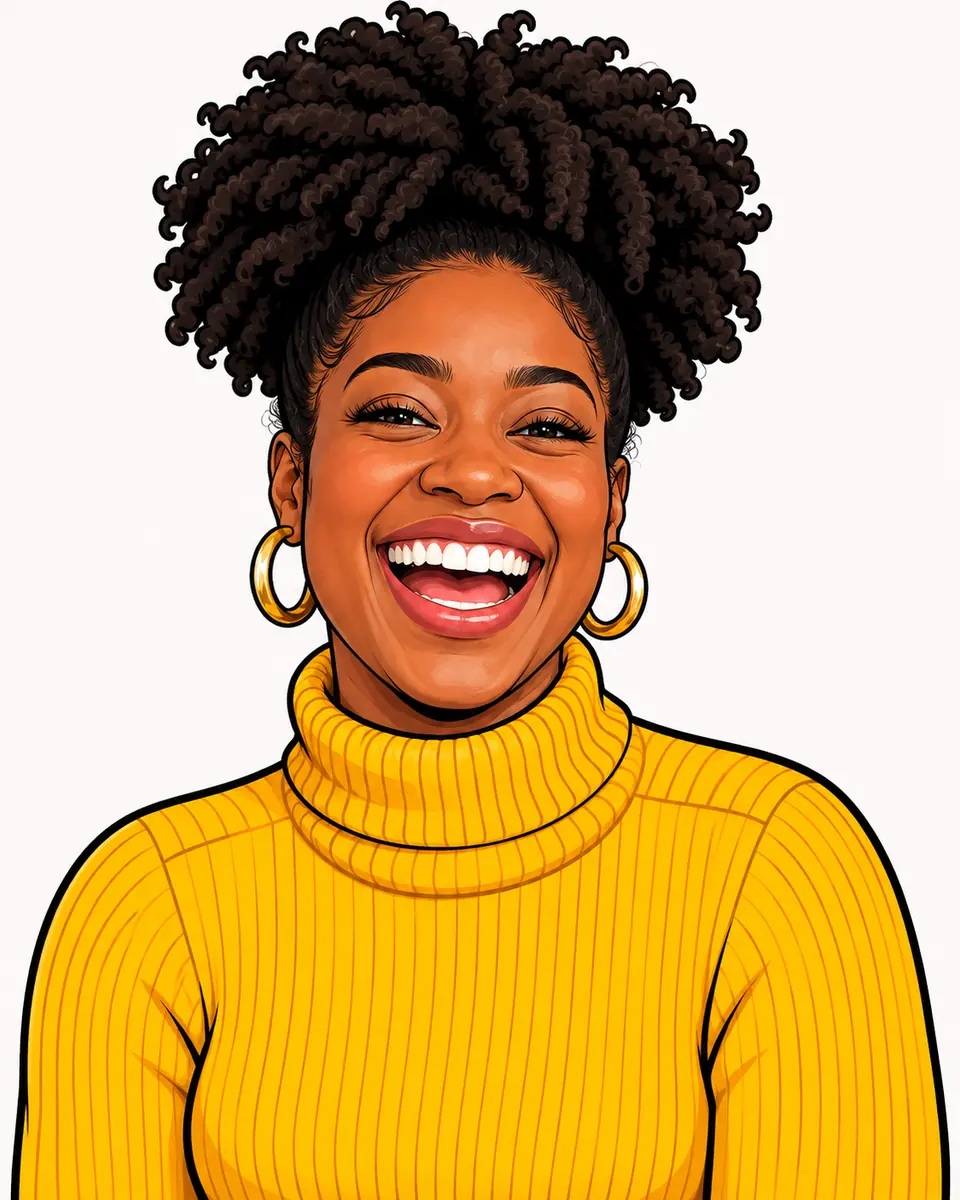 Caricature
Exaggeration plays with the head size, the smile, the hair and the accessories, never with the shape of a nose, lips or eyes. Light gives a slightly larger head and a slightly bigger smile, Medium the classic big head on a smaller body, and Strong a very big head on a small body with bold, playful hair. Switch the tabs to see one photo at all three levels in Cartoon style on a plain background.
Choose a level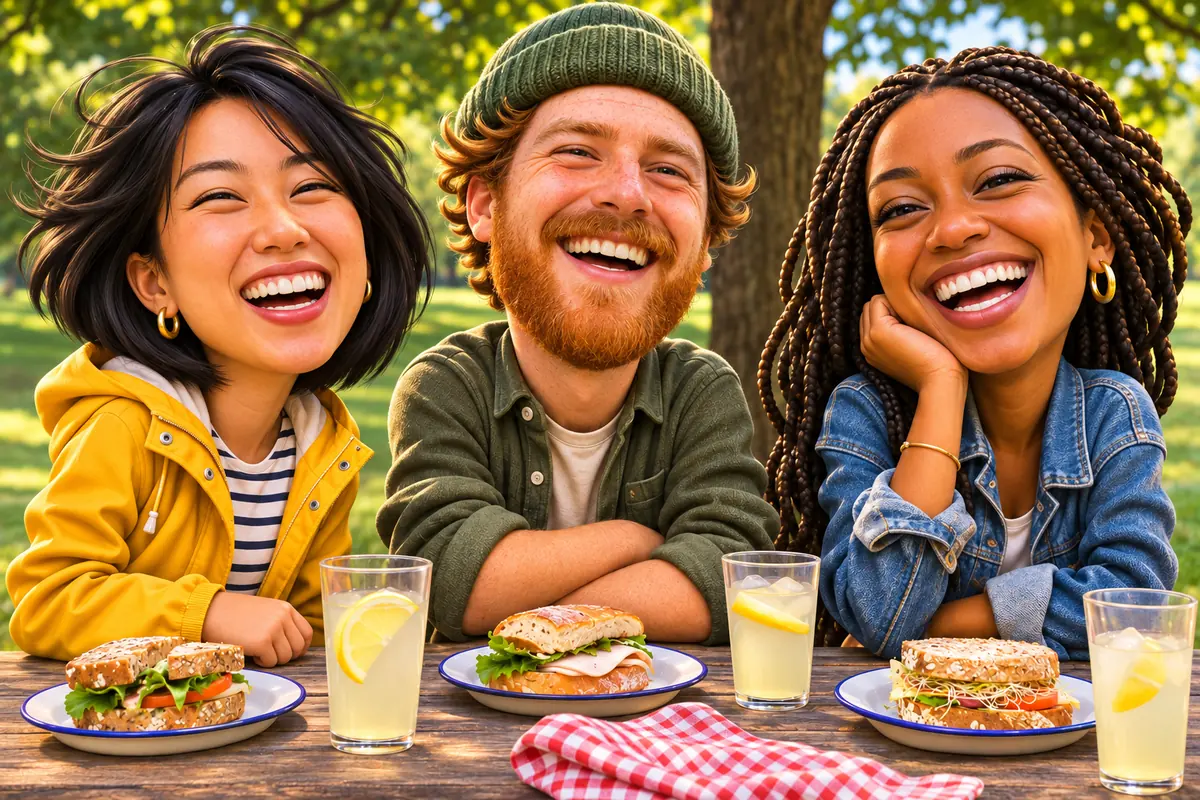
 BeforeCaricature
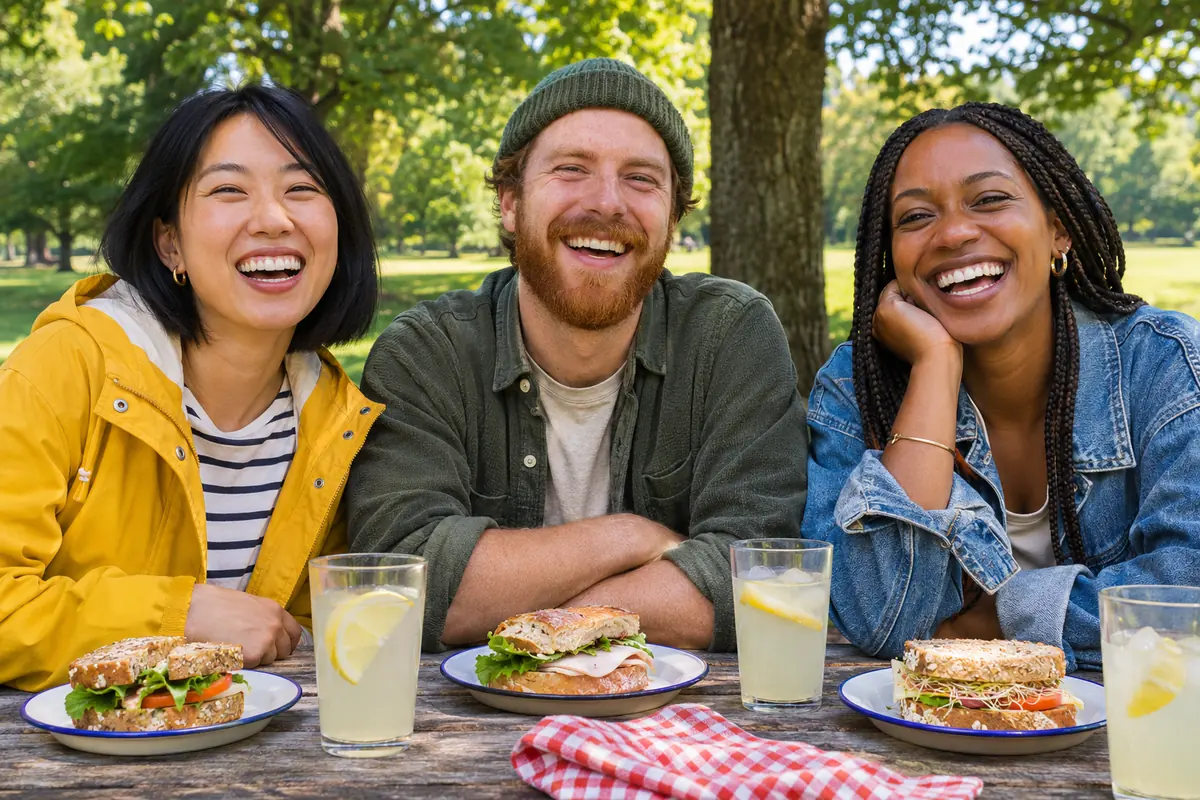
The caricature generator draws everyone in the photo, each one recognizable, so a couple, a pair of friends or a small team works in a single run. These three friends at a picnic table became 3D cartoon characters with the park kept around them. The tool takes one photo per run, so put the whole group in one picture. To change a whole picture from a description instead, use image to image.
Draw a groupSix caricatures from photos made for this page, one for each style, drawn with the settings in each note. Hover a card to wipe between them, or open it to compare closely.
An engaged couple in a park, redrawn as a street artist sketch in a wedding scene with flowers and soft lights.
Strong and the Birthday scene gave him a very big head, a huge grin, balloons and a cake, with his glasses kept.
A casual photo and the note "a firefighter" with At work became a comic book hero in full gear beside a fire truck.
The Sports fan scene and the note "basketball" put her on a basketball court in front of a cheering crowd, with no real team logos.
Light kept it gentle: a slightly larger head and a bigger smile among her tomato plants, in soft washes and ink lines.
A tiny body, a big head and big eyes on a plain light background, ready for a profile picture.
Four habits for an AI caricature people recognize and want to keep.
A sharp photo in soft, even light with the face toward the camera gives the closest likeness. Glasses, a beard or a favorite hat come through when the photo shows them. Uploads are scaled to 2048 pixels on the longest side, and the caricature keeps the shape of your photo, so crop it first.
Each run takes one photo, and the caricature maker draws everyone in it. For a couple or a team, use a photo with every face visible and not too small. A small group works better than a crowd.
With At work, type the job in the notes: a nurse, a chef, a pilot. Without it, the AI guesses the job from the photo. One short prop or theme, such as holding a guitar, works better than a long list. The drawing comes back without lettering, so add names or a greeting in your card app.
Each caricature is a PNG of about 1,200 pixels. For a larger print, run it through the image upscaler. For a sticker or a mug, choose Plain and lift the figure out with cut out image.
Three ways to get a caricature from photos, side by side.
Photoshop is a trademark of Adobe. Image2Layer is not affiliated with Adobe or with any caricature artist.
Where an AI caricature fits: gifts, teams, profile pictures and parties.
Use the caricature maker for a wedding save the date, a guest book sign or an anniversary card, with the Wedding scene around the couple.
A caricature maker for a birthday party: invitations and cards with balloons, a cake and confetti from the Birthday scene.
Draw each colleague with At work for a team page, a farewell card or a welcome post. An AI work caricature keeps it light and friendly.
A caricature avatar in Chibi or 3D cartoon for social media, a stream or a work chat. Join the AI caricature trend with a drawing made from your own photo.
Put yourself in a stadium with Sports fan for game day posts, a league avatar or a gift for the biggest fan you know.
Use caricatures from photos on posters and invitations, make a matching poster with the AI poster generator, or turn one into editable layers with image to PSD.
Answers about likeness, styles, scenes, price and privacy.
More image tools for the next step after a caricature.
Four tools for what usually comes next.
Six styles, six scenes
Upload a photo of yourself, a couple or a few friends and go from photo to caricature in about 30 seconds. The caricature maker starts free with an account.
Make a caricature