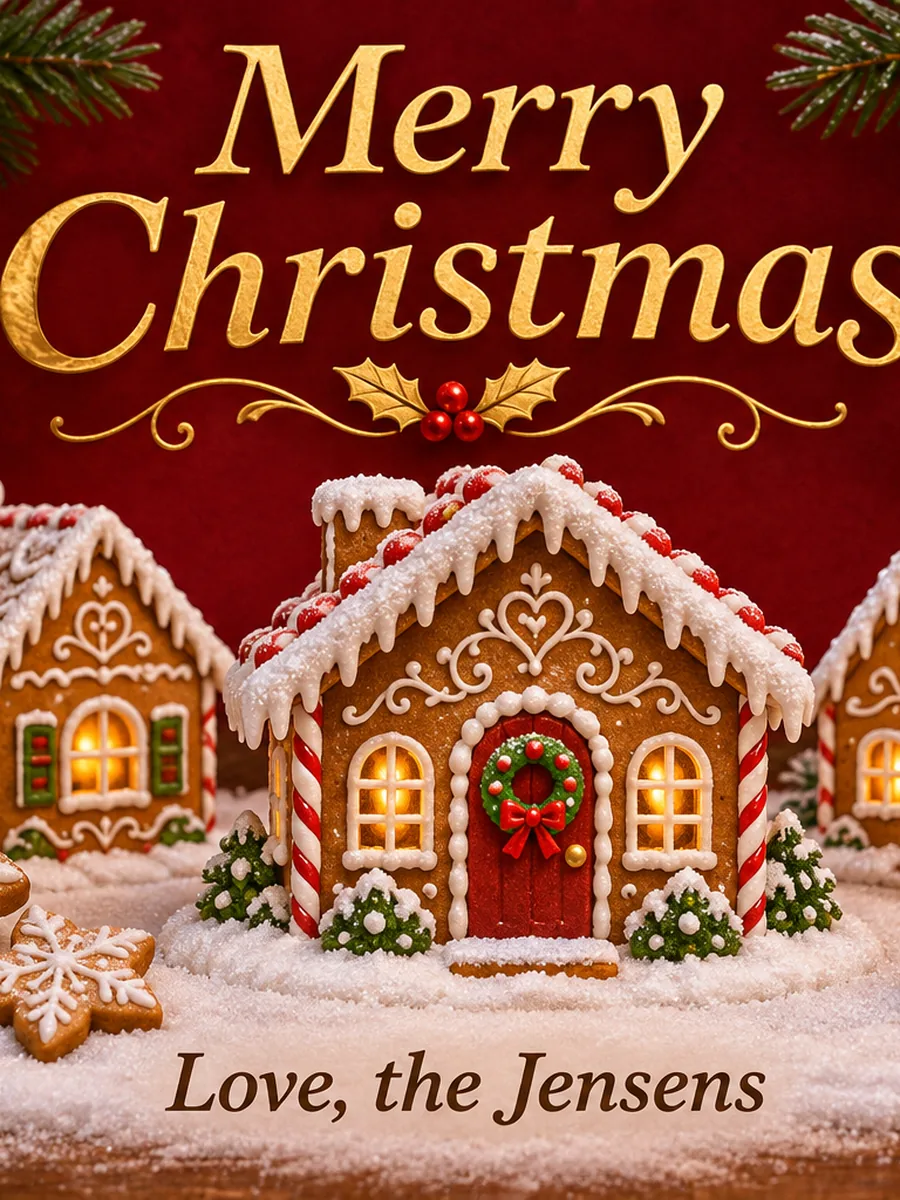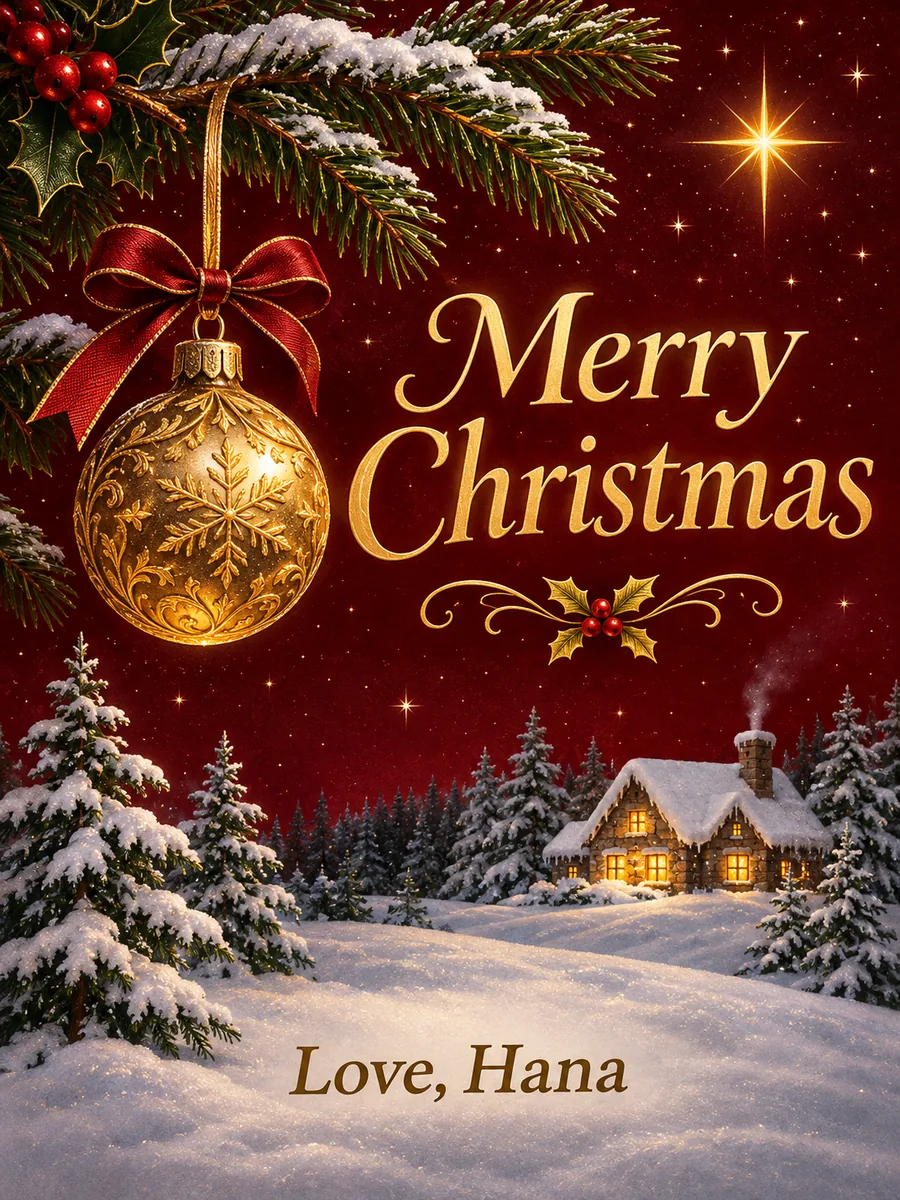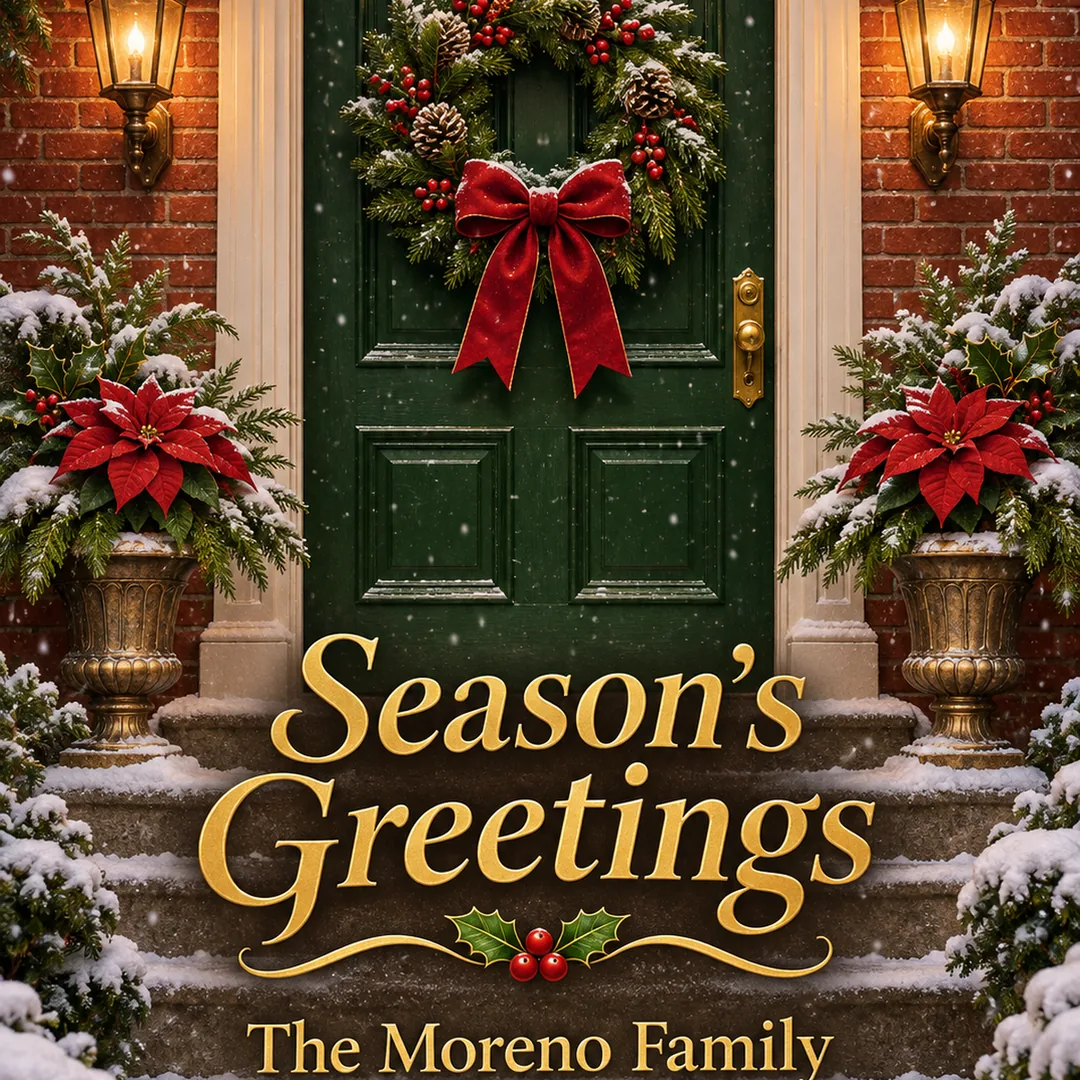
Your words on the card
Write the greeting and the names in quotes and they are drawn into the design, so it works for personalized Christmas cards with name and signature.
Your words, your photo, ready to print
Image2Layer's AI Christmas card generator turns a description, your greeting in quotes and an optional photo into a finished card, free to try. Pick 10 card types and 4 print sizes, then get a PNG and print PDF.
1. Describe your card
Put the greeting and your names in quotes.
2. Choose the style
The look follows your description.
About 1,000 px, for screens and sharing.
10 credits per card · Failed runs never use credits
One card, three sizes
It designs the front of a holiday card from a few lines you write. Describe the scene, put the greeting and the names in quotes, and pick a type such as Classic, Funny or Nativity. Add a family or pet photo and the card is built around it, which makes it a Christmas card generator from photo as well as from words. It is a custom Christmas card generator with no template to fill in: every card starts from your own idea.
Pick a print size and the card comes back in that shape, with room to trim. Send it as an e-card, print two to a page at home, or take the PDF to a shop. If a word needs changing later, edit text in image fixes it in place; for a bigger print, the image upscaler enlarges it; and press Split into layers to open the card in image to layers.
Six reasons to use this Christmas card generator online instead of starting from a blank page.
Write the greeting and the names in quotes and they are drawn into the design, so it works for personalized Christmas cards with name and signature.
Add one photo and choose Family photo or Pet: the card is drawn around the people or the dog, cat or rabbit in your picture.
5 × 7 in, 7 × 5 in, A6 or a 5.5 inch square, each with 1/8 inch of bleed, so trimming never leaves a white edge.
A Print PDF with crop marks, 2 cards on one Letter or A4 sheet, a PNG with bleed and an E-card PNG, all made in your browser.
Classic, Cute, Funny, Nativity, Family photo, Pet, Business, Season's greetings, New Year, or Any card to follow your words alone.
10 credits at 1K, 15 at 2K and 25 at 4K. Credit packs need no subscription, and a run that fails never uses credits.
Three steps with the AI Christmas card maker, from an idea to a card you can send or print, with no template and no design app.
Prompt
What it does with your words, your photos and your printer. Each panel plays by itself, or press the tabs.
Your details
 Reading your details
Everything inside quotes is drawn as lettering on the card: the greeting larger, your names smaller, and no extra words. Watch the scene, greeting and signature go in and the card come out. Keep each line short for clean spelling, and if a letter comes out wrong, fix it with edit text in image rather than starting over.
Write your greeting
 Your card
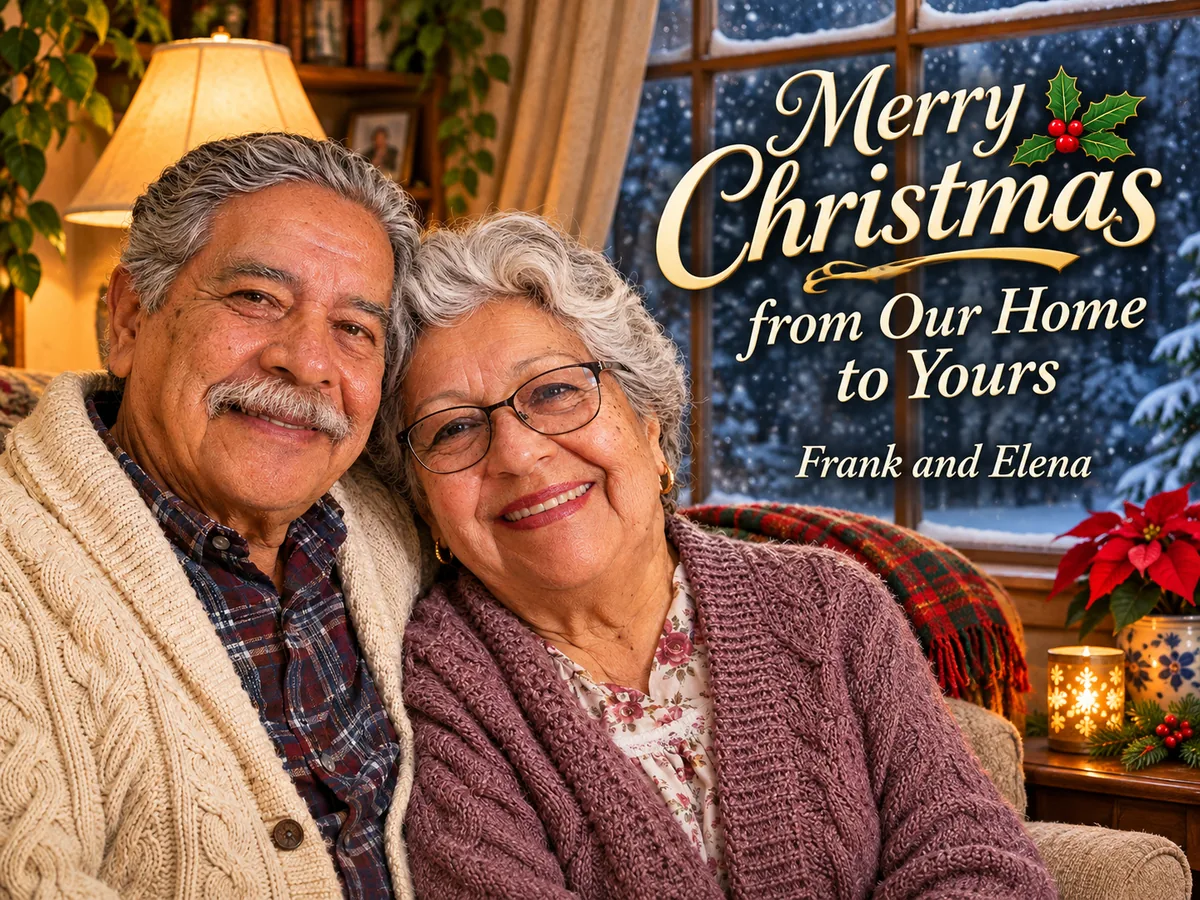
Add one photo of your family, your partner or your pets and the card is designed around them, so this is an AI Christmas card generator with photo support, not just a frame around a picture. Pick Family photo or Pet as the type for the best fit. Faces are redrawn, so check that everyone looks like themselves before you print.
Add your photo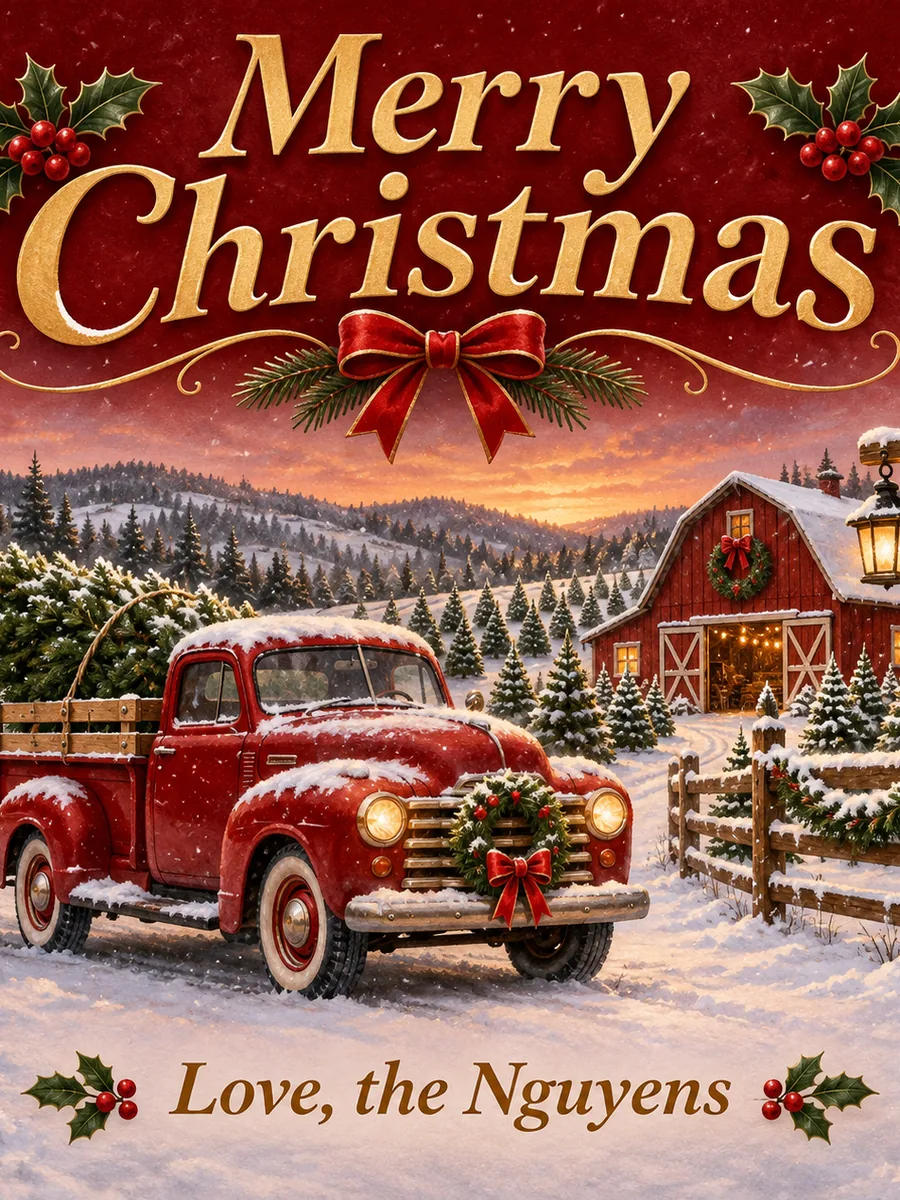 1/8 in bleed past the trim
Every card has 1/8 inch of bleed, so you can trim it without a white edge. Print PDF puts one card on a page with crop marks for a print shop. 2 cards on one sheet fits two copies on Letter or A4 card stock: print at actual size and cut along the marks. That makes it a Christmas card maker, printable at home the same evening.
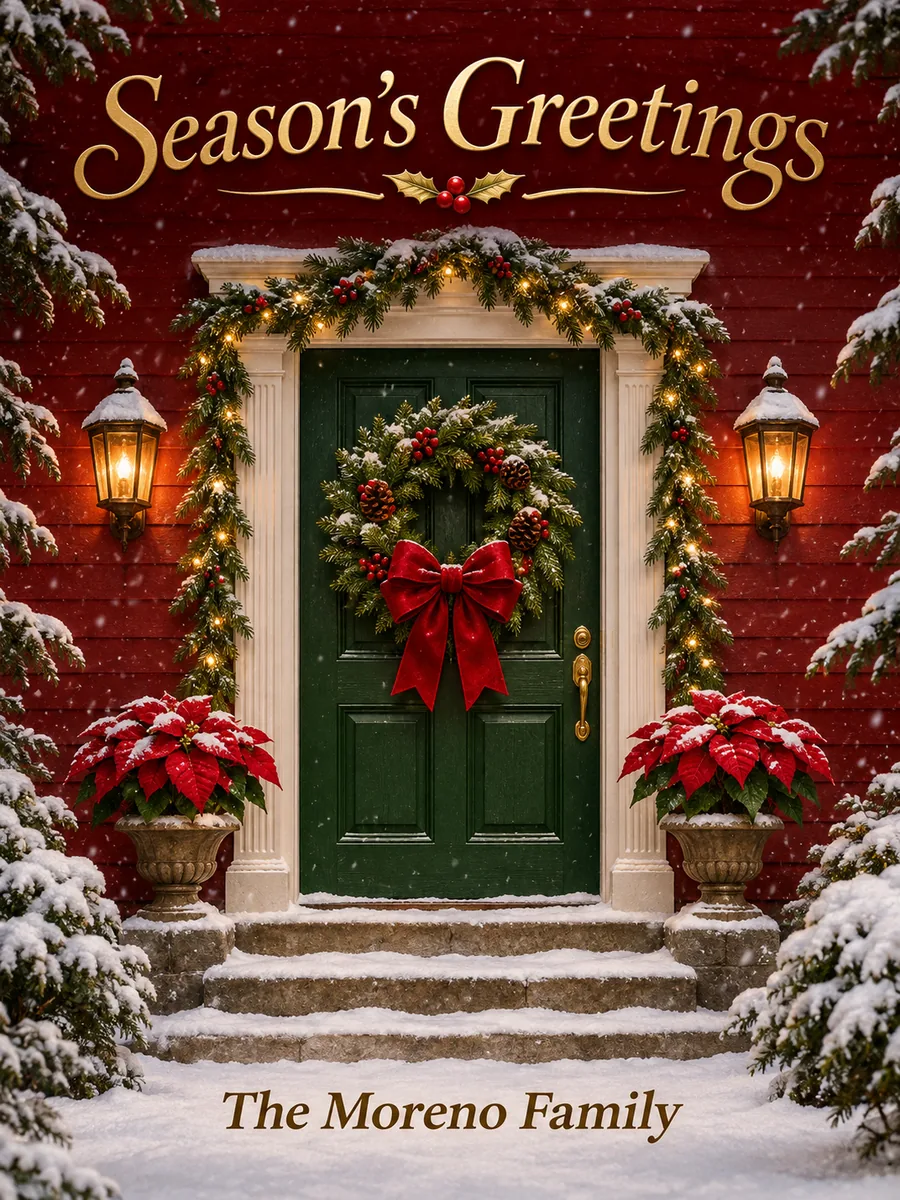
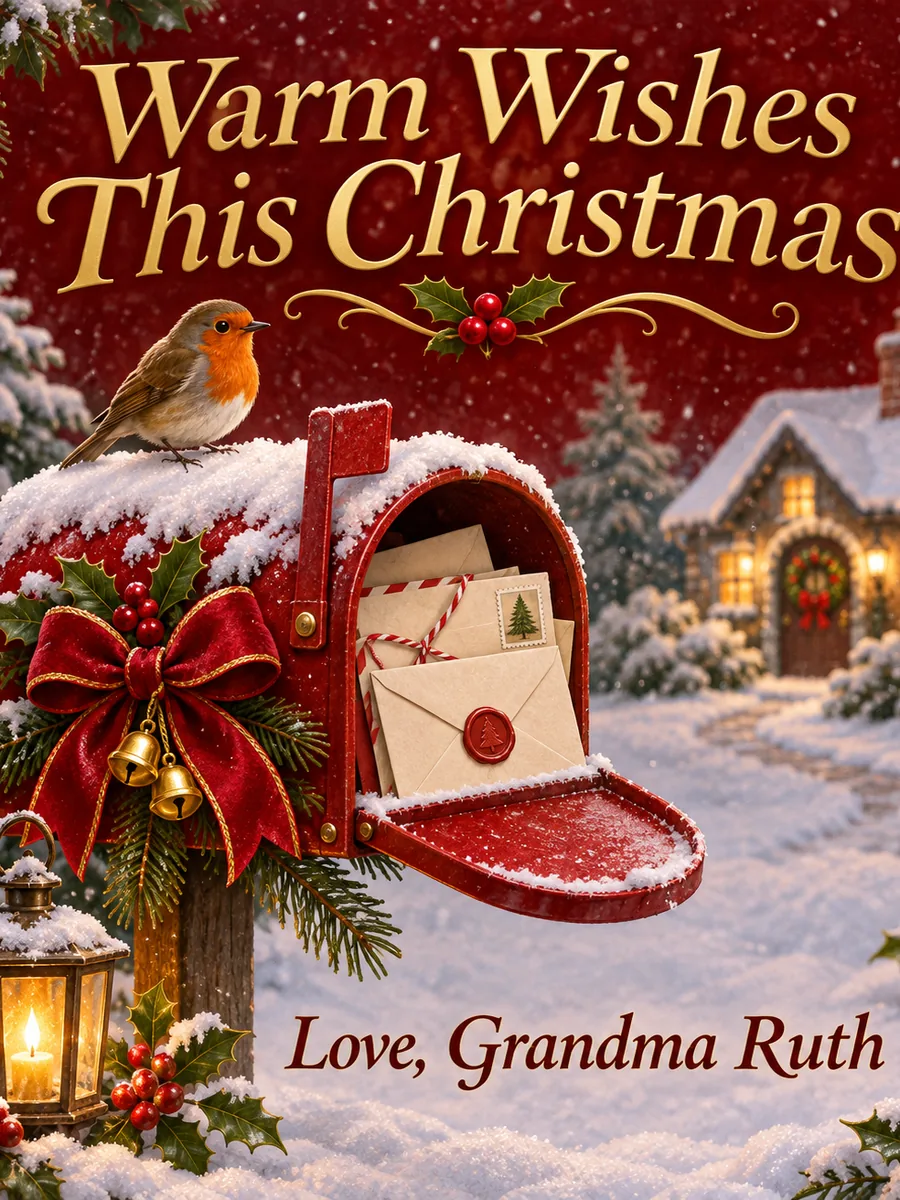
Make a printable cardFive cards made for this page, each from the description under it and the type and size in its note. Open one to see it large, or press Use this prompt to load it into the generator.
the manger in a stable under the bright star, Mary and Joseph kneeling, a donkey and sheep nearby, "O Holy Night", "Peace and joy, the Adeyemi Family"Card type Nativity · 5 × 7 in · 1K
two penguins in knitted scarves sharing a mug of cocoa on the ice, "Sending Warm Hugs", "Ava and Noah"Card type Cute · 5 × 7 in · 1K
a candle glowing in a window, frosted pine branches around it, "Peace, Love and Joy This Season", "The Haddad Family"Card type Season's greetings · Square · 1K
gold fireworks over a city skyline at midnight, confetti, "Happy New Year 2027", "Love, Sam and Priya"Card type New Year · 5 × 7 in · 1K
a loose watercolor of a red cardinal on a snowy branch, white space around it, "Merry Christmas", "With love, Aunt June"Card type Classic · A6 · 1K. Describe a vintage or watercolor look and it follows.
Four habits that help a Christmas card generator AI get your card right the first time.
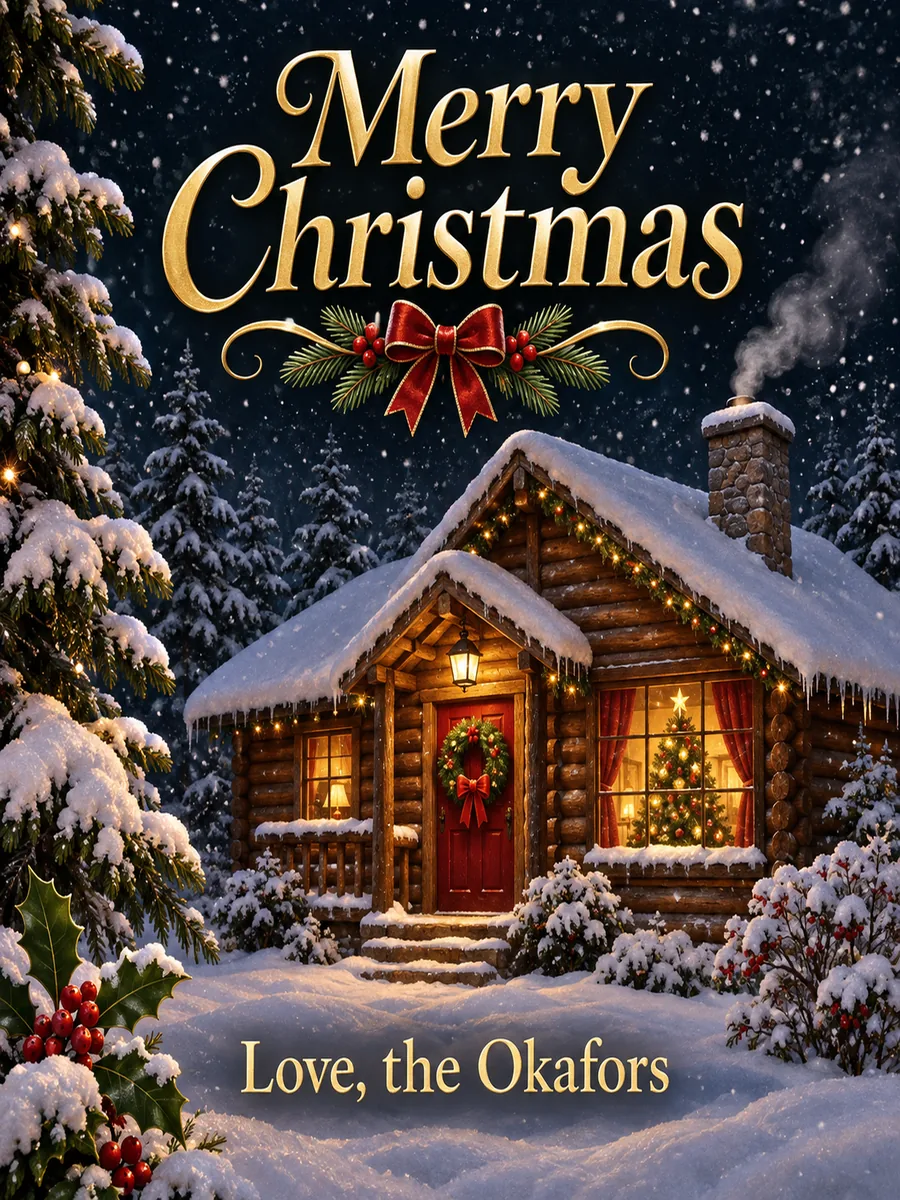
One greeting and one signature read best, such as "Merry Christmas" and "Love, the Okafors". Long poems in quotes get crowded and are more likely to have a wrong letter.
A cabin at night, a dog by the fire, a candle in a window: one subject and a mood gives a cleaner card than a list of ten things. Add the colors you like and it follows.
For a family or pet card, pick a sharp photo where faces are large and well lit. Group photos from far away give small faces that are harder to keep recognizable. JPG, PNG or WebP up to 24 MB works.
Use 1K for e-cards and home prints, and 2K or 4K for a print shop. Need a larger file later? The image upscaler can enlarge a 1K card.
This online Christmas card generator next to filling in a template and having a shop design your card.
Families, pet owners and small teams use this Christmas card maker online for every kind of holiday card.
Turn this year's family photo into a photo card with everyone's names on it, printed at home or sent by email.
Put the dog in a Santa hat or the cats in a gift box: an AI Christmas card photo generator for pets who will never sit still for a photographer.
Pick Funny and get one kind joke at a glance, an AI Christmas card generator funny enough for friends and coworkers.
A company Christmas card generator for client cards: Business keeps it minimal, Season's greetings keeps it right for every faith.
Make a Nativity card for a congregation, or use it as a Christmas greeting card generator for a class to sign and send home.
Skip the printer: the E-card PNG goes straight into email, messages and posts, and the AI poster generator makes a matching party poster.
Answers about photos, sizes, printing, spelling, price and what it does not do.
Fix a word, enlarge the card, cut out a photo or make the matching poster, sticker or flyer.
Four tools for what usually comes next.
This year's card, done tonight
Describe the scene, quote your greeting, add a photo if you like, and print it at home or at a shop. It is free to try.
Make a Christmas card