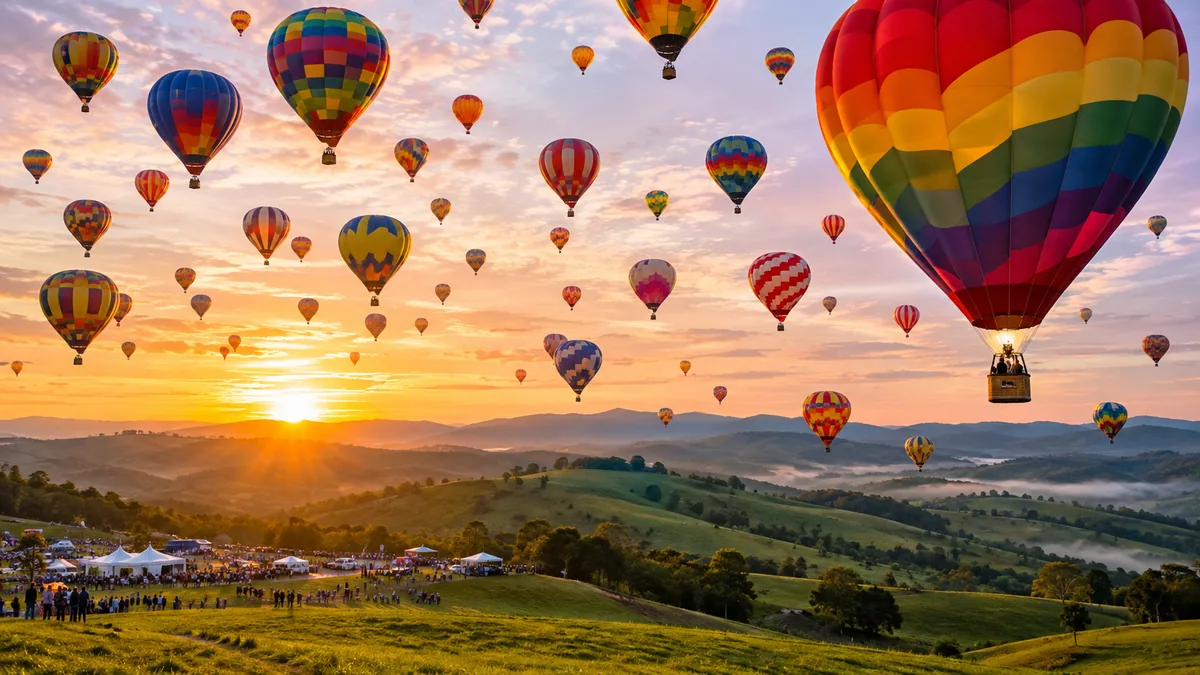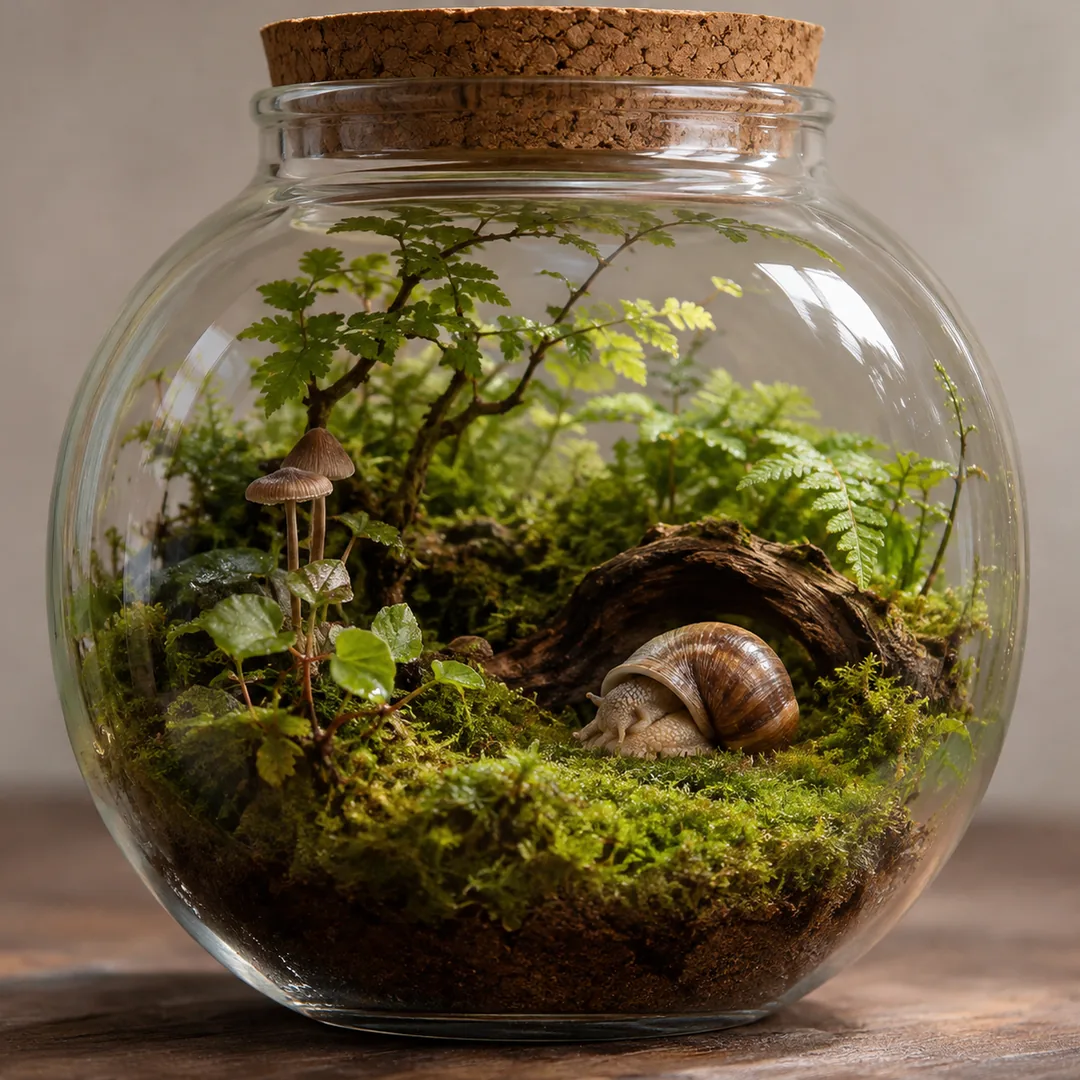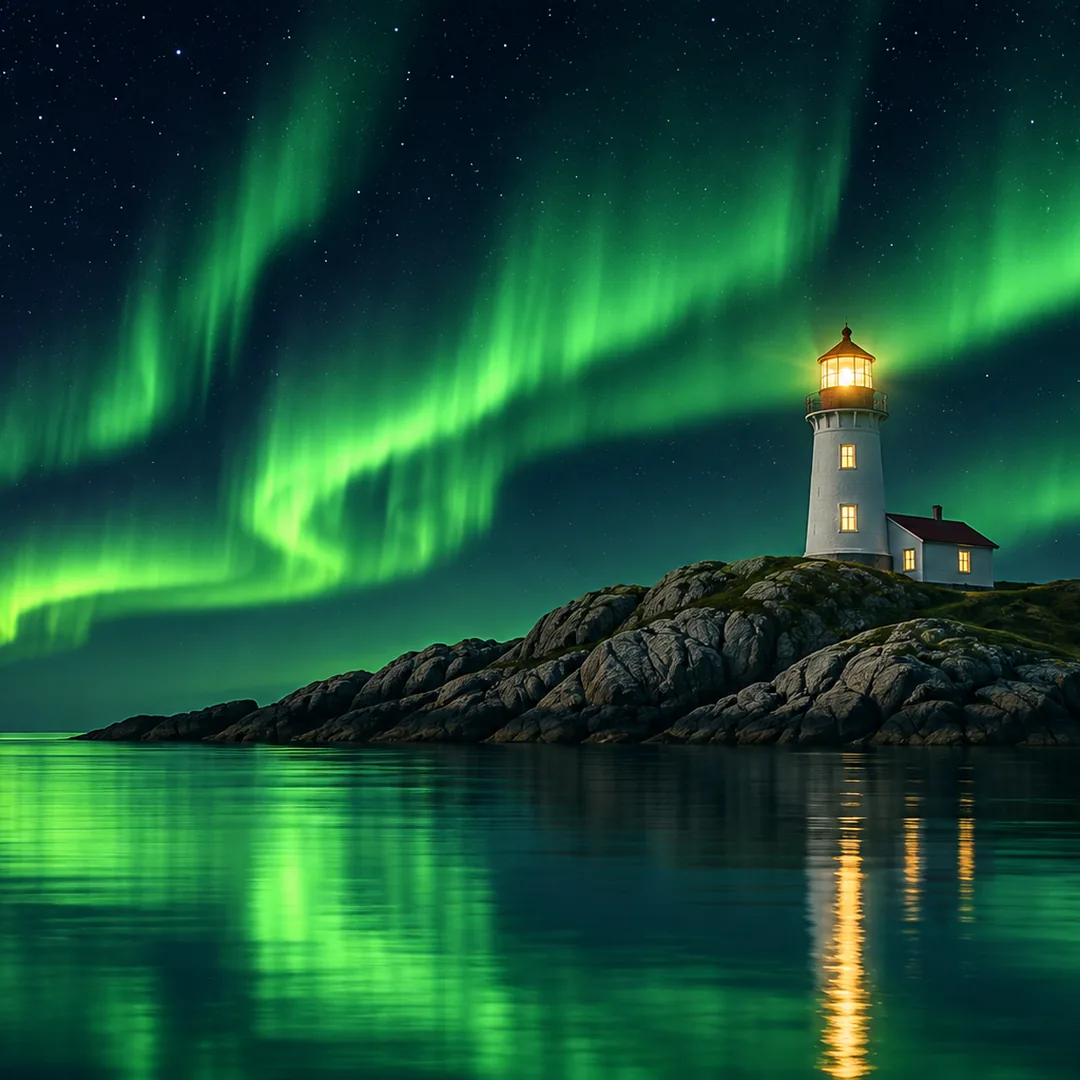
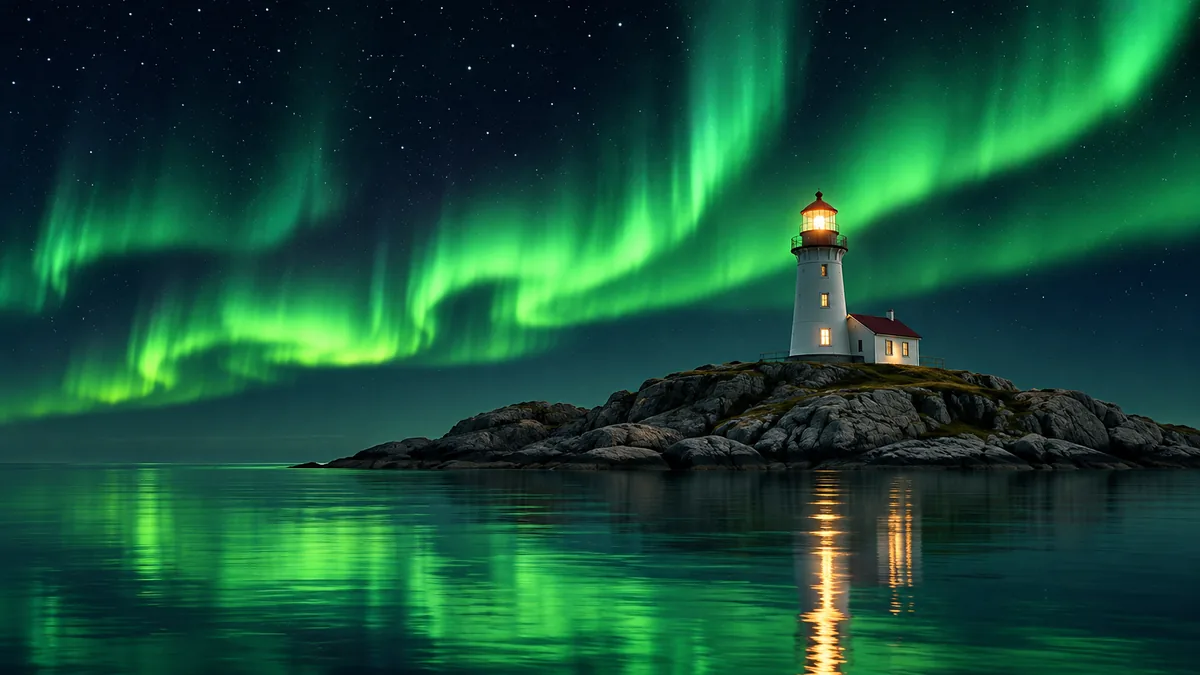
Your words in the picture
Write a title, a sign or a label in quotes and it is drawn in as lettering, so a picture with a headline needs no second app. Check the spelling, as with any AI lettering.
One sentence in, one picture out
Image2Layer's text to image AI turns a written description into a new picture, free to try. Choose 1 of 10 shapes, such as 16:9, 9:16 or 21:9, at 1K, 2K or 4K, and words in quotes are drawn in.
1. Describe your image
Words in quotes are drawn as text.
2. Choose the shape
About 1,000 px, for screens and sharing.
10 credits per image · Failed runs never use credits

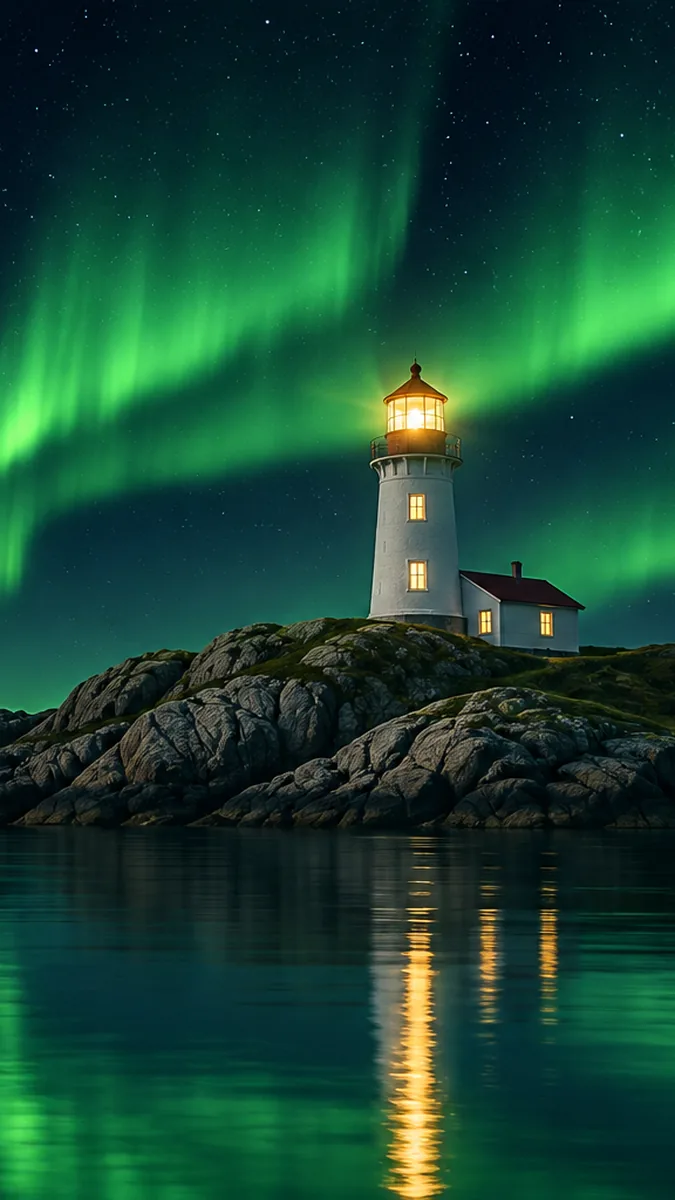
One idea, three shapes
It draws a brand new picture from a description you write. Name the subject, the place, the light and the style, such as "a realistic photo", "a loose watercolor" or "an anime style illustration", and the picture follows. Words in quotes are drawn in as lettering, and the AI is told to add no other words. As an image generator from a text prompt, it needs no upload, no style menu and no design skills.
Pick one of 10 shapes and the scene is composed for it, from a tall 9:16 phone screen to a 21:9 banner. Already have a picture? Image to image changes it with a sentence. Need a layered file? Text to PSD makes one from a prompt, or press Split into layers to open your picture in image to layers.
Six reasons to use this text to image AI generator when the picture you need does not exist yet.
Write a title, a sign or a label in quotes and it is drawn in as lettering, so a picture with a headline needs no second app. Check the spelling, as with any AI lettering.
1:1, 2:3, 3:2, 3:4, 4:3, 4:5, 5:4, 9:16, 16:9 and 21:9. The scene is arranged for the shape you pick, not cut out of a square.
About 1,000 px at 1K for screens, 2,000 px at 2K and 2,900 px at 4K for prints. 2K is not offered for the 4:5 and 5:4 shapes.
Photo, watercolor, anime, 3D, pixel art or a picture book page: there is no style menu to limit you. Write the look into the description.
Press Split into layers and the picture opens in the home page tool that splits it into an editable PSD. The split is charged on its own, in credits per layer.
10 credits at 1K, 15 at 2K and 25 at 4K. Credit packs need no subscription, and a run that fails never uses credits.
Three steps from prompt to image, with nothing to upload and no design app to learn.
Prompt
Three things it does with your description. Each panel plays by itself, or press the tabs and drag the line.
Your details
 Reading your details
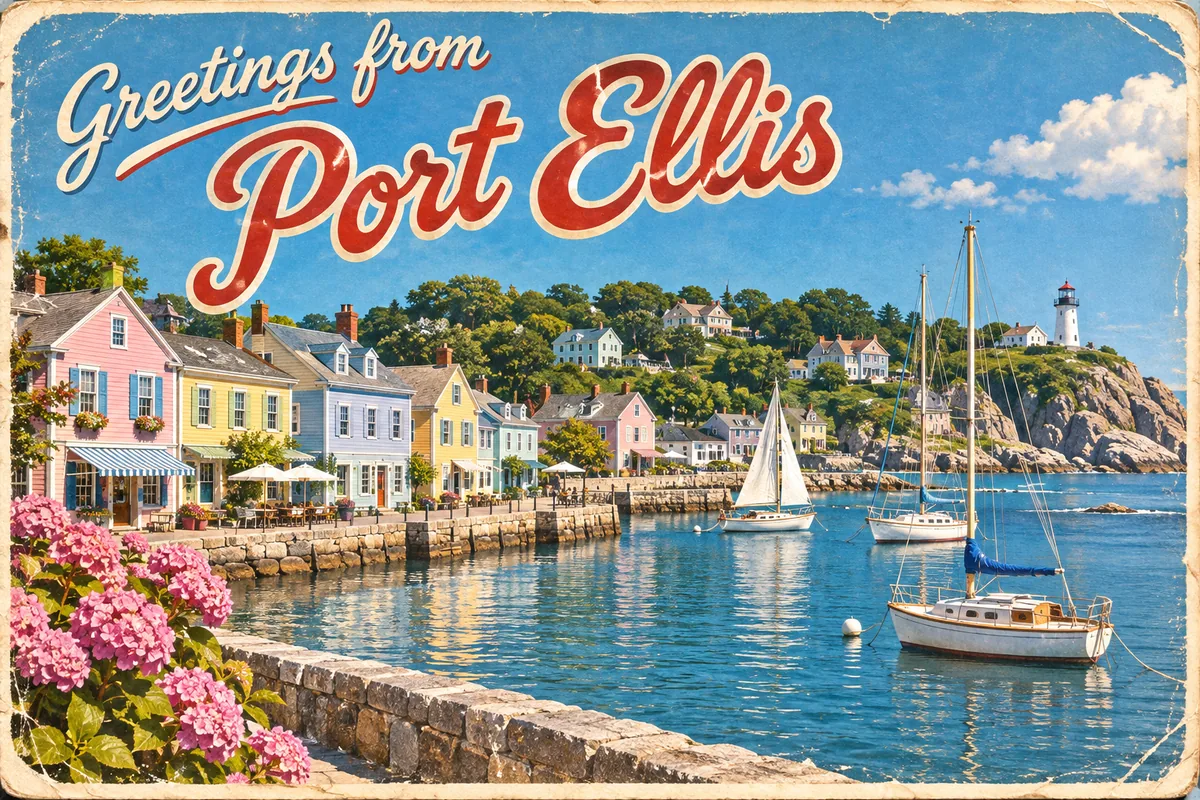
Anything inside quotes is drawn into the picture, and the AI is told to add no other words. That makes it a text to image maker for titles, signs, postcards and thumbnails: text to image typography in one step. Watch the scene, the style and the words go in and the postcard come out. Keep each line short, check the spelling, and fix a wrong letter with edit text in image rather than starting over.
Write your words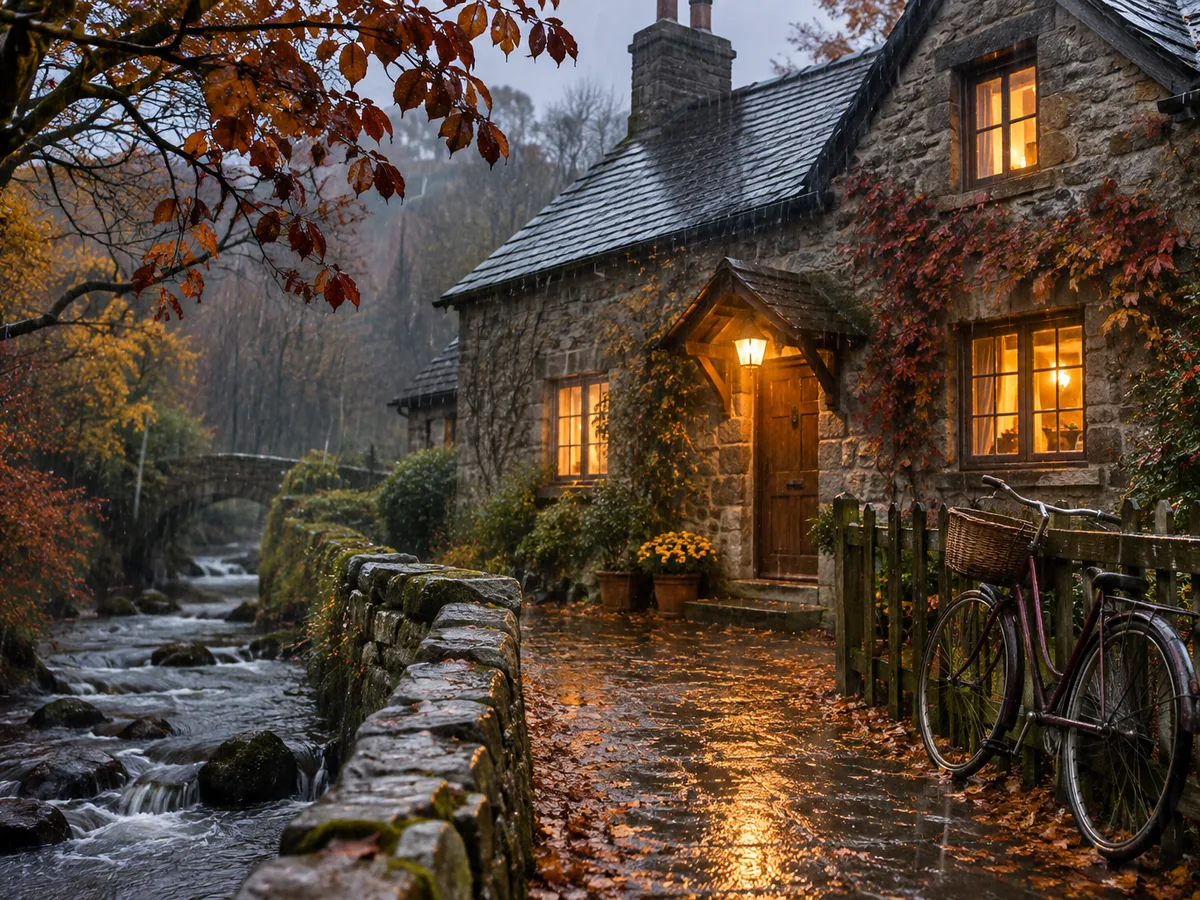
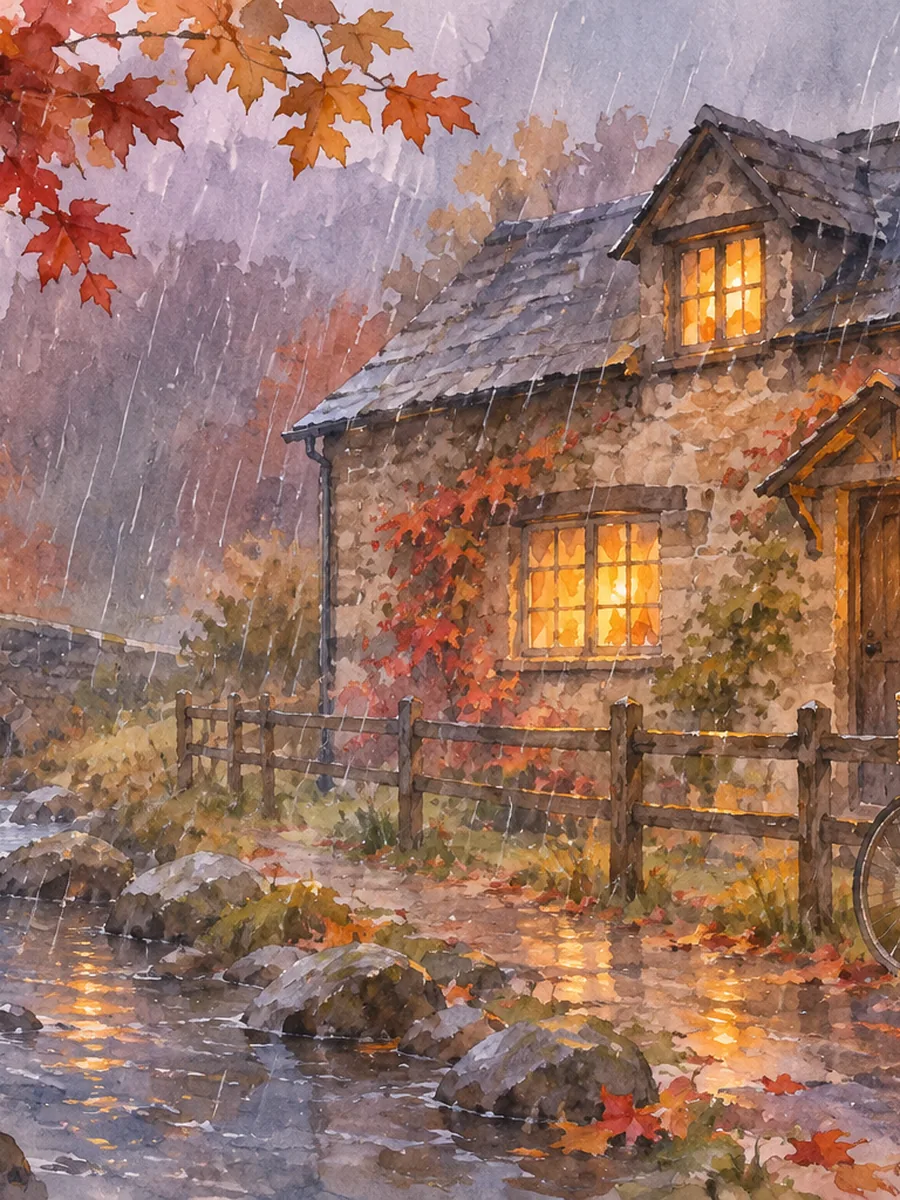
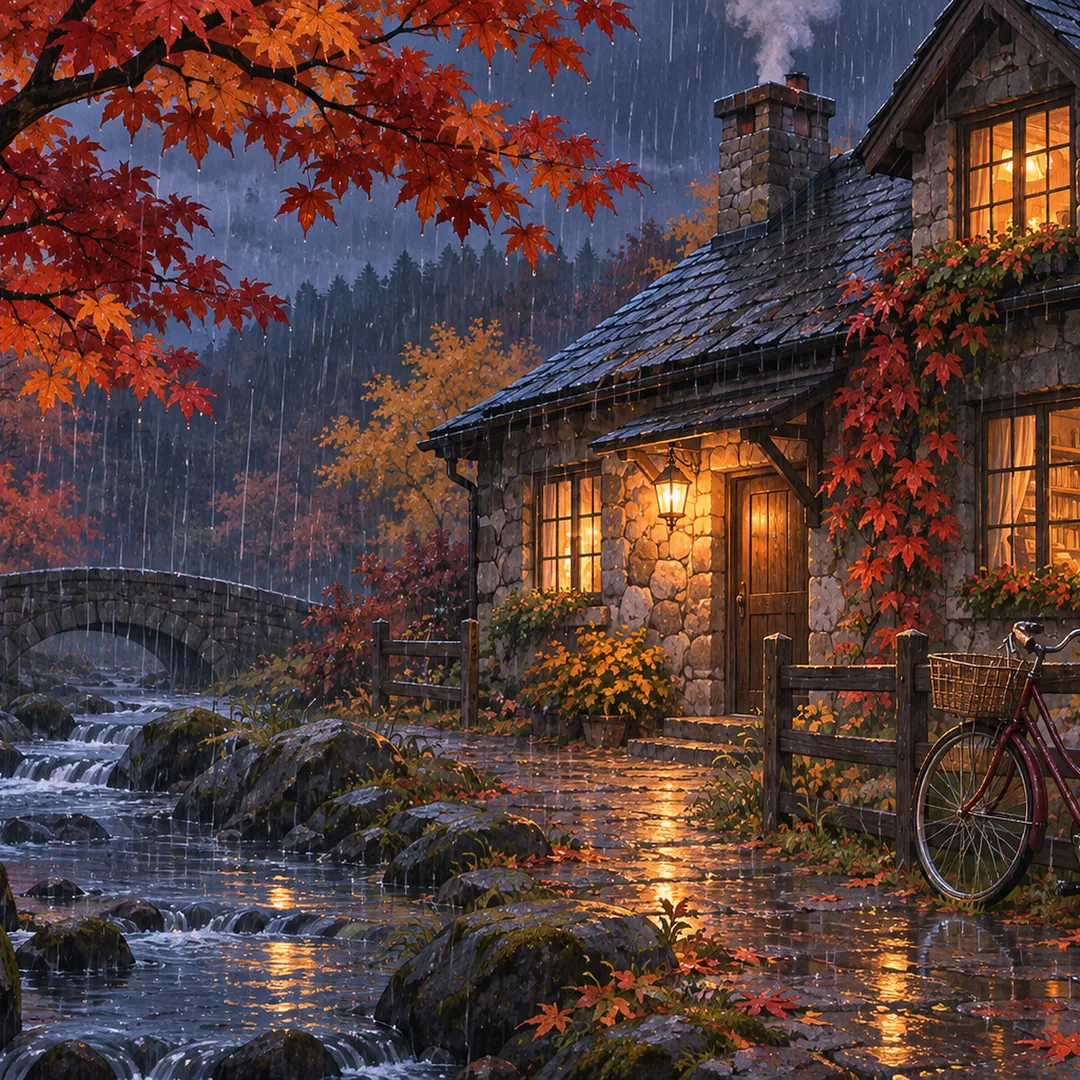
There is no style menu: the look comes from your words. The same stone cottage, described three ways, came out as a realistic photo, a watercolor and an anime scene, each in its own shape. Name a medium, a mood or an era and the text to image AI follows it. To turn a photo you already have into a painting, photo to painting is the better fit.
Describe a style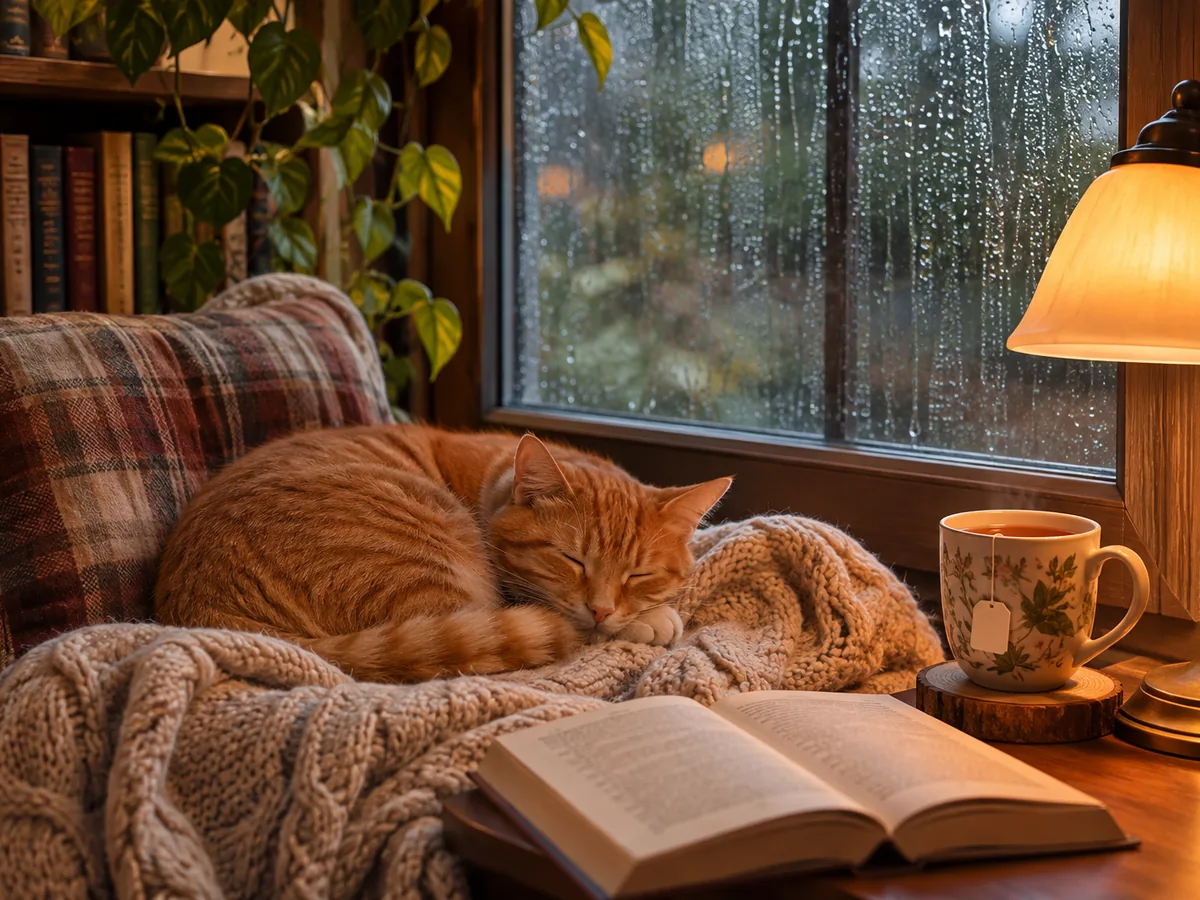
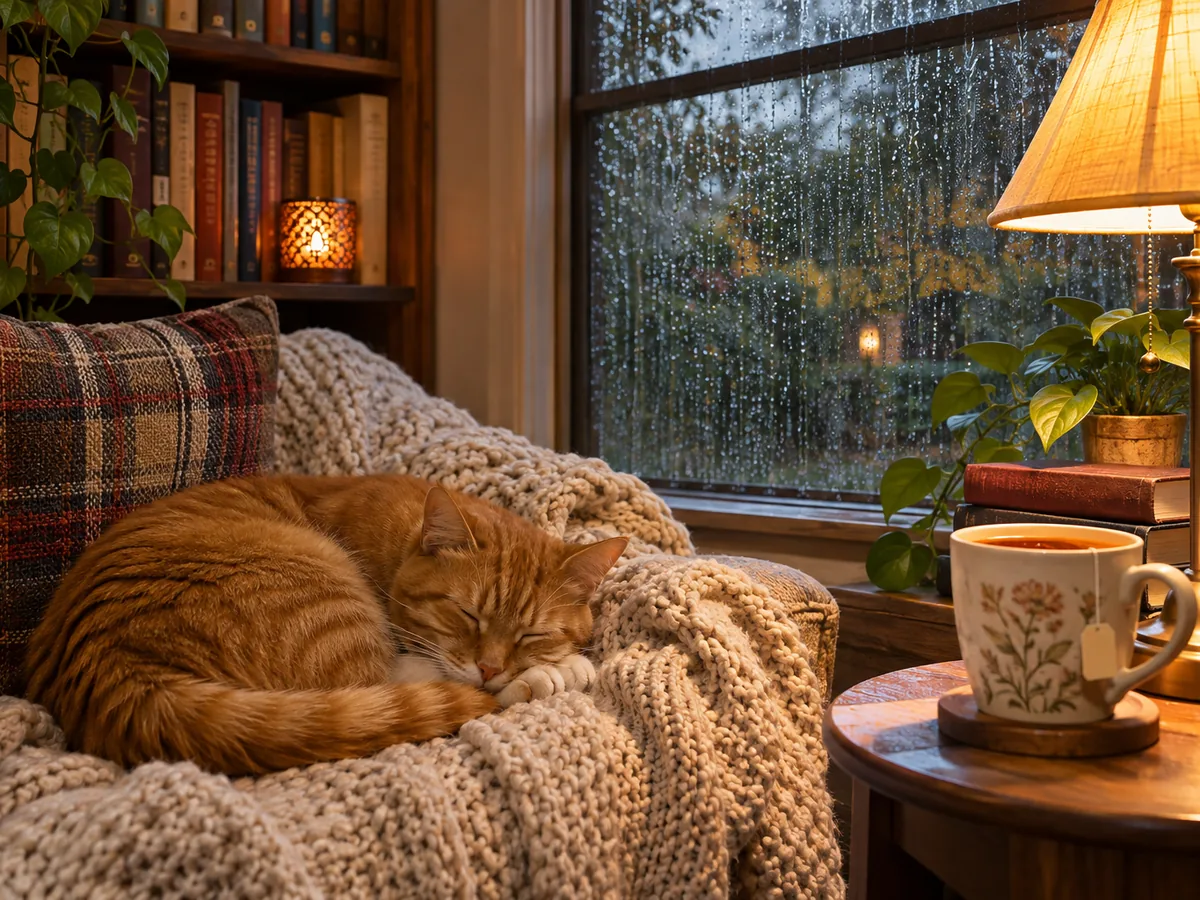 Run 1Run 2
Each run makes one image, and the same description gives a different picture every time, as these two runs show. Drag the line to compare them. Not quite right? Change a word or simply run it again, and open earlier versions from Recent results. Want more room around the one you like instead? The AI image extender widens it.
Run it againSix pictures made for this page, each from the description under it and the shape in its note. Open one to see it large, or press Use this prompt to load it into the generator.
a studio product photo of a speckled ceramic coffee mug on a stone slab, soft morning light, a few coffee beans around it, plain warm beige backgroundShape 1:1 · 1K
a realistic portrait of an elderly fisherman with a gray beard and a yellow raincoat on a foggy harbor, soft light, shallow depth of fieldShape 4:5 · 1K. A fictional person, described in words.
a wide cinematic shot of a camel caravan crossing tall sand dunes at dusk, long shadows, warm orange skyShape 21:9 · 1K
a children's picture book illustration of a little bear and a rabbit sharing a red umbrella in the rain, soft colored pencil textureShape 3:4 · 1K
a retro screen print poster of a cable car climbing a snowy mountain at sunrise, bold flat colors, "Alpine Express", "Winter 2027"Shape 2:3 · 1K. The two lines in quotes are the only words.
pixel art of a tiny farm at sunset with a windmill, chickens and a pond, retro game lookShape 9:16 · 1K
Four habits that help the text to image AI get it right the first time.
Start with what the picture is about, then where it is, the light and the style: "a red fox in fresh snow, birch forest, sunrise, realistic photo". One clear subject beats a list of ten things.
Photo, watercolor, anime, 3D render, pixel art, pencil sketch: say it, since there is no style menu. Add colors, a mood or a camera angle when they matter.
A title and one short line read best, like "Alpine Express" and "Winter 2027". Long sentences in quotes are more likely to have a wrong letter. For a full event or product poster, the AI poster generator is built for it.
Pick 16:9 for a video or slide, 9:16 for a phone, 1:1 for a post and 21:9 for a banner before you run, so nothing important is cut later. For print, choose 2K or 4K, or enlarge a 1K picture with the image upscaler.
This text to image tool next to searching a stock photo site and commissioning a picture.
Marketers, creators, teachers and shop owners use this text to image online tool when a picture is faster to describe than to find.
One idea as a 1:1 post, a 9:16 story and a 21:9 banner, with the headline drawn in. For a sticker sheet, the AI sticker generator puts each sticker on its own layer.
Make a text to image YouTube thumbnail at 16:9 with two or three bold words in quotes, or a scene for a video intro, then fix any letter with edit text in image.
Seasonal backgrounds, banners and mood scenes for a store page. To show your real product, start from its photo with image to image instead.
Pictures for slides, worksheets and stories at 16:9 or 4:3, in whatever style the lesson needs, from a picture book page to a realistic photo.
Picture a scene from your story, a book cover idea or a game world. For a one sheet for your film idea, the movie poster generator adds the title and credits you write in quotes.
Mood boards and concept art in minutes. As an AI image generator from text, it gives a starting point, and Split into layers takes the parts into your editor.
Answers about price, shapes, words in pictures, styles, quality and what it does not do.
Posters, stickers, covers, cards, emoji and tattoos, plus tools to widen, enlarge or cut out your picture.
Four tools for what usually comes next.
One sentence away
Describe it, pick a shape, put any words in quotes and download a PNG in about a minute. The text to image generator is free to try once.
Create an image