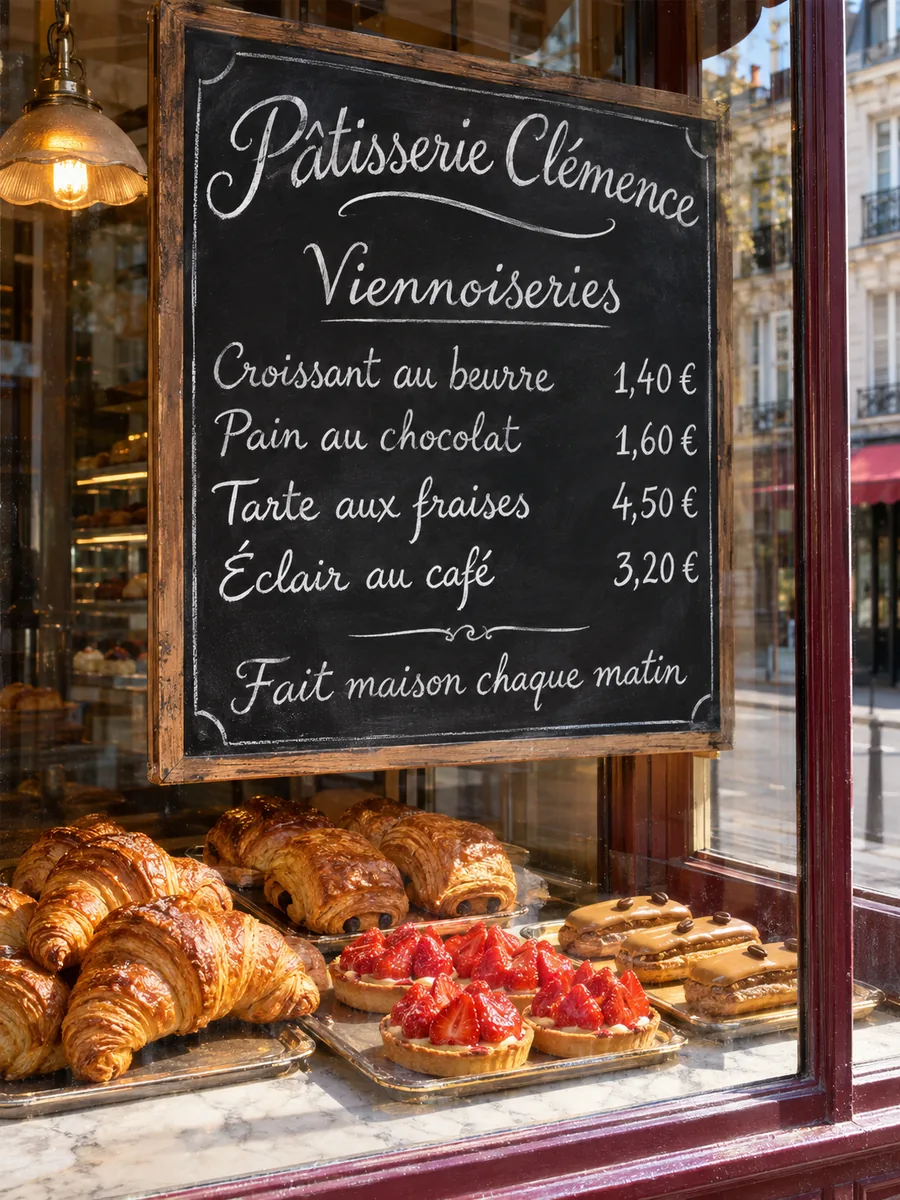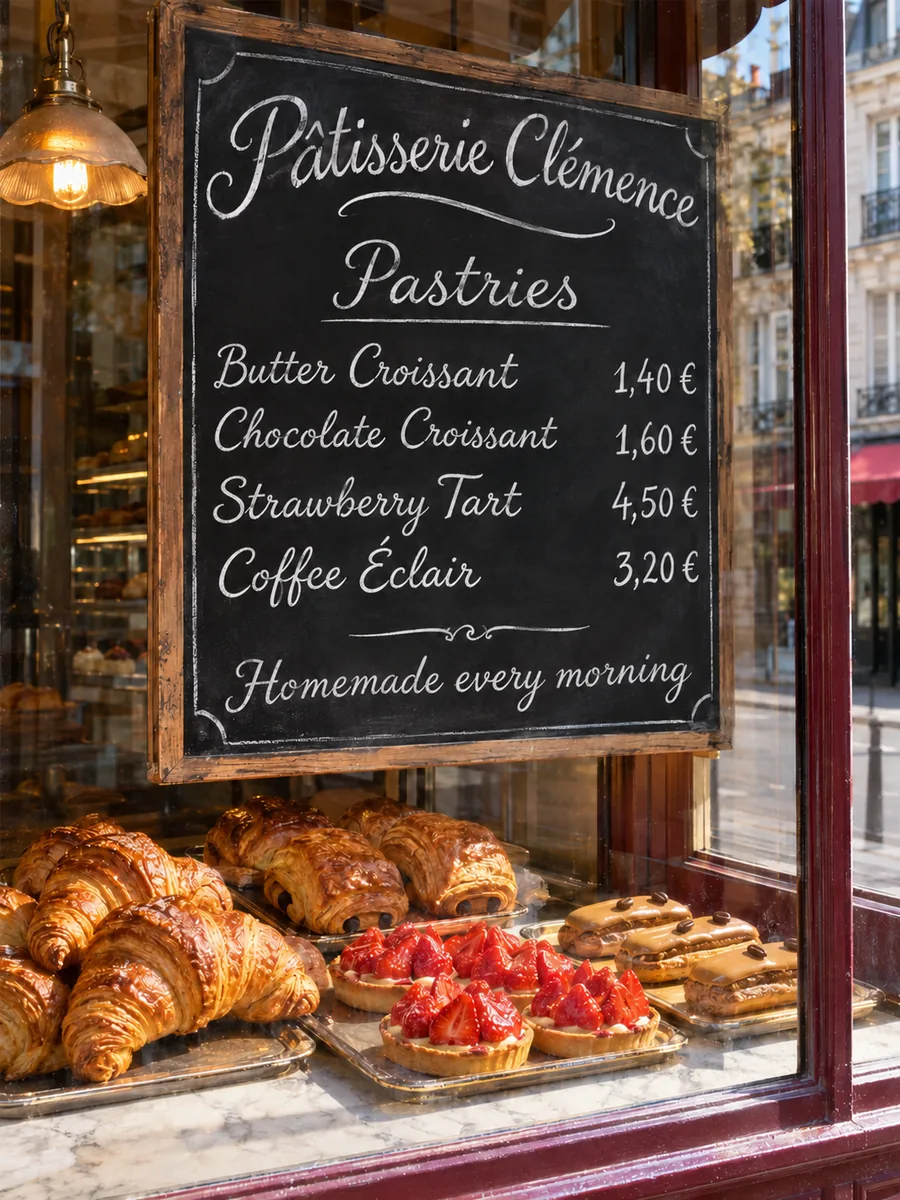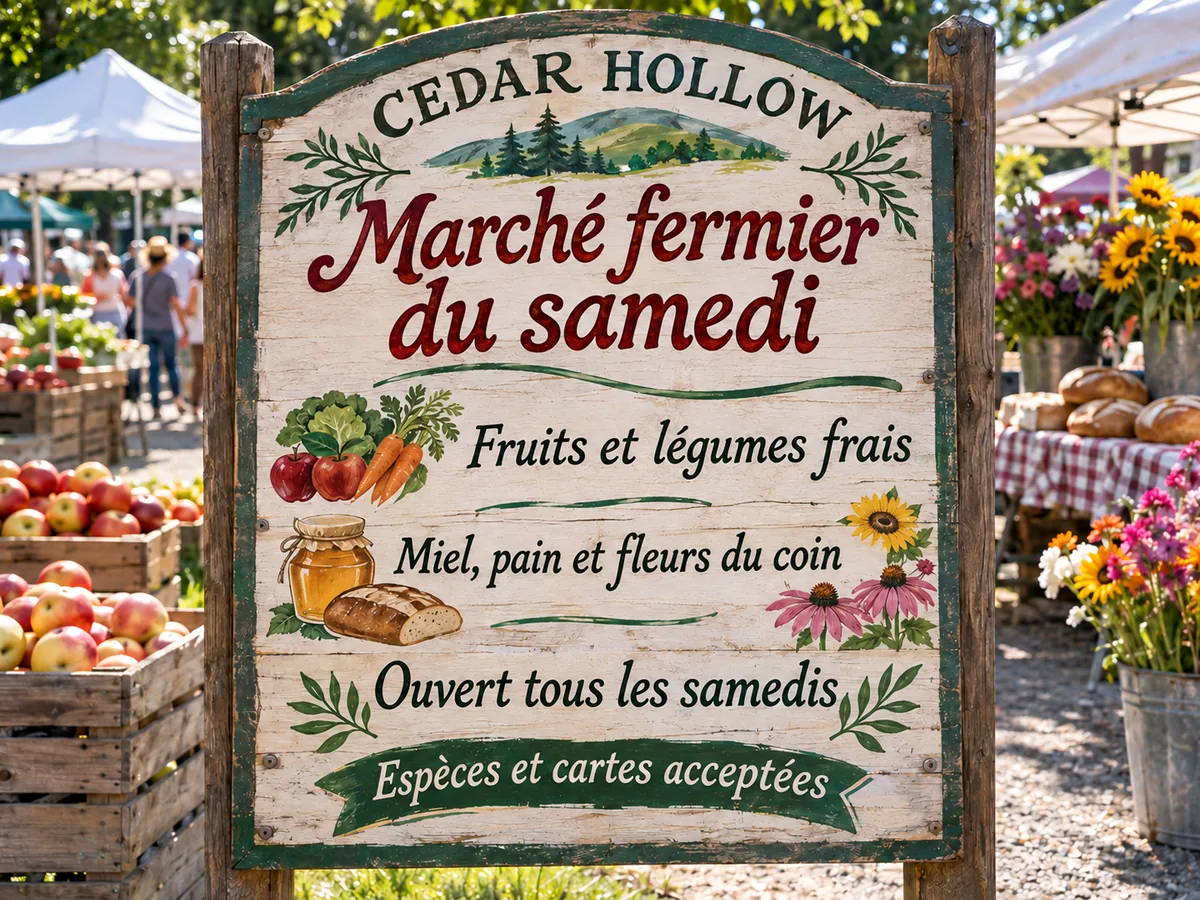
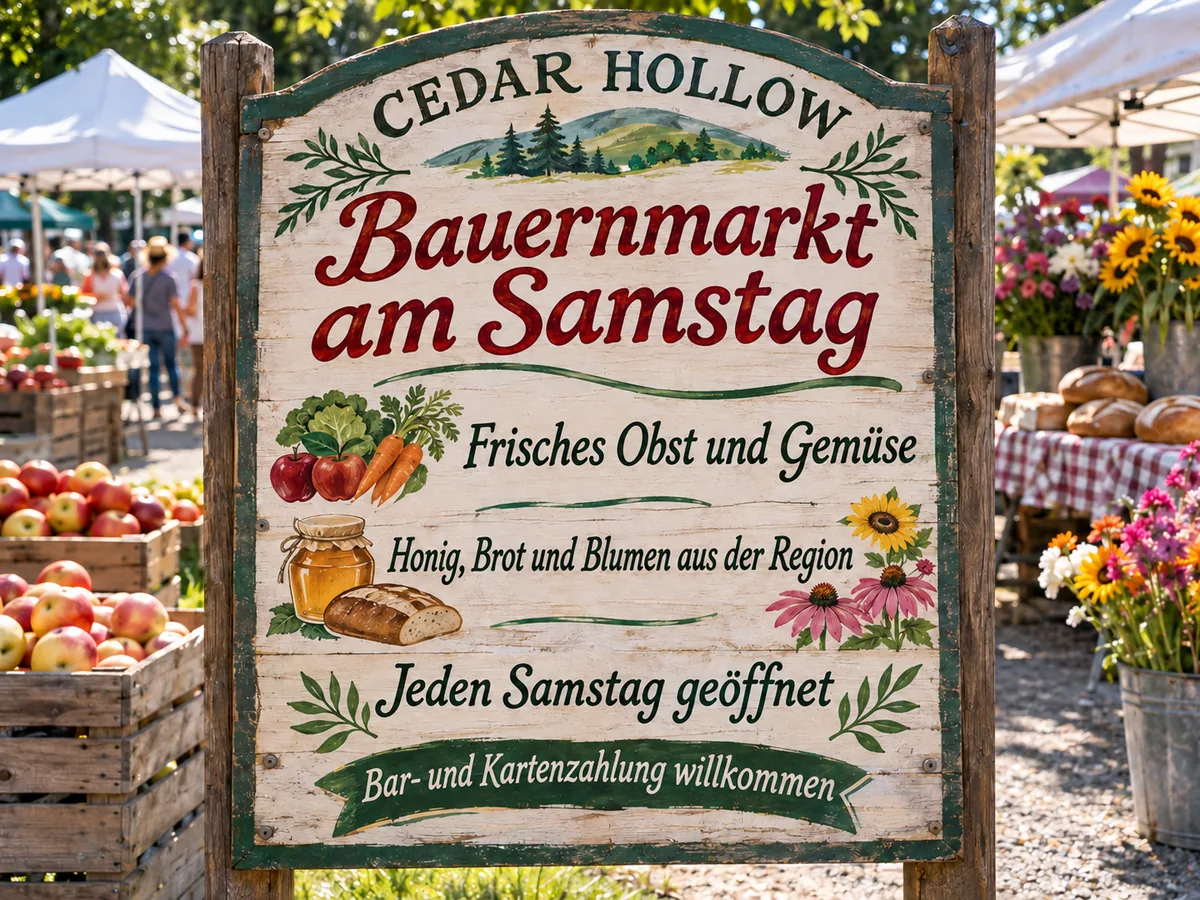
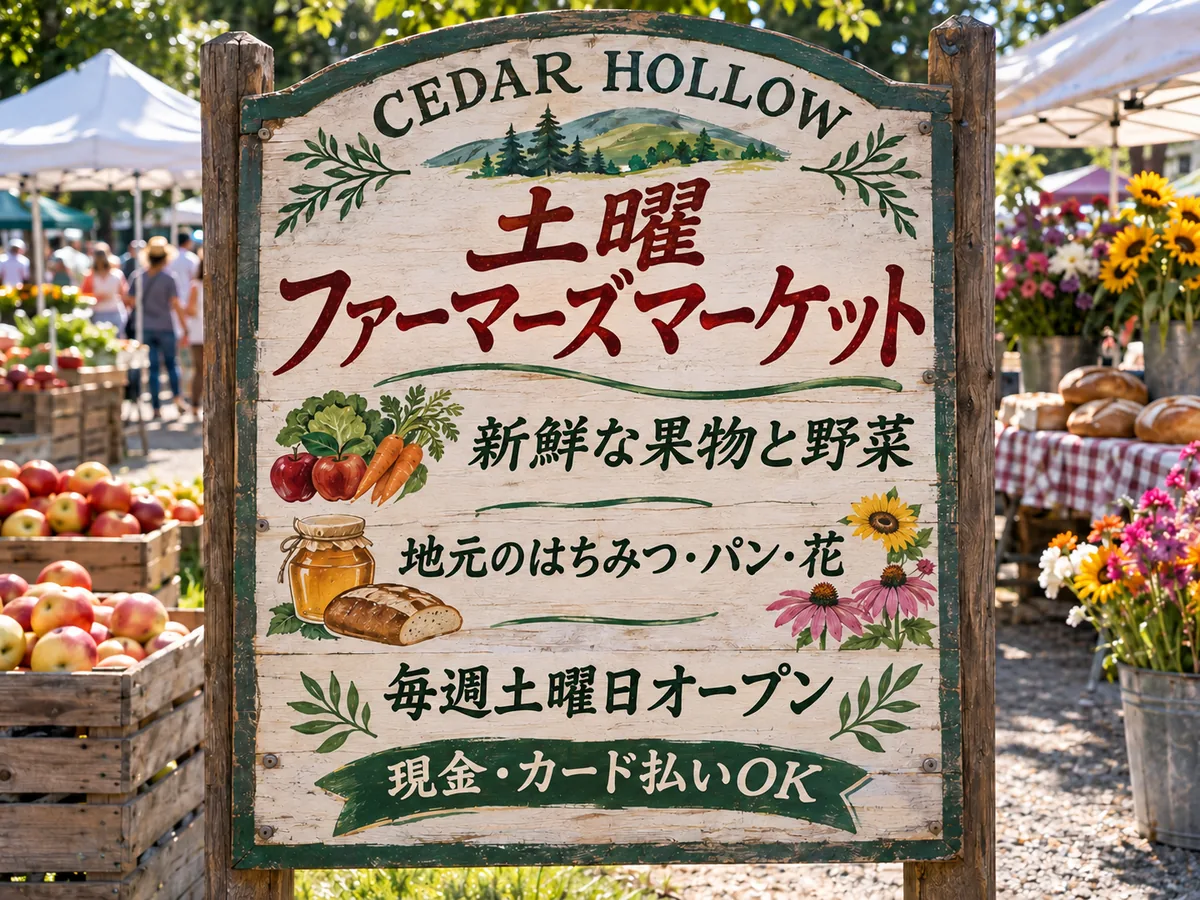
A translated picture, not just text
Translate an image online and the menu, label or poster comes back with the new words in it, ready to post, print or send. Nothing to retype or lay out again.
Menus, labels, posters, screenshots
Image2Layer's AI image translator lets you translate text in image files: a menu, label, poster or screenshot comes back as a translated picture, free to try. 19 languages, source detected, up to 30 lines.
1. Upload a picture
Sexual or explicit content isn't allowed. Images and results that contain it are blocked automatically.
2. Choose the language
Anything else? (optional)
10 credits per image · Failed runs never use credits

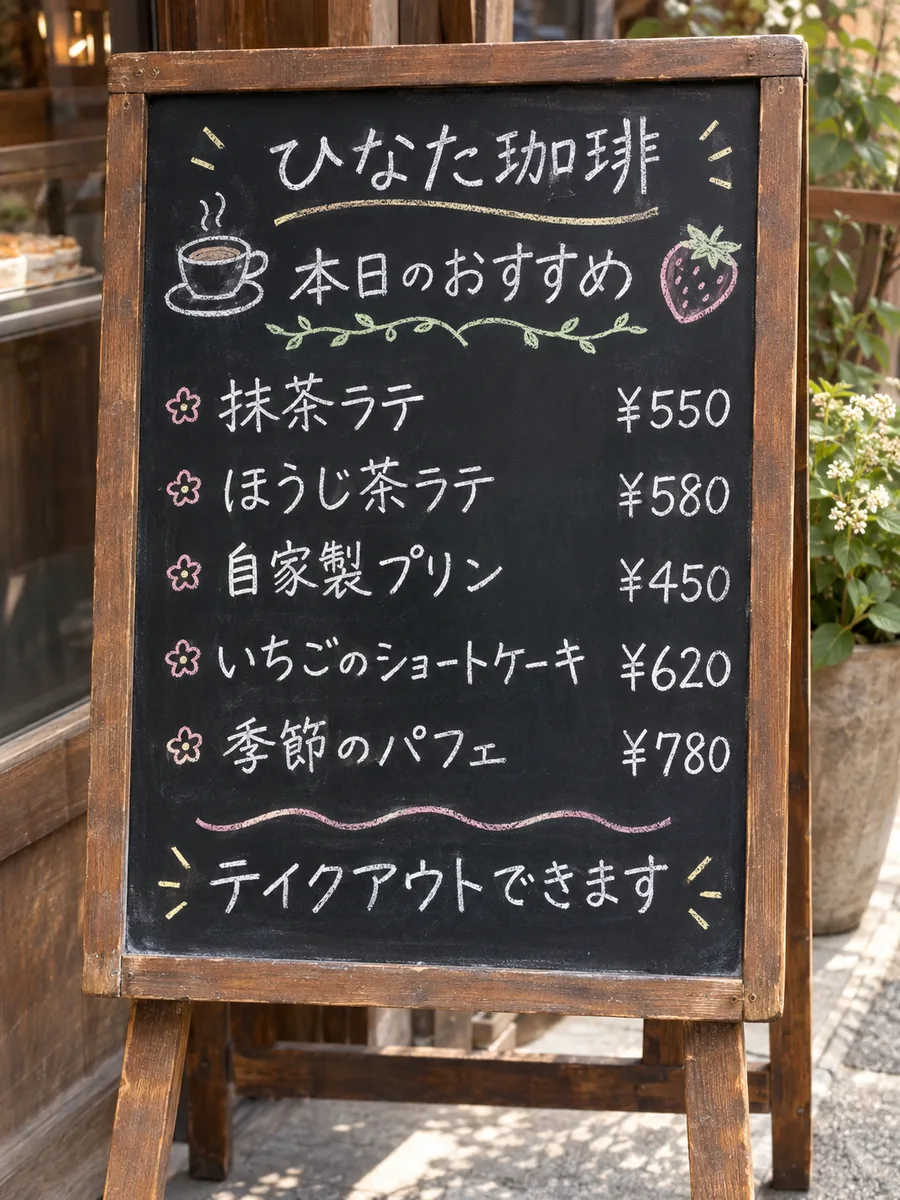
Read, translate, write back
It reads the words in your picture and puts the translation back into the same picture, so it is built to translate and replace text in image files, not just read them. First AI reads every line and translates it, up to 30 lines, skipping lines already in the language you picked and lines that are only names, brands, prices, numbers or links. Then AI writes each translation where its line was, matching the style as closely as the new script allows.
You get a picture, not a block of text to copy. Drag the slider to compare, check the list of translated lines, and download a PNG or a Same-size PNG at your picture's own size. To reword one line, edit text in image fixes it in place; to clear words without new ones, use remove text from image; and Split into layers opens the result in image to layers for an editable PSD, charged separately.
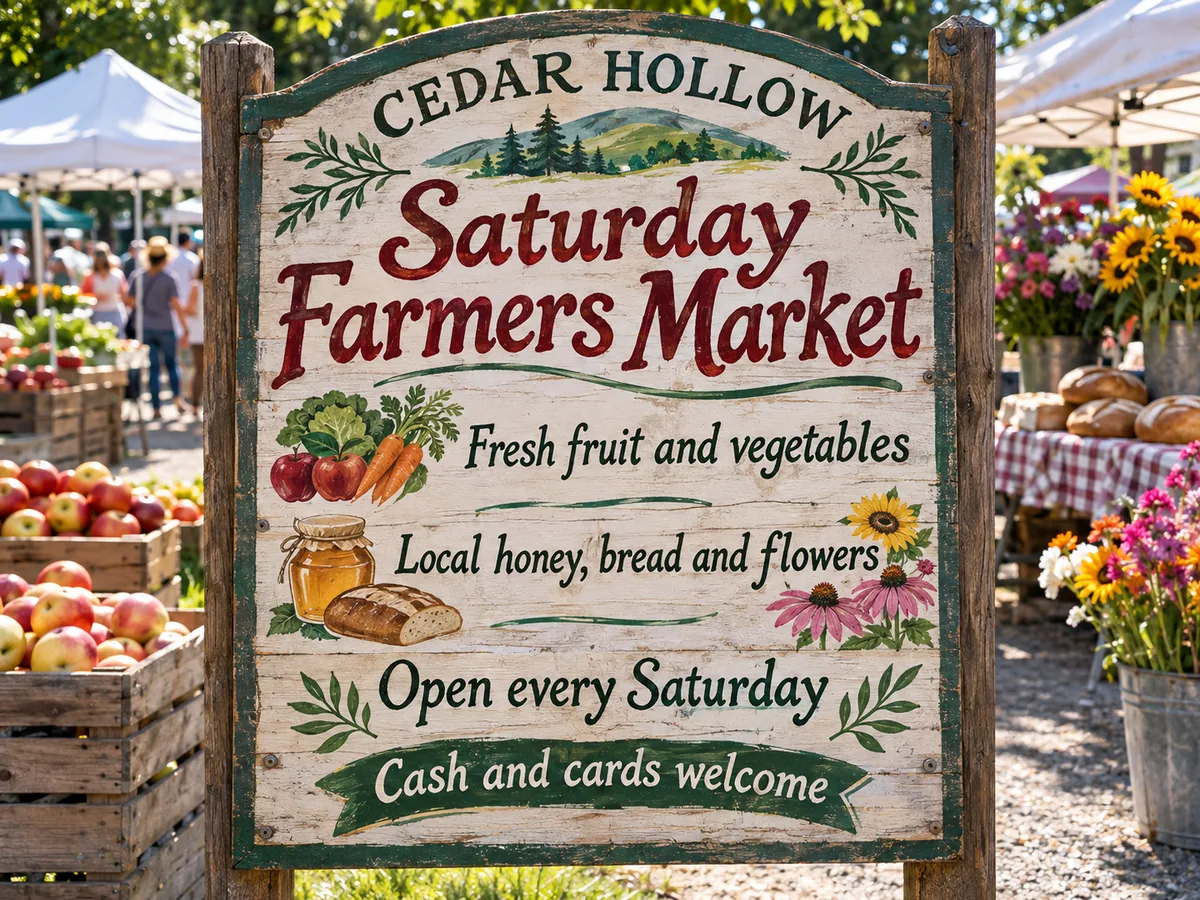
Six reasons to translate pictures here instead of retyping them or reading a camera overlay.
Translate an image online and the menu, label or poster comes back with the new words in it, ready to post, print or send. Nothing to retype or lay out again.
Pick English, Chinese (Simplified or Traditional), Japanese, Korean, Spanish, French, German, Portuguese and 10 more under Translate to. There is no source menu: the original language is detected.
After a run, a list such as "9 lines translated" shows each line, original to translation, so you can check the wording before you use the picture.
The pencil beside a line, Change this line, opens the picture in edit text in image to reword that line only, as a separate edit.
Get your own picture at its uploaded size, up to 2,048 px, with only the text areas replaced and every other pixel original.
One free watermarked run per account, then 10 credits per image. A picture with no text stops the run and uses no credits, and failed runs never use credits.
Three steps to translate text in image online, with nothing to install: you pick the language, the AI does the reading and the writing.
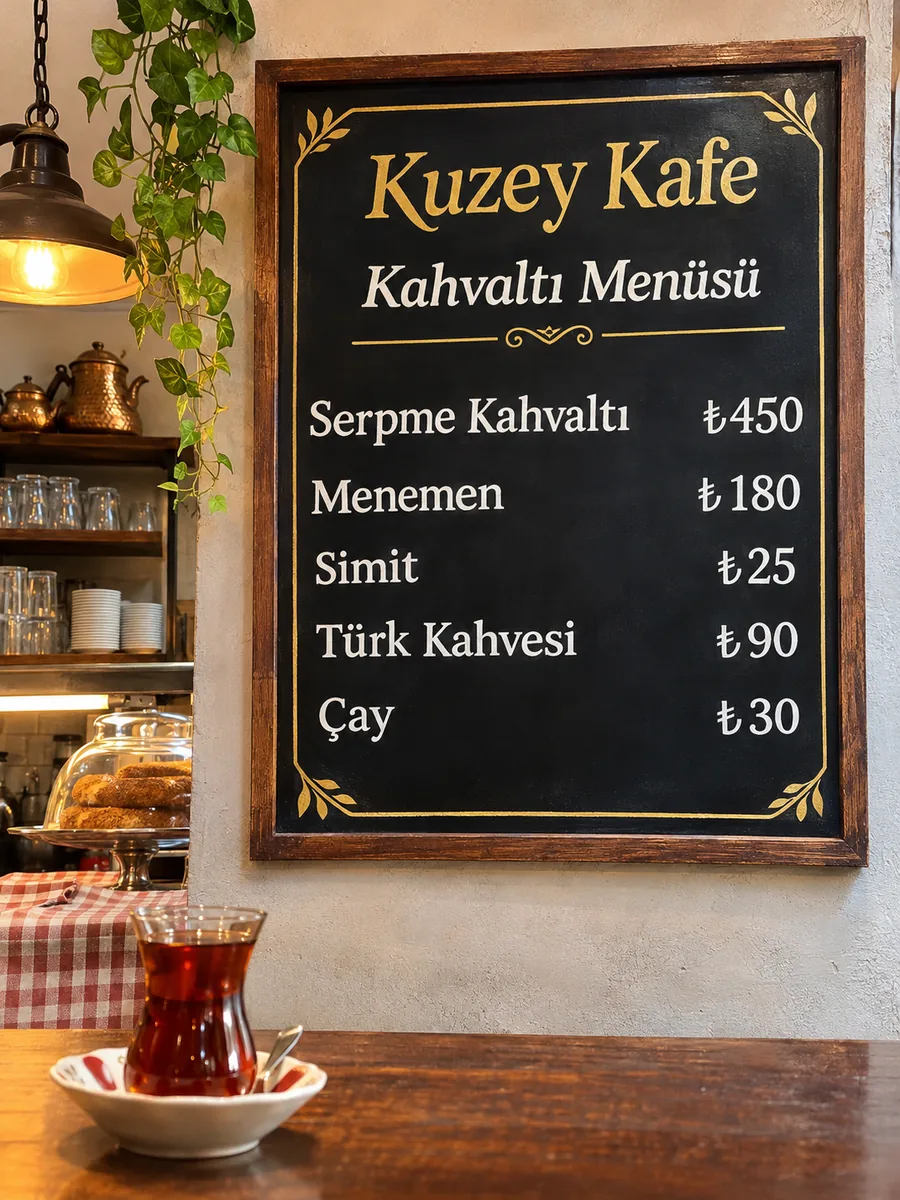
What happens when you translate text on image with AI: where each line goes, which languages it reads, and how to keep the words that should not change.
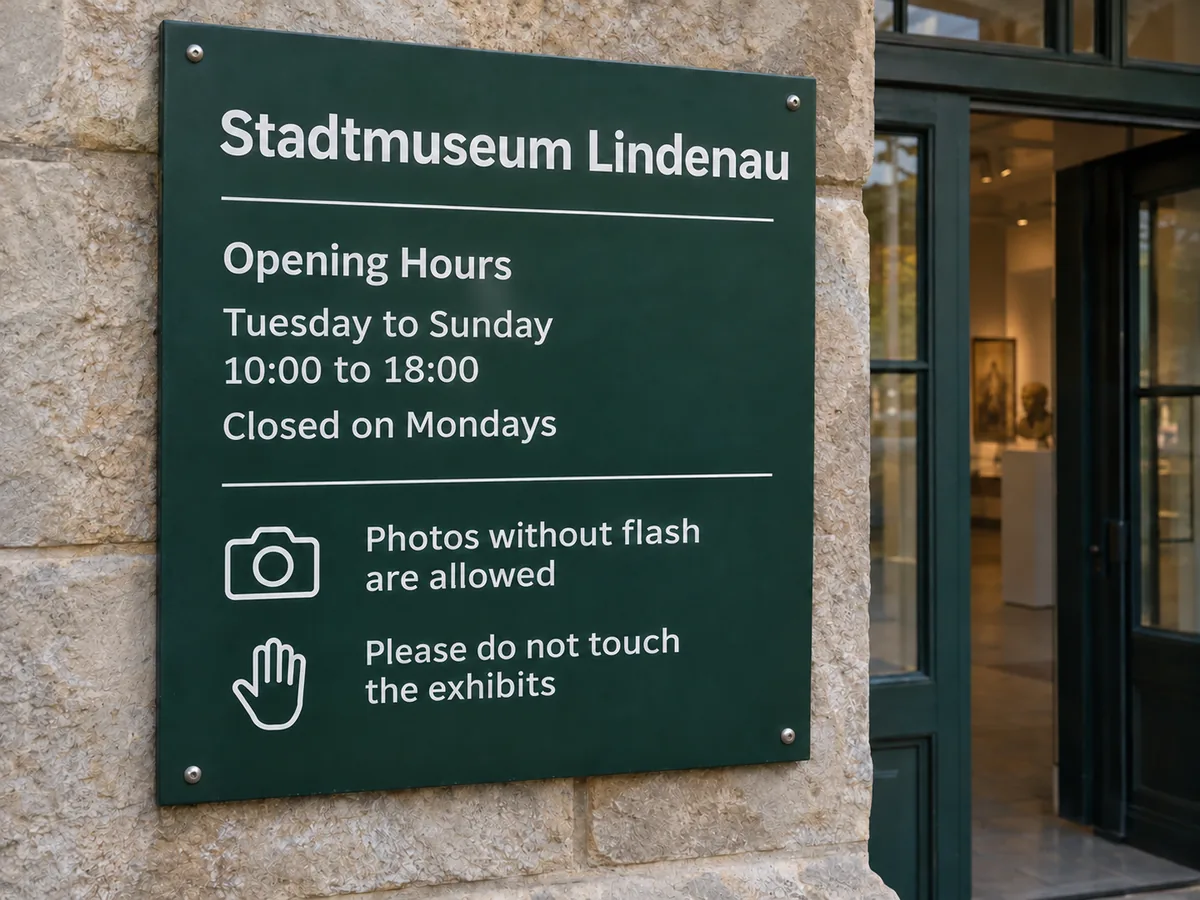
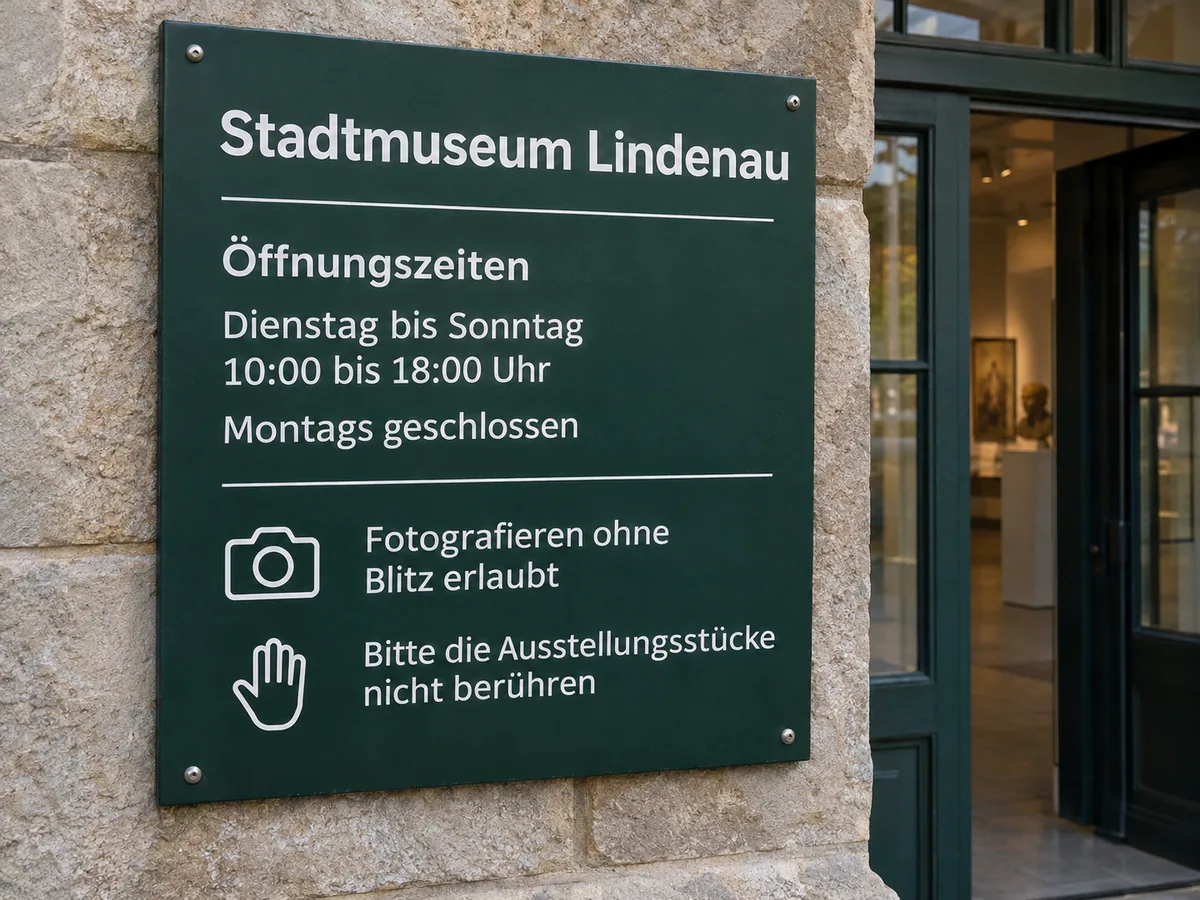 OriginalTranslated
AI reads the German on this museum sign, translates it, and writes the English into the same places, in a style as close to the original as the new script allows. The AI is told to keep the pictures, colors and layout around the words. Drag the slider to compare. For print, Same-size PNG pastes only the text areas onto your original at its own size, so every other pixel is untouched.
Compare your own picture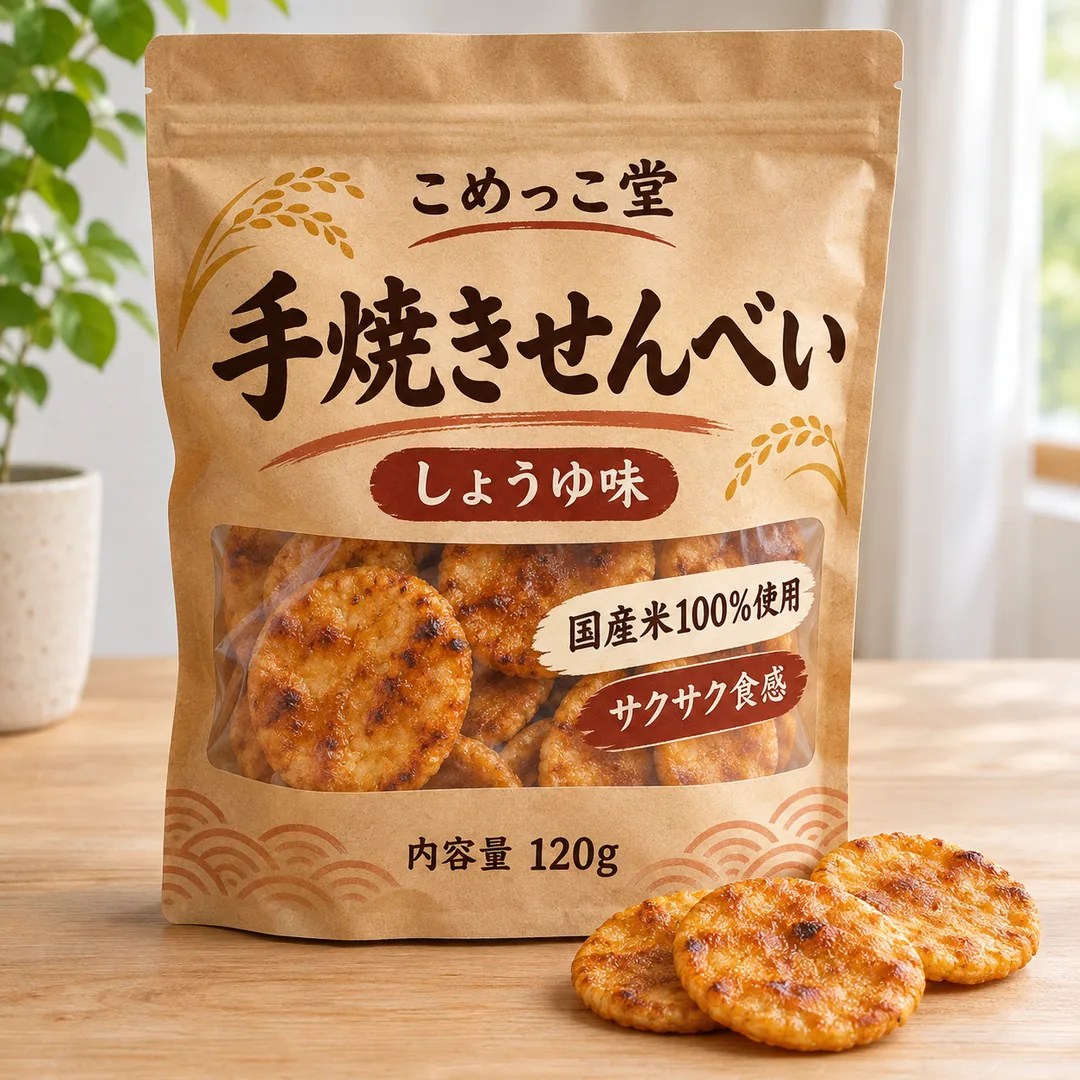
 Translated
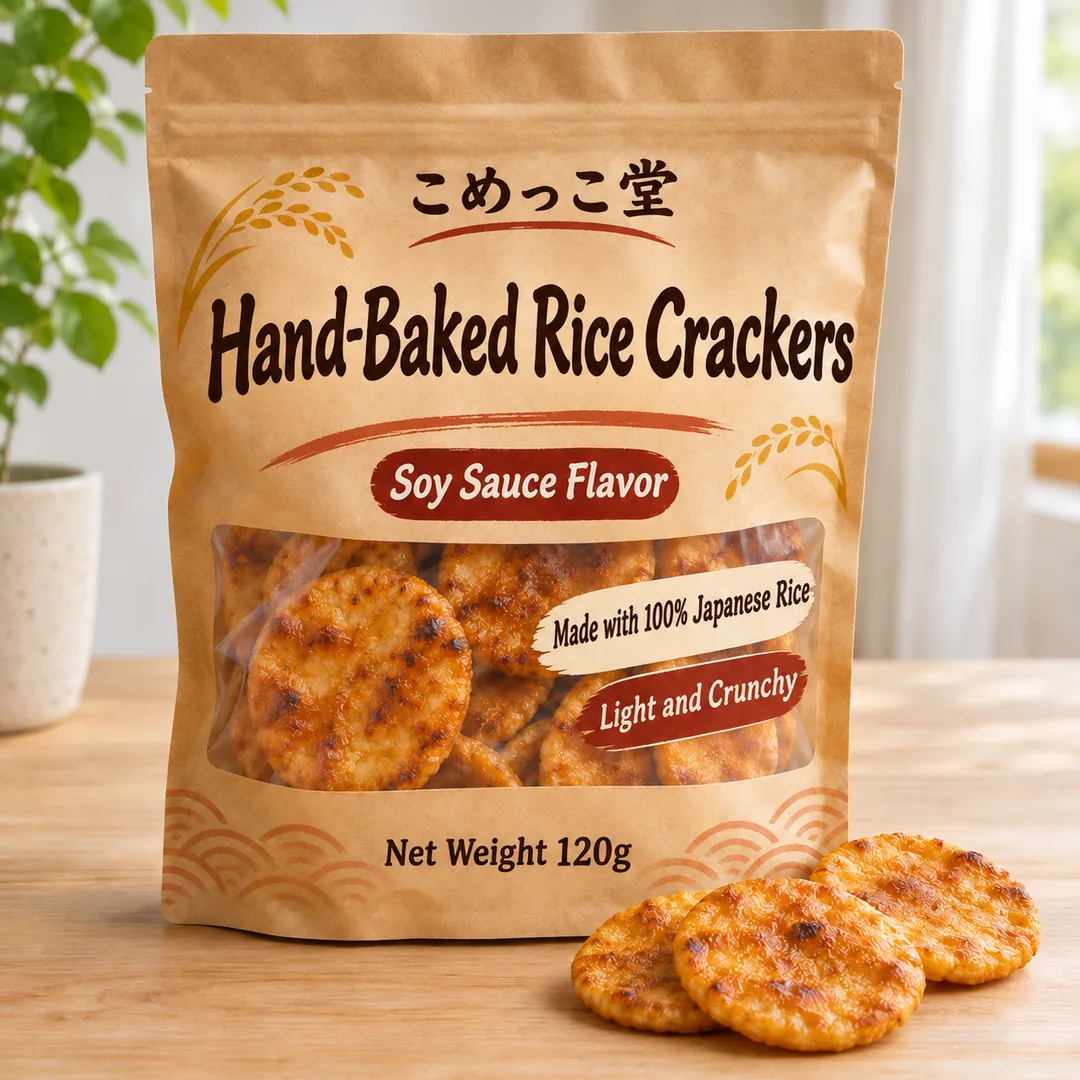
Snack bags, park signs and street food banners all work the same way, and the source language is found for you. Translate image Japanese to English for a snack bag, or translate Chinese text in image to English for a park sign. To translate text in image to English, keep the default; any of the other 18 languages can be the target too. Lines already in English stay as they are, so a sign that mixes two languages only changes where it needs to.
Translate to EnglishYour details
 Reading your details
Lines that are only names, brands, prices, numbers or links are left as they are, and the AI is told to keep those inside translated lines too, so check them. Anything else? (optional) takes a short note for the rest, such as keep the brand name in English, use the informal du, or use Brazilian Portuguese. The note is read along with your picture before the lines are translated.
Add a noteSix pictures made for this page, each translated with the language shown under it, and the note where one was used. Open one to see it large, or load its settings into the translator above.
From Italian · Translate to English
From Chinese · Translate to English
From Spanish · Translate to English
keep "Black Friday" in EnglishFrom English · Translate to Spanish, with the note above
use the informal duFrom English · Translate to German, with the note above
use Brazilian PortugueseFrom English · Translate to Portuguese, with the note above
Four habits that help when you translate text in image files: the AI reads every line and writes it back neatly.
Text in focus, well lit and photographed head on is read more reliably than a slanted, blurry shot, and screenshots are the easiest. To translate text in a photo, crop out what you do not need first.
One run takes up to 30 lines. For a long menu or a busy flyer, crop it into parts and translate each part, so no line is left out.
Use Anything else? for a slogan, a title or a brand that must stay in its own language, or to ask for a tone or a region: formal or informal, Brazilian or European Portuguese.
This is machine translation. Read every line, check prices, ingredients and any legal or safety text, and reword a line with edit text in image. For print, use Same-size PNG; for a bigger file, the image upscaler enlarges it.
This image translator online next to a camera translator app and retyping the text in a photo editor. To translate words in an image to English just to read them, a camera app is quicker; to get a picture you can use, it is not.
Anyone who needs to translate text in image files for someone else to read.
Translate a product image for a new market, or translate Korean text in an image from a supplier into English, then check every claim and ingredient line. A clean white background shot pairs well with it.
Give visitors the menu in their language: the dishes are translated, and the AI is told to leave prices and the café name alone. Check them before you print.
Translate a photo online after the trip: a sign, a ticket or a label you photographed comes back as a picture in English, an easy way to translate a picture to English for friends back home.
Translate screenshots for store pages in other languages, and use the note for tone, such as the informal du in German.
Turn a worksheet, a slide or a classroom poster into a student's home language for a handout, and keep the original for yourself.
Translate an image to Spanish, then to French or Vietnamese: one notice or event poster in several languages, one run per language.
Answers about languages, fonts, accuracy, sizes, price and what it leaves alone.
Clean up the picture, change its background, make a new design or turn it into layers.
Four tools for what usually comes next.
Your picture, in their language
Translate pictures of menus, labels, posters and screenshots into 1 of 19 languages and get each one back in about a minute. It is free to try.
Translate a picture