Shaped for the placement
Forearm, Upper arm, Back, Chest, Wrist, ankle or ear, or Anywhere: each sets the shape and the layout, an AI tattoo placement generator in one menu.
An idea to show your tattoo artist
Image2Layer's AI tattoo generator turns your idea, or a photo of a pet or flower, into a tattoo design on plain white, free to try. Pick from 10 styles and 6 placements, and get a free ink only PNG.
1. Describe your tattoo
Words in quotes are written as lettering.
2. Choose the style
Thin lines, delicate detail
About 1,000 px, for screens and sharing.
10 credits per design · Failed runs never use credits
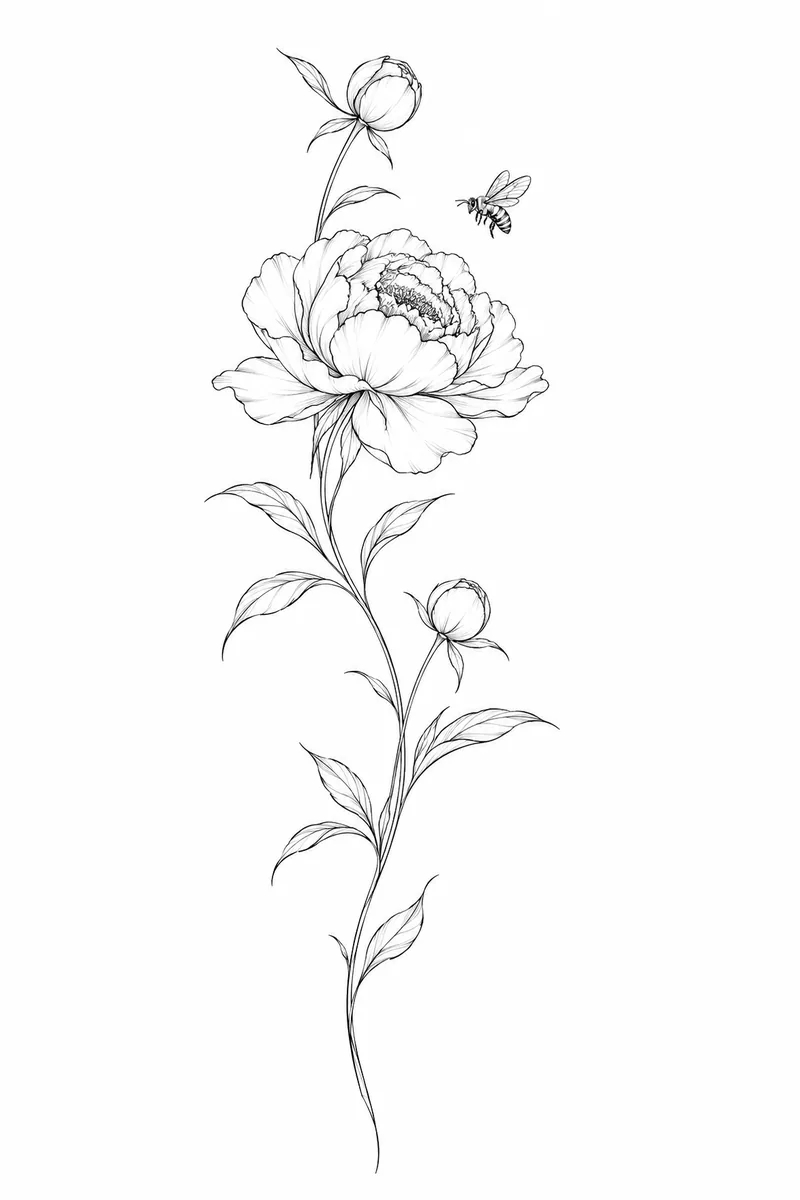
One idea, shaped for the spot
It draws a finished tattoo design from a few lines you write or from one photo. Describe the subject and the mood, put a name or a quote in quotes, and pick one of 10 styles. Add a photo of your dog, your cat or a rose from the garden and the main subject becomes the design, so it is an AI tattoo generator from text and from pictures alike.
Pick a placement and the tattoo generator draws the design in that shape: tall for a forearm, wide for the chest, small and simple for a wrist. It is drawn on plain white with clean shapes an artist can work from, and Ink only PNG takes the white away. For a line drawing, open the stencil maker; to enlarge it, use the image upscaler; and press Split into layers to open it in image to layers, which charges for the split on its own.
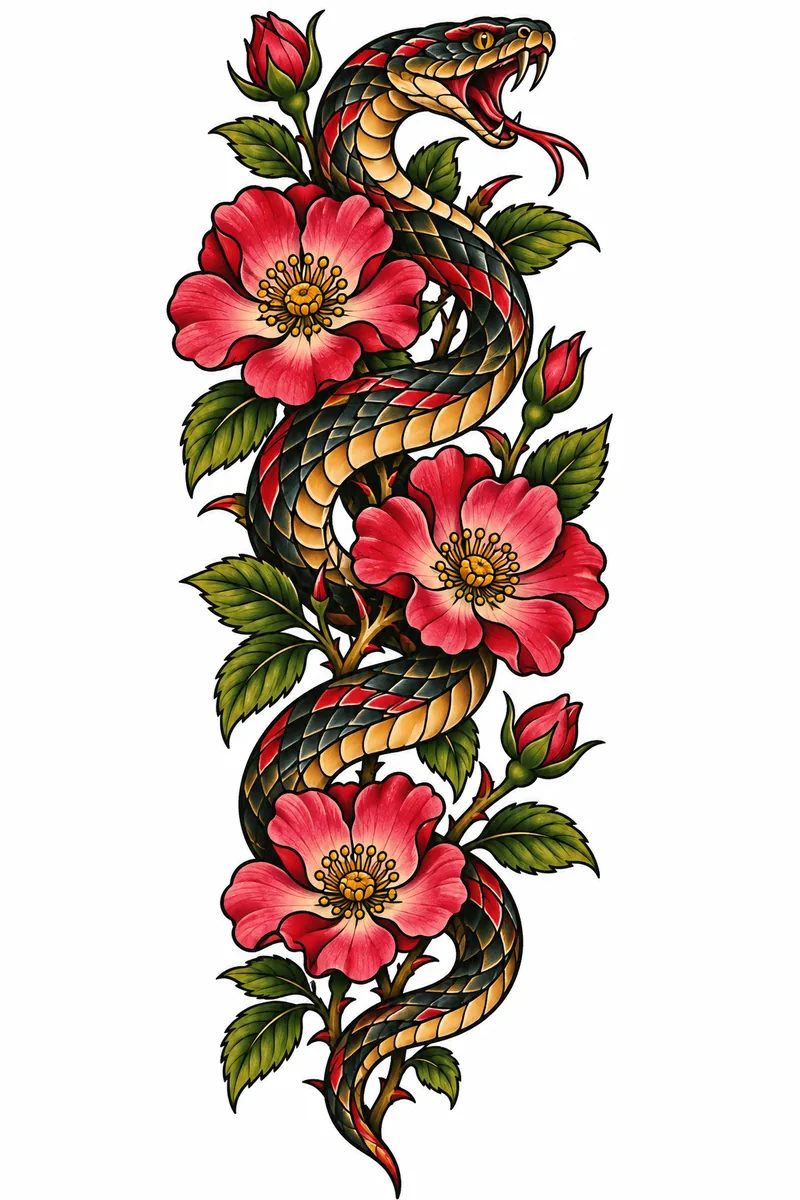
Six reasons to start with this tattoo design generator before you sit down with your artist.
Forearm, Upper arm, Back, Chest, Wrist, ankle or ear, or Anywhere: each sets the shape and the layout, an AI tattoo placement generator in one menu.
Fine line, Minimalist, Traditional, Neo-traditional, Blackwork, Black and grey realism, Japanese, Geometric, Watercolor and Lettering.
Write the words in quotes and they are drawn into the design. Pick Lettering and the words become the whole tattoo.
Add one photo and it works as a tattoo generator from photo: the dog, cat, flower or keepsake in the picture is redrawn as the tattoo, close to the original but never an exact copy.
The design comes on plain white. One press makes the white transparent in your browser, so the ink sits on any background.
10 credits at 1K, 15 at 2K and 25 at 4K. Credit packs need no subscription, and a run that fails never uses credits.
Three steps with this AI tattoo design generator, from a rough idea to a design you can bring to your tattoo artist.
Prompt
What it does with your words, your photos and the white paper. Each panel plays by itself, or press the tabs and drag the divider.
Your details
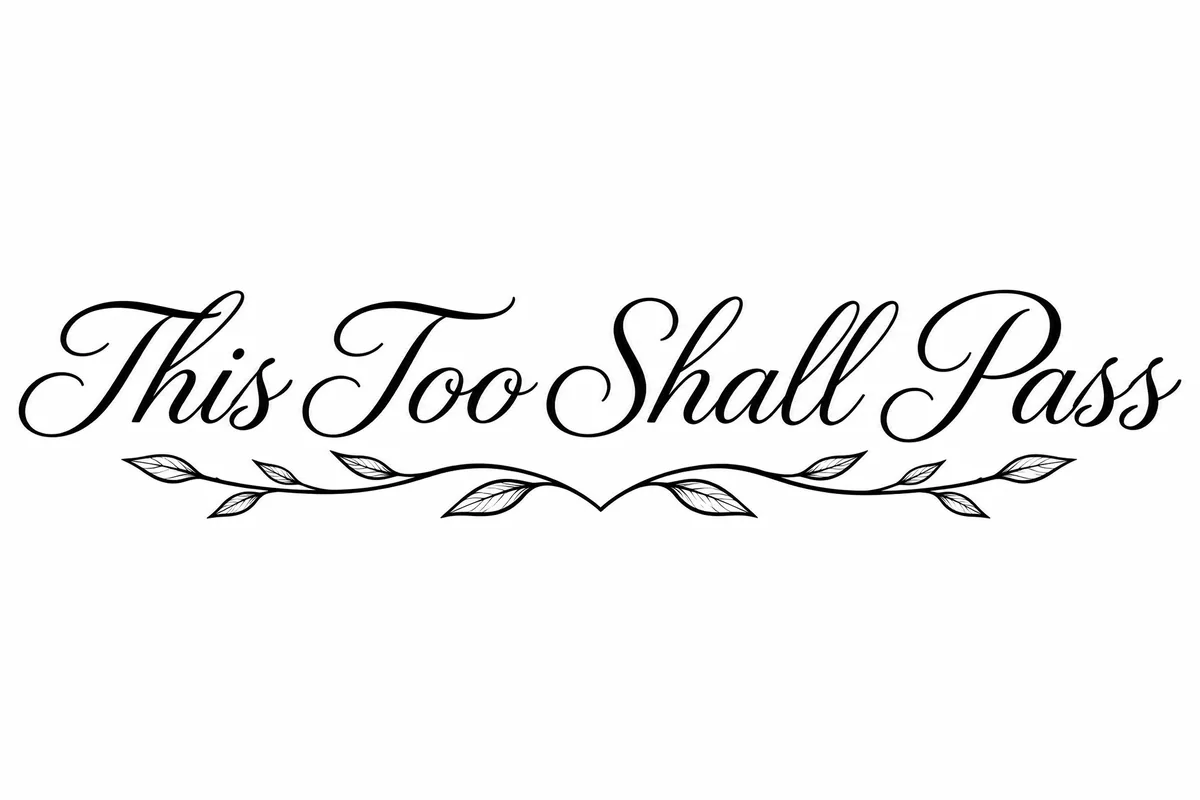 Reading your details
Everything inside quotes is written into the design, and no other words are added. Pick Lettering and it works as an AI tattoo lettering generator: the words become the whole tattoo in a flowing script or blackletter. Pick any other style and they are worked into the art, on a banner or under it. Keep each line short, check every letter, and fix a wrong one with edit text in image rather than starting over.
Write your words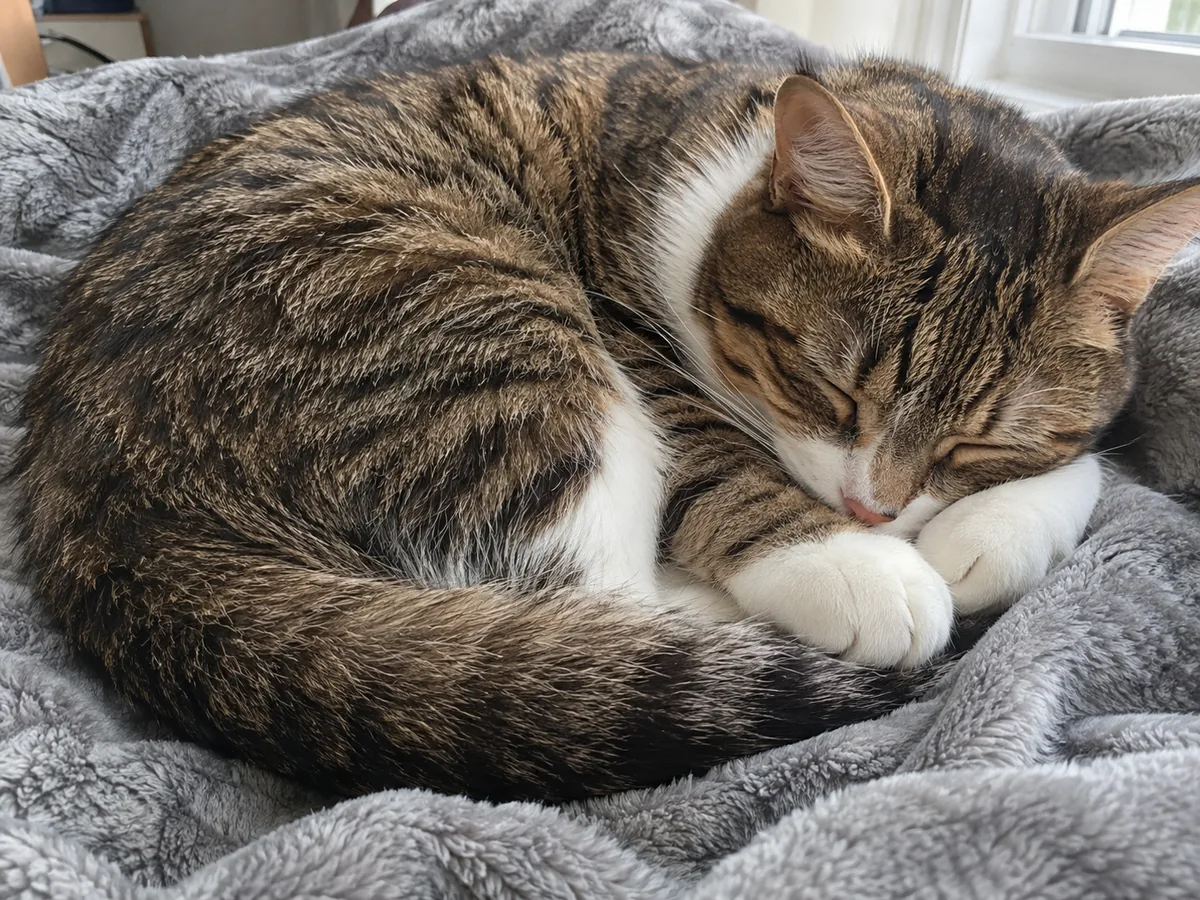
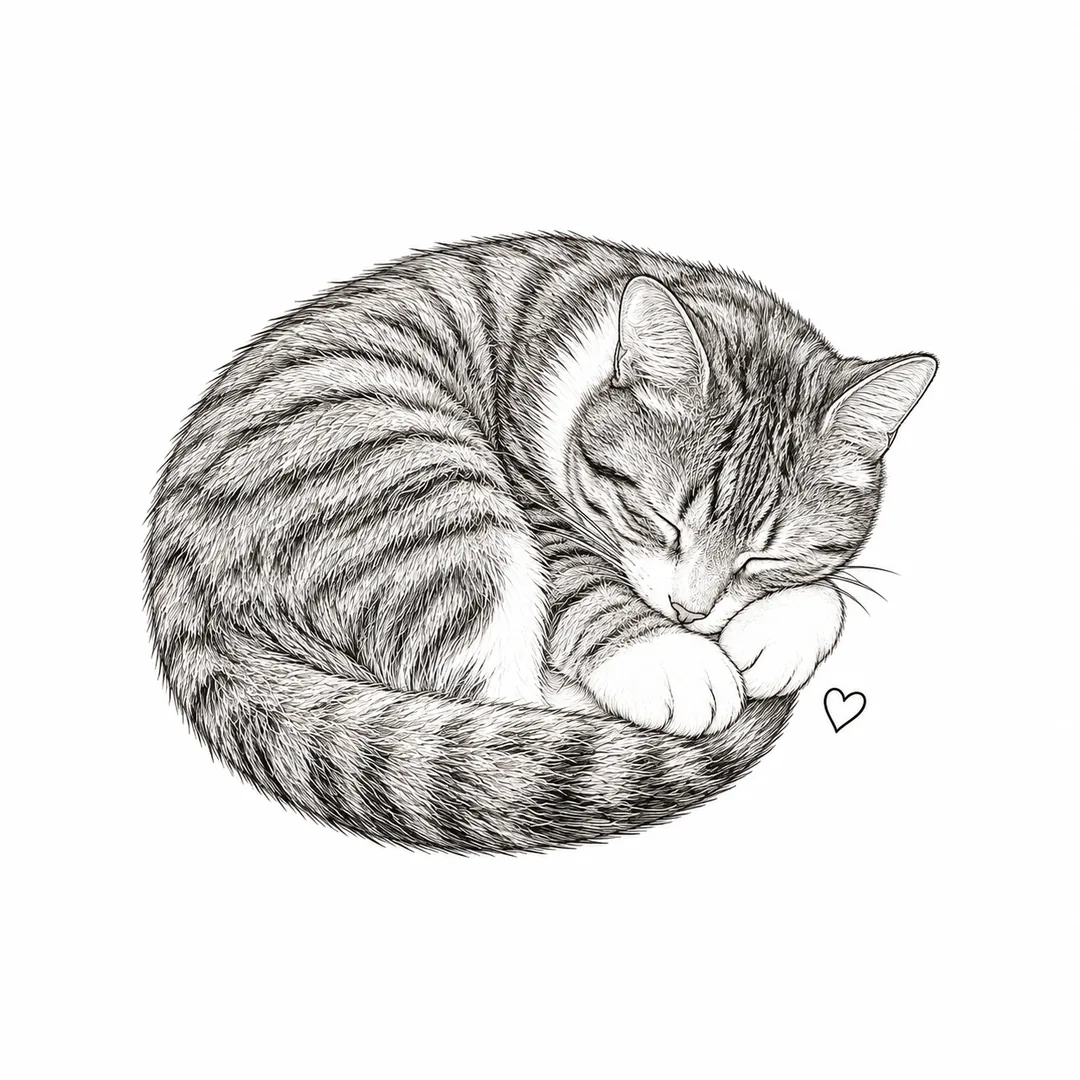 Your tattoo
Add one photo of your pet, a flower or a keepsake and the main subject is redrawn as a tattoo in the style you pick. That makes it an AI tattoo generator with photo input, not a filter: the cat turns into fine lines, the rose into watercolor. Markings and faces can shift a little, so check that it still looks like yours before you book.
Add your photo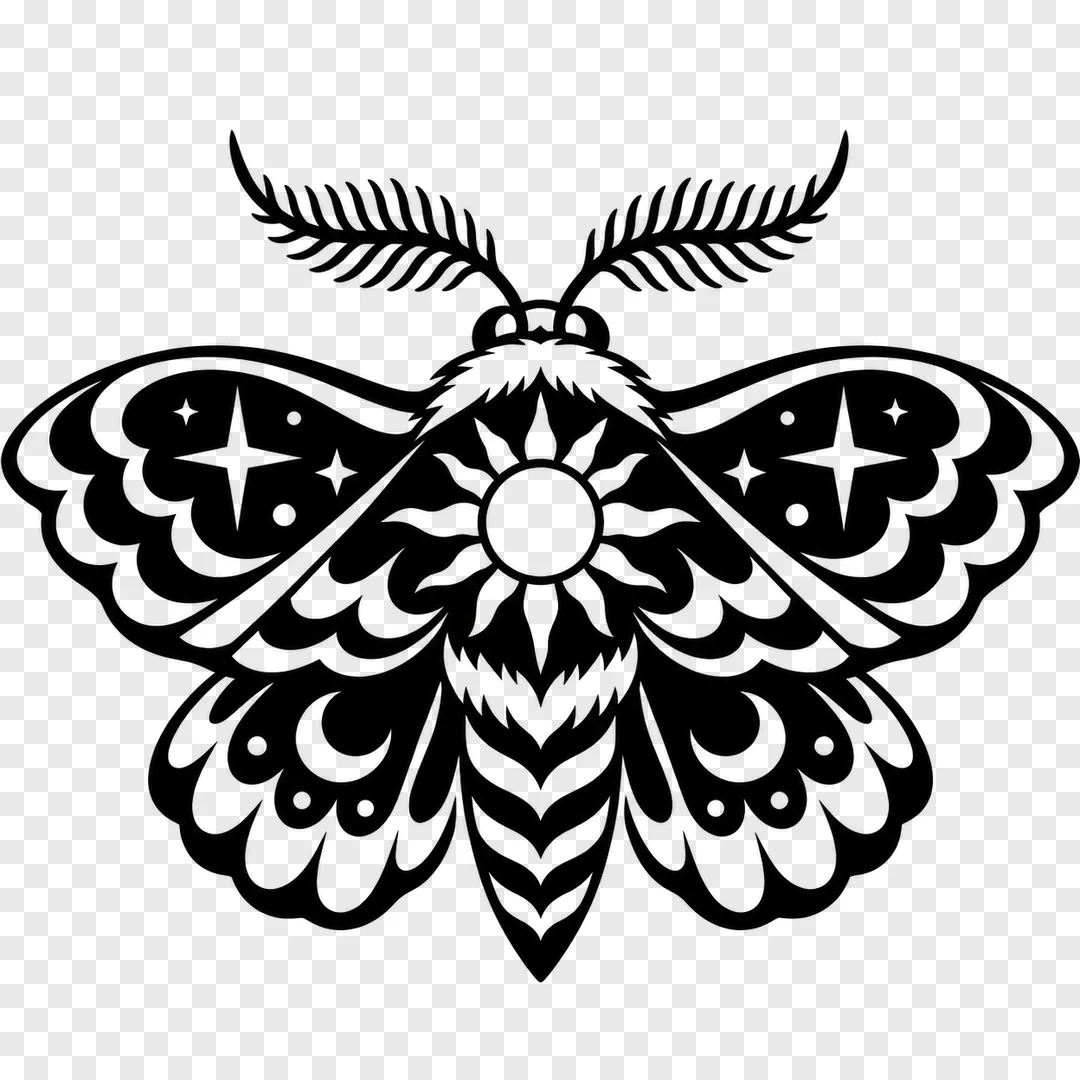
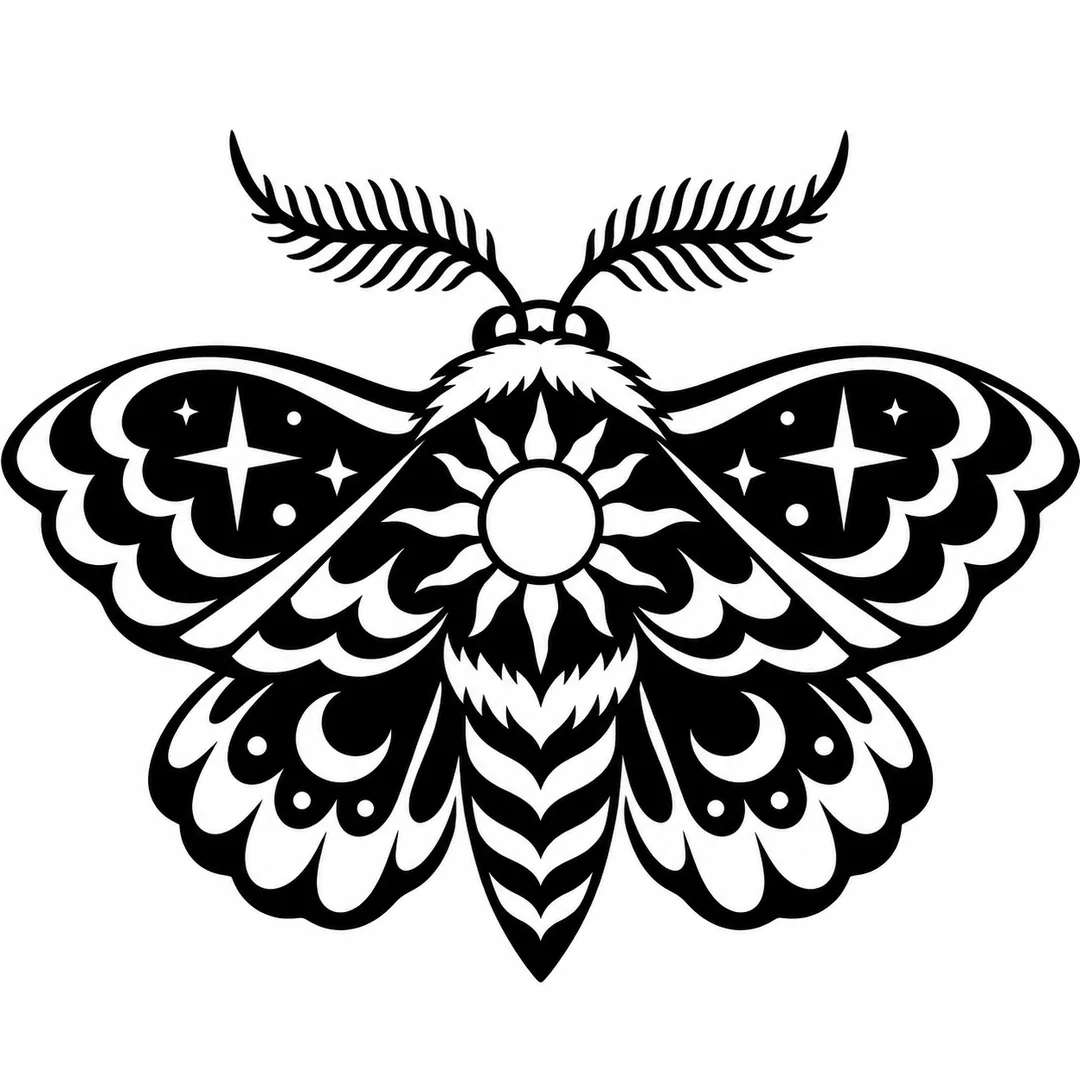 On whiteInk only PNG
Every design comes on plain white, which prints cleanly for your artist. Press Ink only PNG and your browser makes the white paper transparent, so only the ink is left, at no extra cost. Lay it over a photo of your arm in any editor to judge the size, since this tool does not put the tattoo on a body.
Make a designSix designs made for this page with the tattoo generator's own prompt, each from the description under it and the style and placement in its note. Open one to see it large, or press Use this prompt to load it into the generator.
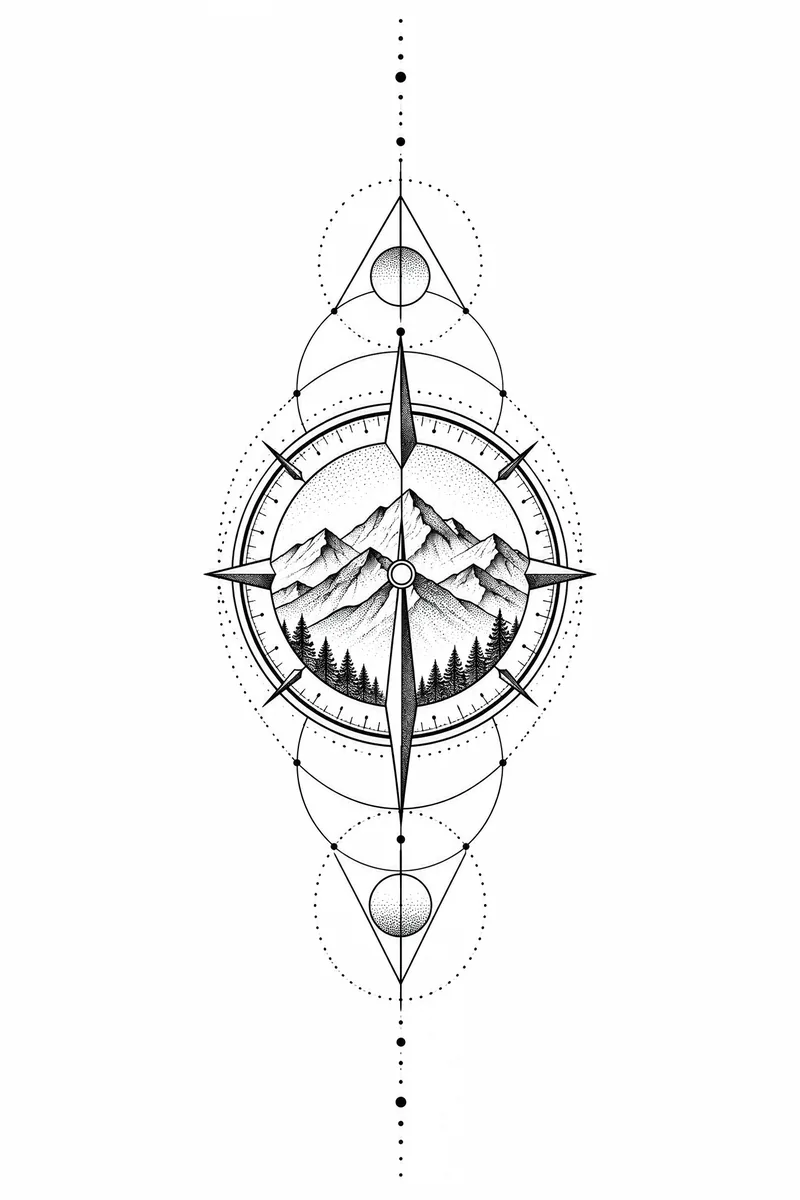
a wolf head made of triangles and fine dotwork, a small mountain insideTattoo style Geometric · Upper arm · 1K
"Amara" in flowing script, a tiny olive branch under the nameTattoo style Lettering · Wrist, ankle or ear · 1K
a fox curled up asleep with splashes of orange and teal behind itTattoo style Watercolor · Anywhere · 1K
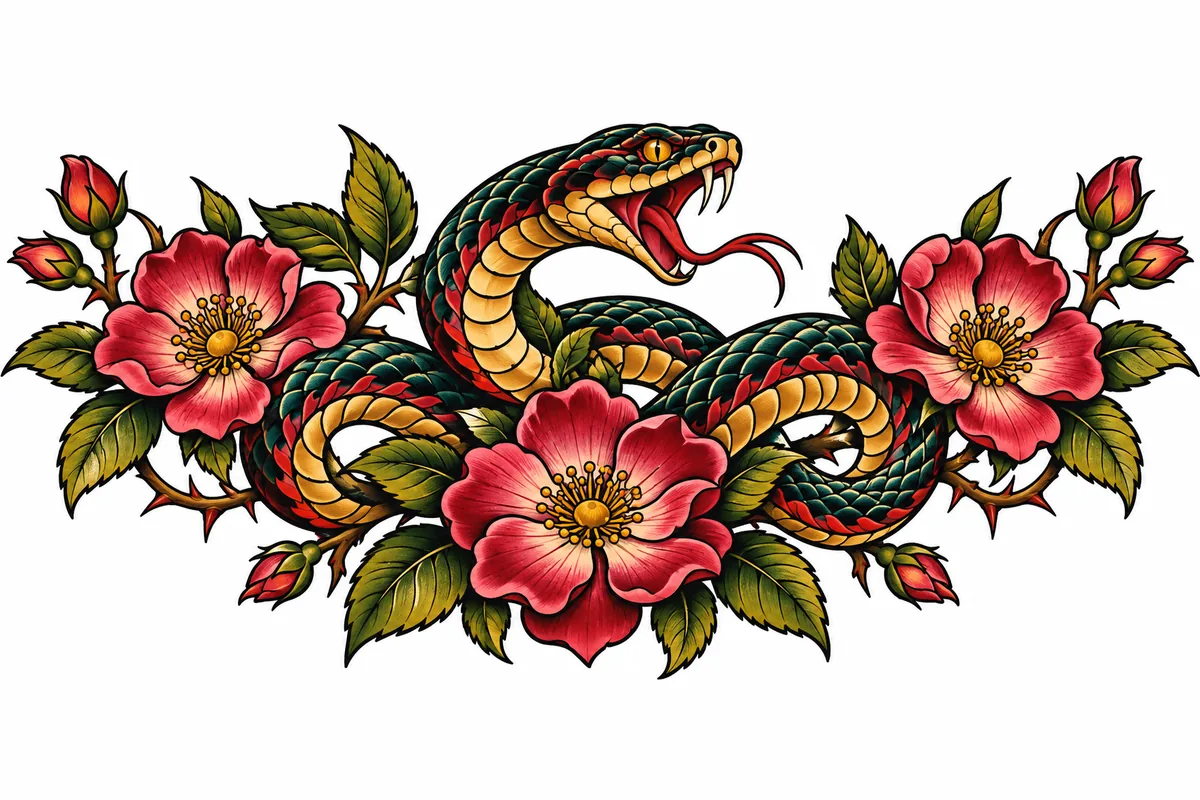
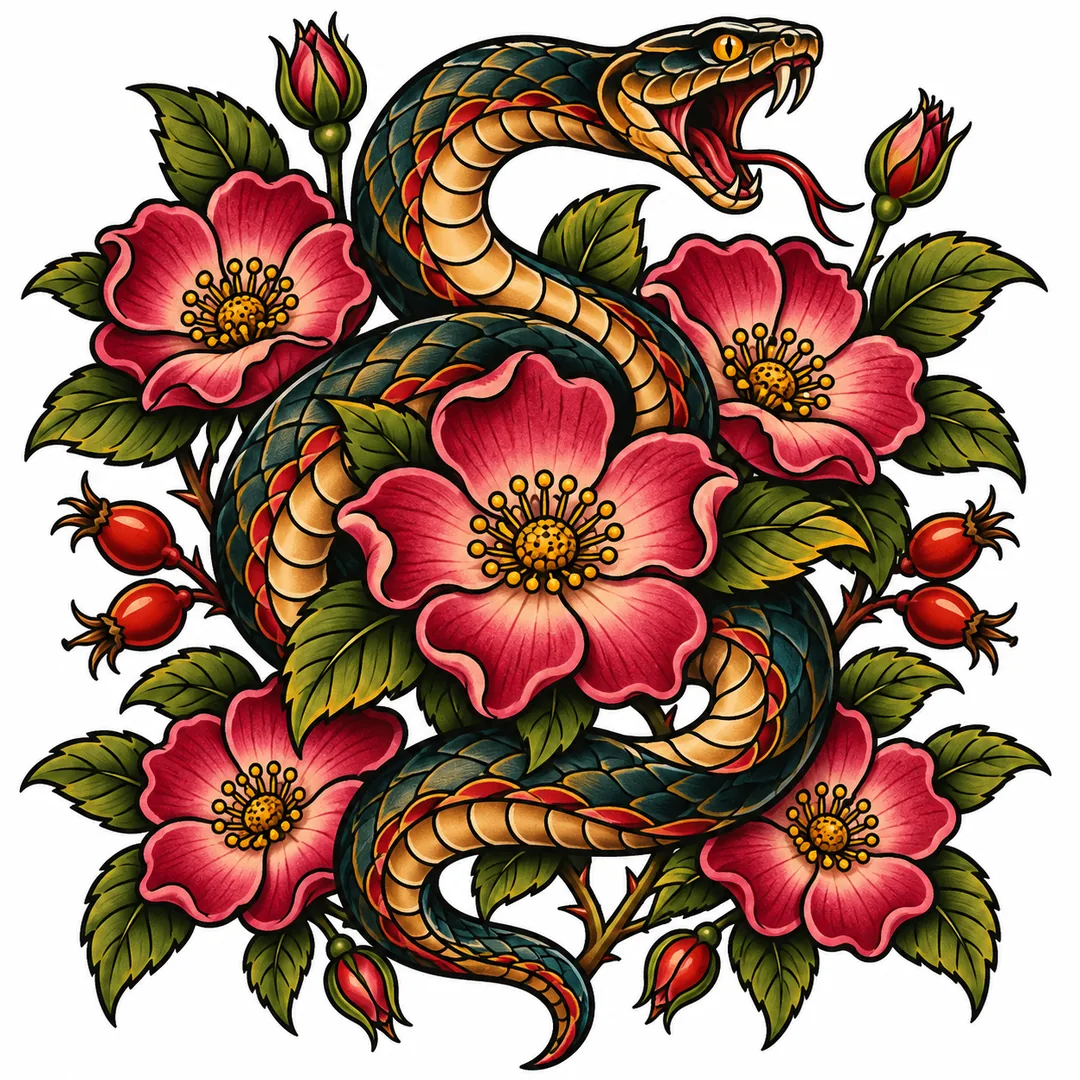
a crawling panther with its claws out and a red rose belowTattoo style Traditional · Forearm · 1K
an eagle with spread wings over a mountain ridgeTattoo style Black and grey realism · Chest · 1K
the Leo constellation as small dots and thin lines, a tiny crescent moon aboveTattoo style Minimalist · Forearm · 1K
Four habits that help the tattoo generator draw something your artist can work with.
A peony with a bee, a tiger in cherry blossoms, a ship under a star: one clear subject reads better on skin than a list of ten symbols. Name the colors you want, or ask for black ink only.
Fine detail can blur on a small spot, so for a wrist or an ankle pick Minimalist or Fine line and keep it to a few lines. Save realism and Japanese for an upper arm or a back, where there is room for shading.
A tattoo design generator from a photo can only keep what it sees. Pick a bright photo where the pet or flower fills most of the frame. JPG, PNG or WebP up to 24 MB works.
1K is enough to show your artist on a phone. Choose 2K or 4K for a large back piece or a printed reference, or enlarge a 1K design later with the image upscaler.
This tattoo design generator online next to picking flash in a shop and paying an artist for a custom drawing.
First timers, pet owners and tattoo artists use it to turn a vague idea into something to talk about.
Not sure what you want yet? Use it as a tattoo idea generator: try one idea in three styles and bring the AI tattoo design you like best to your consultation.
Turn a photo of your dog or cat into a design: a tattoo maker from photo for pets that never sit still. Black and grey realism makes it an AI realistic tattoo generator for a portrait.
A name, a date and a favorite flower, in quotes and in ink, for someone you want to keep close. Check every letter and number twice.
Sketch a direction with a client on the tattoo generator in a minute, then redraw it your way. The free stencil maker turns a design into line art for tracing.
The transparent ink file of an AI tattoo design drops onto a shirt or a poster mockup, and the AI sticker generator makes stickers to match.
Want something tiny? It works as an AI tattoo generator for fine line and as an AI minimalist tattoo generator: pick either style, choose Wrist, ankle or ear, and the design stays simple enough to read at about 3 cm across.
Answers about photos, lettering, styles, placement, stencils, price and what it does not do.
Make a line stencil, turn the design into a sticker or a vector, or cut out the photo you start from.
Four tools for what usually comes next.
Walk in with a design
Describe the idea or add a photo, pick a style and a placement, and take the design to your artist. It is free to try.
Design a tattoo