Head sized to the document
The AI finds your face, and your head is scaled so the chin to crown height sits inside the range of the document you pick, with the crown at its set distance from the top.
Sized for passports, visas and IDs
Image2Layer's passport photo maker turns a phone photo into a passport, visa or ID photo for 5 credits. AI cuts you out and sizes your head for 18 documents; background changes and print sheets cost nothing more.
1. Upload a photo of your face
Sexual or explicit content isn't allowed. Images and results that contain it are blocked automatically.
2. Choose the document
2 × 2 in
5 credits per photo · Failed runs never use credits
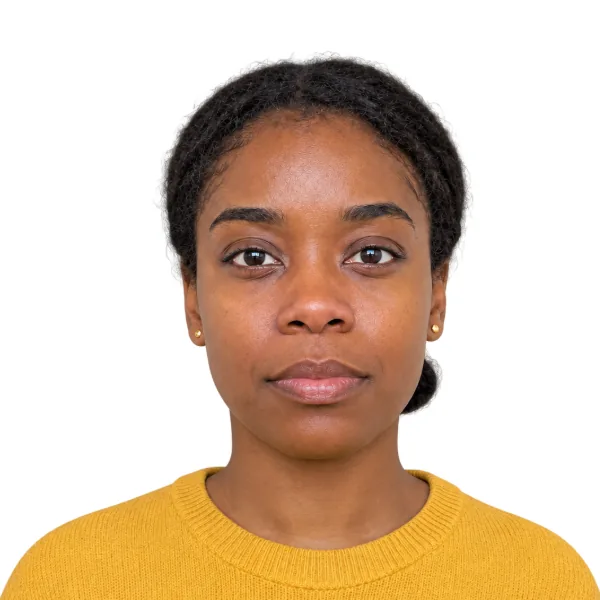
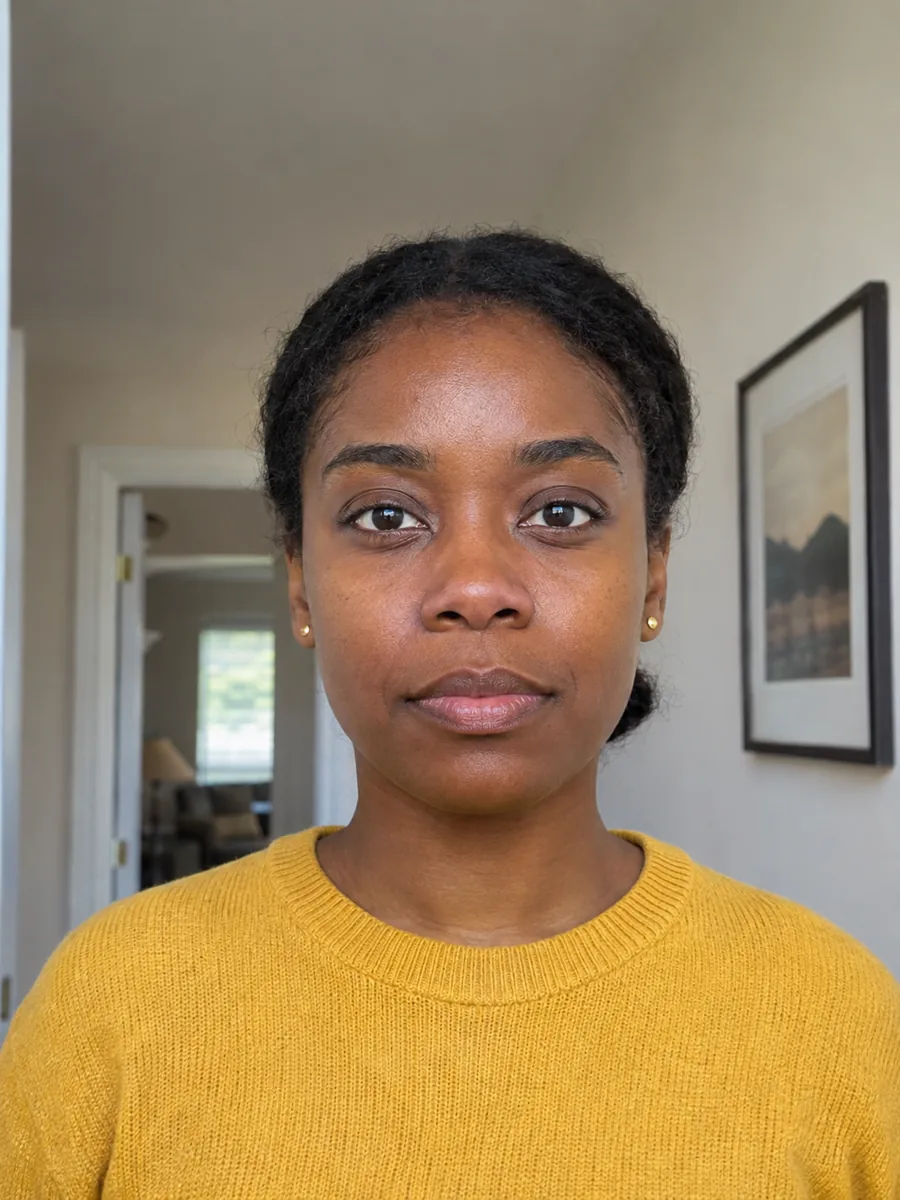
One photo, 18 documents
It turns a photo someone takes of you at home into a photo at the size a passport, visa or ID form asks for. AI cuts you out and finds your face; then this passport photo maker online scales your head to the document's chin to crown range, centers it and fills in a plain background. It knows 18 documents, from the US 2x2 passport photo to the Chinese one-inch photo, so you can use the same passport photo maker for the UK, the US or a Schengen visa.
Everything after the cut-out happens in your browser at no extra cost: switch the document, the background or the position as often as you like, then download one photo or a print sheet. If you only want a clean backdrop for a profile picture, white background or change image background fit better, and the transparent background maker gives a cut-out with no backdrop at all. All of them sit beside image to layers, the tool Image2Layer is named for.
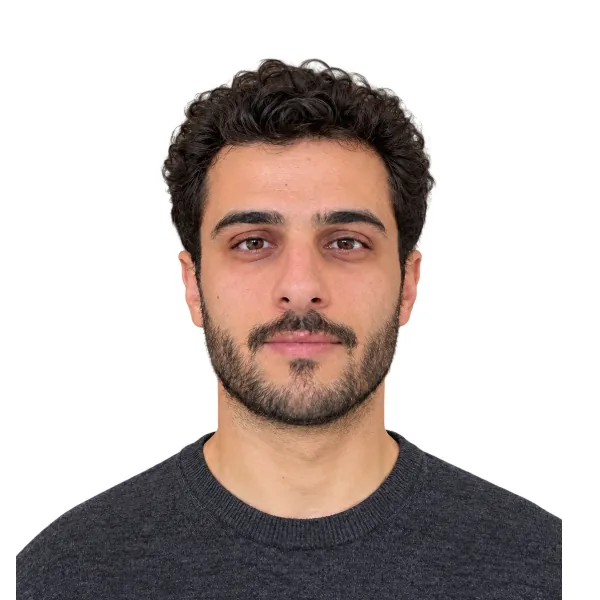
Six reasons to make your ID photos here instead of cropping them by hand.
The AI finds your face, and your head is scaled so the chin to crown height sits inside the range of the document you pick, with the crown at its set distance from the top.
US, UK, Schengen, Canadian, Indian, Chinese, Japanese, Korean, Brazilian and more: one ID photo maker for passports, visas, ID cards and résumé photos.
White, Light gray, Light blue, Blue or Red, or Pick a color for the exact shade a form names. It works as a passport photo editor that only touches what is behind you.
Head size, Higher or lower and Left or right sliders, with Show guides for the crown line and the band where the chin should fall. Move them as often as you like.
4×6 in print sheet and A4 print sheet make it a passport photo layout maker: as many copies as fit, at 300 DPI, with light lines to cut along.
You pay once for the cut-out; changes and downloads after that are free. Credit packs need no subscription, and a run that fails never uses credits.
Three steps, from a photo taken at home to a photo you can upload to a form or print, with no photo studio.
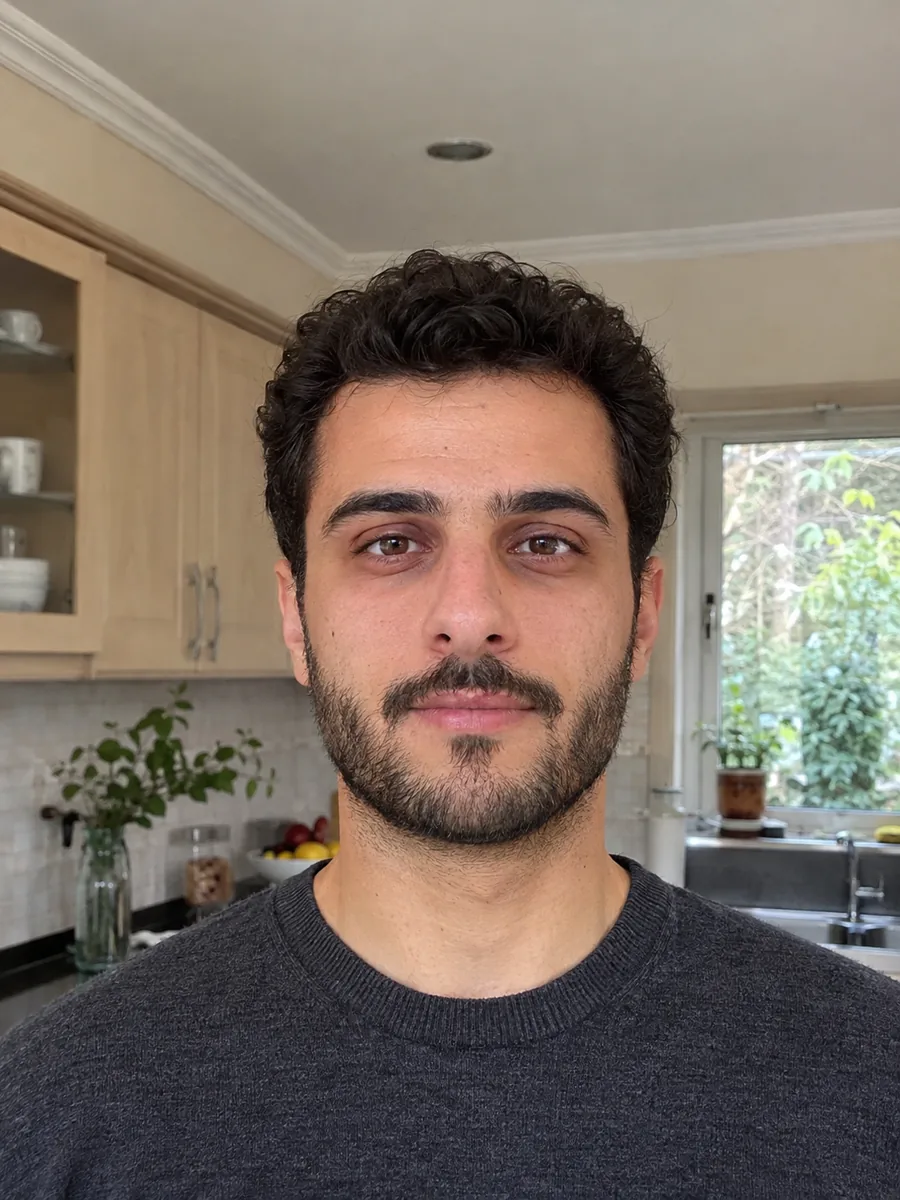
What happens to your photo, from the cut-out to the print. Each panel plays by itself, or use its controls.
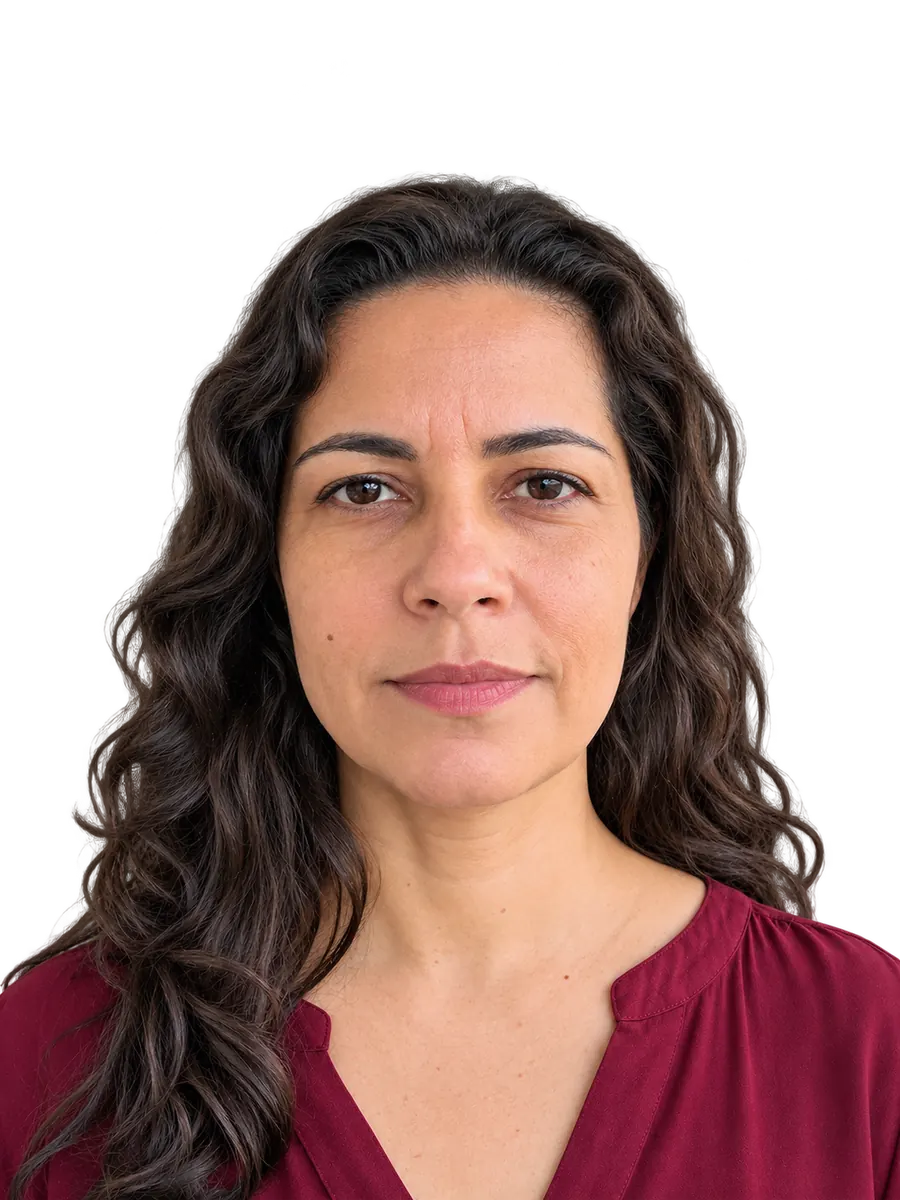
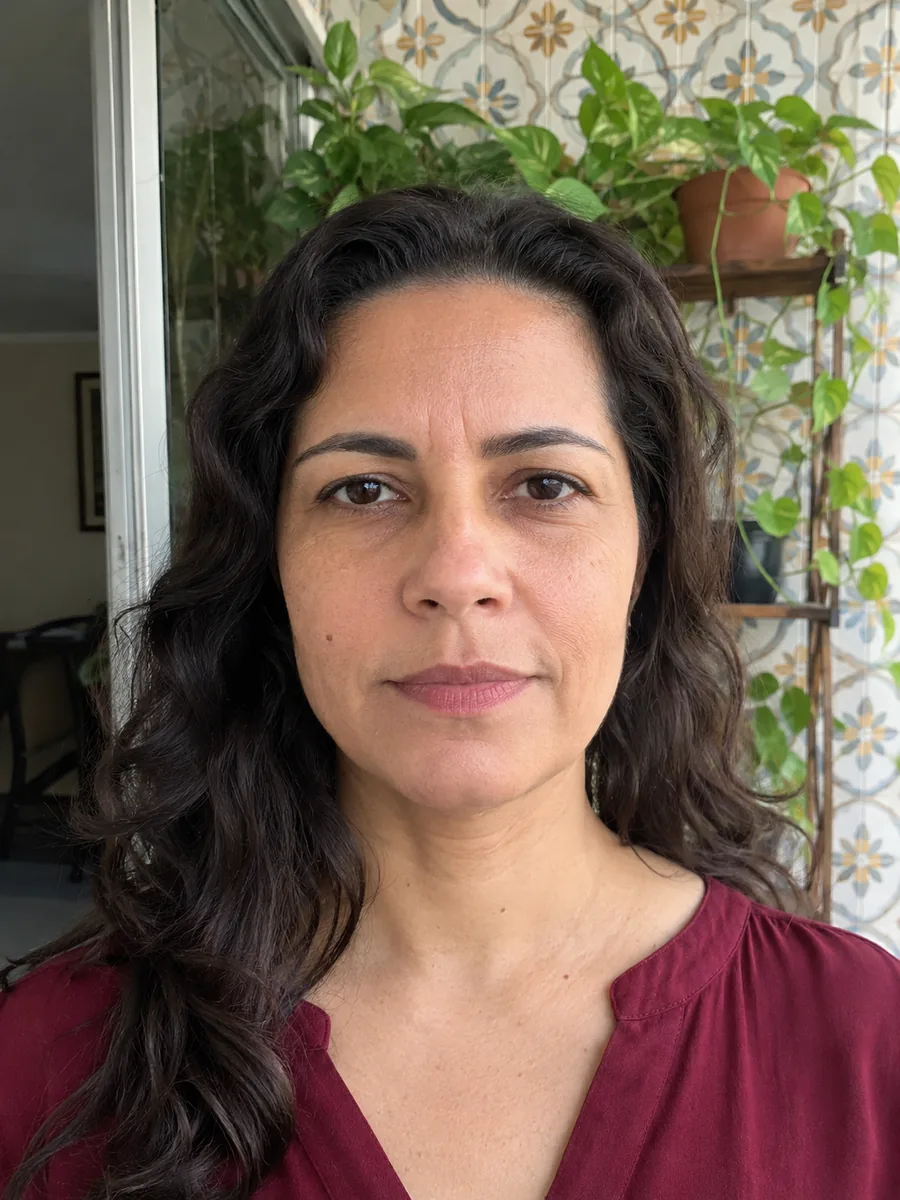 Your photoCut out
The cut-out is the one paid step: AI separates you from the room behind you and finds your face, so this is a passport photo maker that removes the background for you. From the face and the top of your head it measures your head height, which is what each document sets a range for. Drag the divider to see the room go. For cut-outs of anything else, use cut out image.
Upload your photo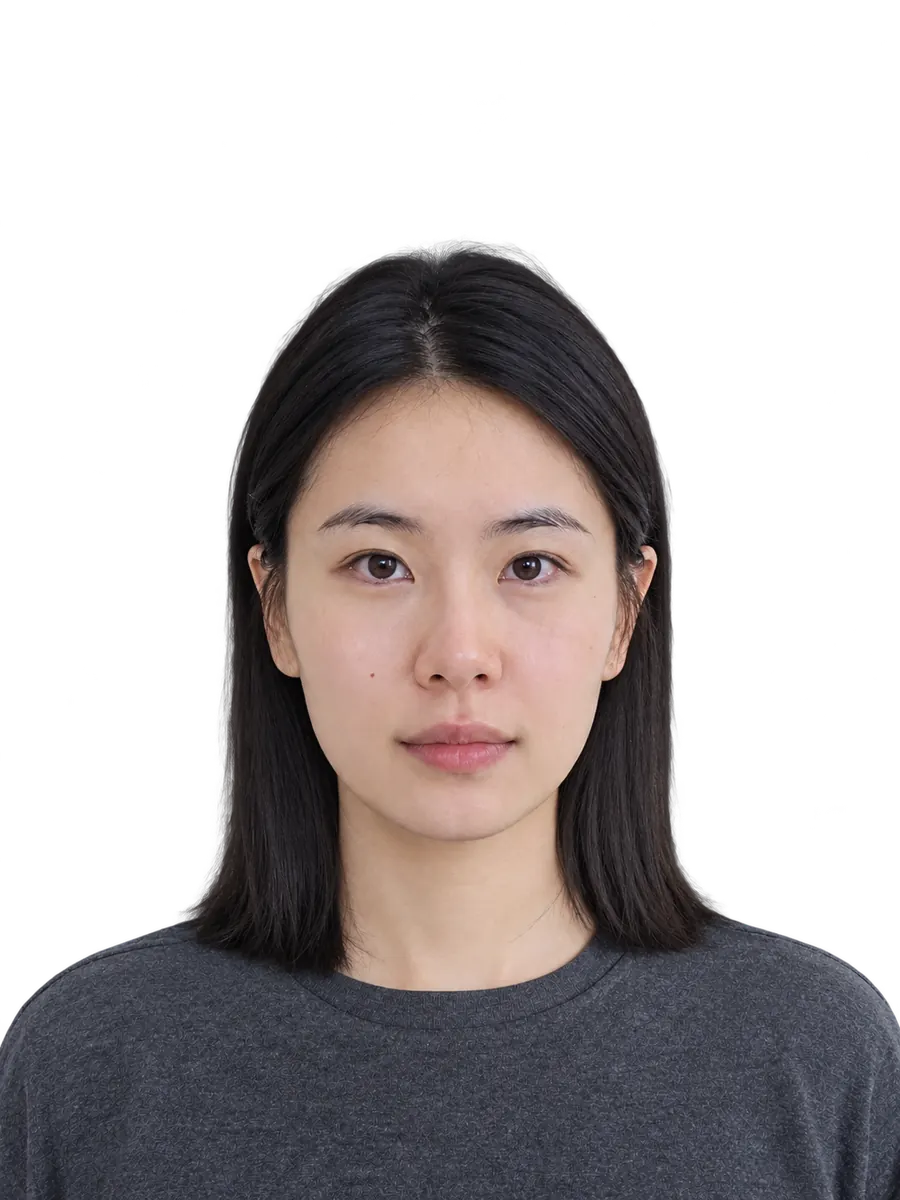
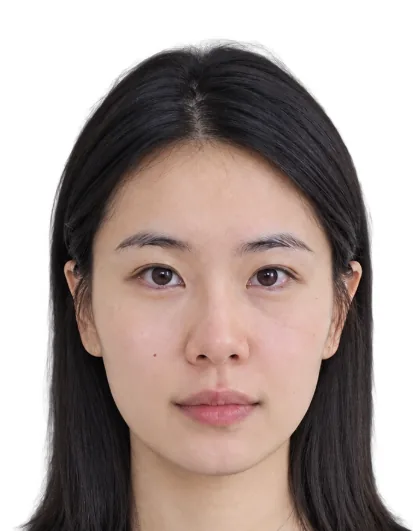 Your photo
Each document has a default color: white for US, Indian and Chinese passports, light gray for the UK and Germany, light blue for a Japanese résumé photo, blue for the Chinese one-inch and two-inch photos. Switch between White, Light gray, Light blue, Blue, Red or Pick a color and the photo redraws in your browser, with no new credits. A Chinese two-inch photo starts on blue, so you have a passport photo maker for a blue background without looking up a color code.
Choose a background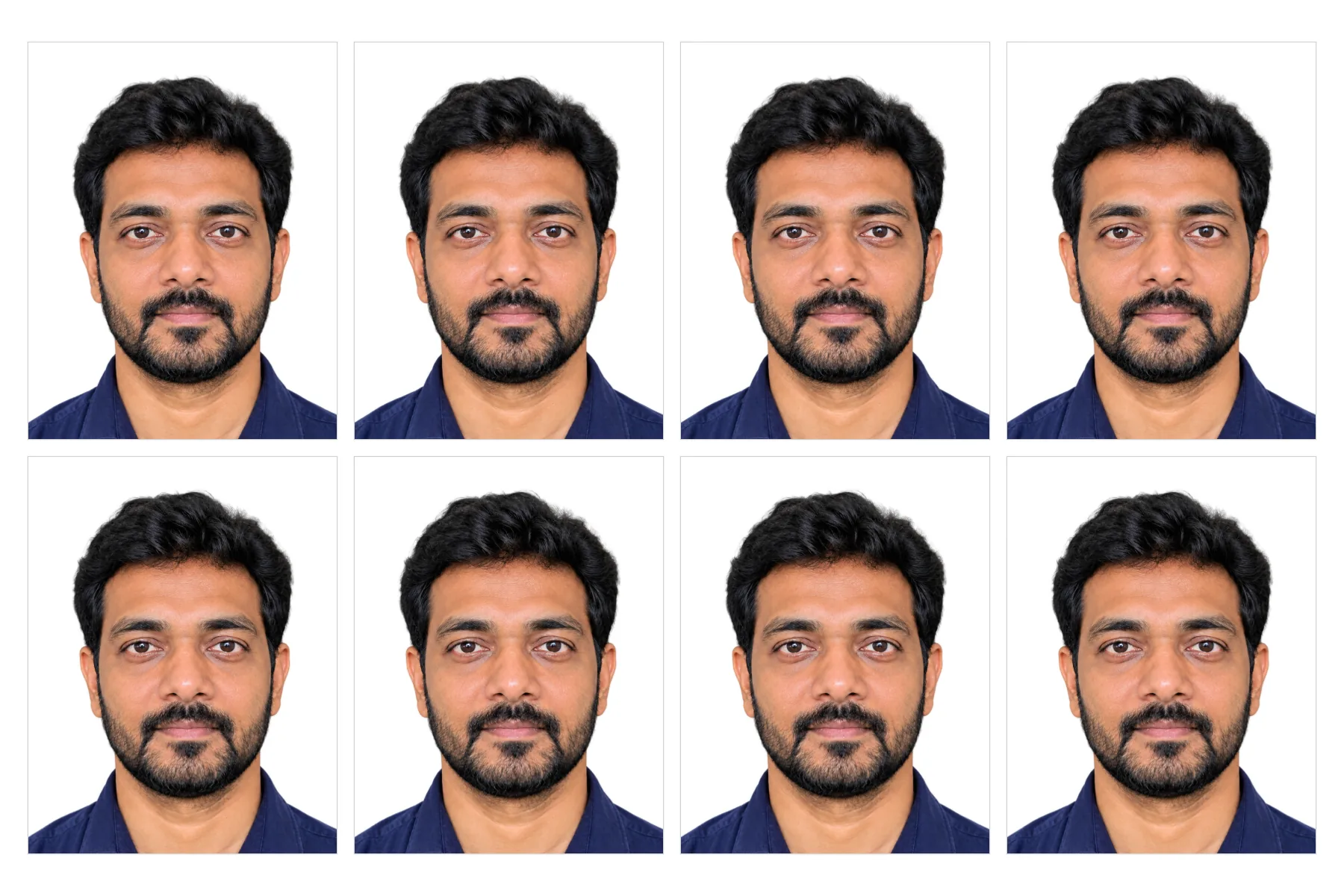
Download photo gives one 300 DPI JPG at the exact pixel size of the document, for online forms. 4×6 in print sheet fills a standard photo print with as many copies as fit, eight of a 35 × 45 mm photo, with light cut lines, and A4 print sheet does the same on A4 paper. Print at 100%, not fit to page, so every copy keeps its true size.
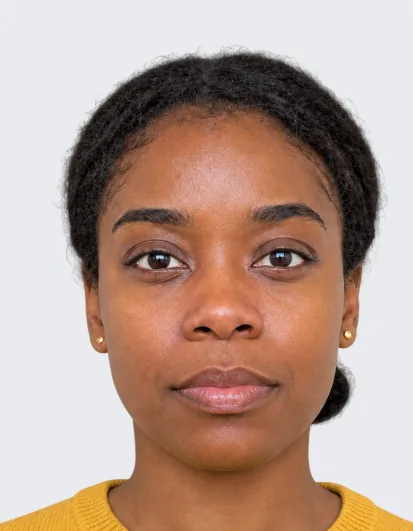
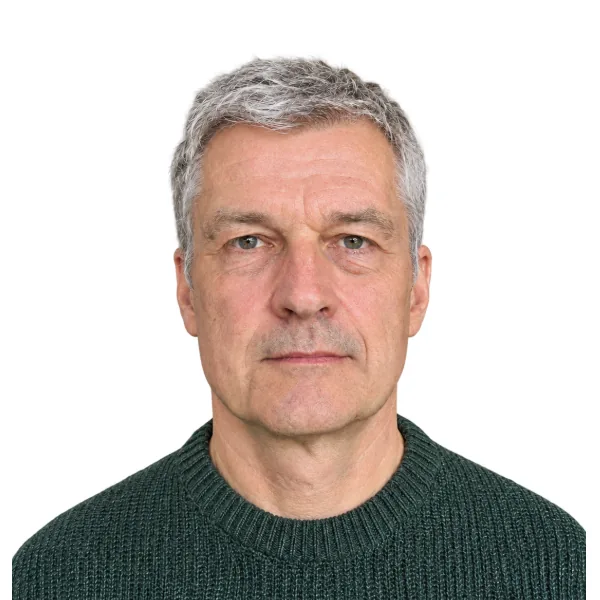
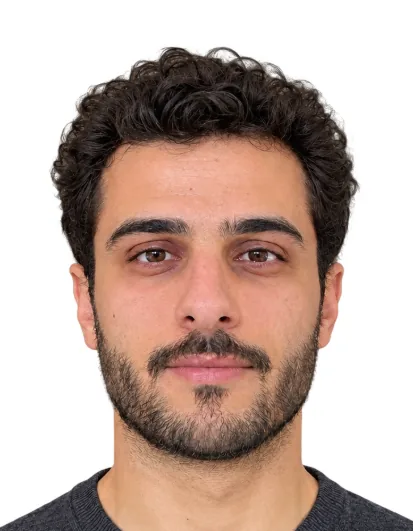
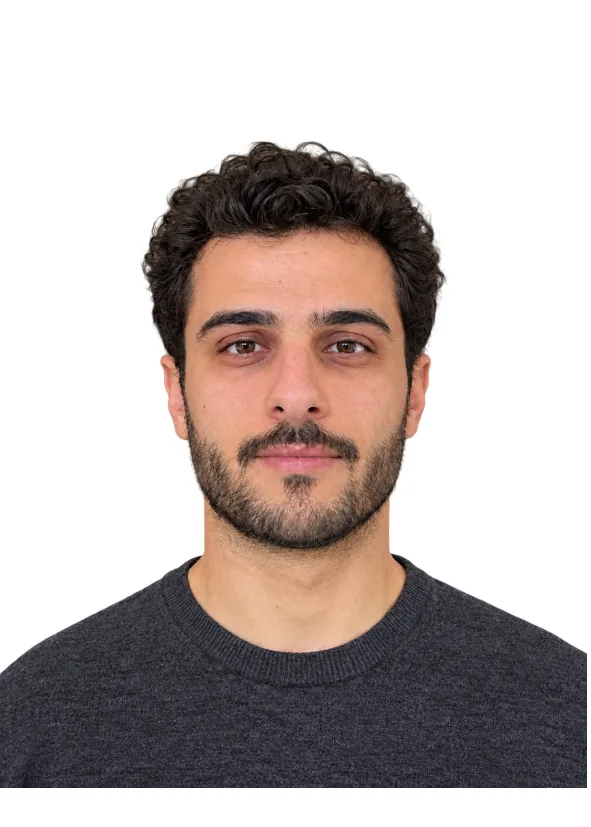
Make a print sheetSix photos made for this page from AI-made phone photos of people who do not exist. The note under each names the document, the background and the pixel size. Open one to see it large.
Brazilian 3x4 photo · White · 354 × 472 px
Spanish DNI & passport · White · 307 × 378 px
Chinese passport & visa · White · 390 × 567 px
Australian passport · White · 413 × 531 px
Korean 3 × 4 cm photo · White · 354 × 472 px
Japanese résumé photo · Light blue · 354 × 472 px
The tool sizes and recolors, but it cannot fix the photo itself. Four habits matter most.
Ask someone to take the photo from about 1.5 m away with the phone at eye level. A selfie at arm's length makes the nose look bigger and tilts the head, and the tool cannot straighten it.
Face a window in daylight. Shadows on your face stay in the photo: the background is replaced, but your face is not relit or retouched.
The US passport no longer allows glasses, and other documents refuse glare. Keep hair away from your eyes, look straight ahead and keep your mouth closed.
Size and head height are set for each document; the rest is up to you. Read the photo rules of the office you send it to, and print sheets at actual size so every copy keeps its size.
Making the photo here, next to having it taken at a store photo counter and using a typical phone app.
Travelers, students and job seekers use this passport size photo maker for the photos their forms ask for.
Make a 2x2 passport photo for a US renewal, or a 35 × 45 mm photo for a UK, Australian or Indian passport. As a US passport photo maker it sets the head between 1 and 1 3/8 inches from chin to crown.
Schengen, Chinese and other visa forms each want their own size. One visa photo maker covers them: switch the document and download again, with no new cut-out.
School, exam and university forms in China ask for one-inch or two-inch photos on blue or white. An ID photo maker online saves a trip to the photo studio between deadlines.
A Japanese résumé photo on light blue or a Korean 3 × 4 cm photo for an application form, made from a plain photo taken at home. For a profile picture, blur background keeps your own setting.
A parent makes the photo for a child and confirms the consent box. Children and babies have their own photo rules in many countries, so read them before the photo is taken.
Make everyone's passport photo online in one evening: one cut-out each, the same document and background for all, and a print sheet for each person.
Answers about sizes, backgrounds, printing, price and what the tool does not check.
Cut out, recolor, restore or turn your photos into PSD layers.
Four tools for other backgrounds and cut-outs.
No trip to a photo counter
Upload a front-facing photo, pick 1 of 18 documents and get a 300 DPI JPG or a print sheet for 5 credits. Check the official rules before you submit.
Make a passport photo