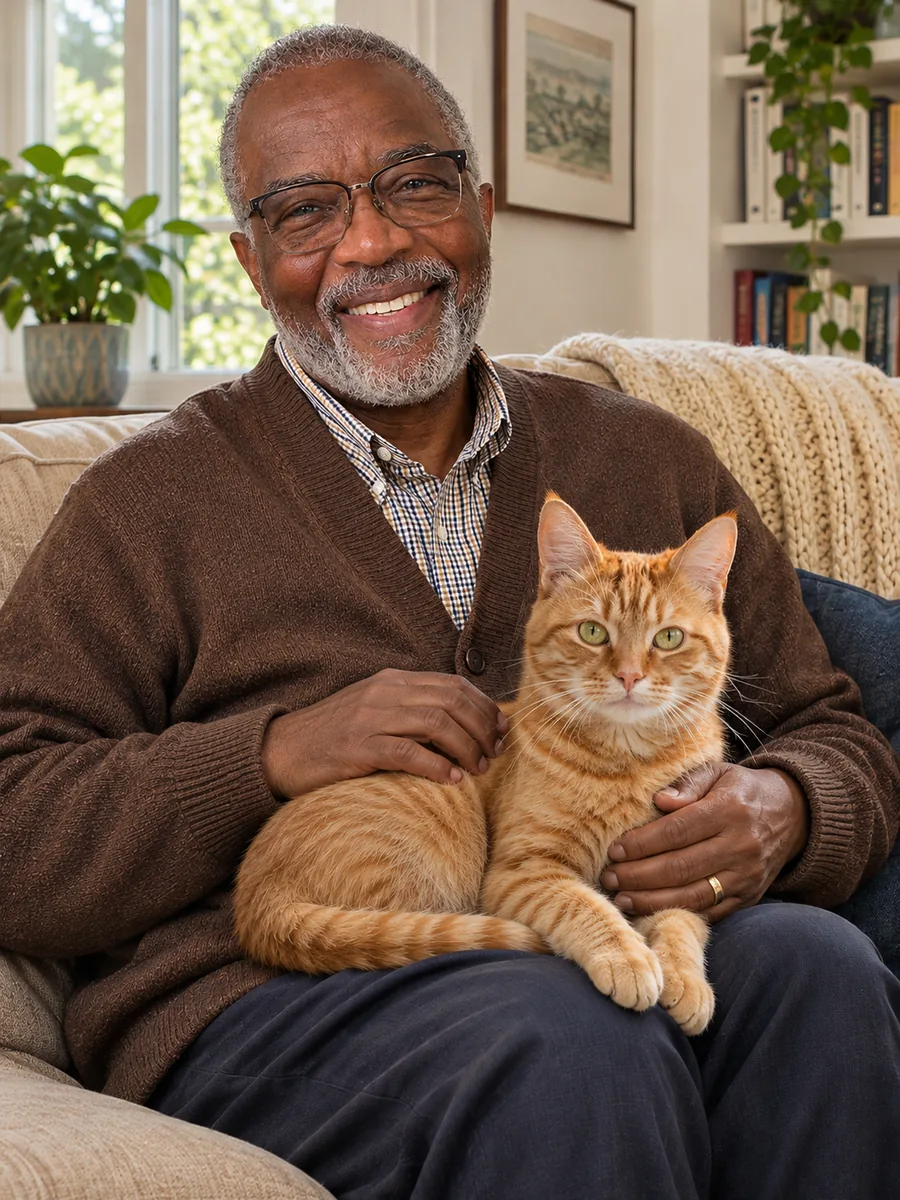
Two to four pictures
Add up to four photos and refer to them as image 1 to image 4. An AI group photo, a person with a pet or a product with its scene all start the same way.
People, pets, products and places
Image2Layer's AI image combiner turns 2 to 4 photos and a short description into one new picture, free to try. Pick 1 of 7 combine types, refer to each photo by its number and get a PNG.
1. Add 2 to 4 pictures
2 to 4 pictures, numbered image 1, image 2 and so on in the order you add them.
Sexual or explicit content isn't allowed. Images and results that contain it are blocked automatically.
2. Pick a combine type
The result follows your description.
3. Describe the picture
10 credits per picture · Failed runs never use credits
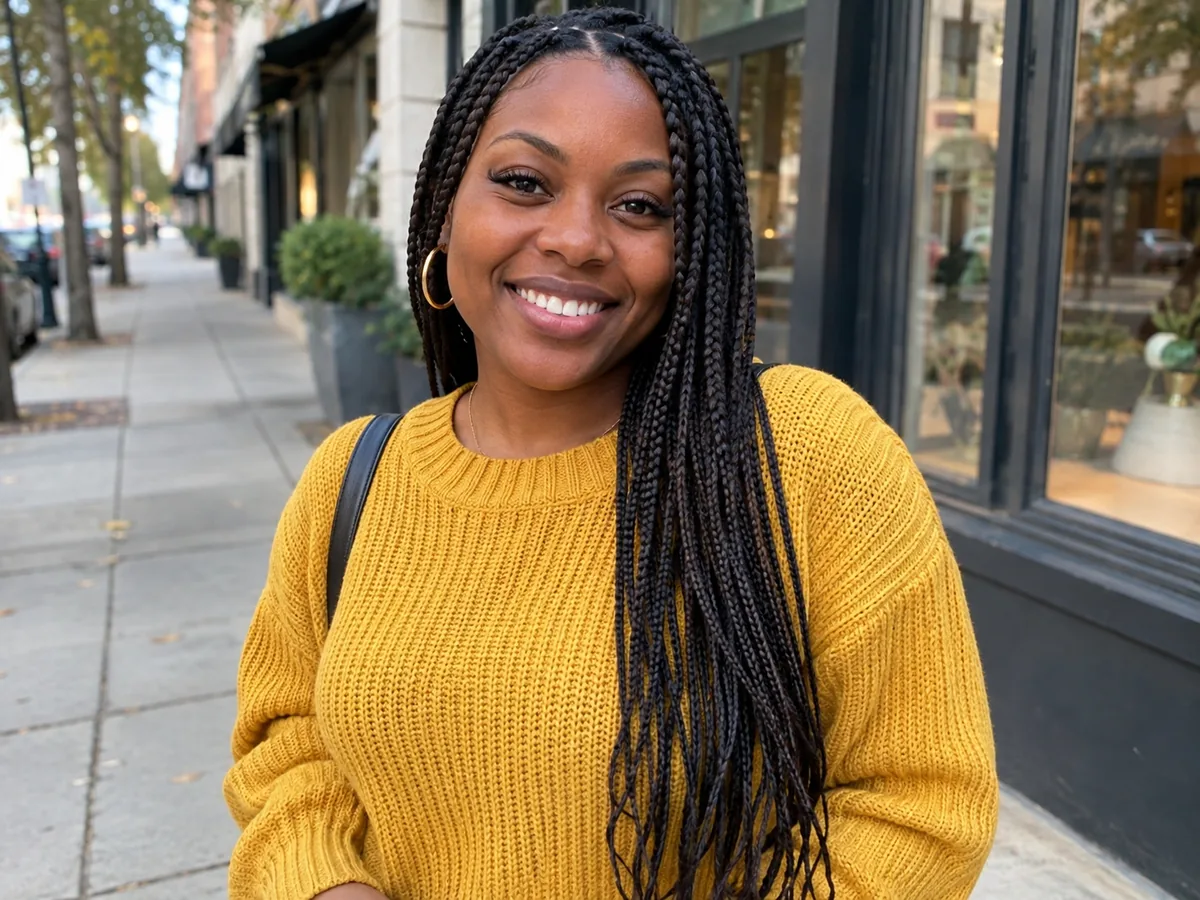 1
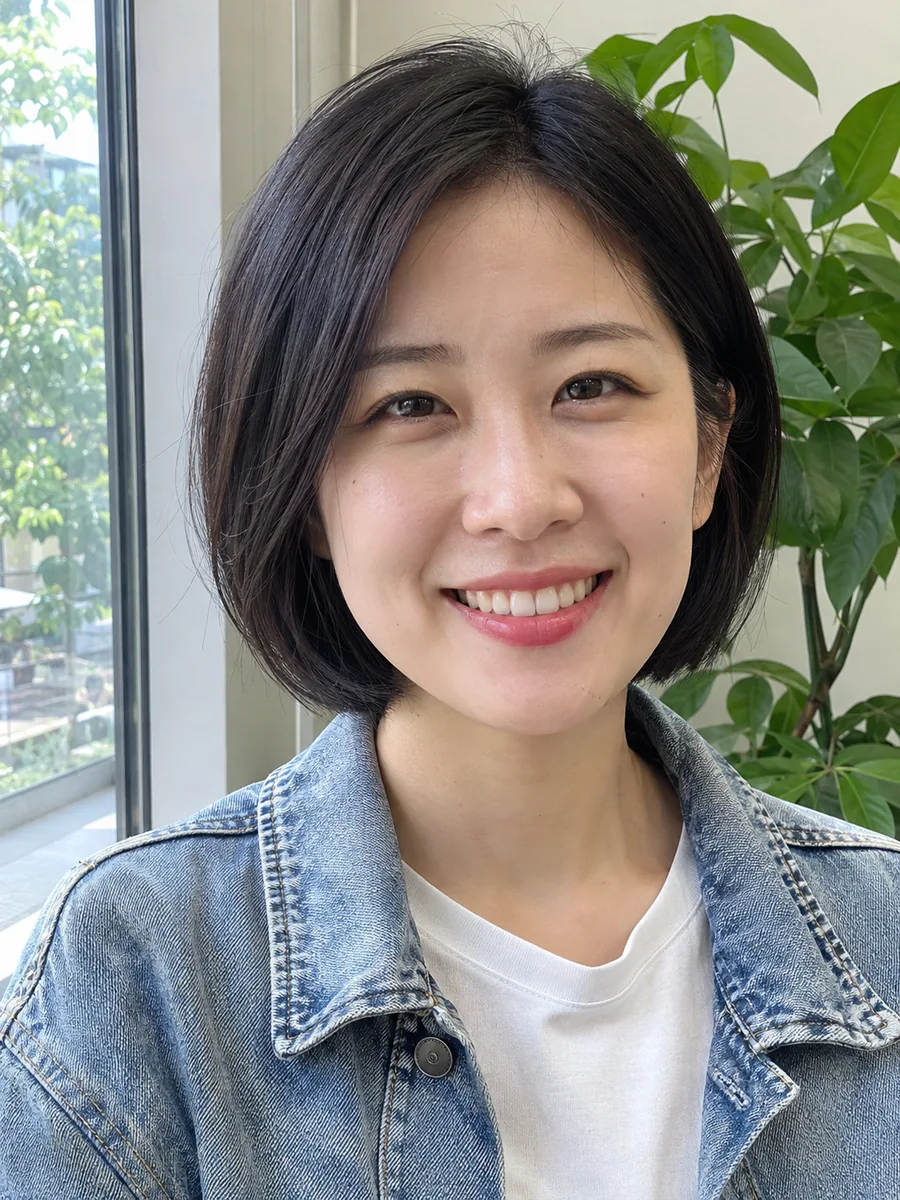 2

Separate photos, one picture
It takes 2 to 4 photos and the sentence you write about them, and draws one new picture where everything belongs together. This AI image combiner merges two photos into one, or puts three or four people side by side as one AI group photo. It can also place a person in a new place, sit you beside your pet, or stage a product in a scene, with light and shadows matched.
It is not a collage: the AI combines images into one scene instead of placing them in a grid. For one picture changed by a sentence, use image to image; to dress a person in a garment from another photo, the AI clothes changer is made for that. When you want the result as layers, press Split into layers to open it in image to layers.
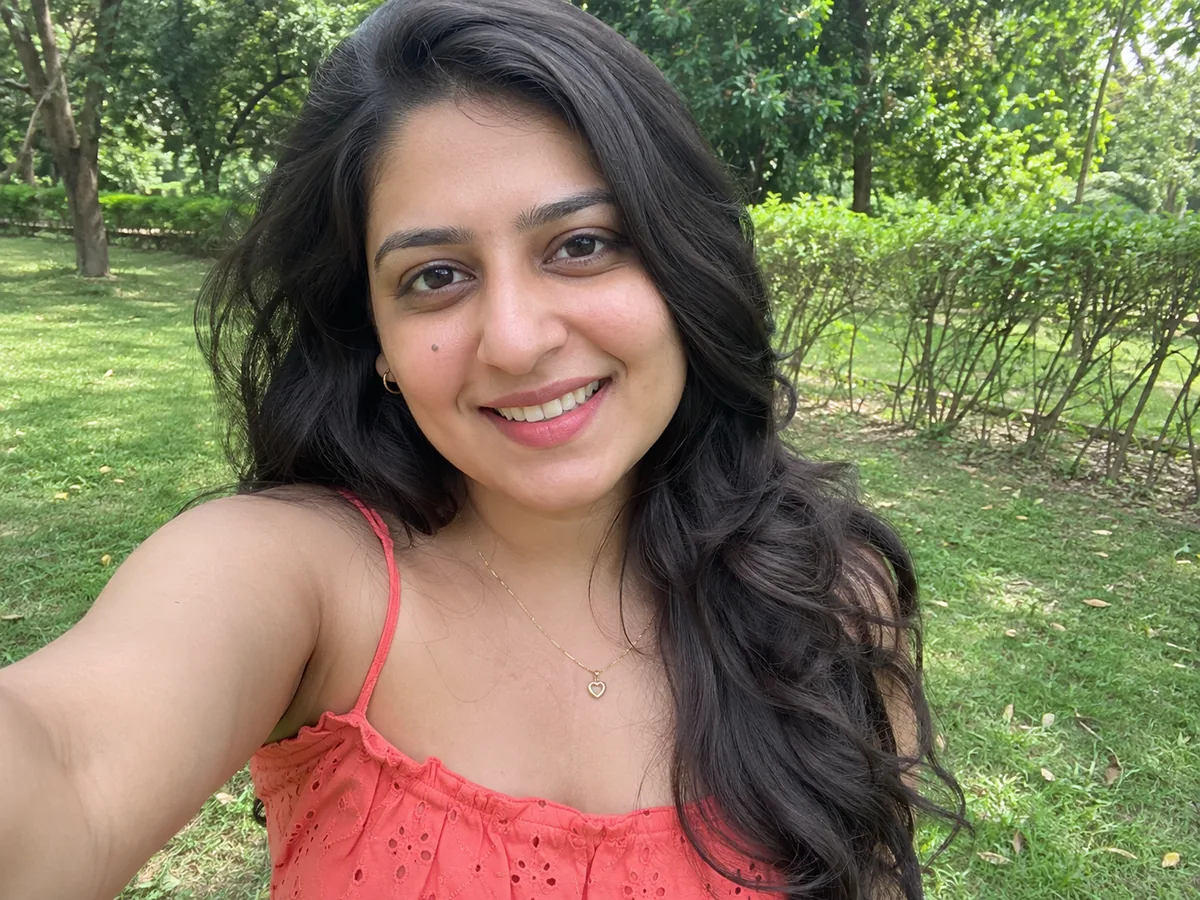
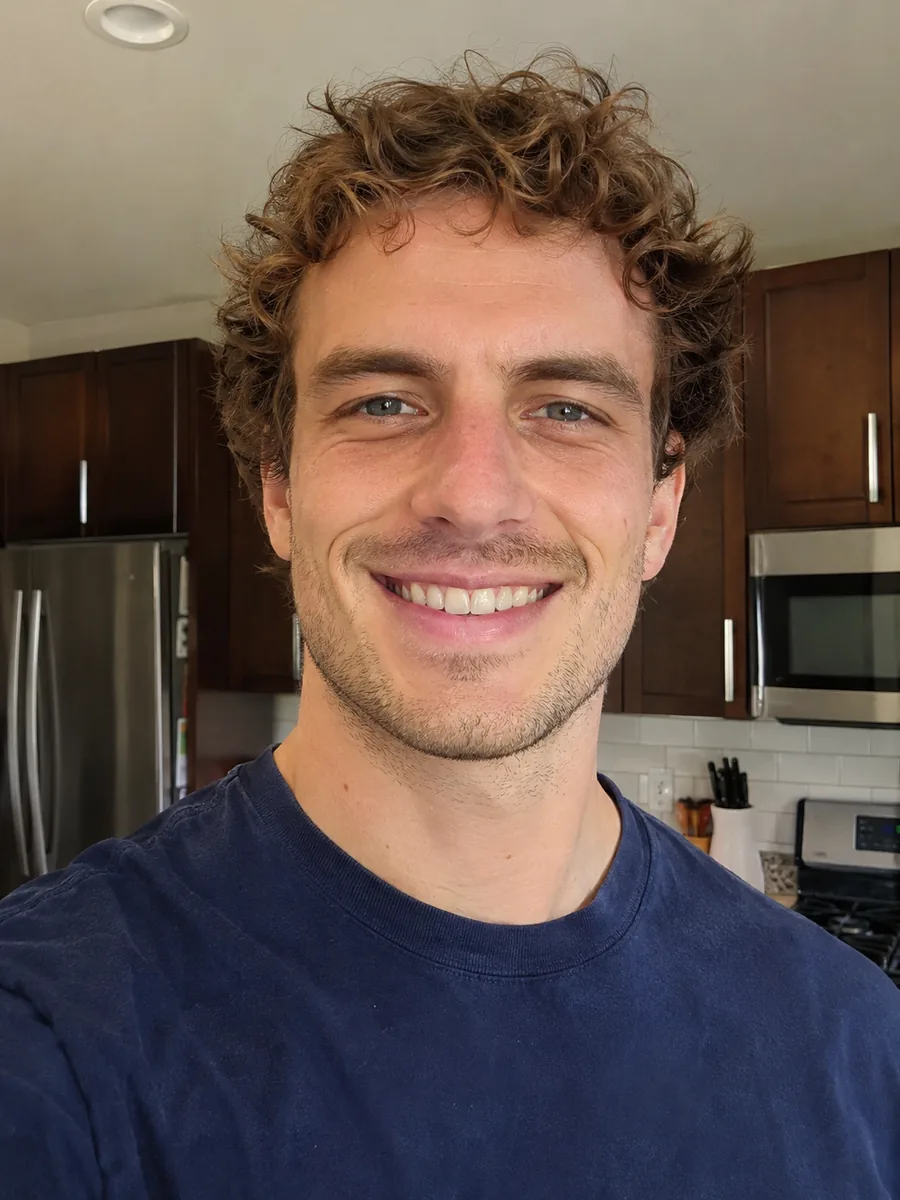
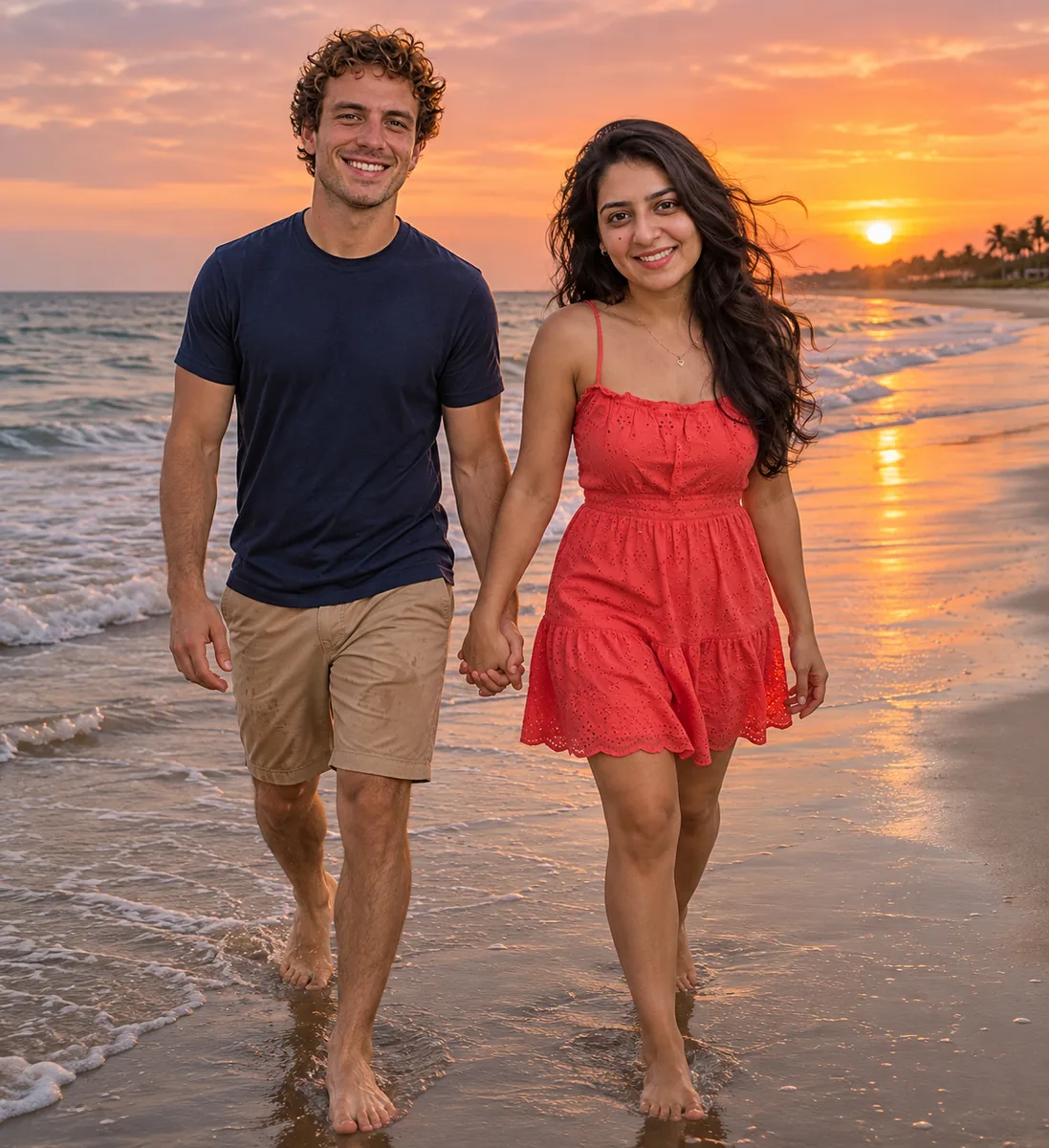 Combined
Six reasons to merge photos with AI here instead of cutting people out by hand.
Add up to four photos and refer to them as image 1 to image 4. An AI group photo, a person with a pet or a product with its scene all start the same way.
The AI is asked to keep every face, skin tone, hair and age. Clear, front-facing photos of one person each give the closest likeness, so check every face before you share.
People together, Into a new place, With a pet, Product in a scene, Artistic blend and Style of another image each fill in a description, or pick Any combination.
The AI is told to match light, shadows, perspective and scale, so the people and things in your pictures look like they were there together rather than pasted on.
Nothing to install: drop, browse or paste your pictures with Ctrl+V. JPG, PNG or WebP up to 24 MB each, and only your account can see your uploads and results.
Each combined picture costs 10 credits, for 2 photos or 4. Credit packs need no subscription, and failed runs never use credits.
Three steps from separate photos to one picture, with no layers, masks or selections to make by hand.
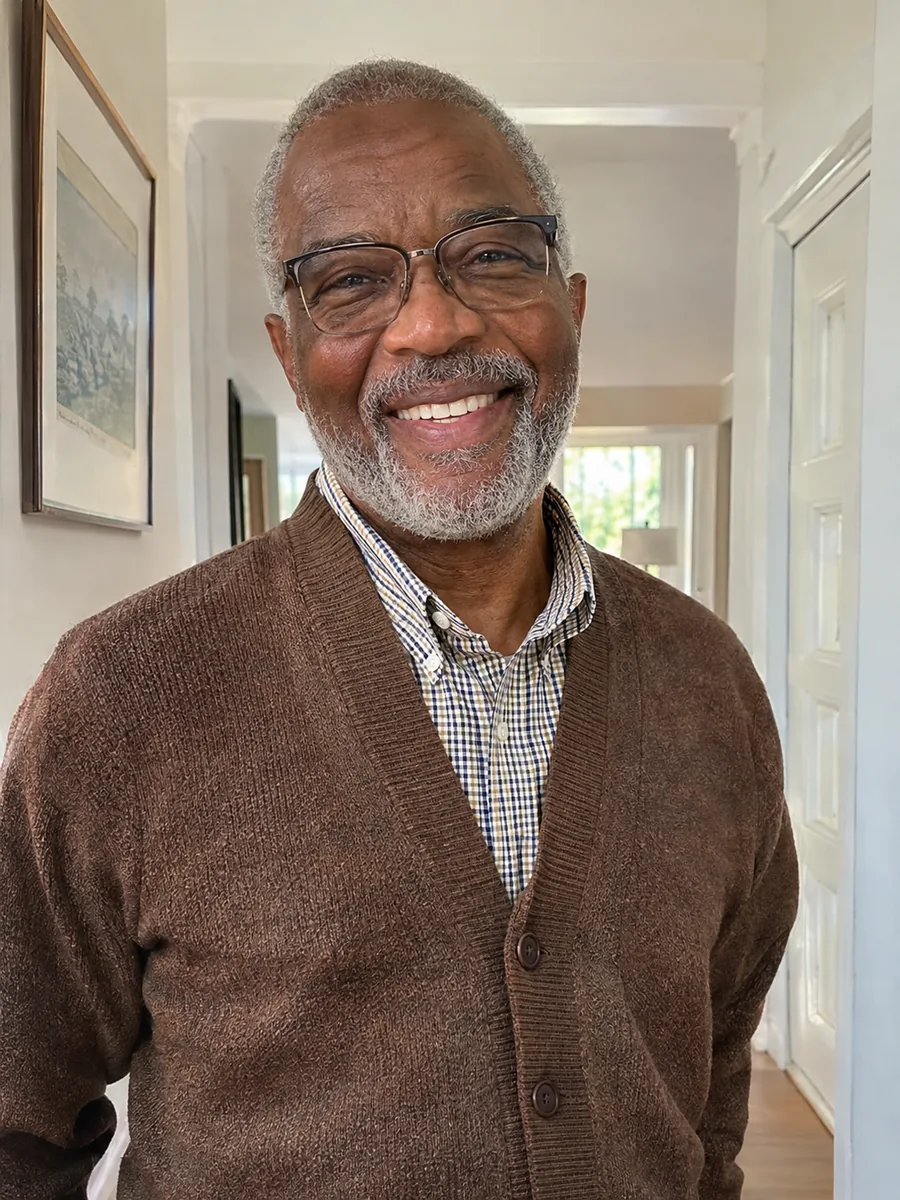
What happens when you combine two photos or more: numbered pictures, a view with you in it, and creative blends. Each panel plays by itself, or use the tabs and the slider.
Your details
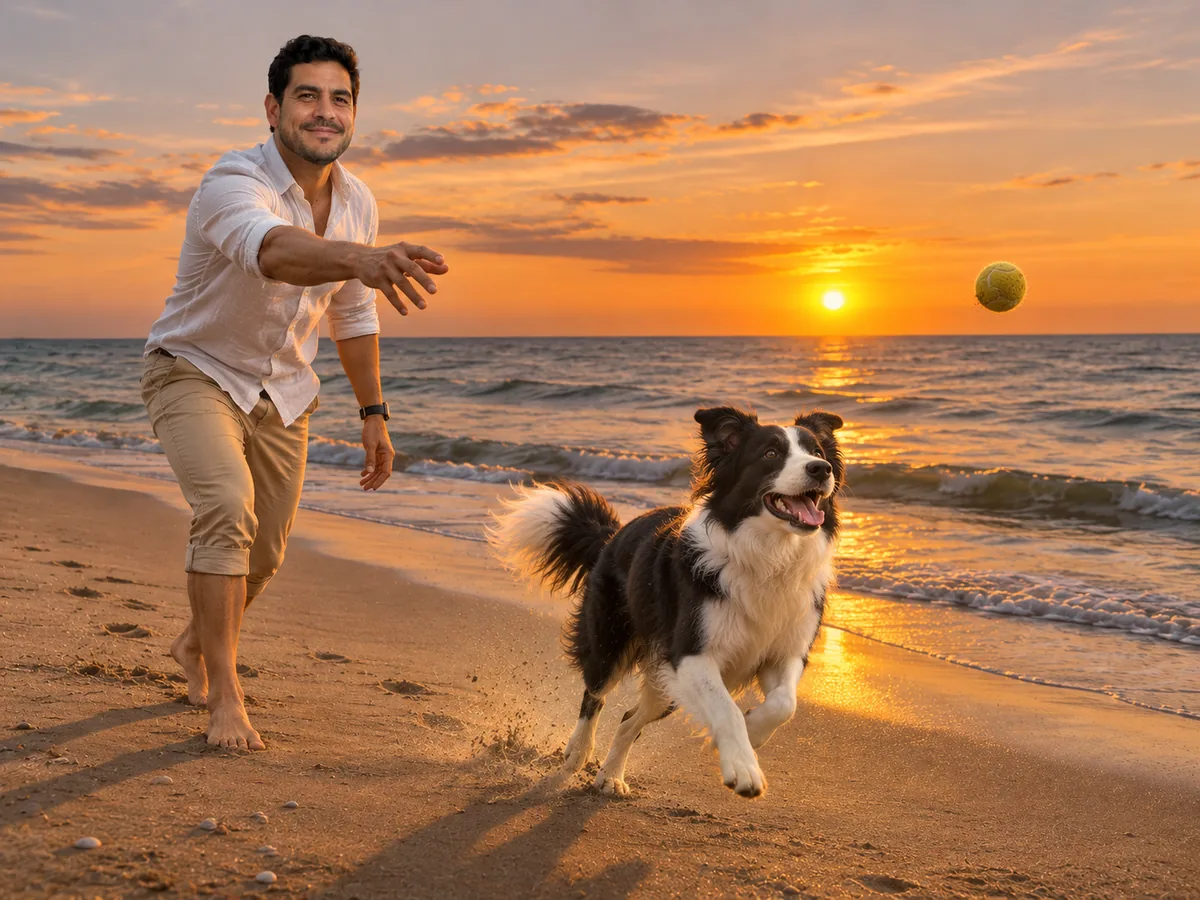 Reading your details
Every picture gets a number in the order you add it, and your description uses those numbers: "the man from image 1 playing fetch with the dog from image 2 on the beach in image 3". That makes it an AI image merger you steer with words, not a guess about who goes where. To change the order, remove a picture and add it again.
Write your description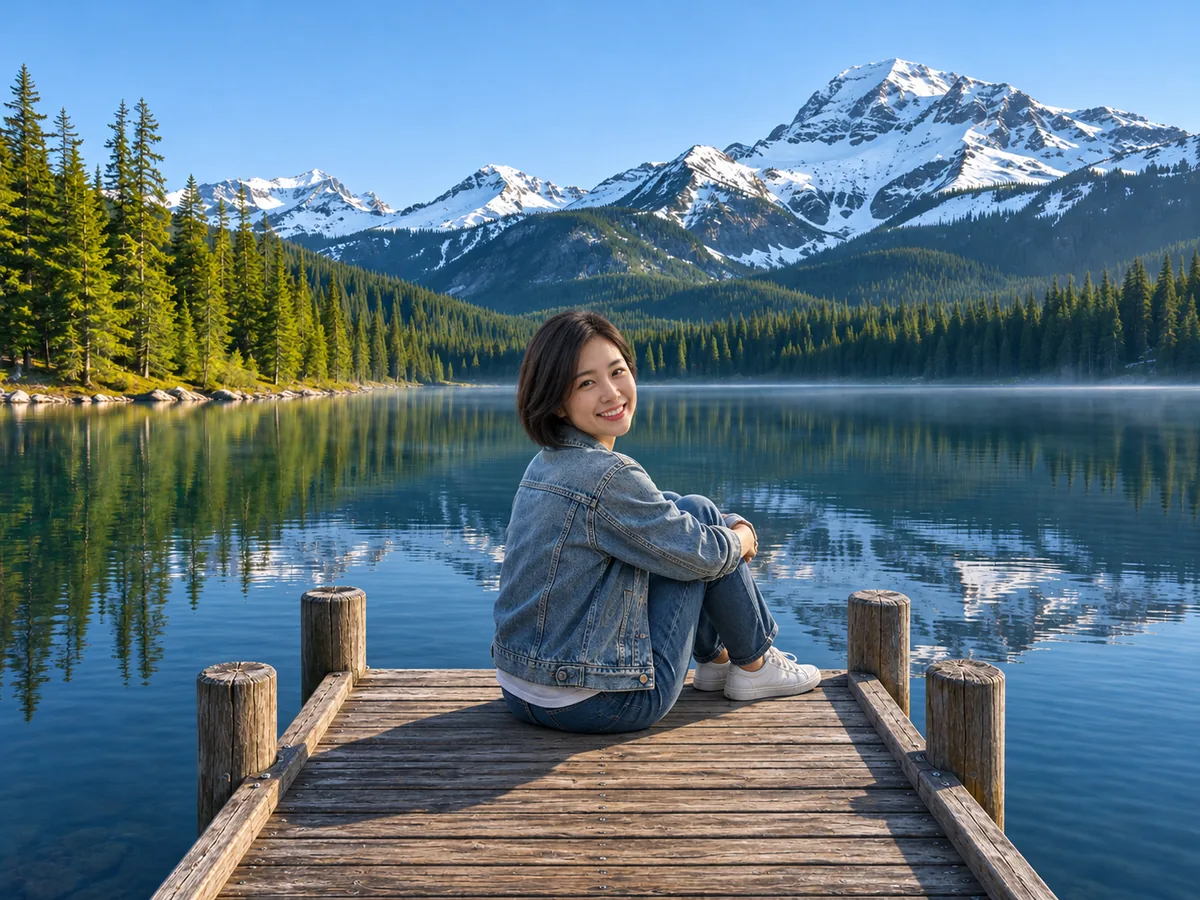
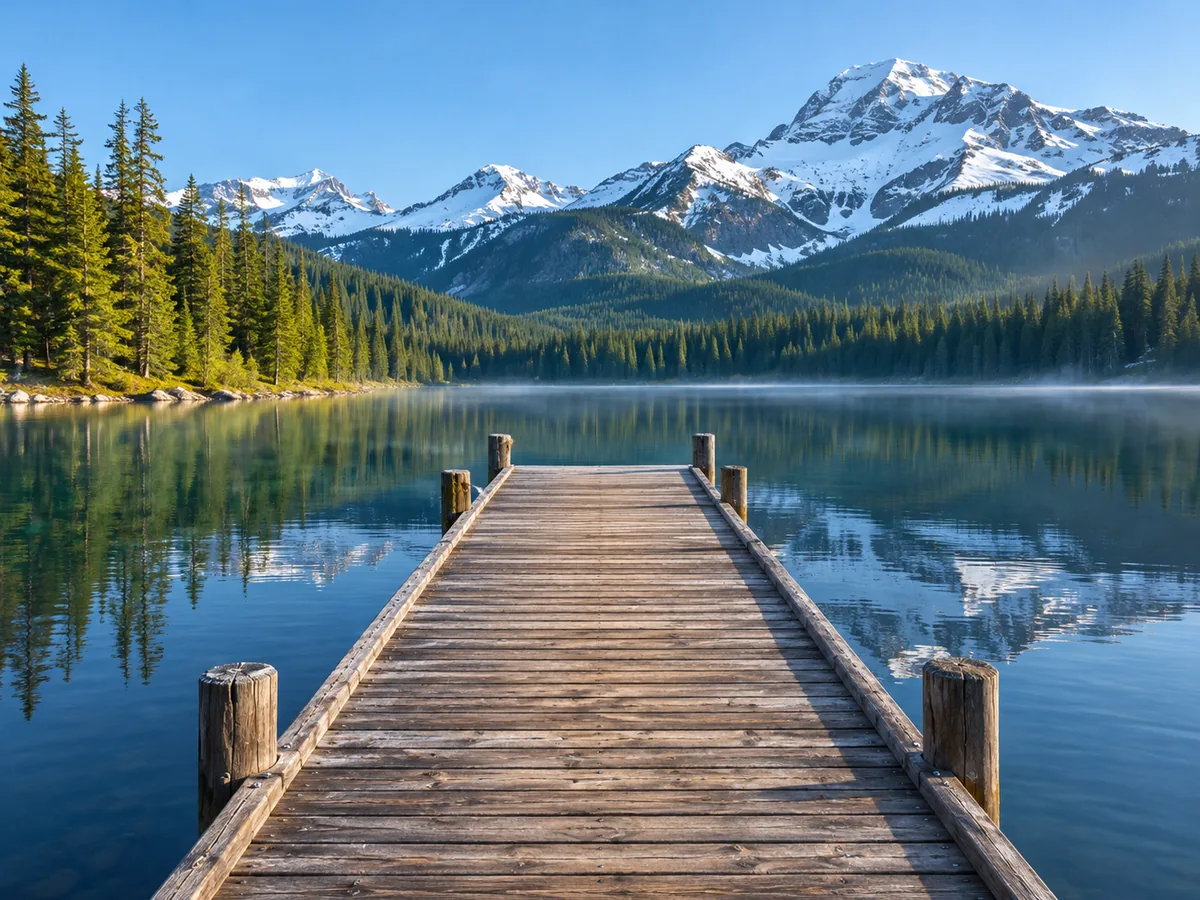 Image 1Combined
You took the photo of the lake, but you are not in it. Add the view as image 1 and a photo of yourself as image 2, pick Any combination and say where you sit or stand. Drag the slider to compare the view with the combined picture. For a plain new backdrop behind a person, change image background is the simpler tool.
Add yourself to a view
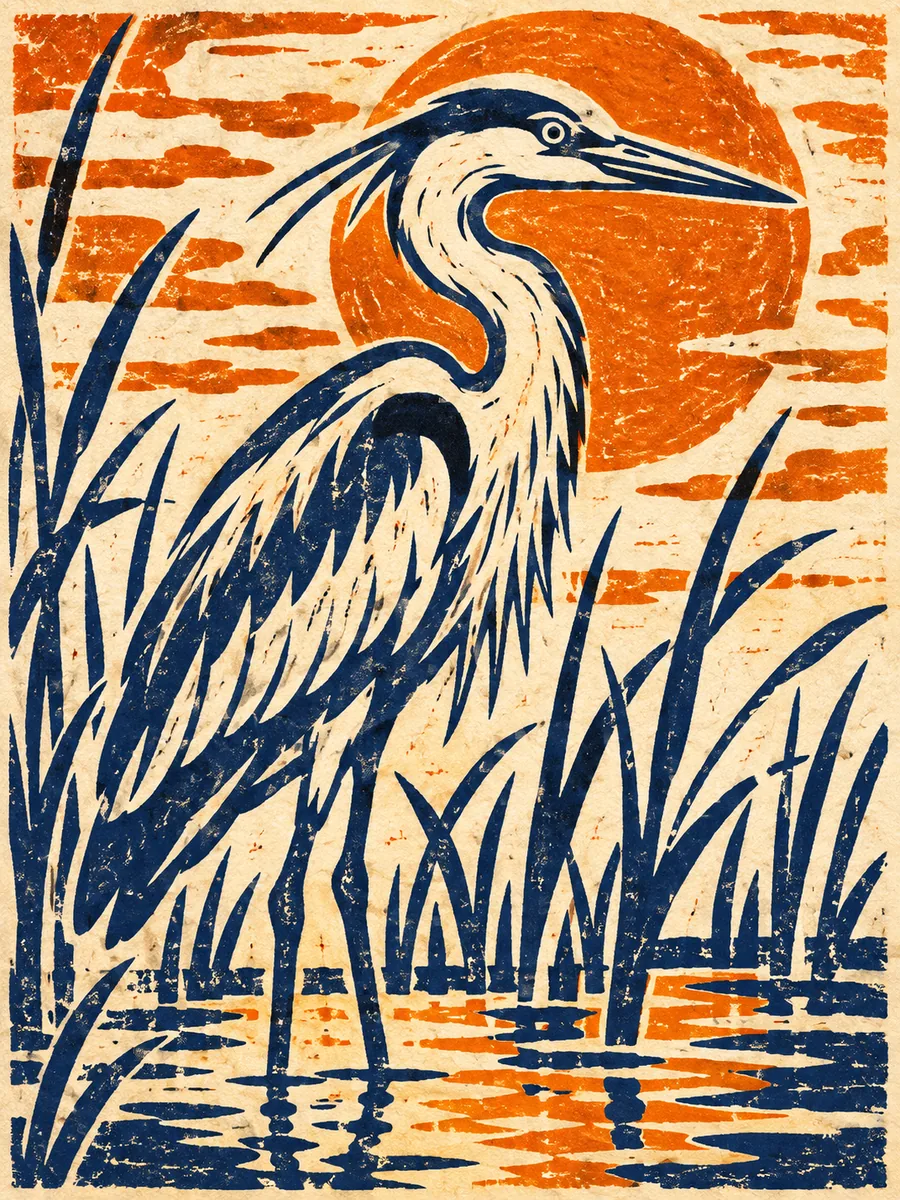
 Combined
Artistic blend fuses your pictures into one imaginative artwork, and Style of another image redraws image 1 in the colors and brushwork of image 2. To blend two images, AI keeps the main shapes of each, so pick pictures with clear subjects. Use only artwork you made or may use as the style; for classic painting looks without a reference, try photo to painting.
Make an artistic blendSix pictures made for this page with the AI photo combiner, from photos of invented people, pets and things, each with the description it was made from. Press Use this prompt to load the description, then add your own pictures.
the three friends from images 1, 2 and 3 sharing a picnic blanket in a sunny park, passing around a bowl of strawberriesPeople together · 3 pictures: one portrait of each friend
the couple from image 1 and image 2 sharing one umbrella on a cobblestone bridge in the rain at dusk, warm street lamps behind themPeople together · 2 pictures: one photo of each partner
the dog from image 1 painted in the loose watercolor style of image 2Style of another image · image 1 the dog, image 2 a watercolor painted for this example
the woman from image 1 sitting at the desk in image 2, facing the camera with a friendly smile, as a clean profile photoInto a new place · image 1 a portrait, image 2 a photo of the home office
the bottle from image 1 standing on the marble shelf in image 2 next to the eucalyptus, as a clean product photoProduct in a scene · image 1 the bottle on white, image 2 the shelf
the stormy sea and the lighthouse from image 2 inside the teacup from image 1, waves spilling over the rimArtistic blend · image 1 a teacup, image 2 a stormy sea
Four habits that get a natural picture on the first run.
To combine two photos, AI needs to see each face well: one person per photo, facing the camera, in good light. Group shots taken from far away give small faces that are harder to keep.
Write "the woman from image 1" and "the dog from image 2" instead of "her" and "it". With 3 or 4 pictures, say who stands where.
The result usually takes the shape of image 1, so add the picture with the shape you want first: a wide scene for an AI group photo, a tall portrait for one person.
When you combine two images, AI matches the light, but photos taken in similar light and from similar angles look most natural. Describe the light you want, like "golden evening light".
This AI photo merger next to cutting people out by hand and putting photos side by side in a collage app.
Photoshop is a trademark of Adobe. Image2Layer is not affiliated with Adobe.
Friends, teams, pet owners, shops, travelers and artists all combine photos with AI, each for their own reasons.
Combine two people in one photo when they live in different cities, and send it as a keepsake. Everyone in it should agree, and it is kind to say AI made it.
An AI group photo generator for a team page: four separate headshots become one group picture. Ask everyone first, and check each face before you post it.
With a pet puts you and your dog or cat in one picture, even when the pet will not sit still for the camera.
Product in a scene puts your product on a table, a shelf or in a room you photographed. Check labels before you sell, and fix a word with edit text in image.
Add yourself to a view you photographed on a trip, so the picture of that lake or street finally has you in it.
Artistic blend and Style of another image turn two pictures into one artwork, using reference art you made or may use.
Answers about photos, faces, combine types, size, price and what it should not be used for.
Cut out, clean up, restore or split your combined picture into layers.
Four tools for jobs next to an AI image merger: one picture, one outfit, a new backdrop or a bigger file.
Two photos in, one picture out
Combine two photos, or up to four: pick a combine type and describe the scene you want. It is free to try once, then 10 credits a picture.
Combine your photos