
One friend out of three
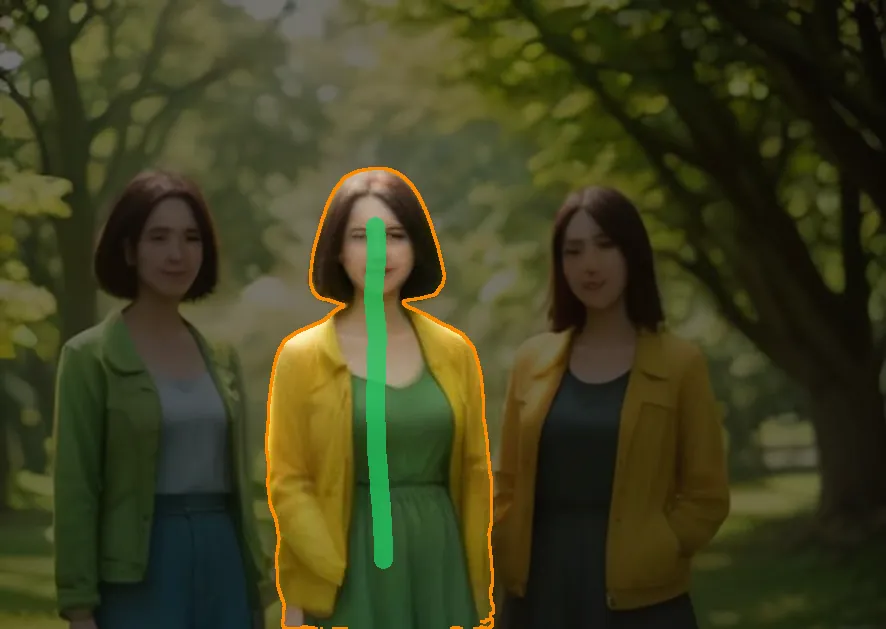
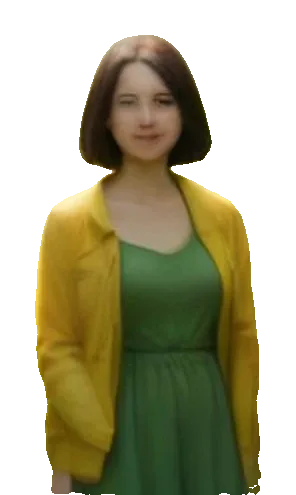
A green line down the middle friend picked her from hair to hem, and her two friends stayed in the picture.
Paint to select
This object selection tool picks the whole object you paint a line along, edges included. Take a piece away in red, fix the rest with a brush, then download a PNG or a PSD.
Upload image
Upload image
JPG, PNG or WebP up to 10 MB. Drop, choose or paste. Product shots, group photos, pets, rooms and sticker sheets work best.
Sexual or explicit content isn't allowed. Images and results that contain it are blocked automatically.
You get
10 credits per picture · failed runs are refunded
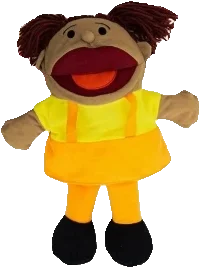
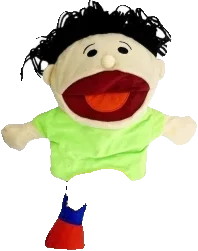
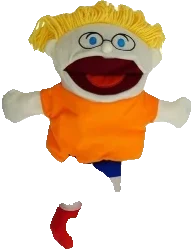
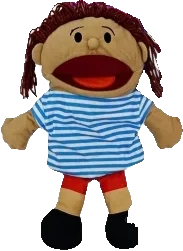
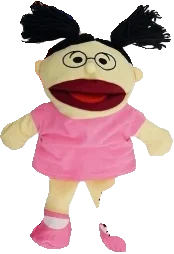
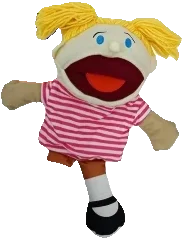
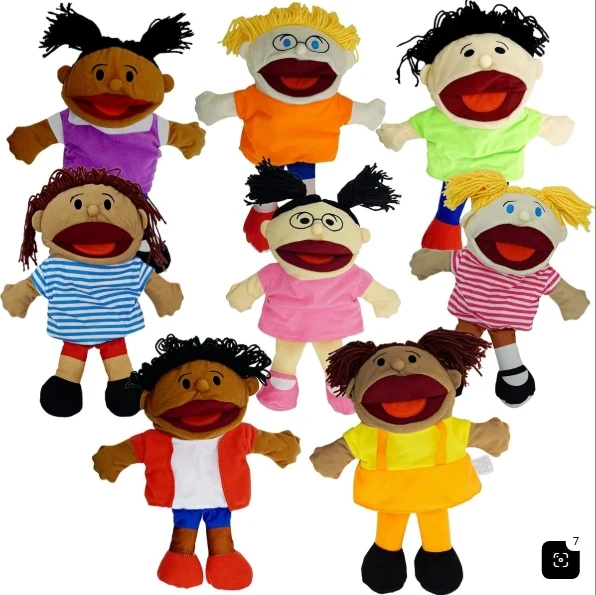
Hand puppet product photo
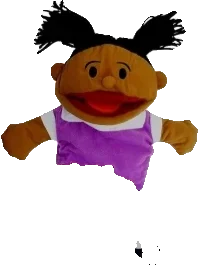
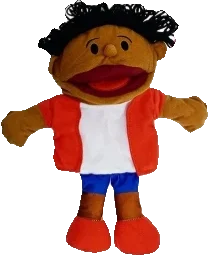
All eight hand puppets come back whole, one PNG each, and their yarn hair and shirts come back again as separate parts.
Examples open for free, no credits used.
Real selections
Each picture went through the tool as you would use it: green lines over what to keep, red over what to leave out, and the lit area is what came back. Want every object at once instead? Cut out image returns each one as its own PNG.
A green line down the middle friend picked her from hair to hem, and her two friends stayed in the picture.
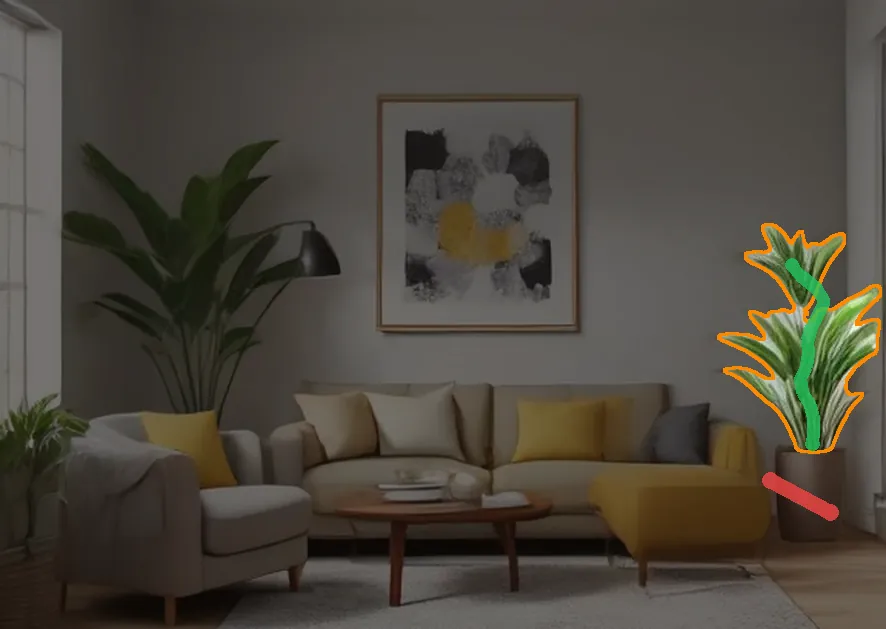
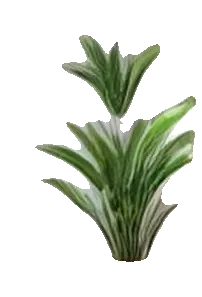
The green line on the leaves took the potted plant. One red mark on the pot left only the leaves.
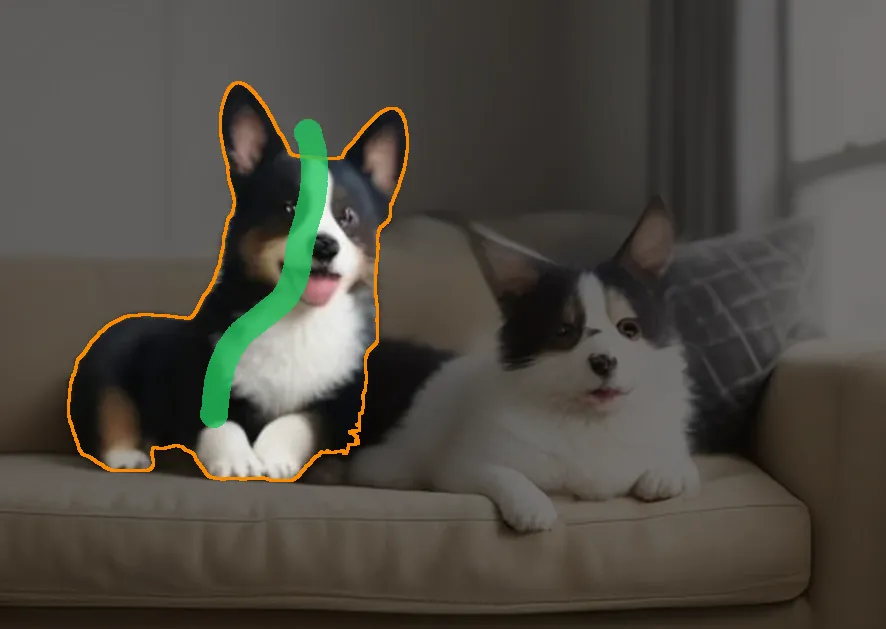
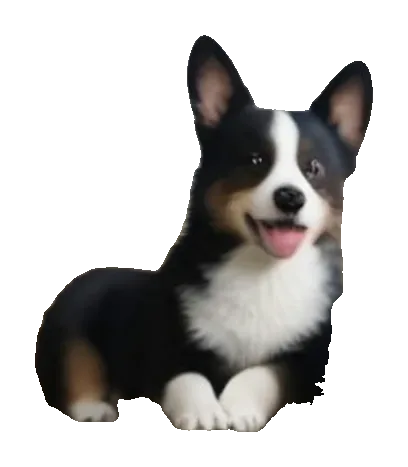
One line from ear to paw picked the corgi on the left, fur edges included, and left the other on the sofa.
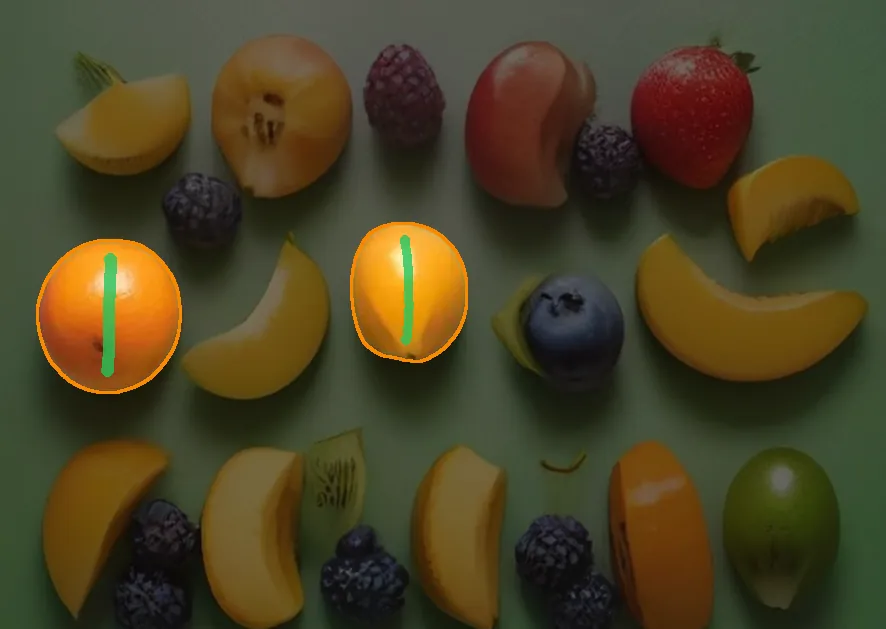
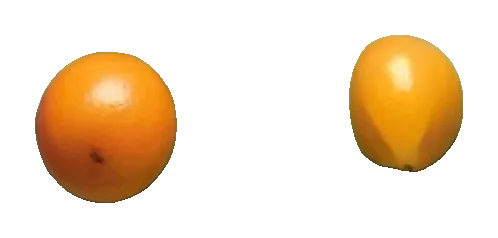
A short line on each orange put both in one selection, out of a table full of fruit.
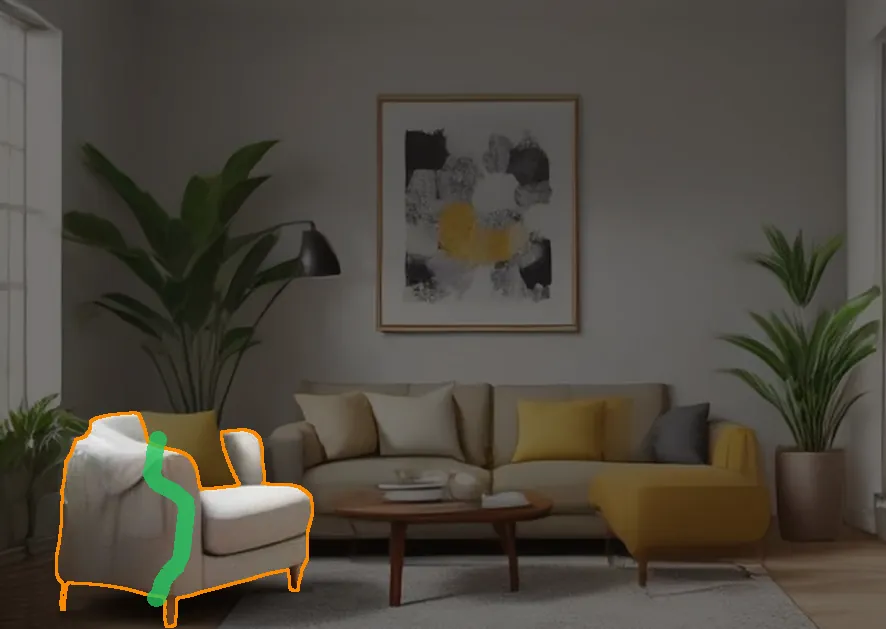
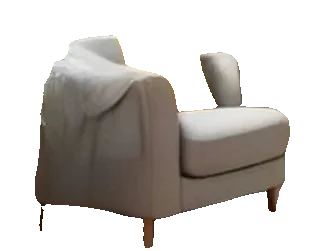
One line along the seat lifted the armchair with its legs and blanket, and left the sofa and the cushions.
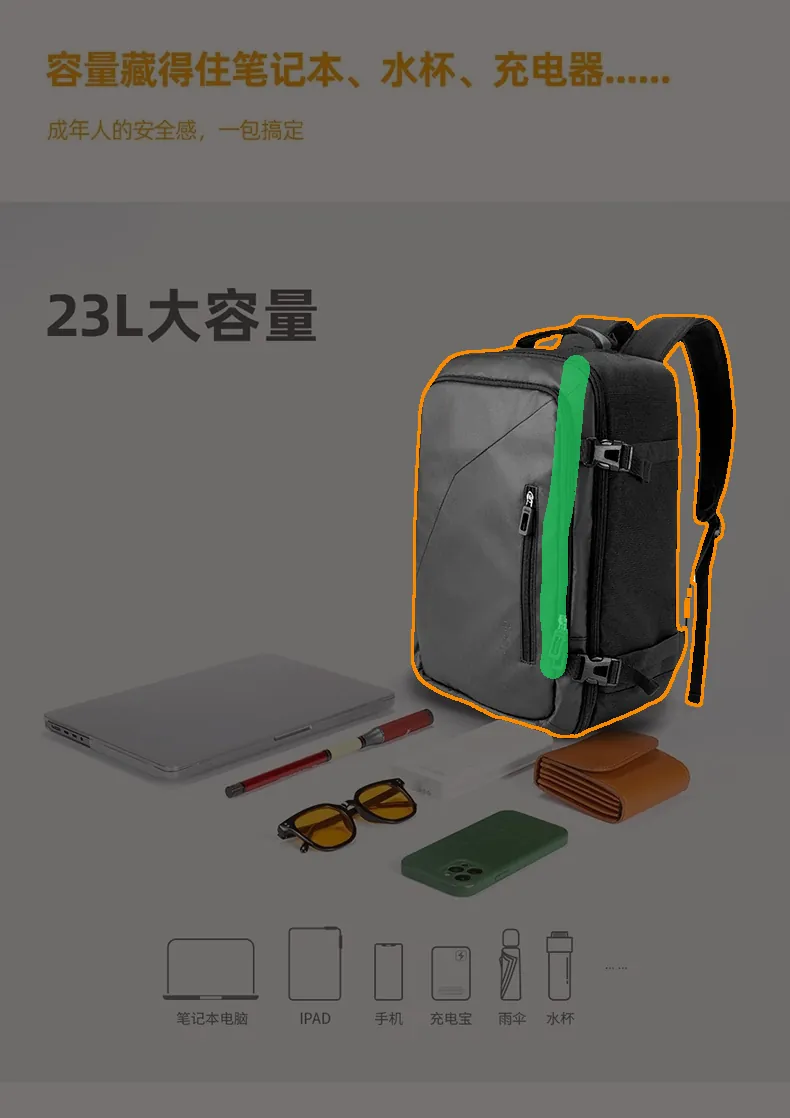
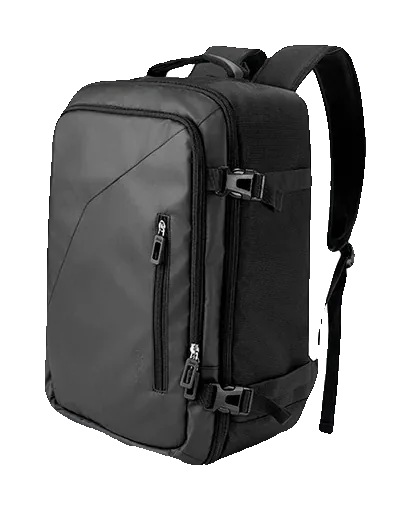
A line down the bag picked the backpack and left the laptop, the cables and the text around it.

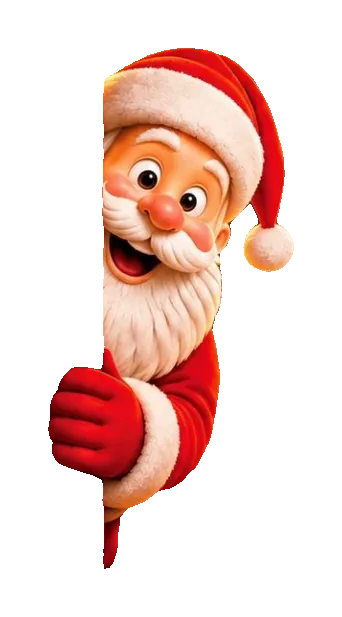
One line through the figure lifted Santa from the wreaths, the lights and the snowman around him.
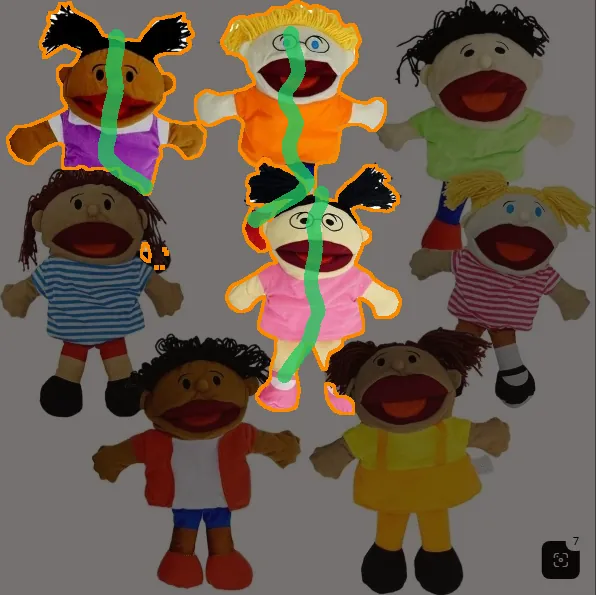
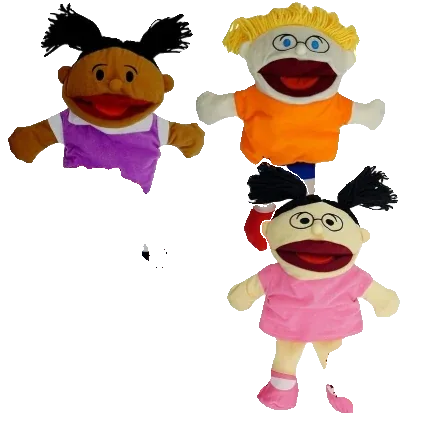
Three lines, one per puppet, made one selection of three, yarn hair and hands included.
Three steps, and only the first one costs credits.

The picture is cut into objects once. After that every mark answers at once, and none of them costs anything.
Paint along a person, a pet or a product. The line says which object you mean, and all of it is selected, from the hair down to the shoes.
Try it on your pictureDraw a line on each object you want. They join one selection and download as one picture: two oranges, three puppets, a whole table setting.
Start selectingPaint red over what does not belong, like the pot under a plant or a bag over a coat. That piece leaves the selection and the rest stays.
Start selectingBrush in what is missing or brush out what is extra, zoomed in as far as you need. Undo and redo step through every mark, and none of it uses credits.
Start selectingOriginalSelectionDownload a PNG cropped to the object, a full-size PNG that keeps it in place, or a PSD with the original and the object on its own layer for Photoshop, Affinity Photo or GIMP. To split the whole picture into layers instead, use image to layers.
Start selectingA few habits that get the object you mean with fewer marks.
A line that runs through the object from end to end says more than a dot. Keep it on the object: a line that wanders into the background can pick the wrong thing.
Want three things? Give each its own line. They all join the same selection.
When the selection takes too much, like a plant with its pot, paint red over the extra piece. For the whole background at once, the transparent background maker is quicker.
Sky between legs or wall between leaves is quickest with Brush out, zoomed in.
Preview shows the selection alone on transparency, so a missed edge is easy to spot.
Every picture stays in History. Open it again to select something else on it later, with no new run and no new charge.
Anyone who needs to select an object from a photo, without the rest.
Pull one product out of a group shot for a listing, a banner or an ad.
Lift a person or an object into a layout, with the PSD layer ready to place.
Cut out a pet, a friend or yourself for stickers, thumbnails and collages.
Take a chair, a plant or a lamp out of a room photo for a catalog or a mood board.
Answers about marks, credits and files.
Other ways to take objects and backgrounds apart.
Marks and brush are free
Open the object selection tool, paint a line, and download the whole object in seconds.
Start selecting