The inks are found for you
Auto counts the colors a design really uses and keeps small, clearly different ones, such as a red heart, on a film of their own. Change the count from 1 to 12 at any time.
Free screen printing tool
Image2Layer's color separation turns your design into one film per ink, free in your browser. It picks the inks, adds registration marks, halftone fades and a white underbase, then saves PNG, PDF or PSD.
Drop a design here, or paste one
JPG, PNG or WebP up to 25 MB. Large pictures are separated at 1,600 px.
Try a sample
Free, no sign-up, no watermark. Your picture never leaves your device.
What it does
Color separation splits one design into a film for each ink. On every film the ink shows as solid black and the rest stays clear. Each film exposes its own screen, and the colors go down in turn, each landing where it belongs.
This color separation tool for screen printing reads the inks from your picture, leaves out the garment color, and draws each film at the print size you set, with matching registration marks. Fades become halftone dots, like in the halftone generator, and you can flatten busy art first with posterize image. For editable layers of a whole picture, try image to layers.
 DesignPrinted
Six things that save a print shop or a home printer time on every job.
Auto counts the colors a design really uses and keeps small, clearly different ones, such as a red heart, on a film of their own. Change the count from 1 to 12 at any time.
Merge two inks that look alike, recolor or rename one, mark it as the garment color, or leave it out. Add a color with the eyedropper when the tool missed one.
A dark shirt turns on a white underbase, choked so it never shows at the edges, and prints the white of the design again last as a highlight.
Matching registration marks sit on every film, and its label lists the ink name, HEX code, print size, dpi and place in the print order.
Edges are drawn from a smooth outline at the print size, not blown up from pixels, so curves and lettering stay clean at 300, 600 or 720 dpi.
No sign-up, no watermark, no limit. The picture is separated on your device and never uploaded.
How to separate colors in an image and get films you can print, in about a minute.
Three things this tool handles that usually take a separator an hour. Drag, move or look at each example.
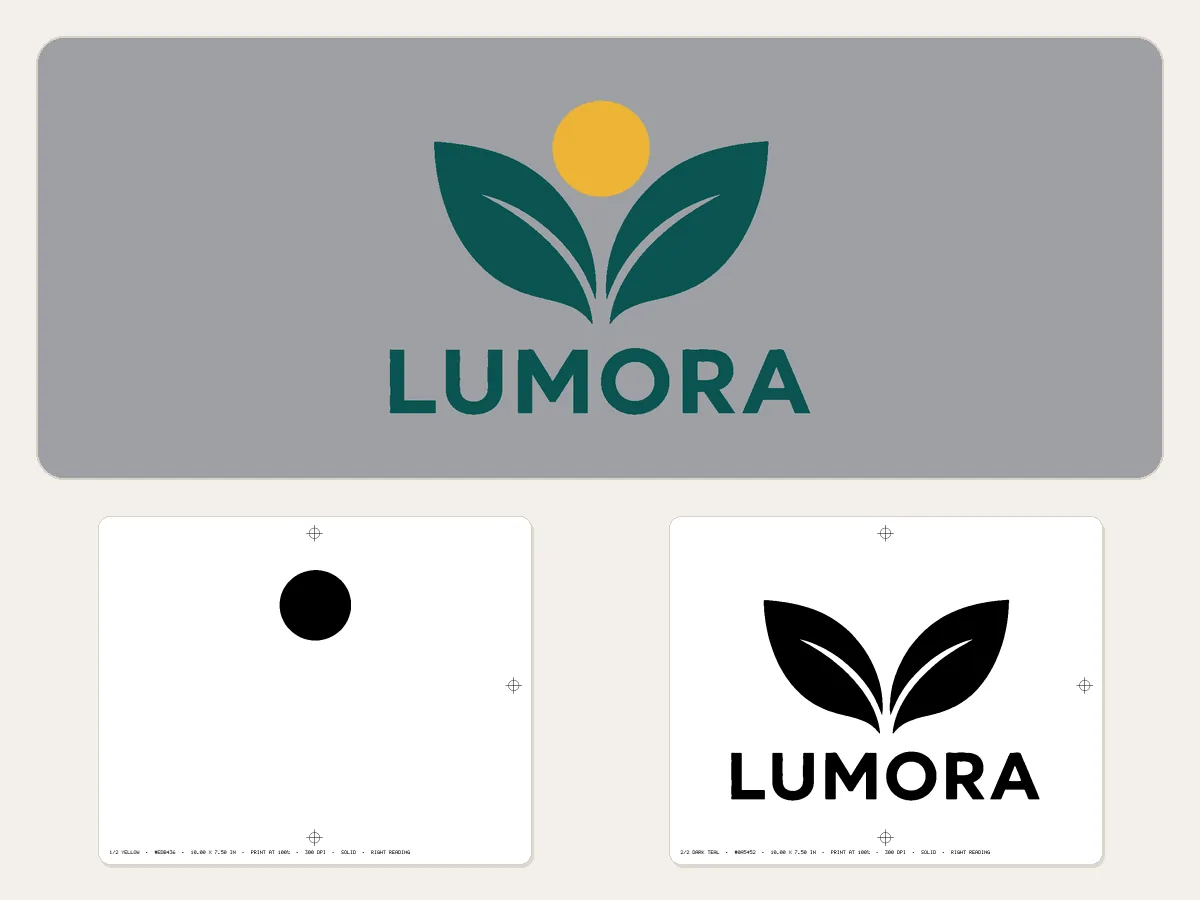
This two-color logo came out as two films with the marks in the same place on both, ready for a light gray tee. Merging, recoloring or dropping an ink updates the films within a second. For a stencil to spray or cut instead of a screen, use the stencil maker.
Separate a logo
 No underbaseWith underbase
Ink on a navy shirt looks dull without a base under it. With White underbase on, the same three inks come out bright: the base is built from every ink except black, choked 0.5 pt, and printed first. Drag the divider to compare.
Print on a dark shirt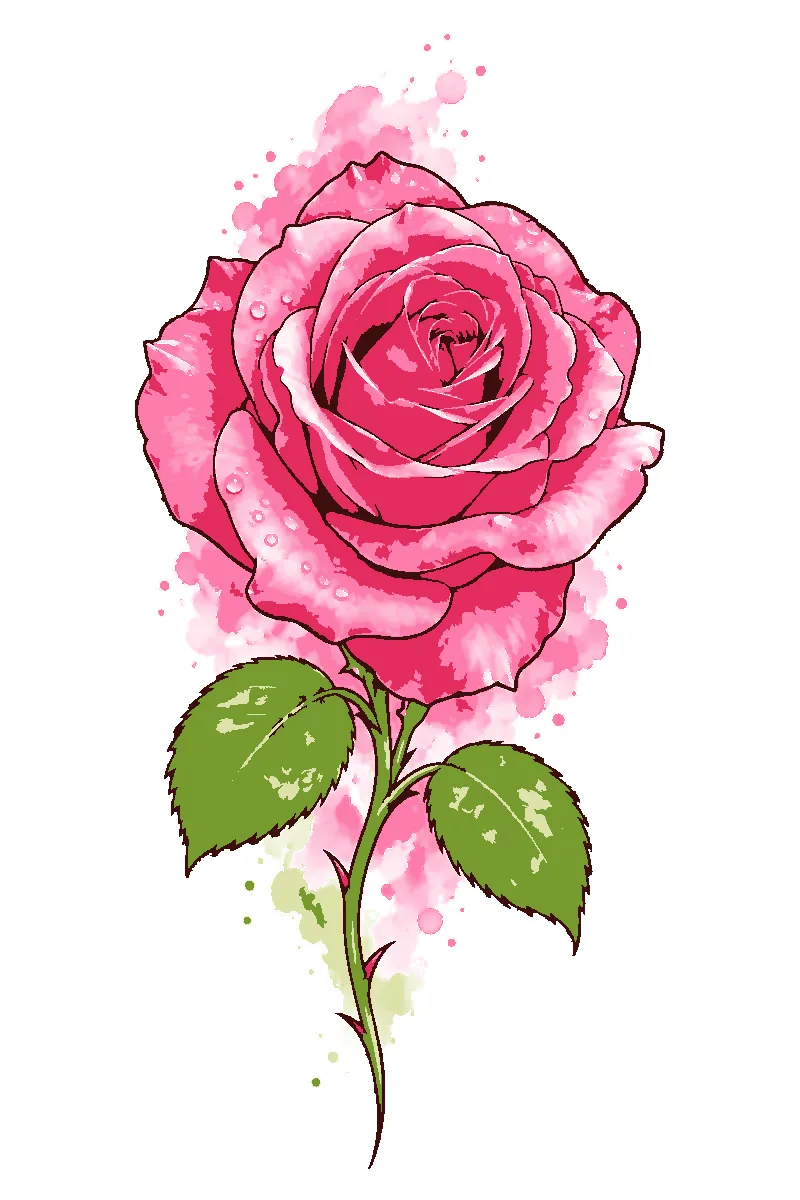 Move to see the film
The watercolor pink of this rose fades into the shirt, so its film prints the fade as elliptical dots at 45 LPI and 22.5°, and its label suggests a mesh to use. Move the lens to see the real film. To make a whole picture out of dots, open the halftone generator.
Separate a fadeSix real results of this tool on designs we made for this page. Each board shows the print on its garment and the films the tool drew for it, marks and labels included.
The black of this moth is the shirt itself, so only the white prints: an underbase and a highlight white, two films in all.
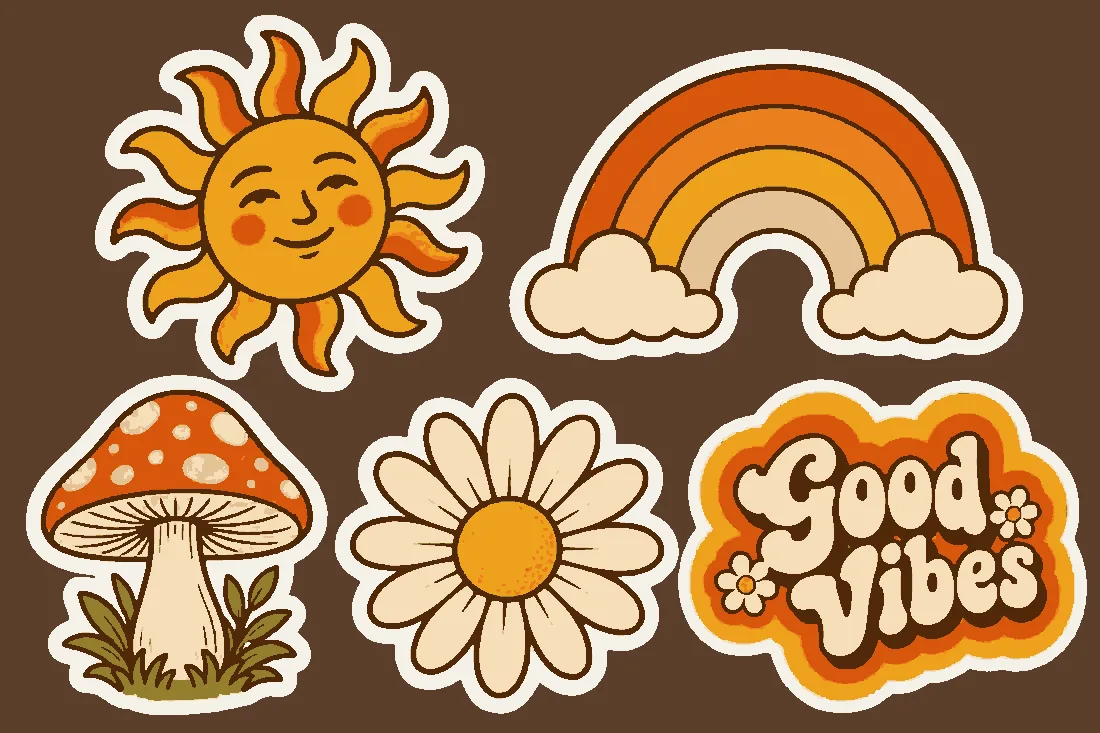
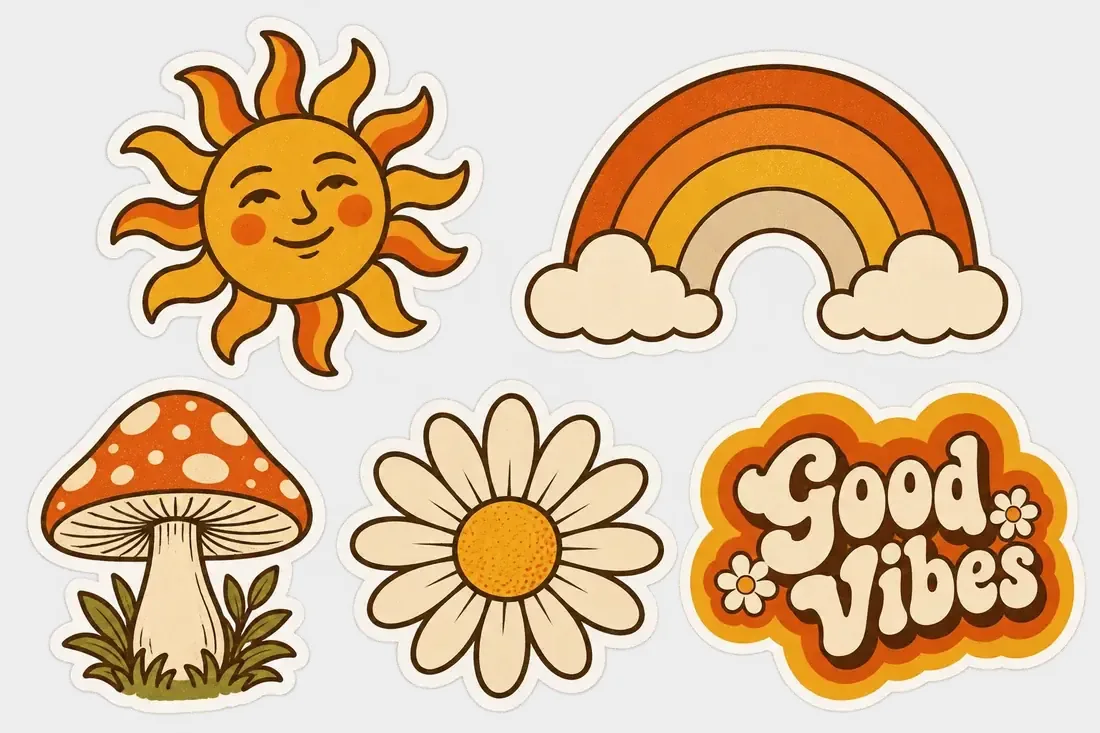
The canvas already has the cream of these stickers, so that color is skipped and the design needs only two green inks.
Busy art keeps its colors on Auto, and the tool warns that 9 screens is more than most presses take.
The gray clouds print as black halftone dots and the blossoms fade as pink dots, on seven films for a natural tee.
Set to 6 colors, this sticker prints over a white underbase with its white edge as a highlight: seven films.
On a pink tee the frosting matches the garment and is left out, so the shirt shows through as the icing.
Four habits that make films print clean on the first try.
Choose the print width on the Films tab before you judge the films. Lines and specks are checked at that size, and anything thinner than 0.3 mm gets a note so you can fix it before burning a screen.
A design in two or three bold inks is often clearer than one in eight, and every ink you drop saves a screen. Merge inks that look alike, or bring the Number of colors down and compare in the preview.
Print at Actual size with the darkest black your printer has, on waterproof transparency film. 600 dpi suits most inkjets; turn on Mirror films only when your shop exposes films the other way.
Halftones hold best when the mesh count is roughly the LPI times 4.5, so 45 LPI wants a mesh around 200. Use a lower LPI for coarse mesh, and keep fine lettering as a solid ink.
Image2Layer next to separating by hand and paying a screen printing color separation service.
Color separation in Illustrator for screen printing and spot color separation in Photoshop for screen printing both work well when you have the skill. Photoshop and Illustrator are trademarks of Adobe; Image2Layer is not affiliated with Adobe or with any separation service.
Anyone with a design and a press, from a garage setup to a busy shop.
Band shirts, team tees, race shirts and hoodies: screen print separations for any number of colors, on light or dark garments.
Leave the natural canvas unprinted and print only the inks you need, often just one or two screens.
Quick separations for small orders, so a separator only spends time on the jobs that need a hand.
Silk screen printing color separation for gig posters and art prints, with halftone fades instead of extra screens.
A free color separation app for classes: no installs, no accounts, works on shared computers and tablets.
Separate colors into layers for Photoshop with the layered PSD, or get one vector group per ink as a layered SVG.
Price, privacy, dark shirts, fades, CMYK, films and registration marks.
Tools for getting a design ready to print, cut or stitch.
Four tools for what usually comes next.
Color separation
Upload a design and download a film for every ink in about a minute. Free color separation in your browser, with nothing uploaded.
Separate a design