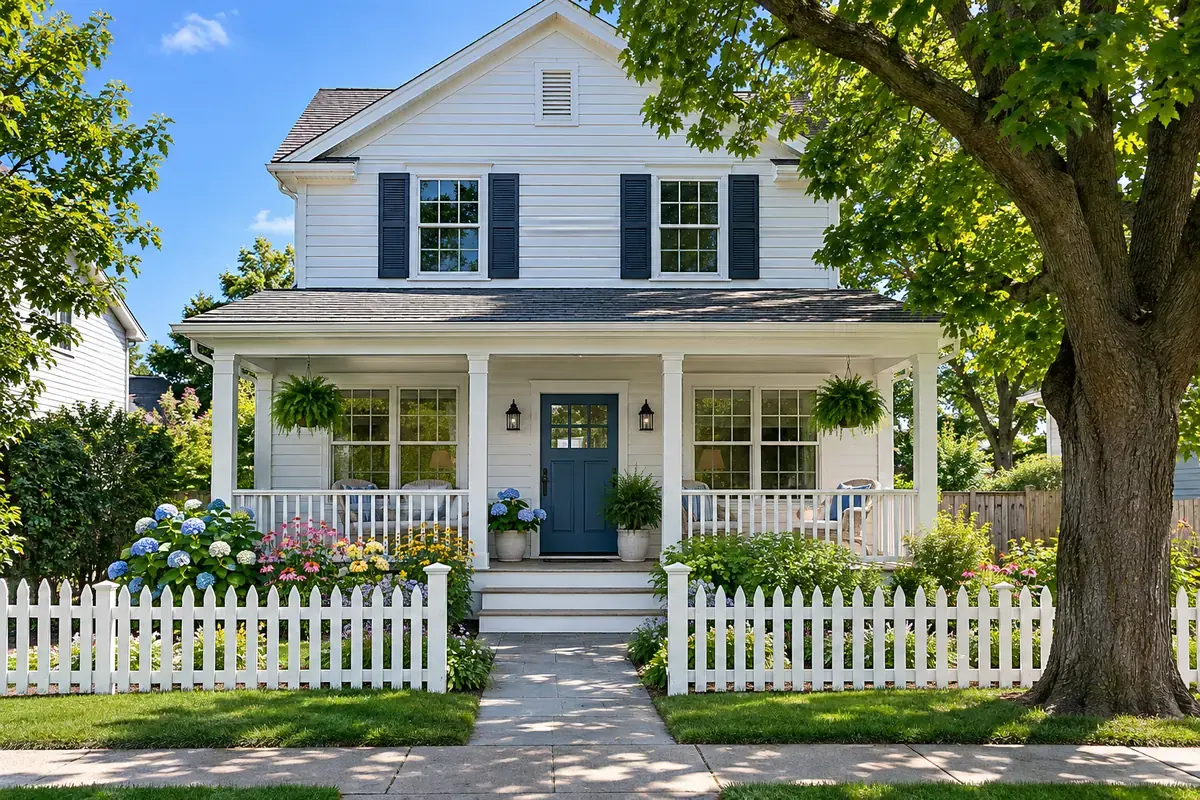
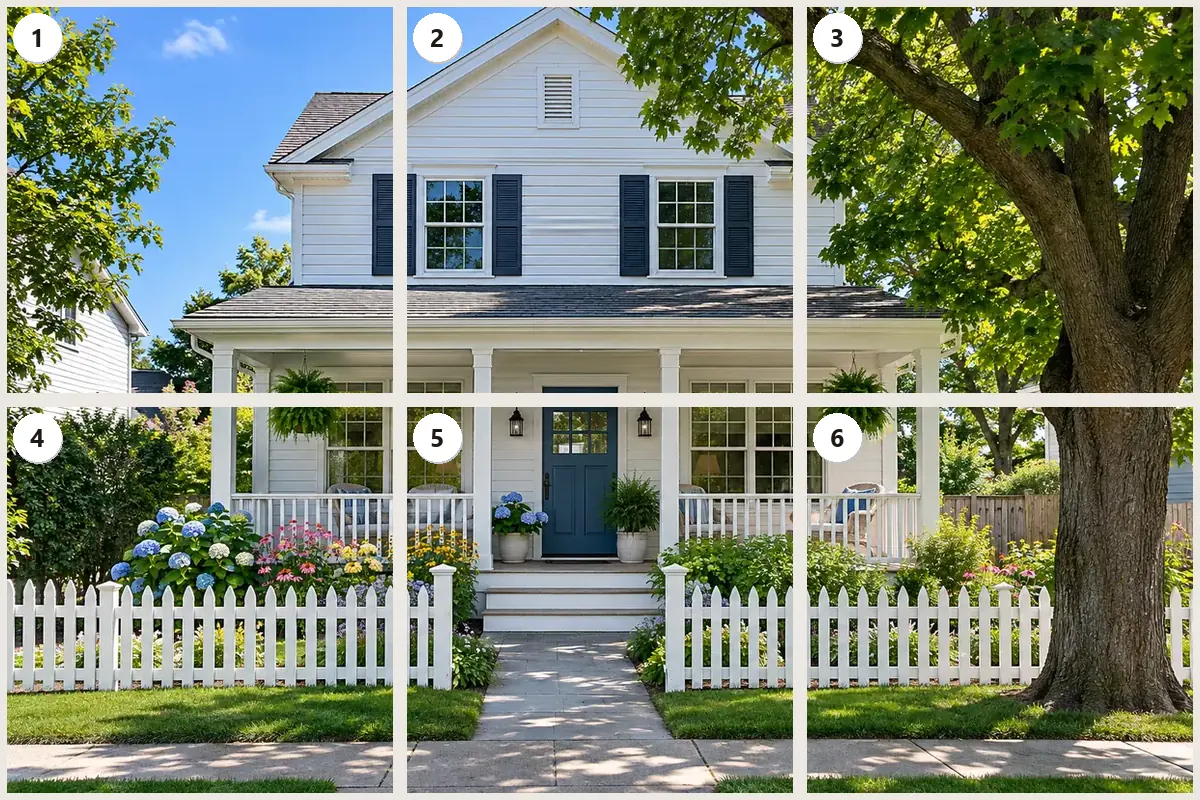
Exact pixels, nothing lost
Every pixel ends up in exactly one piece. If the width or height leaves pixels over, Spread the extra pixels keeps them all, so neighbors differ by 1 px at most; Trim or Pad gives pieces of identical size.
Free online tool
Image2Layer's image splitter turns one picture into grid tiles, an Instagram grid, carousel slides or a poster on A4 or Letter pages, free. Every piece keeps the original pixels, on your device.
What it does
An image splitter cuts one picture into smaller pictures that fit back together. Split image files into a grid of equal tiles, an Instagram grid of 3 to 15 posts, a carousel of 2 to 20 slides, or a poster printed over several sheets of paper. Each cut line and number appears in the preview the moment you change a setting.
Pieces come straight from the pixels of your picture; nothing gets redrawn or blurred, and you can split image into pieces in whatever layout the job needs. Want layers rather than pieces? Separate subject, background and text with image to layers, or turn the picture into blocks of color first with photo to pixel art.
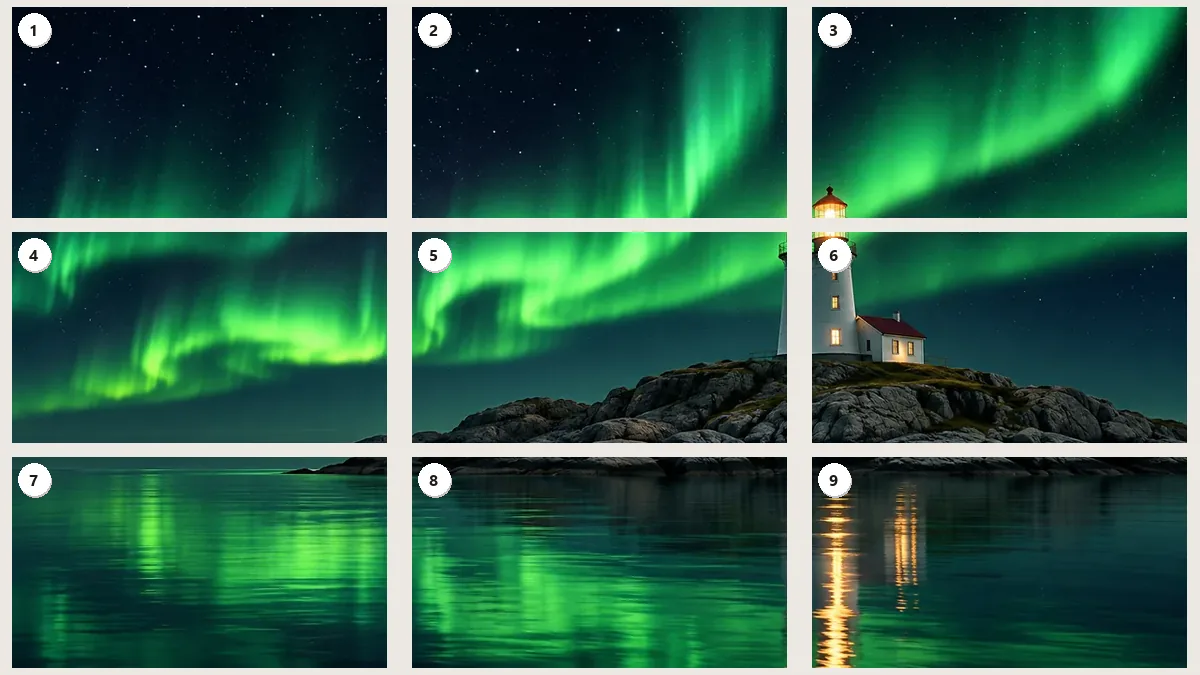
 BeforeSplit
Six strengths, from pixel exact tiles to wall posters made on a home printer.
Every pixel ends up in exactly one piece. If the width or height leaves pixels over, Spread the extra pixels keeps them all, so neighbors differ by 1 px at most; Trim or Pad gives pieces of identical size.
Instagram grid cuts tall 3:4 tiles to match how profiles show posts now, or classic 1:1 squares, and numbers every file so you know which one to post first.
Slides are cut side by side from one frame, so a panorama runs across every swipe without a gap. Choose 4:5, 1:1 or 3:4.
Print poster spreads the picture over A4, A3, Letter, Legal or Tabloid sheets and saves one PDF. You choose the margin and the overlap, and it can add cut marks and page labels.
The finished size in cm and inches, the DPI and the distance from which the print looks sharp update as you change the paper or the size.
No sign-up, no watermark, no limit. This photo splitter runs in your browser, so the picture never leaves your device.
How to split an image into multiple pieces: upload, choose the cuts, download. Split image online and see every cut in the preview before you save.
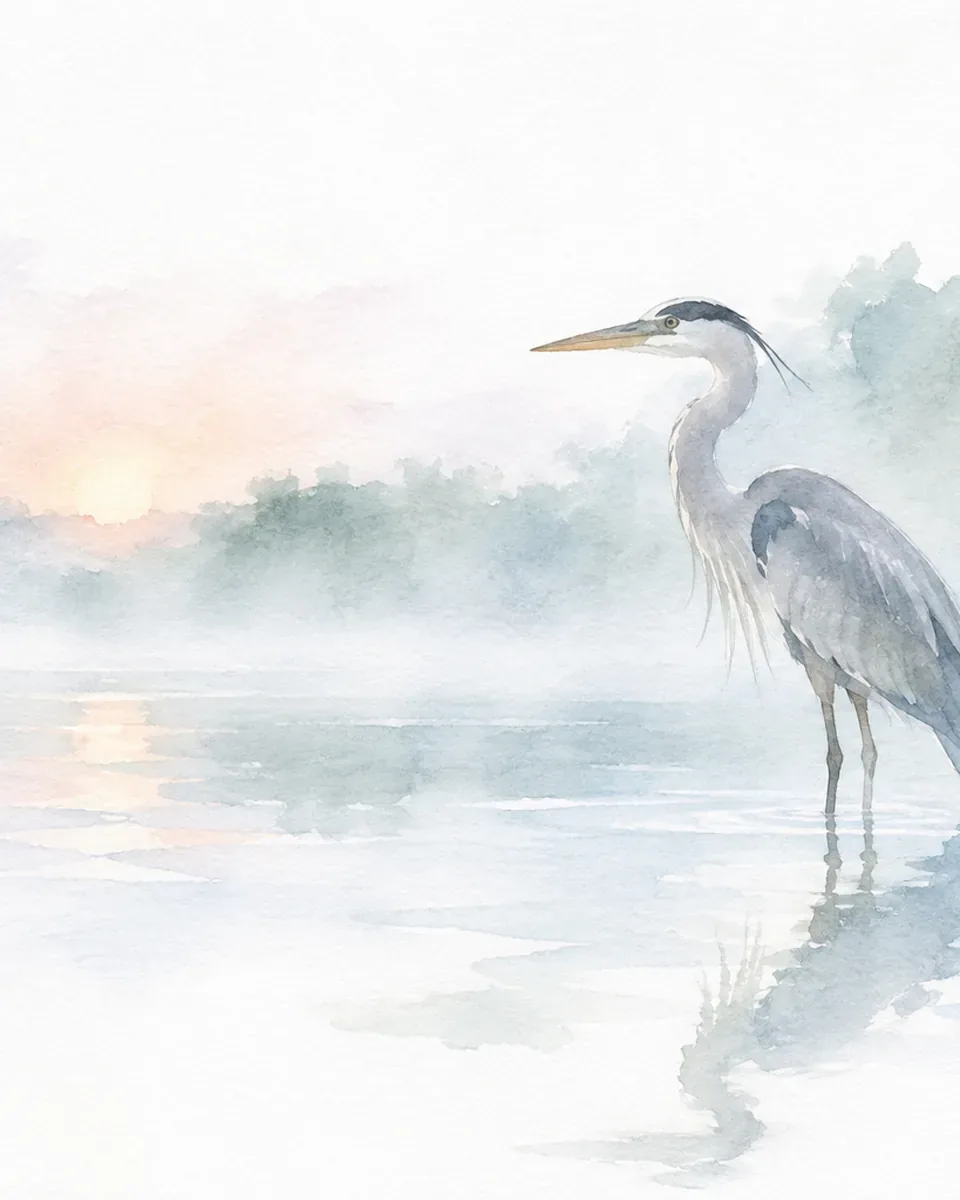
Three jobs it is built for. Drag or move over each example.
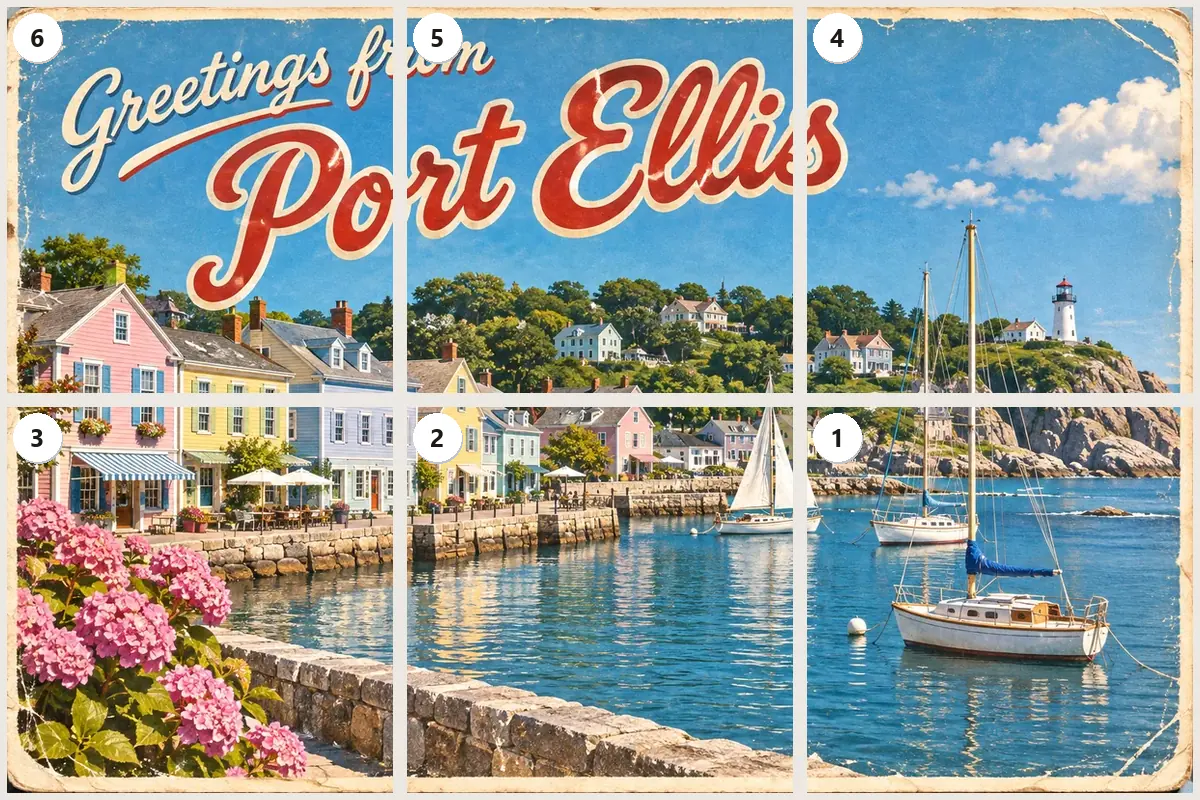
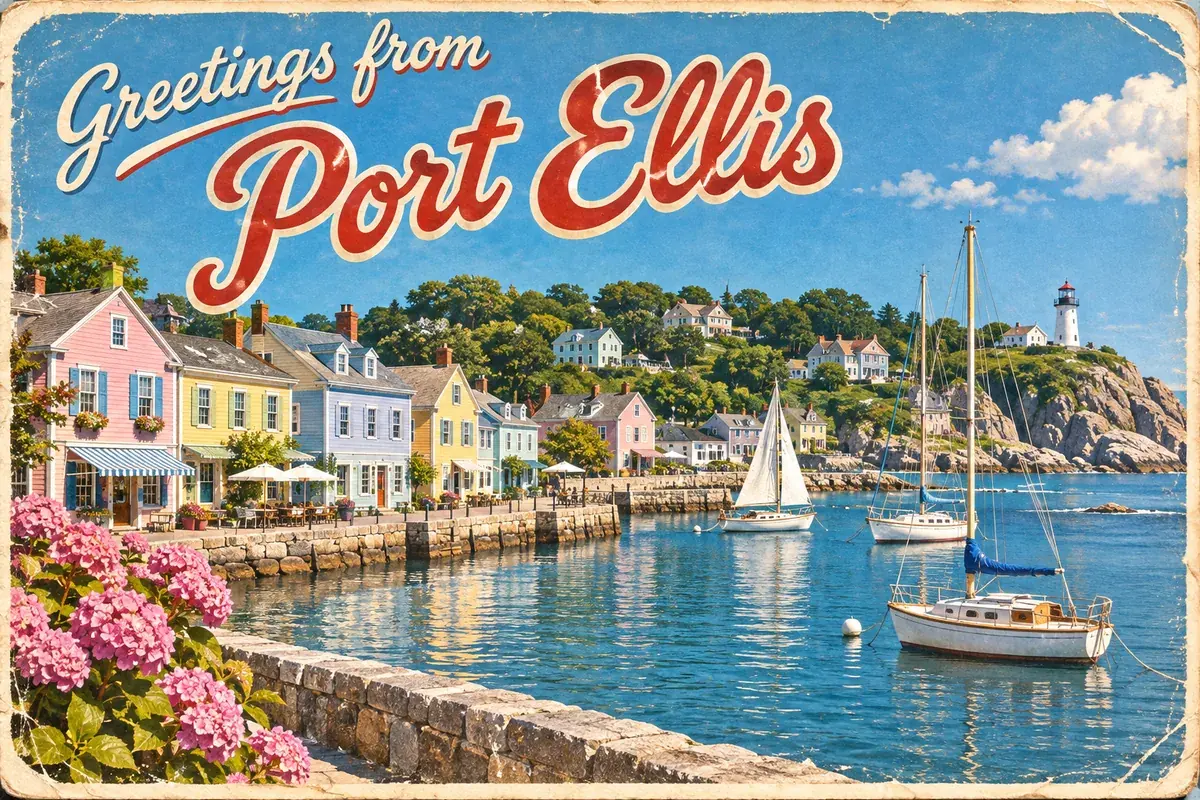 BeforeSplit
Instagram shows the newest post first, at the top left of your profile. In Posting order, number 1 belongs to the lower right corner and the upper left tile is posted last, so upload the files by number and the profile shows the whole picture. This postcard became a 3 × 2 grid of squares; for the taller tiles of today's profile grid, choose 3:4. Unpin posts while you post, because pinned posts stay in front.
Make an Instagram grid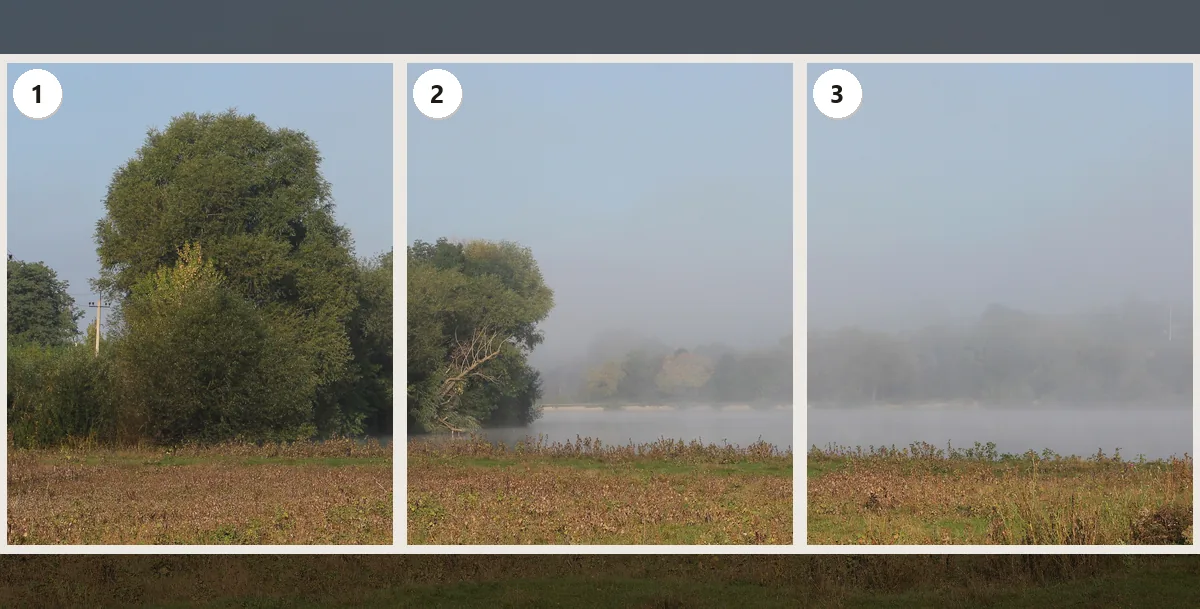 Move to see the photo
Carousel turns a wide picture into a row of 2 to 20 slides, cut edge to edge from a single frame, so the view runs on as people swipe. Move the frame up or down to choose what stays. Instagram crops later slides to the first slide's shape, so here all slides come out in one shape. Move over the example to see the full photo under the slides.
Make a carousel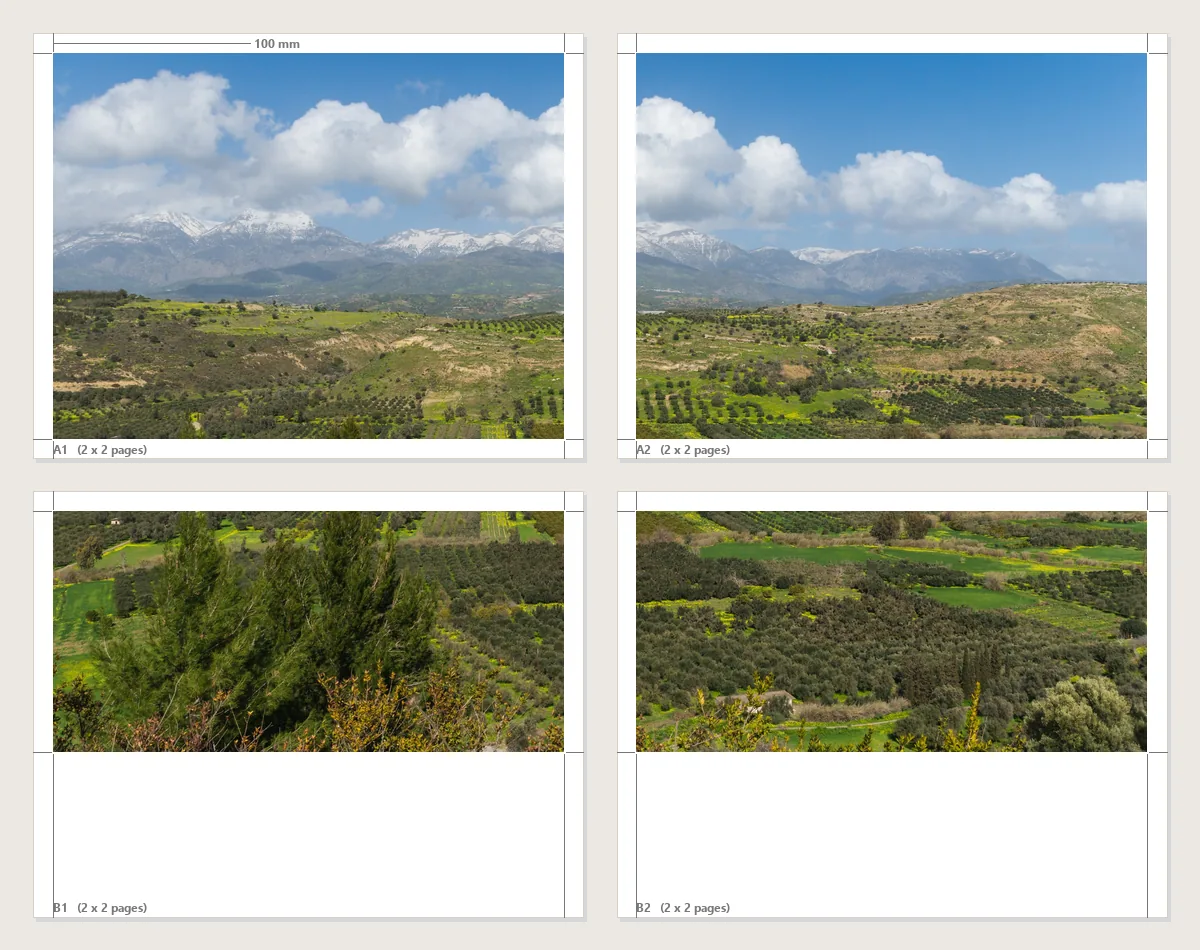
 PicturePages
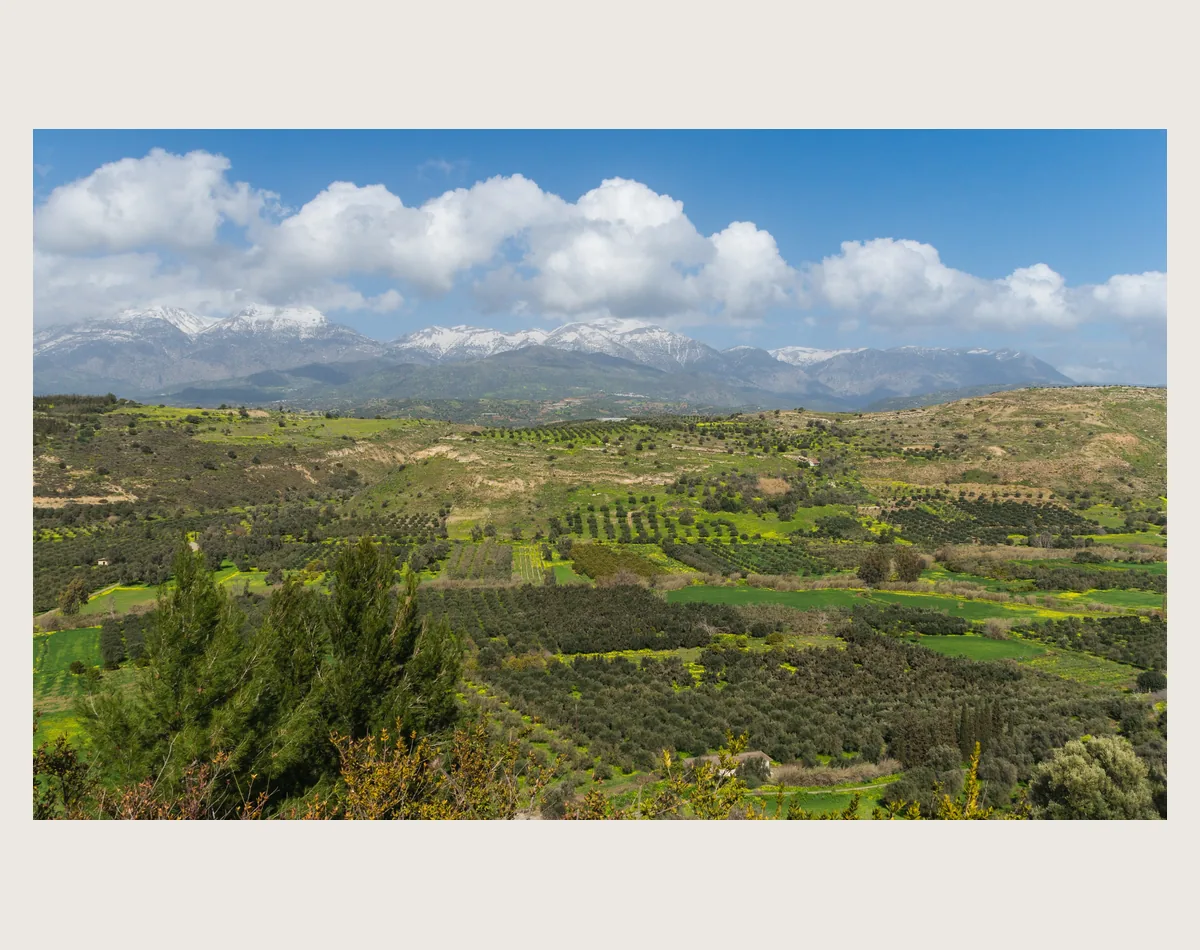
Print poster lets you split image across multiple pages in one PDF, with the finished size and DPI shown before you download. This mountain view fills 2 × 2 Letter pages at 51.4 × 31.3 cm and 190 DPI, with a 10 mm margin, 5 mm overlap, cut lines and labels A1 to B2. Print it at Actual size, cut the margins off at the marks and tape the sheets together from behind. To print a small picture big, enlarge it first with the image upscaler.
Print a posterSix real results of this tool, each with the mode that suits the picture. Hover a card to compare, or open it to look closely.
A robot sprite sheet cut into 12 equal frames; every frame is its own transparent PNG for a game engine or an animated GIF.
A snowy village under the mountains cut into three 4:5 slides that join without a seam.
An iceberg under the stars as a 3 × 2 grid of 3:4 tiles, numbered so post 1 is the bottom right.
A green coastline on 2 × 2 A4 sheets: 54.9 × 36.5 cm at 178 DPI, with cut lines, page labels and the 100 mm line on A1.
A desert caravan at sunset in three tall panels, printed and hung next to each other.
Mountain peaks in the clouds split into four equal parts with the 2×2 preset.
Four habits that make split pictures look whole again.
A 3 × 3 grid of 3:4 tiles at full 1080 × 1440 px needs a picture of about 3240 × 4320 px. Smaller pictures split just as cleanly; the pieces are simply smaller, because the tool never enlarges them.
Drag the frame so faces and text sit inside one tile or one slide. A cut through an eye or a word is what makes a grid look broken.
Post number 1 first and finish with the top left tile. For a print, lay the pages out by label: rows by letter from the top, columns by number from the left, A1 at the top left.
Print page A1 first at Actual size (100%) and measure the 100 mm line with a ruler. Around 300 DPI still looks crisp when you stand close, while a poster viewed from a meter or more needs only about 150 DPI. For bold prints, try a halftone generator first.
This free tool next to slicing by hand and a phone grid app.
Photoshop is a trademark of Adobe. Instagram is a trademark of its owner. Image2Layer is not affiliated with them.
Six everyday jobs, from profile grids to posters.
A photo splitter for Instagram: spread one picture over 3, 6, 9 or as many as 15 posts and the profile shows it as one large image. It works as an Instagram grid maker online, free.
Travel panoramas and wide shots as slides that join as people swipe: a seamless carousel in a few clicks.
Print a map, a timetable or an event poster at wall size on A4 or Letter with any home printer. As an image splitter for printing, it can also split image into tiles for printing a banner.
Cut a sprite sheet into equal frames with transparency kept, or make a sheet from a GIF with GIF to sprite sheet.
Turn a landscape into 2 or 3 panels for one wall, or into a grid of small frames.
Cut an image into pieces for mosaics, cards, matching games or a drawing grid. For flat color areas first, use posterize image.
Answers about price, grids, Instagram, carousels, printing, quality and phones.
Print, craft and pixel tools that pair well with a split.
Four tools for what usually comes next.
Free and private
Drop in a picture, pick one of the four modes and save the pieces. Use the image splitter online, free, while your picture stays on your device.
Split a picture