Levels or an exact number of colors
Levels cuts each channel into 2 to 255 equal steps. Colors keeps exactly the number you ask for, from 2 to 256, so a four-ink print gets four colors.
Free posterize effect
Image2Layer's posterize image tool turns any photo into a few flat colors, free in your browser. Choose 2 to 255 levels or exactly 2 to 256 colors, add dithering, then save a PNG or a layered PSD.
Solid areas of color with crisp edges
Drop a photo or picture here
JPG, PNG or WebP up to 25 MB, or paste with Ctrl+V
Try a sample
What it does
To posterize an image is to replace its smooth gradients with a few flat areas of color, the way a screen-printed poster uses a handful of inks. This posterize image tool works like a posterize filter online: drop in a photo, choose how many levels or colors to keep, and the preview updates in about a second.
Pick Levels for the classic posterize effect, where every channel gets the same number of equal steps, or Colors for an exact number of colors picked from the picture itself. Then take the result further: color separation makes one film per ink, and image to layers splits any picture into editable layers with AI.
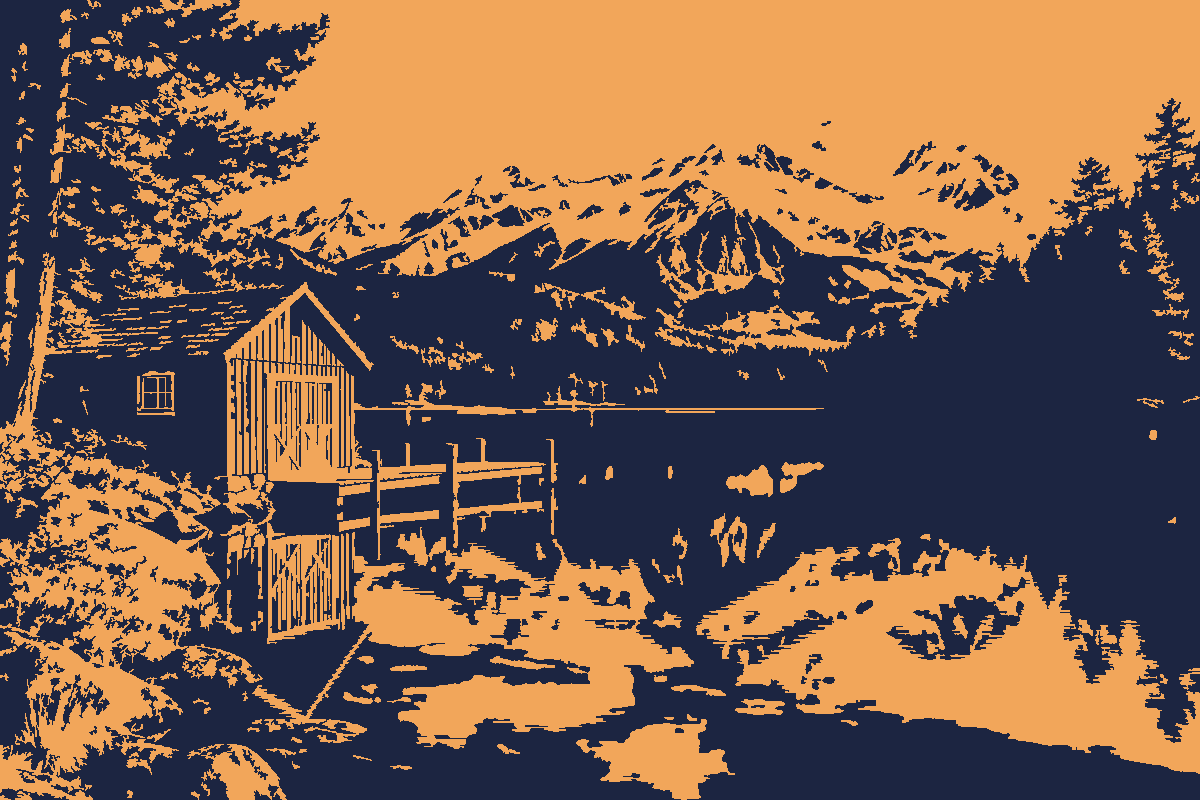
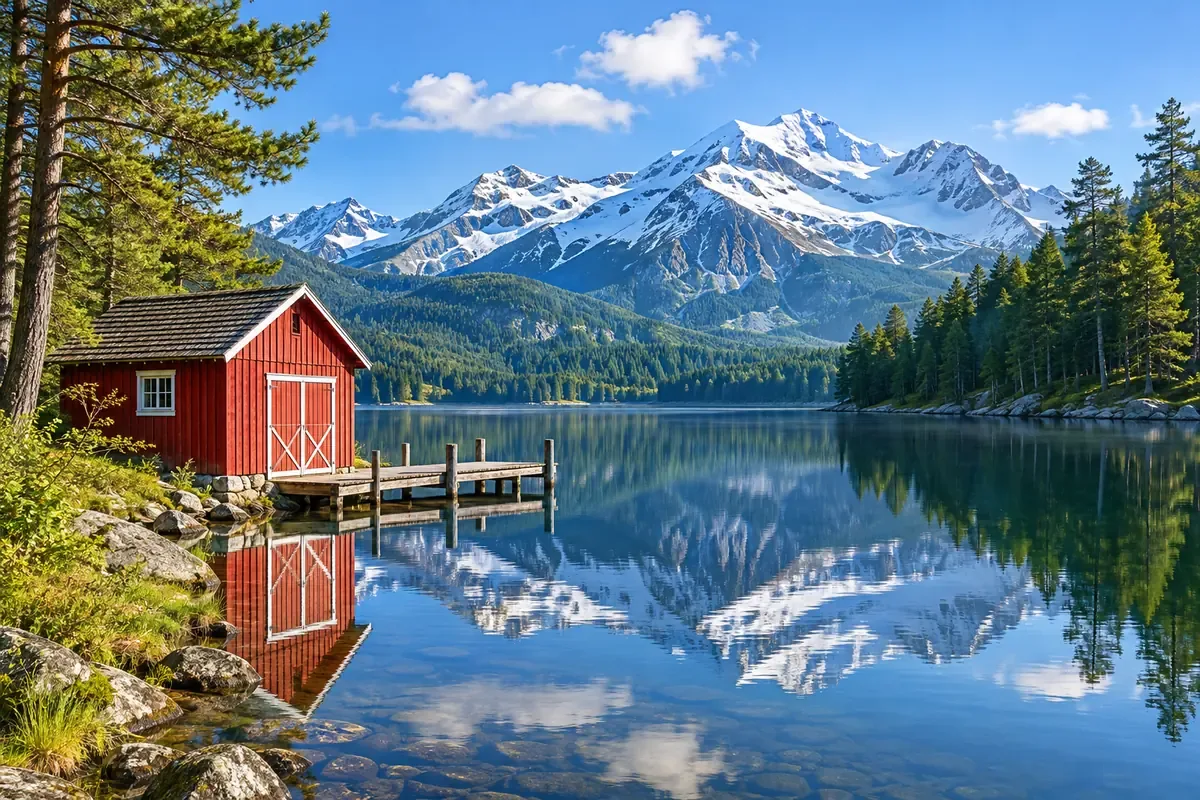 OriginalDuotone
Six reasons to use an image posterizer online that never uploads your photo.
Levels cuts each channel into 2 to 255 equal steps. Colors keeps exactly the number you ask for, from 2 to 256, so a four-ink print gets four colors.
Press Keep a color and click the picture, and that color stays in the result. Copy the HEX code of any color, recolor it or merge it into another.
Smoothing and Remove specks give clean shapes for printing and cutting. Diffusion or Ordered dithering keeps soft skies and skin smooth instead.
Download a PSD where every color sits on its own layer, named by its HEX code, with the original picture hidden at the bottom.
Use this image posterizer free, without an account and without a watermark. The posterize effect is computed on your device, and your picture is never uploaded.
Most changes show in about a second, so you can try a posterize photo effect with 4 levels, then 6 colors, then a duotone before you download anything.
How to posterize a photo without an editor: three steps from upload to download, all in your browser.
Three things this posterizer does on real pictures. Drag or hover each example.
 3 levels6 colors
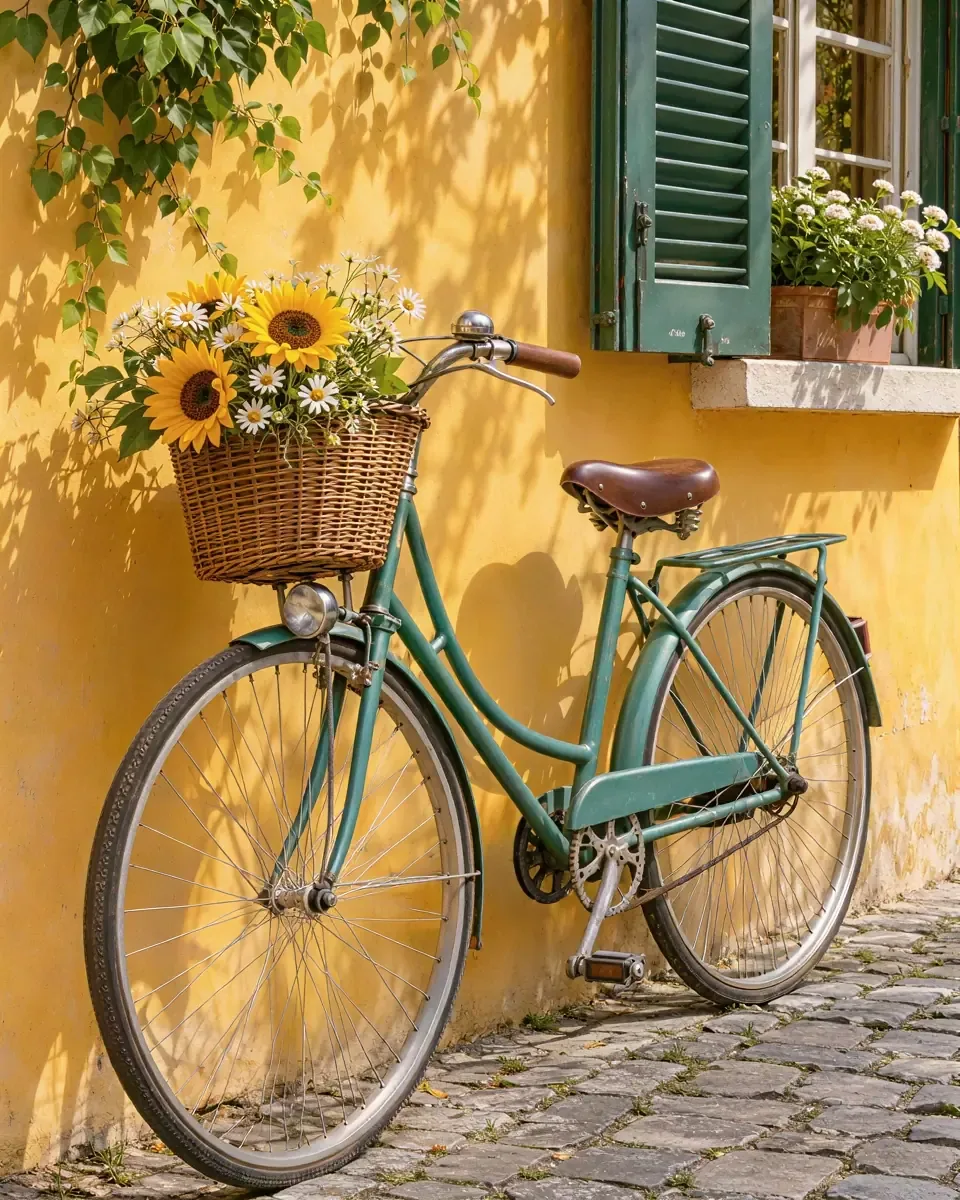
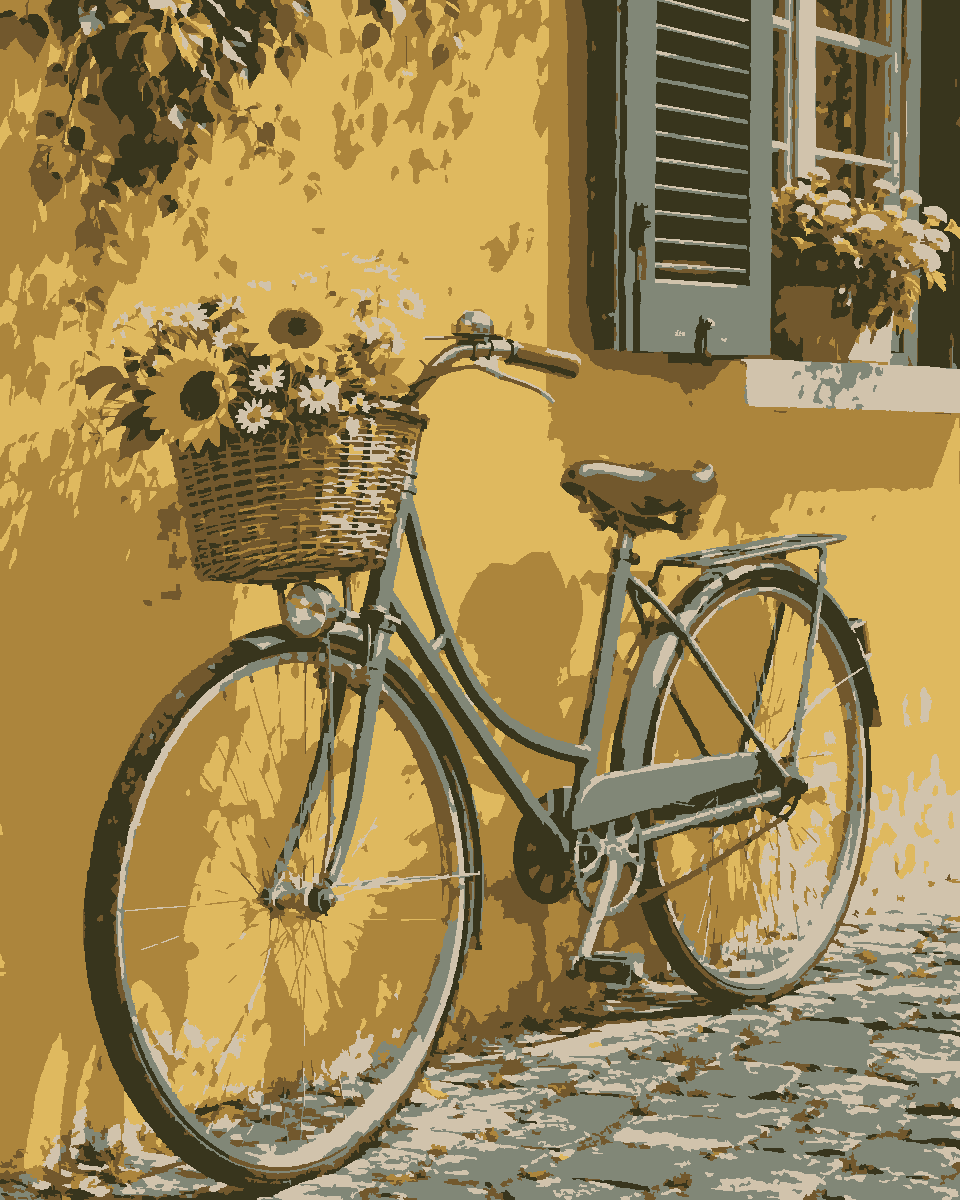
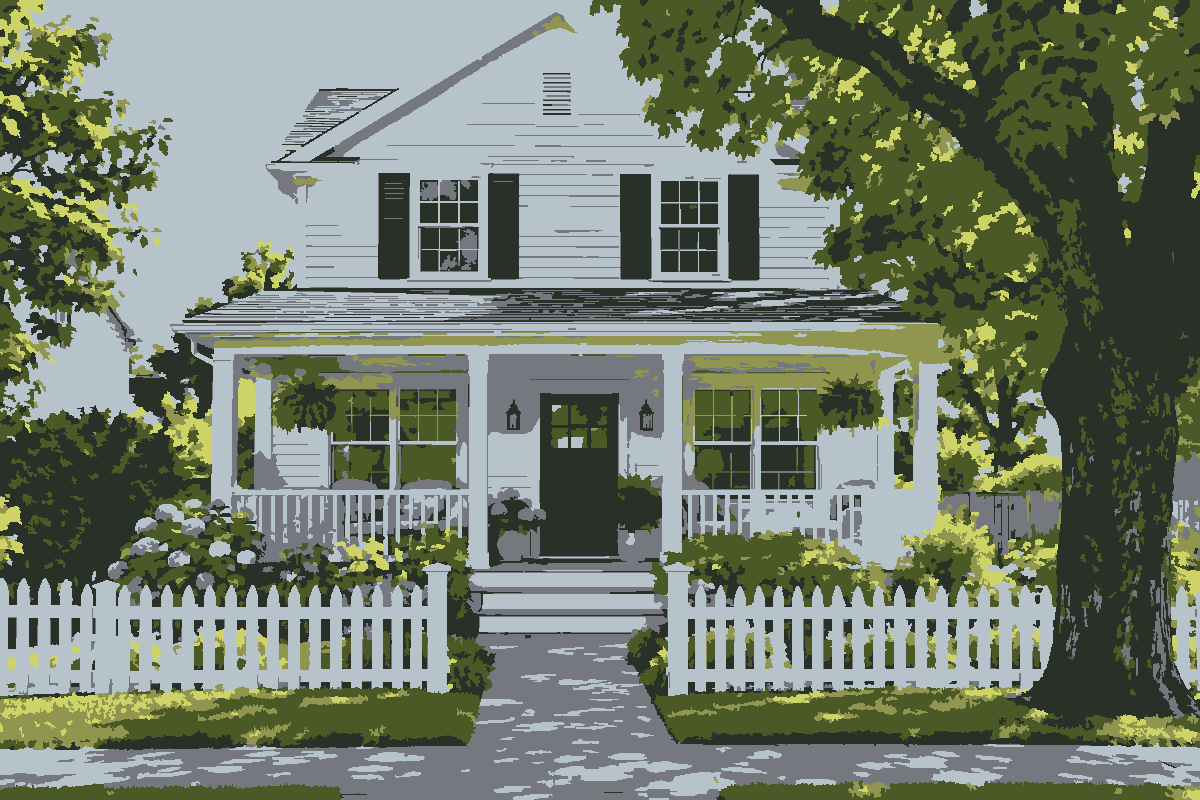
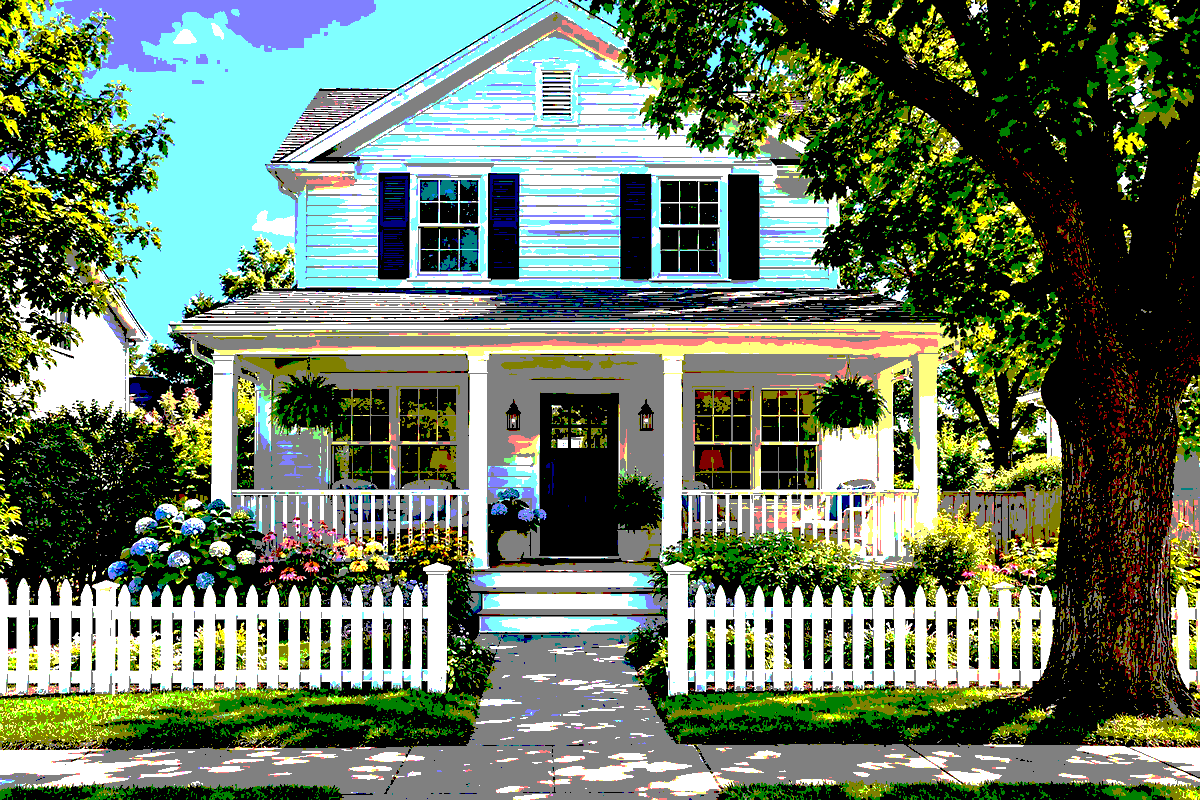
Levels gives every channel the same number of equal steps, the classic posterize filter: 3 levels allow up to 27 colors and 4 levels up to 64. Colors studies the picture and keeps exactly the number you choose. This cottage was posterized with 3 levels on one side and 6 colors on the other. For a numbered sheet to paint instead, use the paint by number maker.
Compare levels and colors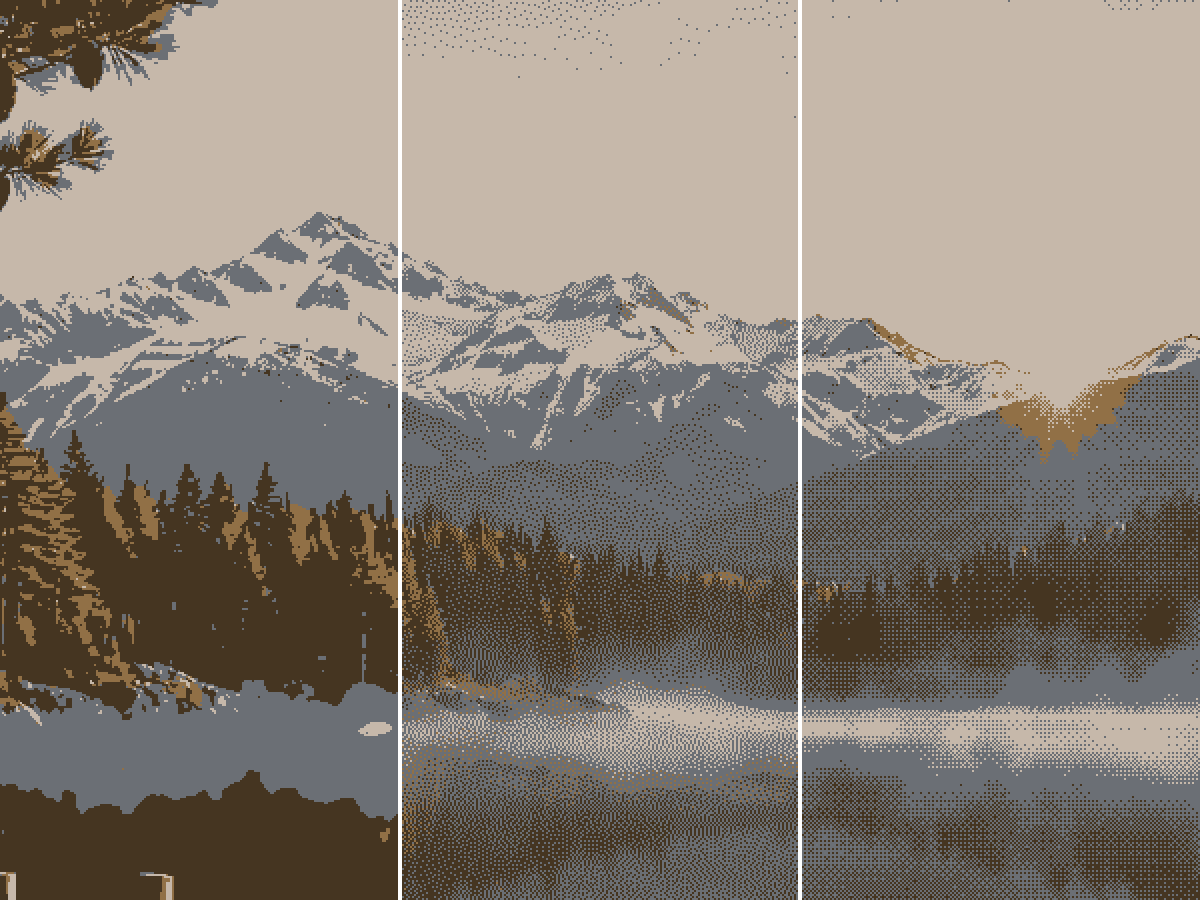
With dithering Off, a misty lake turns into hard bands. Diffusion sprinkles tiny dots of the palette colors, so the mist stays soft; Ordered lays the dots on a regular grid for a retro print look, and Strength sets how much you get. Shown here at twice the size, 4 colors each. For round dots of one ink, try the halftone generator.
Try dithering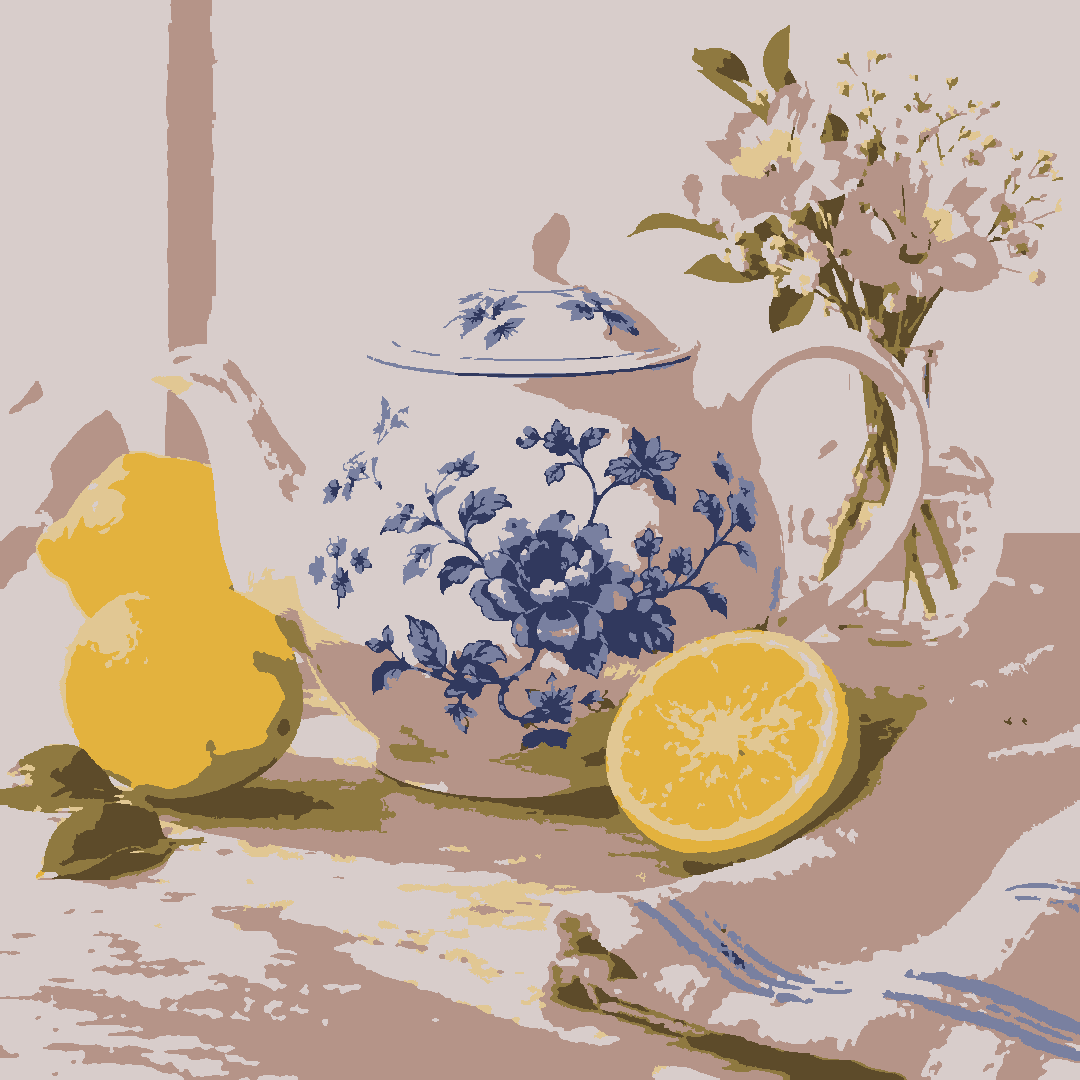
Palette · 8 colors
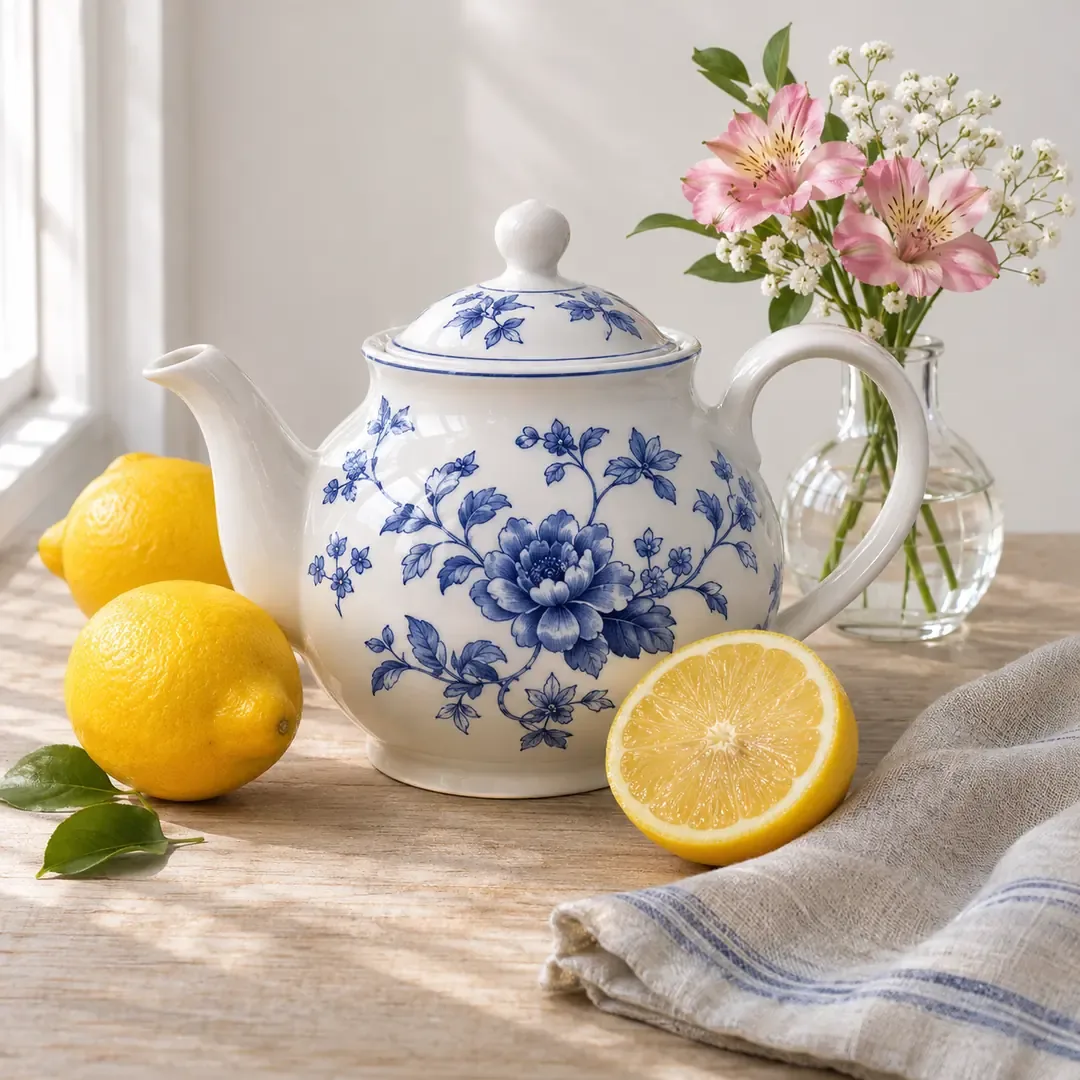
Every color of a posterized image is listed in the palette with its share of the picture. Click one to copy its HEX code, recolor it or merge it into another, then download the palette as .hex, as .gpl for GIMP or as .aco swatches for Photoshop. This still life was posterized to 8 colors.
Make a paletteSix real results of this tool, each with the settings used. Hover a card to wipe between the photo and the posterized image, or open it to look closely.
A mint film camera mapped to the Pop art scheme: four flat colors, from dark navy to bright yellow.
Six colors picked from the photo, with extra smoothing, turn a harbor town into a vintage travel poster.
A soft winter illustration flattened to five colors, ready to screen print or to trace.
Two levels per channel give eight colors, and ordered dithering turns the gradients into a dot grid like an early color printer.
Black and white with 2 tones: the split follows the picture, so the camels come out as a clean silhouette.
The classic posterize effect: 4 levels per channel, 33 colors in all, bold in the snow and the warm windows.
Four habits for results worth printing.
Bold posters usually start at 3 or 4 levels, or 4 to 6 colors. Portraits and food photos hold more detail at 8 to 16 colors. Adjust one setting, look at the preview, then move to the next.
Raise Smoothing to calm noise and texture, then Remove specks to fold tiny islands into the color around them. Clean shapes print, cut and trace far better. Remove specks is off while dithering is on.
Turn on Black and white with 2 tones for a stencil. Open the PNG in PNG to SVG for a vector, or use the stencil maker for multi-layer spray stencils.
Each color is one ink, one thread or one sheet of vinyl. Lower the number of colors until it matches what you can print, and download the palette with the layered PSD. For a poster bigger than your paper, use the image splitter.
This free posterizer next to the desktop filter and a posterize photo app.
Photoshop and GIMP are trademarks of their owners. Image2Layer is not affiliated with them.
Six everyday jobs for the posterize effect.
Posterize a photo of a trip, a pet or a home, and hang it as a print in a handful of bold colors.
Bring a design down to the number of inks you print, then make one film per ink with color separation.
Posterize an image for painting: flat areas of value show where each tone goes on a canvas or a mural.
A black and white result with two tones works as a stencil for spray paint, a cutting machine or a laser.
Turn a pet photo into a duotone or pop art print for a mug, a card or a profile picture.
Few colors and ordered dithering give a retro computer look; for real pixel art on a grid, use photo to pixel art.
Price, privacy, phones, levels and colors, dithering, files and print.
Print, craft and color tools that pair well with a posterized image.
Four tools for what usually comes after a posterize.
Free in your browser
Drop in a photo, apply the posterize effect online with levels or colors, and download a PNG or a layered PSD. This posterize image tool runs in your browser, with nothing uploaded.
Posterize an image