Codes you can shop by
Each bead in the pattern is a real Perler, Hama Midi, Hama Mini, Artkal S, MARD or Perler Mini color, listed with its code, its count and the color name where the brand gives one.
Free bead pattern tool
Image2Layer's Perler bead pattern maker converts any picture into real Perler, Hama, Artkal or MARD beads. It counts each color and gives every pegboard a printable page, at no cost, in your browser.
Try a sample
Bead type
103 colors · 29 × 29 peg square board
Size
Boards wide
Colors
Colors used (0)
Free, no account, no watermark. The picture is processed on your device only.
Perler, Hama, Artkal and MARD belong to their respective owners. Screen colors are close, not exact. Bead color data (MIT)
From picture to pegboard
This tool turns a picture into a grid of fuse beads, each one a real bead you can buy, with its code, name and count. It shrinks the picture to the beads across you choose, matches every bead to the closest color of the brand and keeps to the number of colors you allow. Pictures larger than 2,400 pixels are scaled down first, which keeps every change quick.
Every pixel of pixel art becomes one bead, cartoons hold on to their outlines with Sharp outlines, and a plain or transparent background can stay empty. As a Perler bead pattern maker from image files it takes JPG, PNG and WebP and never uploads them. For only the character from a busy picture, split it with image to layers first, or make a sprite with photo to pixel art.
 PictureBeads
Six things that make a bead pattern easy to shop for, bead and iron.
Each bead in the pattern is a real Perler, Hama Midi, Hama Mini, Artkal S, MARD or Perler Mini color, listed with its code, its count and the color name where the brand gives one.
Game sprites are recognized even after they were enlarged, and every pixel gets exactly one bead, so the art looks just as it was drawn.
Actual size pages space the beads exactly as on the board, so you can lay each sheet beneath a clear pegboard and check the printer against a 50 mm bar.
Flip from beads on the board to the melted result, the symbol chart or a before and after slider, all before you open a single bag.
Drop a color you lack with × and its beads move to the nearest one left. Special beads, such as glow, clear, glitter or metallic ones, are only used when you switch them on.
A Perler bead pattern generator free of accounts, watermarks and limits. Your own browser does the work, so the picture is never uploaded.
Upload, adjust, print: the whole route from a picture to beads on the board.
Three things this Perler bead pattern generator does with real pictures. Drag the examples to compare.
 Pixel artBeads
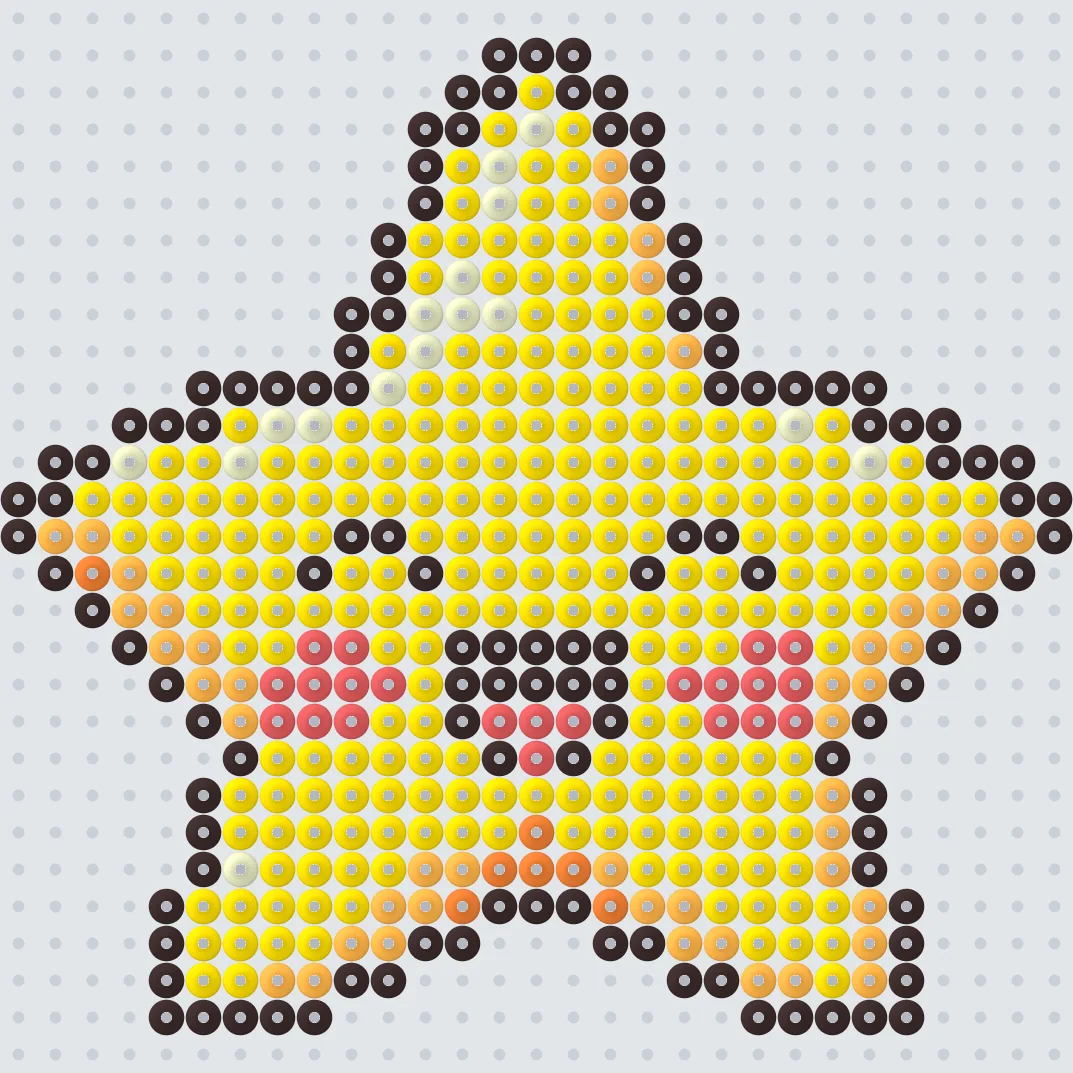
The tool recognizes pixel art even after it was enlarged. This star was drawn 29 pixels wide and saved 14 times bigger; the maker brought it back to 29 × 29 beads, exactly one Perler pegboard, with every pixel as one bead in its nearest Perler color. Make your own sprite first with photo to pixel art.
Bead a sprite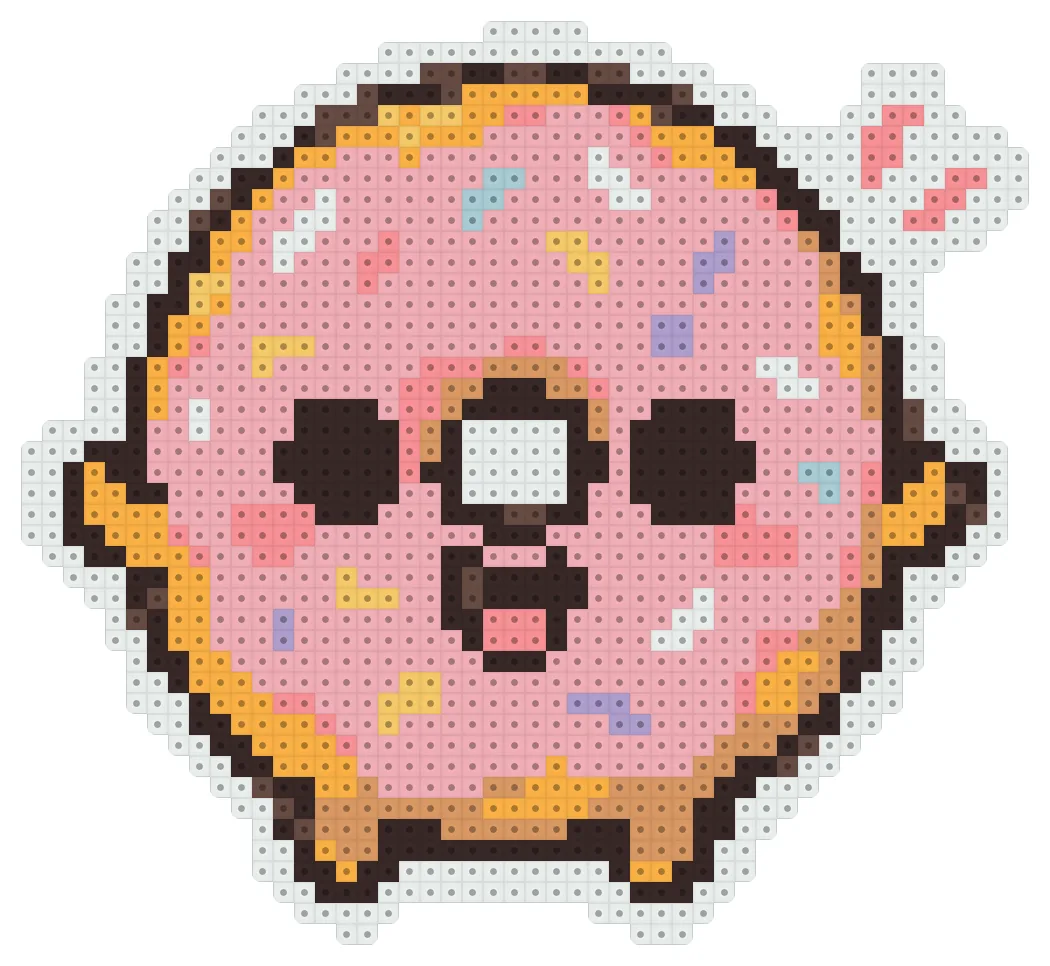
 On the boardIroned
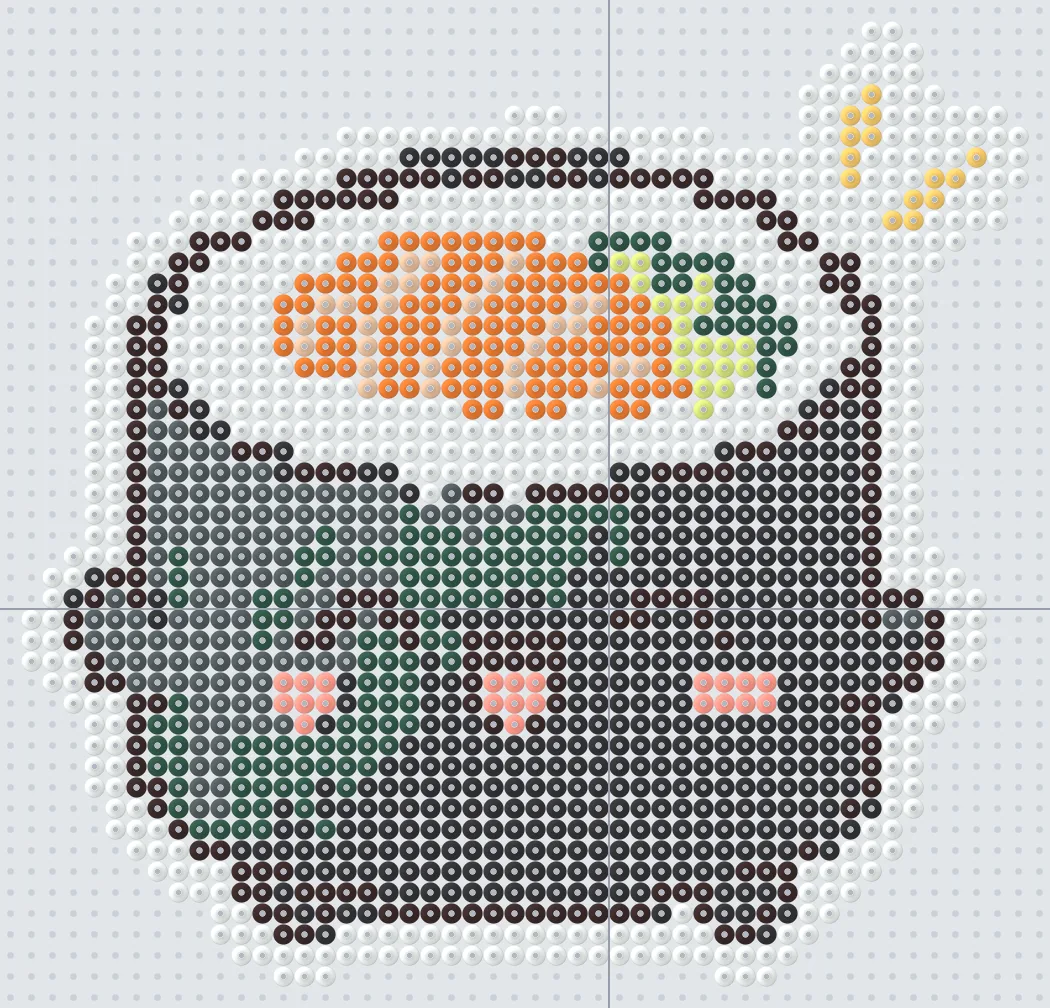
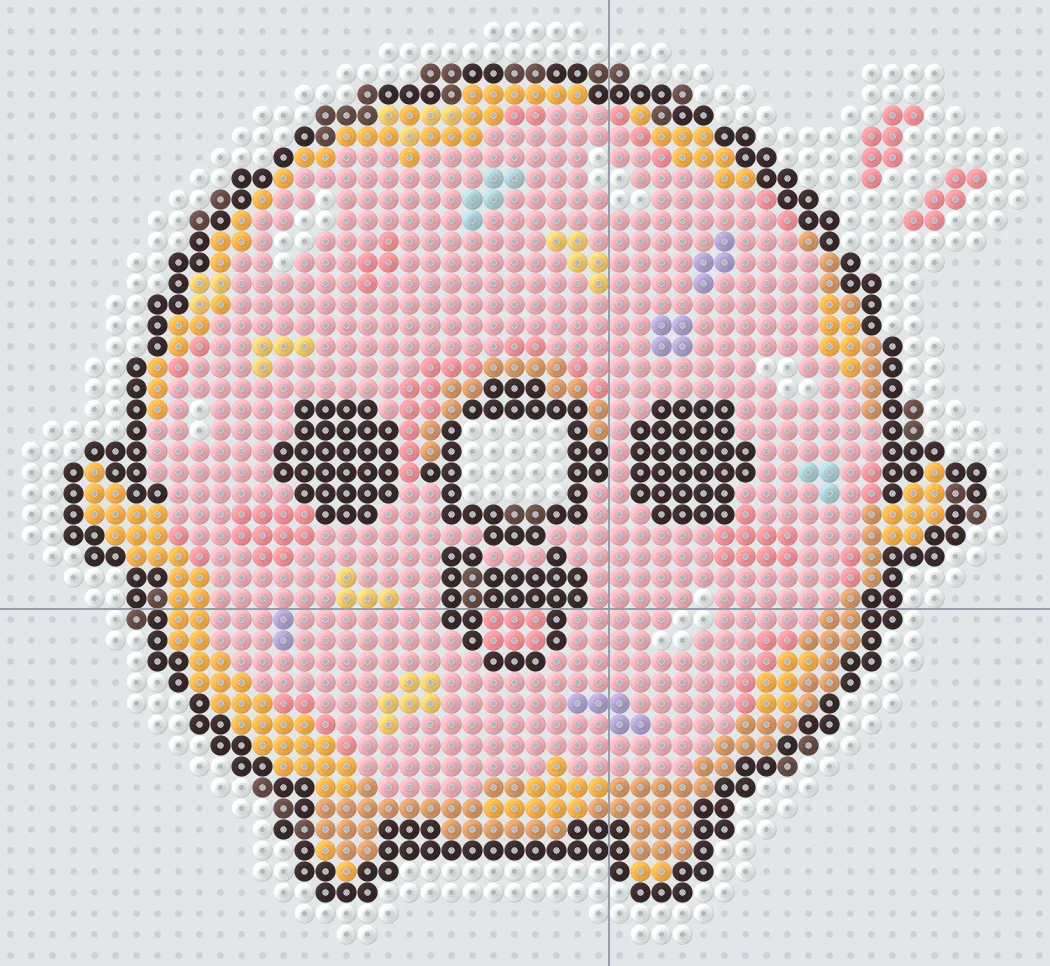
Every pattern shows as beads on the pegboard, as the ironed piece or as a chart with symbols. This donut sticker became 50 × 46 beads in 10 Perler colors; drag to see it after ironing. If parts would come apart, the maker warns you about loose beads and separate pieces.
Compare before ironing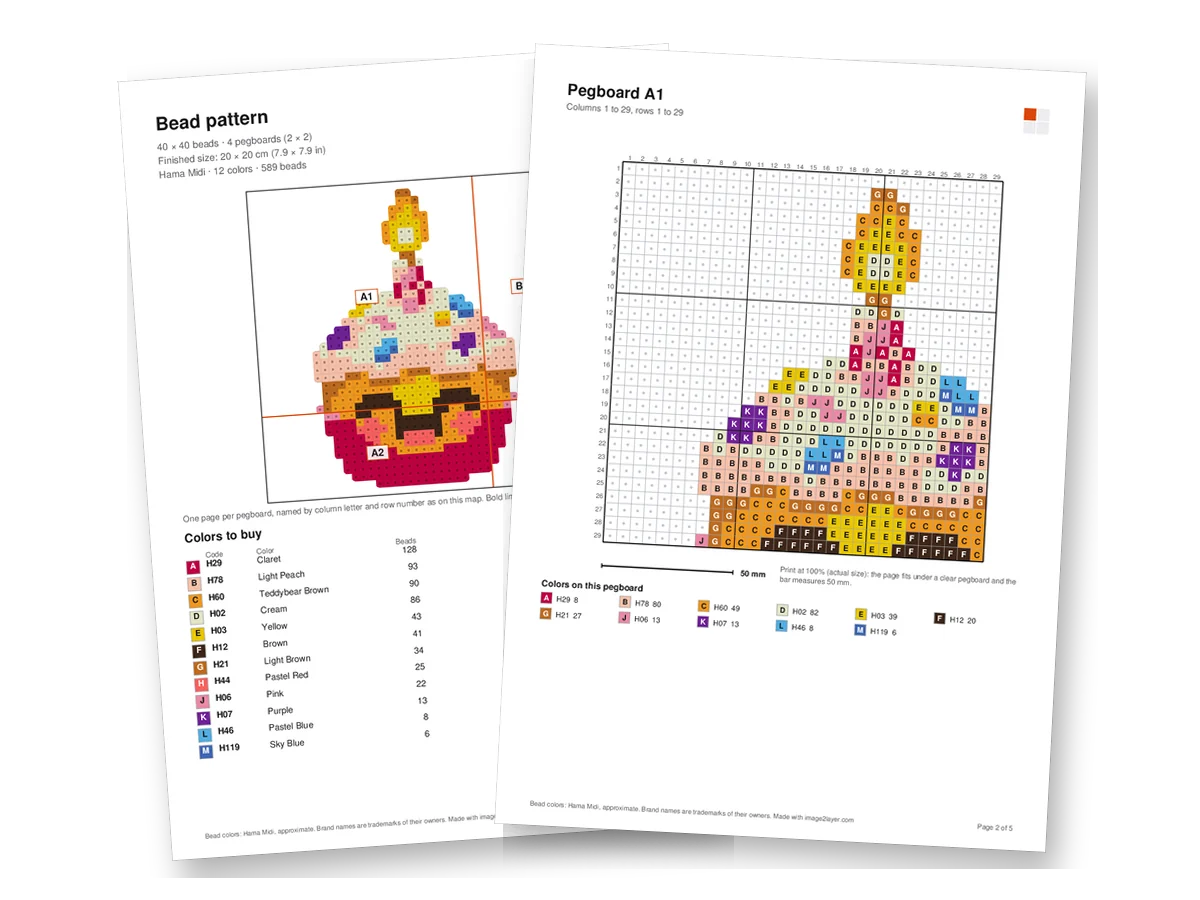
The PDF opens with a cover: the size, a map of the pegboards named A1, B1, A2 and so on, and the colors to buy with codes and bead counts. Then each pegboard gets a page with symbols, row and column numbers, a bold line every 10 pegs and its own colors. For thread instead of beads, use the cross stitch pattern maker.
Print a patternSix real results of this bead pattern maker, each from a sticker, emoji or photo we made for this site. Hover a card to compare the picture with its pattern, or open it to read the brand, size and colors used.
A kawaii ghost sticker as 50 × 50 beads in 10 Artkal S colors, with its purple outline kept.
A bold emoji needed only 5 Hama Midi colors: 965 beads on four pegboards.
Mini beads: a sloth sticker on one 52 × 52 MARD pegboard in 16 colors.
A pet photo with a room behind it, as 58 × 58 beads in 24 Perler colors; the busy background is beaded too.
Mini beads at 57 across: one Hama Mini pegboard wide and two tall, in 10 colors.
A painted cat face in 15 Perler colors at 50 beads across, with the green eyes and pink nose kept.
Four habits for any bead project, from the picture to the iron.
Bold outlines bead best, so think pixel art, cartoons, stickers and logos. For a Perler bead pattern from photo files, crop close to the face or pet and plan on two or more boards across. To bead only the subject, cut it out first with cut out image.
A large square board takes 29 × 29 beads and measures roughly 14.5 cm a side. Allow 40 to 50 beads across for faces or lettering; pixel art simply stays at its own size. Mini beads fit about twice the detail in the same space.
Drawings stay clear with 10 to 15 colors, photos with 20 to 30. A shorter color list is also a shorter shopping list, and Remove stray beads keeps odd single beads out of the pattern. If two beads look alike on screen, leave one out and compare.
Each page carries a board name, a column letter plus a row number, that matches the cover map. Put the boards next to each other and iron them together. Two beads meeting only at their corners will not melt together, so fill such gaps when the tool reports loose beads.
This tool next to charting by hand and a paid pattern app.
Perler, Hama, Artkal and MARD are trademarks of their owners; Image2Layer is not affiliated with them. On-screen bead colors are a close match, not an exact one.
From kitchen table projects to small craft shops.
A child's drawing or the family dog becomes a weekend project, with a Perler bead pattern template to follow peg by peg.
Game sprites become fridge magnets, key rings and coasters, one bead for every pixel and in colors close to the original.
One printout per pupil, and a shopping list that says how many beads of each color the group needs.
Quote and make commissions from a buyer's picture, pricing each piece by its bead count.
Make a fridge magnet, an ornament or wall art from a favorite picture, with the finished size in centimeters and inches before you start.
The same picture can become a grid for yarn: try the crochet graph generator for blankets and bags.
Colors, sizes, printing and privacy, answered.
Free tools for the next project, all in your browser.
Four free tools that turn pictures into other craft patterns.
No account needed
Drop in a picture and get beads you can shop for, printed board by board. Use the Perler bead pattern maker free, right in your browser.
Start a bead pattern