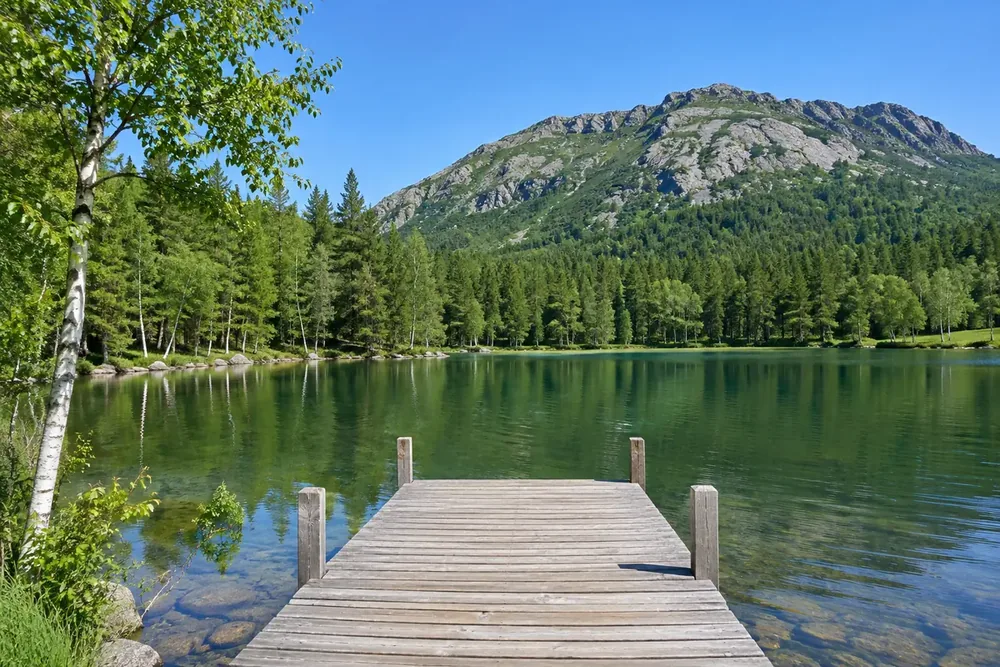
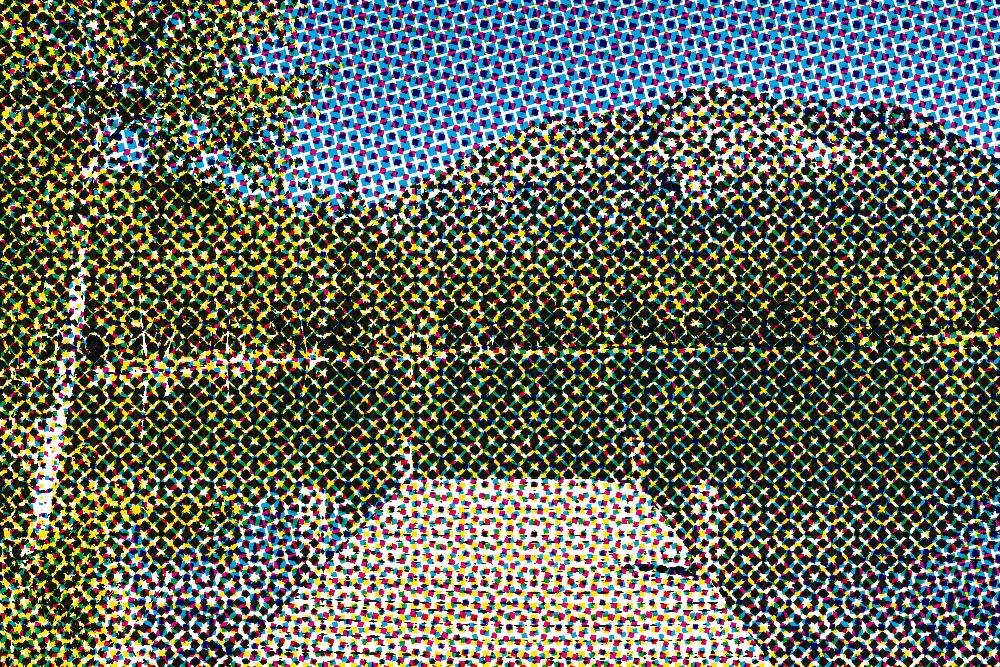
Tones that measure true
Each dot covers the share of its cell the tone asks for, so on a gray ramp 10% stays 10% and 90% stays 90%. Edges, fine lines and small type stay crisp inside the halftone dots.
Free halftone tool
Image2Layer's halftone generator turns any photo into a halftone image of real dots, free in your browser. Pick Graphic, Comic, Screen print, DTF or Laser, then download PNG, SVG, PSD or plates.
Your halftone appears here
Upload a picture or open a sample to see the dots.
Try a sample
Made for
Smooth dots for posters, covers and social posts
Color
Dots
Size
What it makes
A halftone image draws a picture with solid dots of ink that grow in the shadows and shrink in the highlights. This halftone generator lays a rotated grid over your photo, measures the tone in every cell and draws a dot of exactly that size, so a 30% gray gets 30% ink. You can keep it as a bold halftone effect for a poster or turn it into files a printer, a heat press or a laser can use.
Everything happens in your browser, from the CMYK separation to the film PDF. If you would rather have a few flat color steps than dots, posterize image does that; for a design printed in a few spot inks, color separation gives every ink a film of its own. To split the picture into editable objects first, use image to layers.
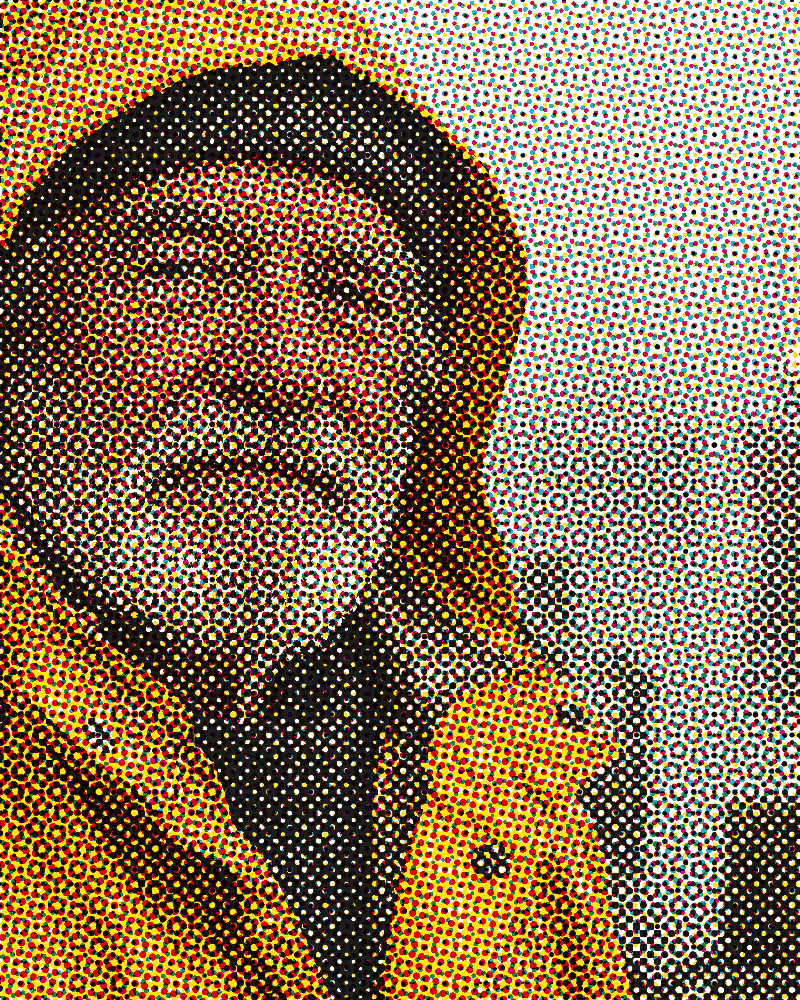
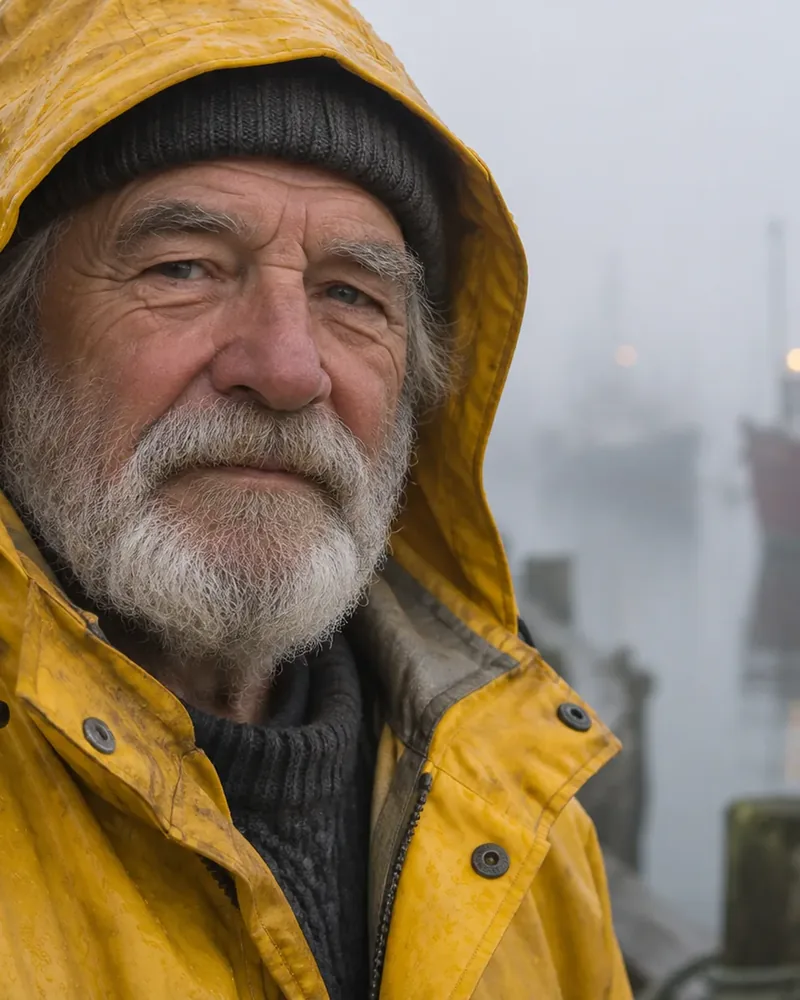 PhotoCMYK halftone
Six reasons a halftone image made here is ready for print, cutting and engraving, not only for a screen.
Each dot covers the share of its cell the tone asks for, so on a gray ramp 10% stays 10% and 90% stays 90%. Edges, fine lines and small type stay crisp inside the halftone dots.
CMYK mode builds four plates, gives each its own angle and has sliders for black generation, the total ink limit and under color removal, so dark areas do not flood with ink.
Soft glows and fades become solid dots in the design's own colors, every pixel fully on or off, with a smallest dot size so light tones still print.
The SVG is made of real shapes, one compound path per ink, sized in inches or centimeters for design apps, cutting machines and laser software. For traced logos, use PNG to SVG.
At print size you also get 1:1 film PDFs. Every film carries marks to line the inks up, a 5% to 100% test strip and a line that states its LPI, angle and mesh.
Use it as often as you like, with no account, no watermark and no download cap. The halftone effect is made on your device and your picture is never uploaded.
How to halftone an image: upload, pick what the dots are for, download. Before you save, check the actual halftone dots in the preview and up close in the loupe.
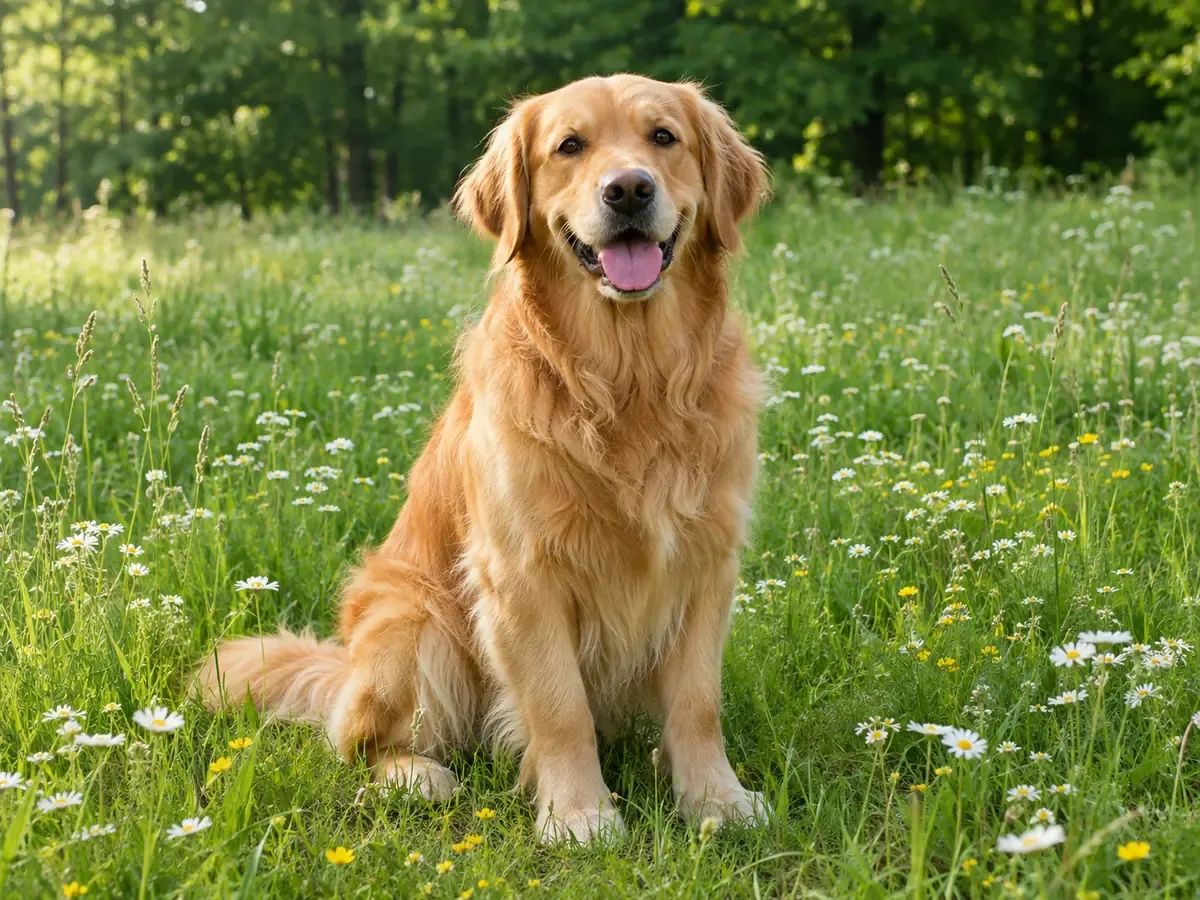
Three jobs this halftone generator does that a simple filter does not. Drag or watch each real example.
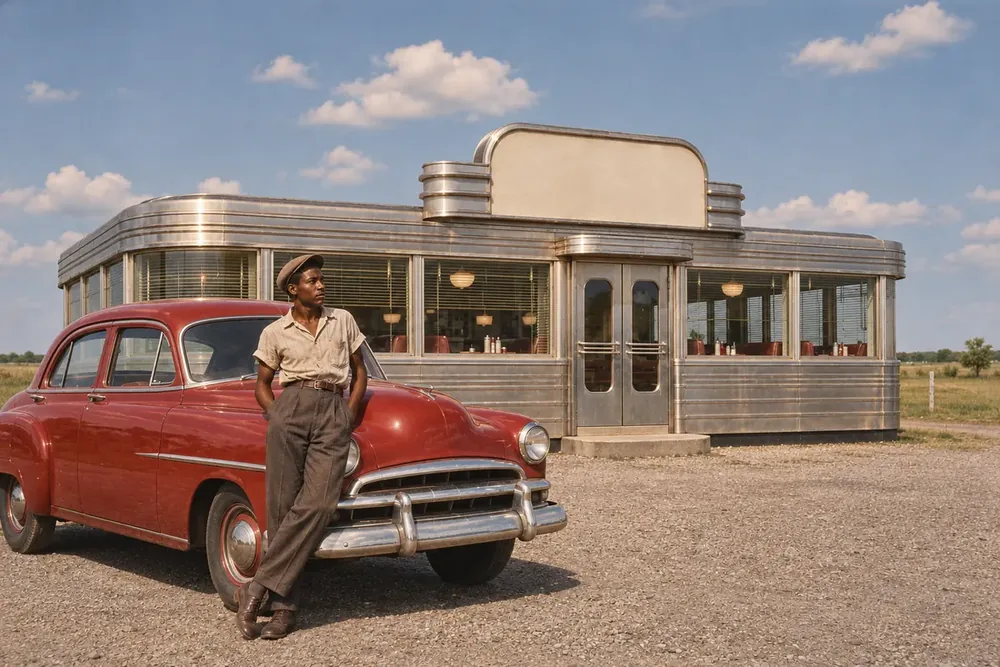
 After
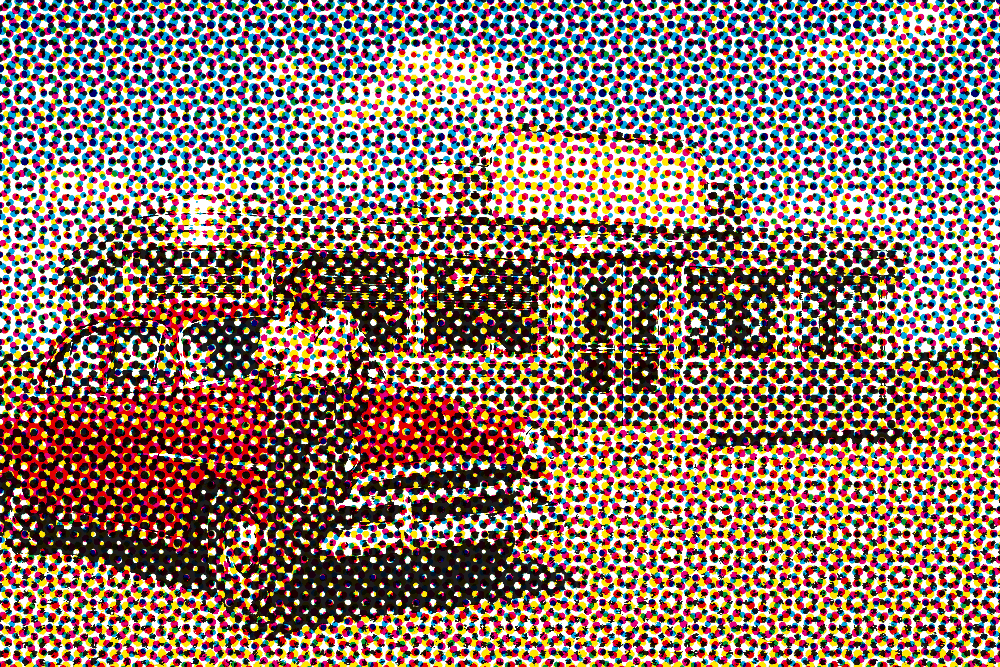
Switch Color to CMYK and the picture becomes four inks on four different angles. Round dots use cyan 15°, magenta 75°, yellow 0° and black 45°. Up close the dots form the small rosette of magazine printing, as on the chrome grille of this car. This is the CMYK halftone separation printers expect: save the composite, a PSD that keeps each ink on its own multiply layer, or four 1-bit plates.
Make a CMYK halftone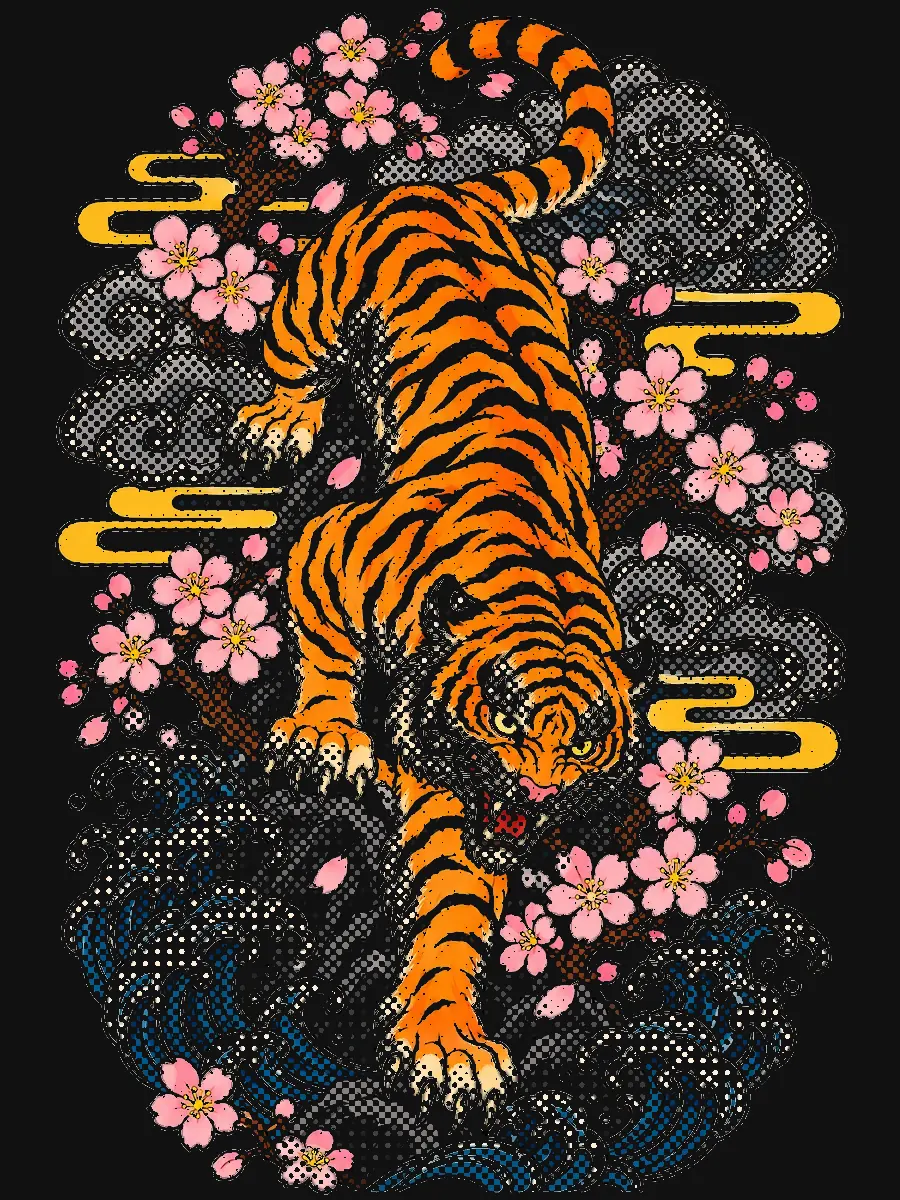
 DesignDTF dots on black
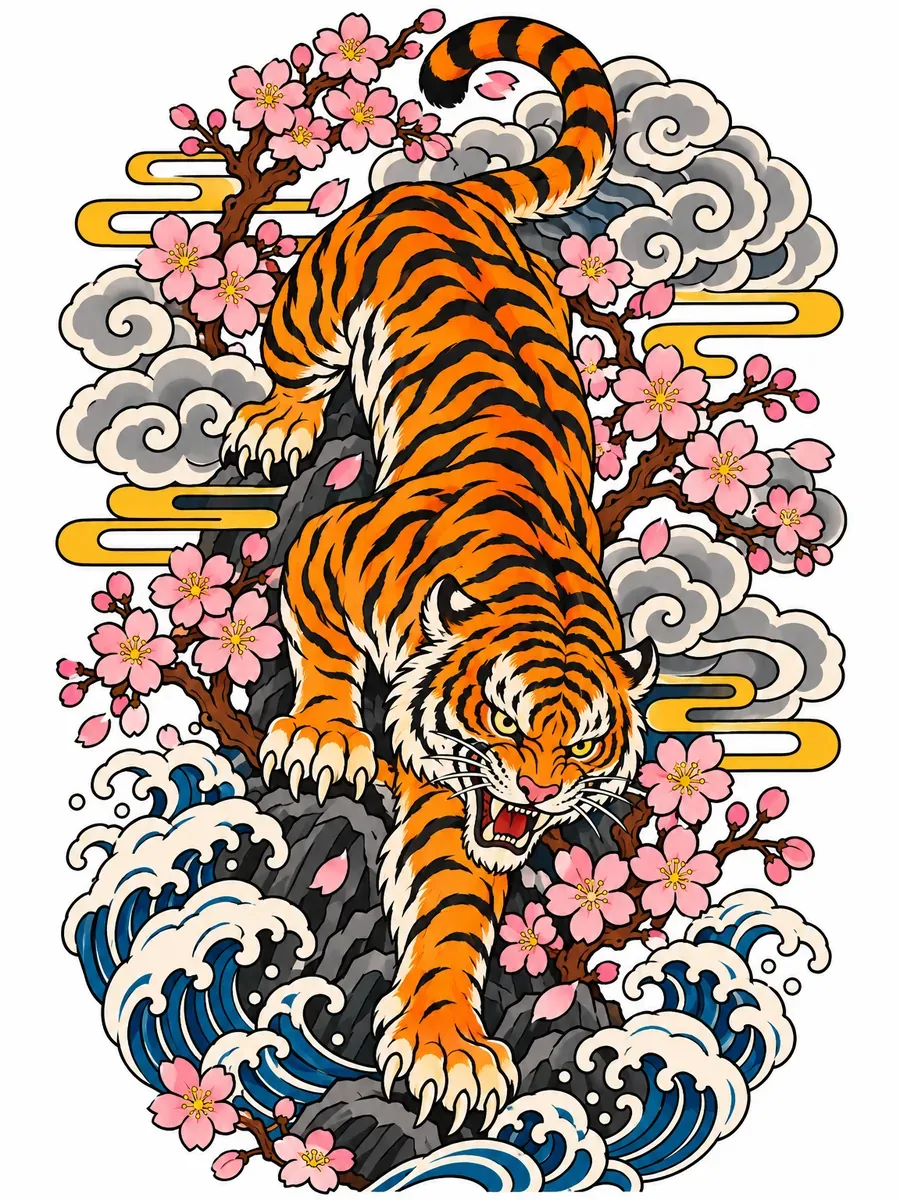
A DTF printer cannot print half-transparent ink, so soft edges come out as cloudy blocks. The DTF preset turns them into solid dots in the design's colors on a transparent PNG at 300 dpi. With All tones, every color is screened against the shirt, which is how this tiger design was made for a black tee. Remove a background color first when the design sits on white.
Make a DTF halftone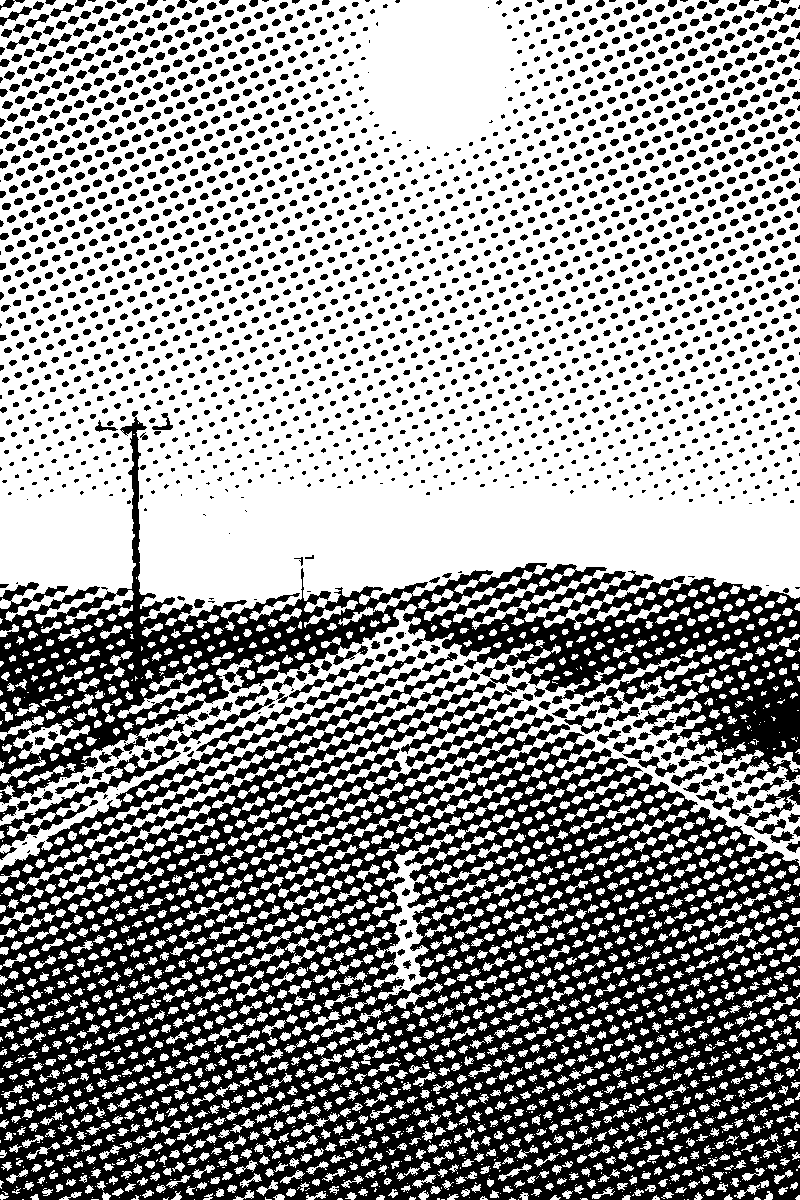
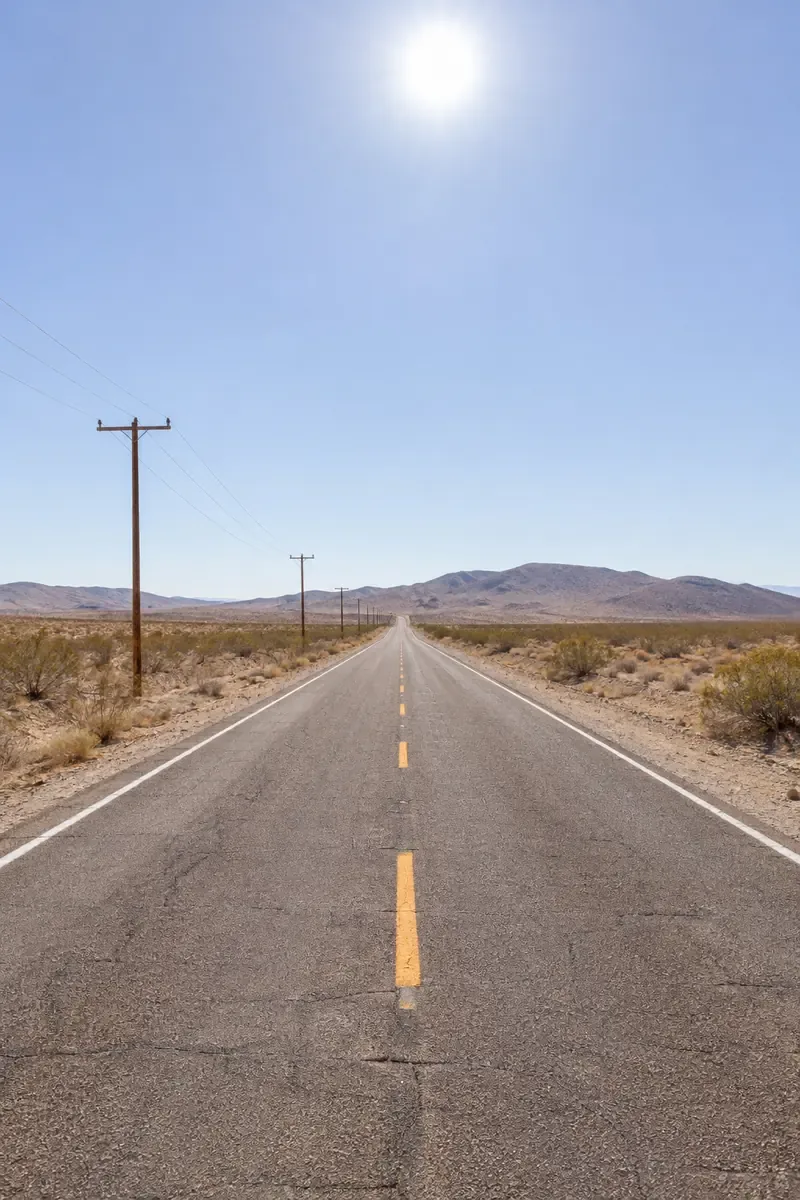 PhotoFilm, 45 LPI
The Screen print preset makes a 1-bit film: 45 LPI, elliptical dots at 22.5° and 600 dpi, with tones under 5% dropped and over 95% printed solid. Dot gain compensation lightens the midtones by the share your press adds, and Mirror the film flips it for emulsion side down. For a one color tee you can convert an image to halftone for screen printing in under a minute, then save the Films (PDF), each with alignment marks and a test strip of gray steps.
Make a filmSix real results of this halftone generator on pictures we made or own. Hover a card to wipe between the original and the halftone, or open it for the settings.
A pencil eagle as a 1-bit laser file, shown in burn brown on a wood tone to preview the engraving.
Shading turned into lines of changing width on orange, a line halftone generator look for tech posters.
A halftone effect with color: one deep ink on warm paper gives a two color print feel, with cross shaped dots.
A flash style ship as a comic halftone in four inks; the comic dots stay perfect circles even in the darkest areas.
A camera cutout in green dots with nothing behind it, ready for a sticker or a layout.
A bicycle by a window as a halftone effect, black and white with elliptical dots, the classic press look.
Four habits that make the dots read well, on screen and on press.
For print size work, aim for a picture whose pixels per inch are 1.5 to 2 times the LPI: a 10 inch print at 45 LPI needs 675 to 900 pixels across. The tool warns when the picture is too small for the size you set.
Coarse grids (big dots) suit posters and pop art seen from afar; fine LPI suits close reading. As a halftone pattern generator for backgrounds, a 20 to 40 px grid keeps the dots visible on screen.
The meta line shows shades per dot, about (DPI / LPI)² + 1. With fewer than 50 the gradients step, so raise the DPI or lower the LPI. At 45 LPI, a 600 dpi file allows about 178 shades.
Halftones flatten a soft photo. Raise Contrast or move the White point under Tone until the brightest areas print clean paper, then fine tune the halftone photo effect with Brightness.
Image2Layer next to doing it by hand in Photoshop and paying a separation service.
Photoshop and Illustrator are trademarks of Adobe. Photopea is a trademark of its owner. Image2Layer is not affiliated with them or with any print service.
The same picture can become a poster, a shirt, a sticker or an engraving.
Give product shots and portraits a bold halftone effect for posters, album covers and social posts.
Make a 1-bit film for a single ink tee with the halftone generator for screen printing, then burn the screen from the film PDF. A stencil maker suits flat spray stencils better.
Halftone an image for DTF so glows, shadows and fades print as clean dots on light and dark shirts.
Burn portraits, pets and line drawings into wood, leather or slate, using a 1-bit PNG set to the DPI of your laser.
Use the transparent PNG or the vector SVG as a sticker design or a cut file sized in inches.
Use the Comic preset as a comic halftone generator for Ben-Day style dots on portraits and illustrations, or try photo to pixel art for a retro game look.
How it works, CMYK, DTF, screen printing, lasers, files and privacy.
Print, craft and layer tools that work well with dots.
Four tools for what usually comes next.
Free halftone generator
Drop in a photo, choose a preset and save the result as PNG, SVG, layered PSD or film. The halftone generator is free, needs no sign-up and keeps your picture on your device.
Make a halftone