Smooth outlines, every area numbered
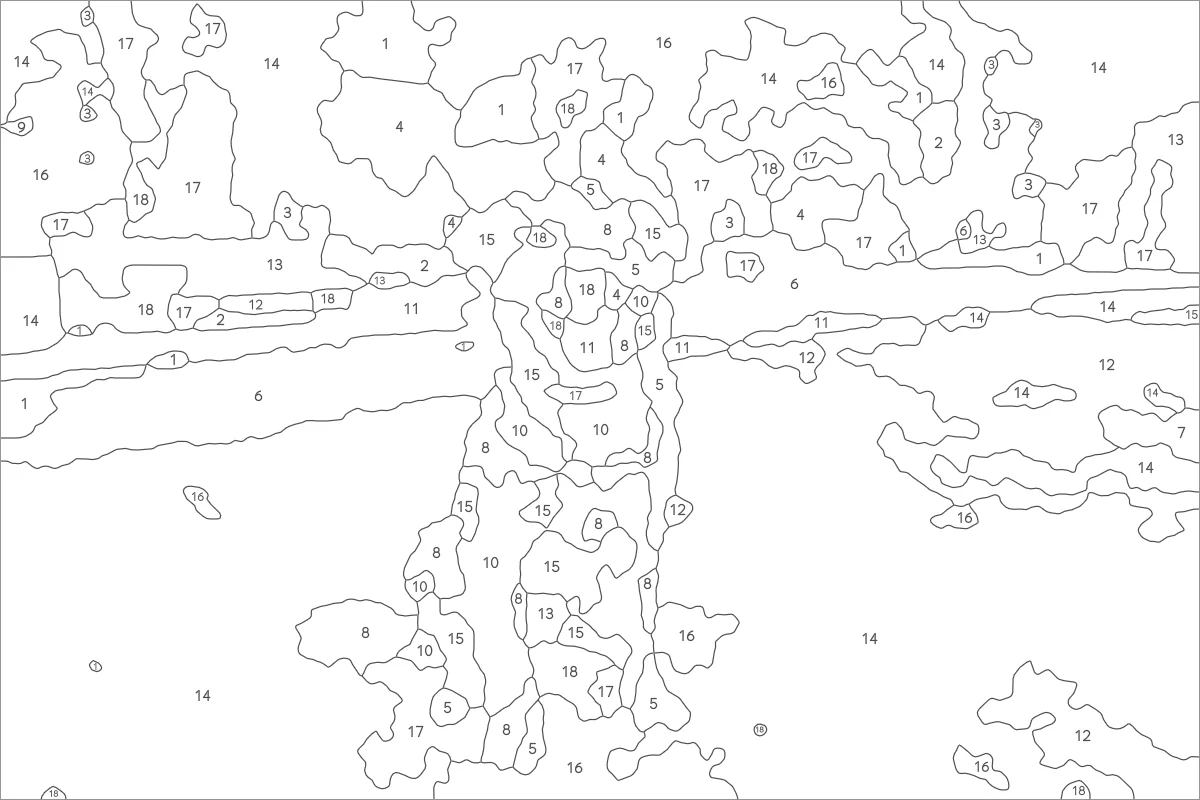
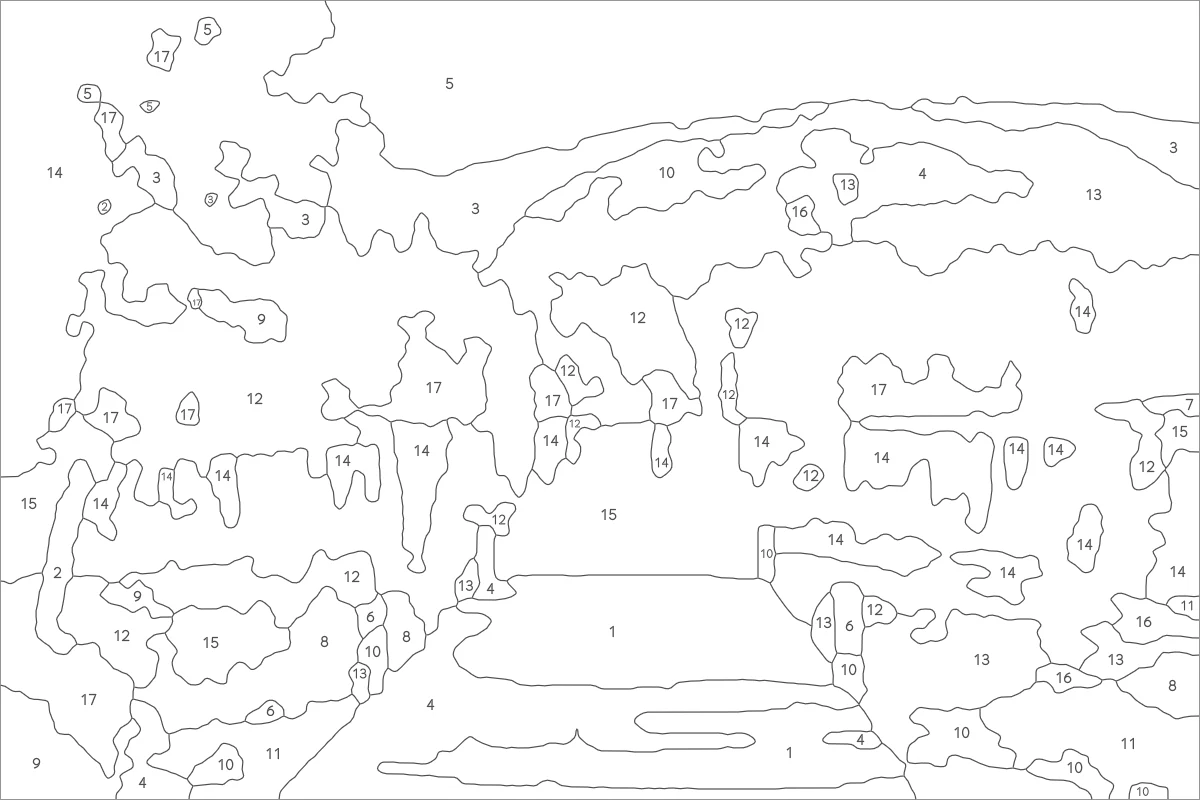
Each border is traced once, so neighbors share one smooth curve with no gaps or double lines, and each area gets its number where it is widest.
Free paint by number tool
Image2Layer's paint by number maker turns your photo into a numbered template with smooth outlines and a color key, free in your browser. Pick 4 to 36 colors and print a PDF at paper or canvas size.
Area size
Outlines
Numbers
Template and color key in one PDF
Free, no sign-up. Your photo stays on your device.
Drop a photo here
JPG, PNG or WebP up to 25 MB, or paste with Ctrl+V
Try a sample
What it makes
A paint by number generator from photo breaks a picture into areas of flat color, outlines each area and writes the number of its paint inside. This one softens grain without blurring the edges, picks the paints, then folds areas too small or too thin for a brush into their neighbors, so every number has room and every outline is smooth.
You get a numbered template, a painted preview and a color key with HEX codes, all made on your own device. It works from pets, flowers, landscapes, still lifes and illustrations alike. For a blocky look instead, try photo to pixel art; to split a picture into editable layers, use image to layers.
 PhotoTemplate
What you get from a paint by number generator free online: six things that make a template easy and pleasant to paint.
Each border is traced once, so neighbors share one smooth curve with no gaps or double lines, and each area gets its number where it is widest.
Eyes, noses and highlights keep their own small areas when a number still fits, while grass, fur and grain merge into calm shapes.
Set anywhere from 4 to 36 paint colors, pick Large, Balanced or Fine, and the template is redrawn a second or two after each change.
Use Letter, A4, Tabloid or A3 paper, a canvas between 8 × 10 and 16 × 20 inches, a 30 × 40 or 40 × 50 cm canvas, or real size split over overlapping home printer pages.
Paints are numbered from the lightest to the darkest, each with a swatch, a HEX code and how much of the canvas it covers, so mixing the right amount is easy.
Nothing to pay, no account to create and no watermark on any file. The photo is processed on your computer or phone and is never uploaded.
How to make your own paint by number from a photo: upload it, choose the colors and the area size, then print. Expect the whole job to take about a minute.
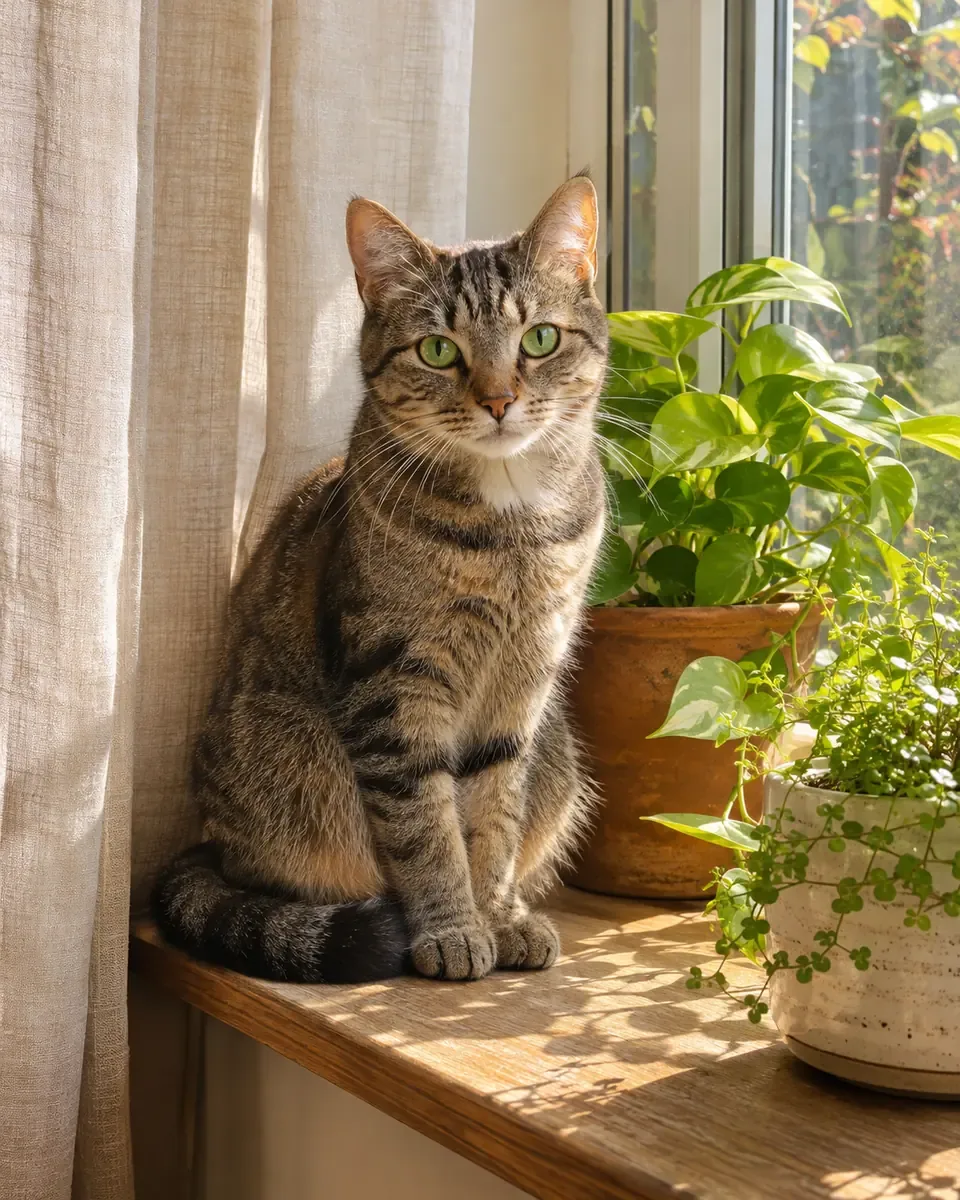
How to make a paint by number template that is easy to paint: three things this tool gets right, shown on real results.
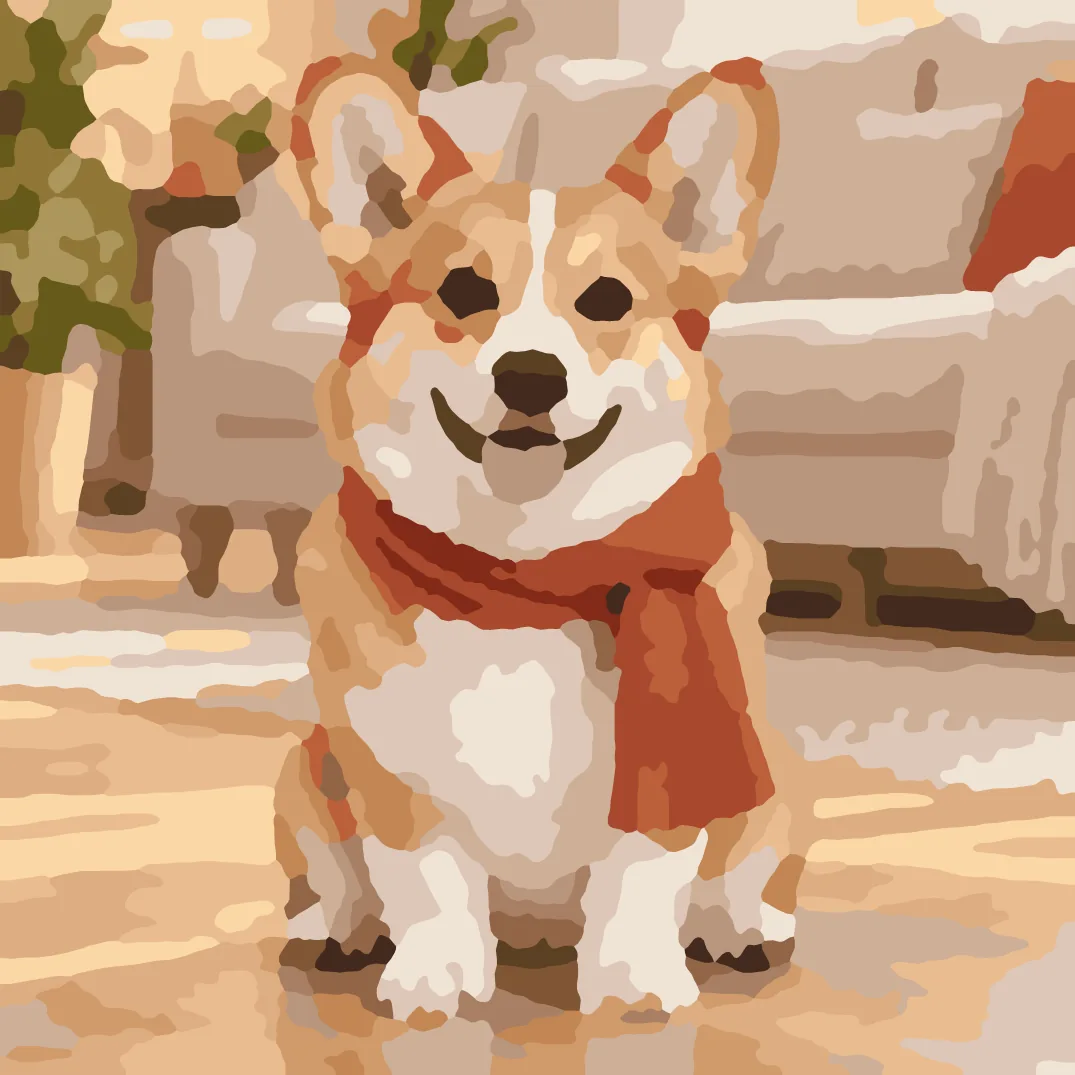 Move to see the template
Every border between two paints is traced once and smoothed, so neighbors share exactly the same curve: no gaps, no double lines, no jagged pixel steps. The number goes to the widest point of its area and is sized to fit, and strips too thin for a brush are folded into their neighbors. Pick one of four outline shades from light gray to black, a thin, medium or bold line and small, medium or large numbers. Move the lens over this corgi to see the numbered template under the painted preview.
Make a template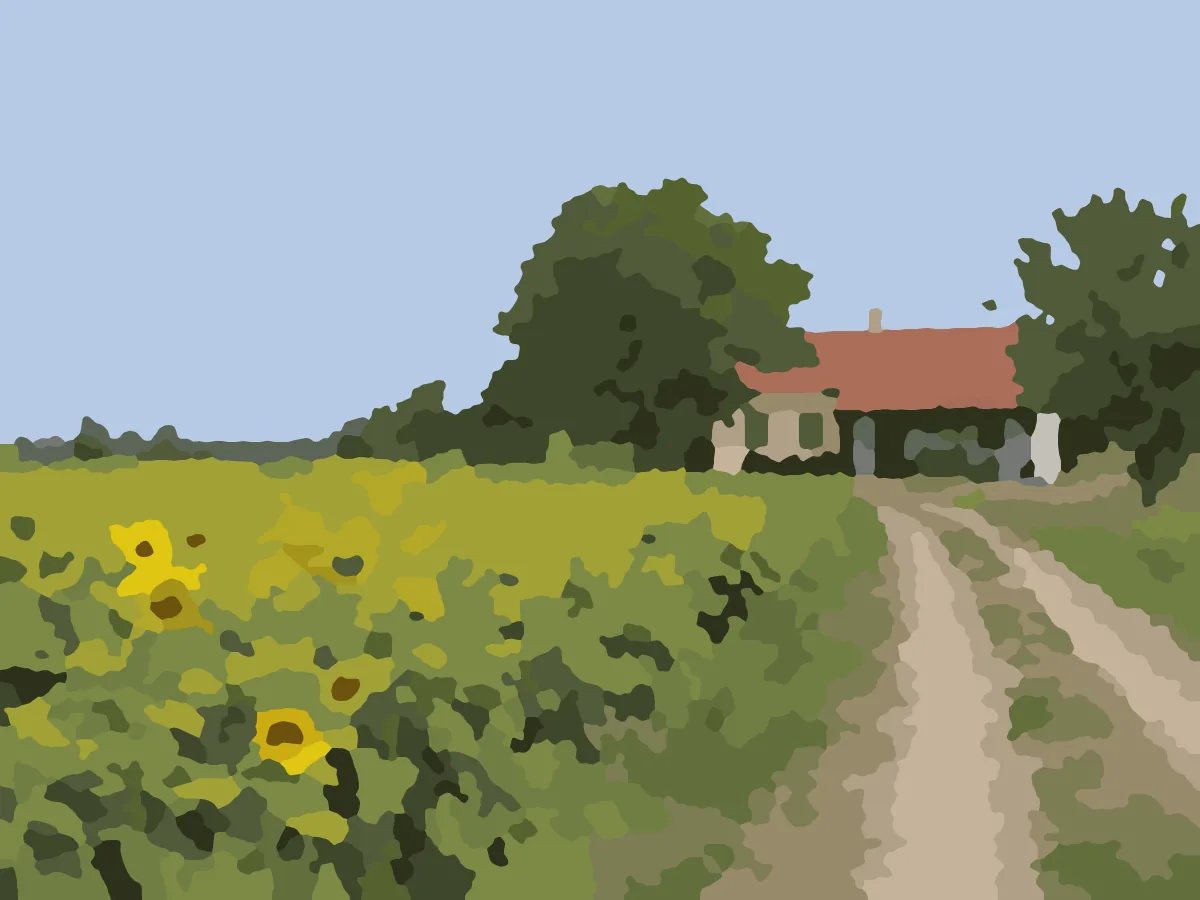
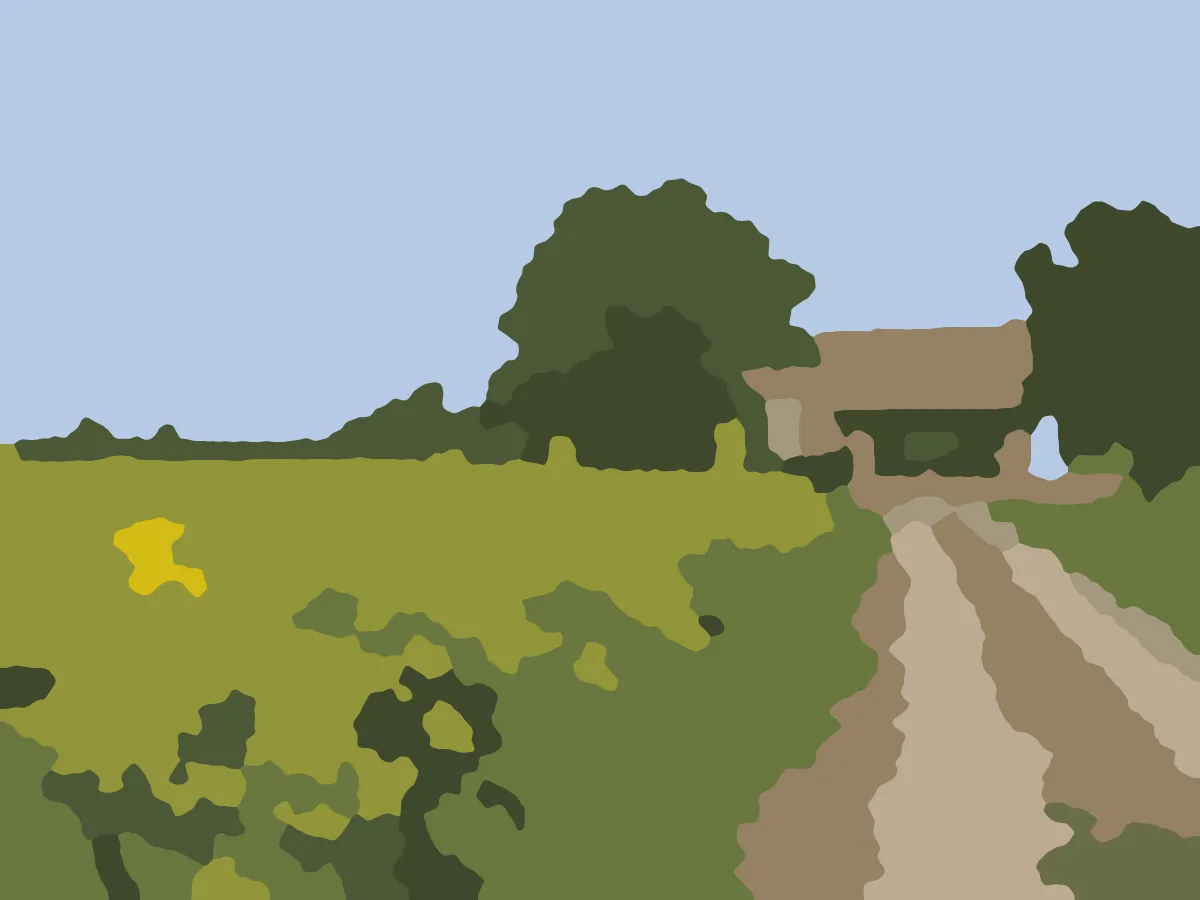 12 colors, Large24 colors, Fine
The same photo of a sunflower farm, made twice: 12 colors with Large areas for a relaxing evening, and 24 colors with Fine areas for a longer project with the flowers, the roof and the path in detail. Drag the divider to compare. When you only want a few flat colors and no numbers, posterize image does that, and for thread instead of paint the cross stitch pattern maker builds a chart.
Try both settings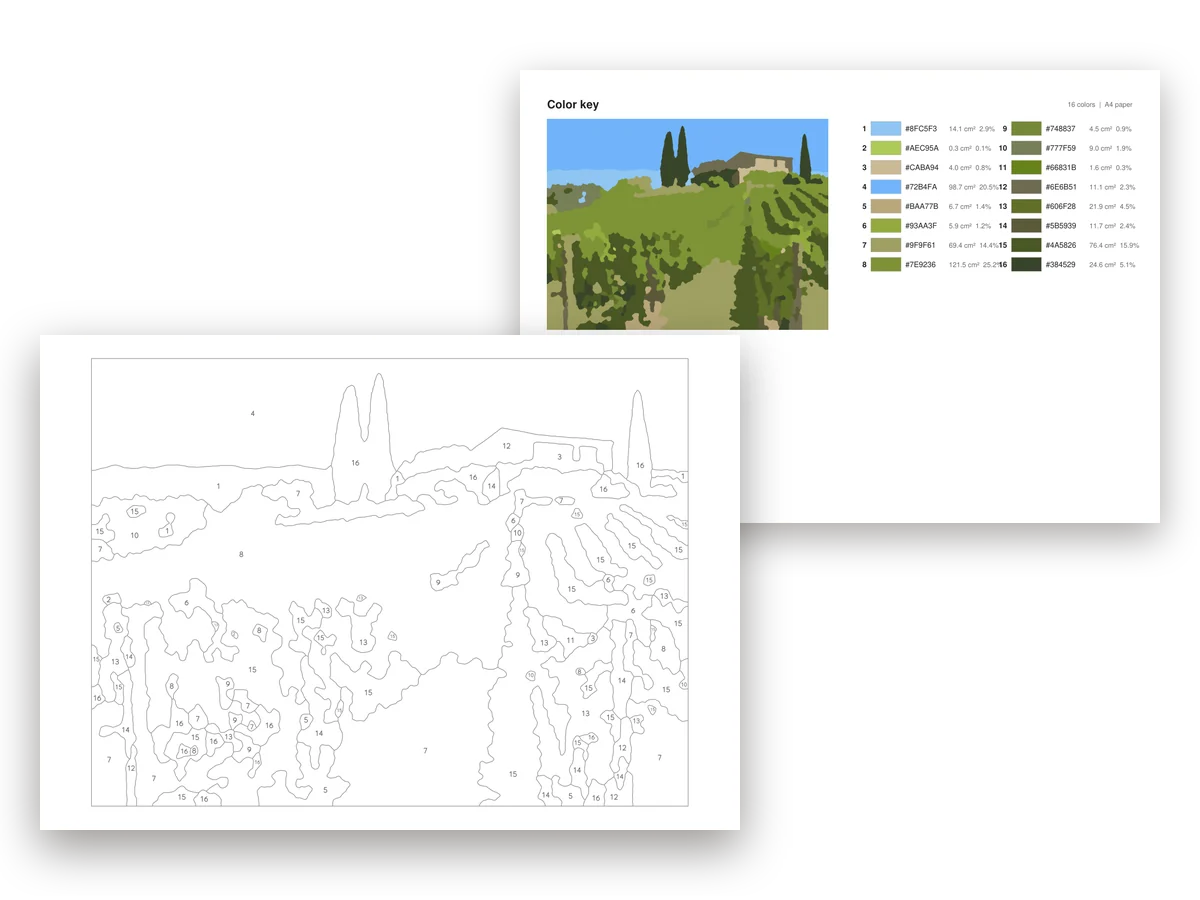
Download PDF gives you a paint by number template PDF at the size you chose, then a color key page with the painted preview and every paint: number, swatch, HEX code and area in square centimeters or inches. Paper sizes fit on one page; canvas sizes come either as a single page for a print shop or split at real size over overlapping Letter or A4 pages with dashed trim lines. These two pages come from the vineyard photo at A4.
Print a templateSix templates made by this tool from pictures Image2Layer created for its pages. Hover a card to see the photo, or open it to compare. Each card shows the Both view: the painted preview with the outlines and numbers on top.
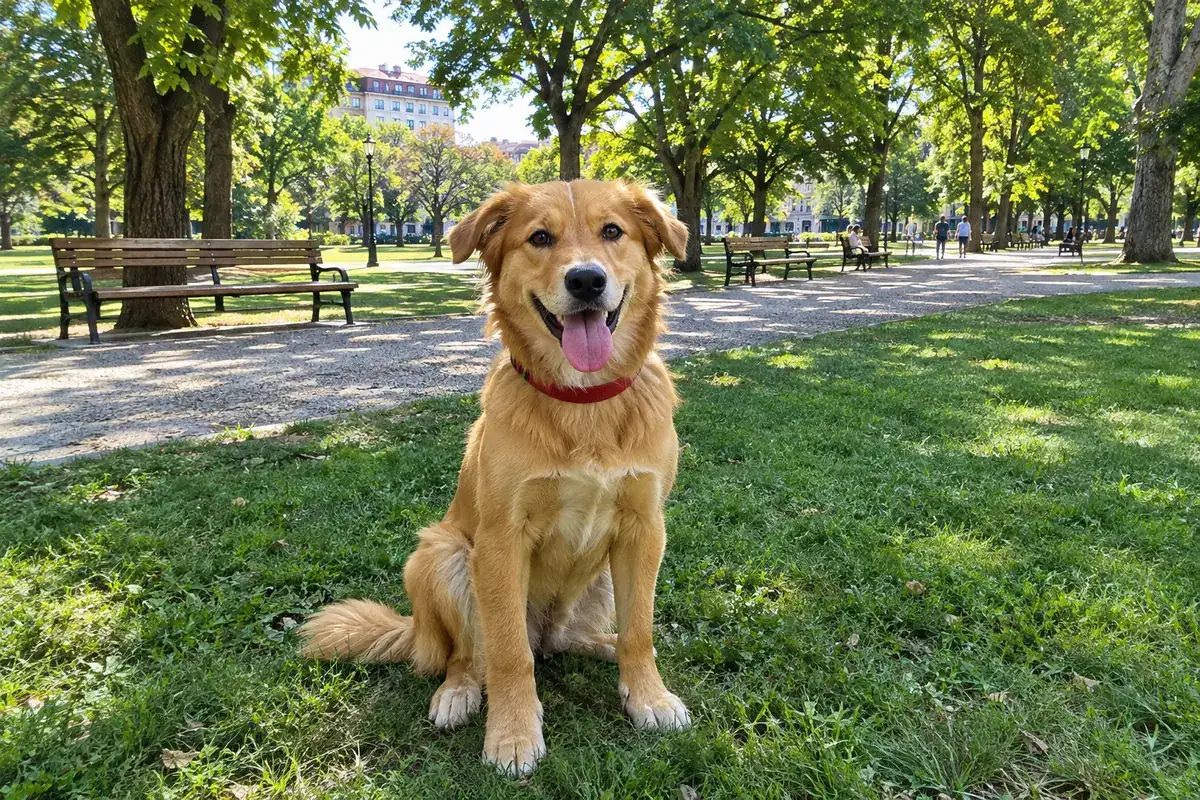
A custom paint by number pet portrait: at Fine, the eyes, the nose and the red collar each keep their own small areas.
Blue and orange feathers stand out against soft green areas that are quick to paint.
A sunset sky and its reflection in wide, calm areas, with the red cabin kept whole.
Painted houses, boats and their reflections in 24 colors for a longer project.
A painted illustration works too: pink and violet snow in 16 colors around a small red fox.
Large areas and 14 colors give a relaxed first painting of a house and its garden.
Four notes on photos, colors, detail and painting.
Paint by numbers from a photo look best when the subject is clear and well lit. Crop away busy backgrounds first, and let a pet or a flower take up most of the picture. Sunsets, gardens and landscapes paint well at any setting.
You mix every color once, then use it for all the areas that carry its number. 12 to 16 colors make a bold picture for one evening; 20 to 30 show the gradations in skin, sky and water over several sessions.
Beginners, children and small canvases do best with Large areas. Fine suits pet portraits and canvases of 16 × 20 inches or more, where small areas stay wide enough for a brush. Watch the smallest area width under the print size and aim for 3 mm or more if you paint with a small round brush.
Number 1 is the lightest paint and the last number the darkest, so you can work through the key in order. Use acrylics and two thin coats where an outline shows through; on canvas, dark lines stay easy to find, while light ones vanish more readily under paint.
Three ways to get a custom paint by number from a photo: this tool, drawing it yourself or ordering a kit.
Anyone who wants to paint a picture of their own.
A custom paint by number canvas of your dog or cat from your own photo, painted as a keepsake for the wall.
A paint by number family photo for an anniversary, a wedding or a memory you want to paint slowly.
Your paint by number template: free, printable at home or at a print shop, and ready to give with a canvas, paints and brushes.
Simple templates with Large areas and a handful of colors for art lessons, birthday parties and rainy afternoons. Children can paint them or fill them in with markers.
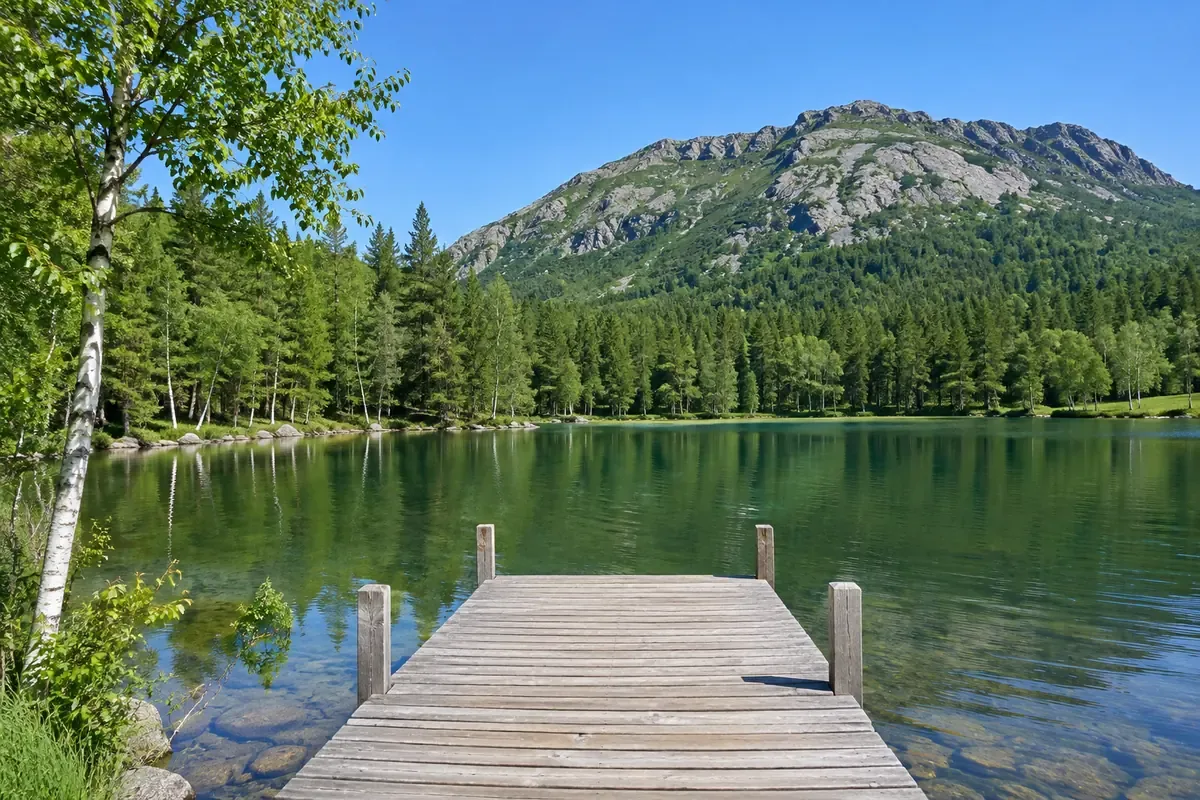
Turn holiday photos of lakes, harbors and gardens into calm evenings of painting. For a soft painted look without numbers, try photo to painting.
Make one template for everyone, or a different one each, and print the paint list for the shop. Cutting a stencil instead? Use the stencil maker.
Answers about templates, colors, printing, paint and privacy.
Free tools for crafts, print and color.
Four tools for what often comes next.
Ready to paint
Upload a photo, choose the colors and print the template with its color key. This custom paint by number maker online is free and works right in your browser.
Make a template