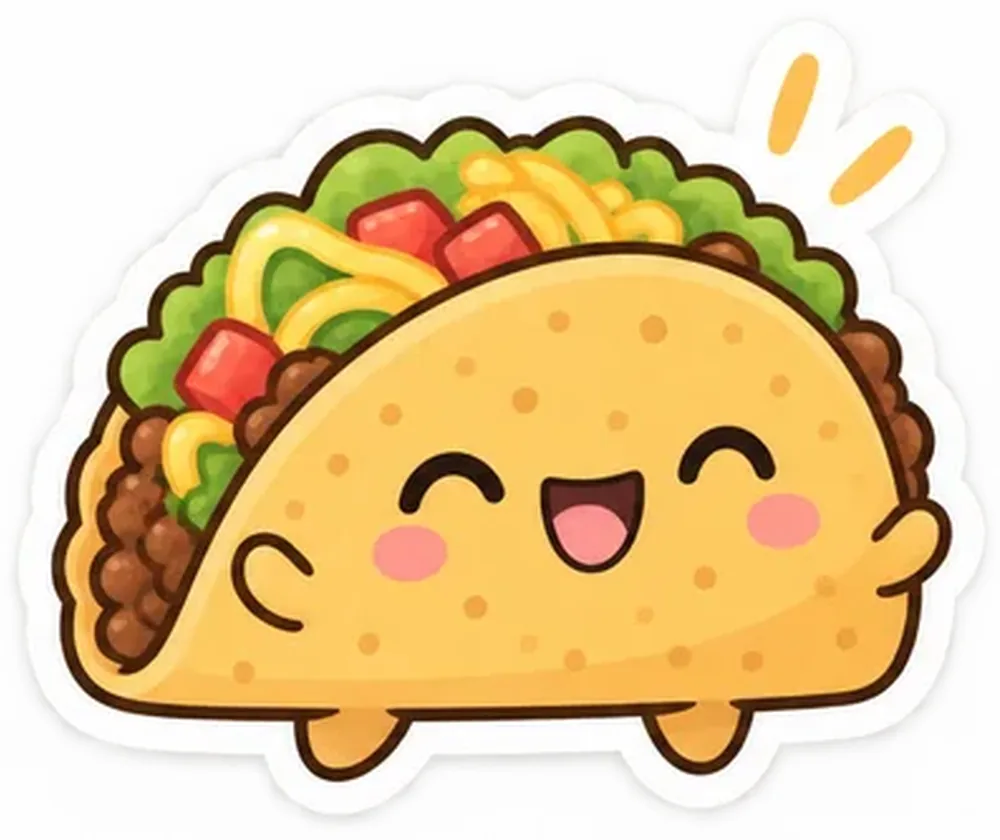
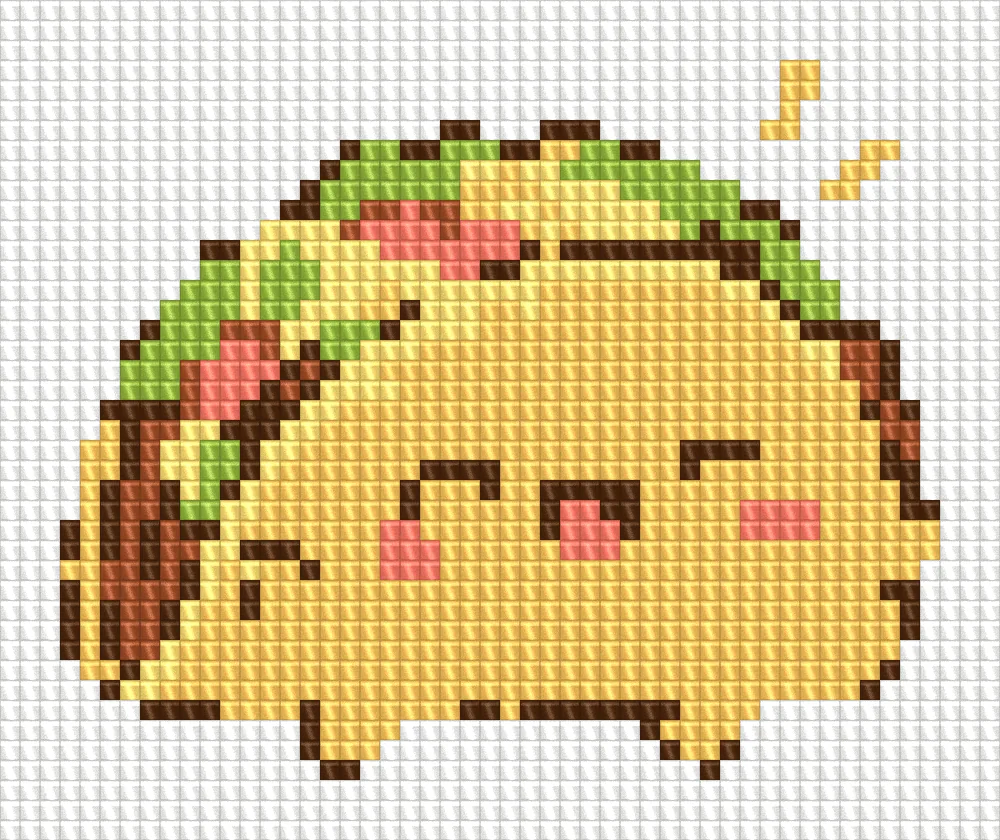
Two styles from one picture
Switch between one single crochet per square and corner to corner blocks at any time; the chart, the colors and the rows update in about a second.
Free crochet tool
Image2Layer's crochet graph generator turns a picture into a graphgan or C2C graph, free in your browser. Choose 10 to 250 stitches and up to 16 yarn colors, then download a PDF with every row written out.
Try a sample
Single crochet, one stitch per square, worked in rows
Free, no sign-up, no watermark. Your picture never leaves your device.
What it makes
A crochet graph is a grid where every square is one stitch or one block, colored the way the blanket will look. This crochet graph generator draws that grid from your picture: it shrinks the picture to the size you choose, picks up to 16 yarn colors, letters them A, B, C from the most used, and counts the stitches of each. Big pictures are first scaled to 1,200 pixels on the long side, which is plenty for 250 stitches.
It is a graphgan pattern maker, a C2C graph maker and a crochet pattern generator from image files in one, and it writes every row out in words, so you can follow "7 A, 3 B, 2 D" instead of counting squares. The Finished view shows how the stitches will look, the Chart view shows every square with its letter and row number, and Original shows your picture. Want to change the picture first? Split it into editable parts with image to layers or swap one color with the color replacer, then come back and graph it.
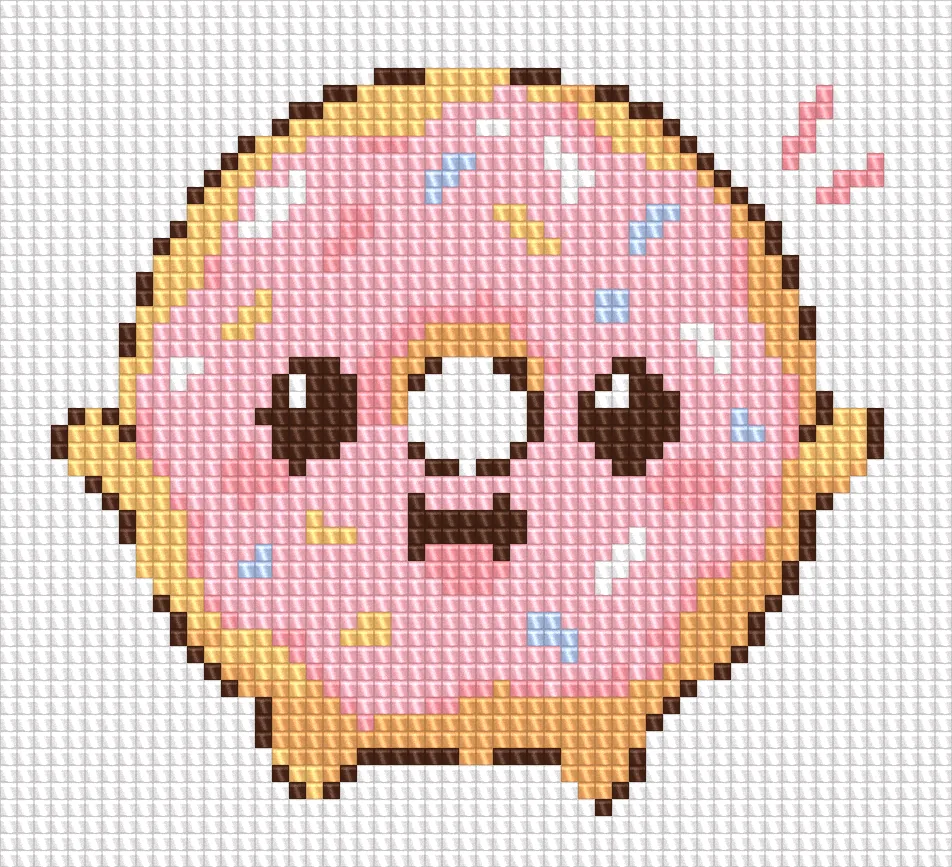
 PictureGraphgan
Six things that save you hours of counting squares.
Switch between one single crochet per square and corner to corner blocks at any time; the chart, the colors and the rows update in about a second.
Each row is written as color runs in the direction you work it. C2C rows also give the block count and say which end to increase and which to decrease.
Yarn A is the color you use most, then B, C and on to P. The key shows each hex code and how many stitches or blocks it covers.
Type your gauge per 10 cm (4 in) and see the finished width and height, so the blanket never comes out twice as big as you planned.
Chart pages in yarn colors or in plain letters, a bold line every 10 squares, each row number printed where that row begins, and all the rows after them.
Use it as a crochet graph maker, free as often as you like, with no account and no watermark. Your picture never leaves your device.
Three steps, all in your browser, from a picture to a chart you can print and crochet from.

Three things the tool does on real pictures. Drag the divider to compare.
 PictureGraphgan
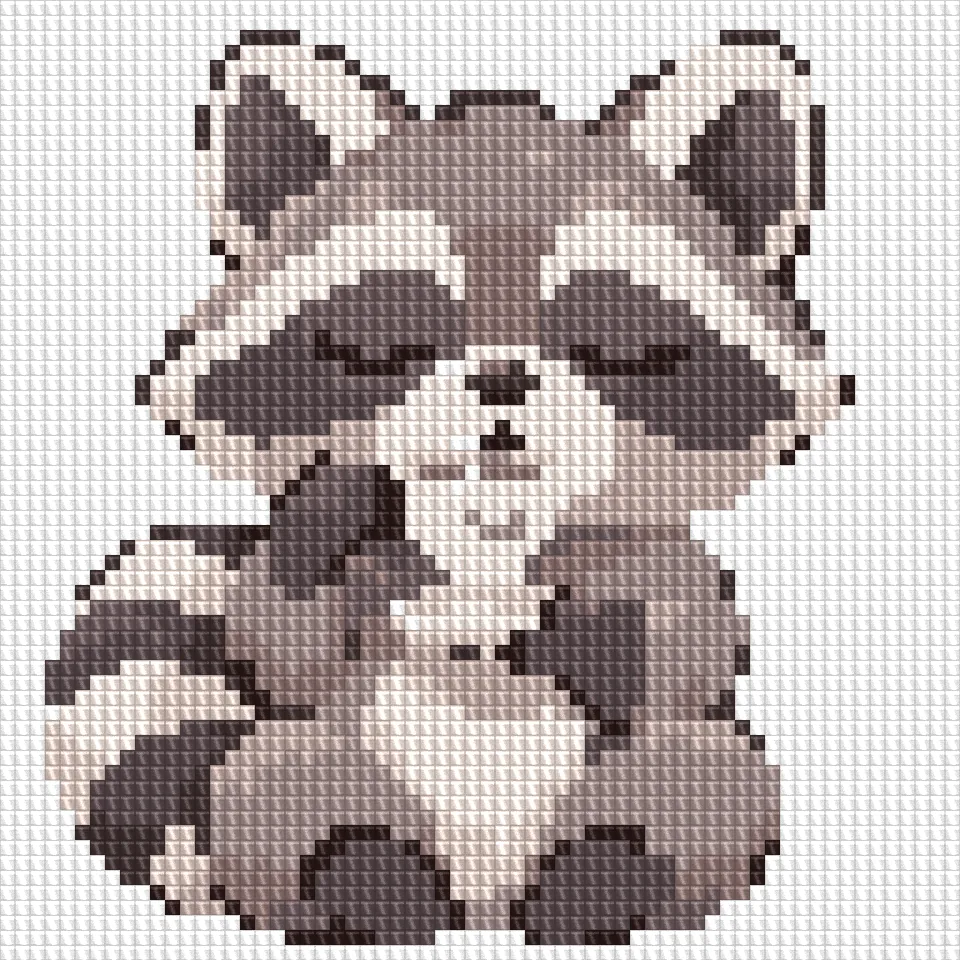
Each square is one single crochet, and the graph can be anywhere from 10 to 250 stitches wide, following the shape of your picture. This raccoon became 64 by 64 stitches in 10 yarn colors, and the gray fur, the white chest and the dark mask each kept a yarn of their own. For a knitted version of the same picture, try the knitting chart generator.
Try it on a cartoon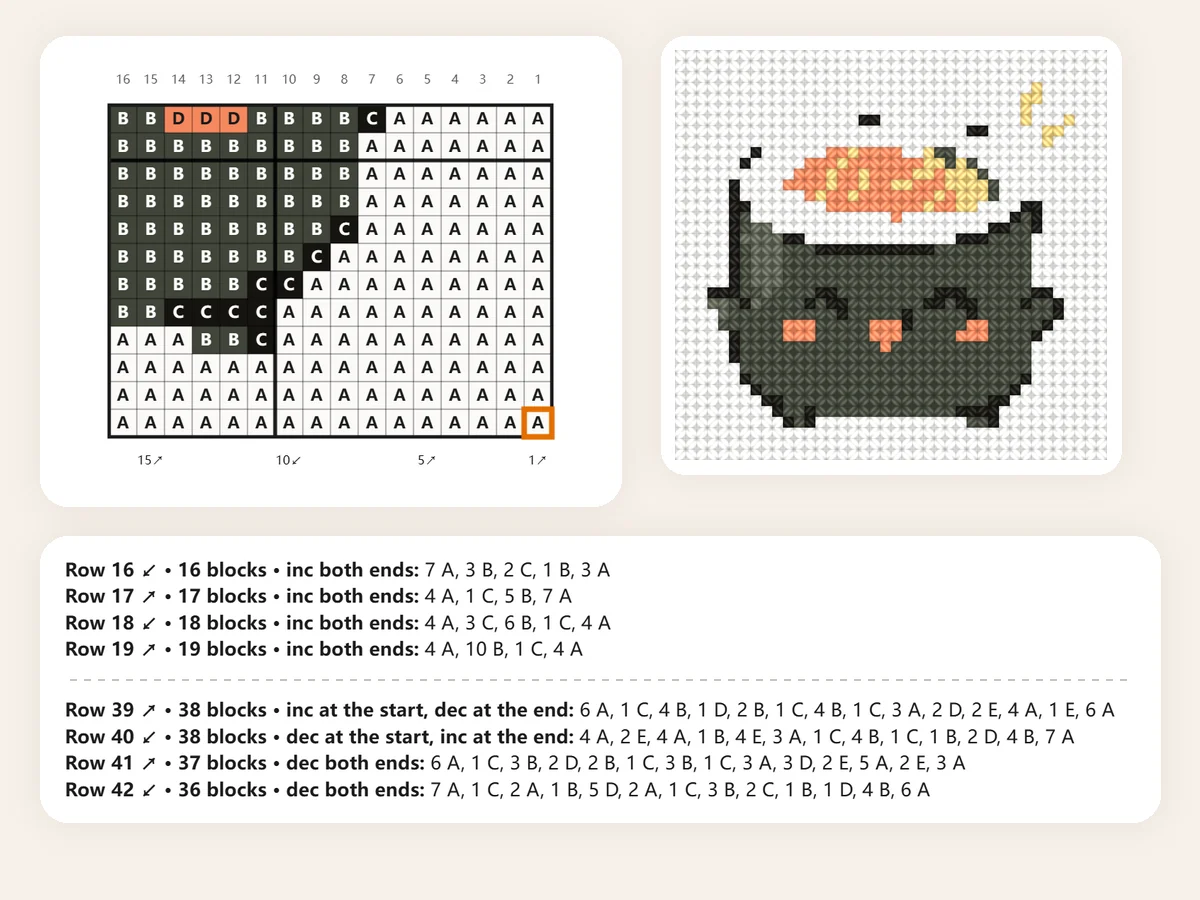
Choose C2C and the page becomes a C2C crochet graph generator: it numbers every diagonal from the start corner and writes each one out: its arrow, its number of blocks, the shaping at both ends (inc or dec) and its colors in working order. Turn a cartoon into a C2C blanket graph like this sushi roll, 40 by 38 blocks, and read row 39 instead of counting it square by square. For a stitch chart on Aida instead, use the cross stitch pattern maker.
Make a C2C graph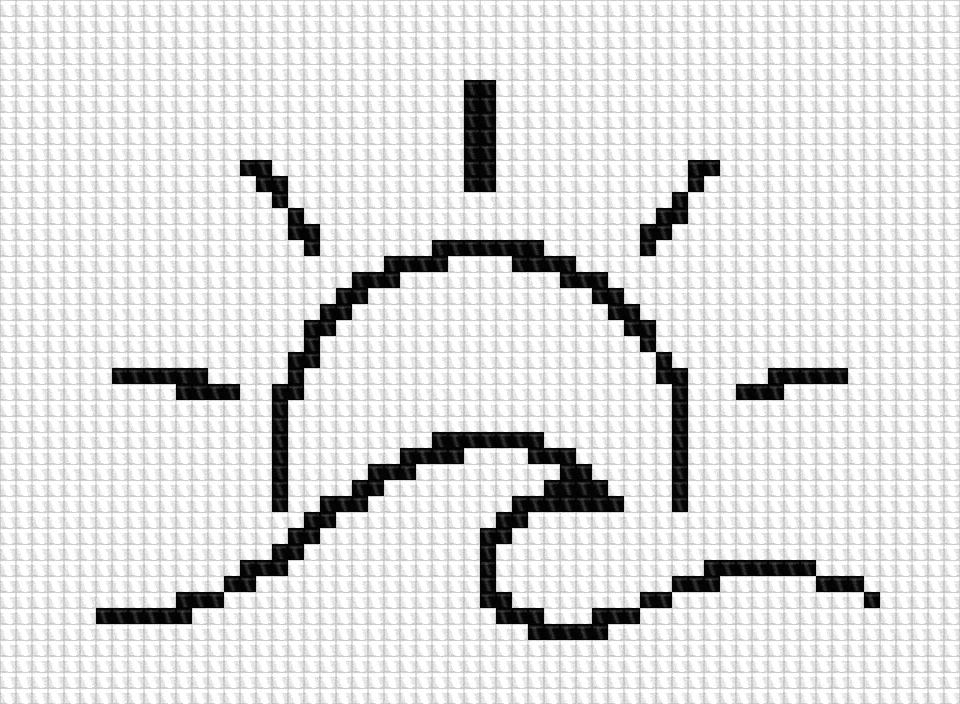
 Crisp offCrisp on
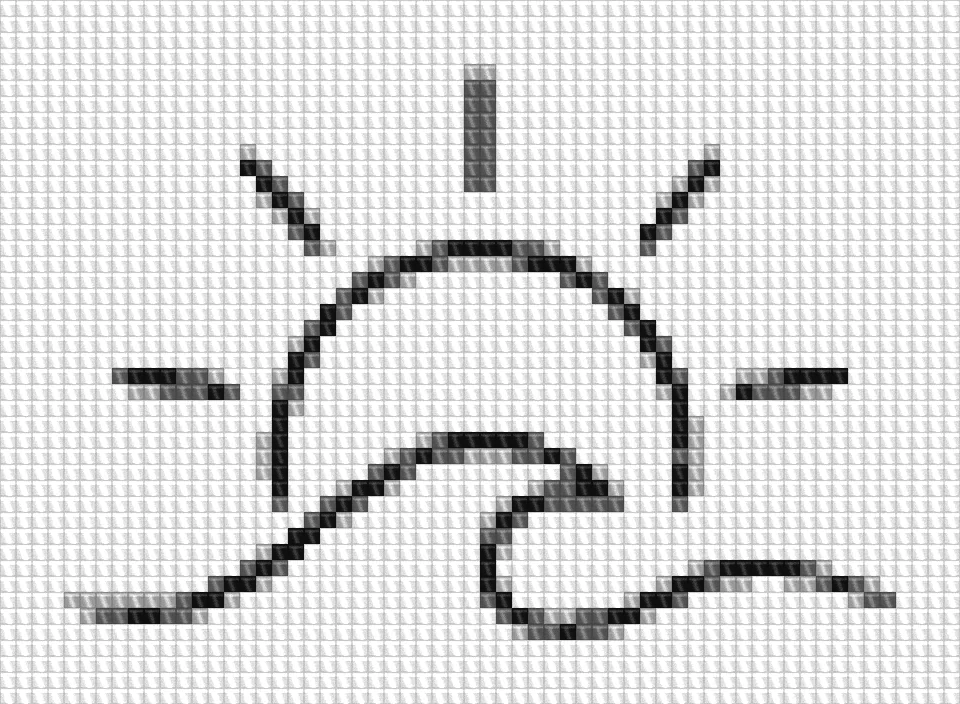
For drawings and logos, Crisp edges for drawings and logos gives each square the most common color under it, so thin lines stay solid instead of turning into gray halos, and Tidy single stitches clears stitches that no neighbor shares. Crisp turns on by itself when a picture looks like a drawing, and Tidy is on from the start. Here the same line drawing went from 4 colors to 2. For photos, leave Crisp off: the small specks of color are what give fur and faces their shading.
Graph a drawingSix real results of this tool, each shown as the finished look the tool draws for its graph. Hover a card to wipe to the picture, or open it to compare closely.
A painted cat face at 60 by 60 stitches in 10 colors, with the stripes on its forehead kept.
A cartoon avocado at 40 by 42 blocks in C2C: pit, skin and blush each in their own yarn.
A photo of a dog in a meadow, cropped close and graphed at 64 stitches across in 12 colors.
A pink rose in single crochet, 50 by 93 stitches, tall enough for a runner or a narrow wall hanging.
A bold four color star, a quick first C2C blanket graph at 36 by 34 blocks.
A sleepy sloth at 50 by 50 blocks of C2C in 8 browns and greens, ready for a nursery.
Four habits that make a graph easier to crochet.
Cartoons, logos, letters and simple scenes graph best. For a photo, crop close to the subject and pick a plain background, because every square of busy background costs yarn changes. Bright, even light helps the colors separate. To graph a drawing as clean blocks of color first, posterize image helps.
Crochet a 10 cm (4 in) swatch in your yarn, count the stitches or blocks, and type that number as your gauge. The tool then works as a graphgan size calculator: change Stitches across until the size fits your bed or your sofa.
Every graphgan color change means carrying or joining yarn, so start with 4 to 6 colors and raise Most yarn colors only when a detail disappears. Colors that look the same in yarn are merged into one letter for you.
C2C rows run diagonally: start at the orange square, follow each arrow, and increase at an end while that edge of the blanket still grows. A single crochet graph reads from the bottom right instead: odd rows right to left, even rows left to right, with each row number on the side where the row starts.
Image2Layer next to charting a picture by hand on graph paper and next to desktop charting programs you install.
Yarn colors come from your picture, not from a yarn brand’s shade card: compare them with your own yarn.
Anyone who wants a picture in yarn.
Your dog, a child’s name or a drawing you love, as a single crochet blanket or a C2C throw sized to cover the sofa.
A graphgan baby blanket with a star, a whale or a cartoon animal, sized from your gauge.
Small C2C squares for a pillow front, a tote bag panel or a tapestry piece for the wall, from a quick graph at 30 to 50 squares across.
Use it as an image to crochet pattern tool for a dog or a cat, then crochet the blanket as a keepsake or a gift for its owner.
A crochet chart generator for first drafts: a chart, a color key and written rows to test your own design ideas before you polish them. Fuse bead makers can do the same with the perler bead pattern maker.
Print one graph for everyone and hand out the rows, so beginners can learn C2C one diagonal at a time and tick each row off as they go.
Answers about graphs, C2C, sizes, colors and printing.
Free tools for stitching, beading, painting and printing from a picture.
Four tools for what often comes next.
Crochet graph generator
Upload a picture and get a single crochet or C2C chart with every row written out. The crochet graph generator is free, needs no sign-up and keeps your picture on your device.
Make a crochet graph