Real DMC thread numbers
Each color in the picture gets the closest of 454 DMC shades by how alike they look, and each thread is listed once with its DMC number, color name, how many stitches it covers and the skeins to buy.
Free cross stitch tool
Image2Layer's cross stitch pattern maker turns a photo or drawing into a printable chart with DMC thread numbers, free in your browser. Set 20 to 400 stitches and up to 60 colors; skeins and size update live.
Size
Fabric count
Drawings 6 to 15, photos 20 to 40
Options
Free, no sign-up, no watermark. Your picture never leaves your device.
Try a sample
Upload a picture to see its pattern here
What it does
This tool does the slow part of charting for you. Upload a pet photo, a sketch or a logo, set how many stitches wide it should be, and every square becomes one full cross matched to the nearest DMC thread. The stitched preview shows how the piece will look on Aida before you buy a single skein.
The chart is ready to stitch from: a symbol in every square, a bold line every 10 squares, numbered rows and columns and arrows at the center. Download it as a multi-page PDF with a thread key, as one PNG chart or as a thread list for the shop. For blocky pixels instead of crosses, try photo to pixel art; to split a picture into editable parts, use image to layers.
 PhotoStitched
Six reasons to use a free cross stitch pattern generator from image to chart.
Each color in the picture gets the closest of 454 DMC shades by how alike they look, and each thread is listed once with its DMC number, color name, how many stitches it covers and the skeins to buy.
A cover with the preview and a page map, the thread key, then the cross stitch chart on Letter or A4 pages of 70 stitches across.
Width runs from 20 to 400 stitches, and the fabric can be 11, 14, 16 or 18-count Aida. You see the finished size in both inches and cm while you adjust.
Stray single crosses merge into the color around them, a plain backdrop stays bare fabric, and drawings keep crisp edges.
The stitched preview, the chart and the thread list follow every slider in under a second, from photo to cross stitch pattern without a wait.
No account, no watermark and no limit. Your picture is processed right on your device and is never sent anywhere.
How to turn a picture into cross stitch in three steps, from the upload to a chart you can print.
Three parts of every pattern, shown on real results. Move, drag or watch each one.
 Move to see the chart
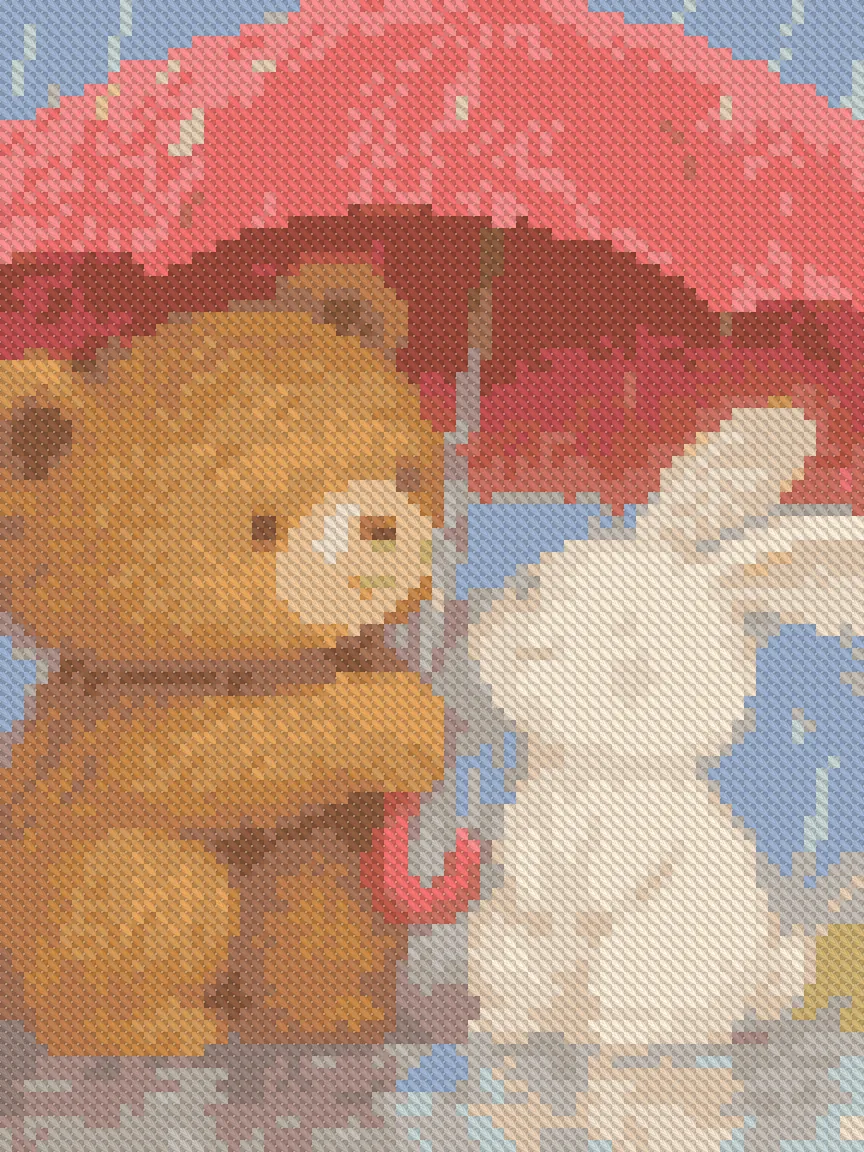
Colors are matched by how alike they look, not by raw RGB numbers, and the most common colors pick their thread first. This bear and bunny became 24 DMC threads, from the pink umbrella to the dark handle. Move the lens to see the chart under the stitched preview. Making a bead version too? The perler bead pattern maker works the same way.
Match my colors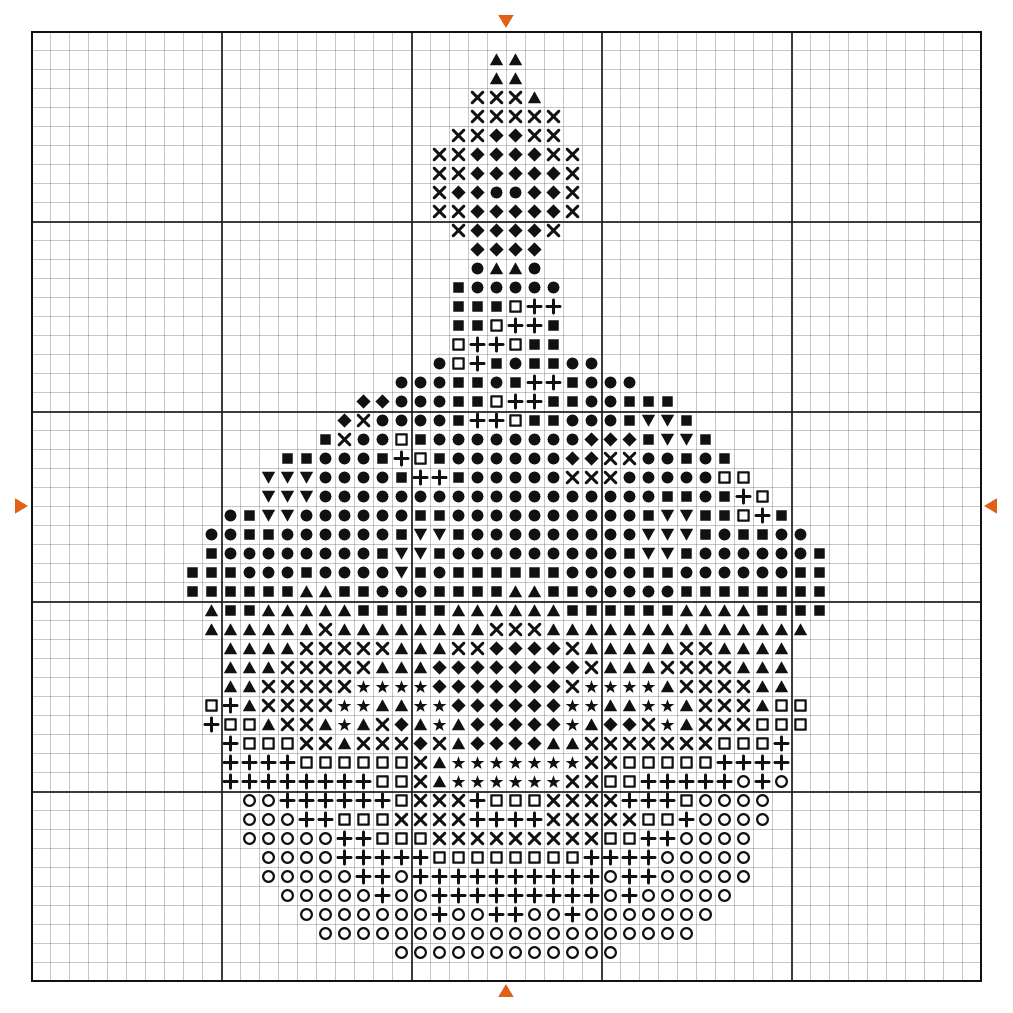
 ColorBlack and white
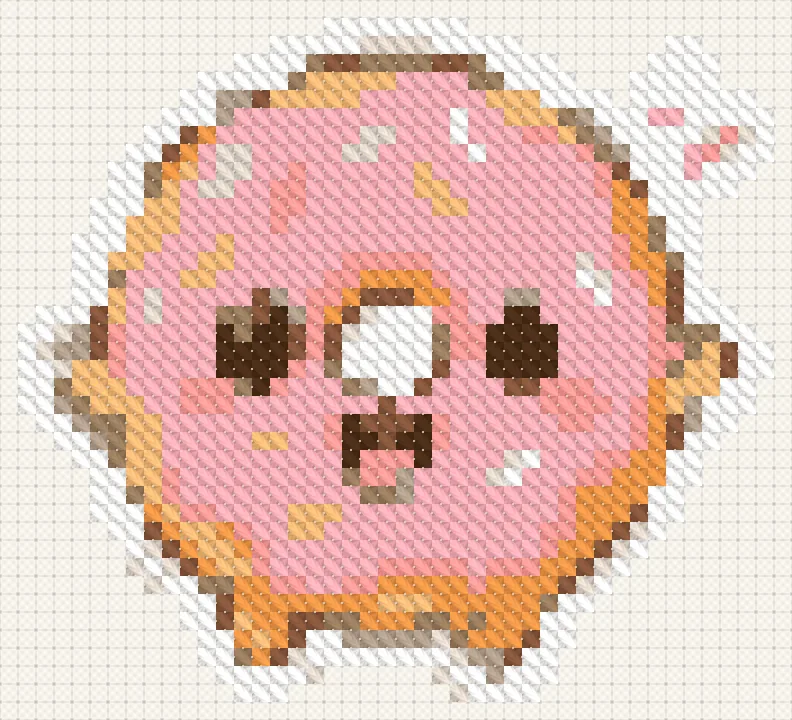
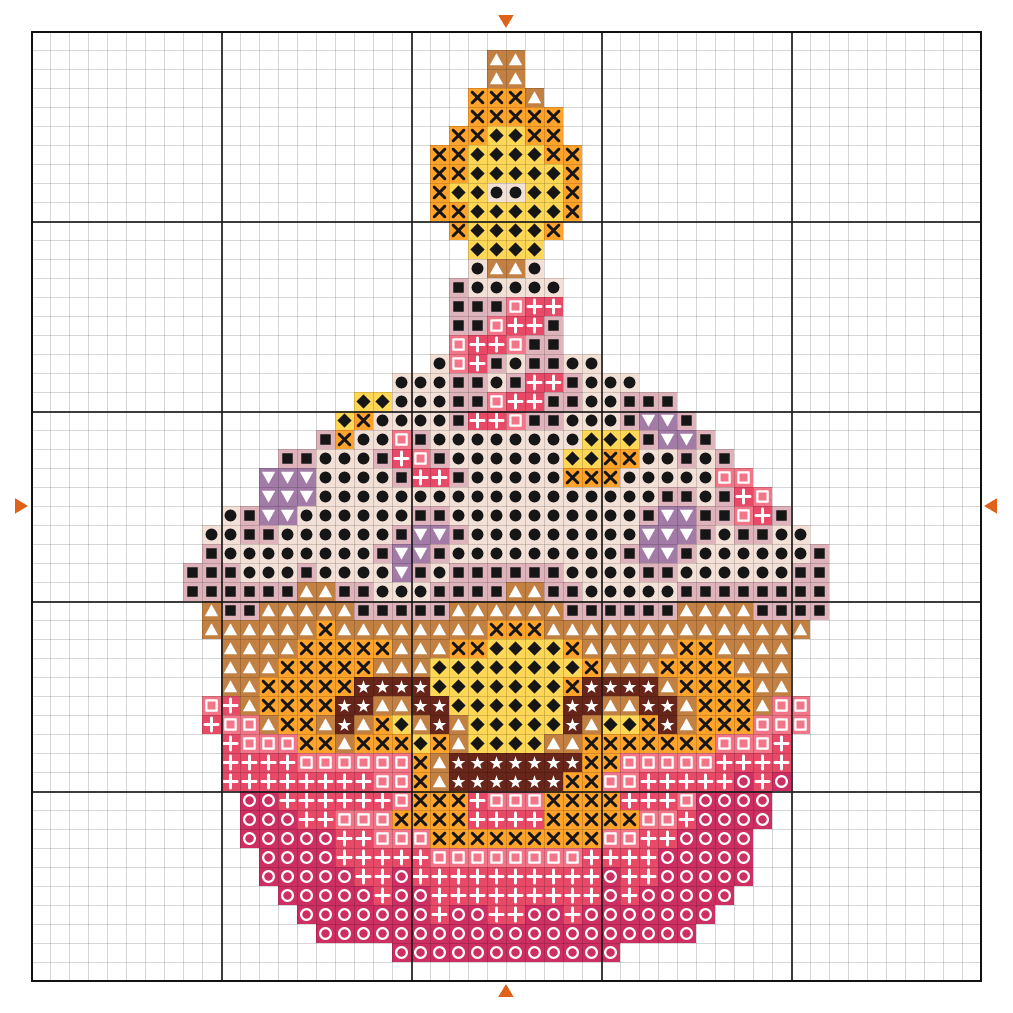
This cross stitch pattern maker with symbols on every square has three chart styles: Symbols on color, Black and white symbols for an ink-saving printout, and Color blocks for a quick overview. Bold lines every 10 squares and orange arrows at the center are on every page. Drag the divider on this cupcake chart.
Choose a chart style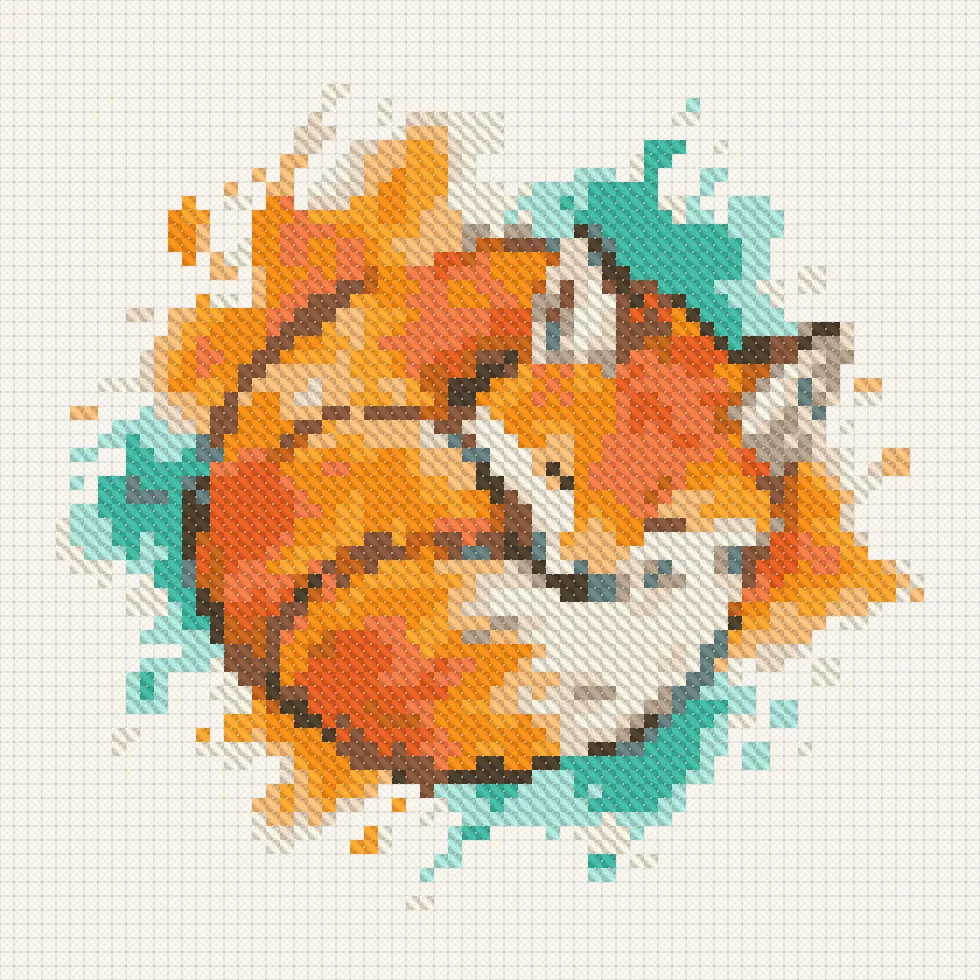
 DrawingStitched
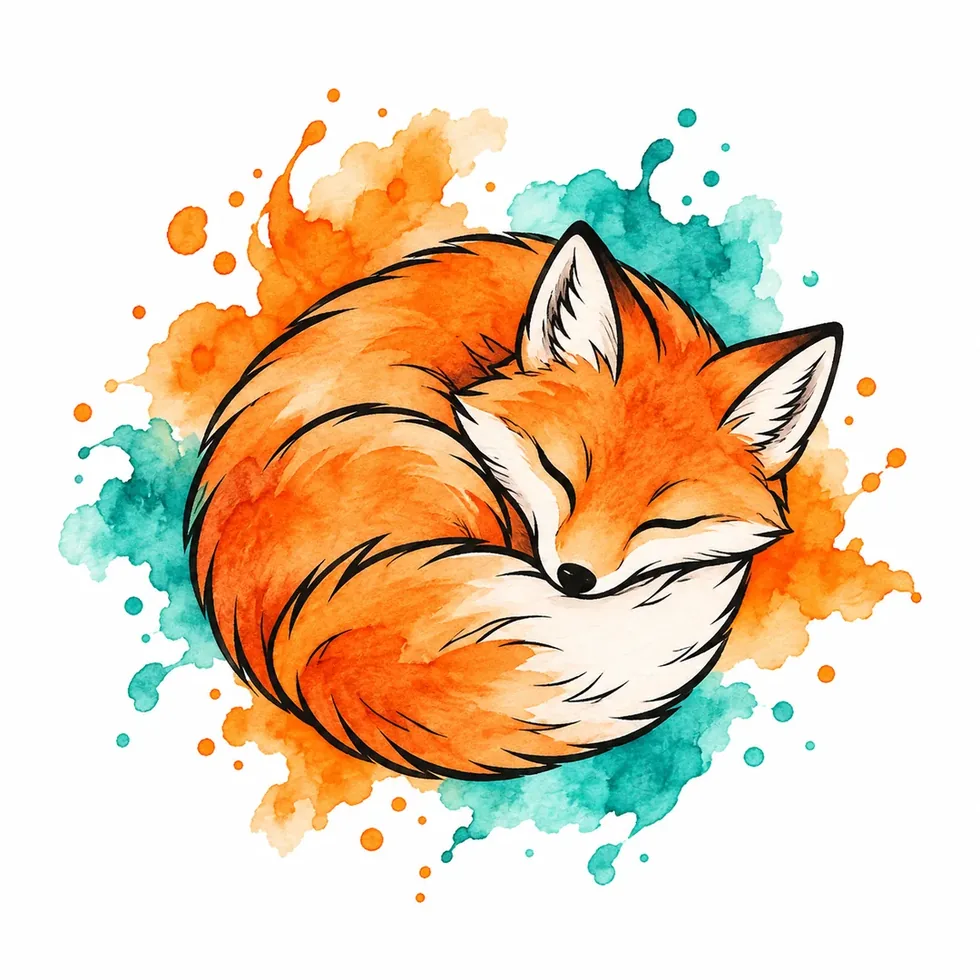
A plain background around the subject is left unstitched, so you stitch the fox and not a white square around it. Transparent PNGs work the same way. On a busy photo, lift the subject off first with cut out image, or try a few flat colors with posterize image before you chart it.
Try a drawingSix real results of this tool. Each card shows the stitched preview with a close-up of its chart in the corner; hover to see the original, or open a card to compare.
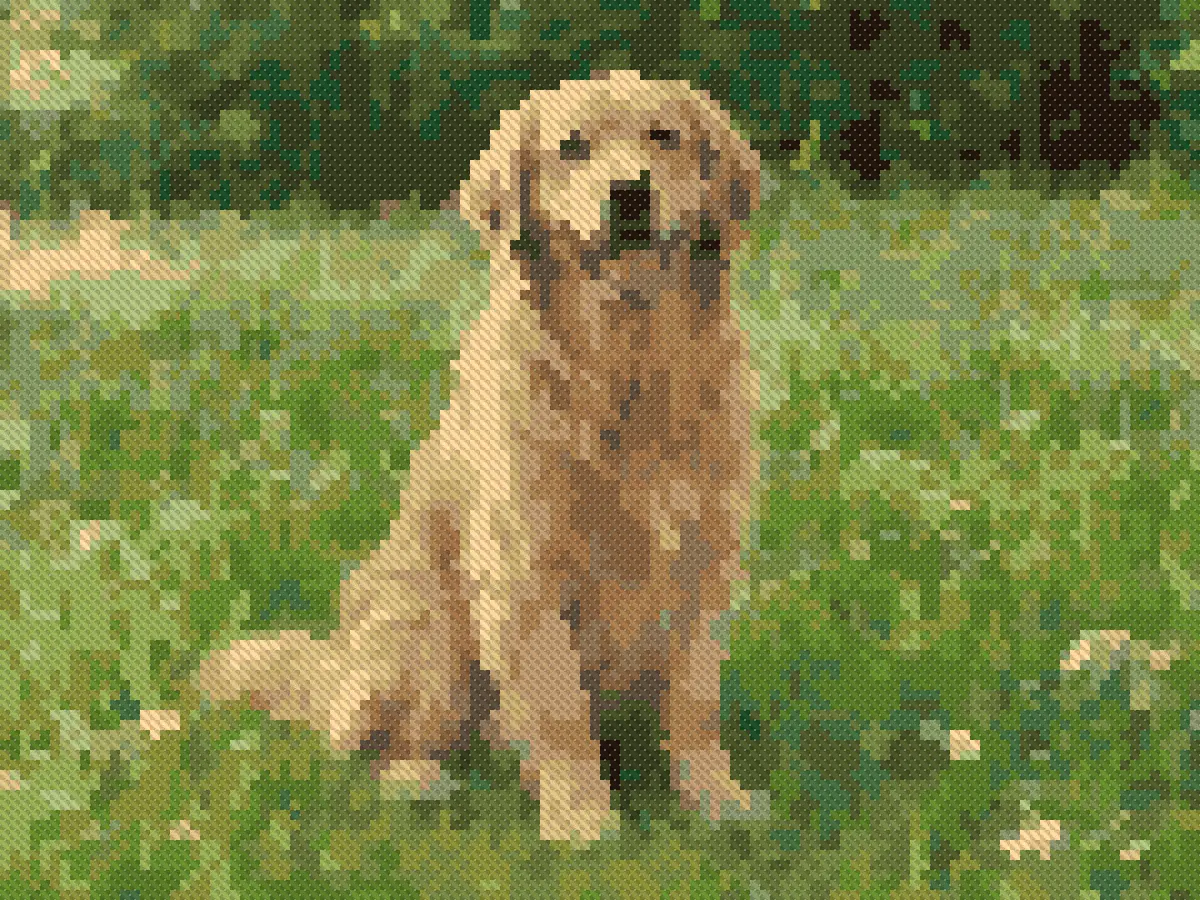
A pet photo at 90 stitches across, with the striped coat, green eyes and soft window light in 30 DMC threads.
A cute drawing on a transparent background: only the raccoon is stitched, in 17 threads.
A detailed illustration at 100 stitches: the striped awning, the bread shelves and the warm windows.
A landscape photo with snowy peaks and their reflection, a good size for a framed piece.
A still life where the blue pattern on the teapot stays readable at 100 stitches.
A small sticker drawing at 40 stitches and 8 colors: an evening or two for a beginner.
Four habits that make a chart easier and nicer to stitch.
Pictures with one clear subject, strong contrast and a plain backdrop chart best. Crop close to the subject before you upload; on a phone you can use the cross stitch pattern maker from a photo in your camera roll.
Width is counted in stitches. 14-count Aida holds 14 stitches per inch, which puts a 100 stitch design at about 7.1 in (18 cm). Faces and pets need about 80 to 120 stitches; small motifs read well at 30 to 60.
Every extra color is another skein and more thread changes. Lower Max thread colors until the preview starts to lose detail, then go one step back. Smooth color blends helps soft skies and skin.
Screen colors are approximate, so compare the DMC numbers with a real shade card. Buy one extra skein for big areas, and leave about 3 in (7.5 cm) of spare fabric on every side for framing.
A photo to cross stitch converter next to charting by hand and paid desktop software.
DMC is a trademark of its owner. Image2Layer is not affiliated with DMC or with any charting software.
Anyone turning a favorite picture into a counted chart.
A custom cross stitch pattern from a photo of your dog or cat, stitched as a gift or a keepsake.
Homes, places, weddings and birthdays: a picture to cross stitch pattern generator for presents that are worth the hours.
Designers use it as a cross stitch pattern maker online: draw a motif, upload it and get a chart with the thread list ready.
Little charts in a handful of colors suit a first piece or a class, and print in black and white for everyone.
A counted cross stitch pattern maker also suits needlepoint and plastic canvas. For yarn, try the knitting chart generator or the crochet graph generator.
Framed pieces, pillows and bookmarks: set the width from the frame or the fabric you already have.
Answers about charts, threads, sizes, printing and privacy.
Free tools for other crafts, prints and colors.
Four tools for the next step.
Free in your browser
Upload a photo or a drawing and this free cross stitch pattern maker gives you a DMC chart, a thread key and a printable PDF in about a minute.
Make a pattern